Remote Alpha Loop Kit 2.2
Product Information
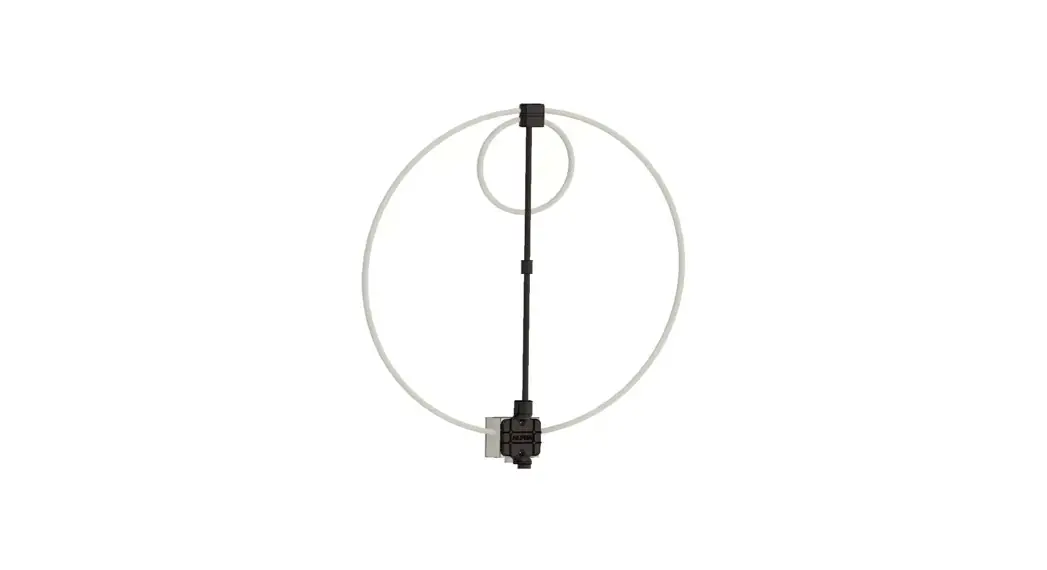
The Remote Alpha Loop Kit 2.2 is designed to provide a remote
tuning option for Alpha Loop Antenna systems. It is important to
note that this kit is not suitable for permanent outdoor use. The
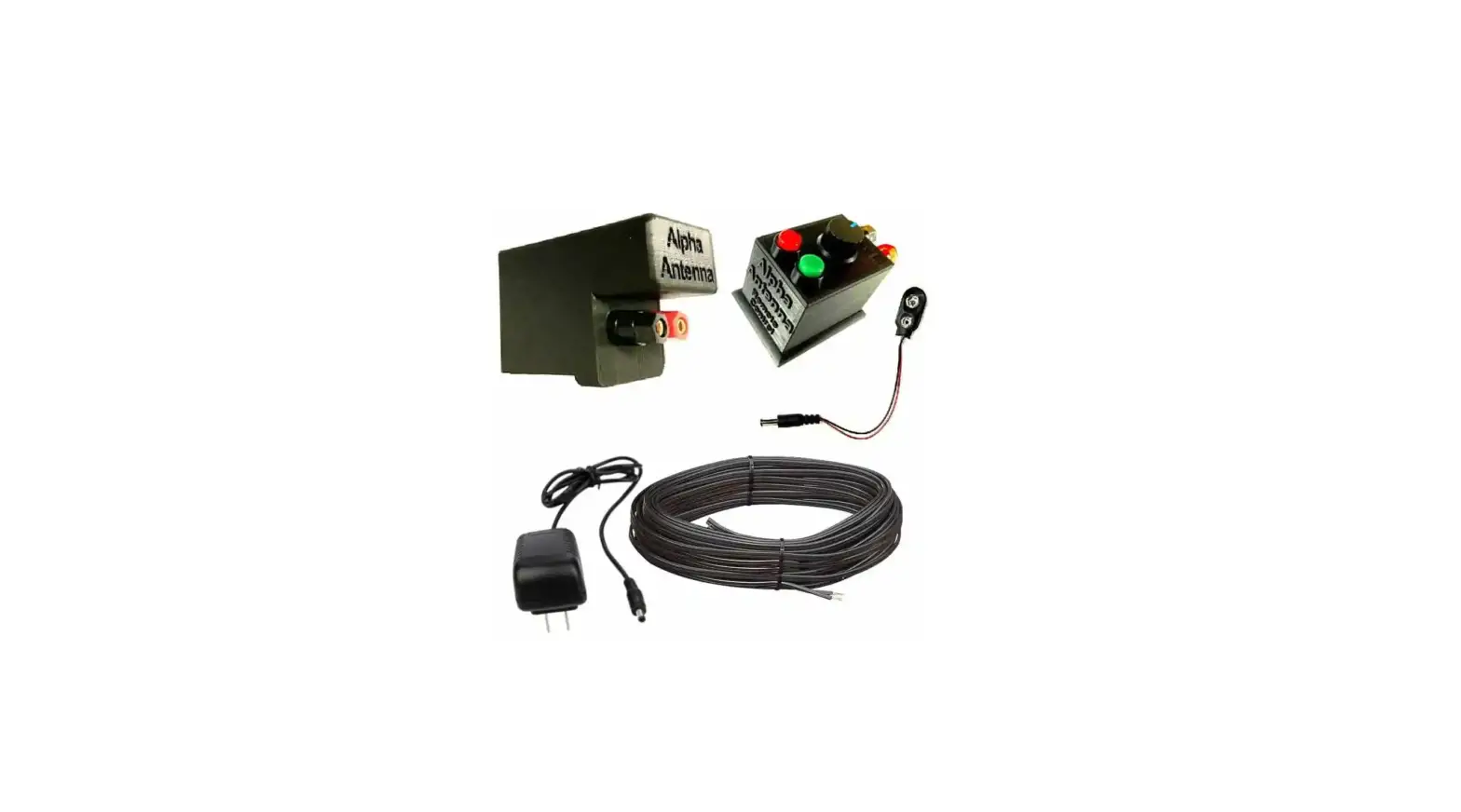
kit includes the following parts:
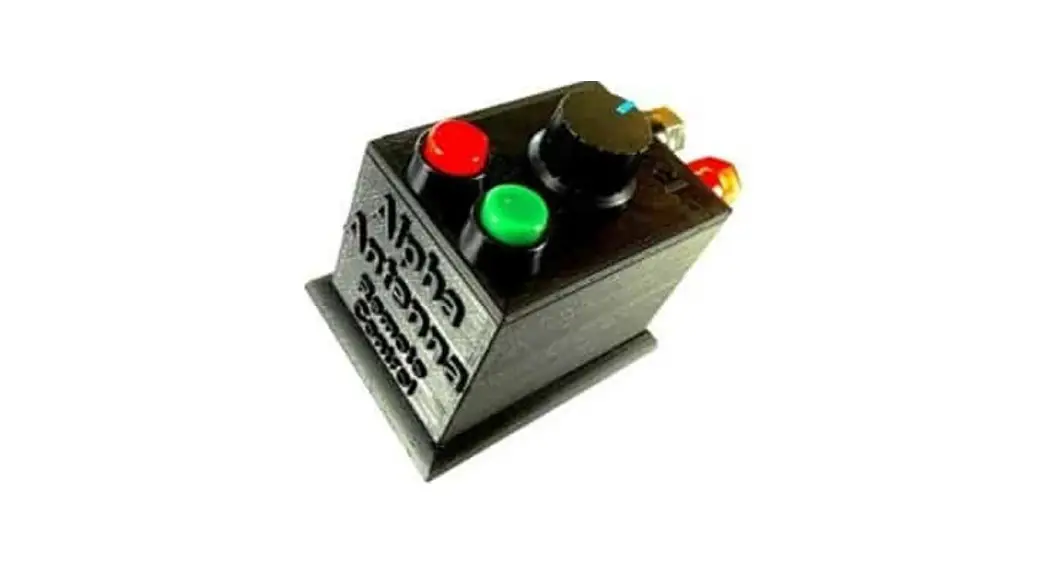
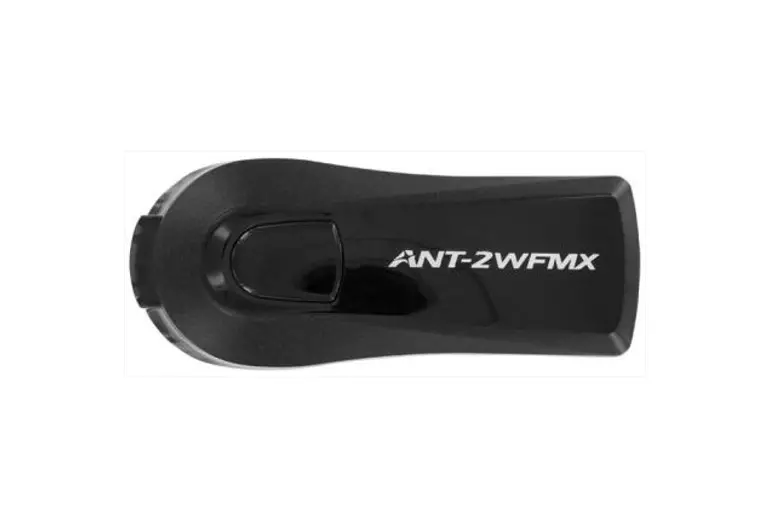
- A. Remote
- B. Power Supply
- C. Cable
- D. Mount
In addition, for Loop antennas manufactured after 2022, the kit
also includes:
- E. Mount installed on post-2022 Loop
- F. Screwdriver to remove the lid on the mount
Product Usage Instructions
Operation
– The knob on the Remote (A) controls the speed of the Motor,
which is responsible for tuning the Alpha Loop antenna.
– The buttons on the Remote (A) are used to tune the Alpha Loop
frequency up or down.
– It takes approximately 90 seconds for the tuner to cycle
through the entire tuning range.
Installation Overview
Install the Mount (D) onto the grey tuning box shown in Image
E.
Detailed Installation
Tuning:
– The Remote (A) features a potentiometer that can be turned to
adjust the Motor speed.
– The switches on the Remote (A) can be used to move the Motor
left or right.
– The variable air capacitor in the system has a clutch assembly
that prevents gear stripping.
– Initial tuning is best observed on your rig’s S-Meter while
receiving in SSB mode. You can then fine-tune the SWR by
transmitting at your rig’s lowest power and monitoring the SWR
meter to achieve a dip.
– Optionally, you can use an external SWR Meter or Antenna
Analyzer to assist with tuning.
Noise Floor:
– If the remote’s power supply is causing a higher-than-expected
noise floor, try flipping the power supply over in the outlet to
reduce the noise.
– To further lower the noise floor, turn the speed control knob
on the Remote (A) to the far clockwise position.
– To eliminate any residual noise floor, connect the remote’s
power supply to a dedicated power strip and turn the power off once
you have finished tuning the loop.
Power:
– When powering the remote, make sure to use only 12V DC at 1.5A
with a 2.1mm X 5.5mm plug.
If you have any questions about your antenna, please feel free
to email us at [email protected].
Remote Alpha Loop Kit 2.2
WARNING! DO NOT USE UNAPPROVED POWER SOURCES
The Remote Alpha Loop Kit enables Alpha Loop Antenna systems to be fit with a remote tuning option. Not for permanent outdoor use. Please ensure that you have received the following parts: A. Remote, B. Power Supply, C. Cable, & D. Mount.
A. Remote
B. Power Supply
C. Cable
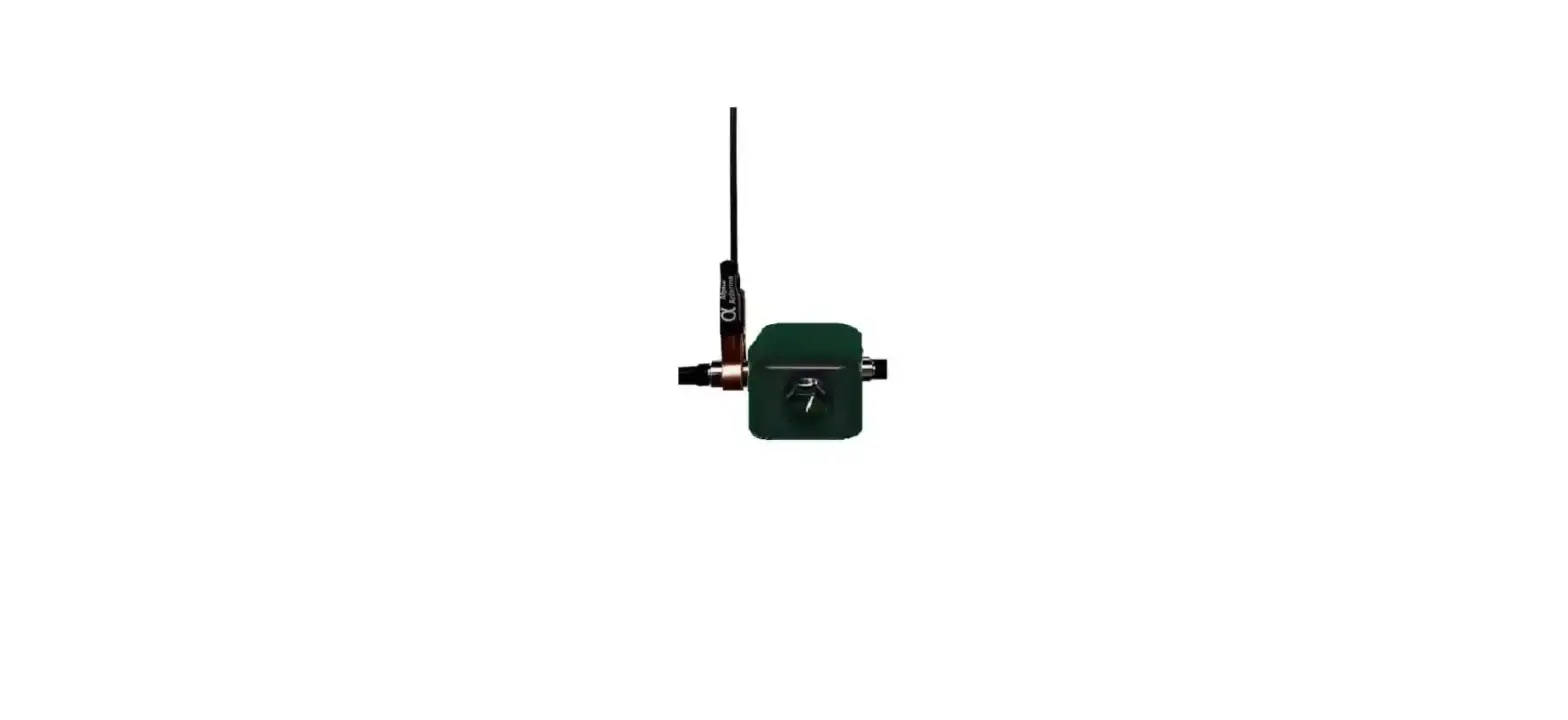
D. Mount E. Mount installed on post-2022 Loop
F. Insert a screwdriver into the notch to remove the lid on the mount
Page 1
Operation
– The knob on the Remote (A) controls the speed of the Motor (e.g. tuning). – The buttons on the Remote (A) are pressed to tune the Alpha Loop frequency up or down. – It takes about 90 seconds for the tuner to cycle through the entire tuning range.
Installation Overview
Install the Mount (D) onto the grey tuning box shown in Image E.
Detailed Installation
1) For loops with the black tuning knob installed, use 2 flat head screw drivers to pry the knob off. 2) Remove the lid on the Mount (D) using a flat head screwdriver shown in Image F. 3) Loosen the two (2) hex screws located on the internal Coupler using a hex wrench. NOTE You may need to power up the Remote to re-position the internal Coupler so you can access the hex screws. 3) Remove the silver adapter on the bottom of the X-Wing backbone. 4) Insert the X-Wing where the nut was removed into the Mount (D) with some force till it is in place per Image E. Do this while simultaneously placing the Coupler that is inside the Mount (d) over the “nylon (white) shaft of the capacitor”. Then secure the internal Coupler by tightening the two hex nuts down upon the white nylon shaft of the capacitor. 5) Re-install the silver adapter by screwing it back into place to hold the Mount (D) to the X-Wing. 6) Replace the cover on the Mount (D). 7) Plug the Power Supply (B) into the Remote (A) and then into a power strip that is on your desk. 8) Connect/secure the Cable (C) from the Binding Posts on the Mount (D) at the antenna to the Binding Posts on the Remote (A). NOTE – If the label on the lid is now upside down, feel free to flip the cover over.
Tuning – The Remote (A) has a potentiometer that can be turned to increase/decreased the Motor speed. The
switches on the Remote (A) can be used to move the Motor left or right. There is a clutch assembly in the variable air capacitor that keeps the gears from being stripped. Initial tuning is best observed on your rigs S-Meter while receiving in SSB mode. You can then tweak your SWR by transmitting at your rig’s lowest power while watching your rigs SWR meter to dip. You may optionally use external SWR Meter or Antenna Analyzer to help with tuning.
Noise Floor
– If the remote (power supply) is causing a higher-than-expected noise floor, then flipping the power
supply over in the outlet may help reduce the noise floor.
– To further lower the noise floor, you may turn the speed control knob to the far clockwise position. – To eliminate any residual noise floor, you may put the remote’s power supply on a dedicated power
strip and turn the power off once you are done tuning the loop.
Power
– When powering the remote use only 12V DC at 1.5A with a 2.1mm X 5.5mm plug.
If you have questions about your antenna, please feel free to email us at [email protected]
Page 2