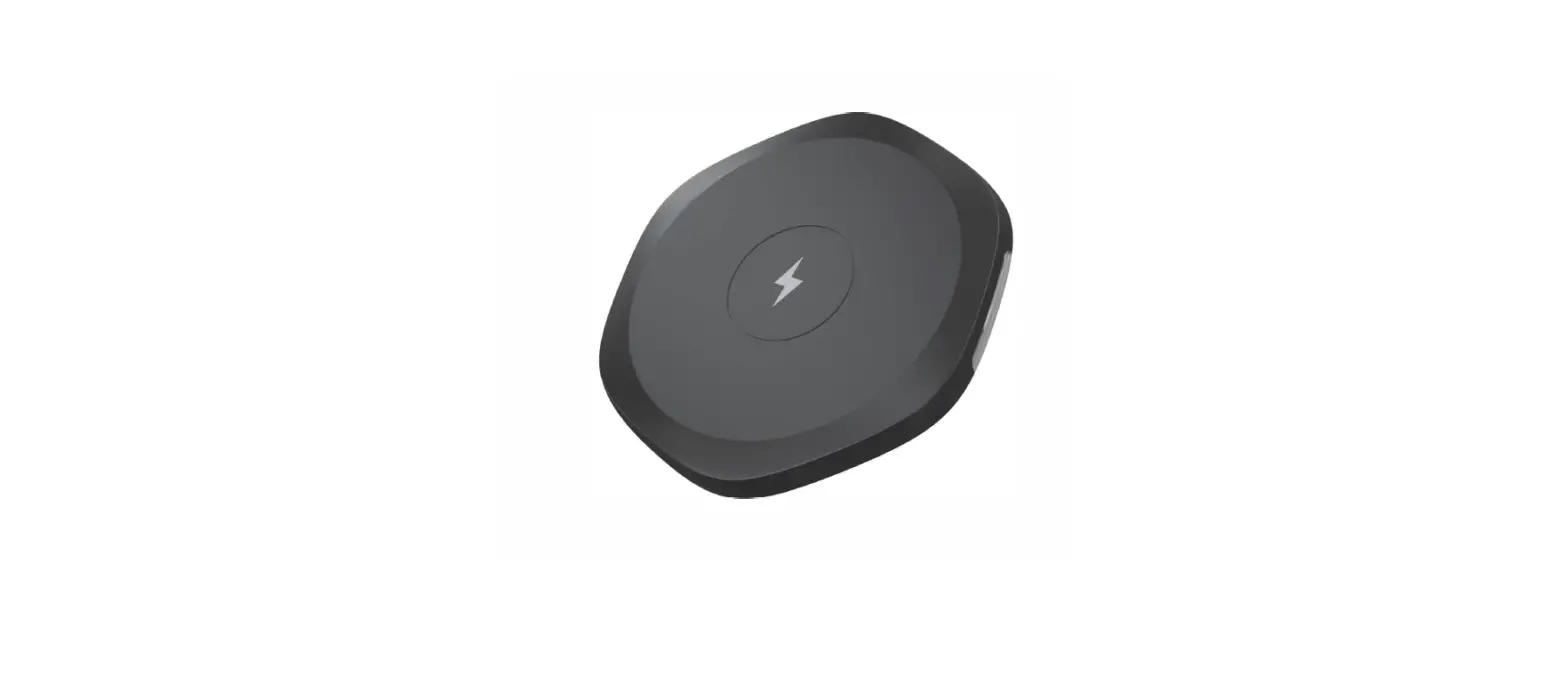
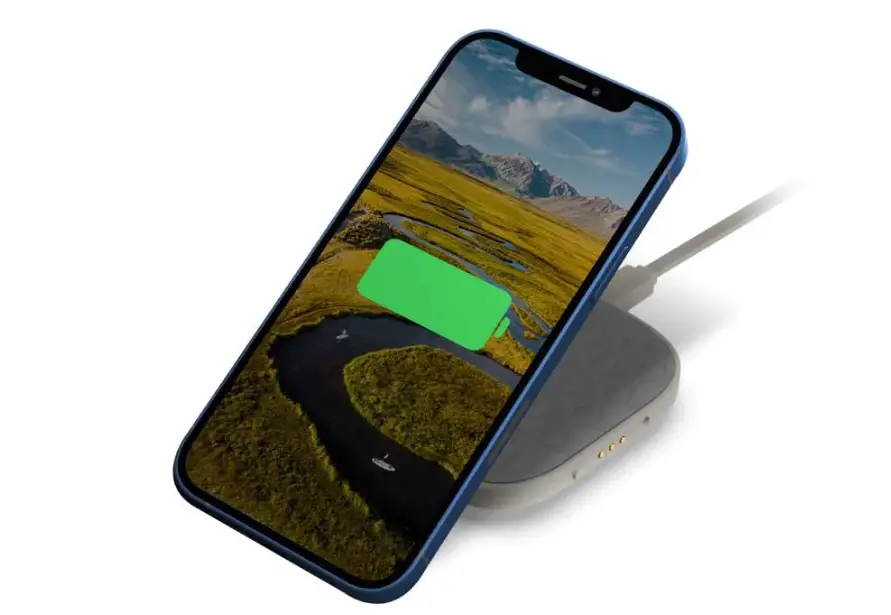
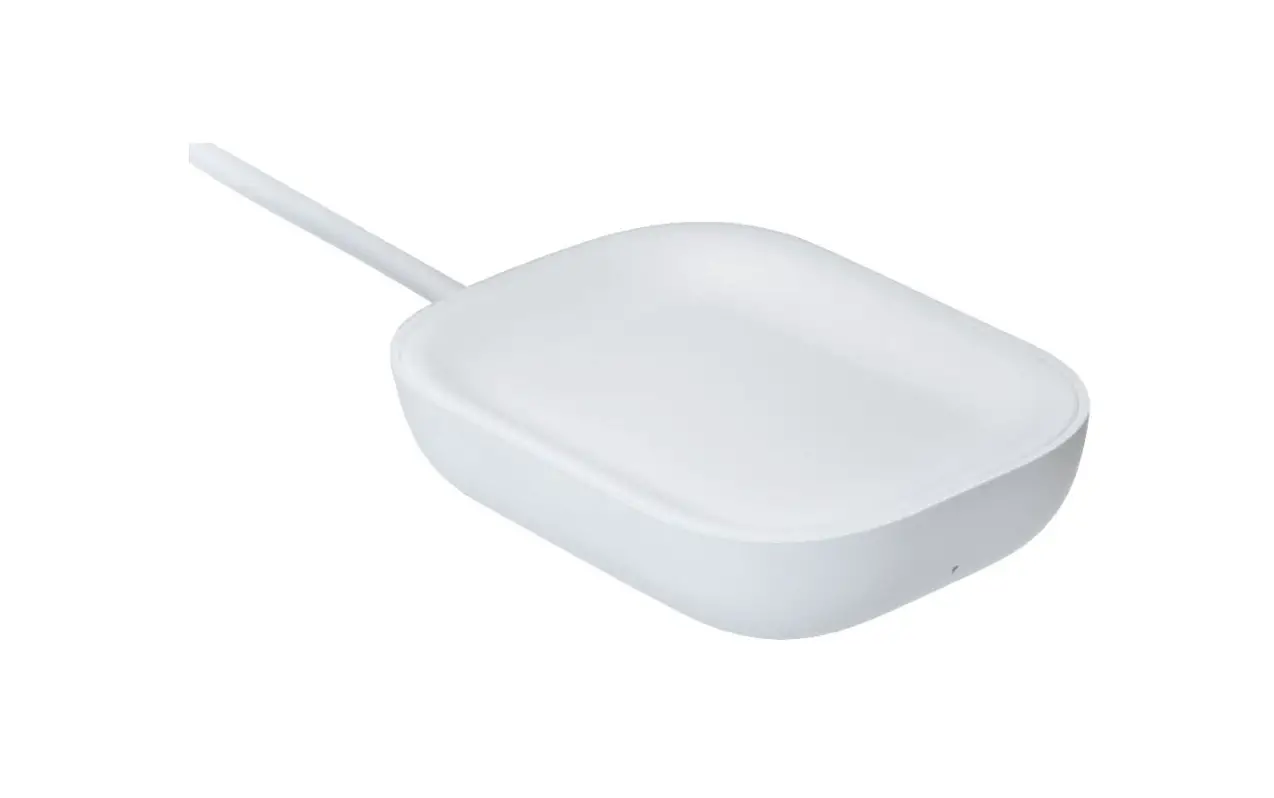
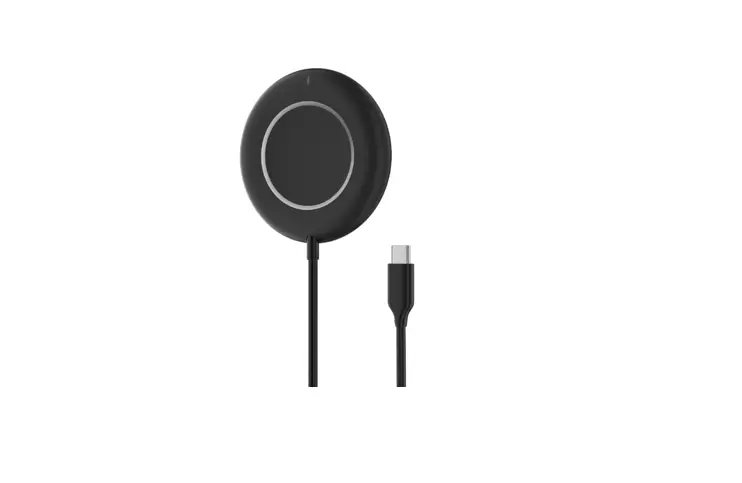
XE40 Long Distance Wireless Charger
Product Information: Long Distance Wireless Charger XE40
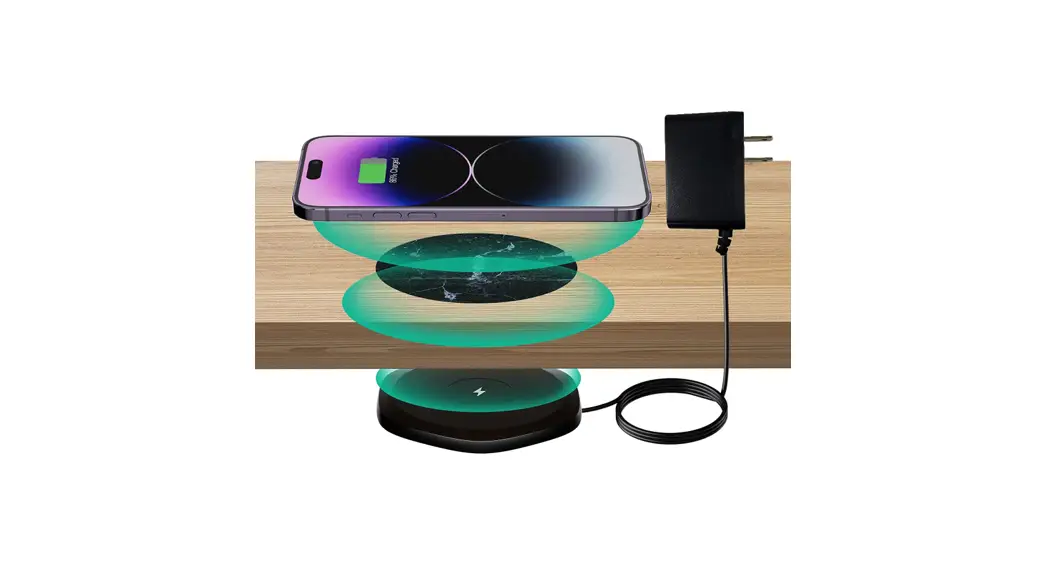
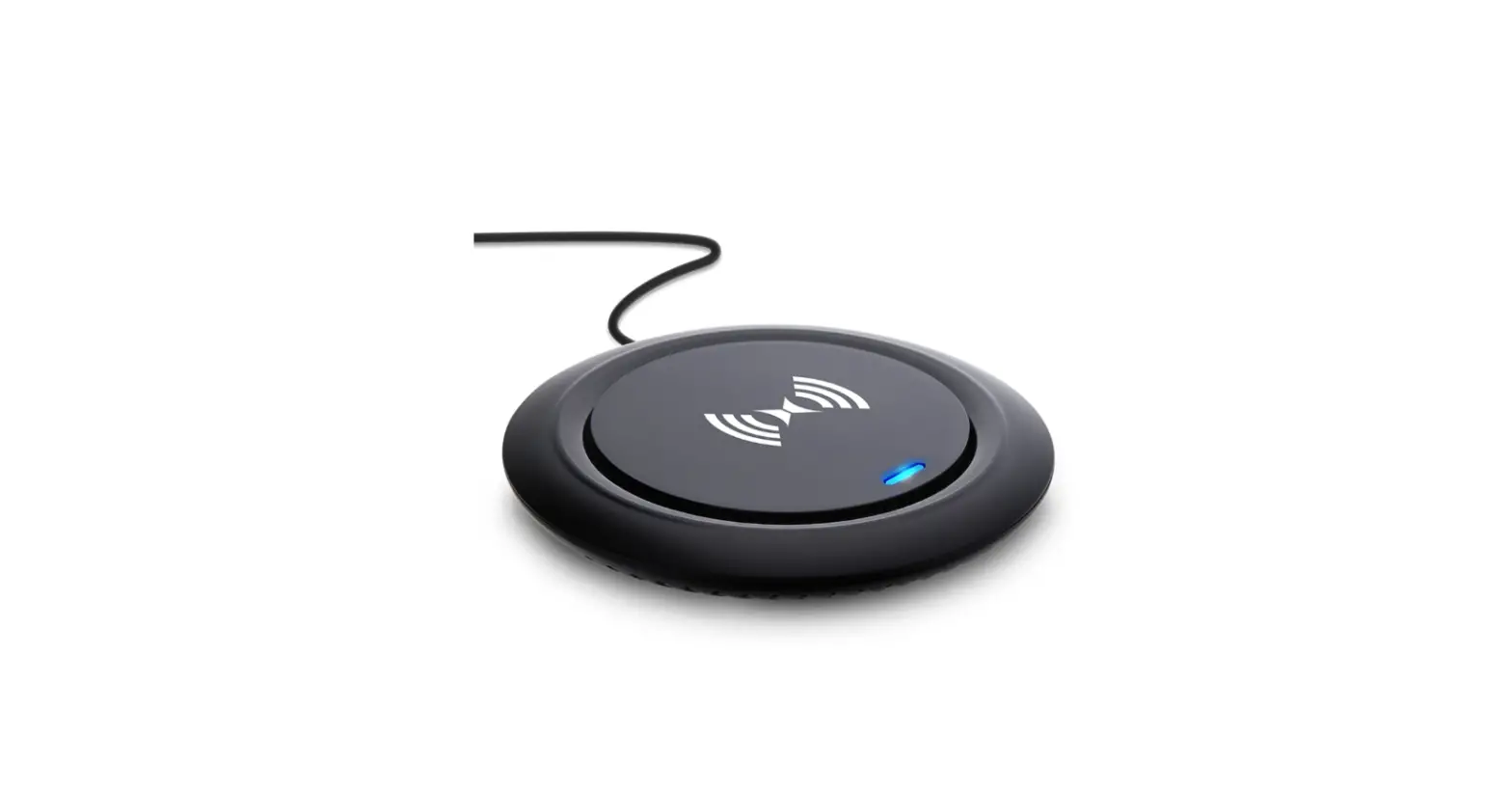
The XE40 is a wireless charging device that can charge mobile
phones or other electronic devices that support QI standard at a
distance of 15~25mm(0.59-0.98). The charging rate is stable and it
is suitable for non-metallic desktops such as marble, wood, and
glass. It can be easily installed beneath the desktop and has a
wide range of application scenarios such as home, office, hotel,
and bars.
Included Parts:
- Smart Charger
- AC Adapter
- Sensor Template
- Cable Clips x2
- Smart Desk Sticker
- Bracket
- Personalized Stickers x4
Specifications:
- Input: 24V1A
- Output: 10WMAX
- Charging Distance: 15-25mm(0.59-0.98)
- Size: 120*120*15mm
Safety Tips:
- Do not pull the power cord forcibly to avoid breaking or
falling off the power cord. - Do not throw it into fire or water to avoid short-circuit
leakage. - Do not use XE40 in severe high temperature, humid or corrosive
environment to avoid leakage of electricity due to damage to the
circuit.
Precautions:
- Do not place metal debris or magnetic cards on the wireless
charging table, which may cause damage or the charger will not
work. - During use, if the receiving coil or the transmitting board is
overheated to stop charging, please remove the charging device and
try again after cooling down.
Product After-sales Guide:
Thank you for purchasing our XE40 wireless charger. In order to
ensure you get reliable after-sales service, please read the
following carefully.
FAQ:
Q: Is the desk sticker necessary?
Yes, it is very necessary. The sticker greatly extends the charging
distance. At the same time, it will better improve the charging
efficiency and prevent overheating.
Q: Is it important to align the desk sticker with the
charger?
Yes, it is crucial. Only when aligned can the charge work properly
and efficiently. Otherwise, it won’t work or charge inefficiently,
with overheating problems. Please use the sensor template to assist
alignment.
Product Usage Instructions:
- Mount the bracket in your favourite position under your desk.
The small hole for the adapter plug should face inward. - Insert the Smart Charger into the bracket, and then connect the
power supply. - Place the Sensor Template on the desk in the approximate
location of the charger. Move the sensor until the sensor LEDs
light up. When the correct position is close, a portion of the LEDs
will light up in the direction of the charger. Continue moving in
the direction indicated until all 6 LEDs light up. - Tear off the double-sided tape and paste the template. Please
do not move the template and keep the LEDs light up. - Remove the template with LEDs in the middle.
- Replace the sensor with the gray smart sticker.
- Remove the remaining templates and the installation is
complete. - The personalized stickers are used to match your desktop color
better. Please cover it on the gray smart desk sticker. They cannot
be used alone. - Place your phone on the center of the smart desk sticker, and
enjoy fast and convenient charging.
Note: The charger does not work at close range. The work surface
thickness must be at least 15mm (0.59) and no more than 25mm
(0.98). Please choose a tabletop installed on non-metallic
materials such as marble, wood.
Instruction Manual NiiTTER
Long Distance Wireless Charger XE40
Included Parts
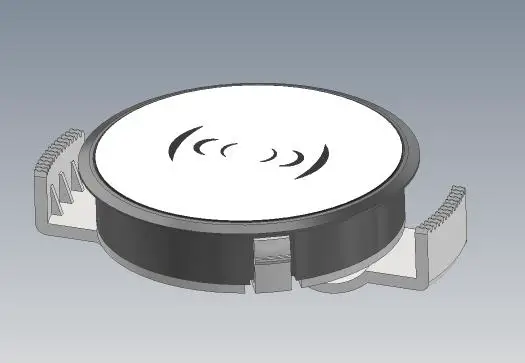
Smart Charger
AC Adapter
Sensor Template
Cable Clips x2
Smart Desk Sticker
Bracket
Personalized Stickers x4
Product Introduction
XE40 is a long-distance wireless charging device that can charge mobile phones or other electronic devices support QI standard at a distance of 15~25mm(0.59″-0.98″). And the charging rate is stable. It is suitable for non-metallic desktops such as marble, wood, glass, and can be easily installed beneath the desktop. It has a wide range of application scenarios, such as home, office, hotel and bars.
Installation Steps
Charger does not work at close range. The work surface thickness must be at least 15mm (0.59″) and no more than 25mm (0.98″).
Step 1
Mount the bracket in your favourite position under your desk. The small hole for the adapter plug should face inward.
Step 2
Insert the Smart Charger into the bracket, and then connect the power supply.
Step 3
Place the Sensor Template on the desk in the approximate location of the charger. Move the sensor until the sensor LEDs light up.
When the correct position is close, a portion of the LEDs will light up in the direction of the charger. Continue moving in the direction indicated until all 6 LEDs light up.
Step 4
Tear off the double-sided tape and pastethe template. Please do not move the template and keep the LEDs light up.
Step 5
Remove the template with LEDs in the middle.
Step 6
Relace the sensor with the gray smart sticker.
Step 7
Remove the remaining templates and the installation is complete.
Step 8
The personalized stickers are used to match your desktop color better. Please cover it on the gray smart desk sticker.They cannot be used alone.
Step 9
Place your phone on the center of the smart desk sticker, and enjoy fast and convenient charging.
Specifications
Input24V1A Output10WMAX
Charging distance15-25mm(0.59″-0.98″) Size120*120*15mm
Note: Please choose a table top installed on non-metallic materials such as marble, wood.
Safety Tips
1. Do not pull the power cord forcibly to avoid breaking or falling off the power cord. 2. Do not throw it into fire or water to avoid short-circuit leakage. 3. Do not use XE40 in severe high temperature, humid or corrosive environment to avoid leakage of electricity due to damage to the circuit.
Precautions
1. Do not place metal debris or magnetic cards on the wireless charging table, which may cause damage or the charger will not work. 2. During use, if the receiving coil or the transmitting board is overheated to stop charging, please remove the charging device and try again after cooling down.
Product After-sales Guide
Thank you for purchasing our XE40 wireless charger. In order to ensure you get reliable after-sales service, please read the following carefully.
FAQ
Q: Is the desk sticker necessary? A: Yes, it is very necessary. The sticker greatly extends the charging distance. At the same time, it will better improve the charging efficiency and prevent overheating.
Q: Is it important to align the desk sticker with the charger? A: Yes, it is crucial. Only when aligned can the charge work properly and efficiently. Otherwise, it won’t work or charge inefficiently, with overheating problems. Please use the sensor template to assist alignment.
Q: Why does it not work when I put my phone directly on the charger? A: The charging range is 15-25mm, below or beyond which it will not work. Please use the charger together with the desk sticker to charge within the recommended range.
W. arranty
The product fails to work normally or malfunctions during normal use, and can enjoy our company’s after-sales service commitment after being certified by our company. The following conditions are not covered by the warranty: 1. The accessories are not warranted; 2. Failure due to improper operation by the user; 3. Failures caused by accidental disasters, man-made damage, self-disassembly,
unpacking,and repairs by non-authorized maintenance centers of the company.
FCC Warning
This device complies with part 15 of the FCC Rules. Operation is subject to the following two conditions: (1) This device may not cause harmful interference (2) this device must accept any interference received, including interference that may cause undesired operation.
Any Changes or modifications not expressly approved by the party responsible for compliance could void the user’s authority to operate the equipment.
This equipment has been tested and found to comply with the limits for a Class B digital device, pursuant to part 15 of the FCC Rules. These limits are designed to provide reasonable protection against harmful interference in a residential installation. This equipment generates uses and can radiate radio frequency energy and, if not installed and used in accordance with the instructions, may cause harmful interference to radio communications. However, there is no guarantee that interference will not occur in a particular installation. If this equipment does cause harmful interference to radio or television reception, which can be determined by turning the equipment off and on, the user is encouraged to try to correct the interference by one or more of the following measures: – Reorient or relocate the receiving antenna. – Increase the separation between the equipment and receiver. – Connect the equipment into an outlet on a circuit different from that to which the
receiver is connected. – Consult the dealer or an experienced radio/TV technician for help.
FCC RF exposure statement: The equipment complies with FCC radiation exposure limits set forth for an uncontrolled
environment. This equipment should be installed and operated with minimum distance
between 20cm the radiator your body.