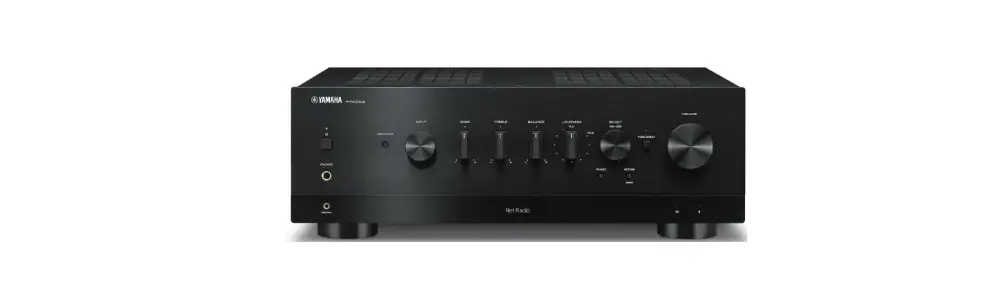
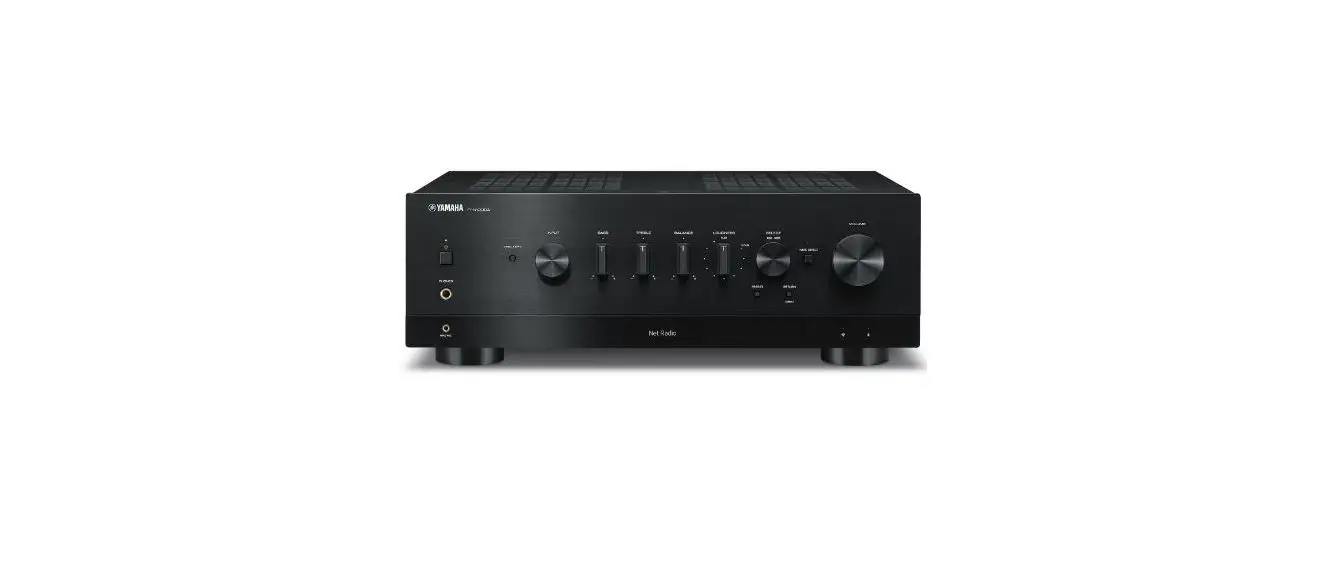
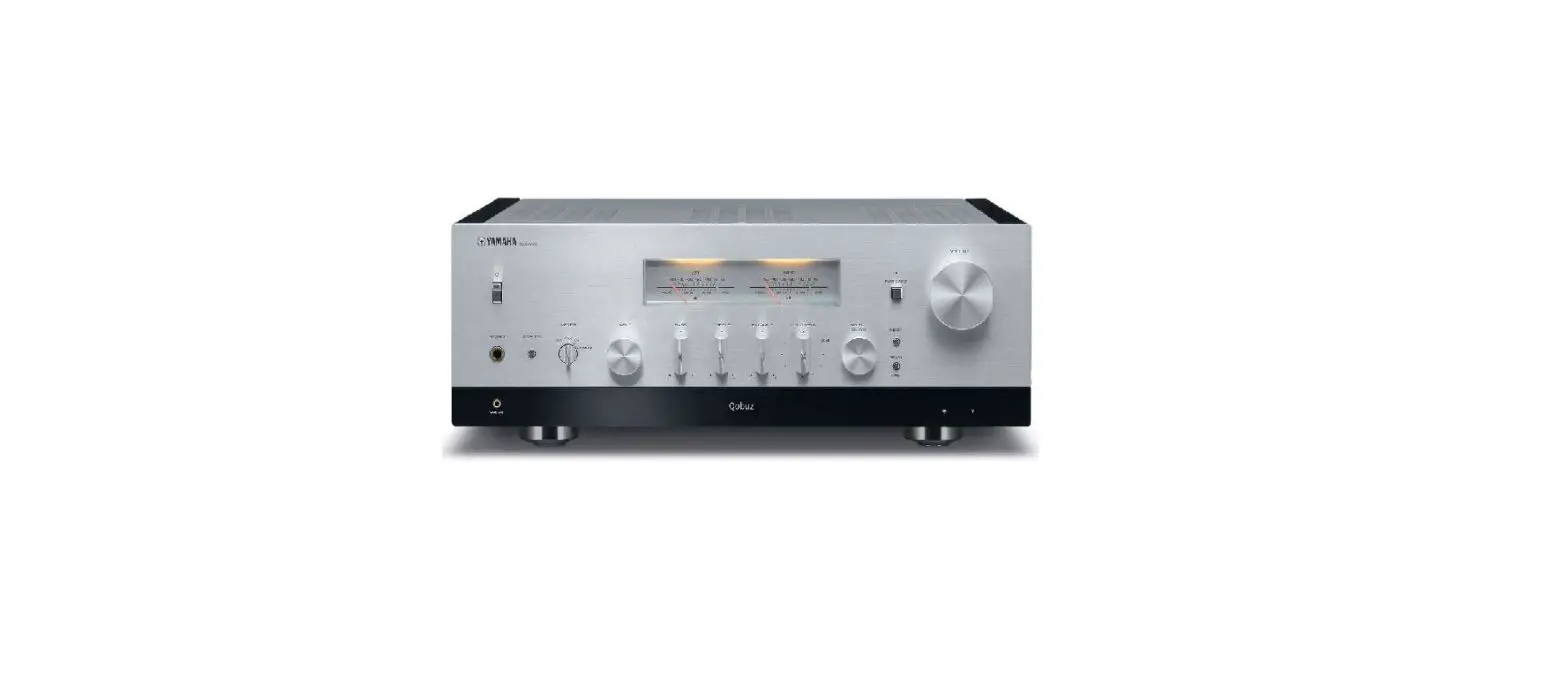
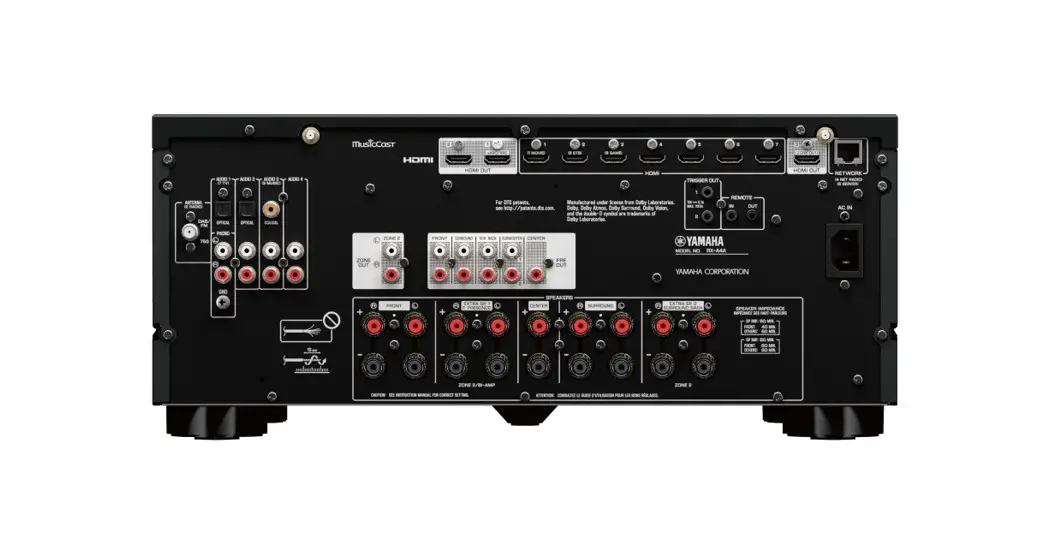
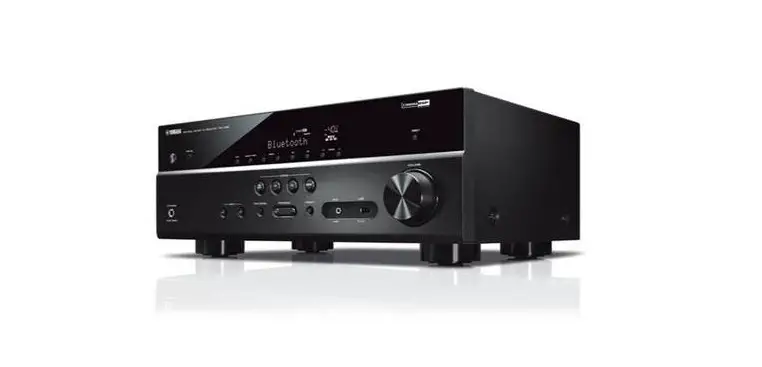
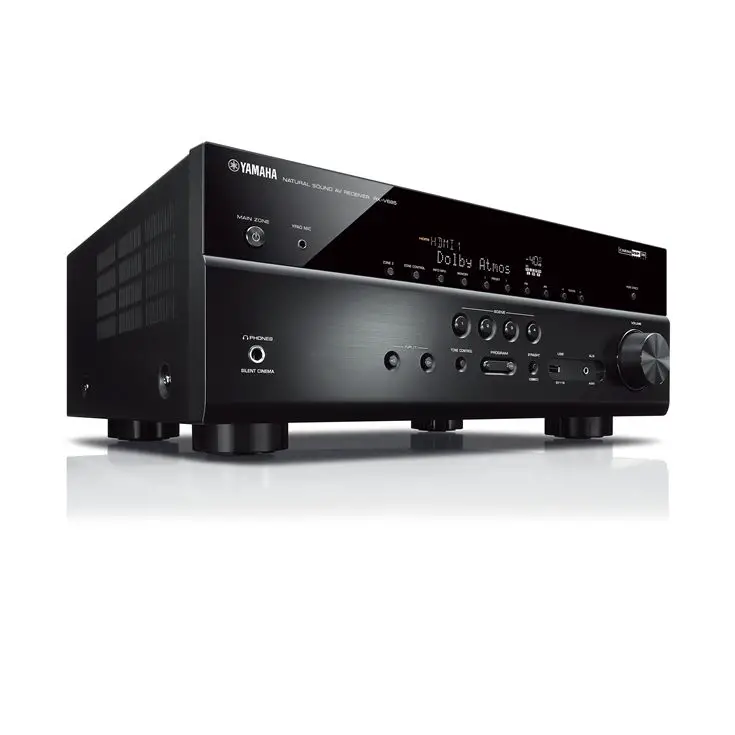
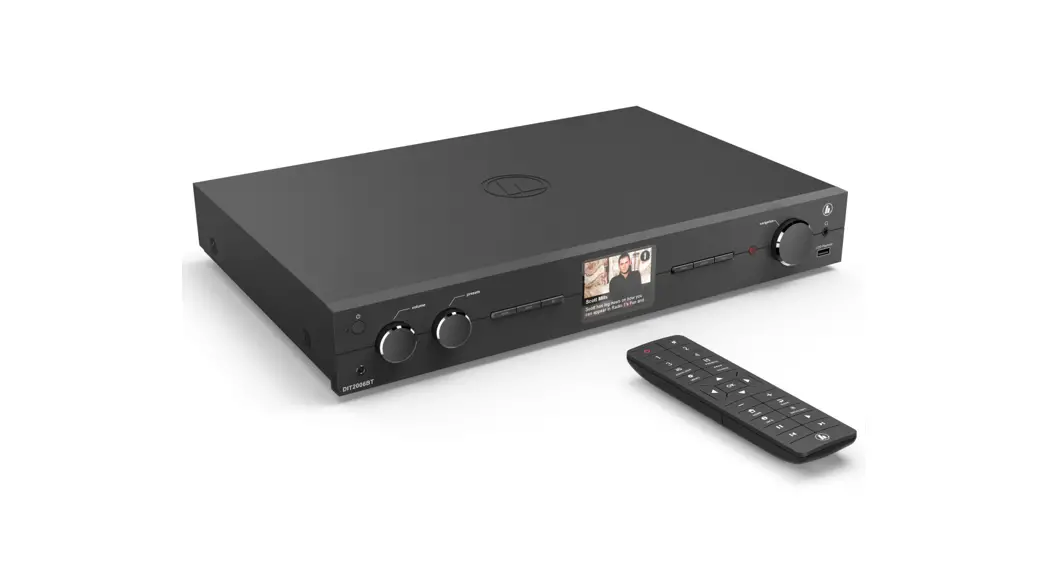
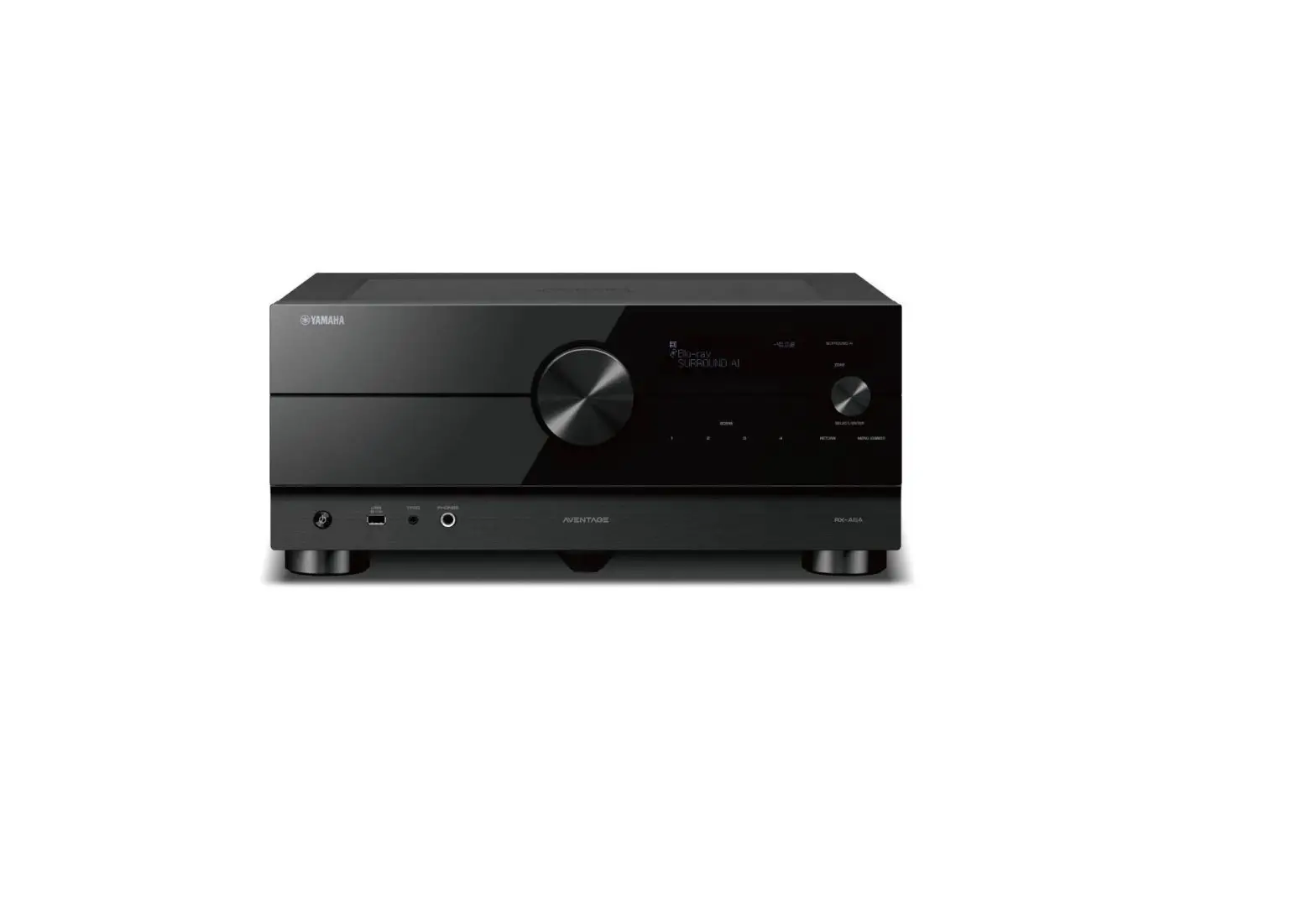
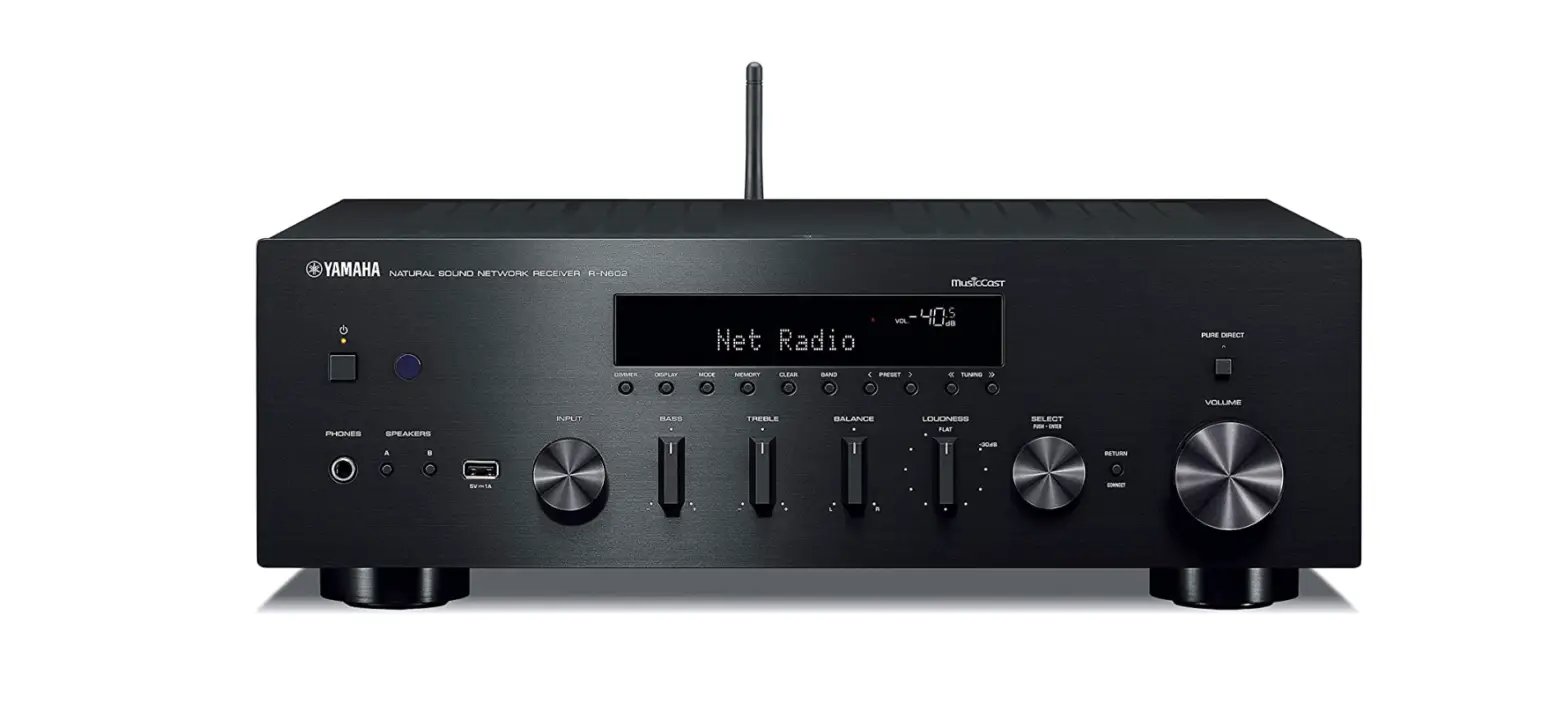
R-N800A Receiver Ampli-Tuner HiFi
Product Information: Receiver Ampli-Tuner Hi-Fi
The Yamaha Receiver Ampli-Tuner Hi-Fi is a 2 channel stereo
amplifier that is network-compatible and allows you to play music
content from the radio or a network in your home as well as analog
and digital audio inputs. It features the YPAO function which
optimizes the sound field automatically, allowing you to enjoy the
sound that best matches your room.
About the Manuals
There are three manuals that come with the product:
- Safety Guide (included with the product): Lists important
safety precautions that should be read prior to use. - Quick Guide (this manual): Explains basic connections, playback
of Internet radio, and more. - User Guide (Web): Explains all functions, such as information
not explained in the Quick Guide. To see the User Guide, go to the
following URL: https://manual.yamaha.com/av/22/rn800a/ Please note
that the User Guide is provided only on the website.
Product Usage Instructions
PREPARATION & OPERATION — Getting Started
1. PREPARATION
1-1 Checking the included accessories
Check and make sure that you have all the following items:
- Power cord
- YPAO microphone
- AM antenna (Except for U.K., Europe, Russia and Australia
models)* - FM antenna (Except for U.K., Europe, Russia and Australia
models)* - One of the above is supplied depending on the region of
purchase. - Remote control*
- Safety Guide
- Quick Guide (this manual)
- DAB/FM antenna (U.K., Europe, Russia and Australia
models)*
Items marked with * are not explained in this guide. See the
User Guide for more information. Be sure to fill in the correct
date of purchase and name of the store of purchase in the warranty,
and then keep it in a safe place.
1-2 This guide requires the following items
Have the following items on hand, in addition to the
product:
- Subwoofer (built-in amp)*
- Monaural pin cable (RCA)*
- Wireless router
- AndroidTM or iOS smartphone or tablet (smart device)
- Stand for holding the YPAO microphone*
2. OPERATION
2-1 Turning the power on
To turn on the power, press the power button on the front panel
or on the remote control. The power indicator lights up in
blue.
2-2 Automatic adjustment of speaker settings (YPAO)
The YPAO function automatically optimizes the sound field
according to the room where the product is used. Follow these
steps:
- Connect the YPAO microphone to the YPAO MIC jack on the front
panel. - Place the YPAO microphone at your listening position and adjust
its height so that it is at the same height as your ears. - Press the YPAO button on the remote control. The YPAO setup
menu appears on the TV screen. - Follow the instructions on the screen to complete the YPAO
setup.
2-3 Configuring network settings
Before using the network functions, you need to configure the
network settings. Follow these steps:
- Connect the product to your network using an Ethernet cable or
wirelessly via Wi-Fi. - Press the NET button on the remote control to access the
network menu. - Select “Setup” and then “Network Setup” on the TV screen.
- Follow the instructions on the screen to complete the network
setup.
2-4 Playing Internet radio
You can play Internet radio using the following steps:
- Press the NET button on the remote control to access the
network menu. - Select “Internet Radio” and then select a station from the
list. - You can also search for a station by pressing the OPTIONS
button on the remote control and selecting “Search”.
Français English
Receiver Ampli-Tuner Hi-Fi
Quick Guide
EN
Guide rapide
FR
Introduction
Thank you very much for purchasing this Yamaha product. This product is a network-compatible Receiver (2 channel stereo amplifier) which lets you play music content from the radio or a network in your home as well as analog and digital audio inputs. With the YPAO function which optimizes the sound field automatically, you can enjoy the sound that best matches your room.
About the Manuals
Please be sure to read the following guides. Keep the guides that are included with the product in a handy place for easy reference.
Safety Guide (included with the product)
Lists important safety precautions that should be read prior to use.
Quick Guide (this manual)
This guide explains basic connections, playback of Internet radio, and more.
User Guide (Web)
This explains all functions, such as information not explained in the Quick Guide. To see the User Guide, go to the following URL. Please note that the User Guide is provided only on the website.
https://manual.yamaha.com/av/22/rn800a/
2
English
PREPARATION & OPERATION — Getting Started
Read this guide according to the following flow.
1 PREPARATION ……………………………………………………………. 4
1-1 Checking the included accessories ……………………………………………… 4 1-2 This guide requires the following items ………………………………………. 4 1-3 Connecting Speakers …………………………………………………………………. 5 1-4 Flipping up the wireless antenna………………………………………………… 6 1-5 Connecting the power cord ………………………………………………………… 6
2 OPERATION …………………………………………………………………7
2-1 Turning the power on …………………………………………………………………. 7 2-2 Automatic adjustment of speaker settings (YPAO)………………………. 8 2-3 Configuring network settings …………………………………………………… 10 2-4 Playing Internet radio ………………………………………………………………. 11
3
1 PREPARATION
1-1 Checking the included accessories
Check and make sure that you have all the following items.
Power cord
YPAO microphone
AM antenna (Except for U.K., Europe,
Russia and Australia models)*
FM antenna (Except for U.K., Europe, Russia and Australia models)*
One of the above is supplied depending on the region of purchase.
Remote control*
Batteries (AA, R6, UM-3) (×2)*
Safety Guide
Quick Guide (this manual)
DAB/FM antenna (U.K., Europe, Russia and
Australia models)*
Items marked with * are not explained in this guide. See the User Guide for more information. Be sure to fill in the correct date of purchase and name of the store of purchase in the warranty, and then keep it in a safe place.
1-2 This guide requires the following items
Have the following items on hand, in addition to the product.
Speakers (×2)
Speaker cable (×2)
Subwoofer (built-in amp)*
Monaural pin cable (RCA)*
Wireless router
AndroidTM or iOS smartphone or tablet
(smart device)
Stand for holding the YPAO microphone*
This is used for connecting to the Internet in your home.
Have one ready that is already connected to your wireless router.
Refer to page 8, and have a camera tripod, etc. ready that is adjusted to the height of the listening position. (compatible with a 1/4-inch screw)
Items marked with * are not required in some cases. Have them ready if needed.
4
English
1-3 Connecting Speakers
Connect the speakers as illustrated. Connect a subwoofer if needed.
Speaker (Right channel)
Subwoofer (built-in amp)
Speaker (Left channel)
+ +
ANALOG IN
CD
R
L
1
2
OPTICAL
1
2
GND
R
L
LINE
R
L
PHONO
R
L
PRE OUT
DIGITAL IN
1
2
COAXIAL
ANTENNA
FM
AM
75
USB
NETWORK
SERVICE
SPEAKERS
R
L
A
B
TRIGGER SUBWOOFER
12V 0.1A OUT
OUT
1 Peel back about 10 mm of insulation from the
end of the speaker cable and twist the core wires tightly.
10 mm
NOTE
· Use speakers with an impedance of 4-ohms or higher. · If using 4-ohm speakers (or higher than 4-ohm but lower than
8-ohm), change the impedance settings of this product. These settings can be changed in the product’s Advanced Setup menu. See the User Guide for details.
2 Turn the knob of the speaker jack to the left to
loosen it, and insert the core wires of the speaker cable into the hole of the jack.
NOTICE
NOTICE is used with information for preventing product failure, damage or malfunction.
· Do not allow the core wires of a speaker cable to touch the core wires of another speaker cable or any metal parts of the product. Doing so may damage the product and/or the speakers.
3 Turn the knob back to the right to tighten it.
5
1-4 Flipping up the wireless antenna
Flip up the wireless antenna as illustrated.
DIGITAL IN
NETWORK
2
1
2
COAXIAL
USB
ANTENNA
FM
AM
75
L
TRIGGER SUBWOOFER
T
12V 0.1A OUT
OUT
SPEAKER R
A
B
NOTICE
· Do not exert excessive force on the wireless antenna. Doing so may damage it.
1-5 Connecting the power cord
Connect the included power cord.
AC IN
Connect to a power outlet
6
English
2 OPERATION
2-1 Turning the power on
Turn the product on.
1 Press the z (Power) switch to turn the power on.
The power indicator lights up.
Power indicator z (Power) switch
SPEAKERS
INPUT
BASS
PHONES
YPAO MIC
2 After the following message appears on the front display, press RETURN on the front panel to clear the
message. It may take about 30 seconds for the message to appear. The portion shown as * differs depending on the device.
*
LOUDNESS FLAT
-30dB
SELECT PUSH – ENTER
PURE DIRECT
VOLUME
PRESET
RETURN CONNECT
RETURN
CONNECT
Wireless WAC Display The WAC (Wireless Accessory Configuration) function is for applying the wireless settings of an iOS device to another device and wirelessly connecting to the network. Because it is explained on a later page how to connect to networks with the MusicCast Controller app, how to cancel WAC is explained here.
7
2-2 Automatic adjustment of speaker settings (YPAO)
Use the included YPAO microphone and run YPAO. YPAO is a function that detects speaker connections and the distance from the listening position, then automatically adjusts the speaker settings, such as volume balance and tone.
1 Turn your subwoofers on and adjust the volume to its midpoint.
If the crossover frequency can be adjusted, set it to the maximum.
VOLUME
CROSSOVER/ HIGH CUT
9
MIN
MAX
MIN
MAX
This step is not necessary if a subwoofer is not connected.
2 Put the included YPAO microphone in the listening position and connect it to the YPAO MIC jack on the
front panel.
YPAO MIC
YPAO MIC jack
1
9
2
Listening position
Ear height YPAO microphone
The following message appears on the front display.
NOTE
Secure the YPAO microphone in place so it does not move. If a camera tripod is used for the microphone, its screws can be used to secure the microphone.
8
English
3 Press SELECT on the front panel to start the automatic adjustment of speaker settings with YPAO.
Adjustment starts automatically after about 10 seconds. It takes about 1 minutes. Do not make any unnecessary noise until the adjustments are complete.
ALANCE
LOUDNESS FLAT
-30dB
SELECT PUSH – ENTER
PURE DIRECT
R
PRESET
RETURN
CONNECT
VOLUME
SELECT
PUSH – ENTER
4 Check the results on the front display.
After all adjustments are complete, the results are shown on the front display. Follow the instructions that are displayed, and use the SELECT buttons to complete adjustments.
If there are no errors or warnings:
This prompts you to press SELECT to go to the next step.
If an error message or warning message appears on the
display, refer to the User Guide.
“E-” means error.
“W-” means warning.
User Guide
https://manual.yamaha.com/av/22/rn800a/q1ypao.html
5 Save the YPAO results.
Check the following display, and press SELECT to save the adjustment results.
To cancel or readjust (Retry), turn SELECT to choose the desired item.
6 Remove the YPAO microphone from the YPAO MIC jack.
After checking the following display, disconnect the YPAO microphone.
This completes the YPAO settings.
9
2-3 Configuring network settings
After installing the dedicated smart-device app, “MusicCast Controller”, connect the product wirelessly to your network from the screen of the app.
1 Prepare your smart device.
Refer to the Wi-Fi settings of the smart device and confirm that it is connected to the network of your wireless router.
2 Install “MusicCast Controller” on your smart device.
Search for “MusicCast Controller” on the App Store or Google Play to download the app.
3 Start the app and start configuring settings as directed by the app.
LOUDNESS FLAT
-30dB
SELECT PUSH – ENTER
PURE DIRECT
VOLUME
PRESET
RETURN CONNECT
RETURN CONNECT
Following the app’s guide, press CONNECT for 5 seconds or longer.
Important Notice about Information Security For details, go to the URL at right.
https://manual.yamaha.com/av/policy/mcc/
NOTE · You can also connect to the network via a wired connection. See the User Guide for more information. · If you want to cancel the configuration before it is complete, press RETURN on the front panel. · If the connection fails, quit the app, and then try again from Step 3.
10
English
2-4 Playing Internet radio
Use the app to confirm that you can play Internet radio.
1 On the app’s screen, select the room that is registered to this product, and select “Net Radio” as the
source to play.
If you are connected to the Internet, a list of Internet radio stations appears. If it does not appear, reconnect to the Internet.
2 Choose the desired station.
Choose the desired station from the list of Internet radio stations.
3 Adjust the volume.
Adjust with the volume slider in the app. You can also adjust it with VOLUME on the front panel.
This completes the initial setup. For detailed explanations of how to connect various external devices or to configure advanced settings of the product, refer to the User Guide.
11
Introduction
Nous vous remercions infiniment d’avoir fait l’acquisition de ce produit Yamaha. Ce produit est un ampli-Tuner Hi-Fi compatible réseau (amplificateur stéréo 2 voies) qui vous permet de lire du contenu musical à partir de la radio ou d’un réseau domestique, ainsi que des entrées audio analogiques et numériques. Grâce à la fonction YPAO qui optimise automatiquement le champ sonore, vous pouvez profiter du son qui convient le mieux à votre pièce.
À propos des manuels
Veuillez lire impérativement les guides suivants. Conservez les guides accompagnant le produit dans un endroit pratique pour pouvoir les consulter facilement.
Guide de sécurité (inclus avec le produit)
Répertorie les consignes de sécurité importantes à lire avant utilisation.
Guide rapide (ce manuel)
Ce guide explique les connexions de base, la lecture de la radio sur Internet, etc.
Guide d’utilisation (Web)
Il explique toutes les fonctions, à savoir les informations qui ne sont pas expliquées dans le Guide rapide. Pour consulter le Guide d’utilisation, accédez à l’URL suivante. Veuillez noter que le Guide d’utilisation est fourni uniquement sur le site Web.
https://manual.yamaha.com/av/22/rn800a/
12
Français
PRÉPARATION et FONCTIONNEMENT — Mise en route
Lisez ce guide dans l’ordre suivant.
1 PRÉPARATIFS ………………………………………………………14
1-1 Vérification des accessoires inclus ………………………………………..14 1-2 Ce guide nécessite les éléments suivants ……………………………….14 1-3 Branchement des enceintes ………………………………………………….15 1-4 Comment relever l’antenne sans fil ……………………………………….16 1-5 Branchement du cordon d’alimentation ………………………………..16
2 FONCTIONNEMENT ……………………………………………………17
2-1 Mise sous tension ……………………………………………………………….17 2-2 Ajustement automatique des réglages des enceintes (YPAO) …..18 2-3 Configuration des réglages réseau ……………………………………….20 2-4 Lecture de la radio sur Internet …………………………………………….21
13
1 PRÉPARATIFS
1-1 Vérification des accessoires inclus
Vérifiez que vous disposez de tous les éléments suivants.
Cordon d’alimentation
Microphone YPAO
Antenne AM (Sauf pour les modèles pour le Royaume-Uni, l’Europe, la Russie et
l’Australie)*
Antenne FM (Sauf pour les modèles pour le Royaume-Uni, l’Europe, la
Russie et l’Australie)*
L’élément fourni dépend de la région
d’achat.
Télécommande*
Piles (AA, R6, UM-3) (×2)*
Guide de sécurité
Guide rapide (ce mode d’emploi)
Antenne DAB/FM (Modèles pour le Royaume-Uni, l’Europe, la Russie et l’Australie)*
Les éléments marqués d’un * ne sont pas expliqués dans ce guide. Consultez le Guide d’utilisation pour plus d’informations.
Veillez à indiquer la date d’achat et le nom du magasin d’achat dans la garantie, puis conservez-la en lieu sûr.
1-2 Ce guide nécessite les éléments suivants
En plus du produit, ayez les éléments suivants à portée de main.
Enceintes (×2)
Câbles d’enceinte (×2)
Caisson de graves (amplificateur intégré)*
Câble de broche mono (RCA)*
Router sans fil
AndroidTM ou iOS smartphone ou tablette
(appareil connecté)
Socle pour le microphone YPAO*
Sert à la connexion à Internet chez vous.
Préparez-en un déjà connecté à votre routeur sans fil.
Reportez-vous à la page 18, et préparez un trépied d’appareil photo, etc., réglé à la hauteur de la position d’écoute. (compatible avec une vis de 1/4″)
Dans certains cas, les éléments marqués d’un * ne sont pas requis. Préparez-les au besoin.
14
Français
1-3 Branchement des enceintes
Branchez les enceintes comme illustré. Branchez un caisson de graves au besoin.
Enceinte (Voie droite)
Caisson de graves (amplificateur intégré)
Enceinte (Voie gauche)
+ +
ANALOG IN
CD
R
L
1
2
OPTICAL
1
2
GND
R
L
LINE
R
L
PHONO
R
L
PRE OUT
DIGITAL IN
1
2
COAXIAL
ANTENNA
FM
AM
75
USB
NETWORK
SERVICE
SPEAKERS
R
L
A
B
TRIGGER SUBWOOFER
12V 0.1A OUT
OUT
1 Dénudez environ 10 mm d’isolation de
l’extrémité du câble d’enceinte et torsadez fermement les fils conducteurs.
10 mm
NOTE
· Utilisez des enceintes ayant une impédance de 4 ohms ou plus. · Si vous utilisez des enceintes de 4 ohms (ou de plus de 4 ohms,
mais moins de 8 ohms), modifiez les réglages d’impédance de ce produit. Ces réglages peuvent être modifiés dans le menu Configuration avancée du produit. Consultez le Guide d’utilisation pour en savoir plus.
2 Tournez le bouton de la prise d’enceinte vers la
gauche pour le desserrer et insérez les fils conducteurs du câble d’enceinte dans le trou de la prise.
AVIS
Le terme AVIS est utilisé pour les informations permettant d’éviter toute défaillance, tout dommage ou tout dysfonctionnement du produit.
· Ne laissez pas les fils conducteurs d’un câble d’enceinte toucher les fils conducteurs d’un autre câble d’enceinte ou de pièces métalliques du produit. Cela risquerait d’endommager le produit et/ou les enceintes.
3 Tournez à nouveau le bouton vers la droite pour
le serrer.
15
1-4 Comment relever l’antenne sans fil
Relevez l’antenne sans fil comme illustré.
DIGITAL IN
NETWORK
2
1
2
COAXIAL
USB
ANTENNA
FM
AM
75
L
TRIGGER SUBWOOFER
T
12V 0.1A OUT
OUT
SPEAKER R
A
B
AVIS
· N’appliquez pas de force excessive sur l’antenne sans fil, sous peine de l’endommager.
1-5 Branchement du cordon d’alimentation
Branchez le cordon d’alimentation inclus.
AC IN
Brancher sur une prise de courant
16
2 FONCTIONNEMENT
2-1 Mise sous tension
Mettez le produit sous tension.
1 Appuyez sur le commutateur z (alimentation) pour mettre l’appareil sous tension.
Le voyant d’alimentation s’allume.
Témoin d’alimentation
Commutateur z (alimentation)
SPEAKERS
INPUT
BASS
PHONES
YPAO MIC
Français
2 Lorsque le message suivant apparaît sur l’afficheur de la face avant, appuyez sur RETURN de la face
avant pour effacer le message. L’affichage du message peut prendre environ 30 secondes. La portion indiquée par * varie en fonction de l’appareil.
*
LOUDNESS FLAT
-30dB
SELECT PUSH – ENTER
PURE DIRECT
VOLUME
PRESET
RETURN CONNECT
RETURN
CONNECT
Affichage WAC sans fil La fonction WAC (Wireless Accessory Configuration) permet d’appliquer les réglages sans fil d’un appareil iOS à un autre appareil et de se connecter sans fil au réseau. Comme il est expliqué sur une page ultérieure la manière de se connecter aux réseaux avec l’application MusicCast Controller, la procédure d’annulation de WAC est expliquée ici.
17
2-2 Ajustement automatique des réglages des enceintes (YPAO)
Utilisez le microphone YPAO inclus et exécutez YPAO. YPAO est une fonction qui détecte les branchements des enceintes et la distance par rapport à la position d’écoute, puis ajuste automatiquement les réglages des enceintes, tels que l’équilibre du volume et la tonalité.
1 Allumez vos caissons de graves et réglez le volume à la moitié.
Si la fréquence de coupure peut être réglée, réglez-la sur le maximum.
VOLUME
CROSSOVER/ HIGH CUT
9
MIN
MAX
MIN
MAX
Cette étape n’est pas nécessaire si aucun caisson de graves n’est connecté.
2 Placez le microphone YPAO inclus sur la position d’écoute et branchez-le sur la prise YPAO MIC sur la
face avant.
YPAO MIC
Prise YPAO MIC
1
9
2
Position d’écoute
Hauteur d’oreille Microphone YPAO
Le message suivant apparaît sur l’afficheur de la face avant.
NOTE
Fixez le microphone YPAO de manière à ce qu’il ne bouge pas. Si un trépied d’appareil photo est utilisé pour le microphone, ses vis peuvent être utilisées pour fixer le microphone.
18
Français
3 Appuyez sur SELECT sur la face avant pour lancer l’ajustement automatique des réglage des enceintes
avec YPAO. L’ajustement commence automatiquement après 10 secondes environ. Il nécessite environ 1 minutes.
Ne faites pas de bruit inutile tant que les réglages ne sont pas terminés.
ALANCE
LOUDNESS FLAT
-30dB
SELECT PUSH – ENTER
PURE DIRECT
R
PRESET
RETURN
CONNECT
VOLUME
SELECT
PUSH – ENTER
4 Vérifiez les résultats sur l’afficheur de la face avant.
Une fois tous les réglages effectués, les résultats s’affichent sur l’afficheur de la face avant. Suivez les instructions qui s’affichent et utilisez les boutons SELECT pour effectuer les réglages.
En l’absence d’erreurs ou d’avertissements :
Ceci vous invite à appuyer sur SELECT pour passer à l’étape suivante.
Si un message d’erreur ou d’avertissement apparaît à
l’écran, reportez-vous au Guide d’utilisation.
« E- » signifie erreur.
« W- » signifie avertissement.
Guide d’utilisation
https://manual.yamaha.com/av/22/rn800a/q1ypao.html
5 Enregistrez les résultats YPAO.
Vérifiez l’affichage suivant et appuyez sur SELECT pour enregistrer les résultats du réglage.
Pour annuler ou réajuster (Réessayer), tournez SELECT pour choisir l’élément souhaité.
6 Retirez le microphone YPAO de la prise YPAO MIC.
Après avoir vérifié l’affichage suivant, débranchez le microphone YPAO.
Les réglages YPAO sont maintenant terminés.
19
2-3 Configuration des réglages réseau
Après avoir installé l’application dédiée pour appareil connecté, « MusicCast Controller », connectez le produit via une liaison sans fil à votre réseau à partir de l’écran de l’application.
1 Préparez votre appareil connecté.
Reportez-vous aux réglages Wi-Fi de l’appareil connecté et vérifiez qu’il est connecté au réseau de votre routeur sans fil.
2 Installez « MusicCast Controller » sur votre appareil connecté.
Recherchez « MusicCast Controller » sur l’App Store ou Google Play pour télécharger l’application.
3 Démarrez l’application et commencez à configurer les réglages comme indiqué par l’application.
LOUDNESS FLAT
-30dB
SELECT PUSH – ENTER
PURE DIRECT
VOLUME
PRESET
RETURN CONNECT
RETURN CONNECT
En suivant le guide de l’application, appuyez sur CONNECT pendant 5 secondes ou plus.
Avis important concernant la sécurité des informations Pour en savoir plus, accédez à l’URL à droite.
https://manual.yamaha.com/av/policy/mcc/
NOTE · Vous pouvez également vous connecter au réseau via une connexion câblée. Consultez le Guide
d’utilisation pour plus d’informations. · Si vous souhaitez annuler la configuration avant qu’elle ne soit terminée, appuyez sur RETURN sur la face
avant. · Si la connexion échoue, quittez l’application, puis réessayez à partir de l’étape 3.
20
Français
2-4 Lecture de la radio sur Internet
Utilisez l’application pour confirmer que vous pouvez écouter la radio sur Internet.
1 Sur l’écran de l’application, sélectionnez la pièce enregistrée sur ce produit et sélectionnez
« Net Radio » comme source de lecture.
Si vous êtes connecté à Internet, une liste de stations de radio sur Internet apparaît. Si ce n’est pas le cas, reconnectez-vous à Internet.
2 Choisissez la station souhaitée.
Choisissez la station souhaitée dans la liste des stations de radio sur Internet.
3 Pour régler le volume.
Réglez le volume au moyen du curseur du volume de l’application. Vous pouvez également le régler avec VOLUME sur la face avant.
La configuration initiale est terminée. Pour obtenir des explications détaillées sur la connexion de divers appareils externes ou la configuration des paramètres avancés du produit, reportez-vous au Guide d’utilisation.
21
10-1 Nakazawa-cho, Naka-ku, Hamamatsu, 430-8650 Japan
Yamaha Global Site https://www.yamaha.com/ Yamaha Downloads https://download.yamaha.com/
© 2023 Yamaha Corporation Published 05/2023 NVEM-A0
VFV1120
 Yamaha Downloads
 R-N800A
 Yamaha Corporation - Global