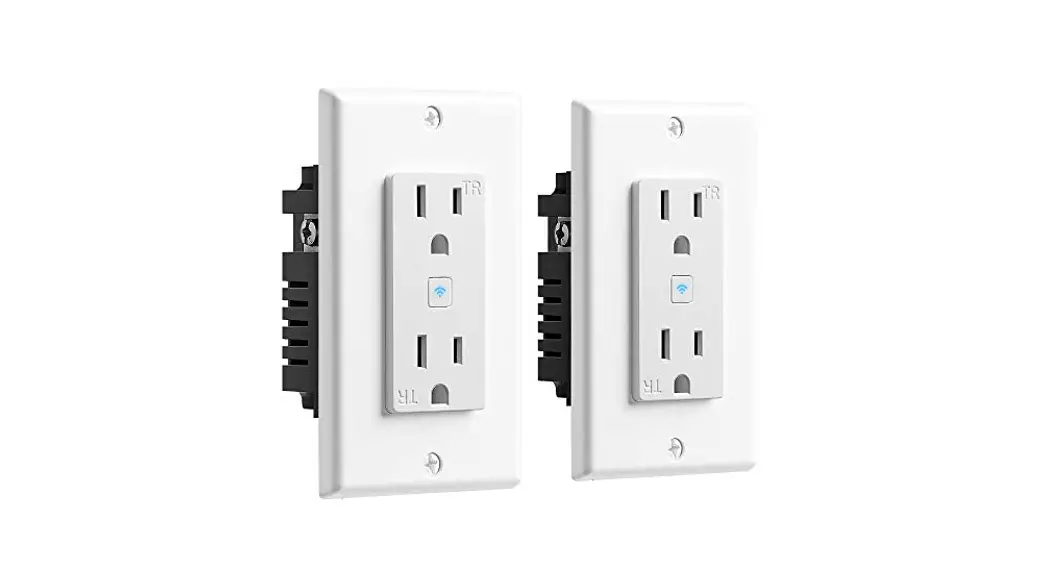
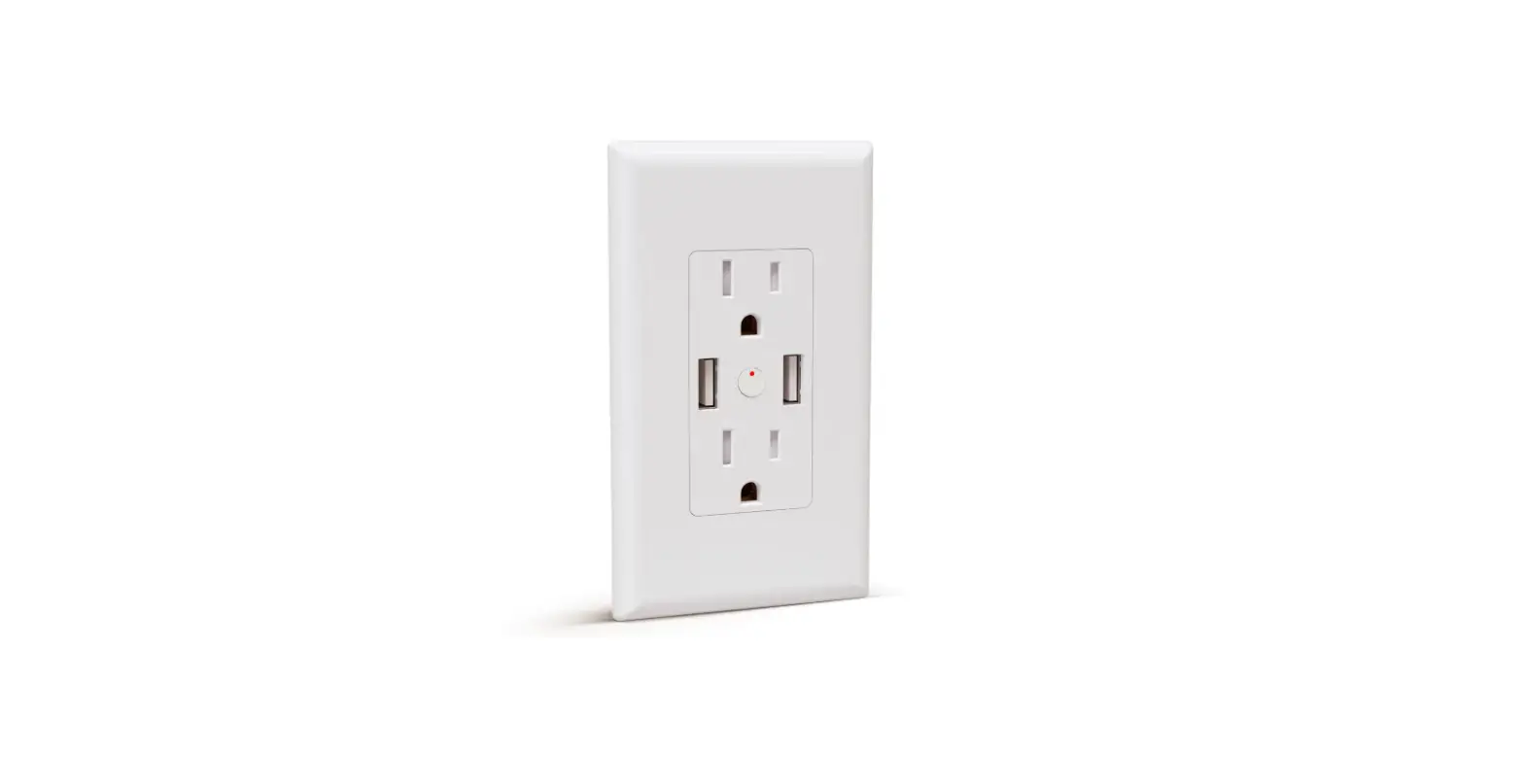
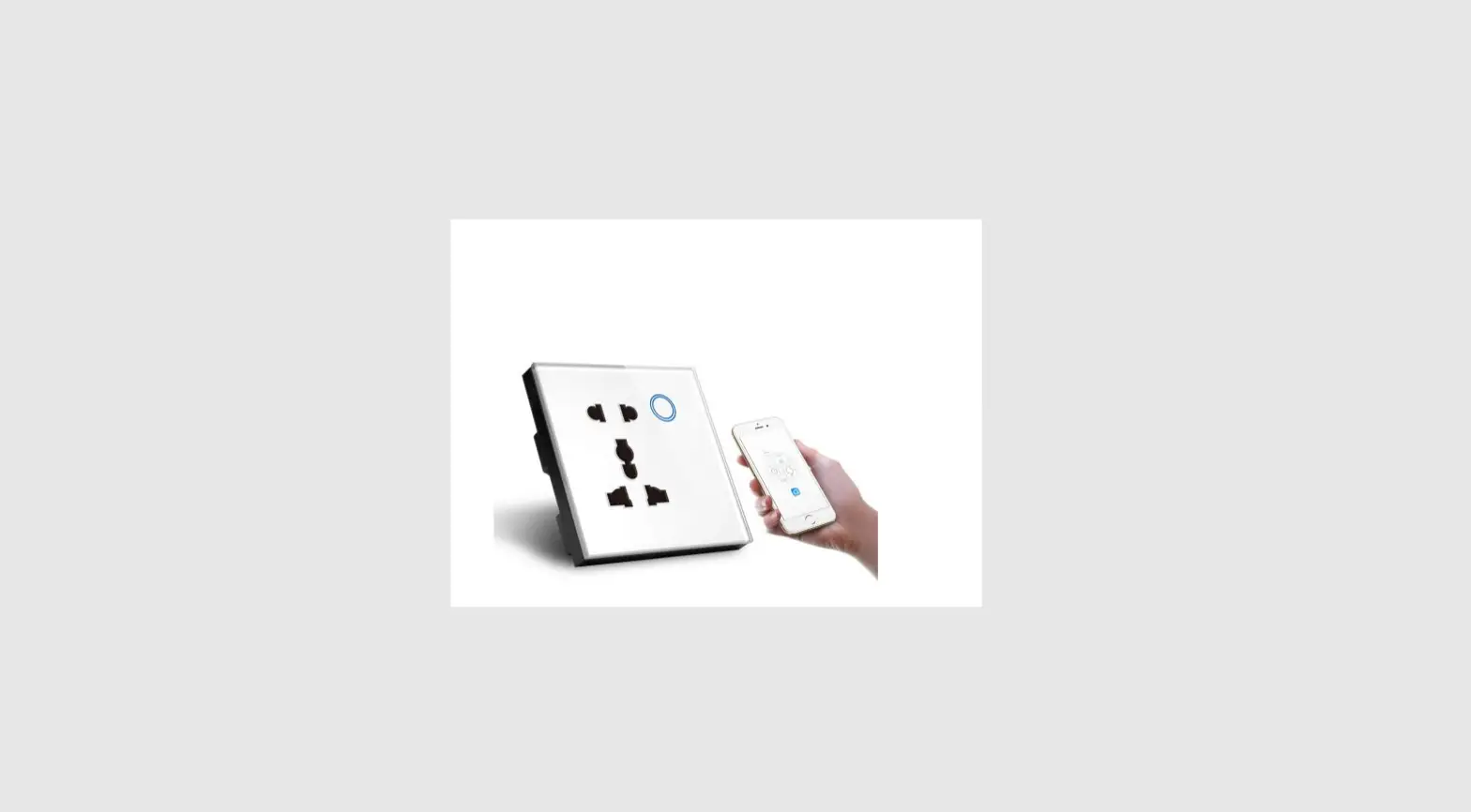
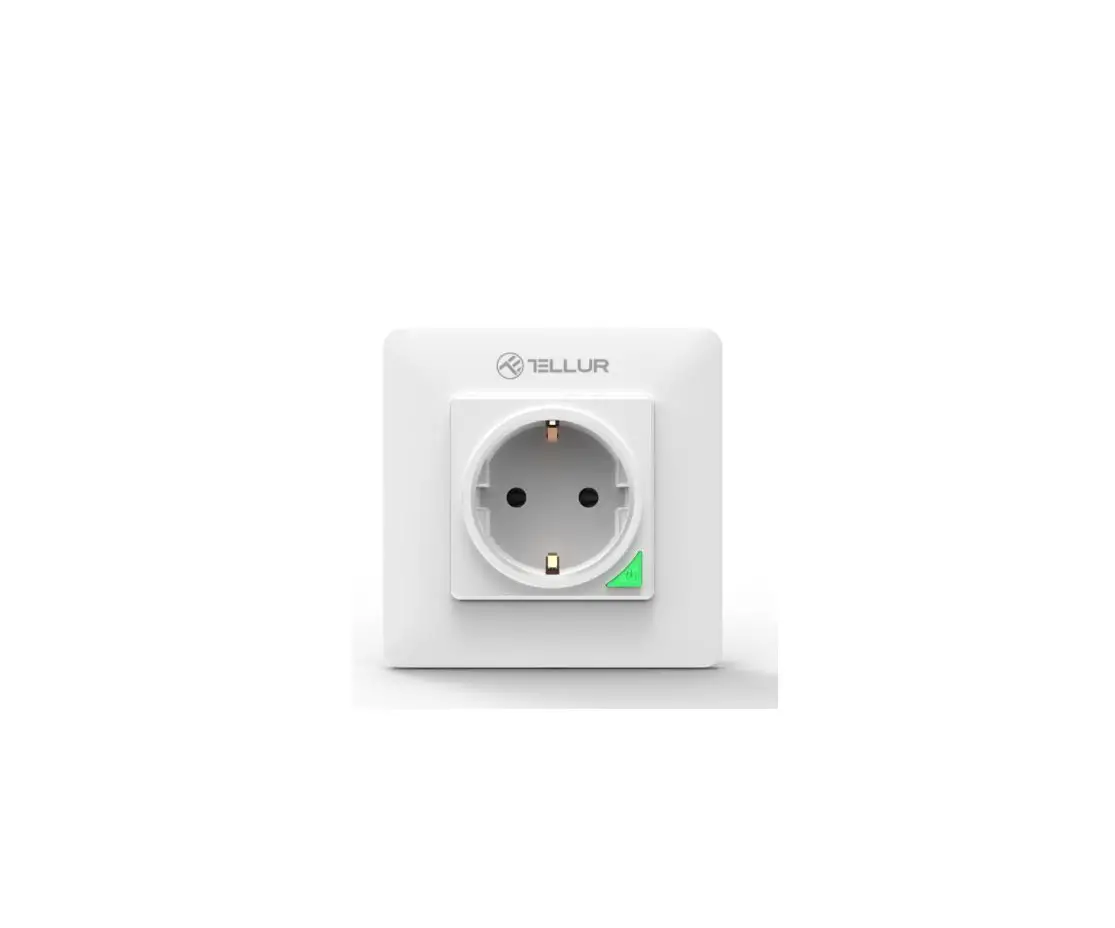
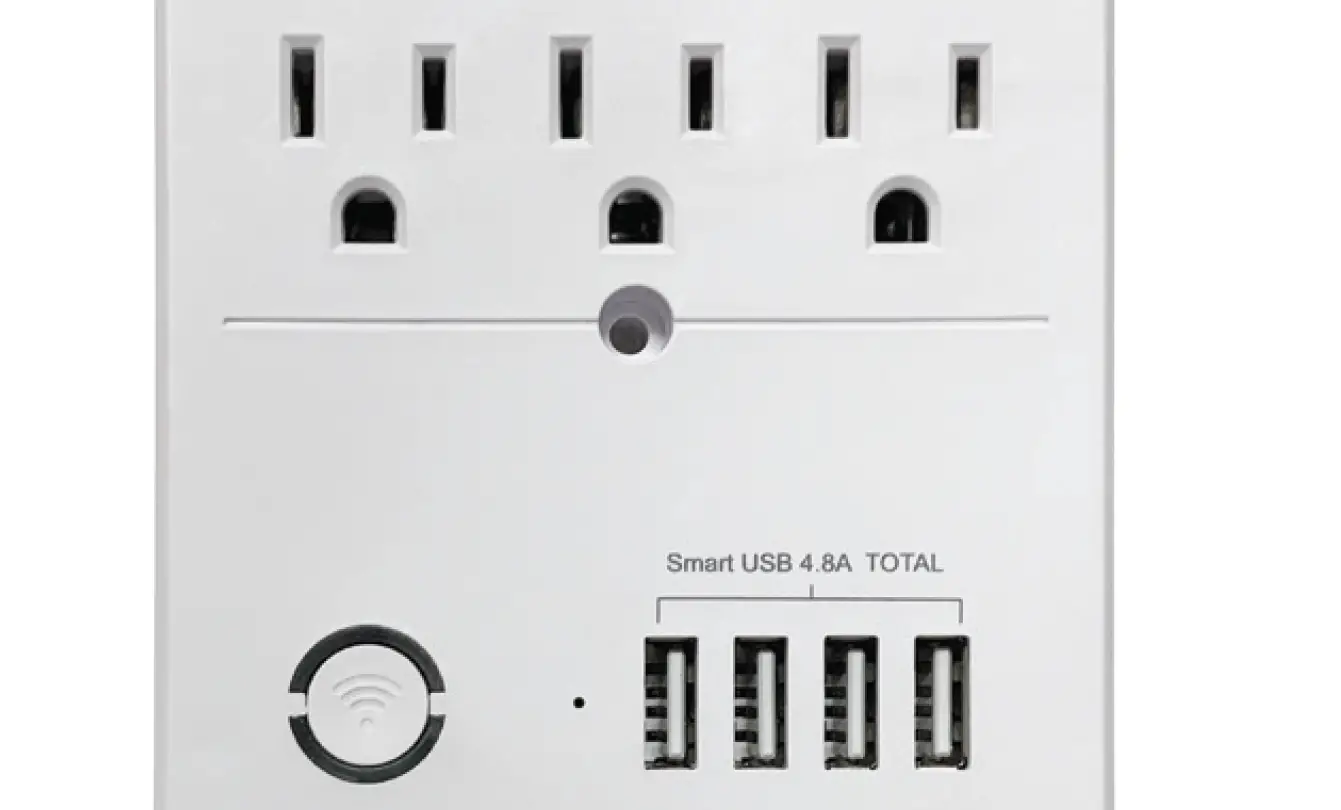
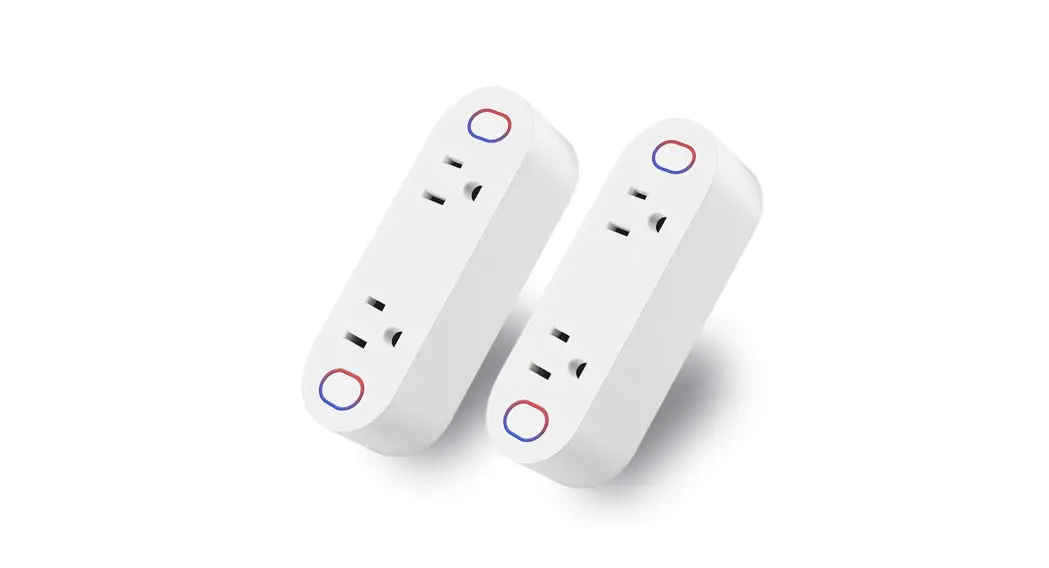
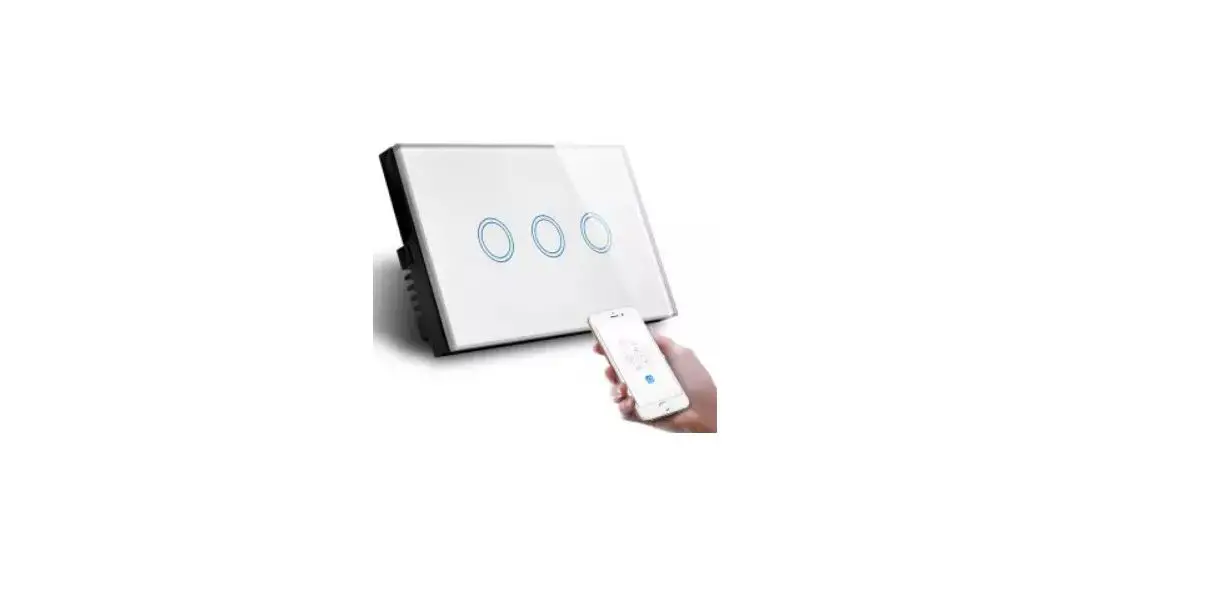
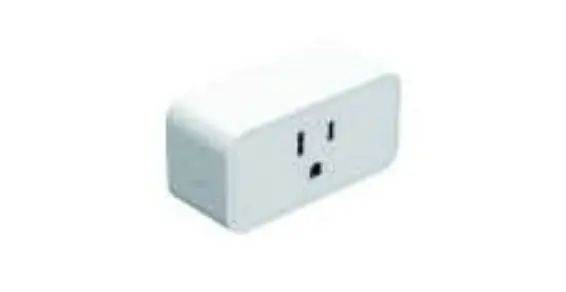
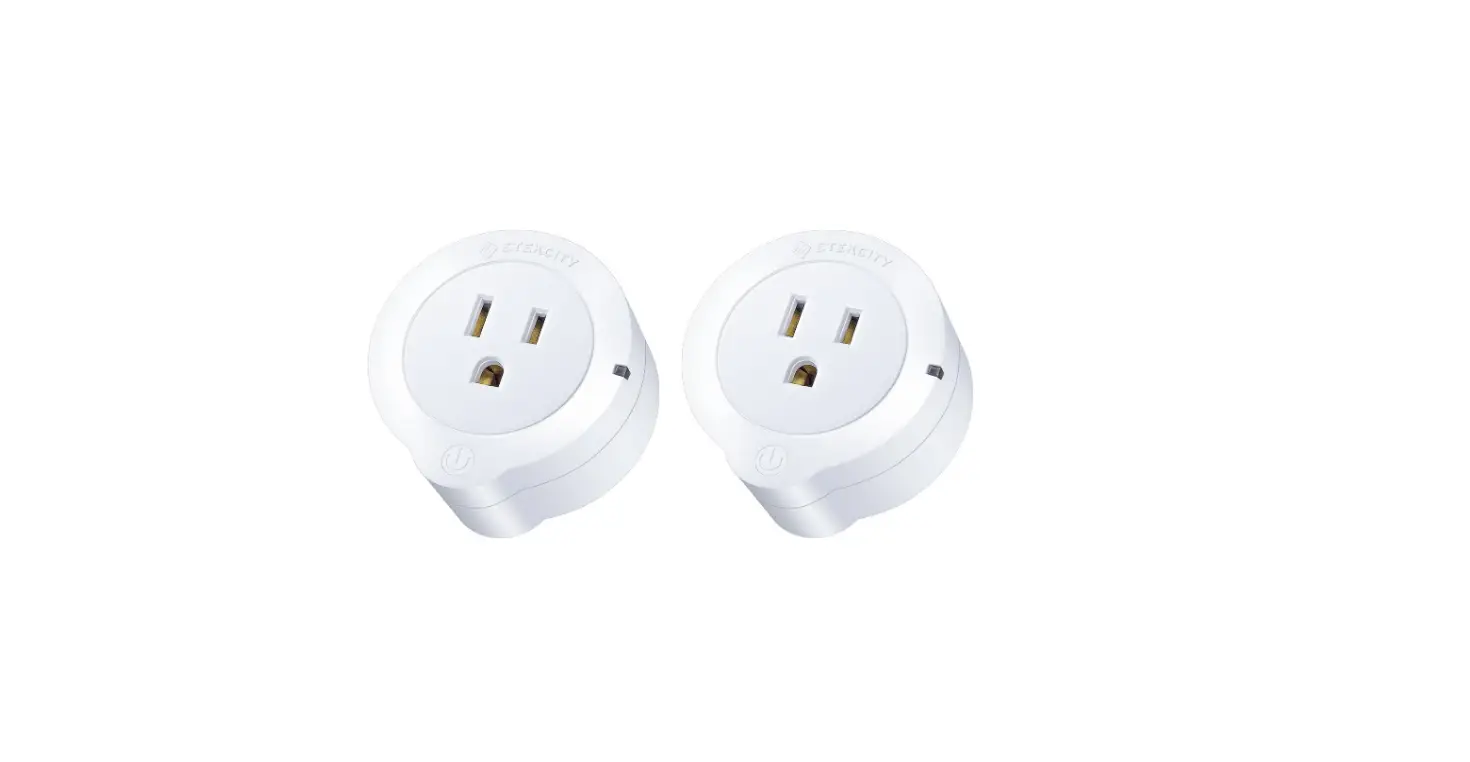
WFU236 Smart Wi-Fi USB Wall Outlet
Product Information:
| Color | Cyan (C) | Magenta (M) | Yellow (Y) | Key (K) |
|---|---|---|---|---|
| Value | 70% | 0% | 39% | 0% |
| Value | 50% | 0% | 25% | 0% |
Product Usage Instructions:
Step 1: Connect the product to a power
source.
Step 2: Check the indicator light status:
| Status | Indicator Light Color |
|---|---|
| Power Off | White |
| Power On | Orange |
| Window Light | Orange Blinking |
| Ready for Default Migration Mode | Orange Blinking Rapidly |
| Ready for AP Configuration Mode | Orange Steady |
| Wi-Fi Disconnected | No Light |
Step 3: To manually operate the wall outlet,
follow these steps:
- Press and hold the orange blinking light until it turns orange
steadily for AP configuration. - Release the button.
- The wall outlet is now in AP configuration mode.
C:70, M:O, Y:39, K:O C:50, M:O, Y:25, K:O
01 I PRODUCT OUTLINE
,,.,..,.,r–,-“”
R 1111 -A
U
II
IIP
T,P “‘””L W>Sll”dlLight O/NOe>M
02 I INDICATOR LIGHT STATUS
ro , ,,; Ughl
Wh;t,
OFF ON
Powo,OFF p,,_, ON
W lad;w Ughl
Oraoge
Bfok q,;ckly
Reedydefa,H mfig,ra,mode
BUok sl, ,
R”dy fee AP (Ac Pc;,t) ooofig,ratic, mccle
Steady
w;-F; dose ,ot oo,oect
(fo,5 mla, o,r
03 I MANUAL OPERATION OF THE WALL OUTLET
Pairing Setup · paod hold theONO / FF switch fo,5, cntll the WI-Fl lodlto, llght
blloks oraoge qcloto lolle decll ooofigcloo: P” aod hold the fo5s agalo cotil the WSFI lodlghl blloks orangeoly toI AP oonfigc- ralloo.
04 I SAFETY INFORMATION WARNINGS AND CAUTIONS · TO AVOID FIRE, SHOCK, OR DEATI<; TURN OFF POWER AT
CIRCUIT BREAKER OR FUSE AND ISoI THAT THE POWER IS OFF BEFORE WIRING!
To be ;alied eadlo,””‘;a ·=”‘·”w;th app,c,p,;e ,,;ca1
,,1o, “”” “”‘””‘”;oas. If yoo ara aol ,oaboot any part of the
;a,ocl;oo,,ooasolf aa ele,.Th,a dev;oe CNOT beo peralel0 app1,,,1;oa,. If the ool yoo , raplaciag has lhe lop ead bottom ooUel, ooaf,olled byparal, cioebrara,yoo o,aaot o,e th;, d,oe.U th;,ae .,;th ooppeco,ooppecolad w;ra oaly.
05 I INSTALLATION Tools You’ll Need
‘””‘
· Pl,oi · Ele<l1IIIr
Caution · Make s,ra that the pe,at thed<eolt bkecls offbefora wlrlog
· Neotral w;,. 1, “”'”‘·Confithe wall bo, “‘”la, a Neotra (typllly whlte)
· TIwlra col, ladlrad la this maa,al ara tho “‘””‘ co, aad may doc ‘” ,omo hom,s.
· Ecscra tho wlra cdcdora ·o soocralycod lo “wlra. Tcm OFF tho d=lt braokecocd test tho po=cgoing to tho -11ls off befn,oc,cg.
· Thls dev·to be l,slalled la a wall b””””‘al lea,1 3″, 2″ , 2-112” (staad·”‘slagte gaag elecal wall box) aad wl In a= “””” with NEC article 314 bfill,,meats.
T,mOFF thedn,,lt bceake, and tthe powe golag to the o,'”‘ offboWLag.
MM
Reme the eOsticg wall pla tum oc the pewee at the ,;cw, tiroa acd “” ac ,1ectr;oa1 leecto eck wh;oh w;ro ;, 1ro; the tesr w;n flash acdloc,h;,p when , comes close to a L·· Wiro
fom offtho powo,at the ,; ,t bake,aad “” tho,., ,ta , !he p,l,off,aad thea pcll thetlagIoctlel the C.e WI aad othecwl,; dlsooaathesfrom lhelagOctlet wllhera.
Follow the wl,lcg diagram to oocaeot the”” of theOutlet to the wl”” la the wall box o,lag the w”‘””ra.
“”
:r m
-,-,
-‘””
MM
Mocnt the oel1haad soap the wall·le oa II.
MM
T,m oa 1ha po_, at Iha”,t braakac aad1,1 00
06 I ADD DEVICES 1. Download Smart Ufe APP
l
a,,oaQRooo ao,.osmaocoaAee&=o”””‘”‘”‘·
2. Registration or Log In
·D=aload “Sm·” U”AppHt,oa
· Ecta, tha Ragtsta</Loglc Iotaoa,tap “Ragtatarto”,.,ala ac aooo,ct by aclaricg’°”‘phoca c,mba, lo gal “”rifioattoc coda acd “Sat pas& Cho”Log lo” If yo, aady haa Smart Ltaooo,nt
3. Conflgure the APP to the Outlet p,ra1;0″ E,s,ra lheh he, oo,aw;lh electaoly; “”‘ “”‘ ycphoae hes oo,”d lo W;F; co,””‘ato’°”ct to lhe ;,met
‘””°” · Noteclh” ,.,a; SCoak,p
ppo2.40 oworn. lf yoo haooooecied oooect 5C””‘”‘””‘”‘
· Tap Iha ;oo, “·”oa Iha lop Mght oome,lo add dw,oa; oho”Power Strip (Wi-Fi)”
Smart Out·II v
· lo!
I, I)’-: …We,lc:o;·meHom·e
Alls L mu HU’;i-, t.1le ..
,,
-·
Md M,ally utc .’-
Le;
“”
”
”
‘”‘
. 3
“‘ “c” h” ‘– “”·'””· ‘”,’.; ,
;:
g
..,..
r
<0
3.1 Default ConfguratlonMode · Press and hold Iha manual switch for 5 seconds until the orange Indicator
light blinks quickly (2 11mes per second) · Tap “Confirm indicator rapidly blink”, enteWiFi PasOrd, wait focom-
pleting the connection. · Devis have added sully.
3.2 APMode
·· o caoeot oooflgo,e soooessIwith the defaolt mode. pleatcyto oooeewith AP Mode.
, Tap “”AP Mode”oo the top aghl oome,. · paod holOmao”‘IooUot fo,5 ,ooood,. yoo ,.,s99 lho rad lo
Olcato,llghl blloks qolokly. Theo p, aod hold ro,5s agalo ootll tho lo Olcato,llghl blloks slowly(oocy3 ,d,)
· Tap”Coo”‘””locallie<‘
Coo.
I1
“‘””‘””
r.i
· E,te WI-Flr=wo · Ope, W LAN …,,,. OOM8ci with·smertLife-u”. · Back to the App aad oolace to add the dooaad wattoompl'”‘
the oom,””
Co””‘”Y”” mob;l,pho””° th,,.,;o,’s hotspot
“””””‘””‘”‘”‘”‘°’
Addiog d.,ice…
””””””””‘””'”””‘
::”‘°'””‘”””°””””‘”‘
‘””
Ii)
b5eens
-,,1o.t<od-00 lat ,.,
07 I Link “Smart Life” to Alexa/ Google Assistant
Go to Smart U_!_,Mofo, I,ciloas to llak AIa/Google As,1,”‘ N<rtec P1,,., 1la with yo”‘Smart Lao,at
w; hUcllcl
L
u
‘
w,-,,,,.,.,
“””””‘””
i
cc<I).,. “”< CchOcC,00
·- 08 I SPECIFICATION
WF15236C
r,f!
15Amp, 125VAC
-100-12AC 50/60H,
r,1111’1111 1875W
Total 3 1Amp,SVDC
‘,’ifl!lffl ,!!I Yes
-· 2.4Gh,Oc
W1,,,3″””
IEE802.11 b/g/c
Acd,o,d 41 ocd obo., o,osao ocd a
3(Hot,N°”l acd G,o’°d wlra)
09 I TROUBLESHOOTING GUIDE
Uneblato conn ect outlwiththe pho
The outlet is not allow8d for
co nn n
econonnort ad e
outlet has
Press an dholdthe ouetfor 5s, 1h1 outlwil inp aring
nI correci:wiring
Uneblato tum Ihaswitch oo/oflmao”‘I”
.,.,,,
“‘·”, Make sure the outIswired
Chklhac iitbraakra, ma S1Jre that tile poweIs restored < o<hao
The outletwon1 rspon d loAPPntrol
d,Ni:onnededeldays or is
ChkUnetwork co nneclillity
Permi on isde n i edby “P”‘
GSra
ntp n
ermissi
n o
on y ourphon
e
TOLiflM IB out of order
Manu ally outletID chec k
can, The outlet con n ect
‘° APP
prr aE tseswrwroln gWi–Fi w..,wl””
EnrIhacorrectWi-F1 ISIWOrd ChkW;,;,,.
Un able tooonnit oW1-Fi Connrm YourhomW e I-Fl Is2AG
“,,
This device complies with part 15 of the FCC Rules. Operation is subject to thefollowing two conditions:
· This device may net cause hannfullnterference. · This device must ac:cepl any interference received,including inrference that
may ca.use undiredoperation
FCC Statement
Th·eqclpme,I ha, beea ed aad fc,od low”1µI, with the llmlls fo< a Cl B dlgllal cleOoe,pccoal lo part 15 of the FCC Rcles.These llm11s ara deslg,ed lo P=e=so,a·eorotetoa agala,t ha= fcl loln'” ‘ “”””llallmThlsc,pme,I ge,erate,,”””‘”” radla radio!U1e,ey ‘”‘· If “°’ ‘””'”‘”‘”‘,, ,'”””w,th the l,struotloo,,may “”” ha=lul ;,raalo radio oomm,oleatlo,s. Howe,e,,lhera ;, ,o graae lhal l””wm ,ot oo,;, a partlocta, ‘”llalloo.lf lhlsc,pmool doe,cse ha= fcl lalera,ee to radlo o, le,lsloa raoept,o,,whlohndelel,ed by lcmlag the eqclpmem offaad oa,lho c”‘””ragto t,ytow”Llho la””,, by oa, o,mo of lhafcll,g m,,,
·Rclaoelocatalha””””””””” ‘· .,,0a tha paralloo.,, Ihaclpmact aodracaOa. ·Coccact tha aqclpmcl lcto an outlal on a ocll dlff·c'”Im lhal lo whlch
Iha racelcIs romlI. · Cocscltthe dran exnJ rad,o / lV technlclac foe help.
y changas omodifications notpressly approvby the party responsible for compliance could void the user’s authority to operate theuipment. Note The manufarer is not responsible for any radio or TV interference ed by unauthorized modifications to this equipment Such modifications could void tile user’s authority to opera tile equipment.
FCC RF Radiation Exposure Statement Theqclpme”tw,.,,,th FCC RF radlatlo” e,poMllmsetforth foca, “‘”‘lied·””””‘M’l. This ,,oe aad Iaate,aa mes! aot be oo-lukd o,ope,atlag la ooajcactlon w'” aay olhe,aate,aa o,traasm,. ‘To oomply with FCC RF eora oompllaooeolrameot,.lhls graot l, appll le to ooo Mobile Cootlgoratlo”‘.The a,”o,ed fa,th” ..,.mltte,most
°” be lo,talled to p=lde a ,epara'”””‘”‘”‘”20from all pe
aod most “ot be=1o'”‘lh,y'” oo”j””ctloo w,th aoy olhe,ante”” o, t”‘mltte,.””
THANK YOU
If you have acy quest,on, pleasefeelfree to contact usfiI. We are always here fo, you