
NEXSENS CB-Series CB-MCL Data Buoy Wet-Mate Lid
Overview
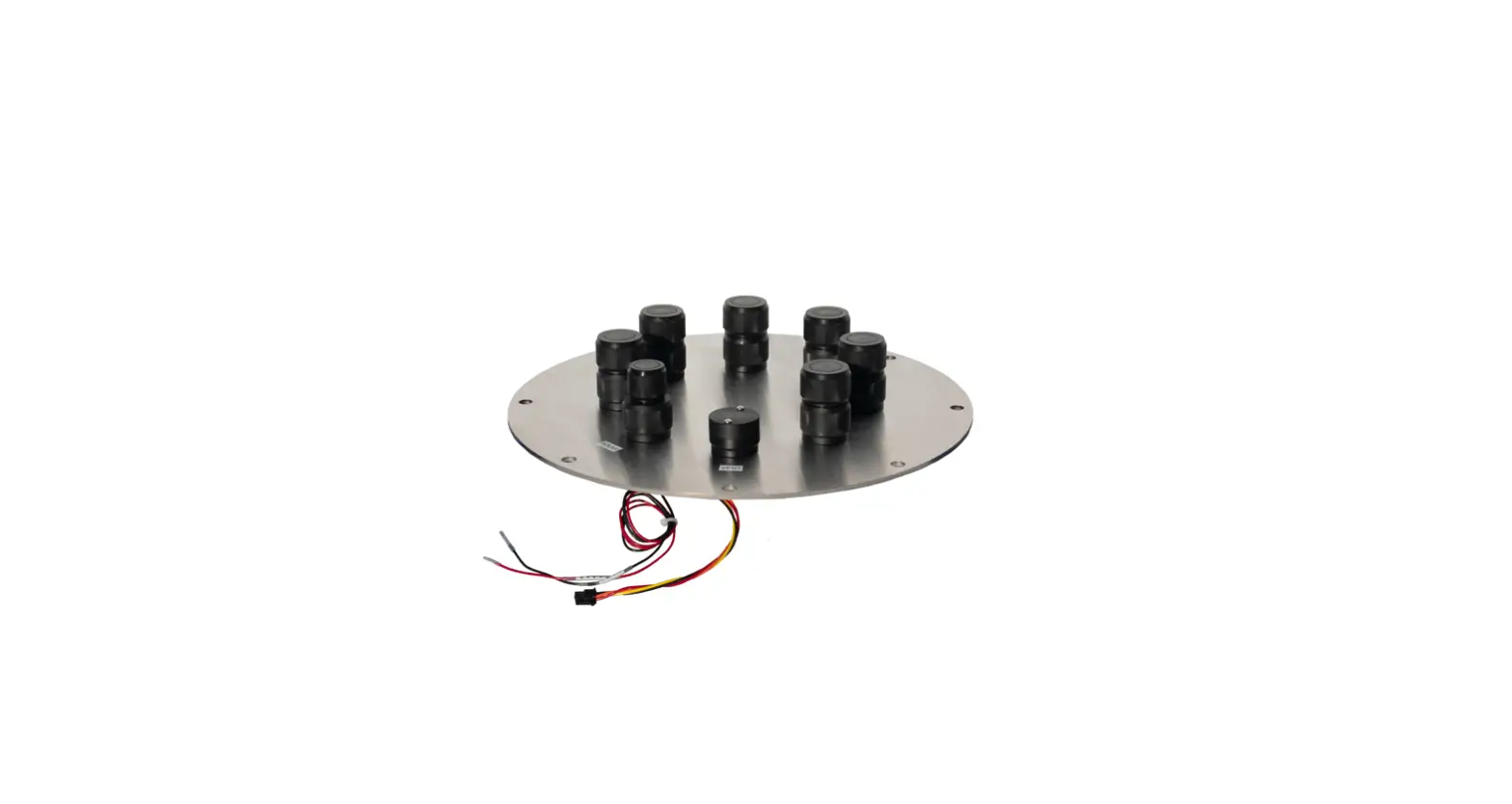
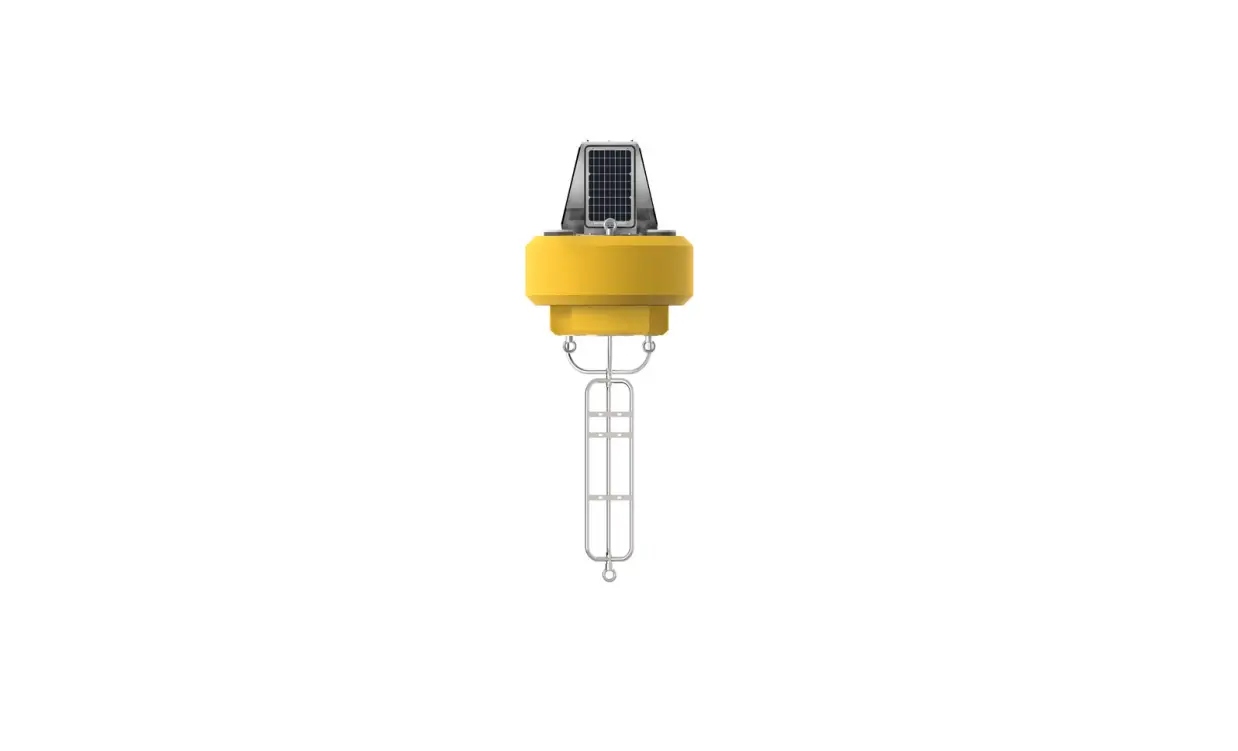
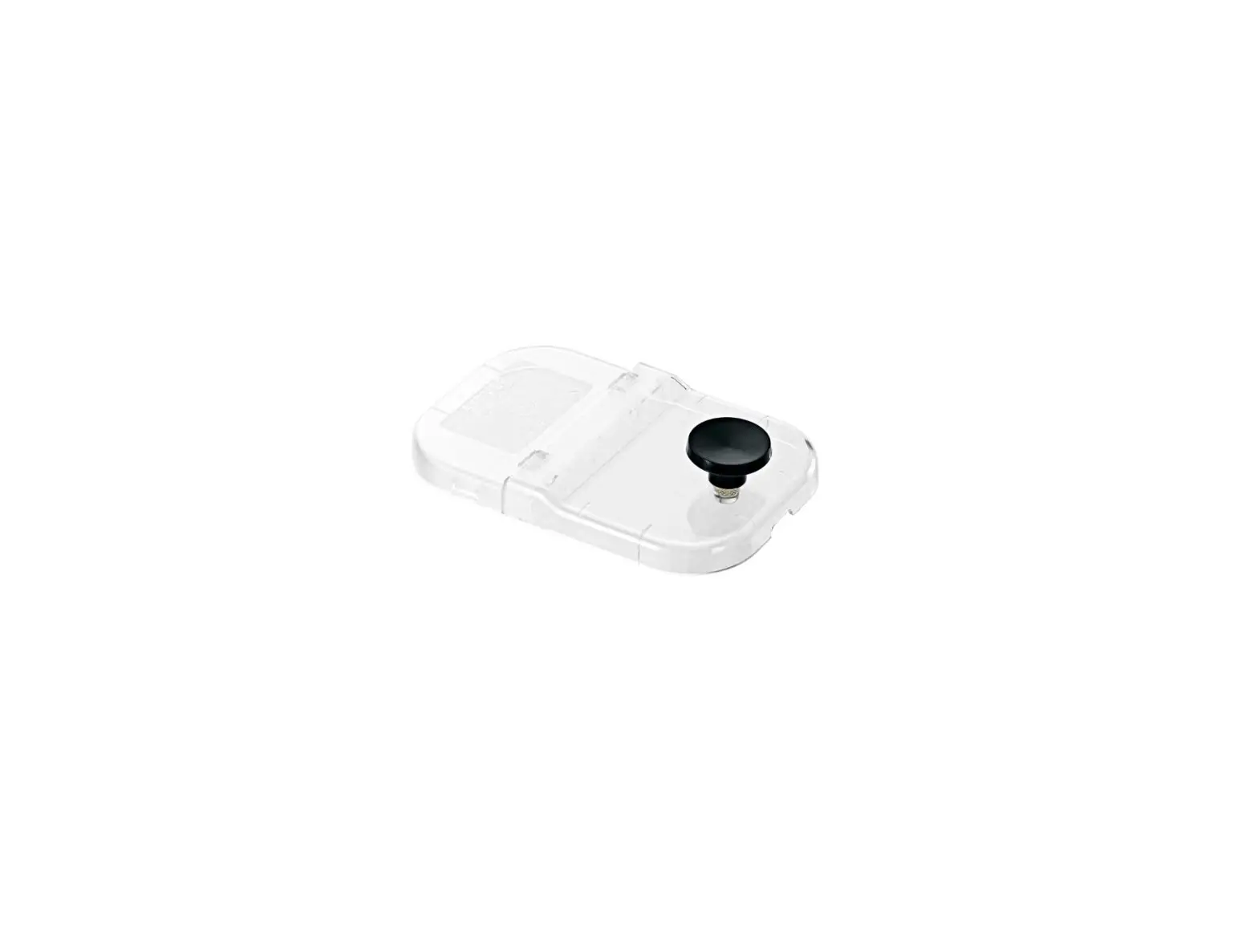
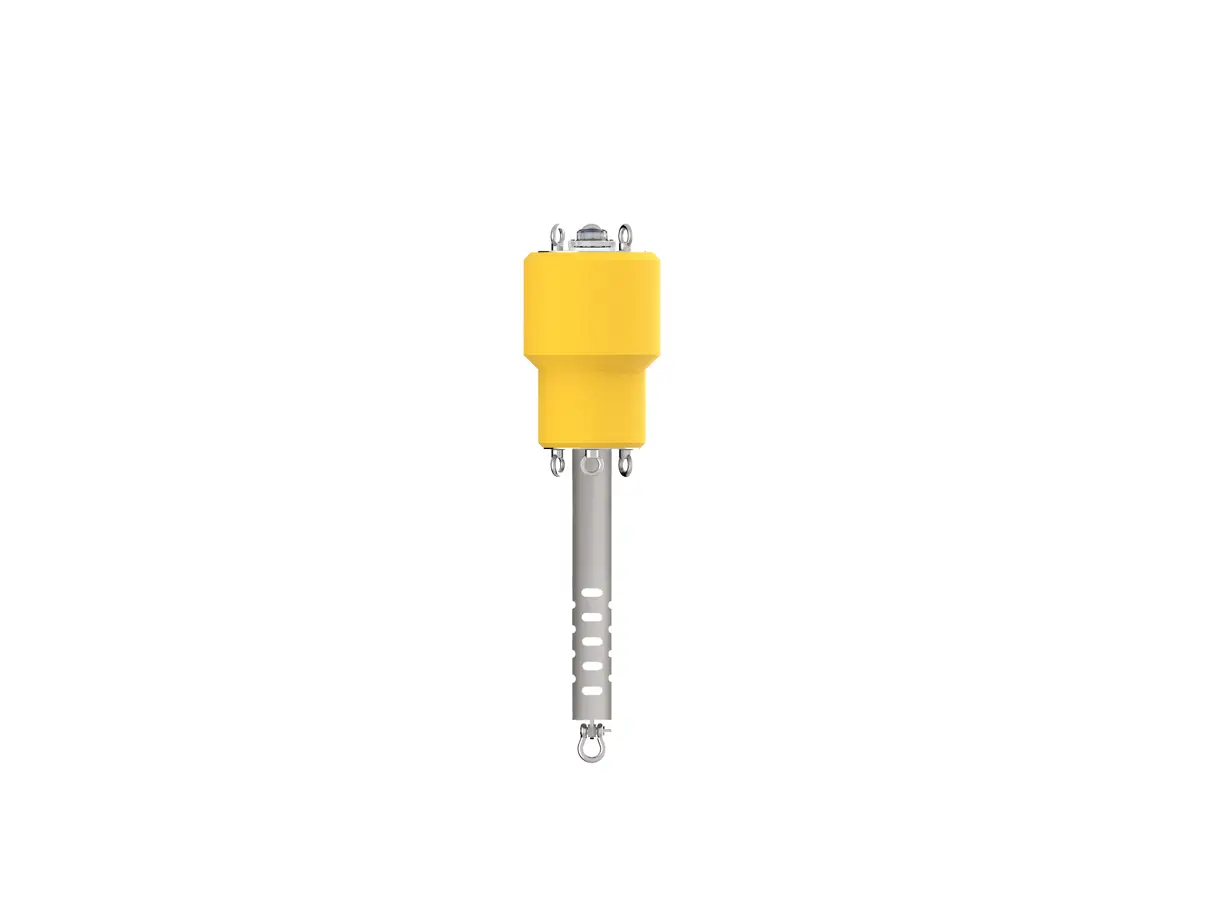
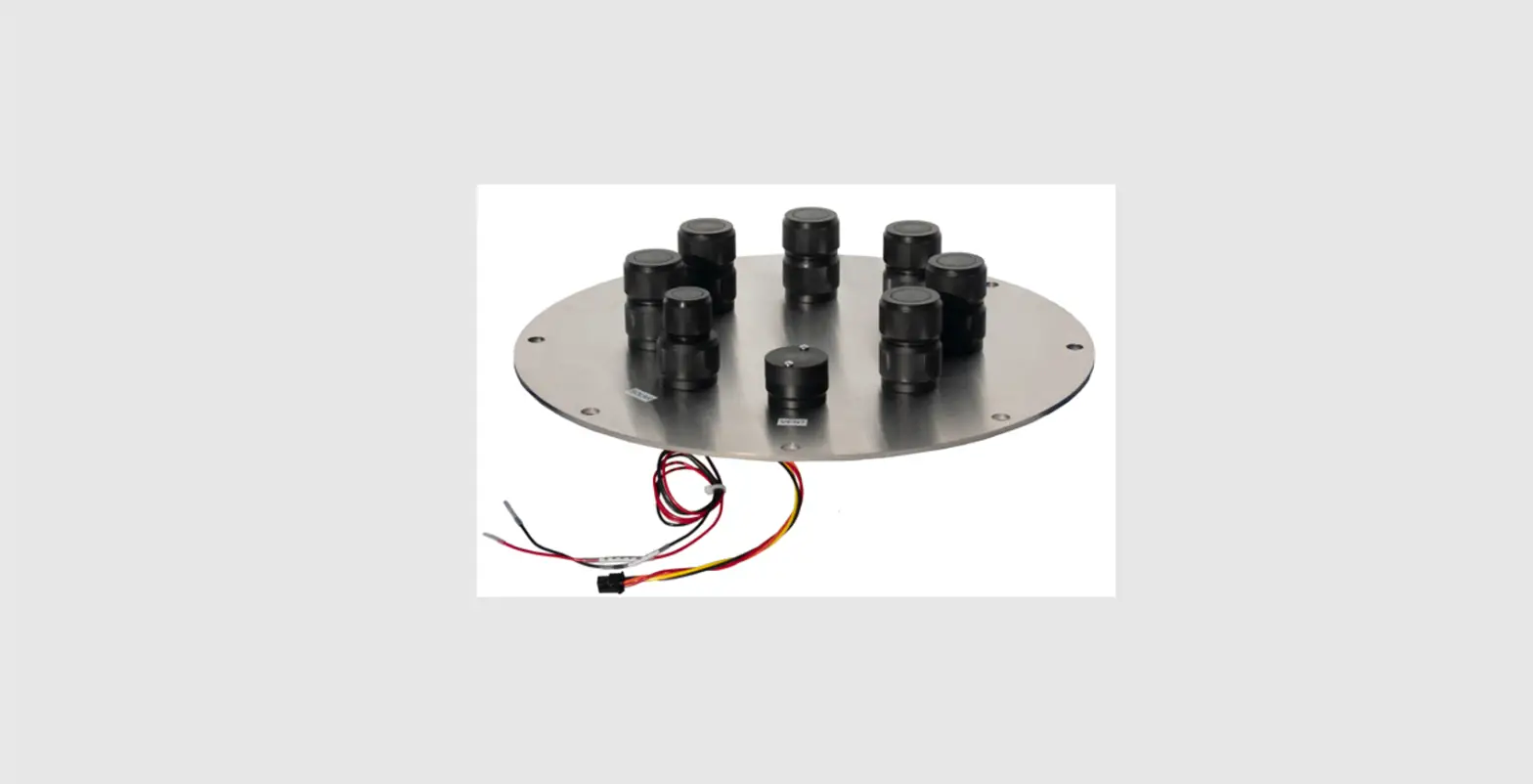
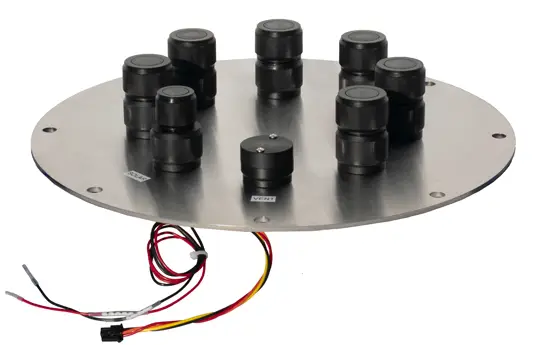
The NexSens CB-MCL Wet-Mate Lid is compatible with CB-150 and larger data buoys. It is designed for use with MCBH bulkhead connectors (sold separately).
What’s Included
Wet-Mate Lid
- (1) CB-MCL Solar Connector
- (1) Vent Port
- (1) Bushing Connector
- (1) Solar/COM Port Adapter
MCBH Bulkhead Installation (Sold separately)
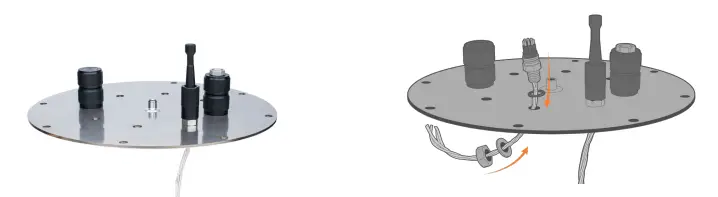
Remove the nut and flat washer from an MCBH bulkhead connector.
- Route the wires through an open hole on the wet-mate lid.
- Reinstall the nut and flat washer and tighten to the plate. Ensure the O-ring underneath the connector stays in place.
Apply an adhesive, such as a marine goop, to the nut underneath the plate.
- Ensure the adhesive for all connectors is fully cured before installing the plate on the buoy
Repeat this process for all cables that will be inserted through the pass-through plate and into the buoy well.
- For the remaining unused ports, ensure to install a water-tight blank connector before deployment.
Solar Panel Connection
Remove the 6-pin blank plug from the SOLAR port. Plug the CB-MCL solar connector into the SOLAR port. To apply power from the solar tower, connect the solar tower plug to the 6-pin receptacle end of the CB-MCL solar connector.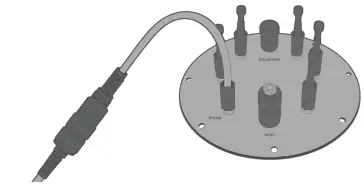
CB-MCL Solar Connector Wiring Information
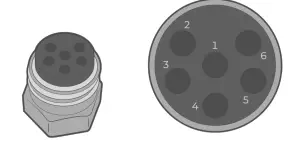
| CB-MCL Solar Connector Receptacle Pin | Wire Color |
| 1 | Orangeb |
| 2 | Yellow |
| 3 | Blacka (Both black wires) |
| 4 | Red (Only on Molex connector) |
The free red (+++) and black (—) wires are for power and ground connection to an external device. Note: The information below refers to a connection with a NexSens solar tower. The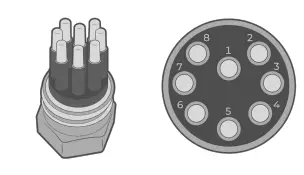 solar tower plug is connected to both black wires (ground) and a single yellow wire (power). The orange Molex wire and the red flying lead wire are shorted together.
MCBH Connection with NexSens MCIL Connectors
When connecting a sensor with a factory-installed NexSens MCIL connector, follow the wiring diagram below for information on the sensor’s power, ground, and communication lines.
| Wire Number | NexSens Signal |
| 1 | RS-232 Tx |
| 2 | Ground |
| 3 | RS-232 Rx |
| 4 | — |
| 5 | Power |
| 6 | SDI-12 |
| 7 | RS-485 B |
| 8 | RS-485 A |
 NexSens Technology Inc. - Better Data. It's what we do