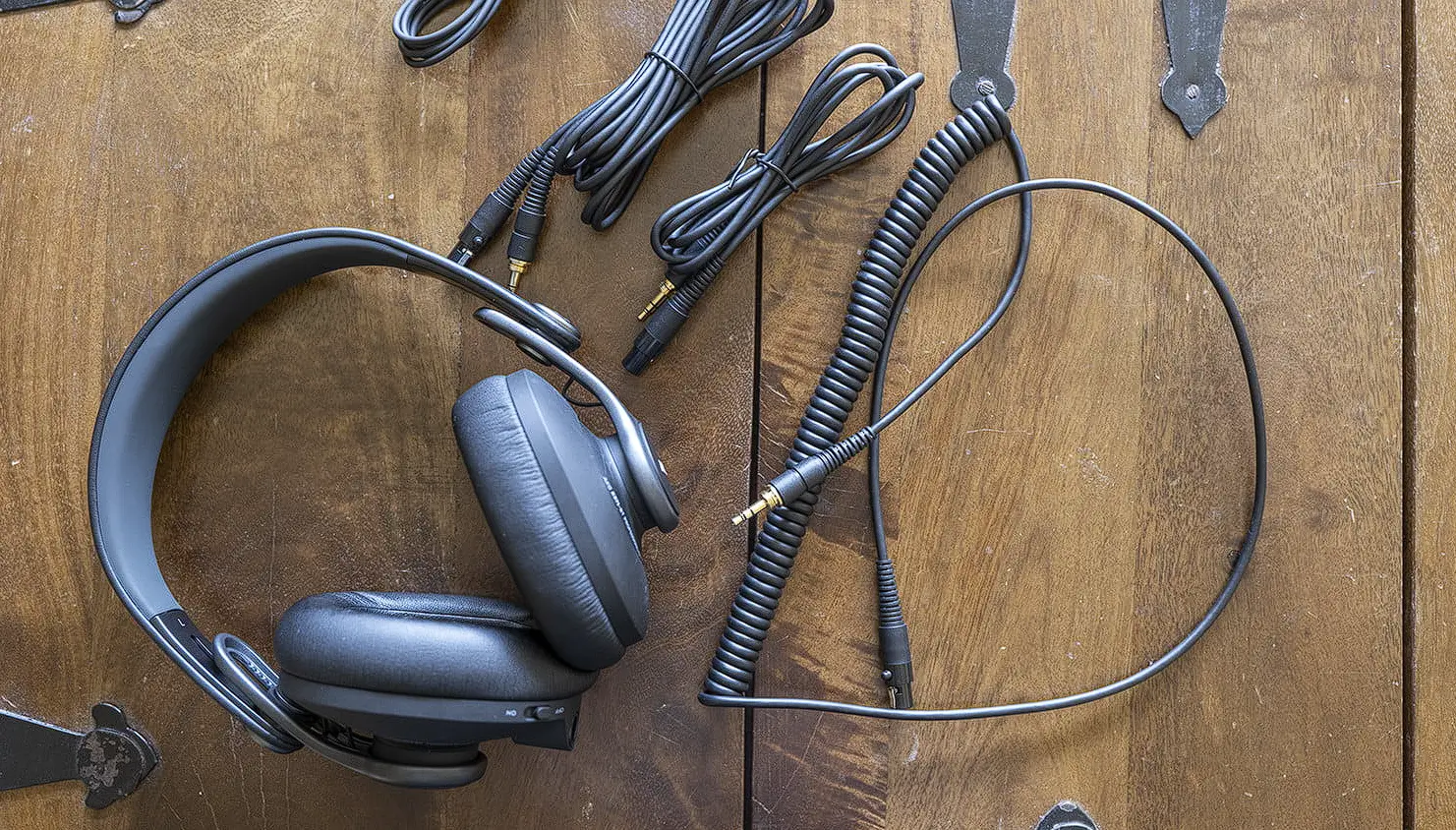
FAQs How to connect the headphone
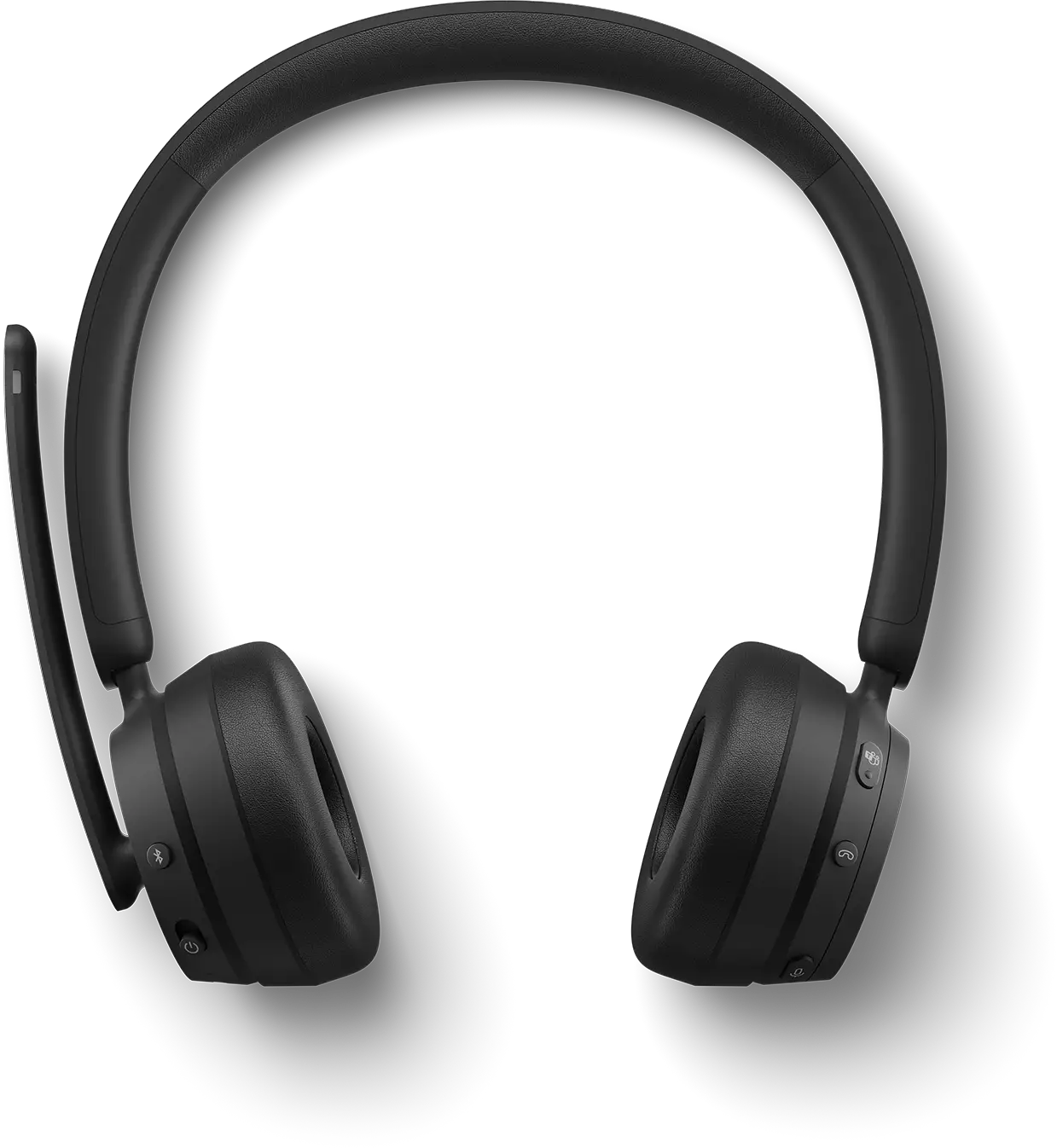
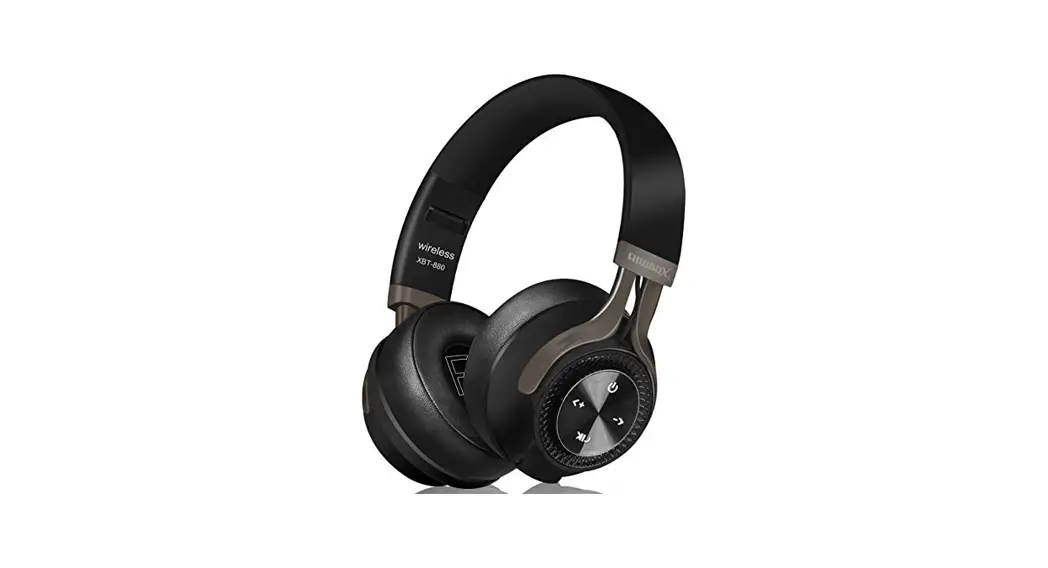
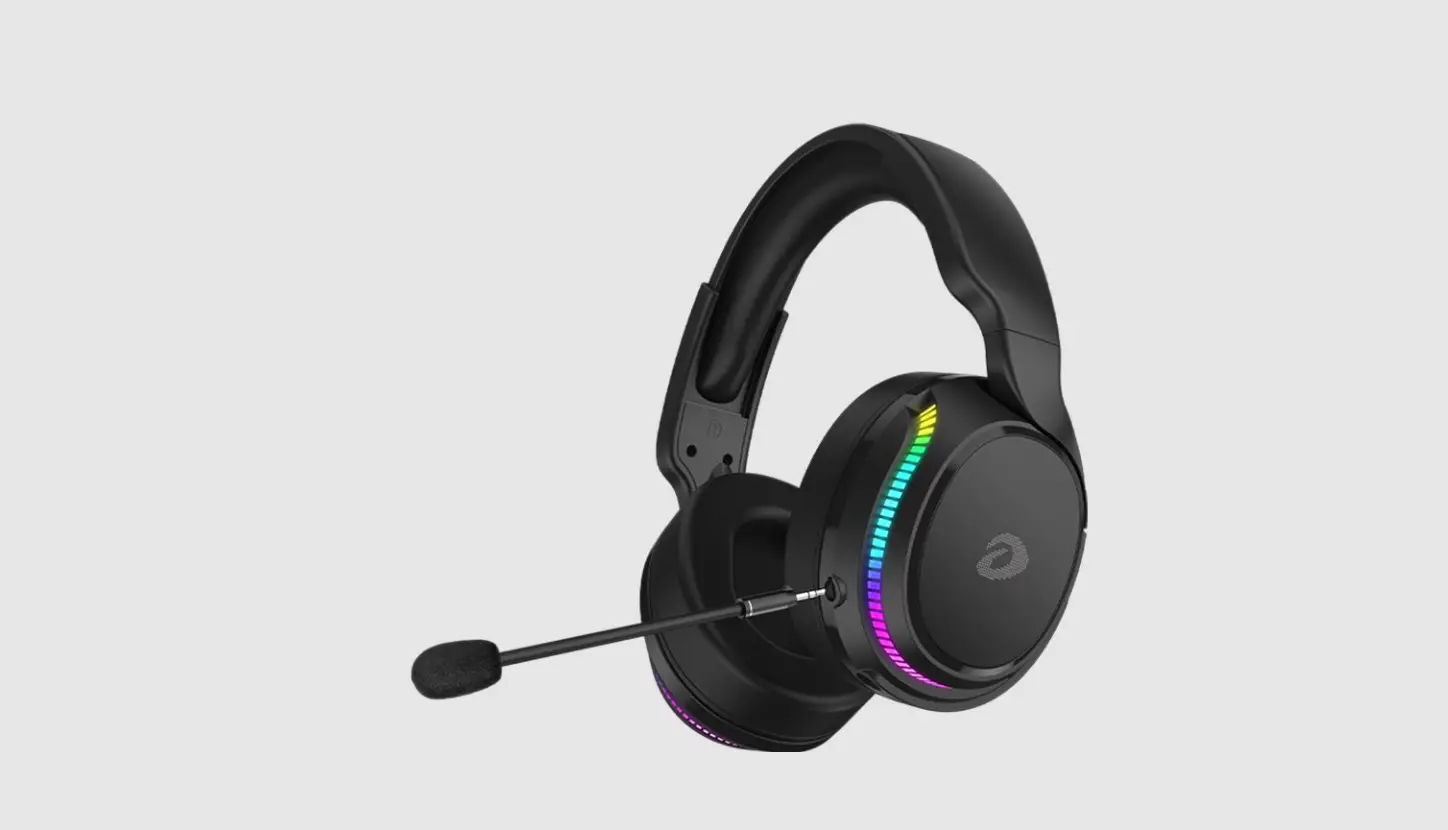
How to connect the headphone ?
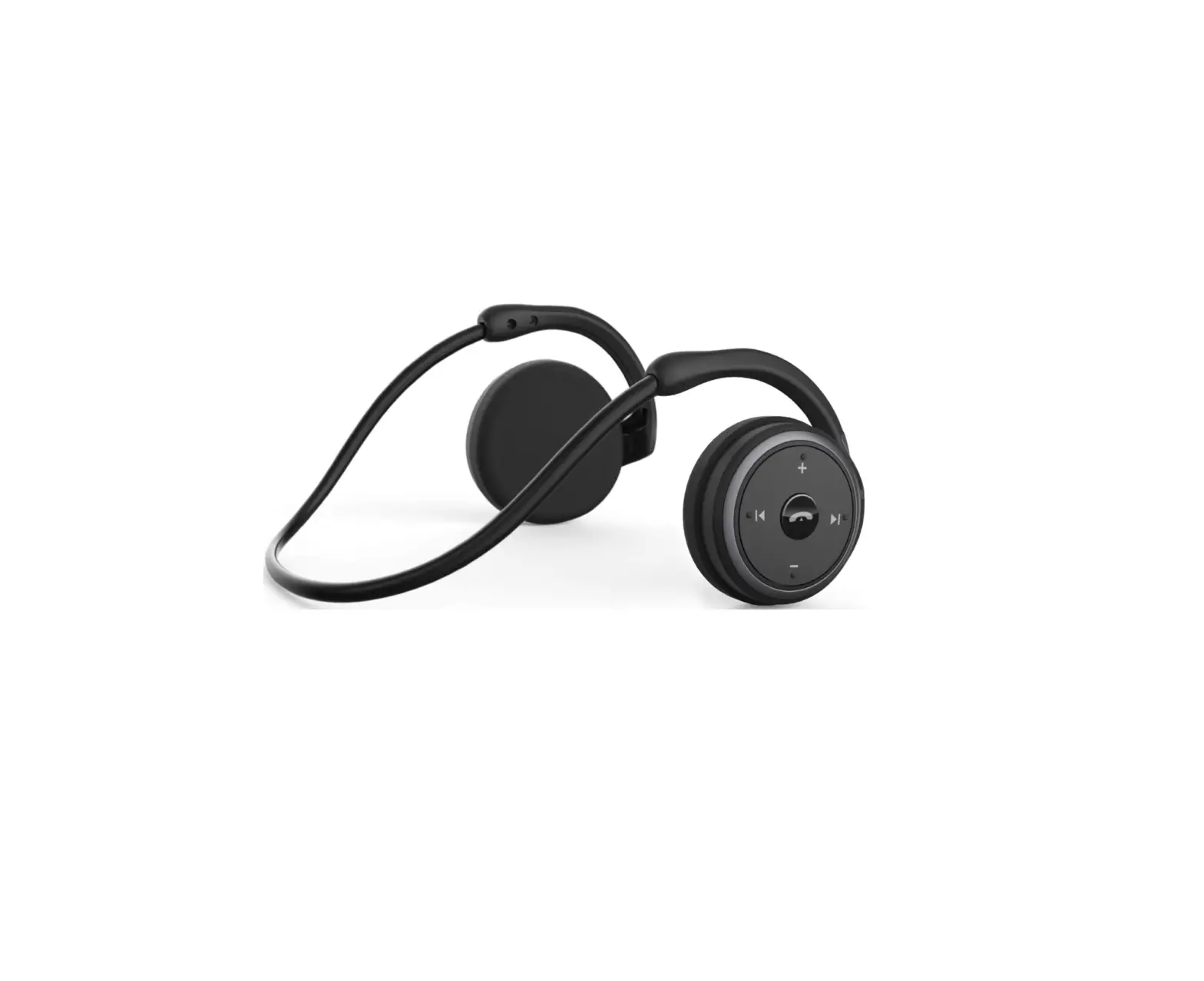
A: Press and hold the Multi functional button to switch ON the headphone and it would enter BT mode by default.
Scan for “ZEB-BANG” on your phone and connect it. (Password – 0000, if prompted)
What are the different LED indications?
A: Red LED glows – Charging.
Red LED turns OFF – Full charge.
Red and Blue LED blinks alternatively – BT Discover Mode.
Blue LED flashes once in 5 seconds – Headphone is connected to a device
What are the different modes in the headphone ?
A: Wireless BT & AUX.
How to trigger Voice Assistant using the headphone?
A: Long press the Multi functional button to trigger the voice assistant in your smartphone.
How to control media using the headphone?
A: Short press the +/- button to increase/decrease the volume respectively.
Long press the +/- button to change to next/previous songs respectively.
Single press the Multi functional button to Play/Pause a song.
What is the operating range of the headphone in wireless mode?
A: 8-10 meters.
Does the headphone have call function?
A: Yes.
Single press the Multi functional button to answer/hang up a call. Long press the Multi functional button to reject an incoming call.
What is the charging voltage?
A: DC 5V with micro USB cable.