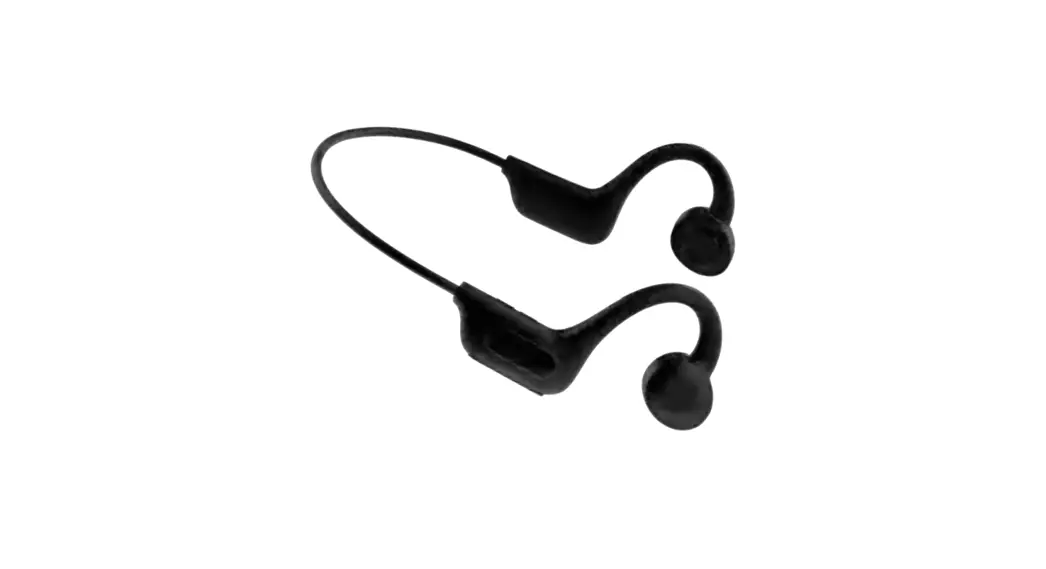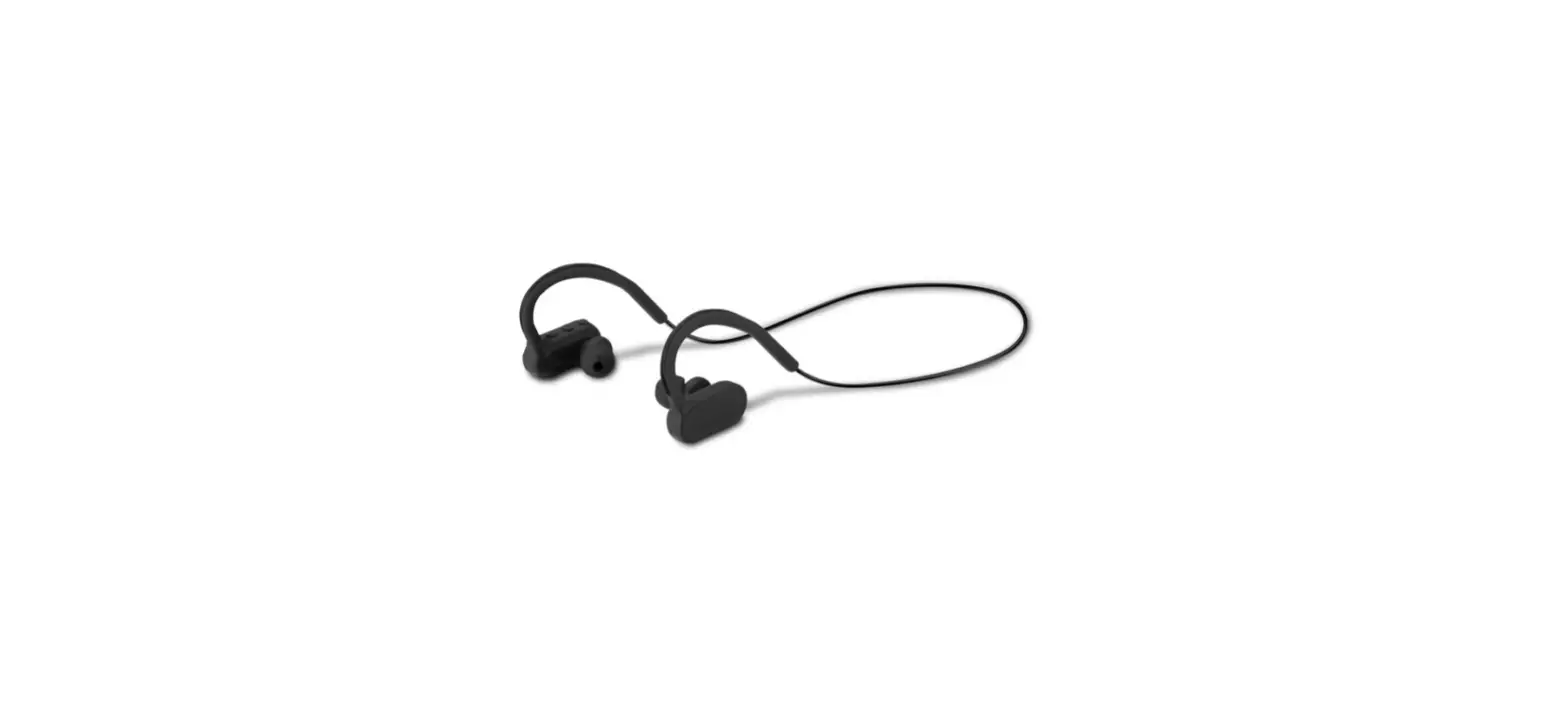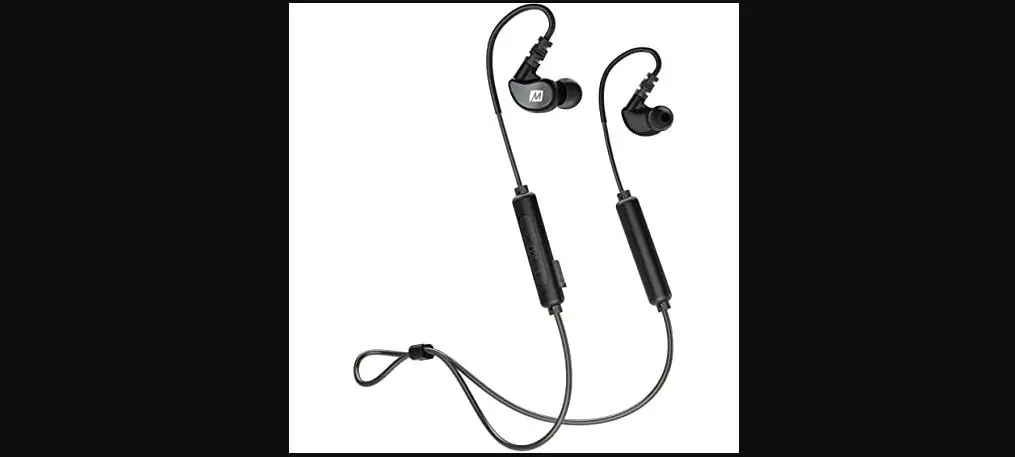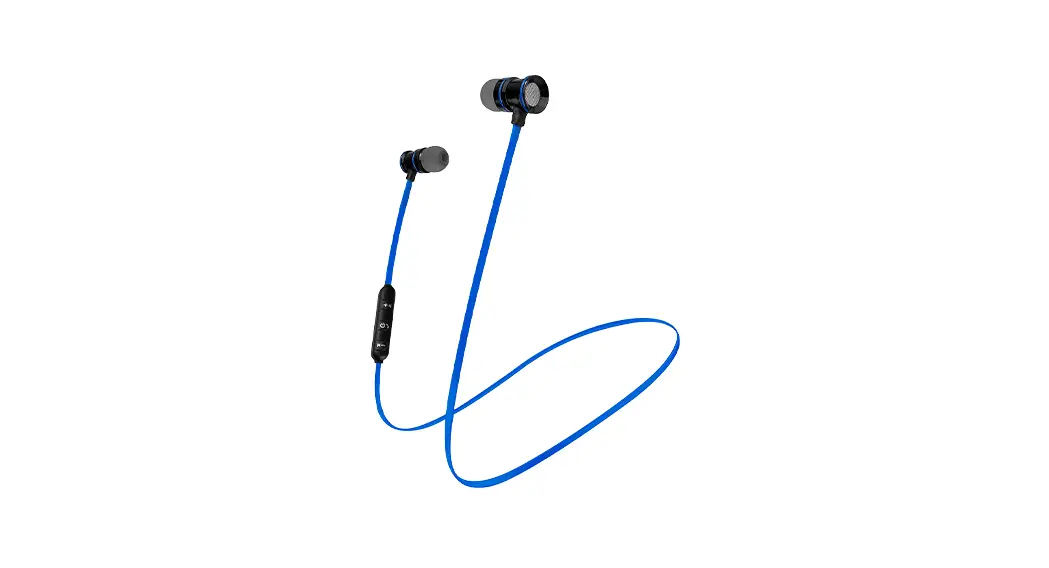
 XTH-705 VIBRANT
Sport earphones with microphone
and wireless technology
User Guide
Introduction
Thank you for purchasing the XTH-705 sport earphones with Bluetooth® wireless technology. We encourage you to read this user guide thoroughly to get the most of this innovative wireless audio accessory. We invite you to visit us at www.xtechamericas.com for support and to find out more about our brand portfolio and other new and exciting additions to our line of products.
Main features
- These earphones keep you connected wherever you go with the latest wireless technology
- Delivers up to 3 hours of playback time on a battery charge
- Sweat-resistant design for use during workout sessions
- Enables fast and easy adjustment with interchangeable ear tips
- In-line control capsule for power, music, and phone call management
- Flexible for comfortable listening
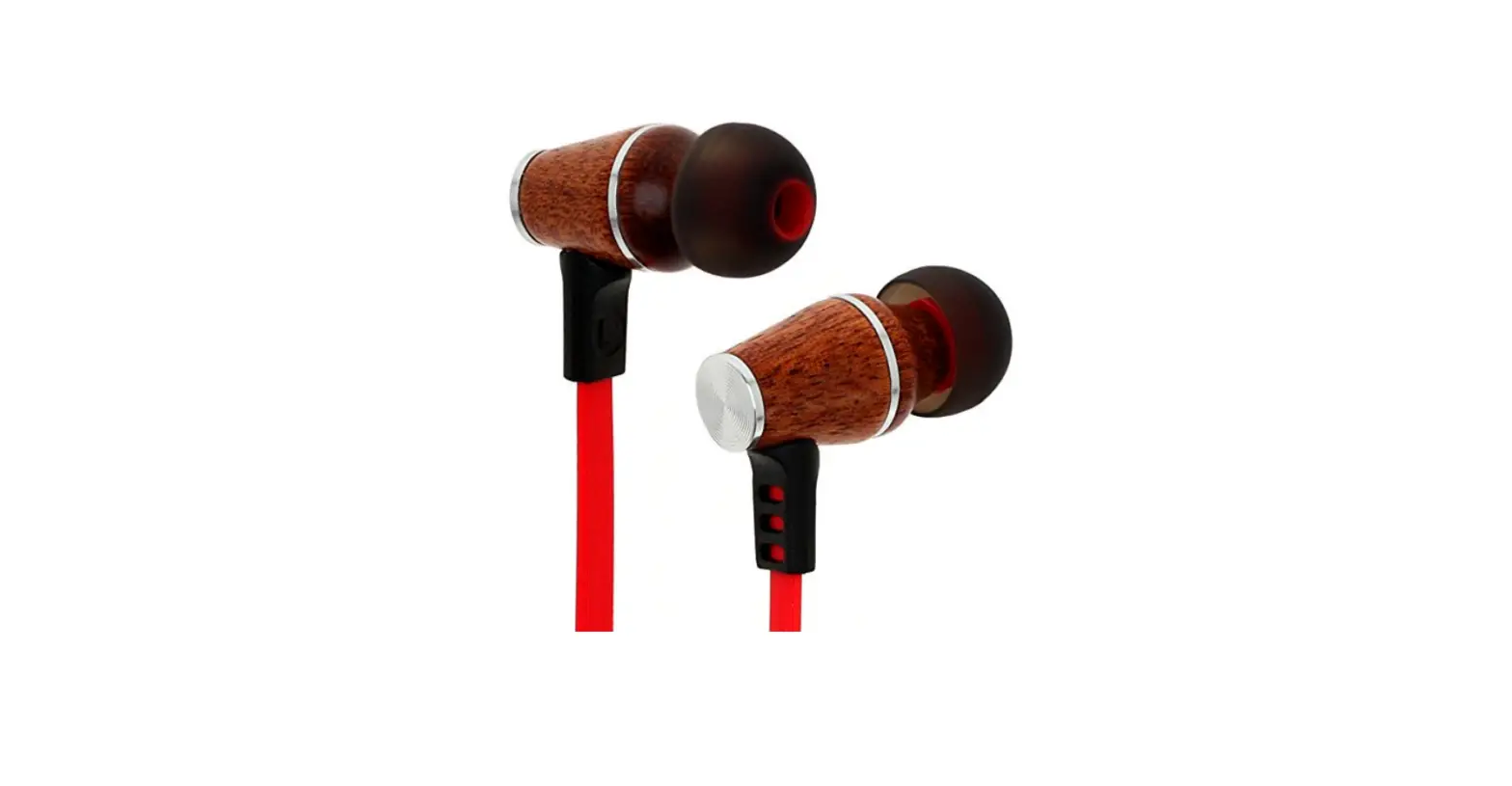
- Magnetic earbuds for easy carrying
- Stream audio wirelessly up to 33ft away from any compatible Bluetooth® device*
- Micro-USB charging port
Package contents:
- Wireless earbuds with microphone (1)
- Ear tips (2 pairs)
- USB charging cable (1)
- User guide
Product components
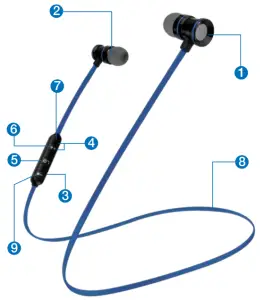
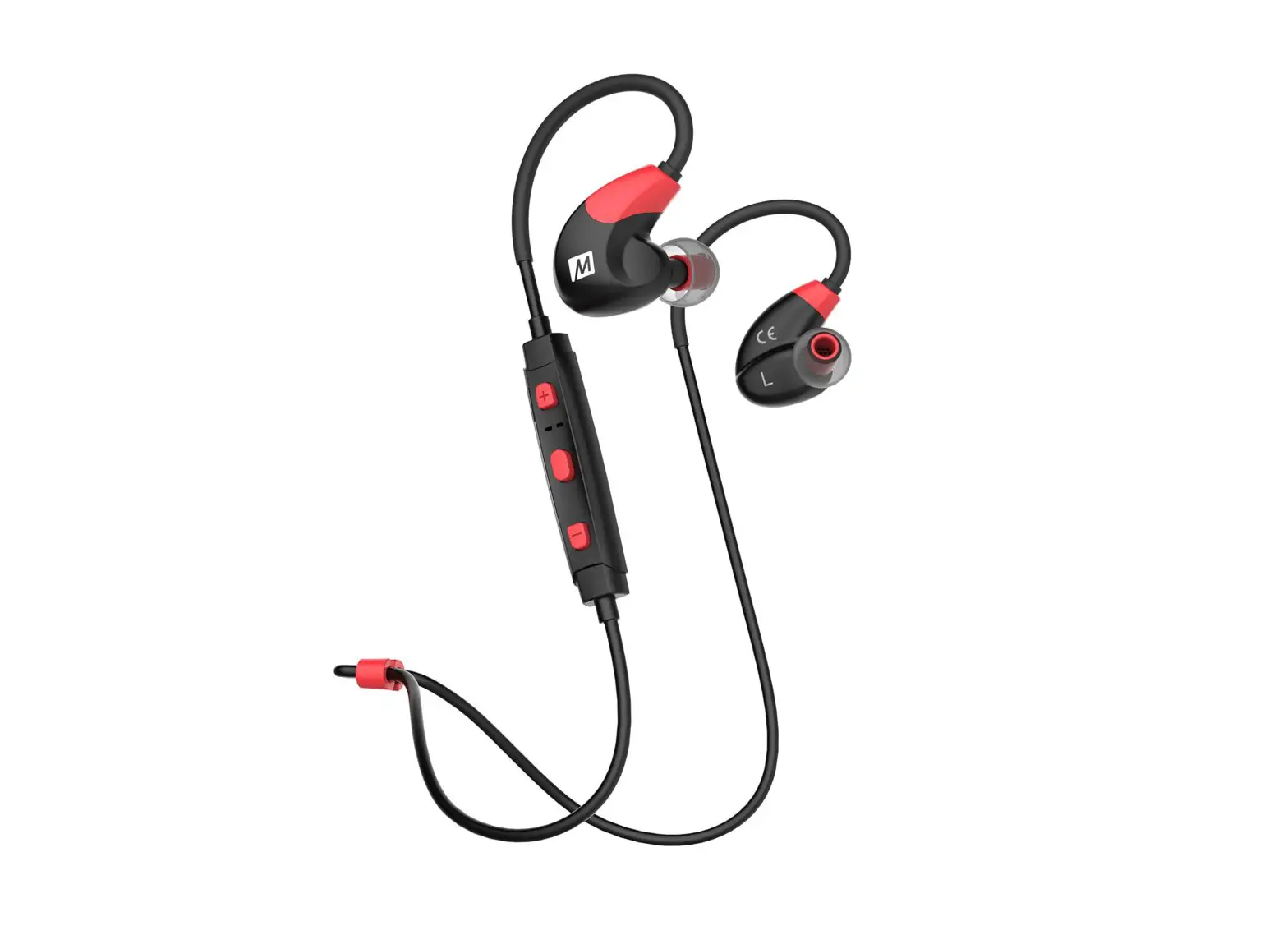
| 1. Right magnetic earbud 2. Left magnetic earbud 3. Micro-USB charging port 4. LED Indicator 5. Power/multifunction button (for phone calls and music management) | 6. Volume+/next track 7. Built-in microphone 8. Flat cables 9. Volume-/previous track |
Basic operation
Charge your earphones
- Plug the supplied charging cable into the USB port of your computer or to a 5VDC USB adapter to charge the battery.
- Connect the micro-USB end of the cable into the micro-USB port of the control capsule.
- The charging indicator light will turn ON red, and the LED will turn solid blue once it is fully charged.
- The earphones battery should be initially charged for at least 3 hours.
Thereafter, the battery will take around 2 hours to recharge. - Turn off the earphones when not in use to conserve battery life.
- Make sure that your earphones are fully charged before using it for the first time.
Turning your earphones on and off
- Press and hold the Power/multifunction button for 3-5 seconds to turn on the earphones. The LED will turn ON and alternate between red and blue.
- To power off the device, press and hold the power button again for 3-5 seconds. The LED will turn OFF.
Advanced operation
Note: Before installing this product, please make sure that your device is compatible with Bluetooth®.
Pairing the earphones with your mobile device
- Place the earphones and the mobile device not more than one meter away from each other.
- Set your mobile device to “discover” the wireless earphones.
- Press and hold the power button for several seconds to turn the earphones on. The Light indicator will flash red/blue indicating that the earphones are in pairing mode.
- An audible tone will be heard to indicate that the earphones have entered into the pairing mode.
- On your mobile phone, the newly discovered audio device will be displayed in the Bluetooth® list.
- Next, tap on XTH-705 to start the pairing process with your mobile device.
- If you have a lower Bluetooth® version, you may be prompted to enter the passkey 0000 (4 zeros).
- If pairing is successful, the LED indicator will flash slowly in blue and an audible tone will be heard. If after 60 seconds the pairing process fails, please turn off the earphones and repeat steps 1 through 6 described above.
Using the wireless earphones
- Answering and ending a call using your mobile phone
• When there is an incoming call, briefly press the multifunction button once to pick it up. You may also press the answer button on your cellular phone to take the call.
• To end a call, simply press the multifunction button once again.
Likewise, you may also finish the call directly using the end key on your cell phone.
• To reject or ignore an incoming call, press and hold the multifunctionbutton.
• If you want to redial the last number called, press the multifunction button twice while the headset is in standby mode. - Music playback
• Briefly press the multifunctionbutton to play and pause audio playback.
• Briefly press the button to increase the volume level. Press and hold to choose the next track.
• Briefly press the button to decrease the volume level. Press and hold to play the previous track.
• When listening to music using your smartphone, playback will pause to allow the call to go through.
• As soon as you hang up, music playback will resume automatically.
Note: Loss of audio on either left or right side of the headset can be caused by built-up dirt or wax. See Cleaning and maintenance instructions on page 7 for reference.
Technical specifications
| Device | |
| Type | Bluetooth® |
| Maximum power output (RMS) | V5.0 earphones |
| Frequency response | 35mW |
| Signal- to noise ratio | 20Hz ~20kHz |
| DC input | 90dB |
| Buttons | 3 buttons Next song, Volume up Next song, Volume up : Turn On/Off, Play/Pause, Answer/hang-up calls, reject call/ Redial the last number; : Turn On/Off, Play/Pause, Answer/hang-up calls, reject call/ Redial the last number;  Previous song, Volume down Previous song, Volume down |
| Speaker | |
| Driver unit | 10mm |
| Frequency | 20Hz ~20kHz |
| Impedance | 32Ω |
| Sensitivity | 115dB |
| Microphone | |
| Type | In-line control capsule |
| Directivity | Omni-directional |
| Frequency | 50Hz~10kHz |
| Impedance | 2.2kΩ at 1kHz |
| Sensitivity | -40dB/mW (S.P.L. at 1kHz) |
| Connectivity | |
| Connection type | Bluetooth® V5.0 |
| Wireless RF frequency | 2.402GHz~2.48GHz |
| Wireless range | Up to 33ft* |
| Battery | |
| Type | 50mAh lithium battery |
| Charging time | Up to 2 hours |
| Battery run time 50% | Up to 3 hours at 50% volume** |
| Standby time | 50 hours |
| Charging method | Micro-USB charge, 5VDC, 130mA |
| Additional information | |
| Sweat-resistant | Yes |
| Product dimensions (WxHxD) | 0.4×25.7×0.9in |
| Product weight | 0.4oz |
| Cable length | 1.6ft |
| Warranty | One year |
* Range estimate is based on an area free and clear of obstacles and interference, and within the line of sight between devices.
** Depending on the volume level and type of music file being played.
Precautions
- Do NOT drop, hit or shake the device.
- Do NOT disassemble, repair or modify the earphones yourself.
- Do not use cleaning products that contain benzene, solvents or alcohol.
- Do NOT expose the headset to excessive heat or to direct sunlight for long periods of time.
- Do NOT store the device in a place with high humidity or dust.
- Do NOT place heavy objects on top of the earphones.
- Do NOT use near a microwave oven or wireless LAN products.
Cleaning and maintenance
Use a clean, dry and small cleaning brush or a wax loop to remove wax and built-up dirt from each earbud tip or inner mesh of the headset. Alternatively, you can use a clean and dry toothbrush. If the dirt or wax buildup on the earbud tips or internal mesh is a bit tough, dip a cotton swab in a small quantity of hydrogen peroxide and gently clean the mesh or earbuds accordingly.
FCC statement
This equipment has been tested and found to comply with the limits for a Class B digital device, pursuant to part 15 of the FCC Rules. These limits are designed to provide reasonable protection against harmful interference in a residential installation. This equipment generates, uses, and can radiate radio frequency energy and, if not installed and used in accordance with the instructions, may cause harmful interference to radio communications. However, there is no guarantee that interference will not occur in a particular installation. If this equipment does cause harmful interference to radio or television reception, which can be determined by turning the equipment off and on, the user is encouraged to try to correct the interference by one or more of the following measures:
- Reorient or relocate the receiving antenna.
- Increase the separation between the equipment and receiver.
- Connect the equipment into an outlet on a circuit different from that to which the receiver is connected.
- Consult the dealer or an experienced radio/TV technician for help.
NOTES
________________________________________
________________________________________
Xtech® is a registered trademark. All rights reserved. The Bluetooth® word mark is a registered trademark owned by Bluetooth SIG, Inc. Other trademarks and trade names are those of their respective owners. Any mention of such is only intended for identification purposes and is not to be construed as a claim to any rights pertaining to, sponsorship by, or affiliation with, those brands. Made in China.