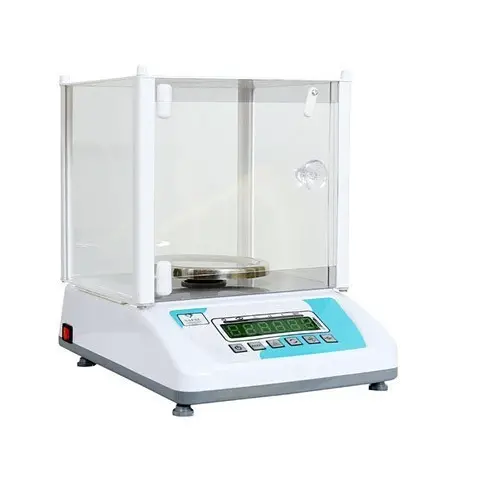
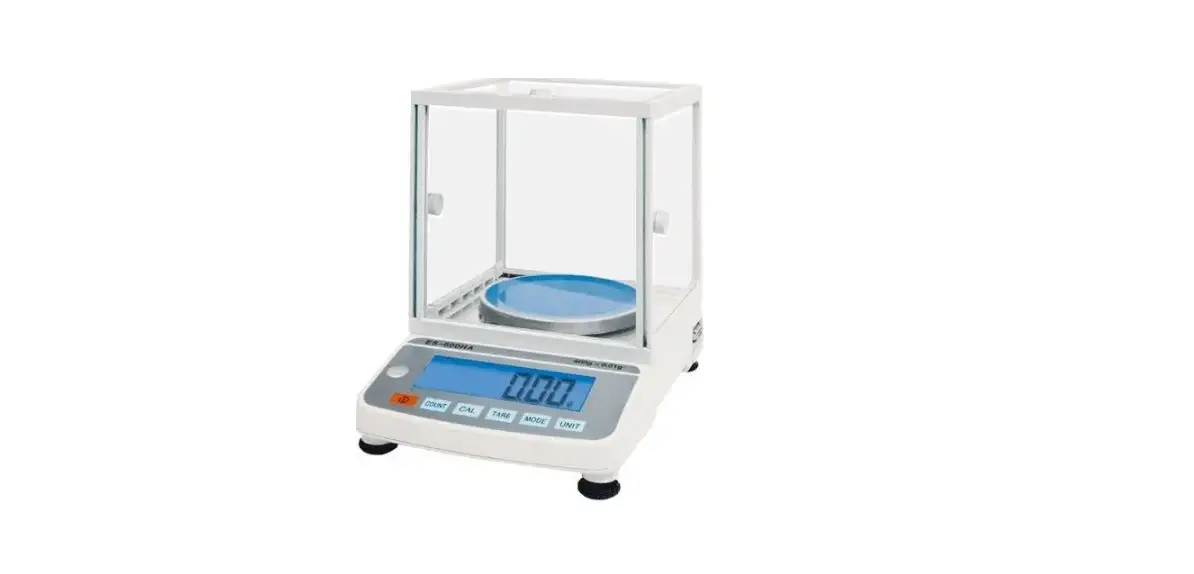
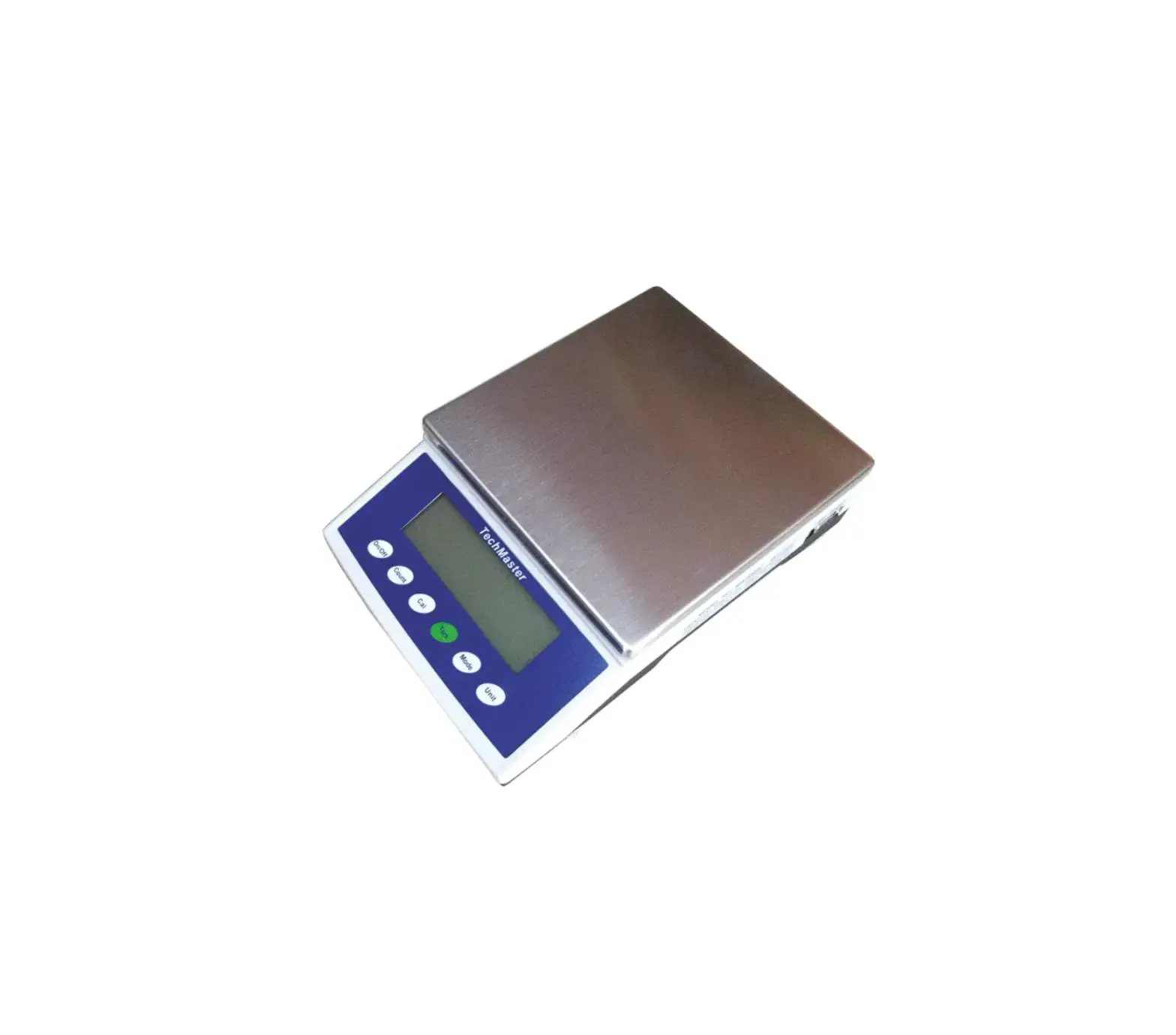
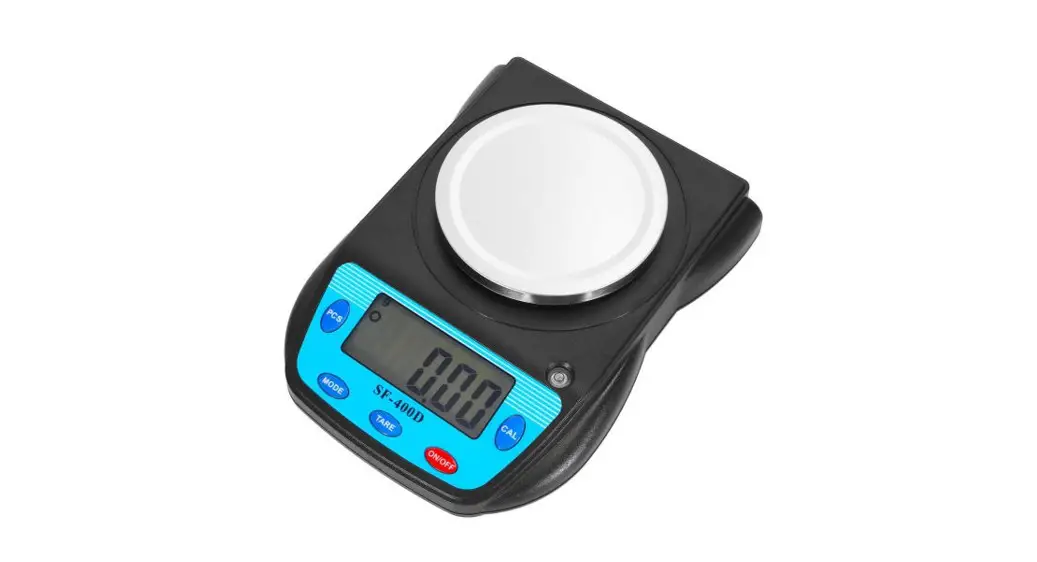
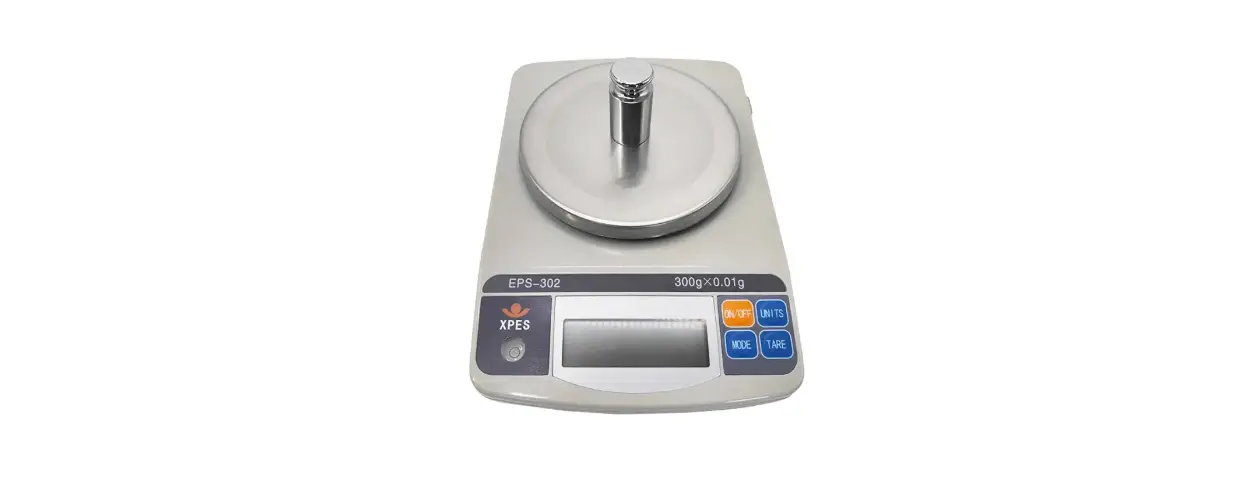
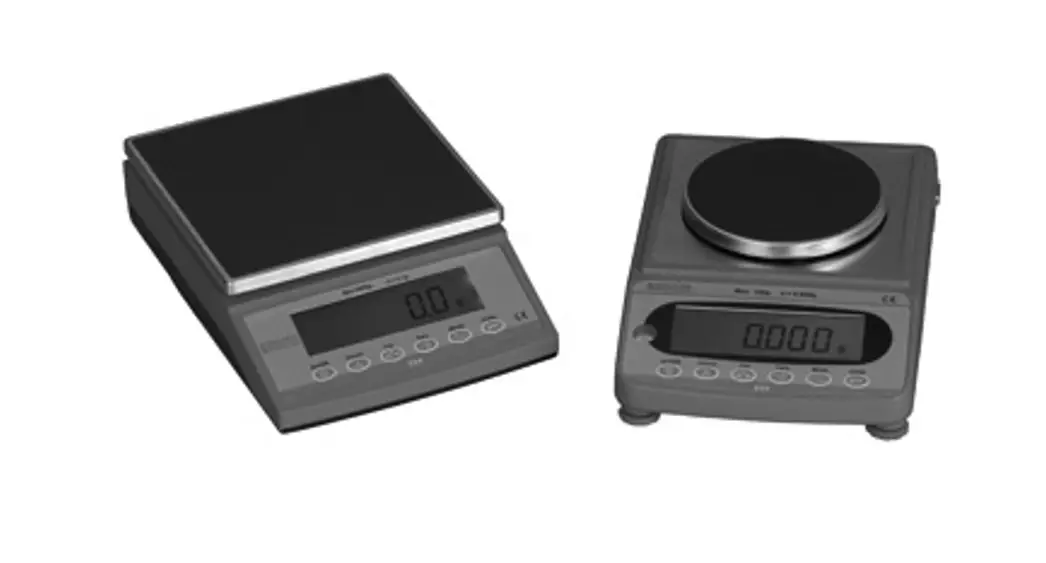
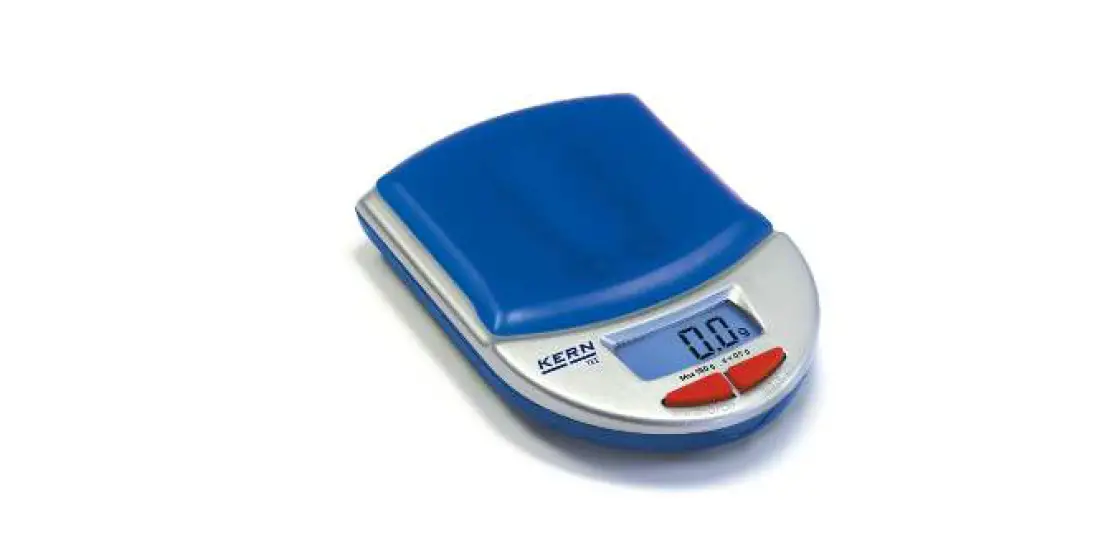
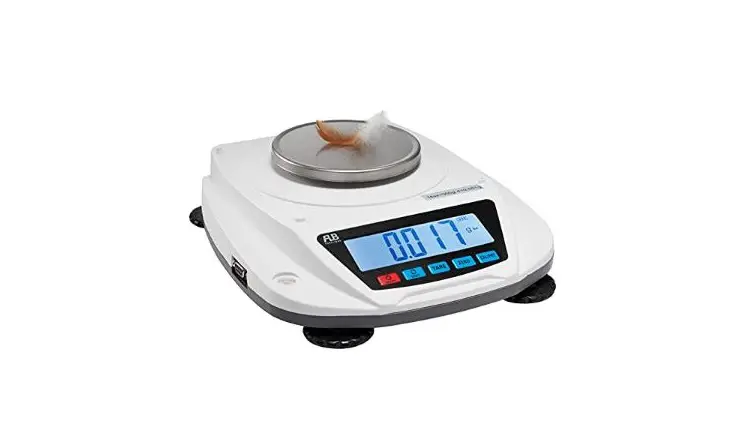
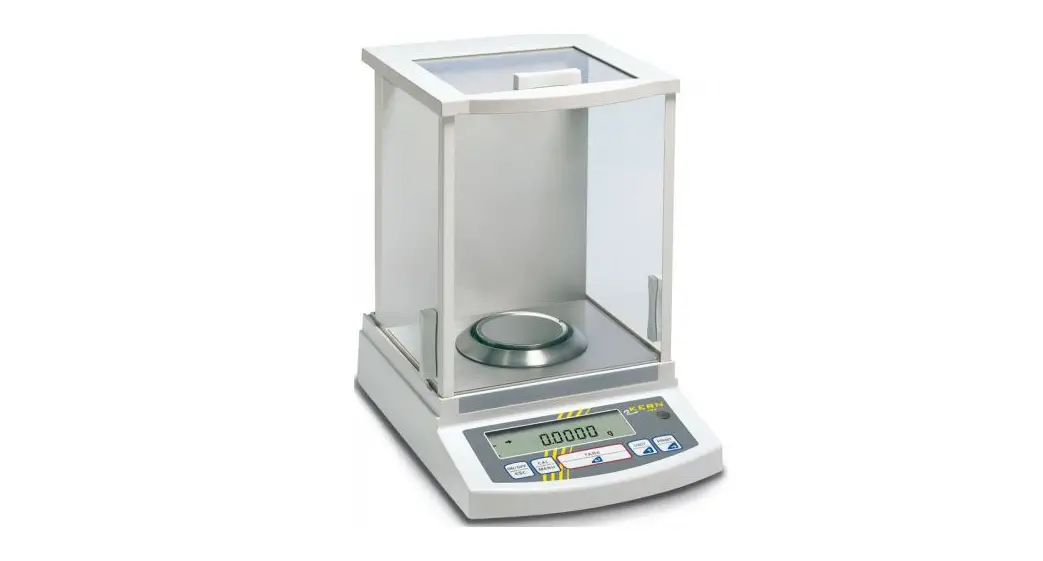
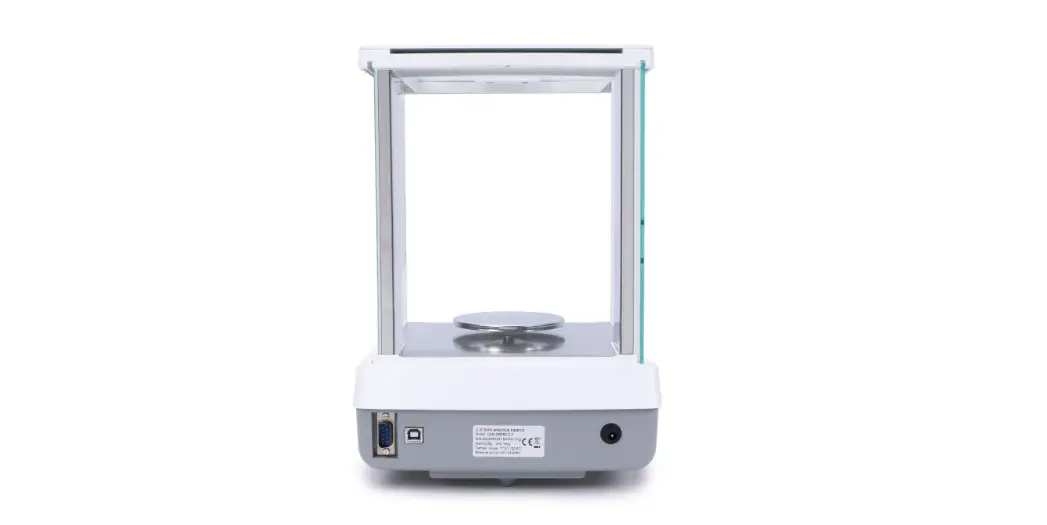
ES-H Series Electronic Balances
Product Information
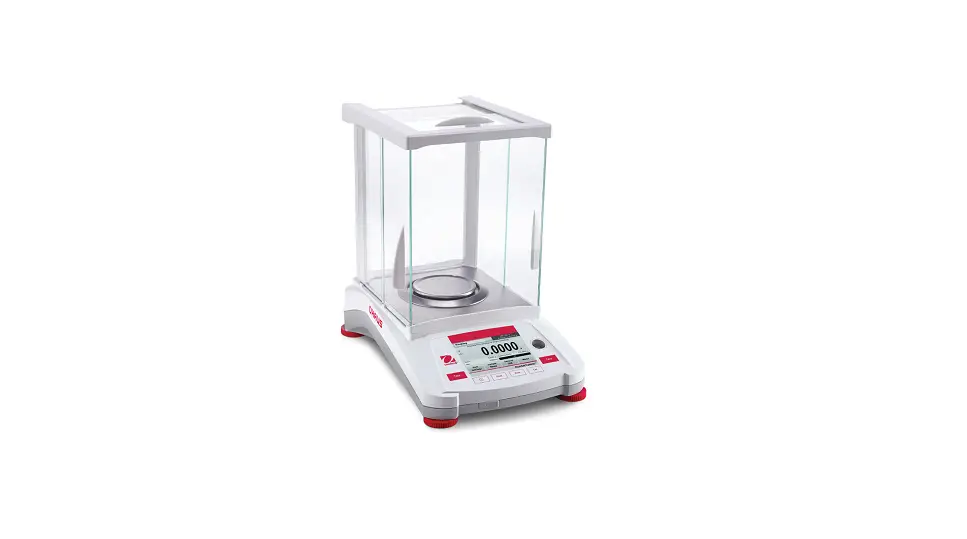
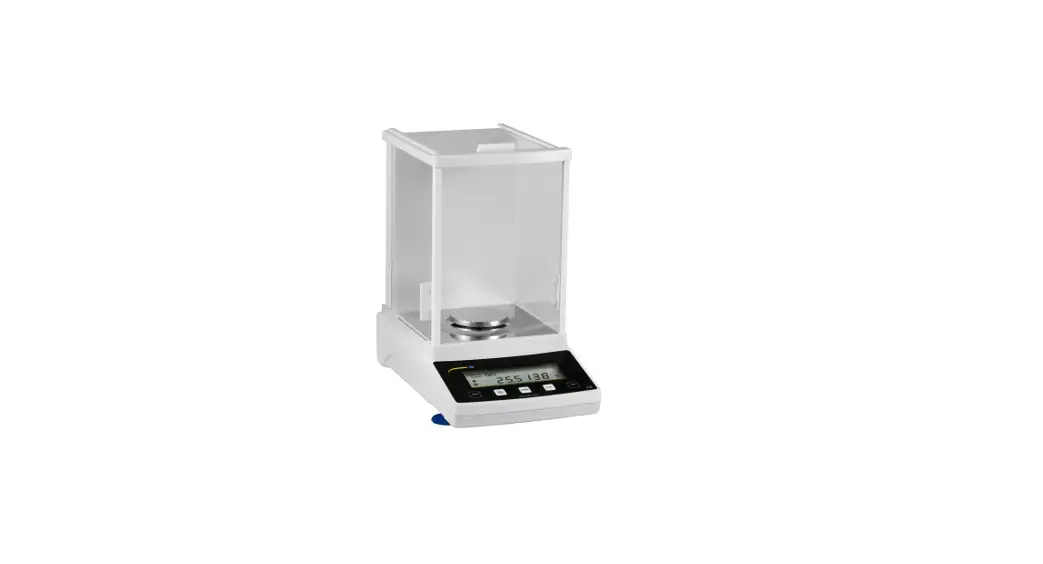
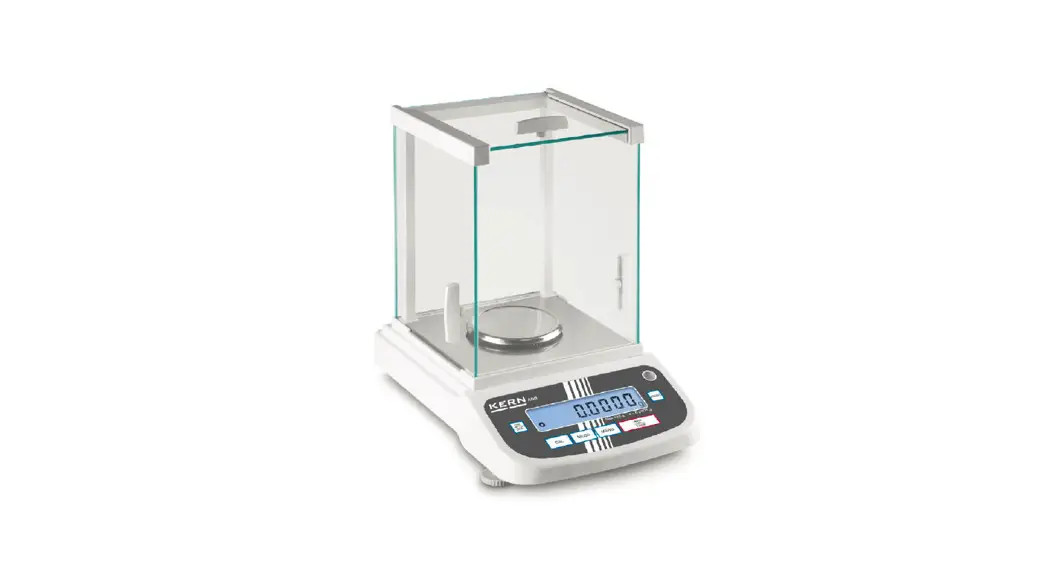
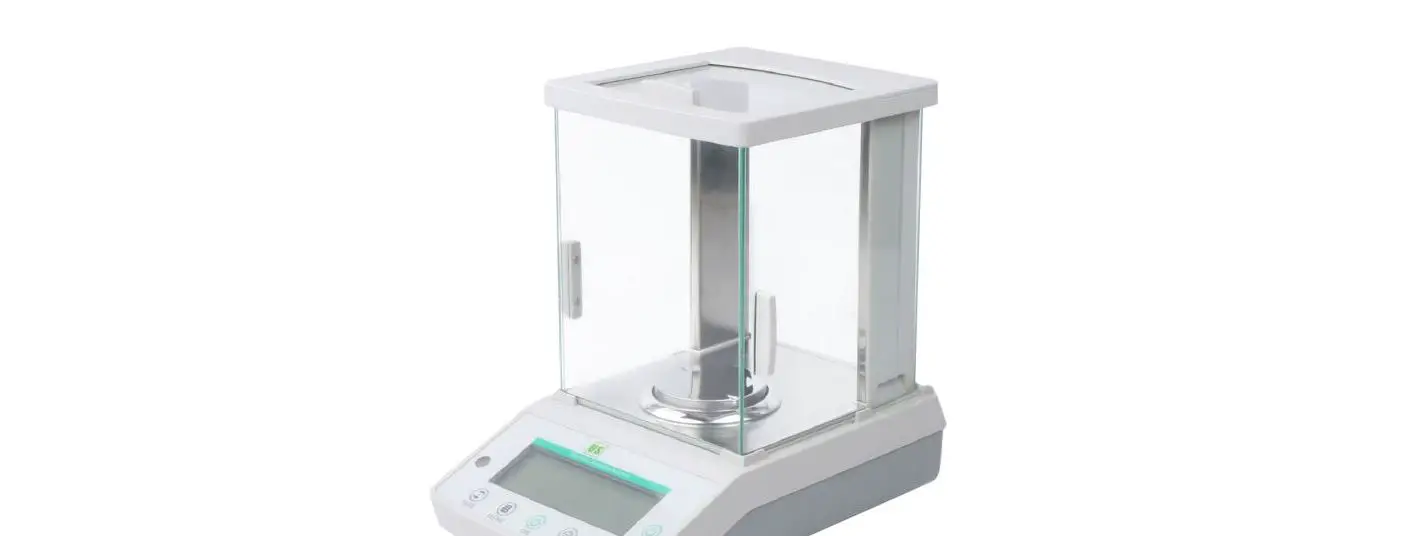
The ES-H series electronic balances are high precision weighing
and measuring devices that use loadcell, microcomputer, and a big
liquid crystal display screen for accurate and speedy weighing.
They are widely used in various industries such as factories,
mines, institutions, agriculture, traffic, building, water
conservancy, medicine, and food. The balance is equipped with
simple operation features, accuracy, stability, and more. It is
particularly useful for weighing precious products in business.
Construction and Installation
The package includes an electronic balance with a division of
0.01g or higher, an AC adapter, an operation instruction manual,
one weight, and a wind cover.
Operation Instructions
Turn On
To turn on the balance, insert the round plug of the AC adapter
into the square hole at the back of the balance. Then insert the AC
adapter into an alternating outlet with two holes or install 8
alkaline batteries AA SIZE in the battery holder at the bottom of
the balance (pay attention to the Plus(+) and minus(-) ends). With
no load on the platform, press the power button. All the segments
of the display will be shown, then the software version is
displayed. When 0 is displayed, weighing can be done.
Turn Off
To turn off the balance, press the off button while the balance
is at work.
Weighing Method
Press TARE to set the display to zero. Put the object to be
weighed on the platform. Wait until the unit g appears and the
reading is stable, then the weight can be read.
Balance Calibration
When performing precision weighing, calibrate the balance as
follows:
Sensitivity Calibration
When calibrating the balance sensitivity, two different weight
values can be used. According to the shown calibrating weight
value, press MODE, the two calibrating weight values can be
interchangeable, press TARE to make sure. After that, the balance
will display 0. In a few seconds, the balance will display the
calibrating weight value. At this time, put the corresponding
calibrating weight on the center of the platform according to the
shown weight value. In a few seconds, the display will stop, and
meanwhile, the calibrating weight value will be shown, indicating
that calibration is over. Normal weighing can be done.
Care and Maintenance
To keep the balance operating properly, the housing and platform
should be kept clean and free from foreign material. If necessary,
a cloth dampened with a mild detergent may be used. Keep
calibration masses in a safe dry place. Unplug the AC Adapter when
not in use. For long term storage, remove the batteries.
Error Codes
There are no specific error codes mentioned in the user
manual.
All the segments above belong to ASC . Of these, the unit can be set by ES-H
series electronic balances.
4.9.3 Wiring method Computer 1 Empty 2 RXD 3 TXD 4 5 Ground 6 7 8
9 Empty
Balance 1 2 RXD 3 TXD 4 5 Ground 6 7 8
9
4.9.4 Demonstrating communication software (1)The super end under WIN9X/NT/2000/XP (2)The debugging assistant on gjwtech.com (3)Self-arranging communication software
Order Button
O M C T F U P
Function
Off Count
Cal Tare Mode Unit Percent
ASCII
4FH 4DH 43H 54H 46H 55H 50H
4.9.5 Order input ( as the order schedule at the right side ) Order Schedule
5. Care and maintenance
To keep the balance operating properly, the housing and platform should be kept clean and free from foreign material. If necessary, a cloth dampened with a mild detergent may be used. Keep calibration masses in a safe dry place. Unplug the AC Adapter when not in use. For long term storage, remove the batteries.
6. Error Codes
The following list describes the various errors which may appear on the display and the suggested remedy. Display description Err 0 With the platform on, this signal indicates the platform is too light. Make it heavier properly. If this error still occurs, the sensor or the circuit board may be destroyed. The balance must be sent to the manufacturer to be serviced. Err 1 The sample being weighed exceeds the capacity of the balance. If the error occurs when the sample is within the balance capacity, maybe the balance is not correctly calibrated.
4
1.Description ES-H series electronic balances do weighing and measuring with high precision loadcell, microcomputer and big liquid crystal display screen. It has the advantage of simple operation, speedy weighing, accuracy, stability, and so on. It is widely used in factories, mines, institutions, agricultures, traffic, building, water conservancy, medicine, food, and so on. It’s more applicable in business for weighing precious products.
2. Construction and installation
3. Packing list
(1) Electronic balance
1 pc.
(2) AC adapter
1 pc.
(3) Operation Instruction 1 copy
(4) Balance (Its division is 0.01g or higher) with one weight and a wind cover.
4. Operation 4.1 Turn on Put the round plug of AC adapter into the square hole at the back of the balance, then
1
put AC adapter into an alternating outlet with two holes. Or install 8 alkaline batteries
AA SIZE in the battery holder at the bottom of the balance (pay attention to the
Plus(+) and minus(-) ends).
With no load on the platform, press
. All the segments of the display will be
shown, then the software version is displayed. When “0” is displayed, weighing can
be done.
4.2 Turn off
To turn off the balance, press
while the balance is at work.
4.3 Weighing method
Press TARE to set the display to zero. Put the object to be weighted on the platform.
Wait until the unit “g” appears and the reading is stable, then the weight can be read.
4.4 Balance calibration
When precision weighing is done, calibrate the balance as follows:
First take away the object from the platform, then press TARE to set the display to
zero.
Press CAL , displaying “SCALE” or “LINE”. “SCALE” means calibrating the
balance sensitivity; “LINE” means calibrating the balance linear.
Press TARE to make sure (If press MODE , the two kinds of calibration can be
interchangeable.)
4.4.1 Sensitivity calibration When calibrating the balance sensitivity, two different weight values can be used.
According to the shown calibrating weight value, press MODE , the two calibrating weight values can be interchangeable, press TARE to make sure. After
that, the balance will display “0”. In a few seconds, the balance will display the calibrating weight value. At this time, put the corresponding calibrating weight on the center of the platform according to the shown weight value. In a few seconds, the display will stop, and meanwhile the calibrating weight value will be shown, indicating that calibration is over. Normal weighing can be done.
4.4.2 Linear calibration
Being in the state of “LINE”, press TARE , the balance will display “0”. In a few
seconds, the balance will display 1/2 weight value of full capacity; according to the
shown weight value, put the corresponding calibrating weight on the center of the
platform. In a few seconds, the balance will display the full capacity weight value, according to the shown weight value, put the corresponding calibrating weight on the center of the platform. In a few seconds, the display will stop, and meanwhile the calibrating weight value will be shown, indicating that calibration is over. Normal weighing can be done.
2
NOTE: The balance linear has been calibrated in the factory, unless the users need to change the loadcell or have the right weight.
Model
ES-3001H
ES-6001H ES-8001H ES-2002H
ES-3002H
Cal. Weight 1000/3000g 2000/6000g 4000/8000g 1000/2000g
1000/3000g
NOTE: Two kinds of weight value in the table can be used as the selected calibrating
weight value when calibration is done.
4.5 Counting Function The balance will count parts based on the weight of a reference sample: 5, 10, 20, 30, 40, or 50 parts. To get more accurate counting result, the weight of the parts should be equal, meaning the less the error of the single part is , the better.
(1) Press COUNT , the balance will display “pc CON”. (2) Place a container on the platform, then press TARE the balance displays “pc
ADD 5” which is the preset reference quantity. “5” shows the quantity of the
reference sample.
(3) To change the reference quantity, press MODE repeatedly until the desired quantity is displayed. Press TARE to make sure the quantity of the reference
sample.
NOTE: If you want to restart parts counting, repeat the operation steps above. If “PC Err” is displayed, it means the sample is too light to provide accurate results within the error range set by the balance. (4) Add parts to the container as desired and read the quantity on the display. At this time, only “pc” counting signal is displayed (“g” is not displayed.).
(5) Press UNIT to switch between parts counting and weight.
4.6 Unit Selection This balance has the function to select these units: g, oz, ozt, dwt, lb, ct. Press
UNIT to switch.
4.7 Percentage Setting Function
Put the object on the platform, when the reading is stable, press and hold TARE
until the symbol % is displaying, then release it, indicating that setting is over. 4.8 Backlight Function
Press MODE to turn the backlight on or off.
4.9 RS232C Communication
4.9.1 Baud rate = 9600
4.9.2 Data form output by ES series electronic balances
+ (-) XXX. XX UNIT< CR>
3
7. Troubleshooting
SYMPTOM No Display
Low Battery Indicator Incorrect Weight Reading
Calibration Procedure does not work
PROBABLE CAUSE Power Adapter not connected. Batteries are dead. Batteries are weak Balance was not set to zero. Balance has not been correctly calibrated.
Incorrect weights being used
REMEDY Connect power Adapter. Replace batteries
Replace batteries
With no load on the platform, press “TARE”. Then weighing can be done. Recalibrate the balance.
Use correct weights.
8. Specifications
MODEL
ES-3001H
Weighing capacity and readability (g) Standard deviation (e) Linearity (e) Corner deviation (e)
3000×0.1
1 1 1
Taring range
0-3000g
ES-6001H
6000×0.1 1 1 1
0-6000g
ES-8001H
8000×0.1 1 1 1
0-8000g
ES-2002H
2000×0.01 1 1 1
0-2000g
ES-3002H
3000×0.01 1 1 1
0-3000g
Overload capacity Time of stabilizing (s) Applicable temperature range Power source
Maximum capacity+9e 3
50-95/10-35 AC adapter(supplied with balance); or 8 AA Batteries (not included)
Pan size
Housing dimension (L x W x H) Net weight
6.8 x 6.8 in / 172 x 172 mm
5.5 x 5.5in / 140 x 140 mm
10.7 x 6.9 x 2.3 in / 272 x 176 x 58 mm
4.6 lbs / 2100 g
5.7 lbs / 2600 g
5
ES-H SERIES
ELECTRONIC BALANCE INSTRUCTION MANUAL