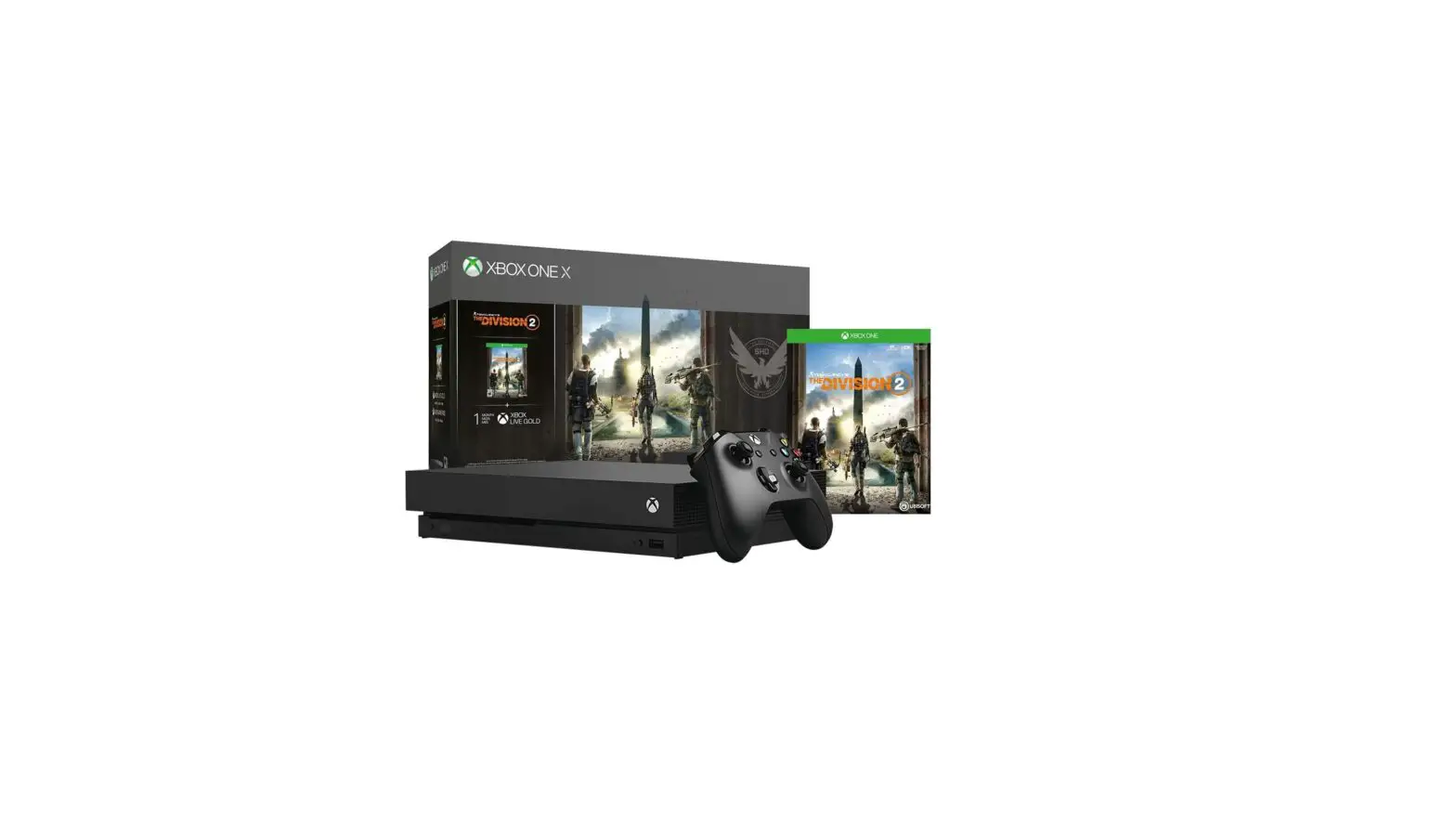
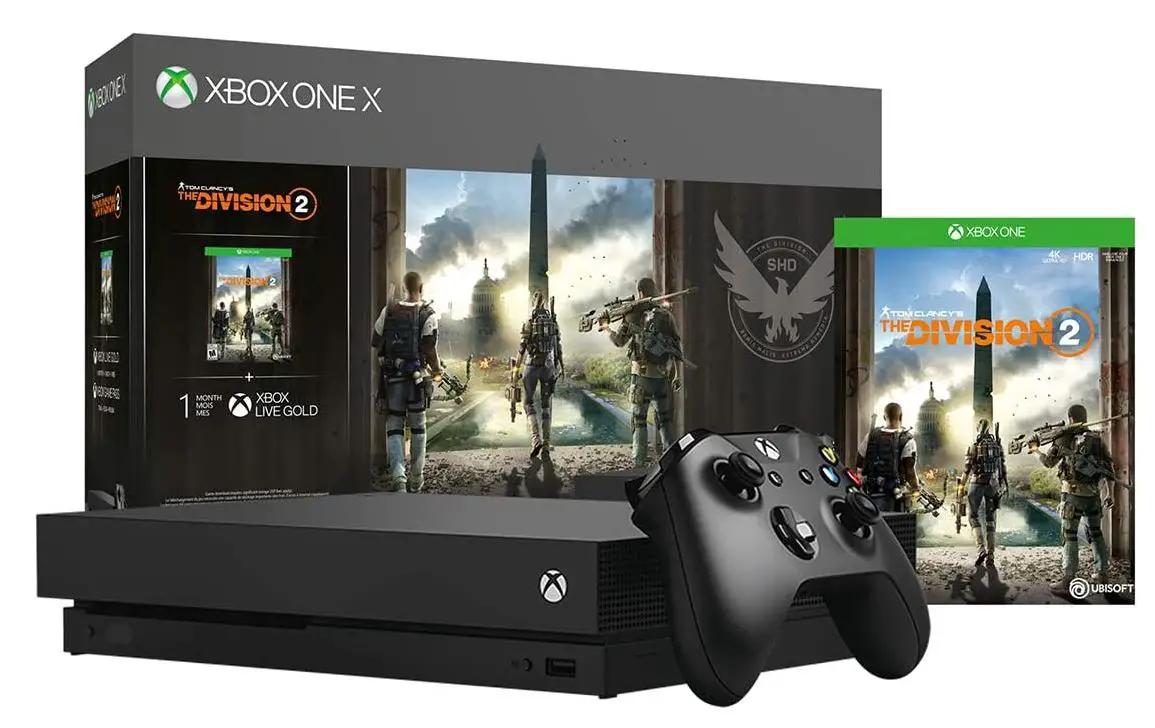
Xbox CYV-00255 Tom Clancy’s The Division 2 Bundle
Specifications
- BRAND: Xbox
- PLATFORM: Xbox One
- INPUT DEVICE: Gamepad
- MODEL NAME: Xbox One X 1TB Console – Tom Clancy’s The Division 2 Bundle (Discontinued)
- COLOR: Black
- PRODUCT DIMENSIONS:6 x 13.2 x 12.9 inches
- ITEM WEIGHT:4 pounds
- BATTERIES: 1 Lithium Ion batteries required.
Introduction
On Xbox One X, defend the free planet. It possesses an Xbox One S Put the fate of the free world in your hands by purchasing the Tom Clancy’s The Division 2 Bundle. In post-pandemic Washington, D.C., lead a group of elite agents to reestablish law and order and save a nation on the verge of dissolution. Two of Tom Clancy’s Division Seven months have passed since a terrible virus crippled the global population and struck New York City and the rest of the planet. The downfall of society as we once knew it. The Division, a group of civilian sleeper agents, was called into action as the last line of defense when the virus struck. Since then, they have waged a never-ending battle to preserve what is left and prevent the collapse of our civilization.
A Strong and Exciting Campaign The nation’s capital is in danger of disintegrating. Our civilization is in danger from lawlessness and instability, and the confusion is only becoming worse due to reports of a Capitol coup. Experience a brand-new progression system that is adaptable and versatile and that gives players the option of three additional specialties to keep developing their characters’ skills and powers. Best-in-class Post Launch and Endgame Because The Division 2 is designed with the “endgame-first” philosophy, players will always have access to new, distinctive, and varied activities even after finishing the main campaign.
WHAT’S IN THE BOX
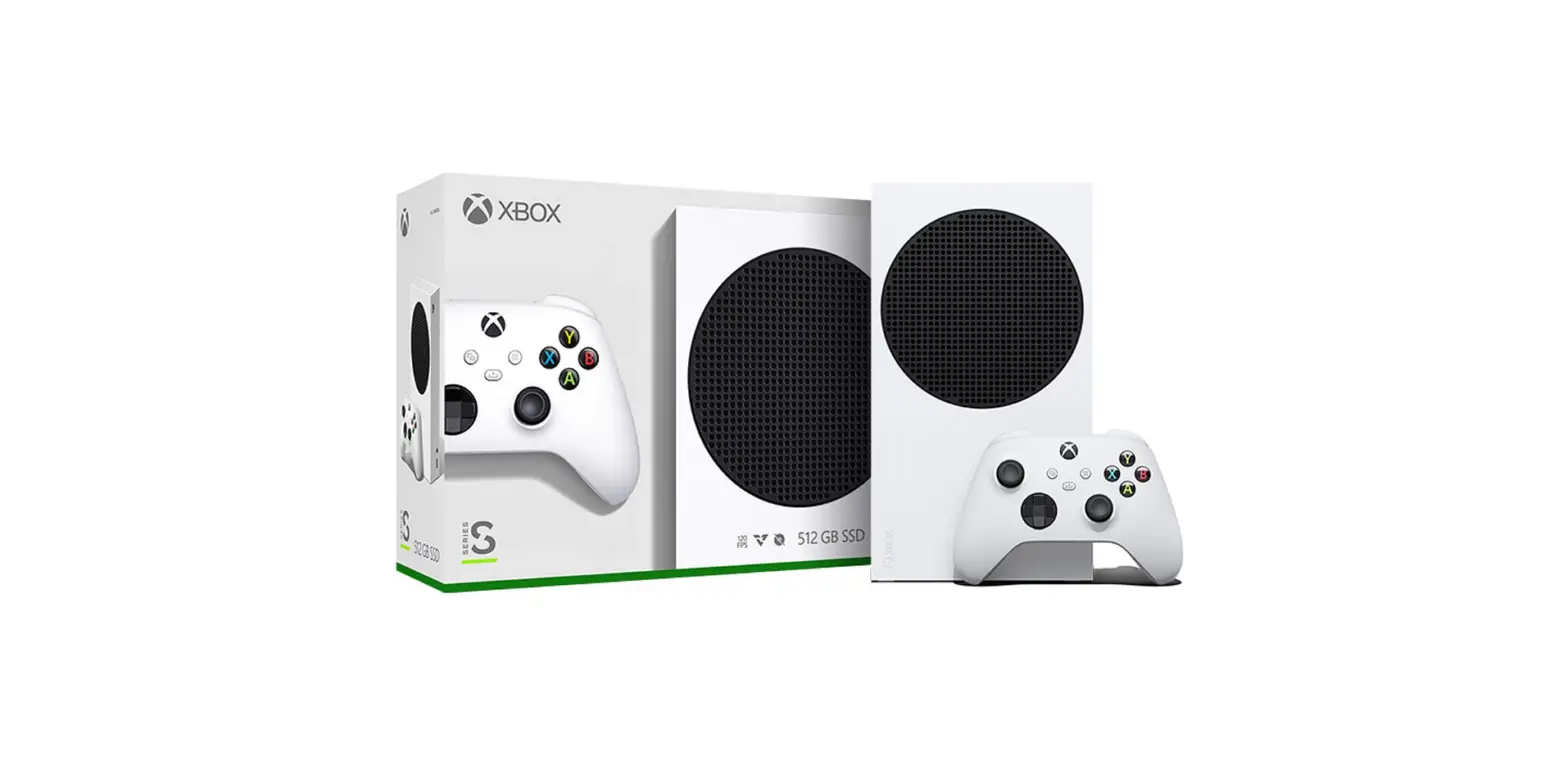
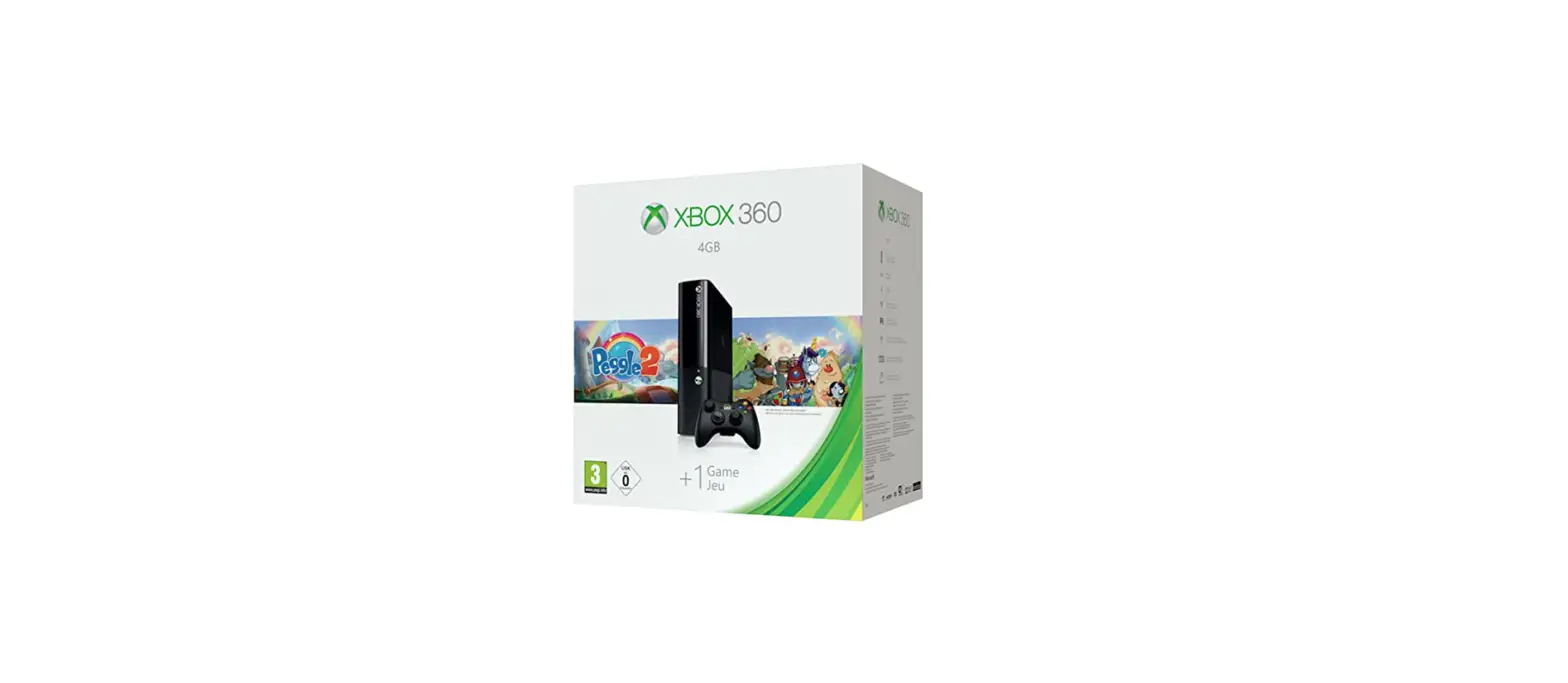
- Xbox One X 1TB console
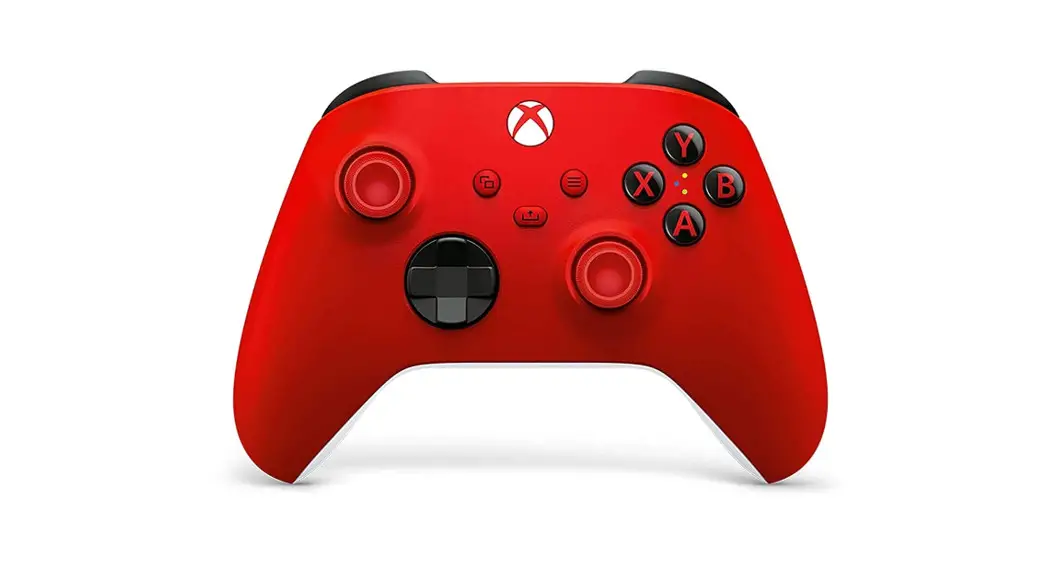
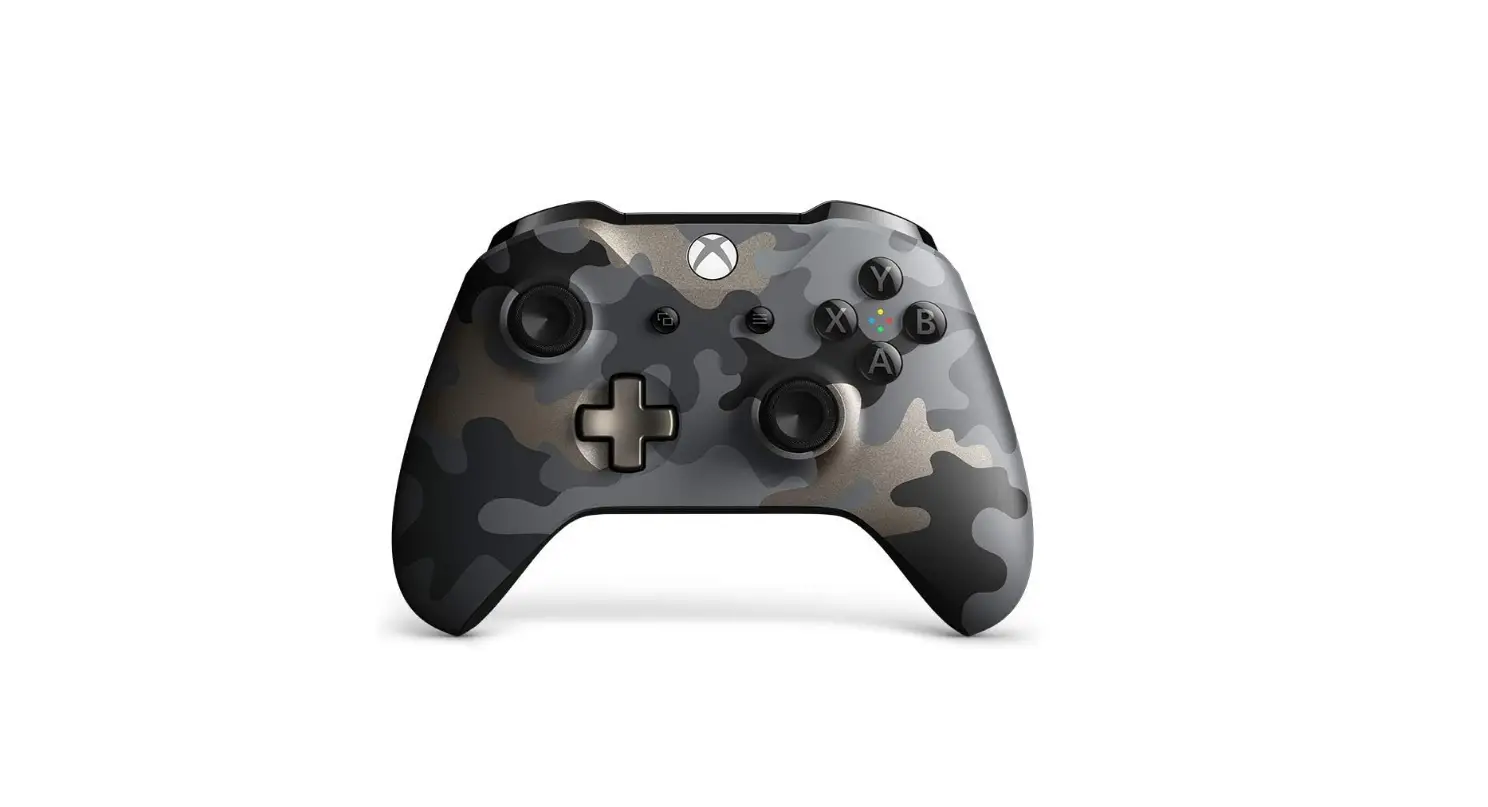
- wireless controller
- full-game download of Tom Clancy’s The Division 2
- 1-month Xbox Live Gold subscription
- 1-month Xbox Game Pass trial
XBOX PLAY ANYWHERE
Play Xbox Play Anywhere games freely on your Xbox One and Windows 10 PC at no extra cost.
SETTING UP THE CONSOLE
STEP 1: CONNECT POWER AND TV
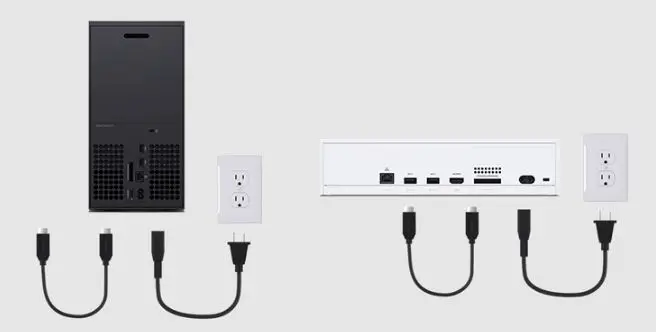
- Plug the power cable into the console’s power cable connector (marked by a single raised dot).
- Connect the power line to an electrical outlet.
- Put the HDMI cable into the console’s HDMI port (marked by a single raised dash).
- The HDMI cable’s opposite end should be plugged into your TV.
STEP 2: POWER UP THE CONSOLE
- To start the system, press the Xbox button on the front of the console.
- You’ll be prompted to launch the Xbox app after the console turns on in order to finish console setup.
STEP 3: OPEN THE XBOX APP
- Open the Xbox app on your mobile device.
- Choose Set up a console from the Xbox app or enter “setup” in the search bar.
- Input the code that is displayed on your TV. This will link your Xbox app to your console.
STEP 4: USE XBOX TO COMPLETE YOUR SETUP
To set up and customize your Xbox, adhere to the directions in the app. You will be asked to sign in, connect your console to your Wi-Fi network, update your console, confirm or update your language, and set up your console.
STEP 5: CONNECT YOUR CONTROLLER
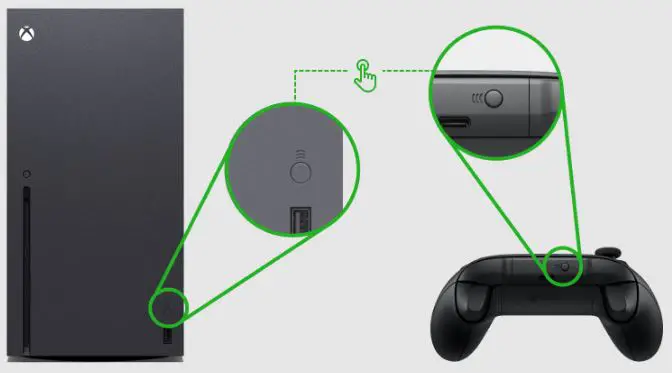
- Give your Xbox Wireless Controller two AA batteries.
- To turn the controller on, press the Xbox button.
- You can pair your controller with your console if it isn’t already paired by pressing and holding the Pair button on both devices. The Pair buttons are located on the front of the console and on the back of the controller (between the bumpers) (next to the USB port).
FAQs
The most powerful console currently on the market, the Xbox One X, which is included, enables improved gaming experiences like real 4K gameplay, HDR color, quicker loading times, and more!
The supplied controller is the most recent design, featuring a Bluetooth connection and a 3.5mm audio jack.
Yes, it is correct. When you first set it up, it will ask you which language you like. If you go to settings, system, you will find language and location and be able to pick it from there. Have fun playing!
Neither the game nor the system are being discontinued; only this specific bundle. New packages from Microsoft that include this system and additional games are available. I’m not certain about the code, but I believe Microsoft will uphold the included code until these bundles are all gone.
The Xbox One X consoles have a 6 teraflop processing capacity.
In response, I purchased my from Walmart and took advantage of their two-year extended warranty program. Moreover, I receive extended warranties on controllers. I’m very harsh with them.
Yes, if you purchase it through Beach Camera.
Perhaps because they don’t charge for shopping? Or perhaps it’s just that they know people will buy it because it’s in demand
Yes, it is correct. When you first set it up, it will ask you which language you like. If you go to settings, system, you will find language and location and be able to pick it from there. Have fun playing!
A printed code on a card that can be used to download the accompanying game is provided.
It features an HDD that, in my opinion, can be upgraded to an SSD. The Xbox is compatible with external SSDs.
The answer is that an optical disc drive is real.