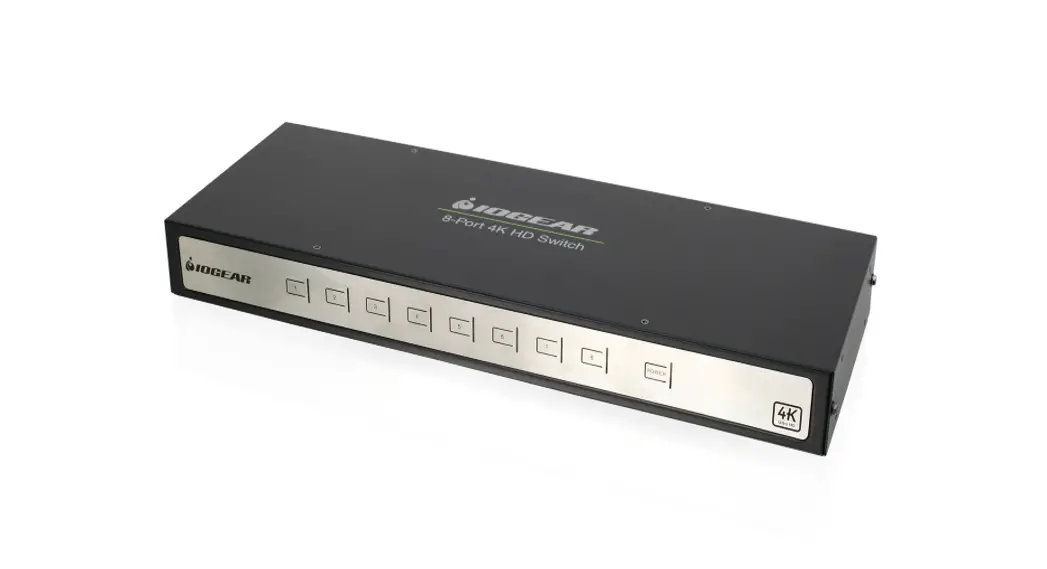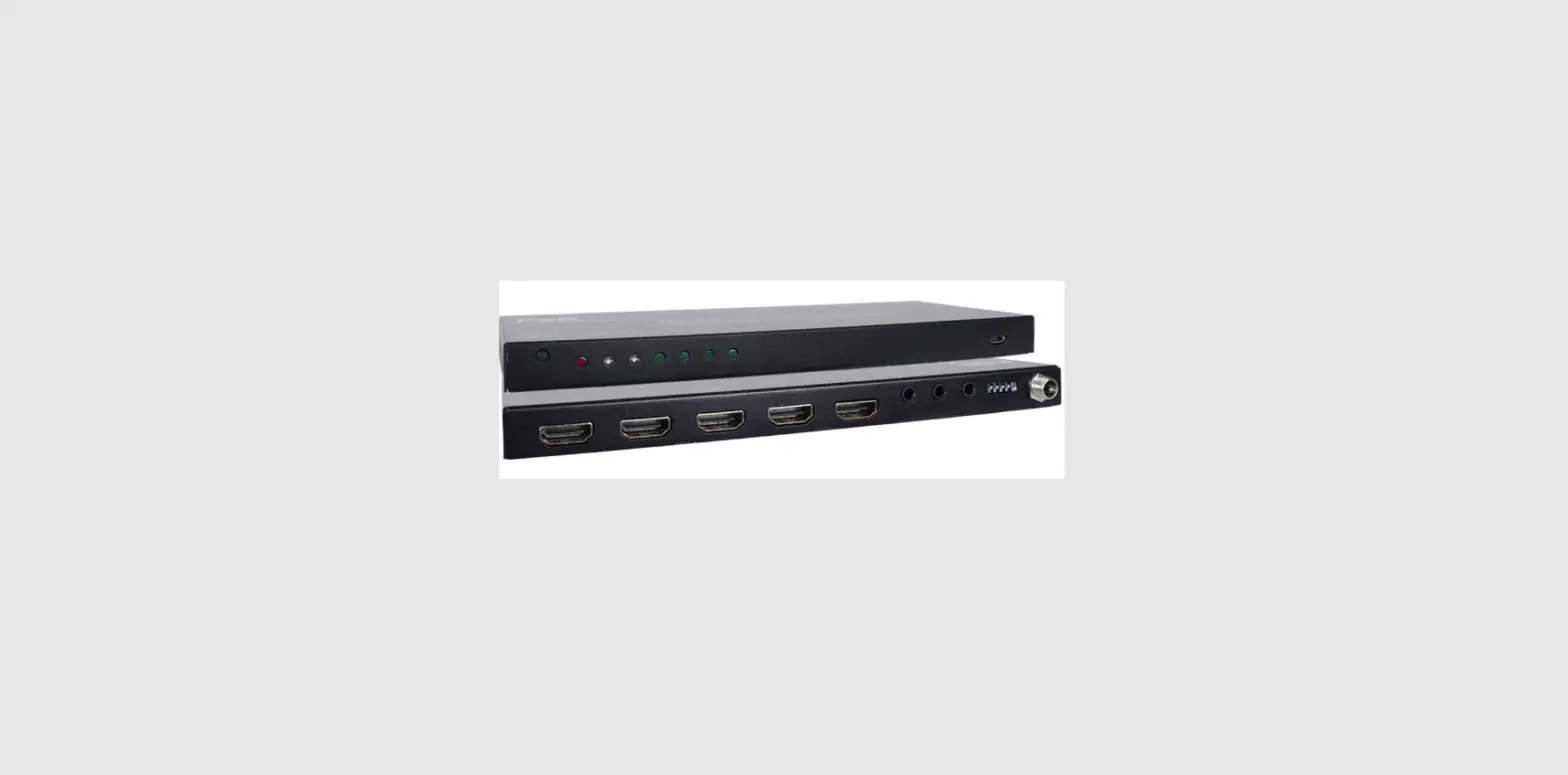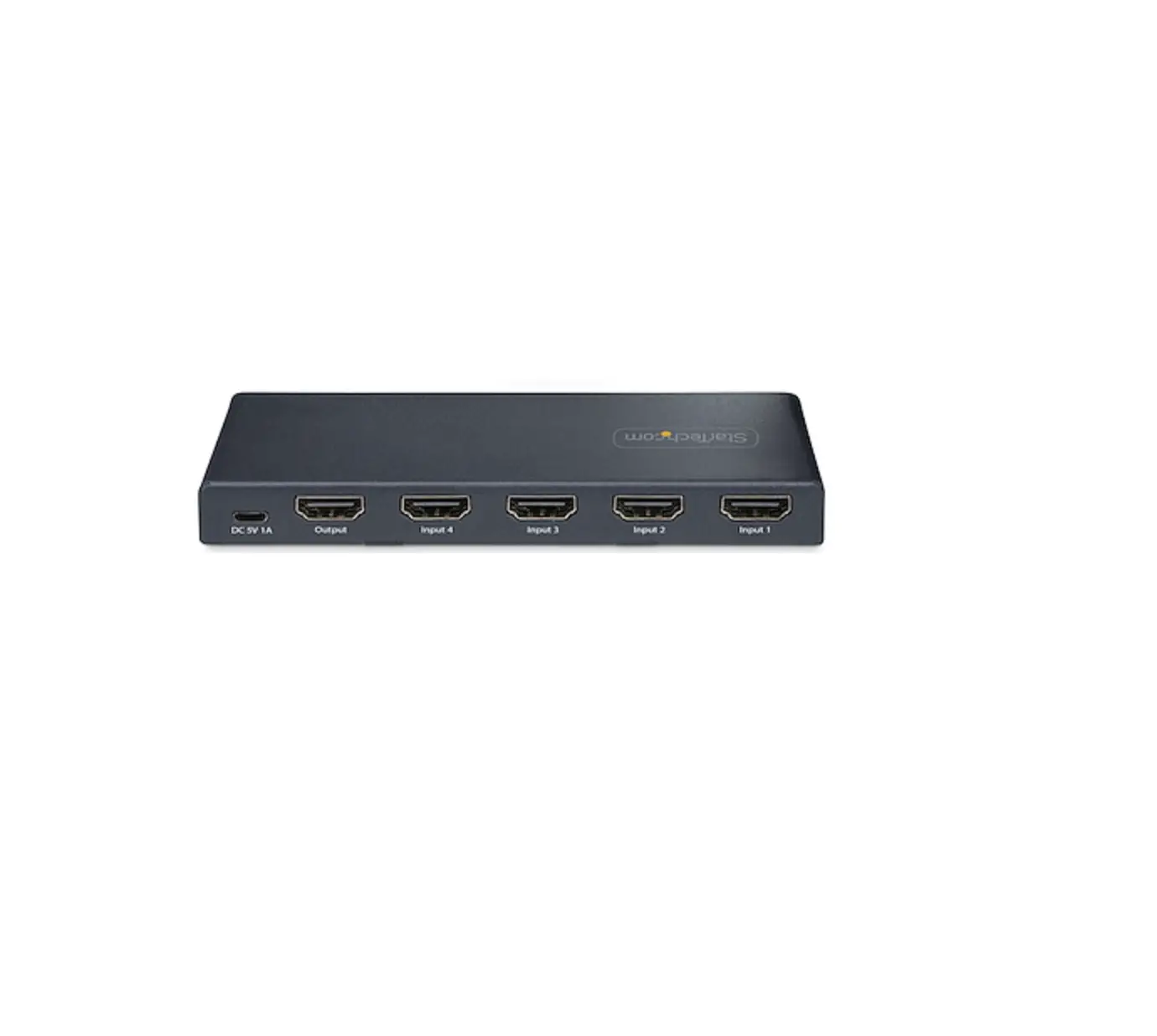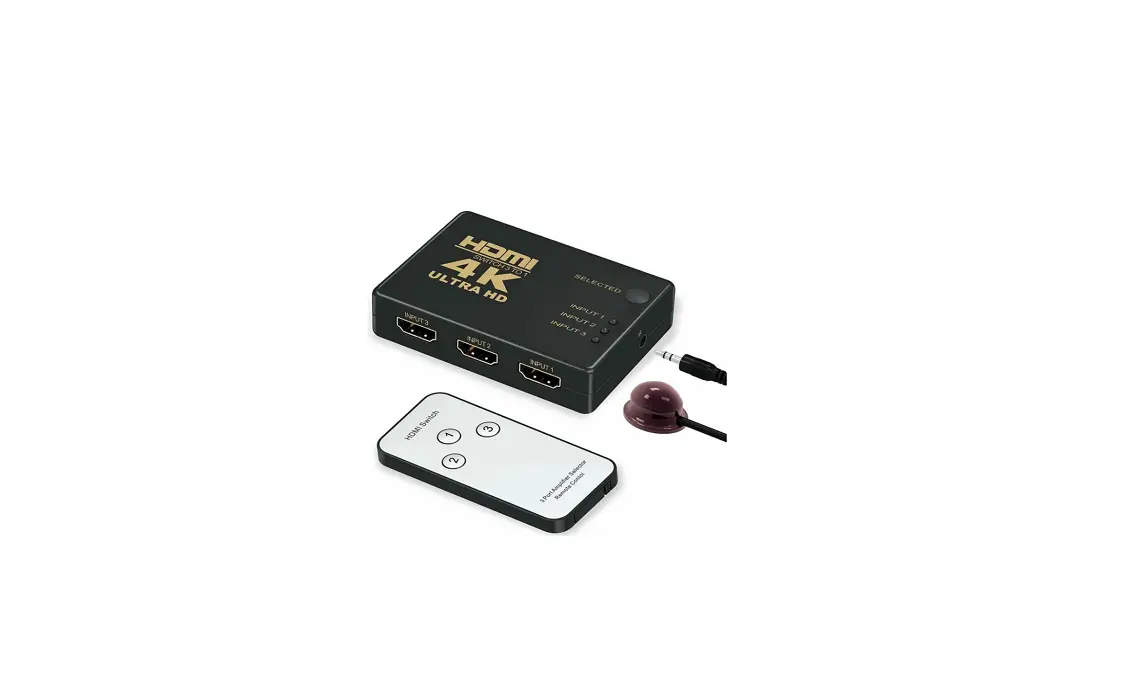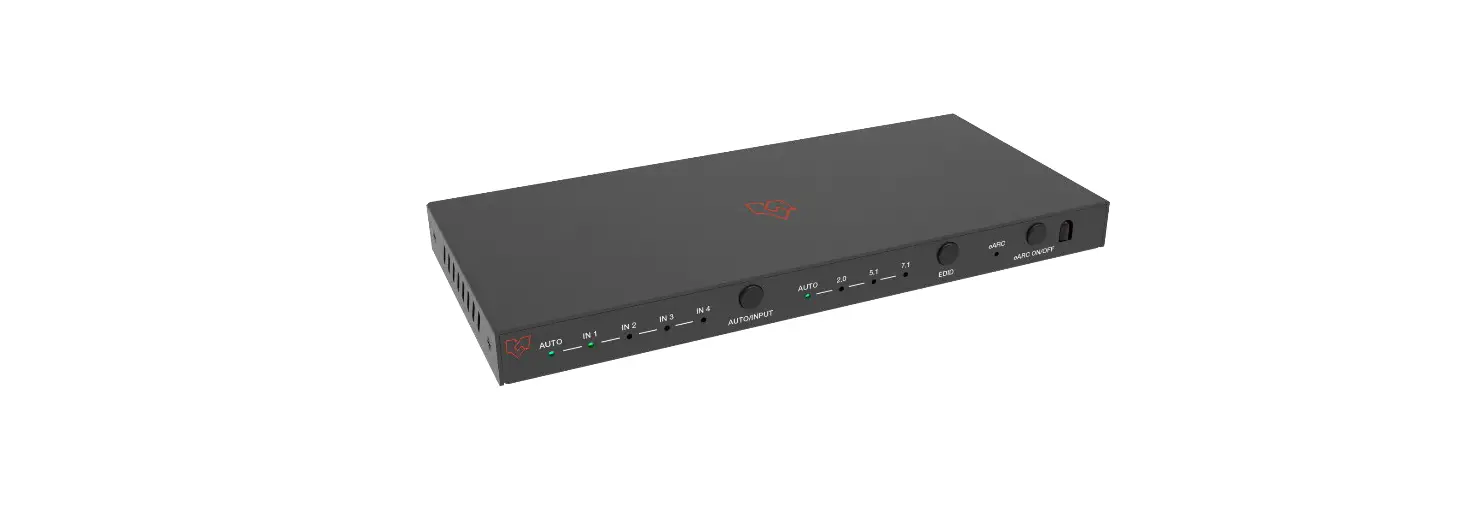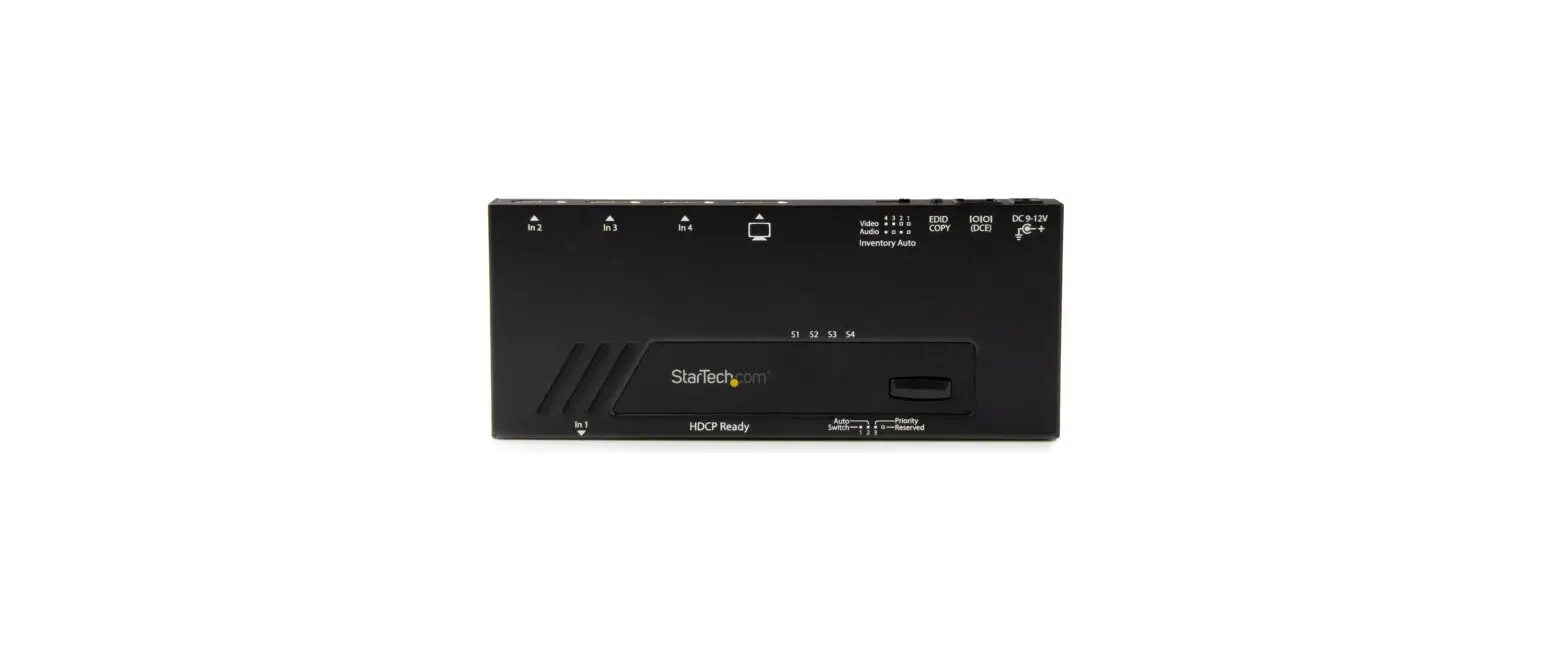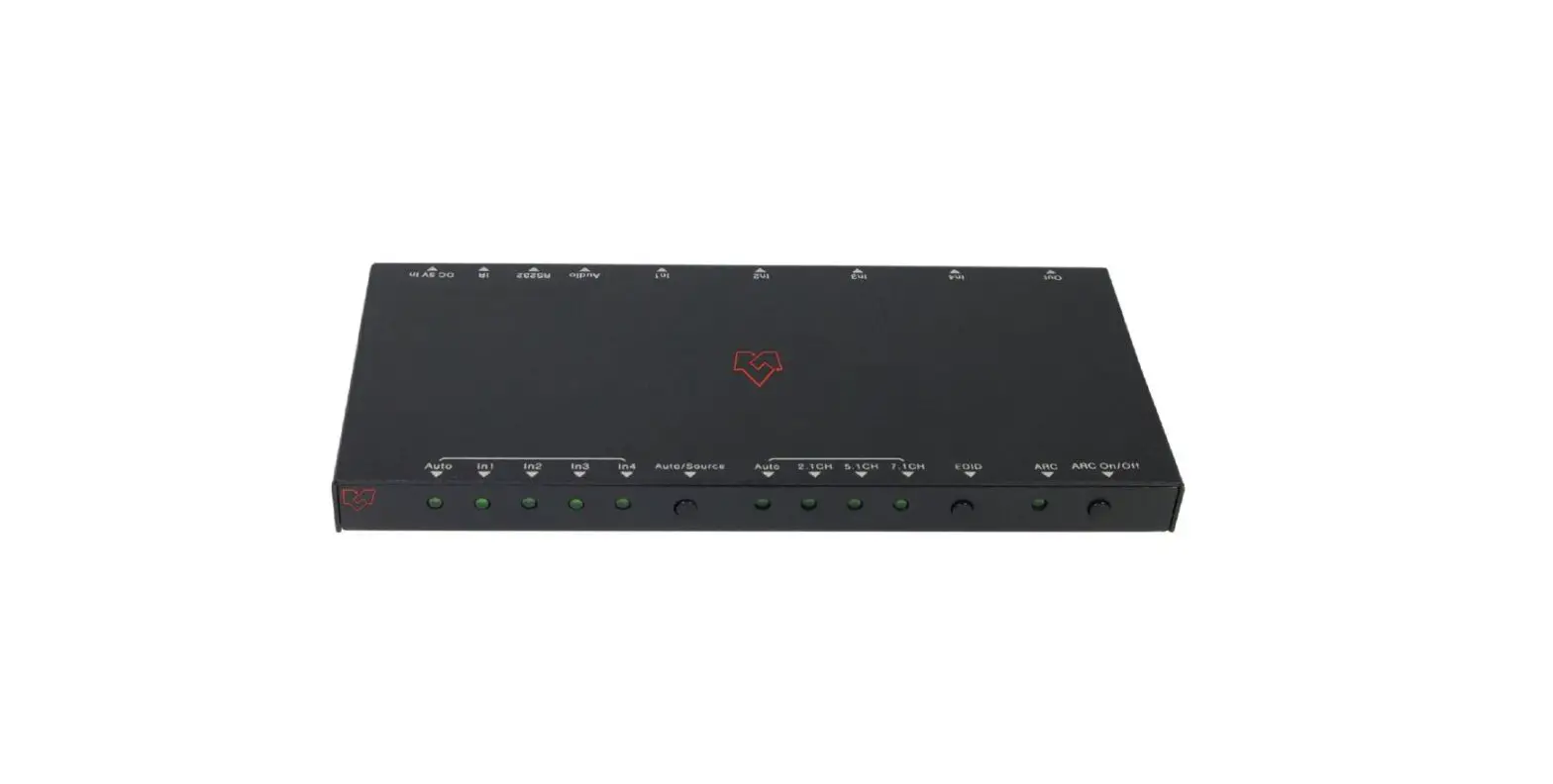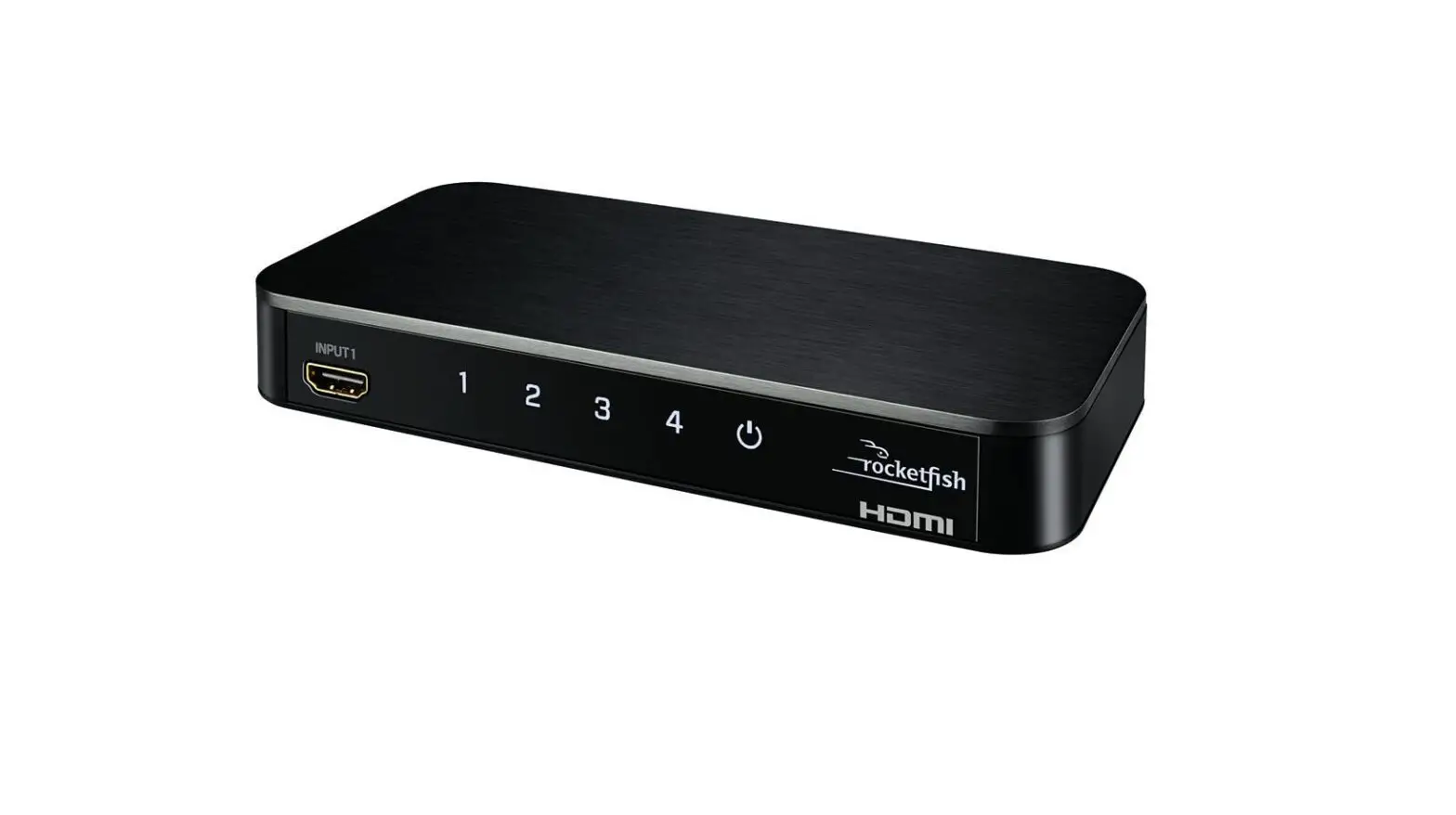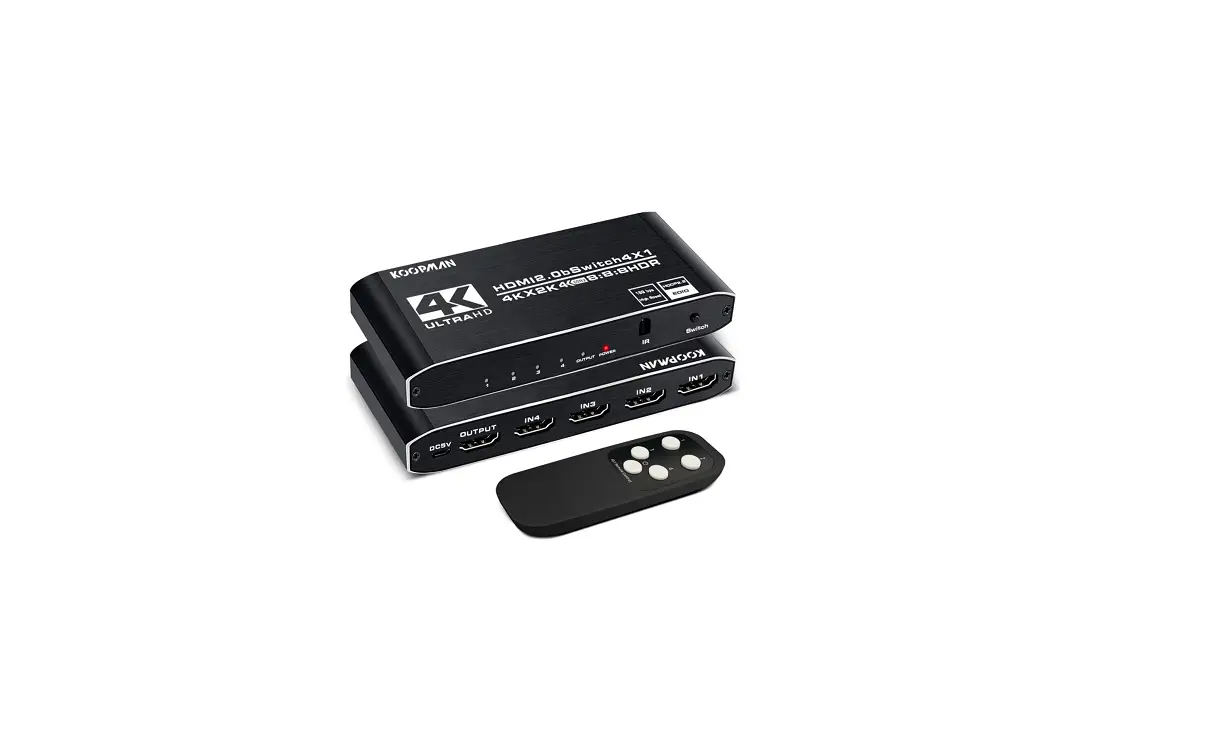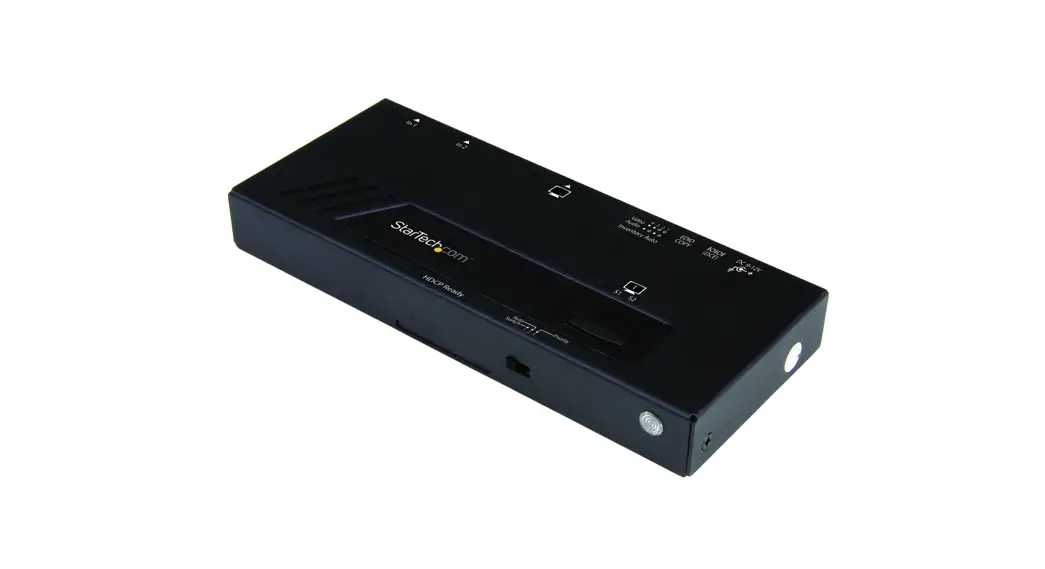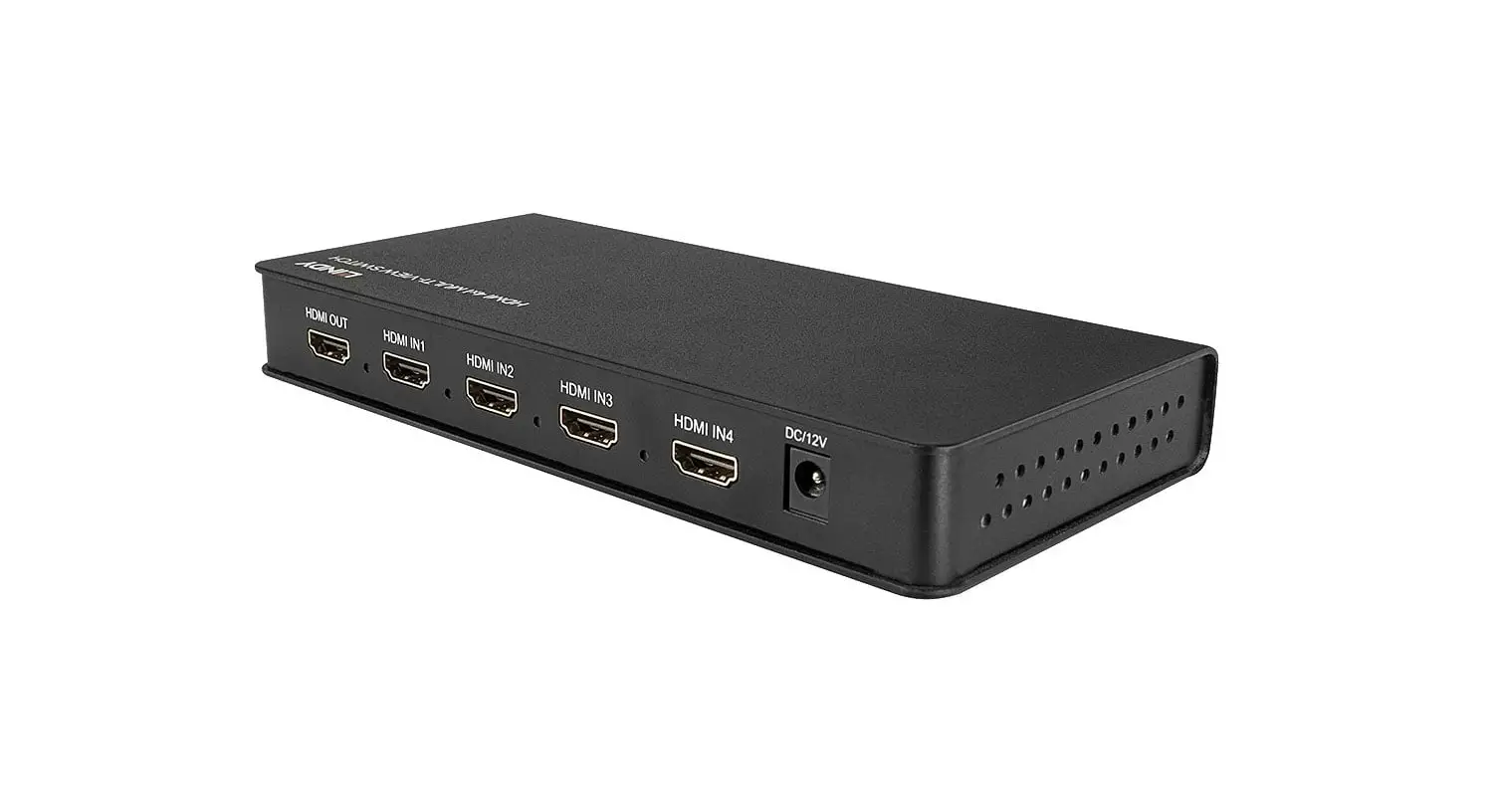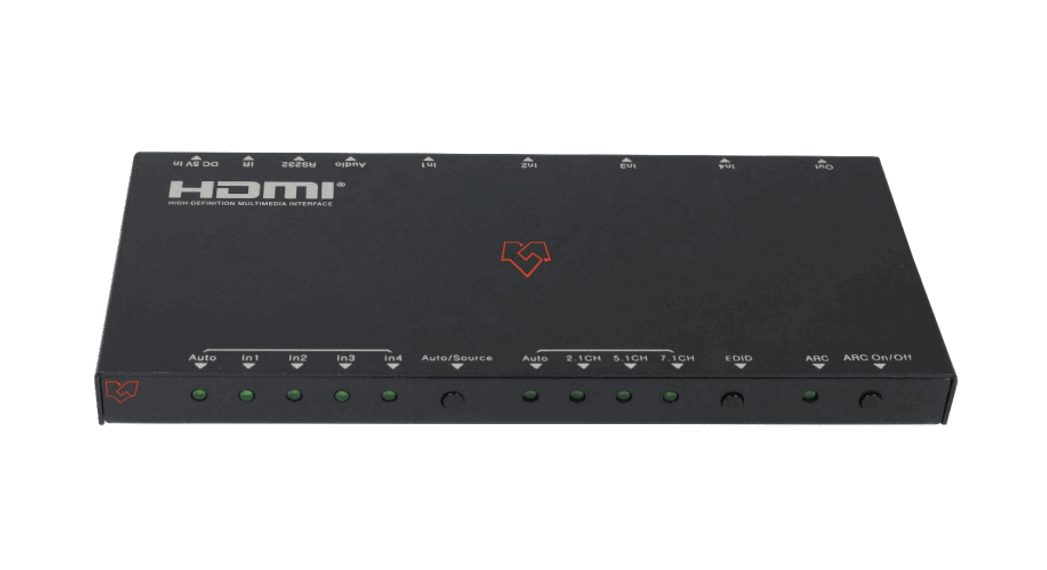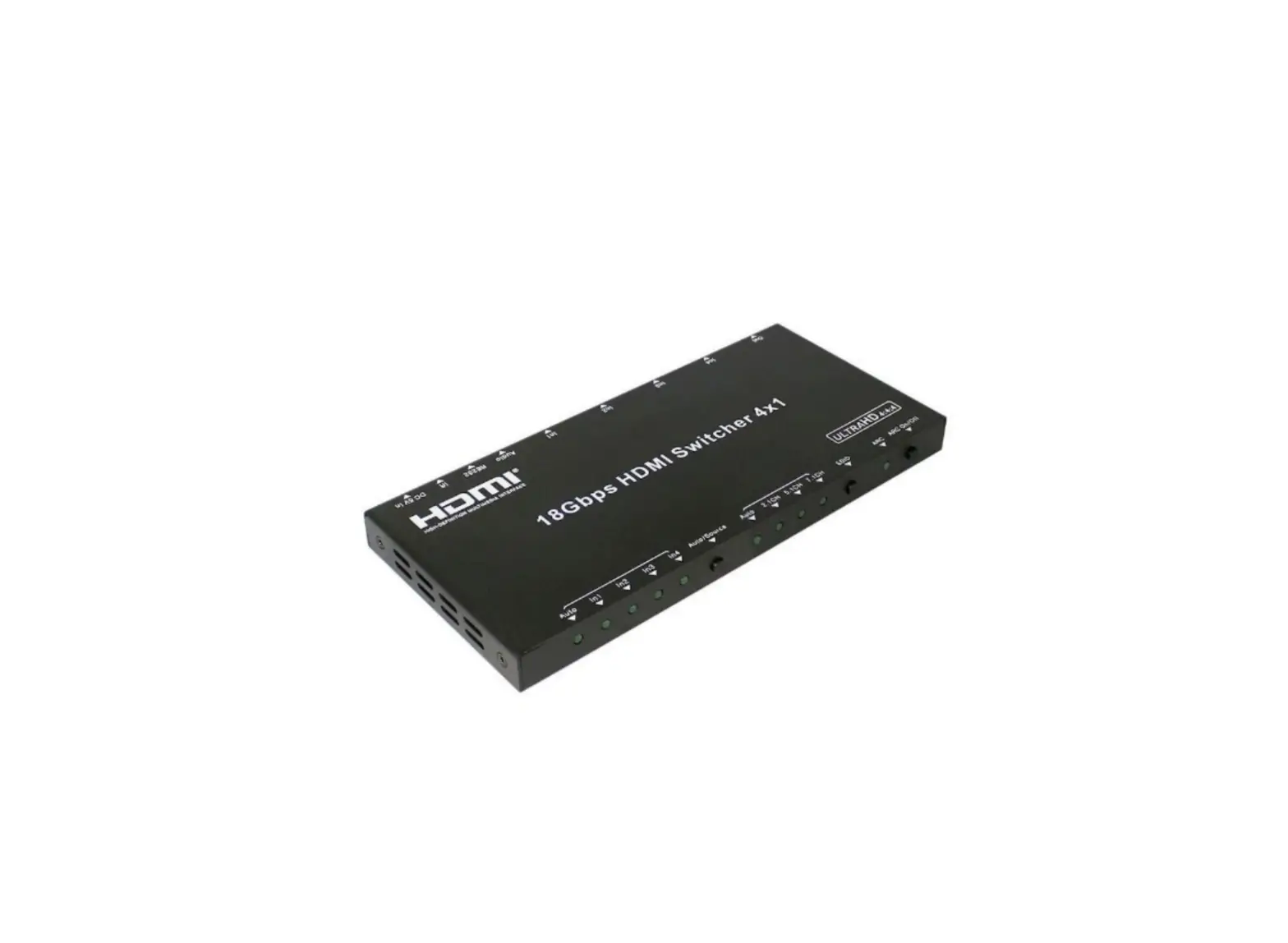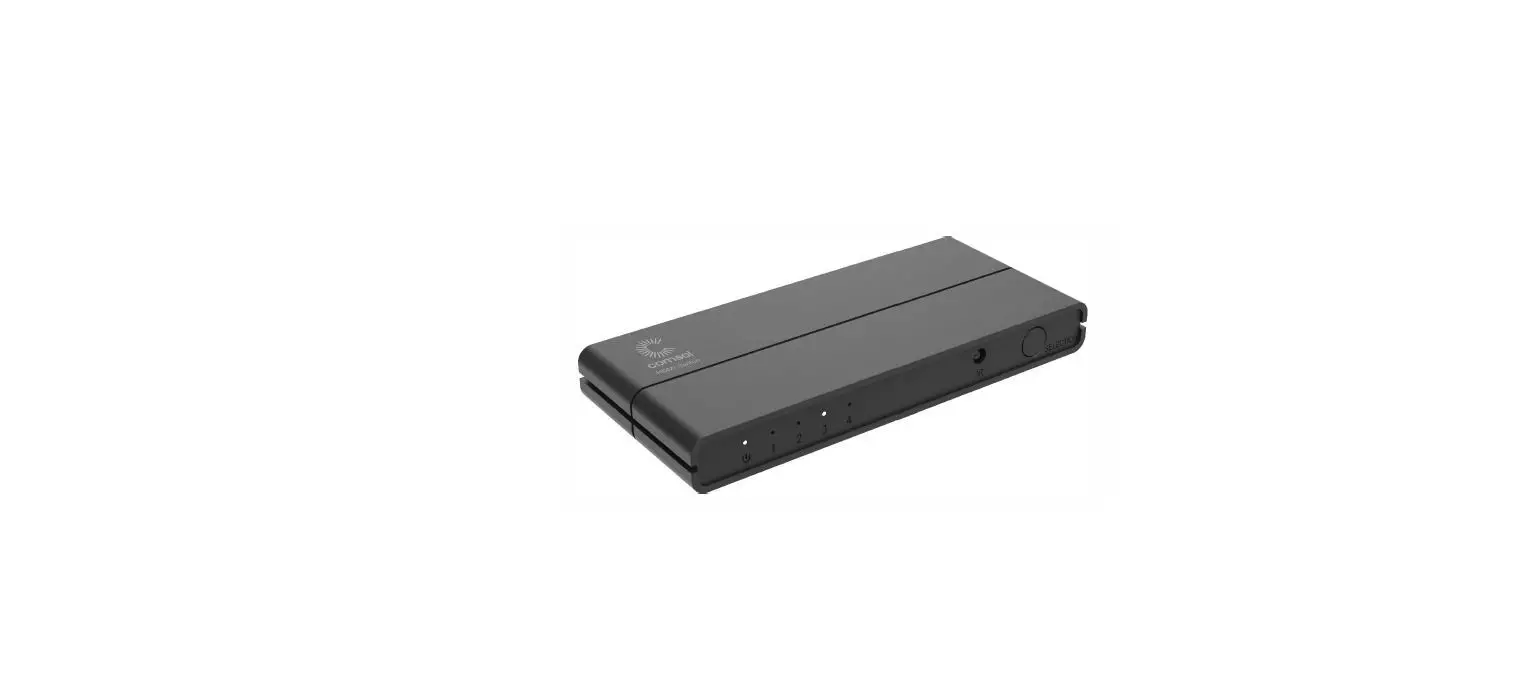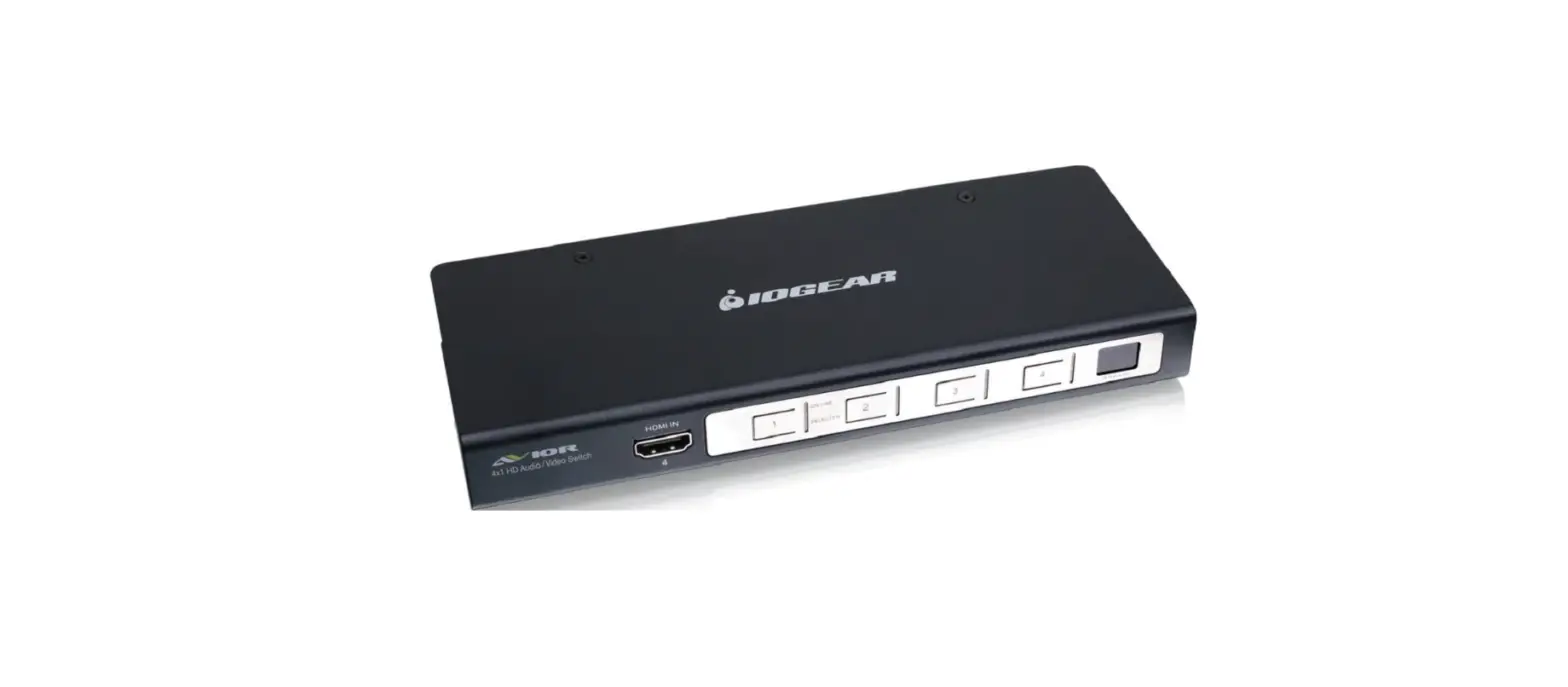
 IOGEAR GHSW8141 4-Port HDMI Audio/Video Switch
 IOGEAR GHSW8141 4-Port HDMI Audio/Video Switch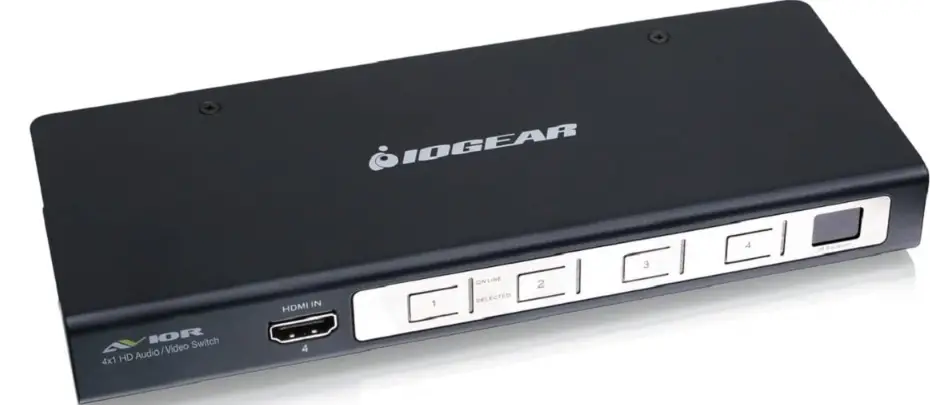
Package Content
- 1 x 4-Port HDMI Switch
- 1 x Remote Control
- 1 x Full Range Power Adapter
- 1 x US Prong Adapter
- 1 x German Prong Adapter
- 1 x Quick Start Guide
- 1 x Warranty Card
Sytem Requirement
- HDTV or display with a lema-, HDMI input connection
- Digital media source devices with a female HDMI output connection
OVERVIEW
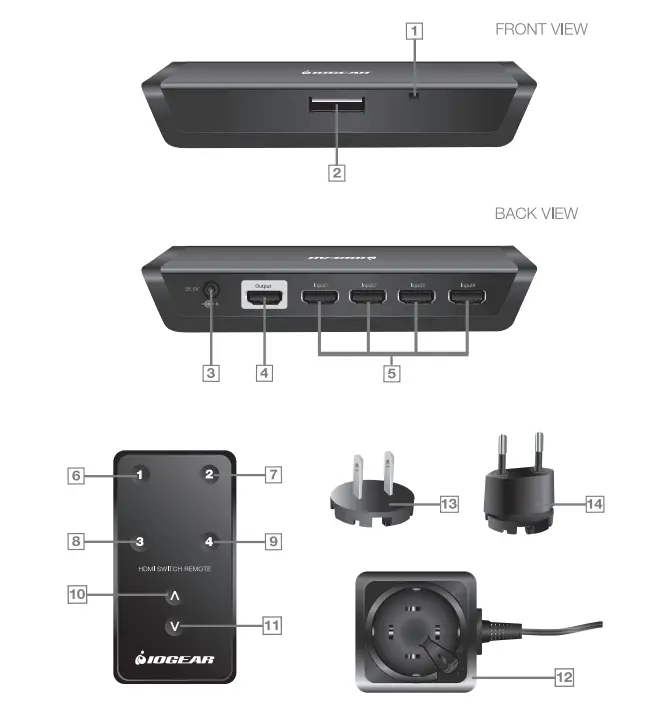
- IR Receiver
- HDMI Port Switching Button
- Power Adapter Port
- Output Port
- 4 x Input
- Port 1
- Port 2
- Port 3
- Port 4
- Next Port
- Previous Port
- Power Adapter
- US Prong Adapter
- German Prong Adapter
Installation
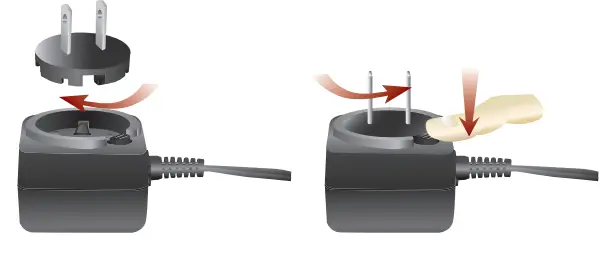
- Insert the appropriate prong adapter onto the power adapter and turn the prong clockwise to lock the prong onto the power adapter.
“To remove the prong from the power adapter, press and hold the Push button and turn the prong counter clockwise to unlock the prong. Then you can remove it frorn the power adapter.
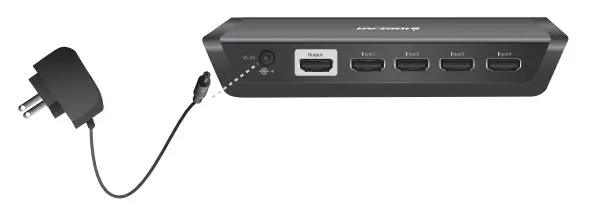
- Connect the power adapter to the power outlet and the HDMI switch’s power adapter port.

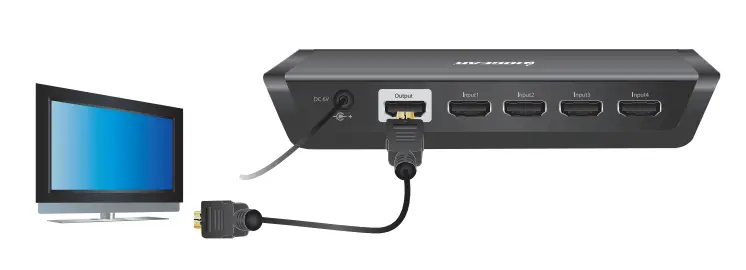
- Connect a HDMI cable to the output port from the HDMI switch and any input port from the HDTV or display.

- Connect any HDMI media devices on the input ports of the HDMI switch.
 *A male DVI to female HDMI Adapter is required (Not included)
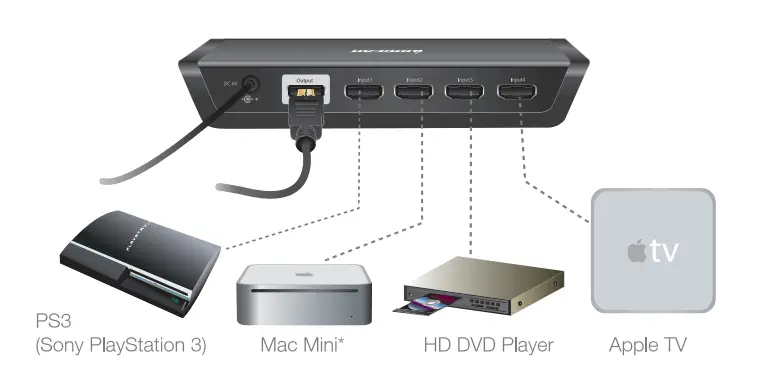 *A male DVI to female HDMI Adapter is required (Not included)
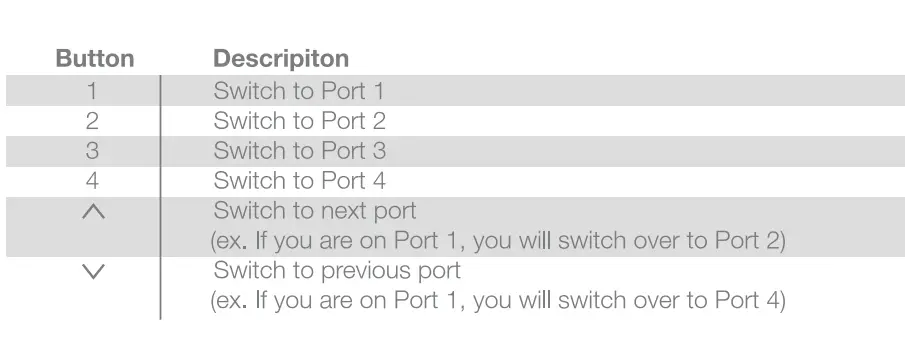
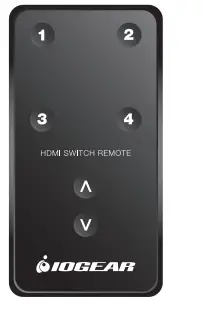
Remote Control 

ABOUT US
- FUN
IOGEAR offers connectivity solutions that are innovative, fun, and stylish, helping people enjoy daily life using our high technology products. - GREEN
IOGEAR is an environmentally conscious company that emphasizes the importance of conserving natural resources. The use of our technology solutions helps reduce electronic waste. - HEALTH
IOGEAR supports healthy and fit lifestyles. By integrating products with the latest scientfic developments. IOGEAR’s solutions enhance the life of end-users.
Limited Warranty
WE’RE HERE TO HELP YOU!
NEED ASSISTANCE SETTING UP THIS PRODUCT?
Make sure you:
- Use the live chat at www.iogear.com to try and solve any issues you may be having with the product
- Visit the Tech Info Ubrary/FAQ on www.iogear.com (under the Support tab)
- Call the 24/7 tech support line at 1 (866) 946-4327 (U.S. only) or (949) 453-8782
Warranty Information
This product carries a 1 Year Lim􀀊ed Warranty. For the terms and conditions of this warranty, please go to http://www.iogear.com/support/warranty or call 1-866-946-4327
Register online at http://www.iogear.com/register
Important Product Information
Product Model ________ _
Serial Number
Contact
IOGEARlnc.
Address: 23 Hubble, Irvine, CA 92618 USA
Toll Free: 866-9-IOGEAR
Phone: 949-453-8782
Web site: www.iogear.com
Email: [email protected]
FAQS
not sure but it does support regular dolby which i use
It will revert back to auto-switching and must be programmed again.
No, the GHSW8181 supports 1920×1080. We are in the process of releasing a 4K version.
IOGEDAR says: No You cannot control the Volume with RS232 Commands.
IOGEAR says: Please contact IOGEAR support directly at 866-946-4327 . We would like some more information from you before answering this question.
Yes it does
The GHSW8481 8 port 4k model does along with hdr and Dolby vision. I own it and can verify that it does. I’m sure the 4 port model does as well. Just make sure you’re picking the device that says 4k on it.
Yes it does. It comes with two steel brackets that you can attach to the unit if you need that. It is fantastic!!
IOGEAR says: IOGEAR has not tested the msi 341 . The GHSW8441 should work with the resolution specified . If you have any other question please email or Call the IOGEAR support line.
With the GHSW8481 I kept getting an error even using: “swmode default” as previous answer stated. To get it work I just did: “swmode off” then to confirm I typed: “read” and you should see: “Input: port 1
Output: ON
Mode: OFF
Pod: OFF
F/W: V1.1.102″ If you want to re-enable auto switch again just do: “swmode next”
No
I don’t think so!
Yes There are lights. For some connected devices these lights always LIT, for others the lights are LIT when devices are turned ON only.
Yes, this comes with a remote control.
Yes
Uses a step down transformer. I would imaging depending on your locale you would get the transformer relevant to your environment. mine is 120 (US) but if you are in Europe most likely 240
When I get home I will look on the actual transformer and see if it labels both.
yes mine works jsut fine
Yes it has auto switching and will work with your Xbox.