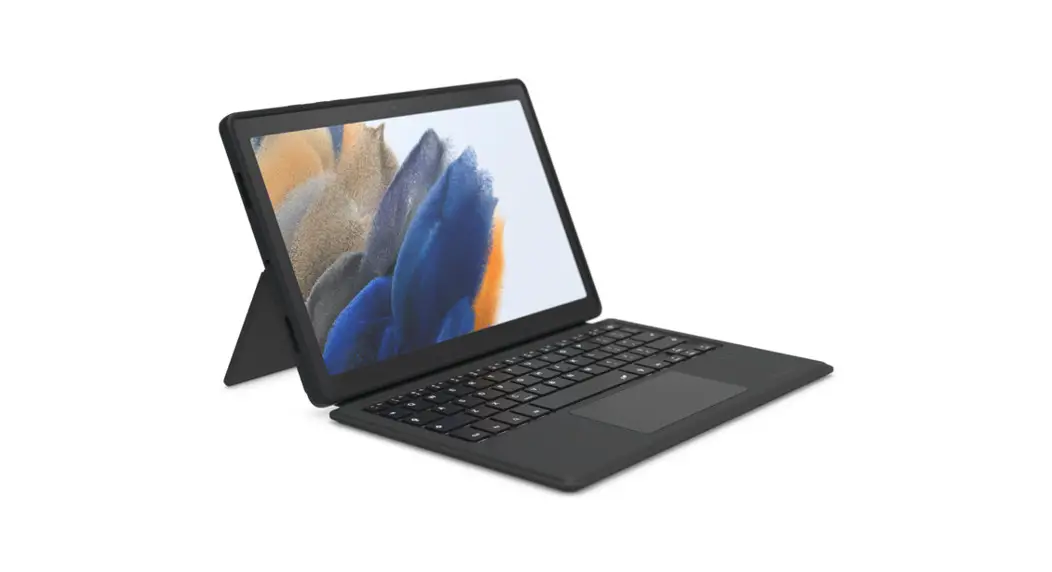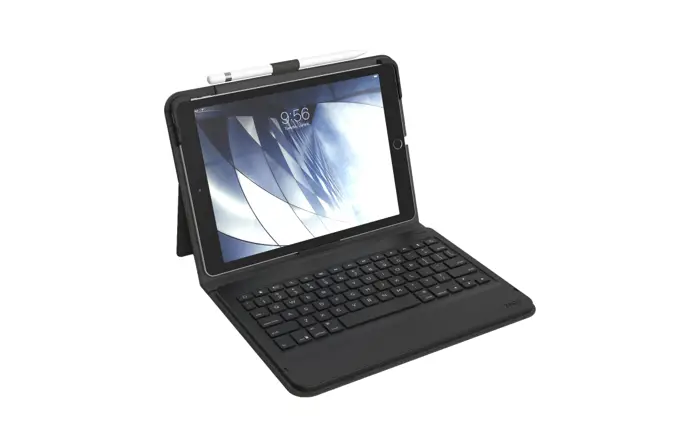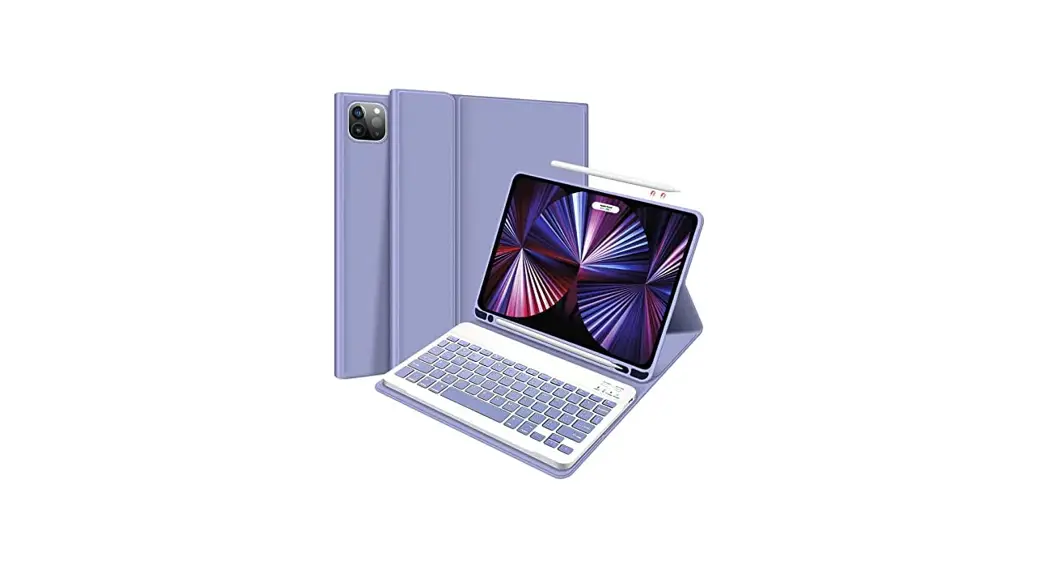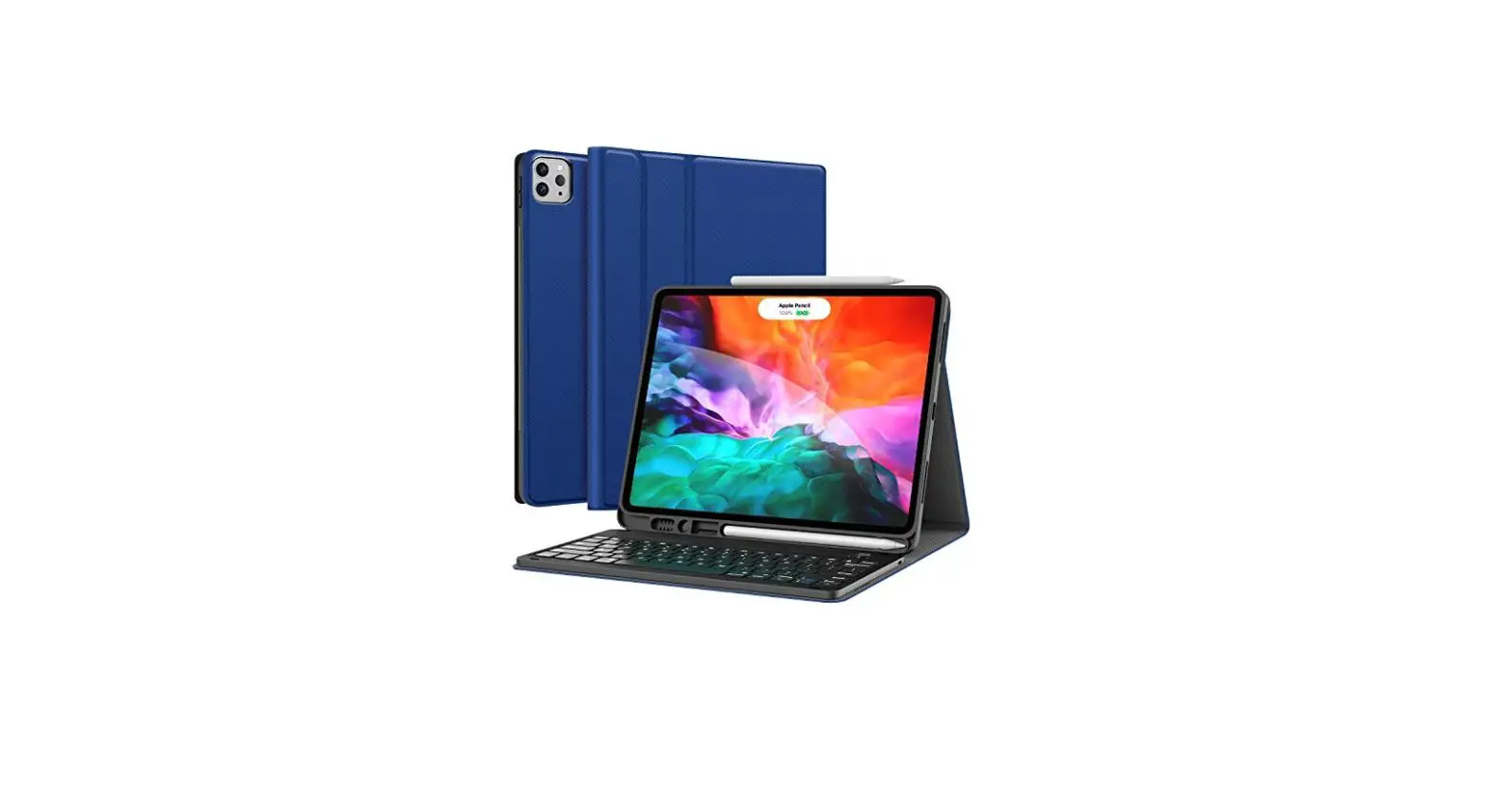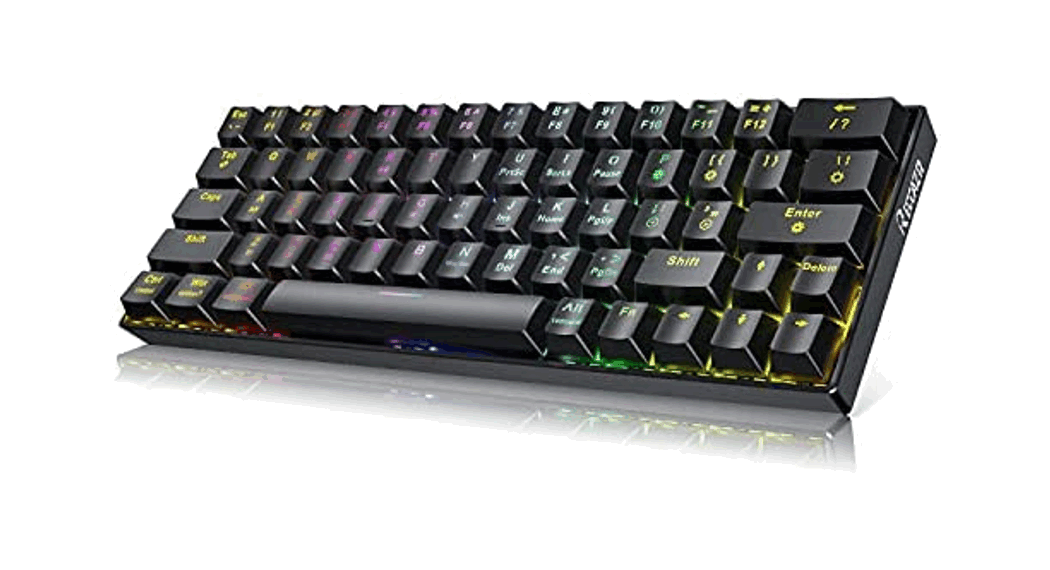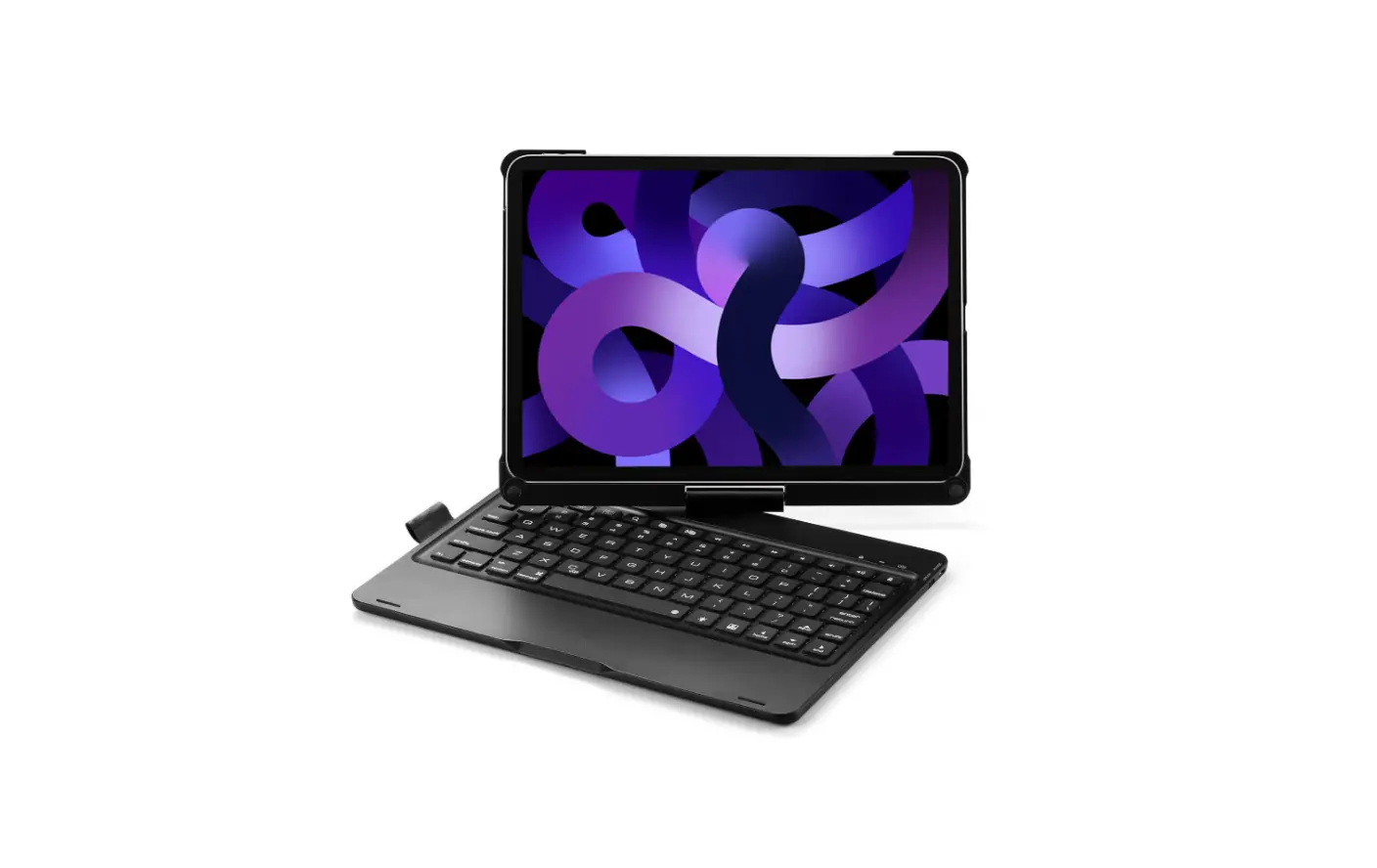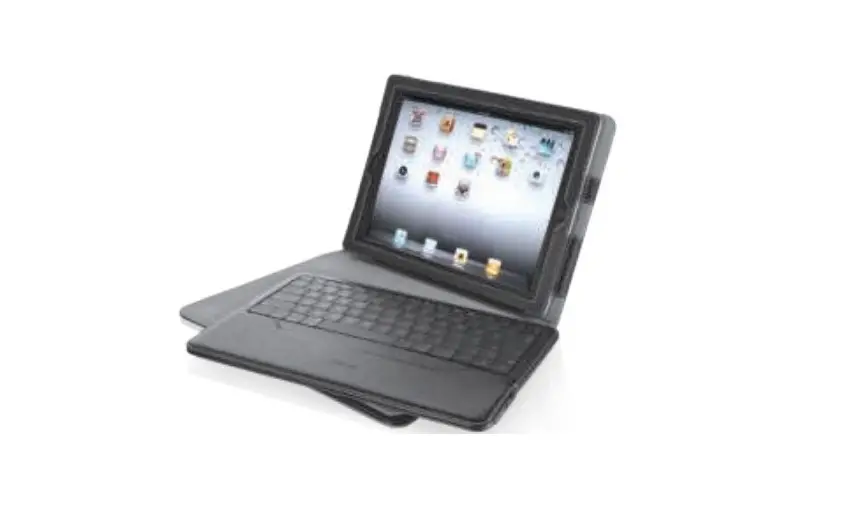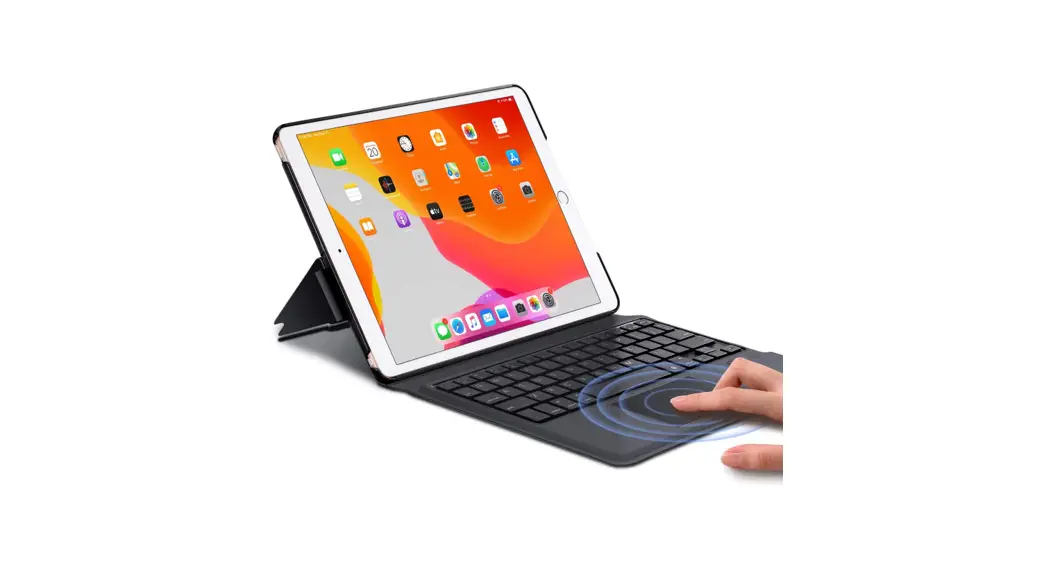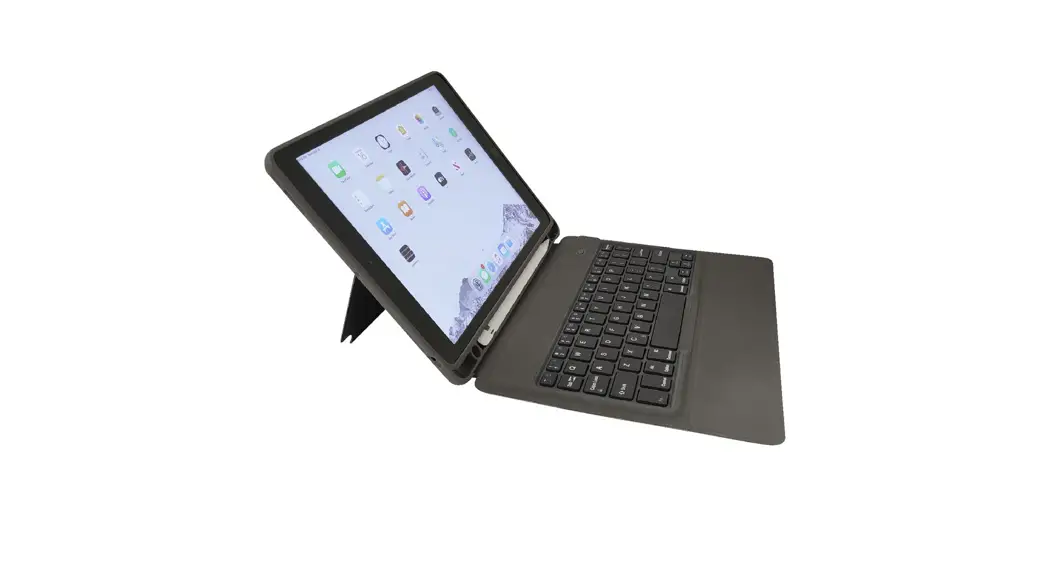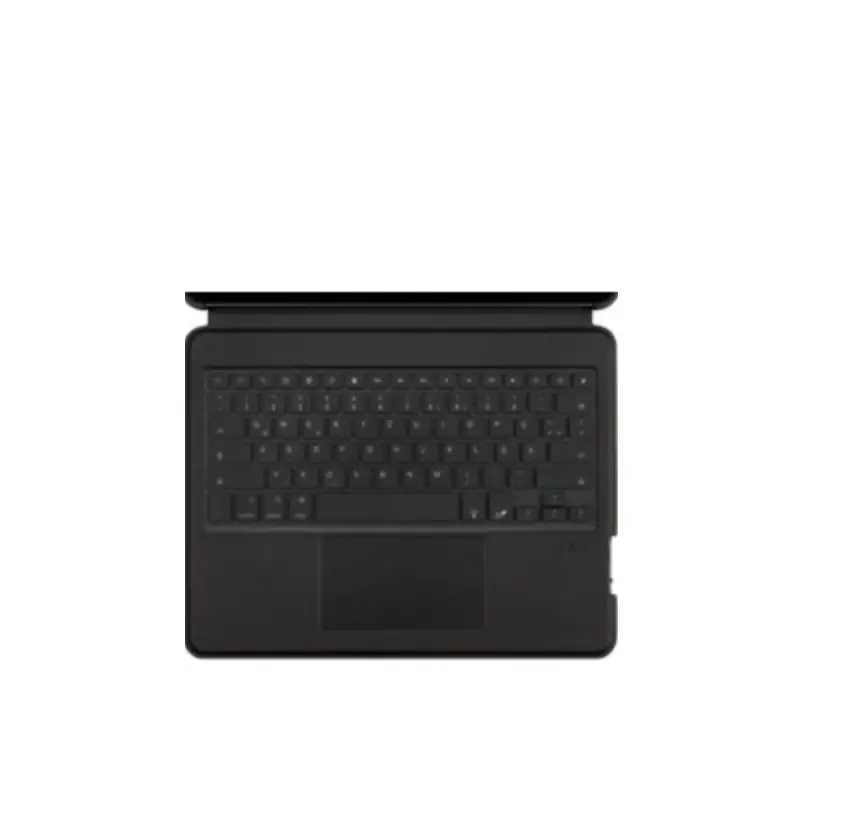
Gecko Covers Apple iPad Pro 12.9IN (2021) Keyboard Covers
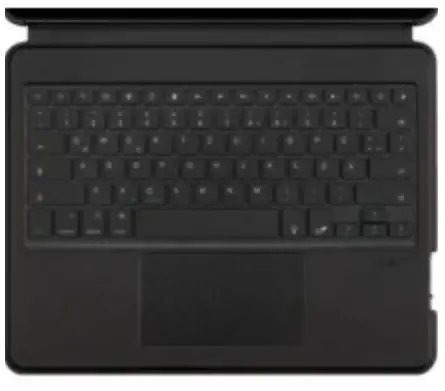
SPECIFICATIONS
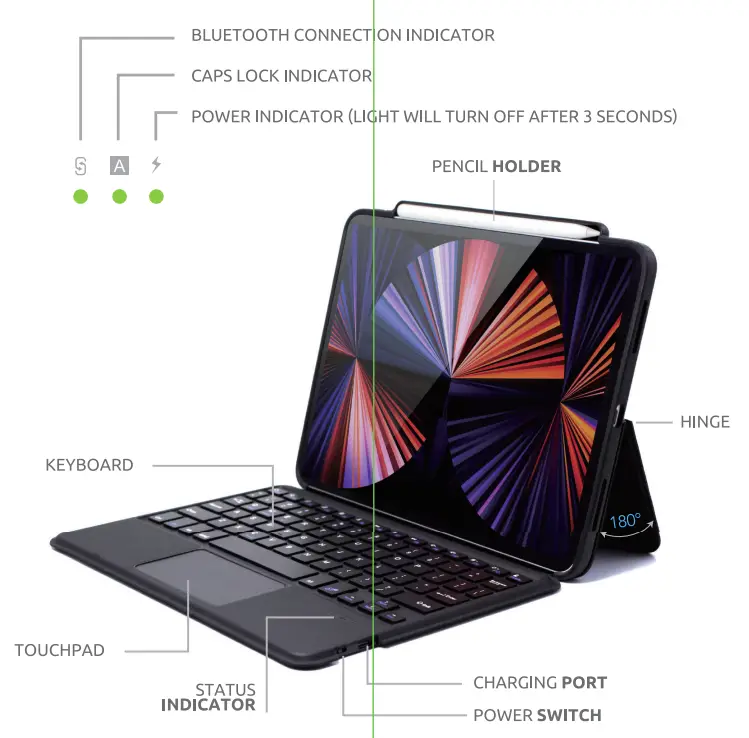
| Input | USB-C |
| Keyboard | with backlight |
| Connection | Blue tooth |
| Including | USB-cable |
| Uninterrupted | |
| Working Time: | More than 100 hours, r 30 hours |
| Standby TI me: | 100 days |
BLUETOOTH KEYBOARD ONNECTION Q)
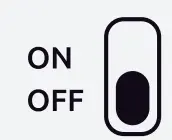
- Switch the power button to the “ON” position.

- To enter pairing mode, press “FN + Connect”.
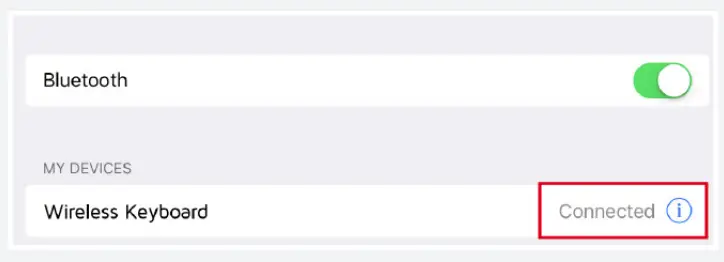
- Open your tablet and go to “Settings”.

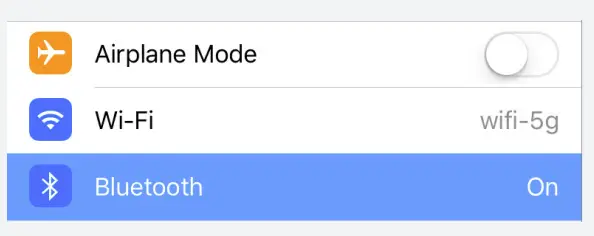
- Turn on Bluetooth and search for the Gecko Wireless Keyboard Cover.

- Click on it, and connecting will happen automatically.


CHARGE THE KEYBOARD COVER
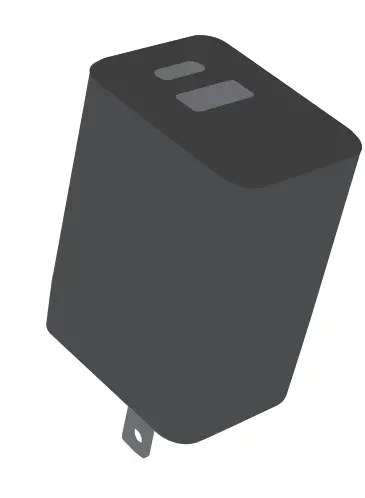

Recharge the keyboard in 2-3 hours.
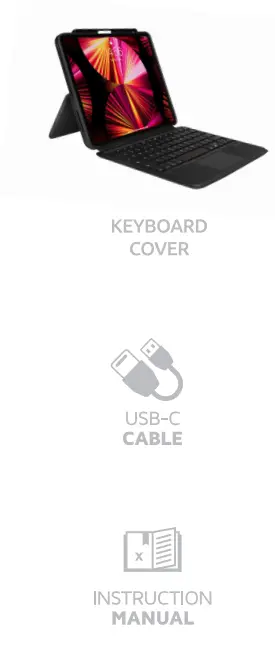
IN THE BOX
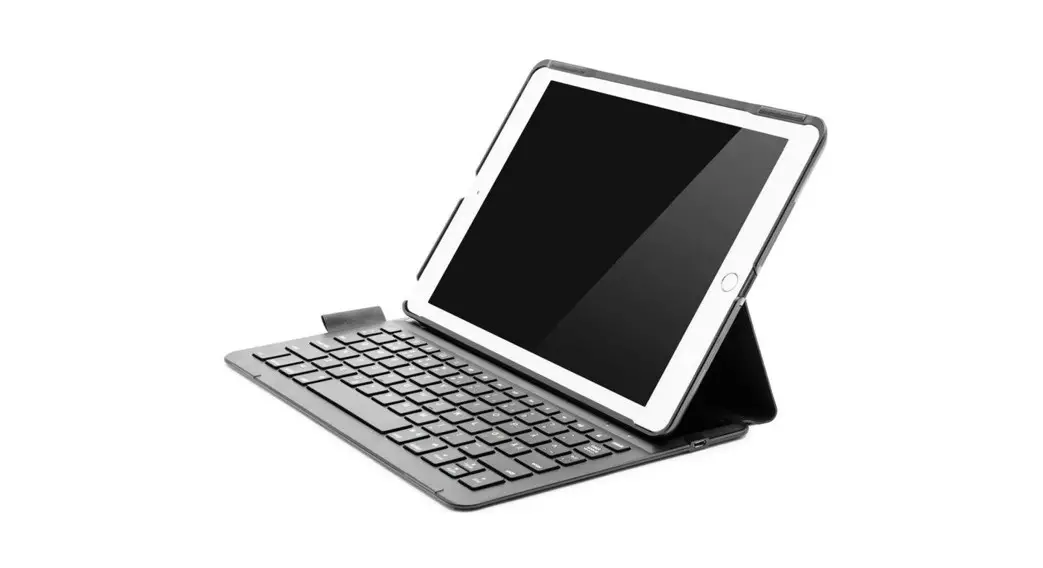
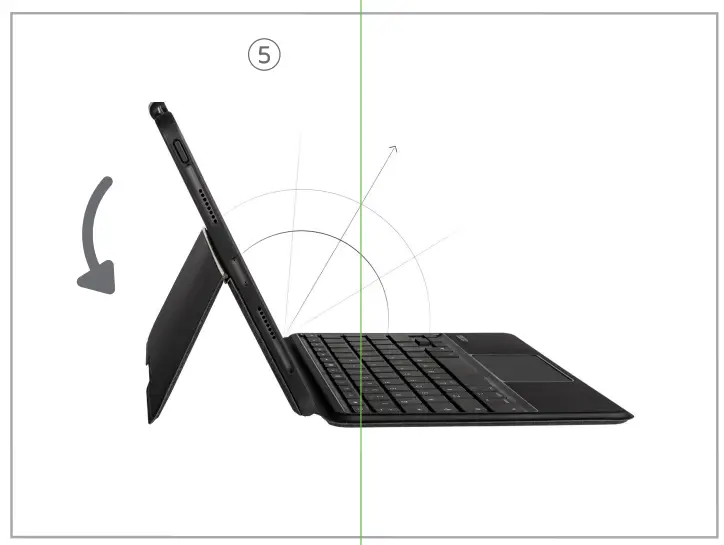
KICK-STAND
KEYBOARD SHORTCUT KEYS
 Home page Home page |  Brightness- Brightness- |  Brightness+ Brightness+ |
 On-Screen keyboard On-Screen keyboard |  Search Search |  Keyboard Switch Keyboard Switch |
 Copy Copy |  Paste Paste |  Previous track Previous track |
 Pause/Play Pause/Play |  Next rack Next rack |  Mute Mute |
 Volume- Volume- |  Volume e+ Volume e+ |  Lock screen Lock screen |
 Tile multiple window Tile multiple window |  Screen capture Screen capture |  Touchpad on/off Touchpad on/off |
 Function key Function key |  Backlight brightness adjustment Backlight brightness adjustment | |
 Bluetooth pairing Bluetooth pairing |  Cut Cut | 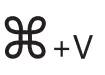 Paste Paste |
 Search Search |  Select All Select All | 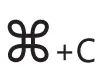 Copy Copy |
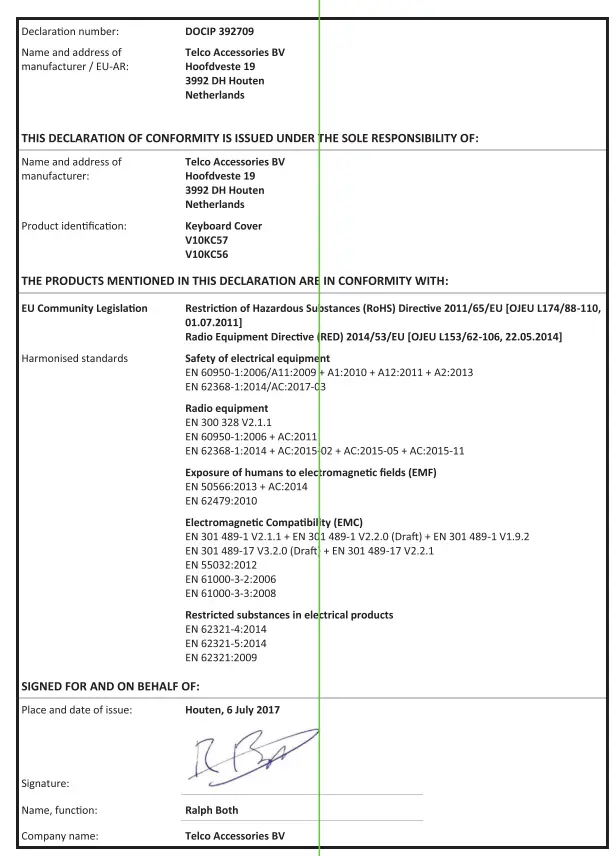
EU DECLARATIO OF CONFORMITY
Warmings
Don’t drop, dissemble or after)’lit to repair the product be ~rest. Avoid exposure to water or high numidid. Don’t ~ to any heat source. Keep out of reach of children Don’t use in the presence of flammable gas. Teigen Accessories has tested the product in a test environment. Ail statements/declarations made by. Teigen Accessories’ about the (operation) of the product are based on the results obtained from such tests. These results/stateless/dedications cannot be guaranteed, fir example in cases of aviating or injudicious use and/or use in a different environment.