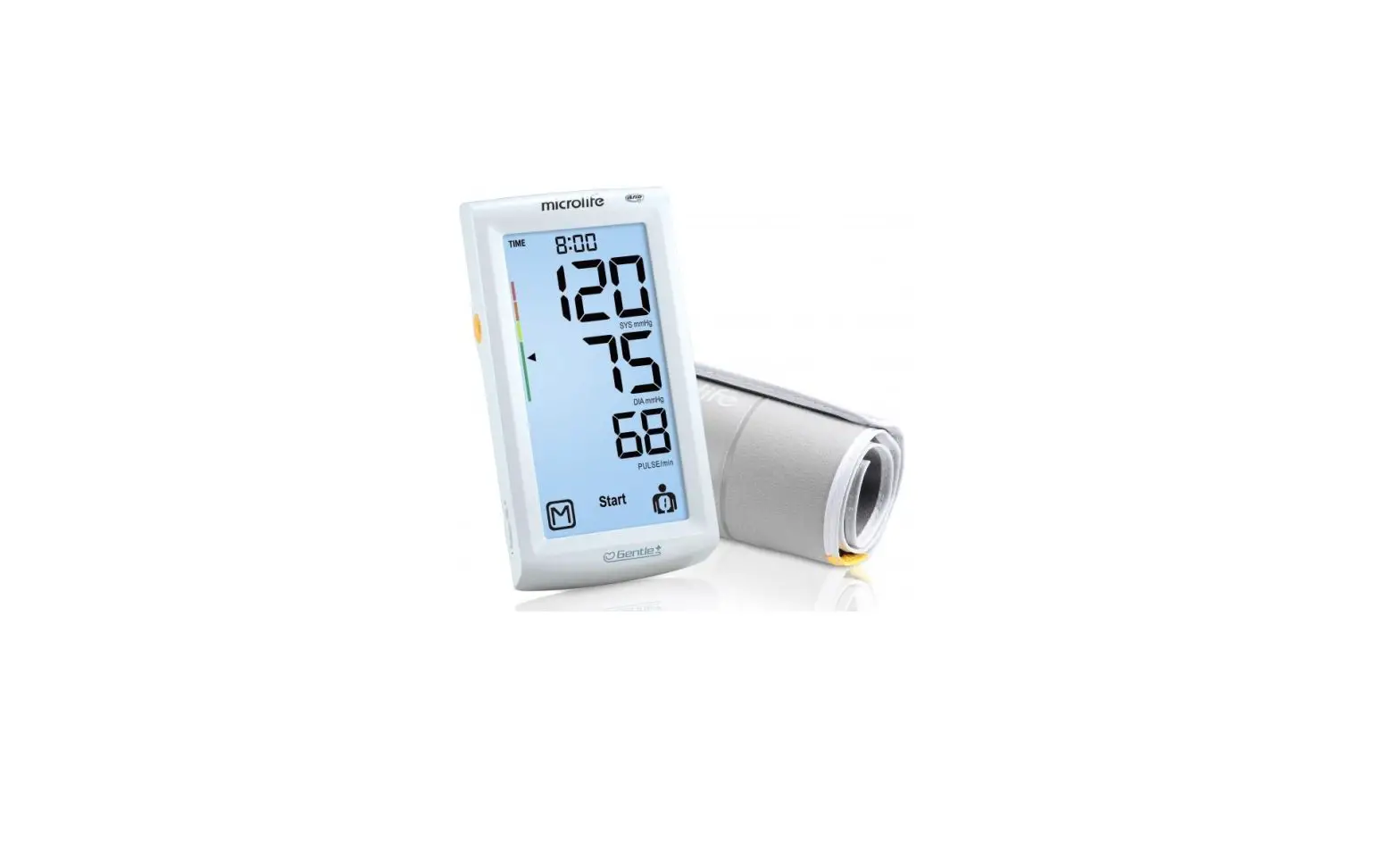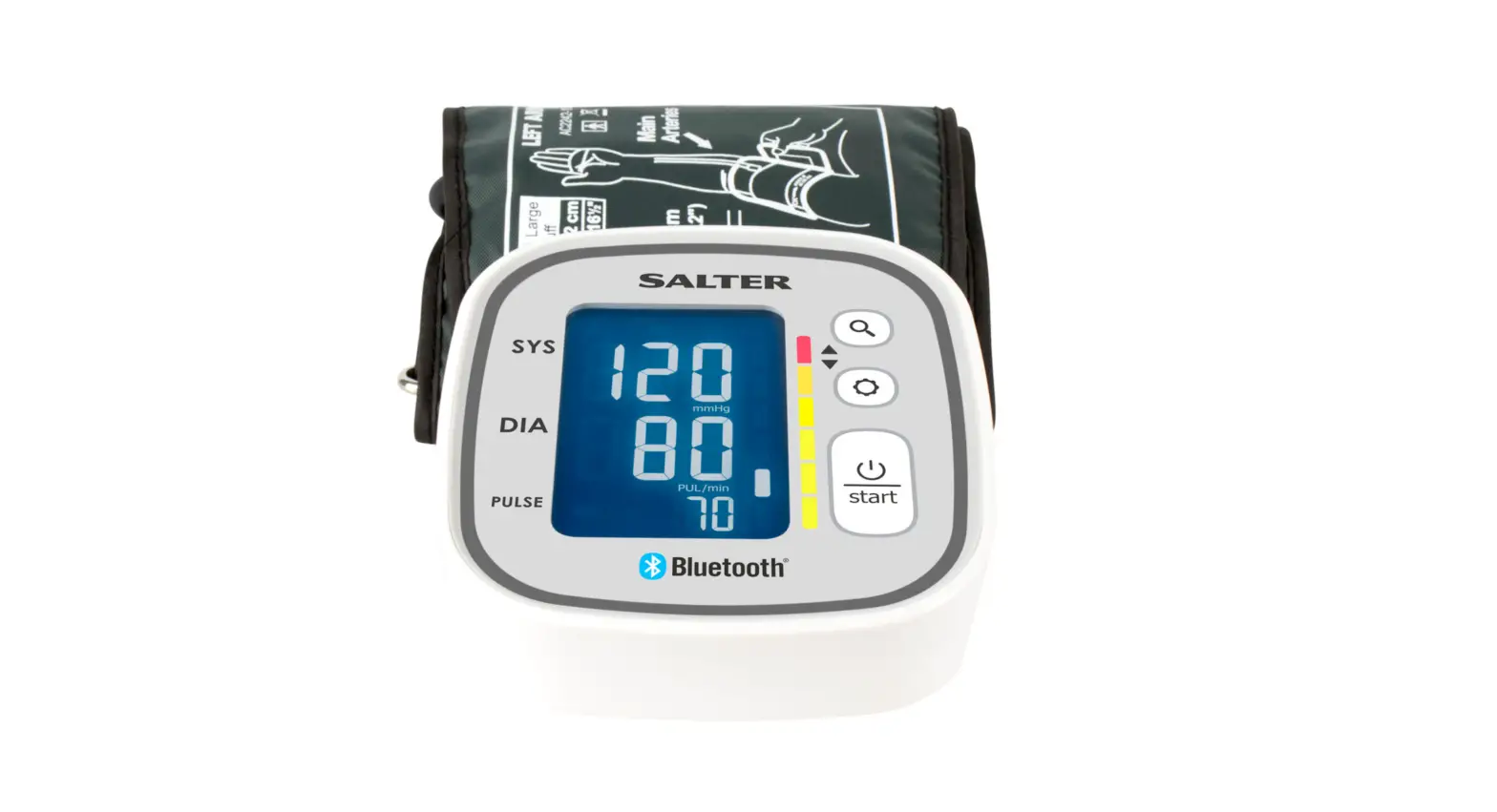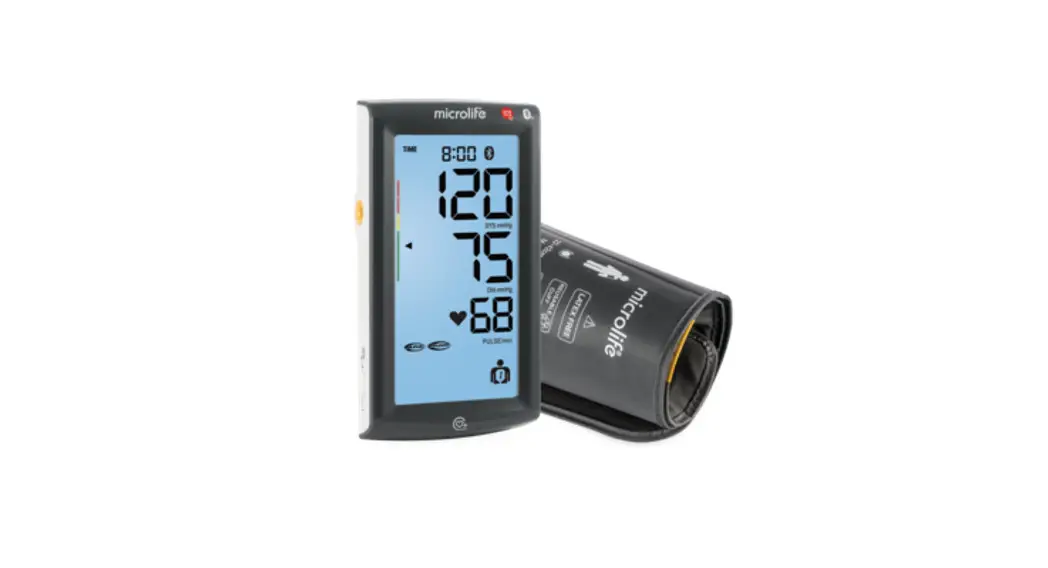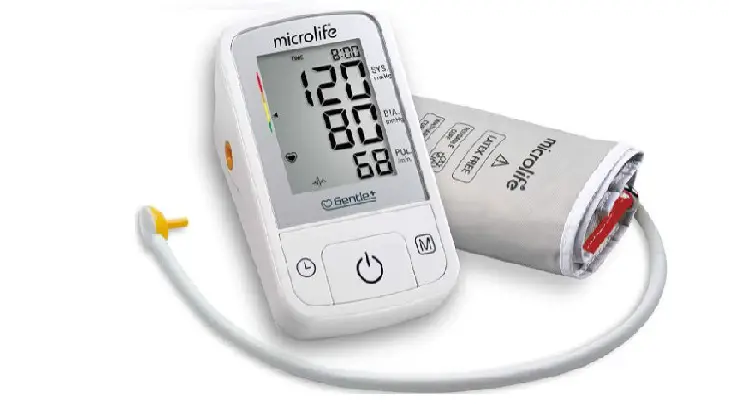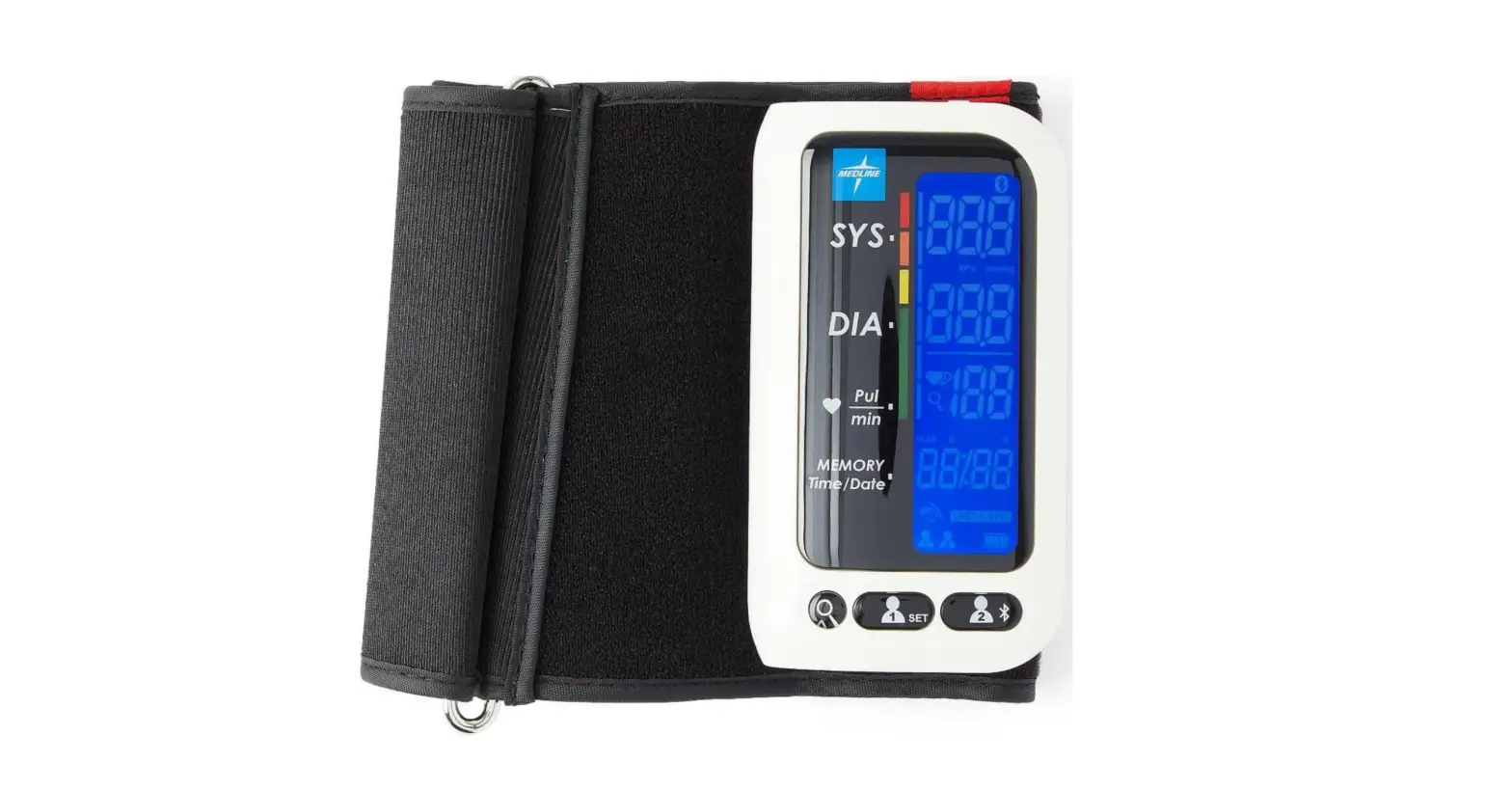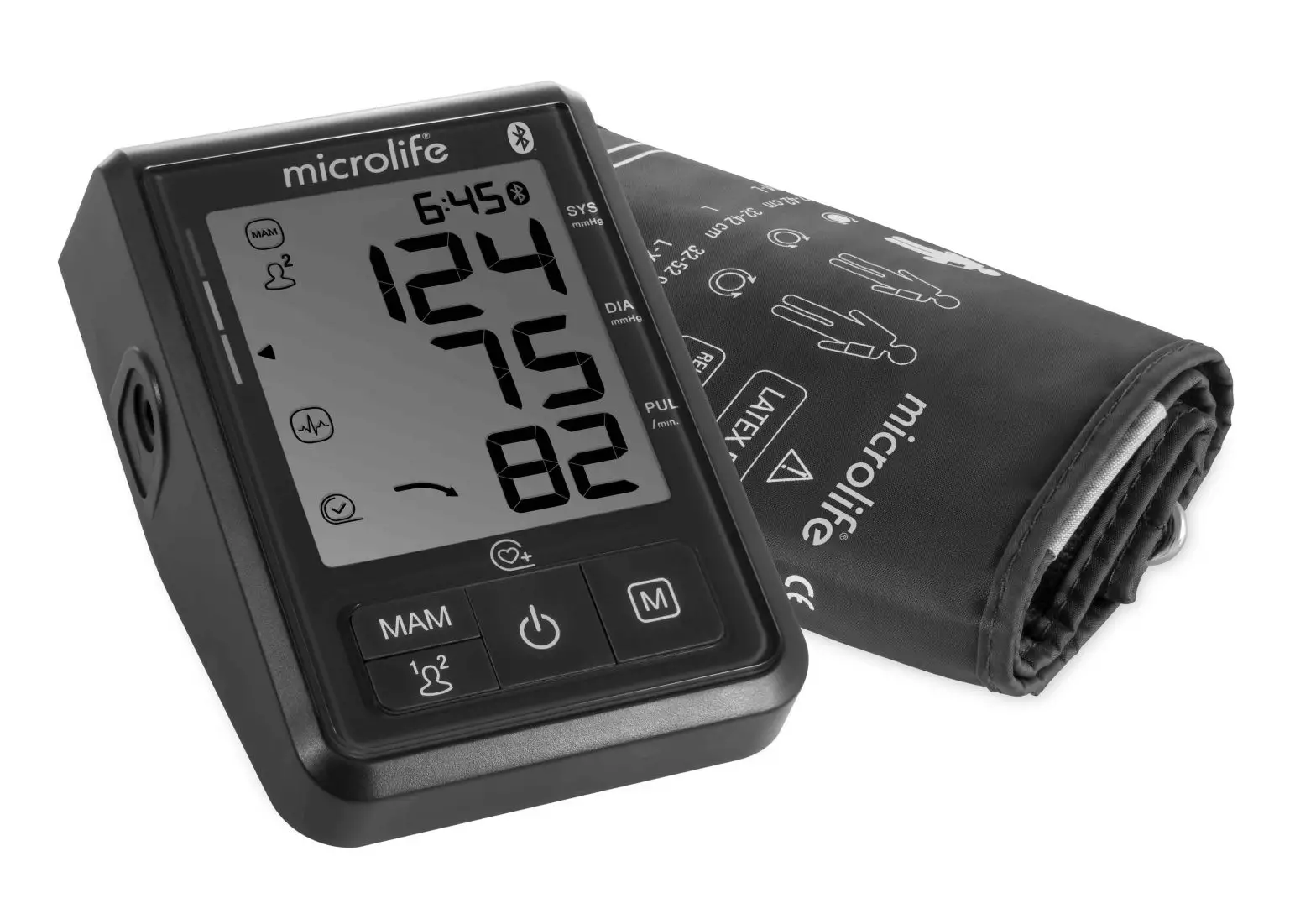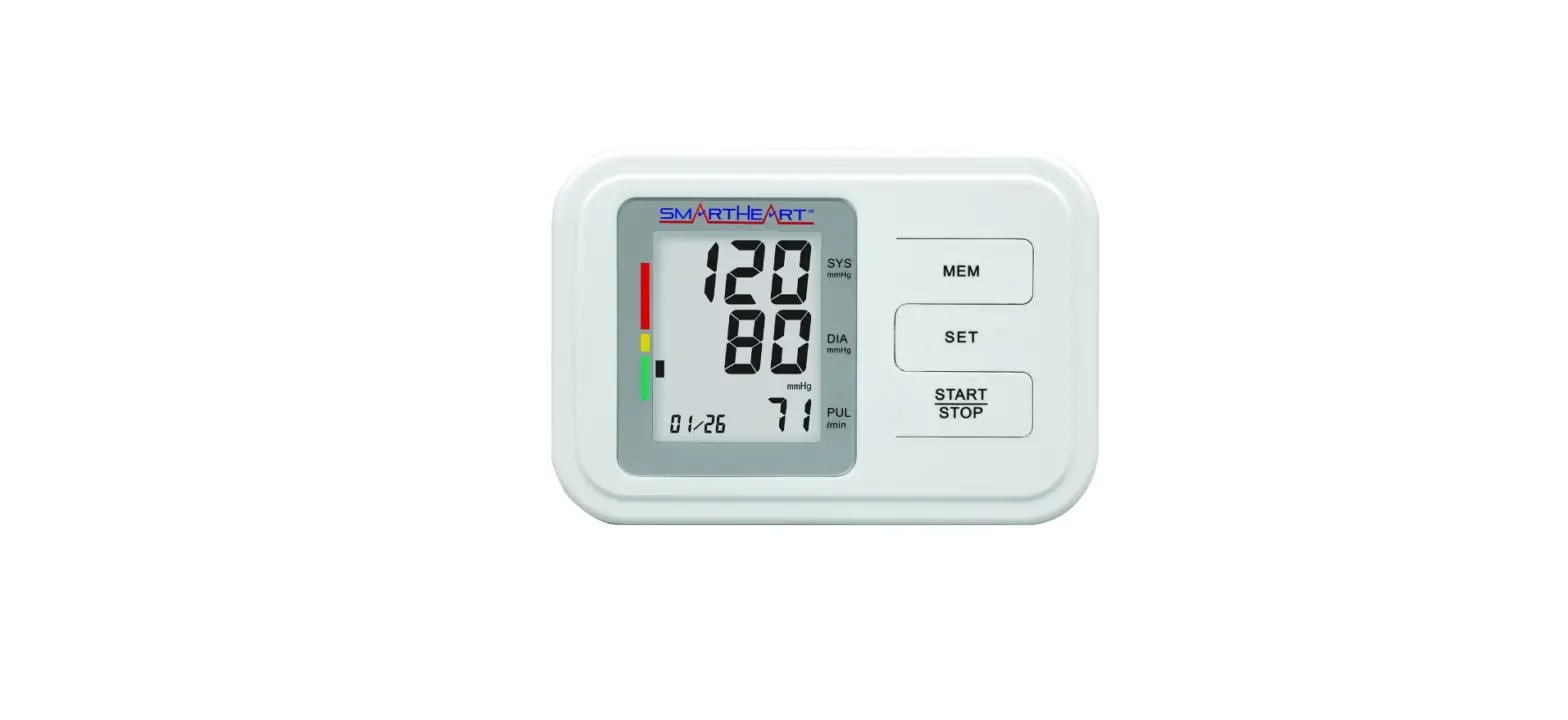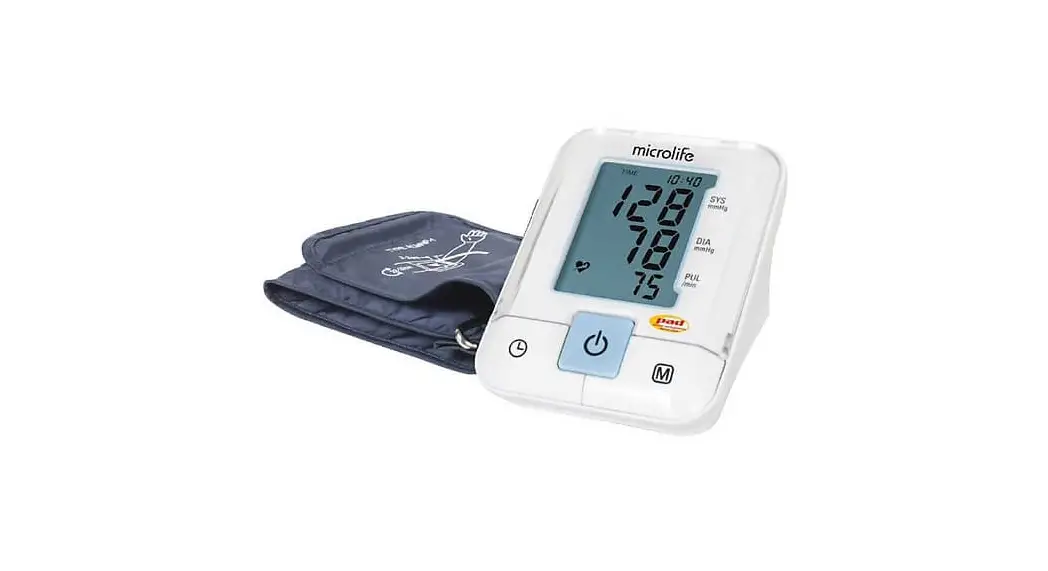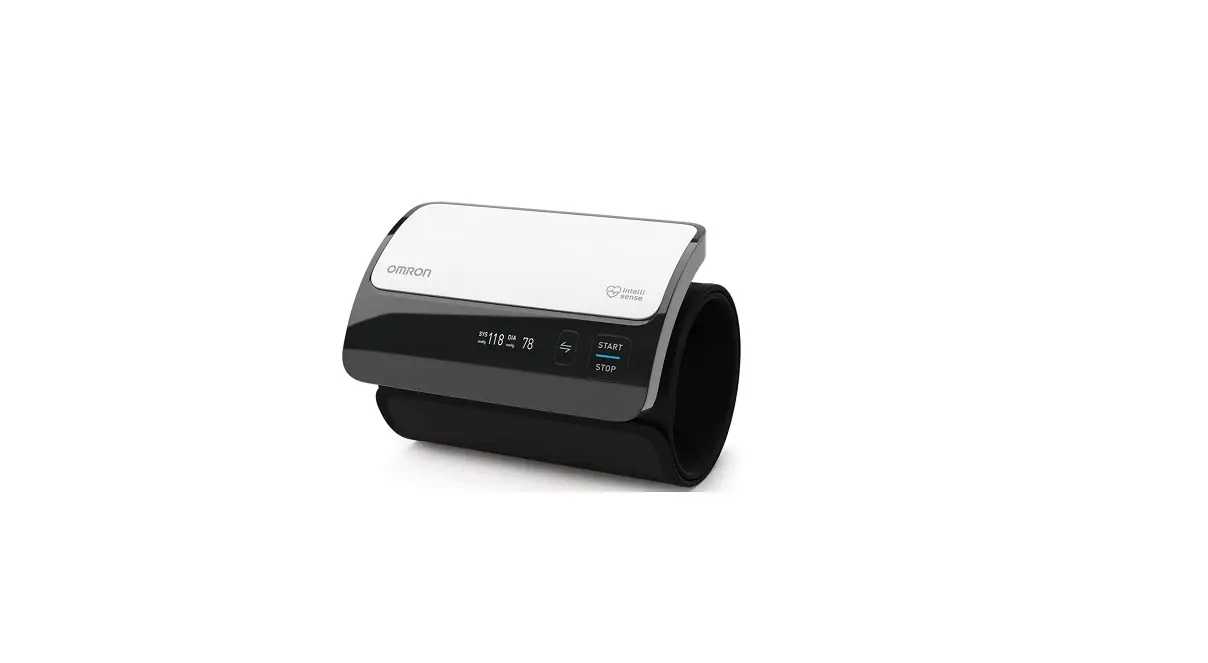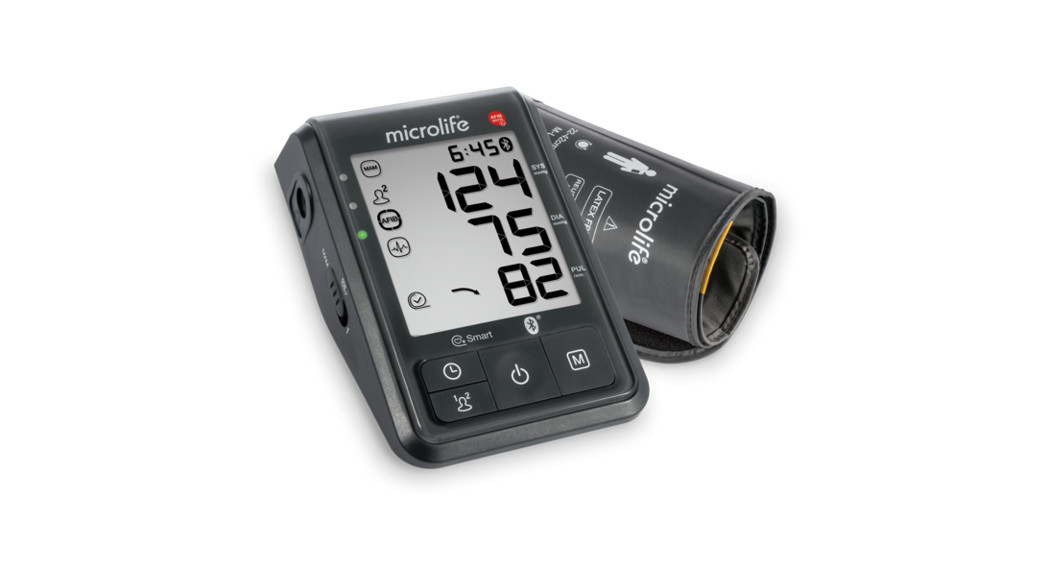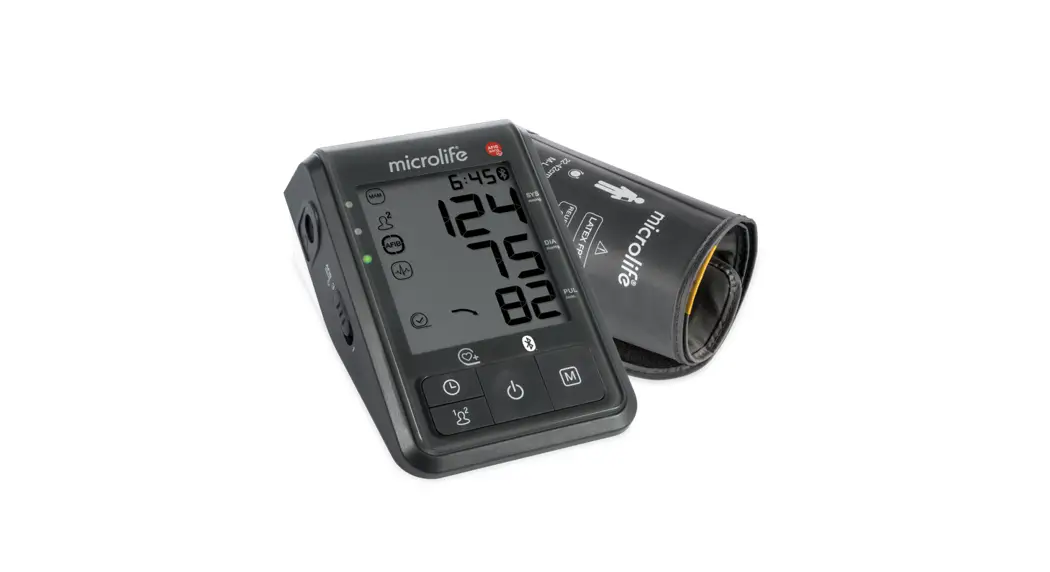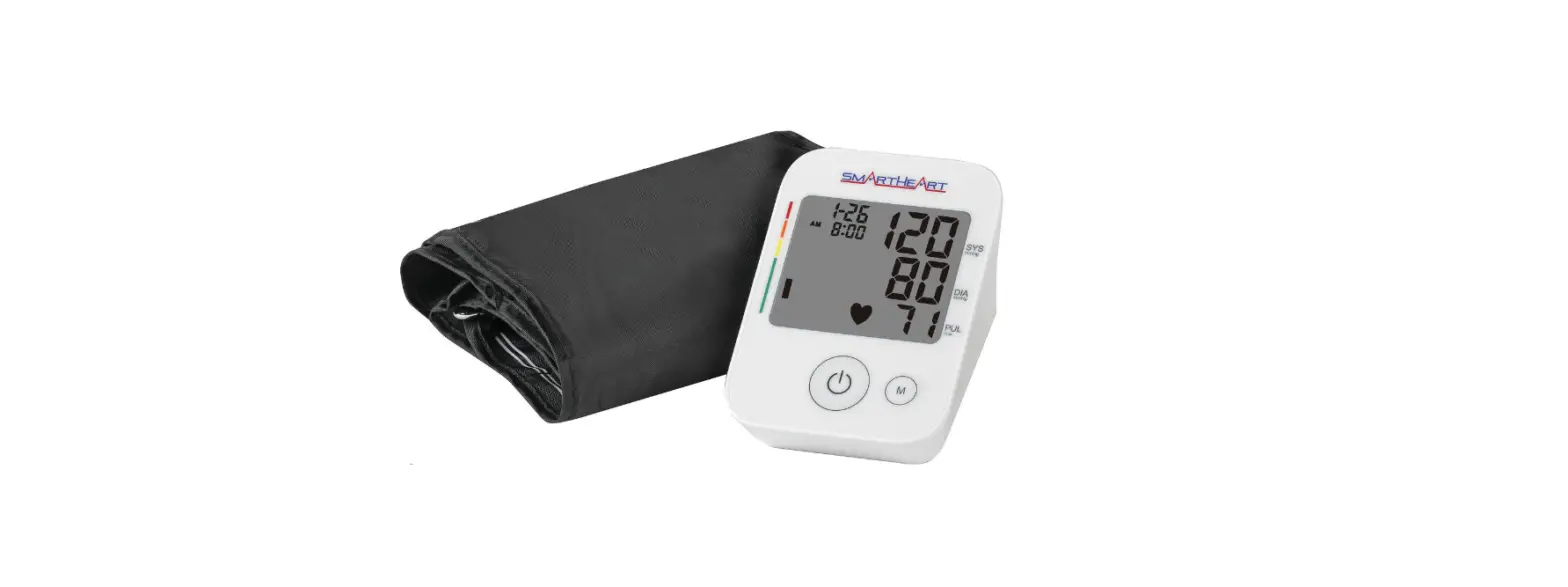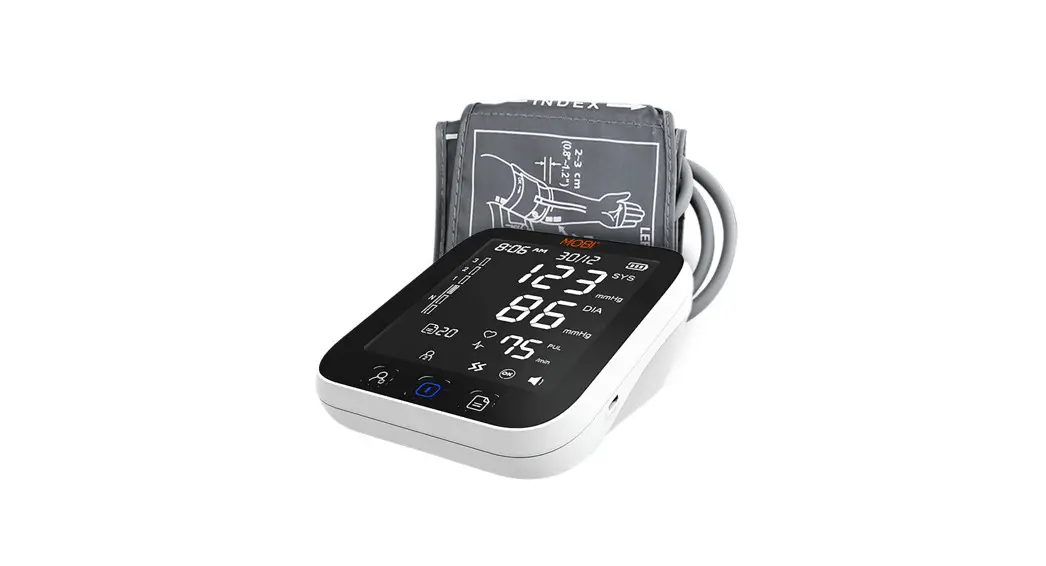

Smart Bluetooth Ear Arm
Blood Pressure Monitor 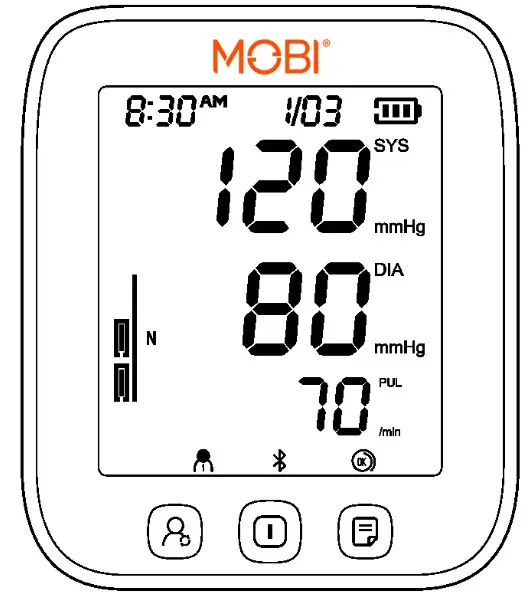
700027 User Manual
Version: V2.1
Revision Date: 7/18/22
700027 Smart Bluetooth Ear Arm Blood Pressure Monitor
Product Composition
The product is comprised of the host machine and the cuff of Electronic Blood Pressure Monitor.
Application Scope
The Electronic Blood Pressure Monitor is used to measure the diastolic pressure, systolic pressure, and pulse rate of adults by oscillometric method for diagnostic reference.
Safety Precautions
The warnings and illustrations shown in the User Manual enable you to use the product safely and correctly, thus preventing you and others from being injured, specifically as follows:
| Legend, mark and meaning | |
 | Warning message |
 | Applied Apart of Type BF (The applied part is the anti-electric shock) |
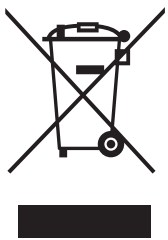 | Compliance with WEEE Standard |
 | Refer to Operating Instructions |
| This product complies with the MDD93/42/EEC requirements. |
IP21 | IP22: The first number 2: Protected against solid foreign objects to 12.5mm Φ and greater. The second number: Protected against vertically falling water drops, when enclosure titled up to 15°. |
 | Manufacturer |
| Date of manufacture |
Quick Start Guide
Avoid smoking, eating, drinking caffeinated drinks, or exercising for 30 minutes before taking measurement.
- Sit upright in a chair with both feet on the floor.
- Remove tight fitting clothing from your upper arm along with any thick clothing.
- Pull on the end of the cuff until it wraps securely around your upper arm. Place your arm on a table so that the cuff will be at the same level as your heart.

- The cuff will automatically inflate, and themeasurement will start, upon pressing the “
 ” button.
- When the measurement is complete, the cuff will automatically deflate, and your systolic and diastolic pressure values and pulse rate will be displayed.

 ” button.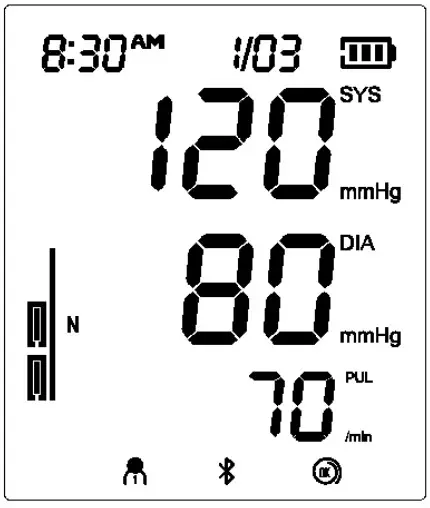
Overview
Monitor
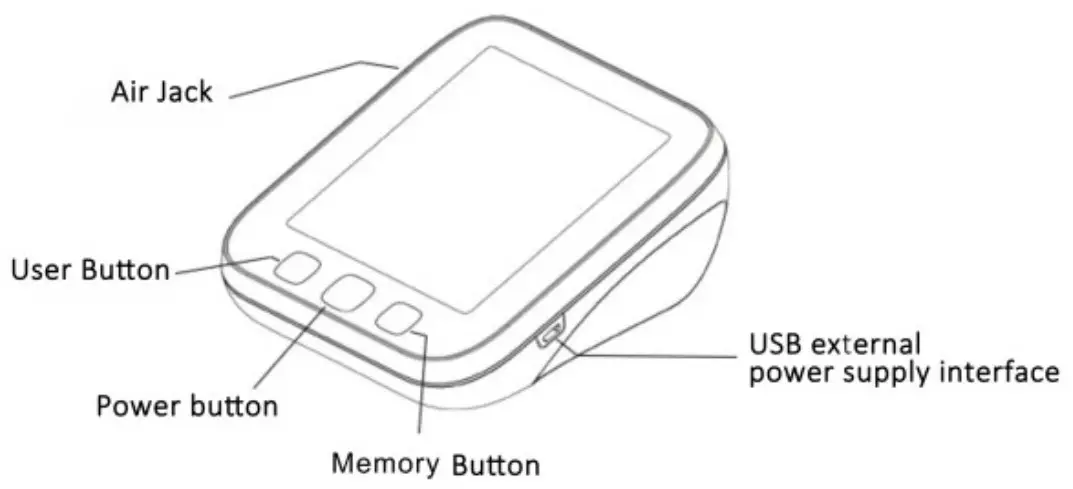
Features
- Universal Cuff
- Irregular Heartbeat Detector
- 99 Readings * 2 Users
- Bluetooth Transmission Function
- Auto-off Power Saving Feature
- Operated by 4 AA batteries (USB 5V optional)
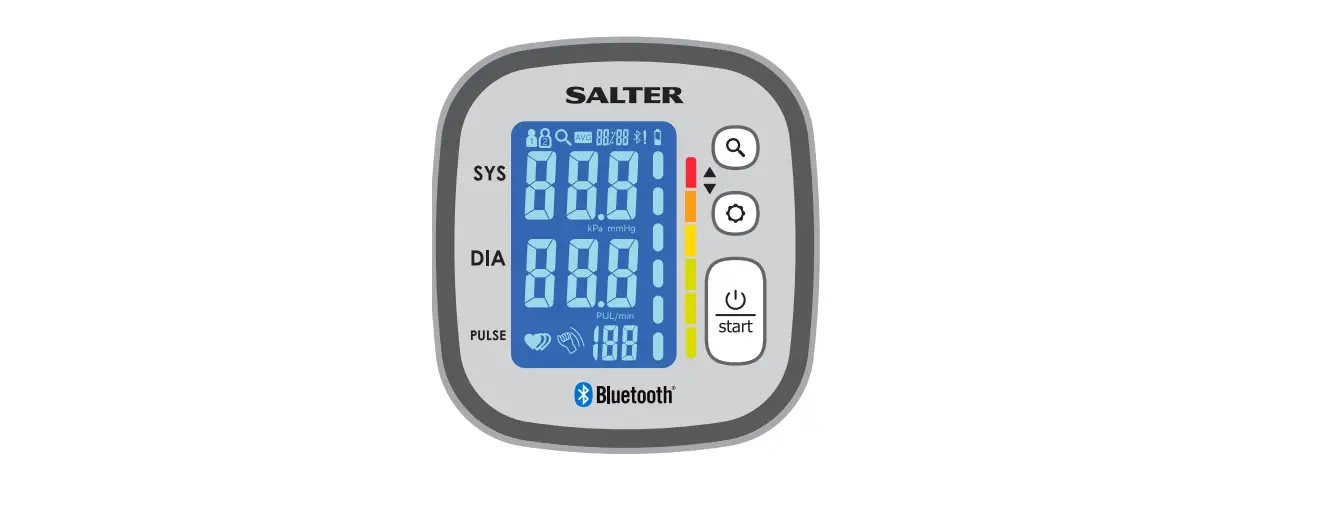
Display
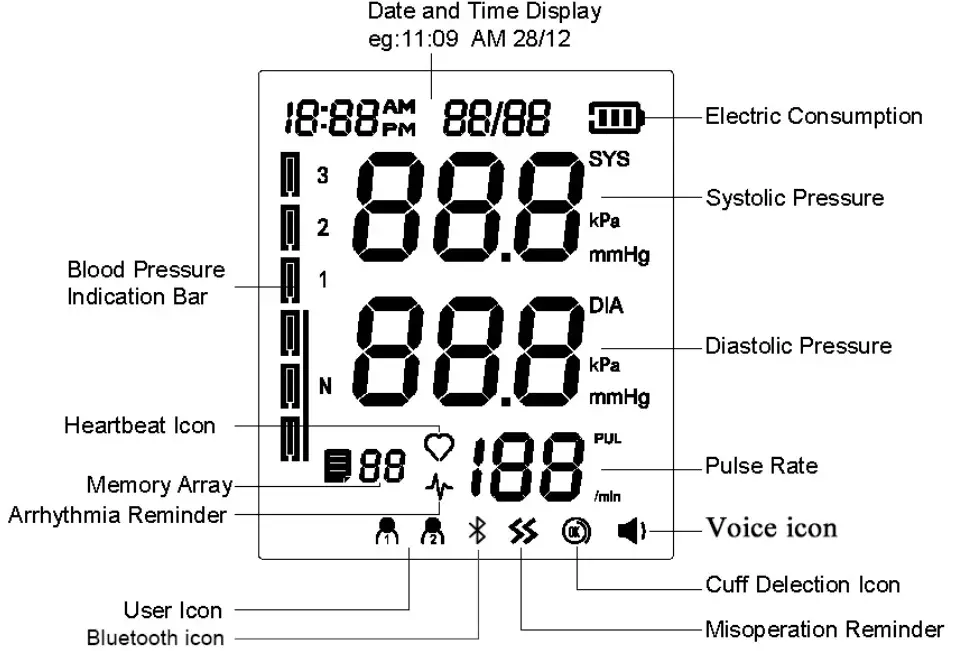
Packing List
| No. | Name | Quantity |
| 1 | Smart Bluetooth Ear Arm Blood Pressure Monitor | 1 |
| 2 | Cuff | 1 |
| 3 | Dry Battery (AA) | 4 |
| 4 | User Manual | 1 |
| 5 | Zipped Carrying Bag | 1 |
Preparation
2.1 Battery Installation
a)Open the battery cover as shown in the picture.
b )Place 4 AA dry batteries. Pay attention to the battery electrode indication. 2.2 Battery power indication and replacement
After the product is turned on, if low power symbol appears on the screen, the measurement cannot be performed, and the battery must be replaced.
Do not use any expired battery. If the product is not used for over 3 months, please take out the batteries.
2.3 USB Power Supply
USB line can be connected for power supply of the product without battery.
2.4 Cuff
The applicable arm circumference range of the cuff is 22-36cm or 22-42cm. 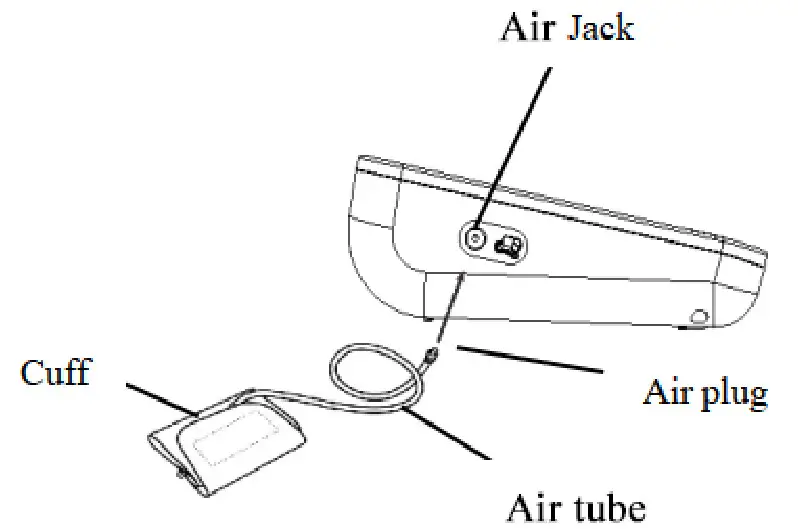
Connection: Insert the air plug of cuff air tube into air jack of the Electronic Blood Pressure Monitor. Figure shown as above:
Function Setting Mode
3.1 User mode
Switch between “User 1” and “User 2” can be processed in the “OFF” state or upon the measurement completion, by short press on the “User  ” button.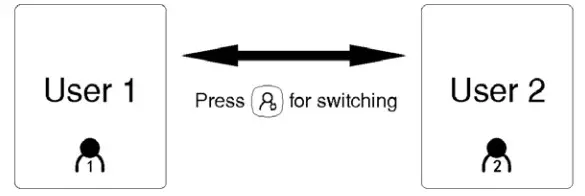
3.2 Year/Month/Date/Time setting
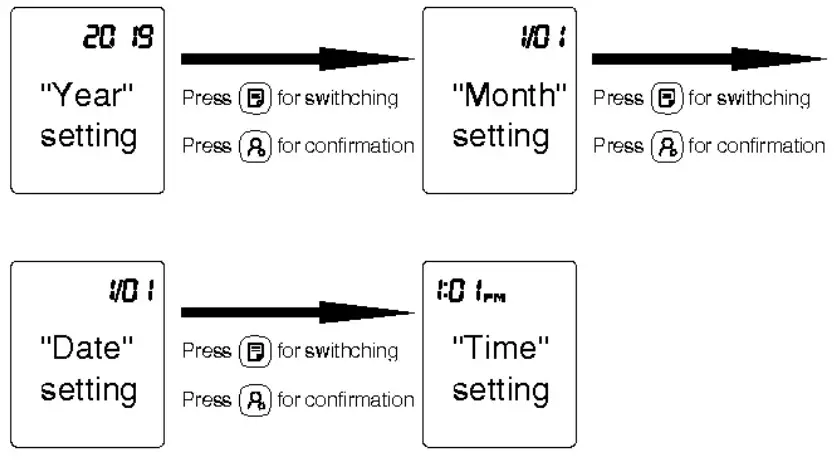
In the “OFF” state, enter the setting mode by long press on the “User ” button for 3~5s.
After entering the “Year” setting mode, the flashing 20XX will show on the screen. Press the “Memory  ” button, and the value will be incremented among 2019 and 2099. Press the “User ” button for “Year” value confirmation and move to the “Month” setting mode.
After entering the “Month” setting mode, 1/01 will flash on the screen.
Press the “Memory ” button, and the value will be incremented among 1 and 12. Press the “User ” button for “Month” value confirmation and enter the “Date” setting mode.
After entering the “Date” setting mode, 1/01 will flash on the screen.
Press the “Memory ” button, and the value will be incremented among 01 and 31. Press the “User ” button for “Date” value confirmation and enter the “Time” setting mode.
After entering the “Time” setting mode, XX: XX will flash on the screen.
Press the “Memory ” button, and the “Hour” value will be incremented among 1~12 AM/PM. Press the “User ” button for “Hour” value confirmation and enter the “Minute” setting mode. Press the “Memory ” button, and the value will be incremented among 00 and 59.
Note:
When setting time values, continue pressing the “Memory ” button till the correct values is well set. Value ranges are year (2019~2099), month (01~ 12), date (01~31), hour (1~12 AM/PM) and minute (00~59). When the ceiling value of a certain time sector is reached, the relevant value of the sector will start from the minimum individually.
3.3 Talking function setting (voice version only)
After entering talking function setting mode, will show up at the SYS area, with the current voice status
  and voice icon (not displayed, when talking function mode is off) at the DIA area. Press the “Memory ” button to switch the voice status and press the “User ” button for confirmation.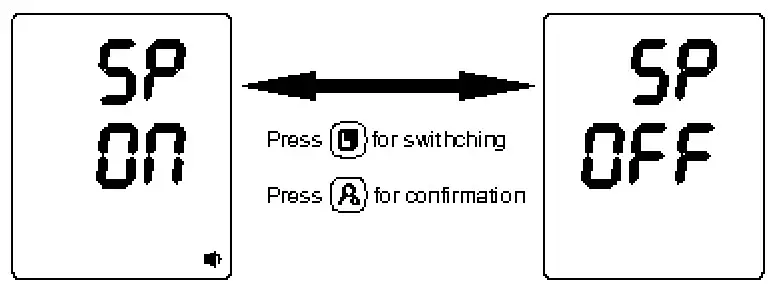
3.4 Unit setting
Either 0 or 0.0 will show up on the screen, upon entering the “Time” setting mode, by pressing the “User ” button. Display of 0 indicates that the mmHg unit is selected; display of 0.0 indicates that the kPa unit is selected. Unit will be switched upon every press on the “Memory ” button. After the unit is selected, press the “User ” button again to save the unit setting. 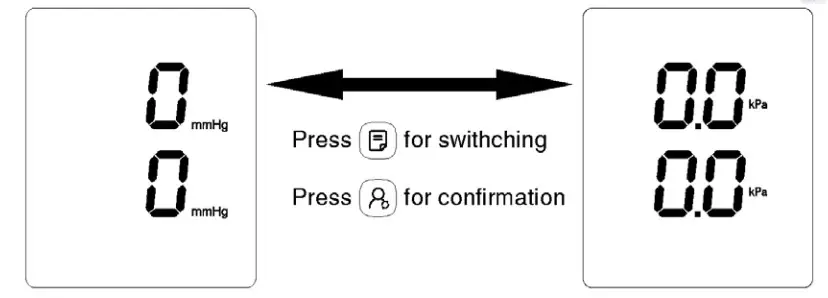
Correct Method of Use
4.1 How to use the cuff
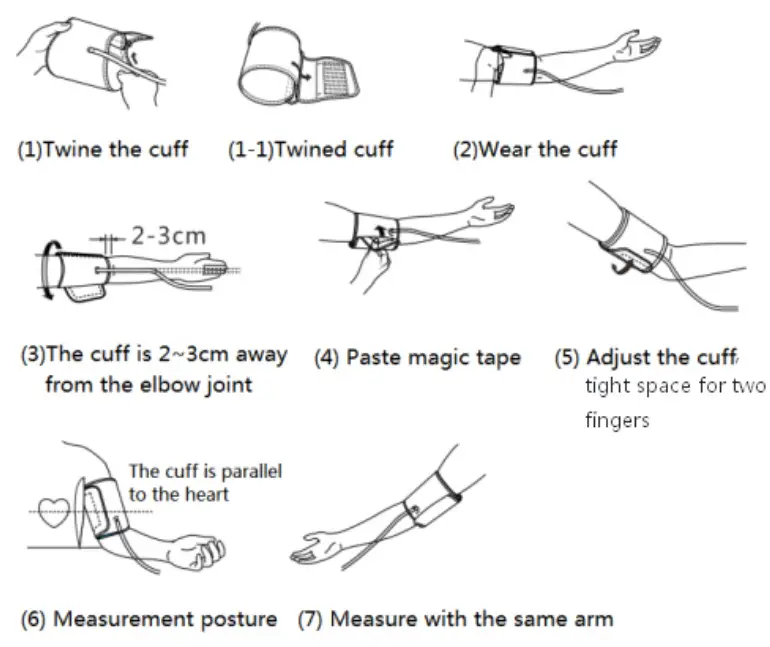
- Place the cuff flat on the table, leave the hook & loop downwards, and pass the end of cuff through the metal ring to form a loop. The hook & loop shall point outwards.
- Pull the cuff through the upper arm to be measured, and wear the cuff correctly based on the downward icon “Φ,” the air tube runs down the inside of your arm.
- Hook up the cuff on the upper arm according to the illustration, ensure that the lower edge of cuff is 2~3cm away from the elbow joint.
- Tighten the free edge of cuff to stick the hook & loop.
- The cuff should be wrapped on the upper arm comfortably, with tight space for two fingers. Before measurement, remove tight fitting clothing from your upper arm along with any thick clothing.
- Place the lower arm flat on the desktop, leaving the center of palm naturally upwards, sitting upright, and ensuring the center of cuff and the heart are at the same level. Note that the tube of cuff cannot be folded or bent.
Note: If you cannot use the left arm for measurement, please use the right arm for measurement. All the measurements must be performed on the same arm for comparison.
4.2 Starting measurement
Power on state, after you wear the cuff correctly, the “cuff detection icon ” lights up, then you can start the measurement:
- Press the “Power ” button, and the device will return to zero automatically, the air pump will start to inflate the cuff, and the screen will display the change of the pressure in the cuff.
- When reaching the stable pressure upon inflation, the air pump will stop the inflation, and the pressure in the cuff will be reduced gradually and displayed on the screen. If the inflated pressure is insufficient, the device will reinflate the cuff automatically for a higher pressure.
- When the pulse is measured, the screen will display the “heart” symbol and start flashing. The flashing “heart” symbol will be displayed on the screen.
- Upon measurement completion, the measured values of systolic pressure, diastolic pressure and pulse will be displayed on the screen.
- The screen will continue to display the measurement results unless your long press on the “Power ” button to turn off the device. If there is no operation, the device will be powered off automatically in 30s.
Note:When the icon shows up, it means body movements during the measurement, which may result in incorrect measurement.
 shows up, it means body movements during the measurement, which may result in incorrect measurement.
4.3 Using memory function
This blood pressure monitor is available for 2 users with 99 memories per user. If the 99 groups of memory data are full, they will be replaced automatically. After the blood pressure monitor has been used for several times, in the OFF state, you can press the “Memory ” button to display the latest measurement result and track the rest data one by one via pressing the “Memory ” button.
4.4 Clearing stored measurement data
In memory mode, you can delete all the measurement data of the two users by pressing the “Memory ” button for 3 seconds.
4.5 Use Bluetooth function
See the Quick-Start guide for setup.
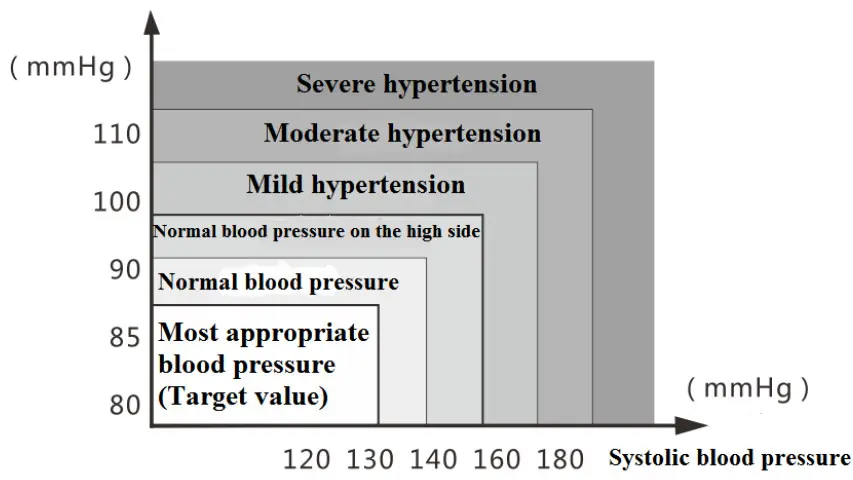
4.6 Classification standard for blood pressure condition
There is no definition of hypotension yet. Generally, if the systolic blood pressure is less than 100mmHg (13.3kPa), it is hypotension.
Diastolic blood pressure
Contraindications, Precautions, Warnings and Prompt Instruction
(1) Warning: Keep the device out of the reach of the children under 12 and people who can’t express their intention. When children of 12~18 use the device, they should be accompanied by the adults. Pregnant women shall use under the guidance of doctors. Do not wrap the cuff over a wound, as this can cause further injury. This model of Electronic Blood Pressure Monitor is suitable for the arm circumference range of 22-36cm or 22-42cm, and if the arm circumference exceeds this range, you might fail to obtain the correct measured value of blood pressure. This model of Electronic Blood Pressure Monitor is not suitable for newborns or young children. The blood pressure is constantly changing. You shall not judge the blood pressure condition with just one measurement result. The repeated measurement data over a period of time will be more reliable. Do not make self-diagnosis according to the measurement results. Please consult your professional doctor with the measurement result record(s). The treatment based on the self-diagnosis of measurement results is very dangerous.
(2) Precautions:
Do not repair, disassemble, or modify the Electronic Blood Pressure Monitor without permission. Do not collide or drop the host to avoid collision or strong impact on the device. Do not mix old and new batteries of different brands for use.
I ndoor temperature, environment, noise, user’s body position, speech or exercise might affect the blood pressure measurements. The body movement, magnetic field and improper wearing of cuff and sensor will affect the measurement as well.
Troubleshooting
* If you have trouble using the device, please check the following instruction.
| Problem | Possible cause | How to correct |
| No display when press the Power button | Low battery | Replace new batteries or use the USB for power supply. |
| The polarities of batteries are installed wrongly. | Install the batteries in correct polarities. | |
| No pressurizing | The air plug is loosely installed. | Make sure the air plug is securely inserted in the main unit. |
| The air tube is broken or leaked. | Purchase a new cuff. | |
| “Err 1” displayed | The sensor does not work. | Please contact us for after-sale service. |
| “Err 2” displayed | No pulse detected | Please check if the cuff wearing is correct, and follow Section 4.1 How to use the cuff |
| “Err 3” displayed | The result of blood pressure is abnormal. | Please remeasure in the right way. |
| “Err 4” displayed | The cuff is twined too loose. | Please check if the cuff wearing is correct and follow Section 4.1 How to use the cuff. |
| The air bag of cuff is ruptured. | Replace with a new cuff. | |
| “Err 5” displayed | The air tube is detected to be obstructed in the early stage of pressurization. | Please check if the air tube is clogged or folded before measuring Please measure again. |
| “Err 6” displayed | Signal interference | Remove interfering source e.g., mobile phones, magnets. |
| “Err 7” displayed | Pressure value exceeds the limit. | Do not touch the cuff during the measurement. Do not fold the air tube during the measurement. |
| Note: If your problem cannot be solved by the above, please contact customer service. Do not disassemble the device! | ||
Storage & Maintenance
- Keep the device away from direct sunlight, extreme temperatures, humidity, or moisture.
- Use a dry, soft cloth to clean the device, or if desired, use a cloth lightly dampened with water.
- Do not use corrosive cleaner, benzene, thinner or other volatile liquids to clean the device.
- Do not wash or expose the arm cuff to liquid.
- Remove batteries from the device when it will not be used for more than 3 months.
Disinfection:
Recommended disinfecting agent:
- Isopropanol solution with 70% concentration
- Medical alcohol with 75% concentration
Specifications
| Product Name | Electronic Blood Pressure Monitor | |
| Model | JPD-HA121 | |
| Display Mode | Digital display mode | |
| Measuring Mode | Oscillographic method | |
| Measuring Body Part | Upper arm | |
| Measuring Range | Pressure value | 0-295mmHg (0kPa-39.3kPa) |
| Pulse value | 40-199 pulse beats/min | |
| Static measurement accuracy | Pressure value | ±3mmHg(±0.4kPa) |
| Pulse value | ± 5 percent of read value | |
| LCD display | Pressure | Unit: mmHg/ kPa |
| Pulse | Pulse rate per minute, displaying three digits | |
| Storage capacity | It can store ninety-nine (99) groups of measurement data for each of two users | |
| Power supply | 4 AA dry batteries /DC 5V USB external power supply | |
| Power Off Mode | Manual power-off/ Auto power-off | |
| Device weight (Without batteries) | About 362g | |
| Monitor Size | 138.5mm (length) *120mm (width) * 63.2mm (height) | ||
| Screen Size | 83mm (length) *97mm (width) | ||
| Cuff | Upper-arm-type cuff (Measured arm circumference 22-36cm or 22-42cm) | ||
| Annexure | Cuff, User Manual, Dry battery, Zipped Carrying Bag | ||
| Battery Life | High-performance dry battery can be used for about 300 times at normal temperature | ||
| Service Life | 5 years | ||
| Date of Production | See label | ||
| Operating environment | Temperature Condition | 5 ℃ -40 ℃ | If the device is stored and used in the environment out of the designated temperature & humidity ranges, it cannot operate normally. |
| Humidity Condition | 15%-85 %RH | ||
| Atmospheric Condition | 70kPa-10 6kPa | ||
| Transportation and Storage Environment | Avoid strong impact, direct impact, exposure, or rain during transportation. The packaged Blood Pressure Monitor shall be stored indoors at the temperature of -20℃~55℃ and the relative humidity of 10%~93%, atmospheric Condition: 70kPa-106k, without corrosive gas and with good ventilation. |
Limited Product Warranty
MOBI® warrants its products to be free from defects in material and workmanship for period of (1 Year) from the date of purchase. Should the product prove to be efective at any time during the warranty period, we would either replace or repair the product at our option without charge. After the warranty period, a service charge will pply for replacement of parts and labor costs. To obtain warranty service, you must return the product complete with its original parts & accessories along with a copy of the original purchase, gift, or registry receipt to us. This warranty does not cover damage caused by any tampering, accident, misuse, abuse, improper maintenance, unauthorized modification, or connection to an improper power supply. There will be a charge for repair caused for such damage. This warranty becomes void upon purchase from an unauthorized, third-party seller. This warranty excludes all incidental or consequential damages and any liability other than stated above.
Questions? Please visit: www.getmobi.com
Support portal: https://mobisupport.zendesk.com
Support ticket: https://www.getmobi.com/gethelp
For detailed instructional manual please follow this link:
https://www.getmobi.com/user-manuals
© 2022 MOBI Technologies, Inc.
All Rights Reserved
 Home Health Technology - Remote Health Monitoring - Mobi USA