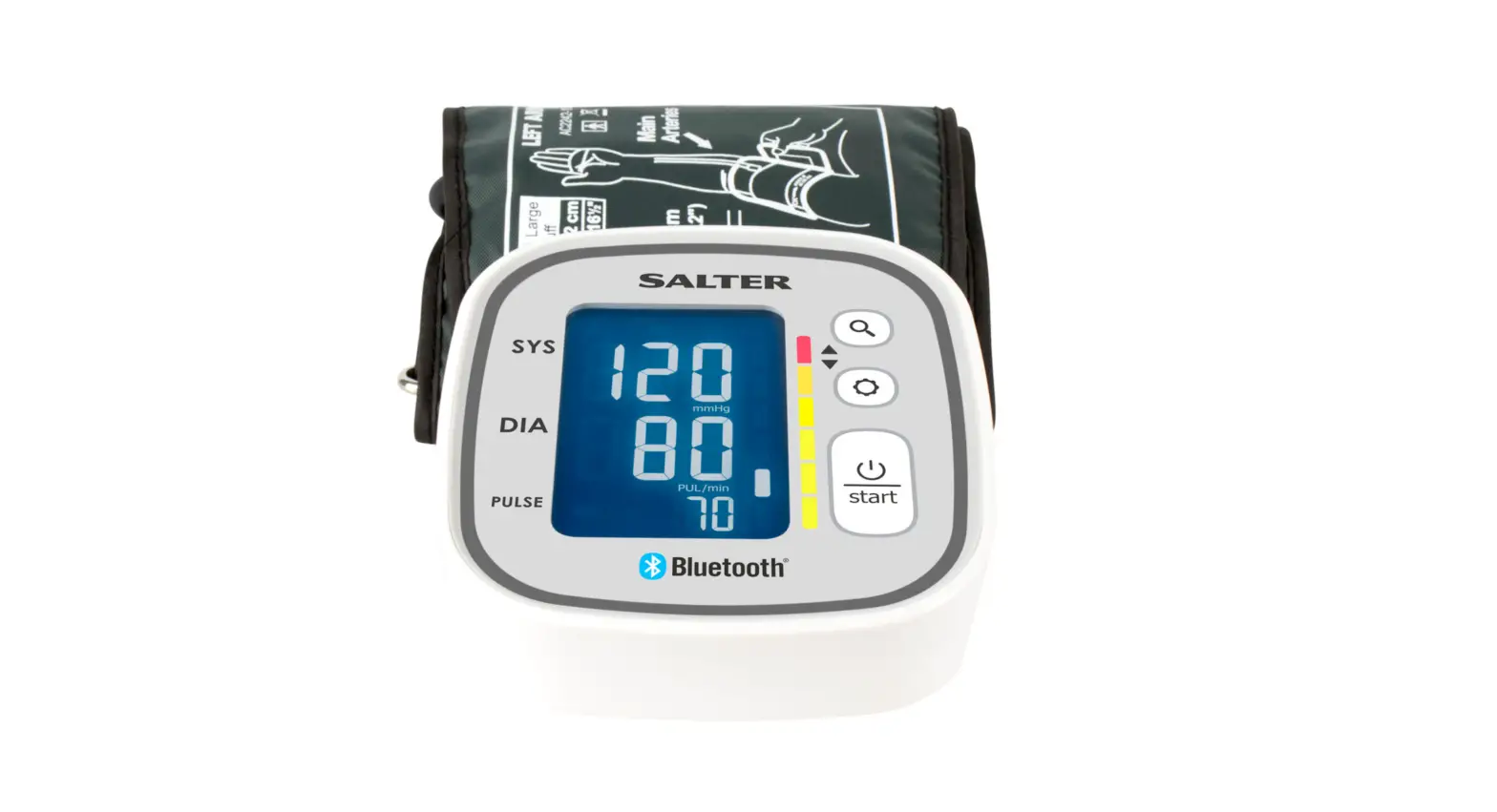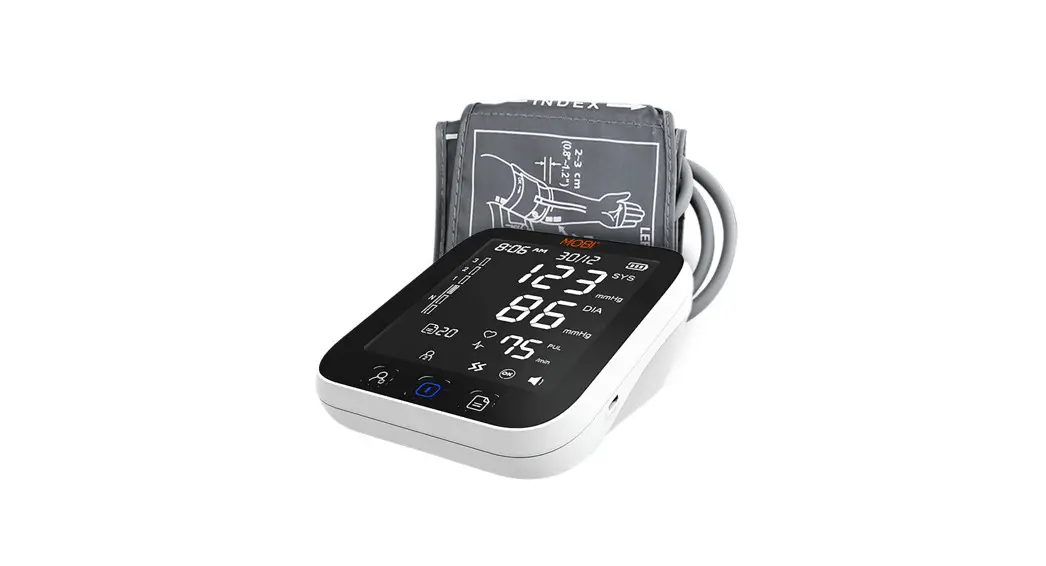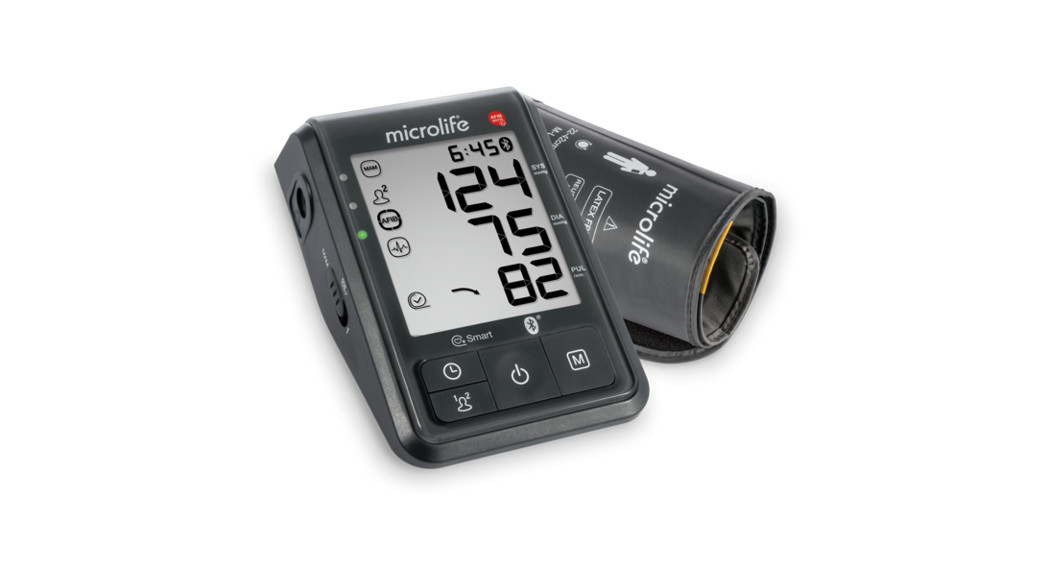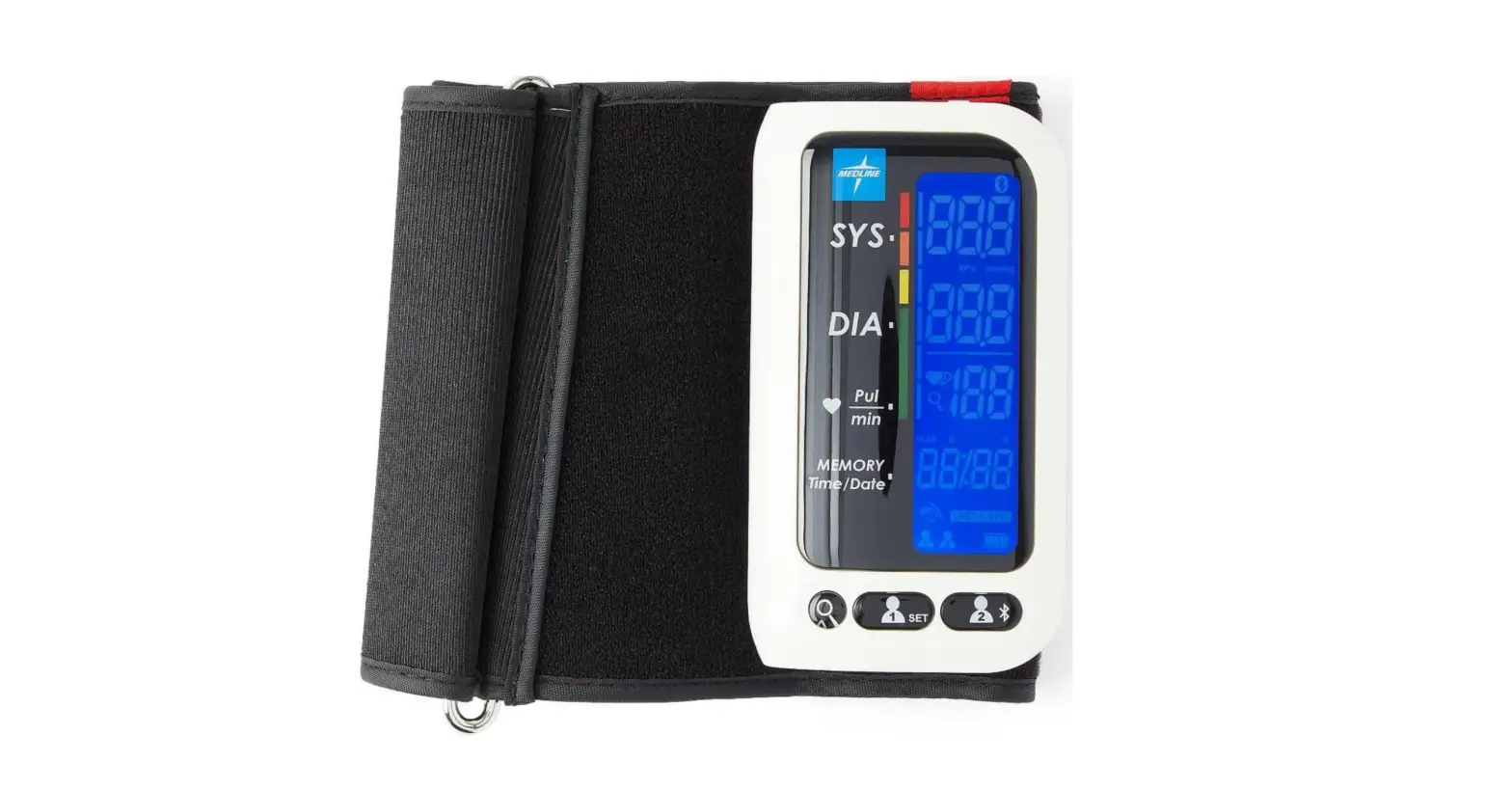

SALTER BPA- 9301 Health Bluetooth Automatic Arm Blood Pressure Monitor
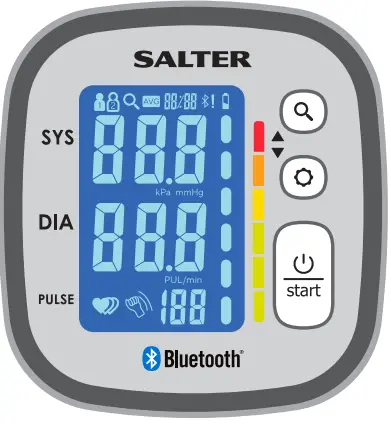
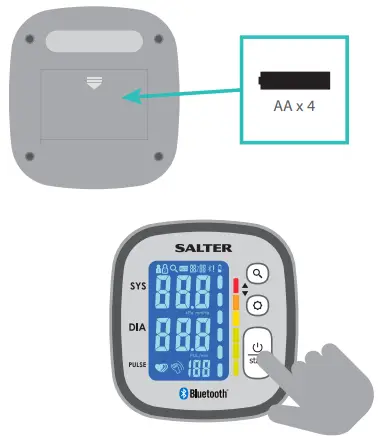
- Ensure that the batteries are correctly fitted and Bluetooth is enabled on your mobile device

- Please choose a user number for your measurements

- Ensure the device is turned off
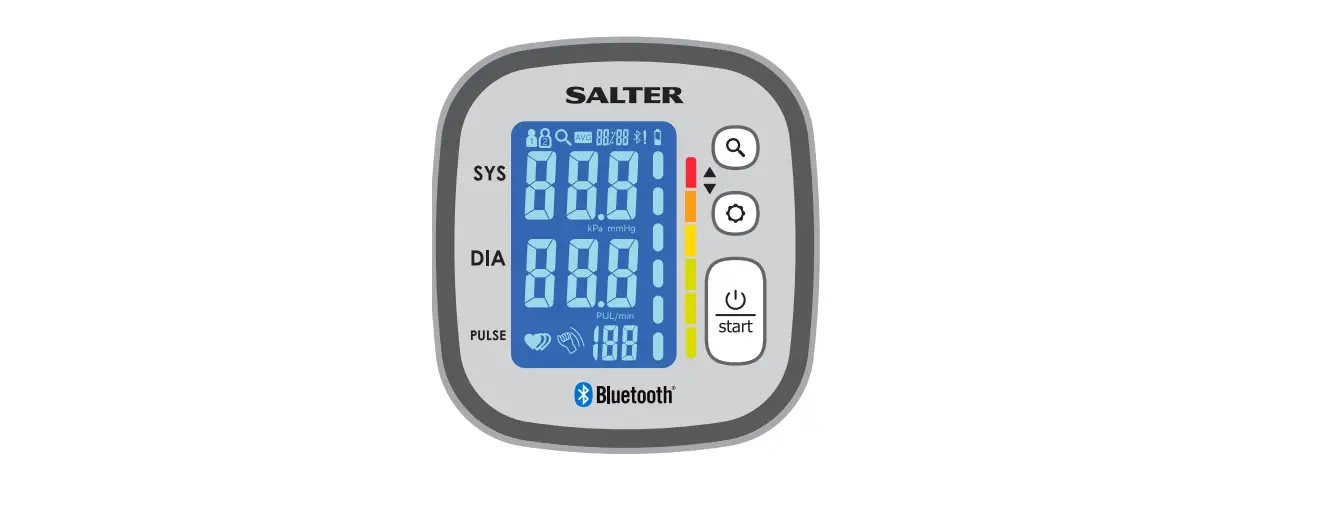
Press and hold the button until the animation appears
- Select User Number
 With the device turned off, press and hold the
  button until the user no. icons flash(
 ).
).
Then press the button to cycle between users 1, 2 and guest, press  to confirm your user number Guest readings are not saved
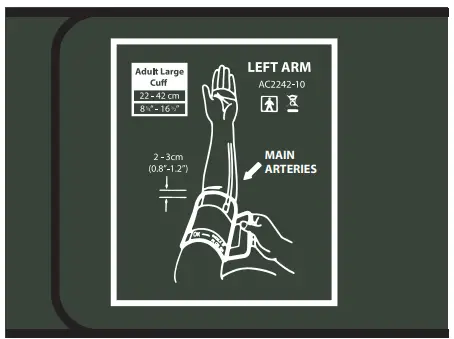
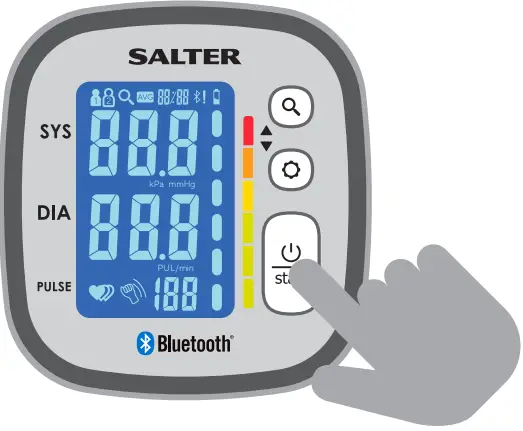
 - Place the cuff around your arm following the printed directions and then press the start button
Ensure you sit still with your arm below your heart for the entire procedure
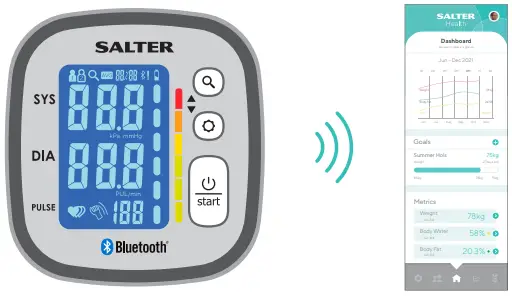
- At the end of the measurement, if your app is open then your data will b synced automatically
If your monitor is unable to connect, then your data will be saved to your monitor until a connection is available
- You can sync your saved data at any time by opening your app and then pressing the button on your blood pressure monitor


 button until the animation appears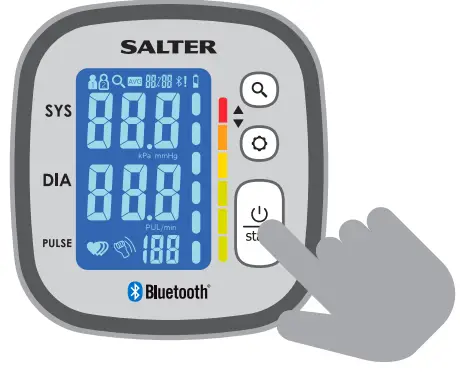
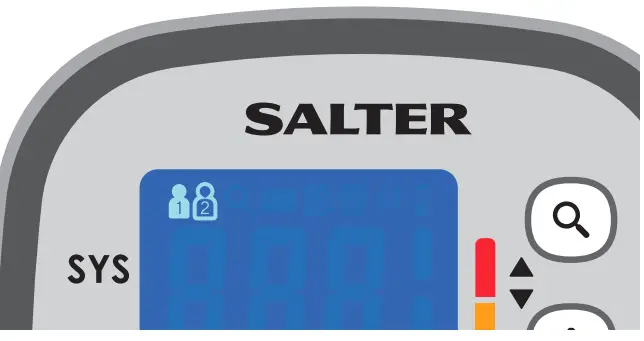 With the device turned off, press and hold the
  button until the user no. icons flash(
 ).
). to confirm your user number Guest readings are not saved