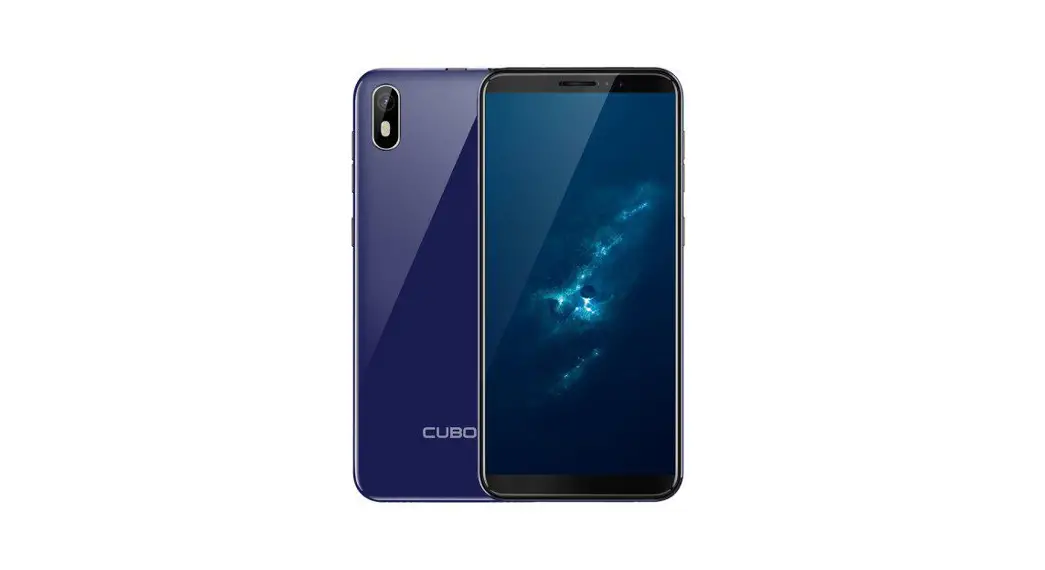
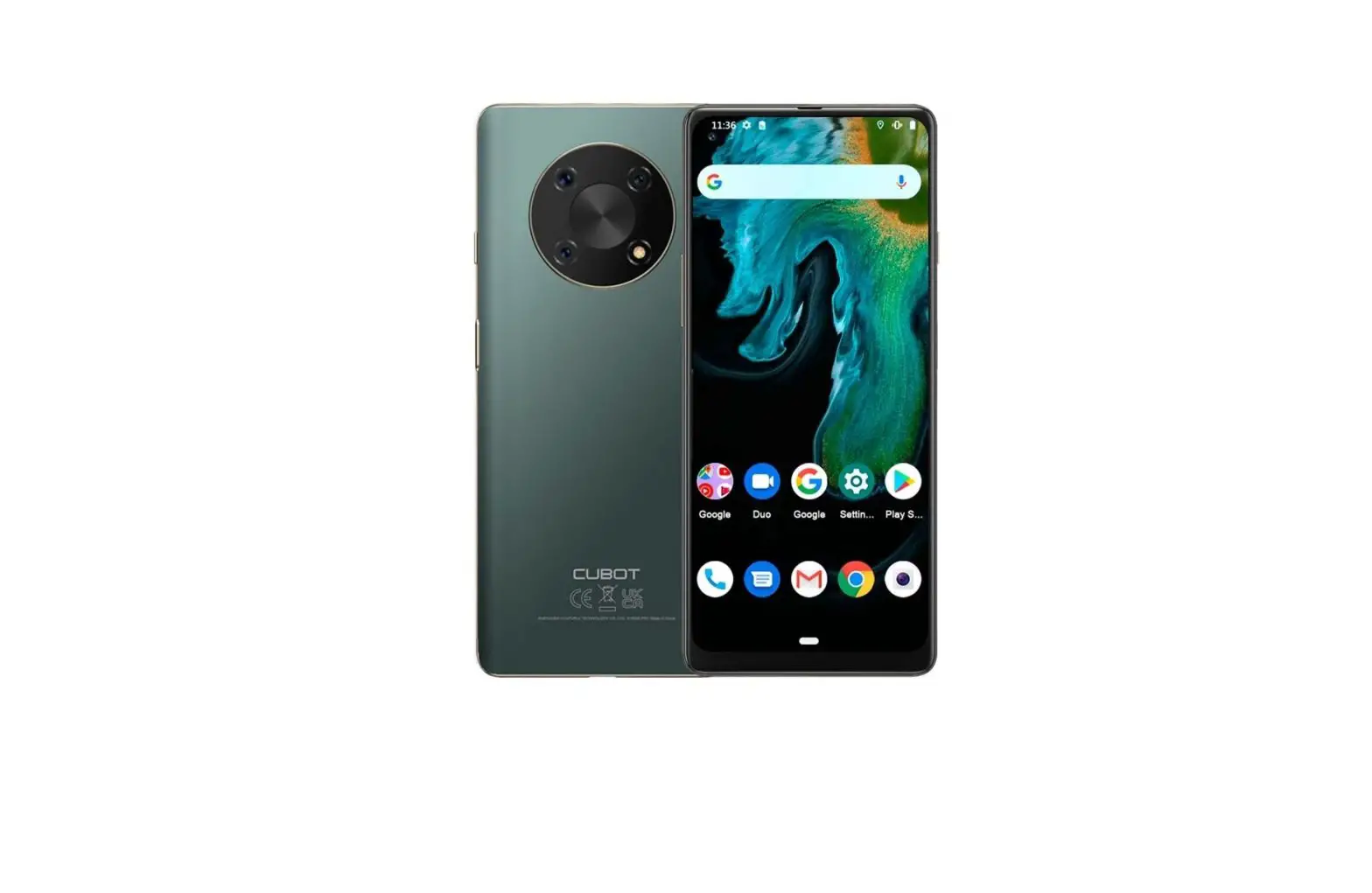
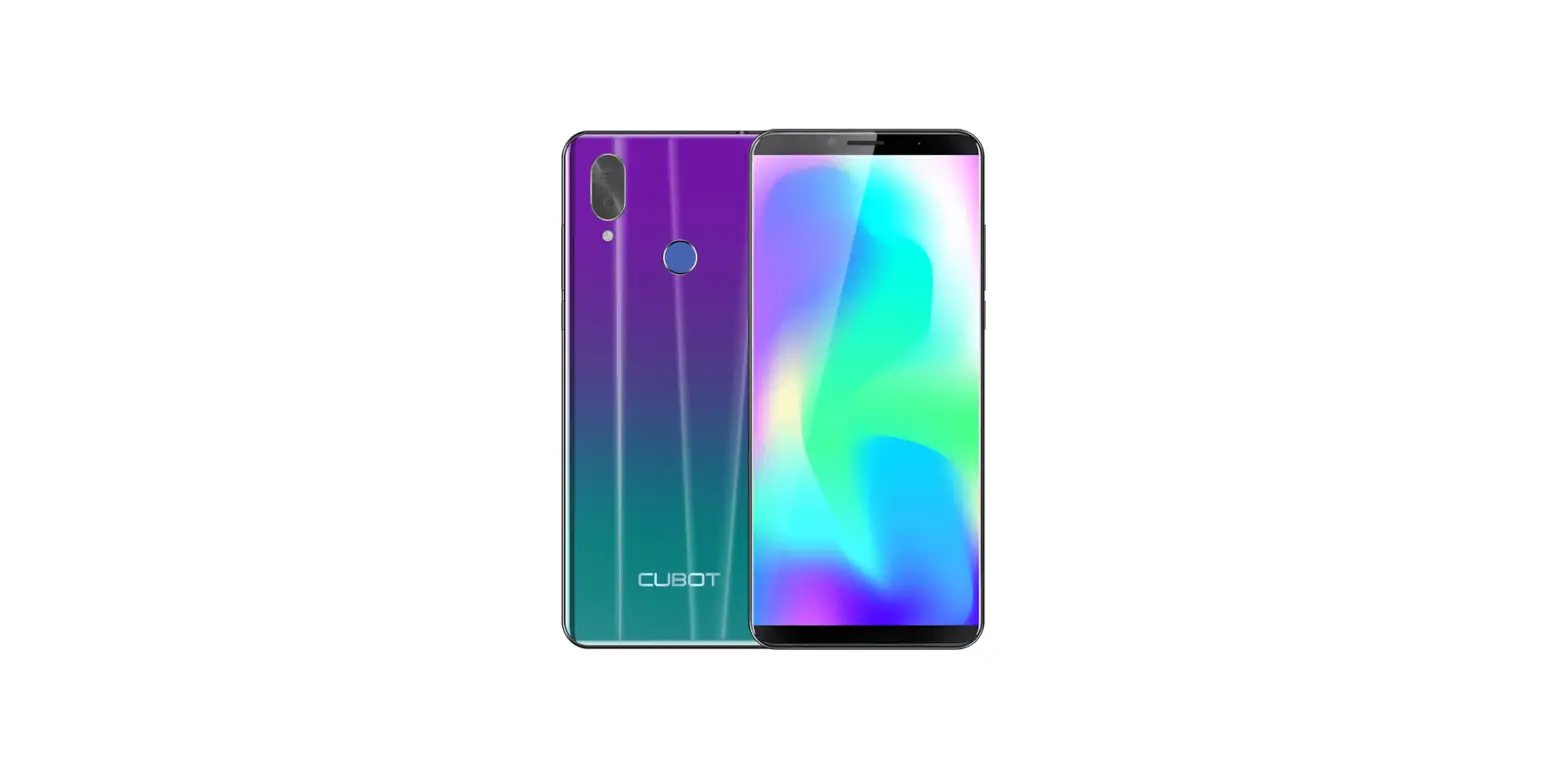
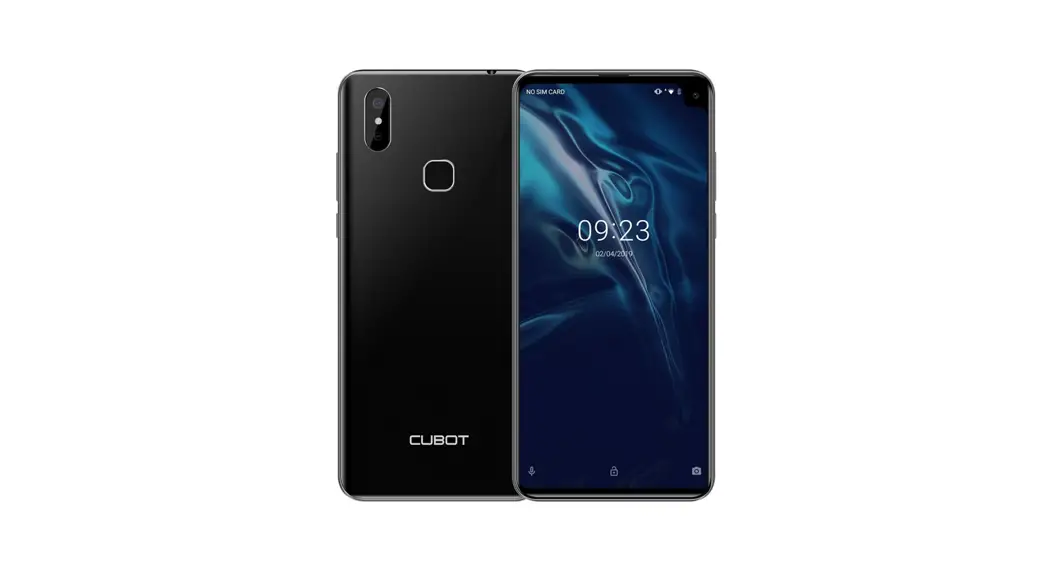
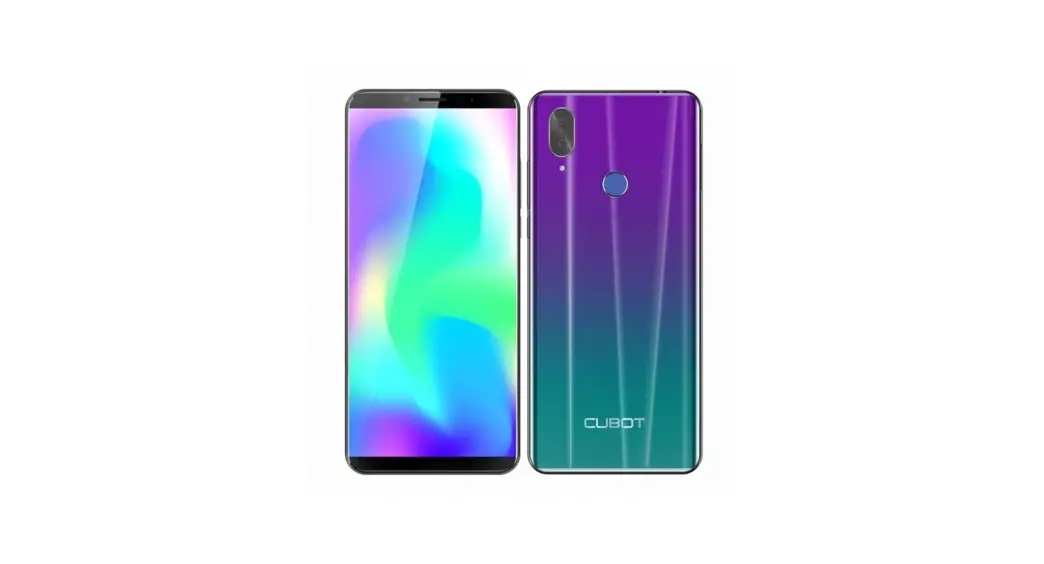
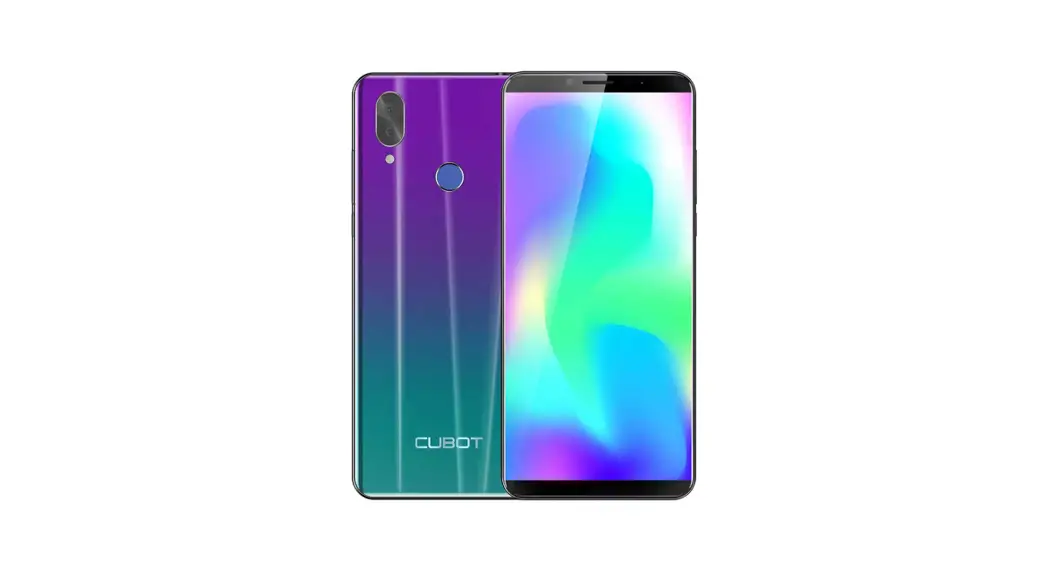
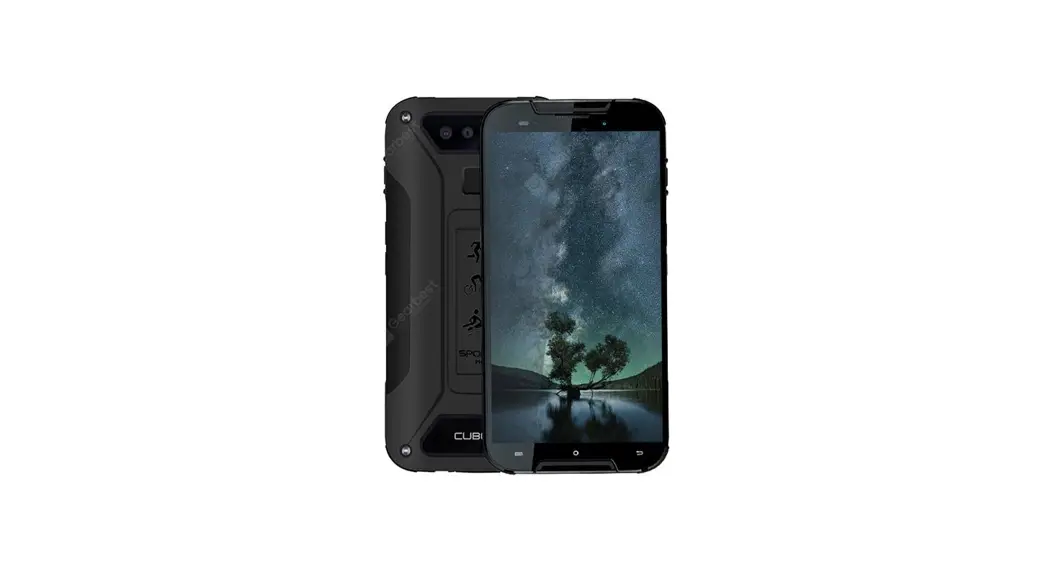
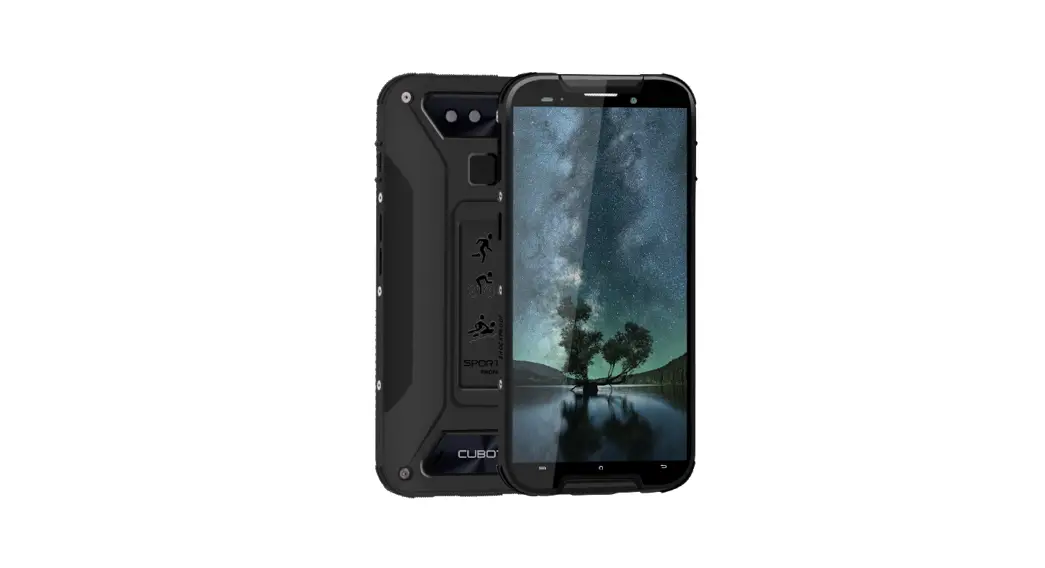
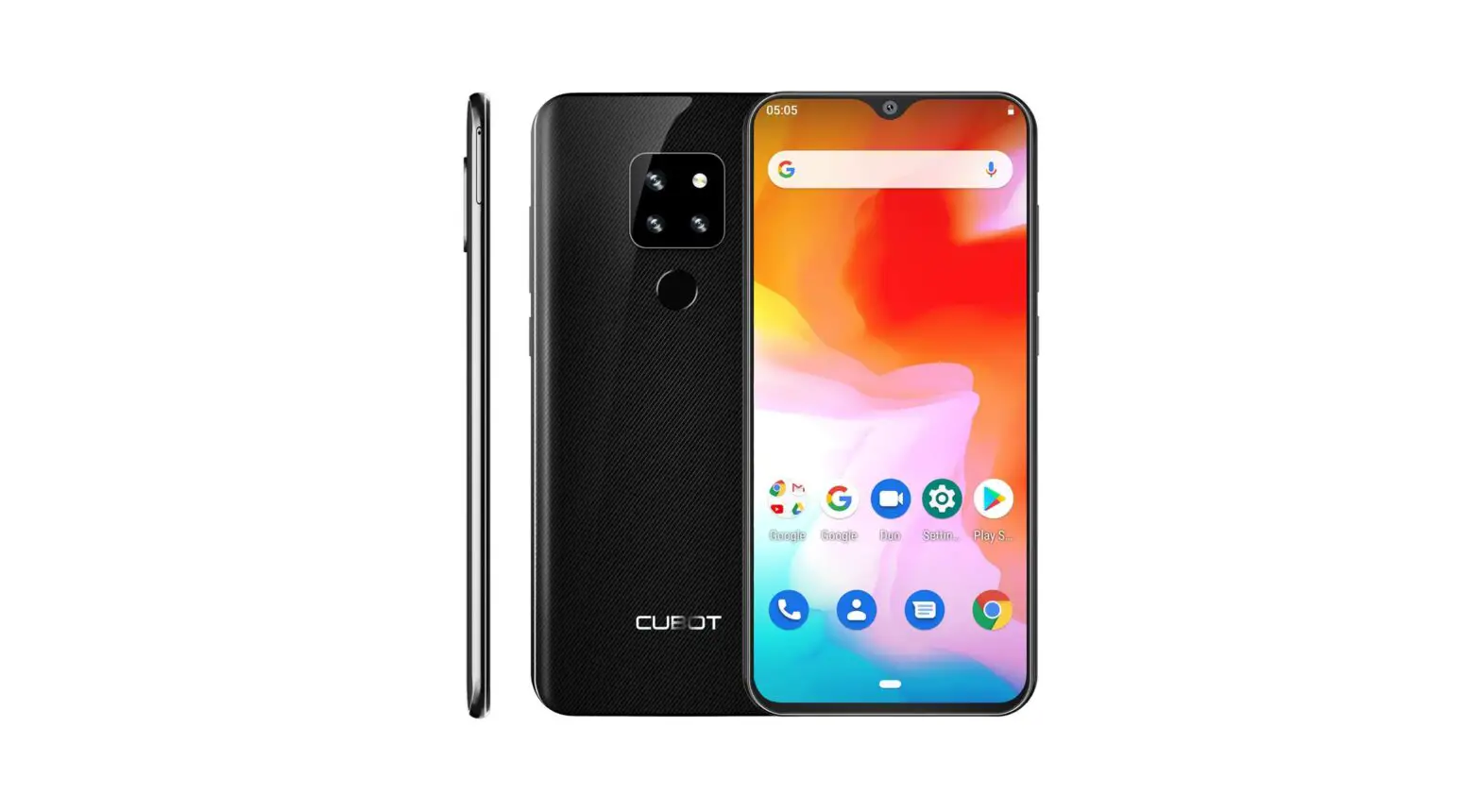
J5 5.5 Inch Smartphone
CUBOT Quick Start Guide
Phone Overview
The CUBOT phone has the following buttons:
- Power key: used to power off the phone by pressing and holding
it for a few seconds, then tapping the options to confirm. When
CUBOT is on, press the power key once to activate or deactivate the
screen. Press the key to end a call. - Home key ( ): touch the key to return to the home screen. In
idle screen, touch and hold the key to view recently accessed
features. - Menu key ( ): in standby mode, touch the key to set wallpaper,
view settings, manage apps, view notifications, add shortcuts,
widgets, folders & wallpapers to the desktop. Touch it to view
menu options. - Back key ( ): touch to go back to the previous menu.
Getting Started
Please make sure that the phone is powered off before
proceeding.
- Open battery cover.
- Install SIM & memory card.
- Install battery.
- Install battery cover.
Product Information: The CUBOT phone has four buttons: Power key,
Home key, Menu key, and Back key. The Power key is used to power
off the phone by pressing and holding it for a few seconds, then
tapping the options to confirm. When CUBOT is on, press the power
key once to activate or deactivate the screen. Press the key to end
a call. The Home key is used to return to the home screen. In idle
screen, touch and hold the key to view recently accessed features.
The Menu key is used in standby mode to set wallpaper, view
settings, manage apps, view notifications, add shortcuts, widgets,
folders & wallpapers to the desktop. Touch it to view menu
options. The Back key is used to go back to the previous menu.
Product Usage Instructions: 1. Make sure that the phone is powered
off before proceeding. 2. Open the battery cover. 3. Install SIM
& memory card. 4. Install the battery. 5. Install the battery
cover. 6. To power off CUBOT, press and hold the Power key for a
few seconds, then tap the options to confirm. 7. When CUBOT is on,
press the Power key once to activate or deactivate the screen. 8.
To end a call, press the Power key. 9. To return to the home
screen, touch the Home key. 10. In idle screen, touch and hold the
Home key to view recently accessed features. 11. In standby mode,
touch the Menu key to set wallpaper, view settings, manage apps,
view notifications, add shortcuts, widgets, folders &
wallpapers to the desktop. 12. To view menu options, touch the Menu
key. 13. To go back to the previous menu, touch the Back key.
CUBOT Quick Start Guide
Start Here
Phone overview
Getting started
Please make sure that the phone is powered off before proceeding.
1. Open battery cover 2. Install SIM & memory card
3. Install battery
4. Install battery cover
Buttons
Power key: To power off CUBOTpress and hold power key for a few seconds, then tap the options to confirm. When CUBOT is on, press the power key once to activate or deactivate the screen. Press the key to end a call.
Home key ( ): Touch the key to return to the home screen. In idle screen, touch and hold the key to view recently accessed features.
Menu key ( ): In standby mode, touch the key to set wallpaper, view settings, manage apps, view notifications, add shortcuts, widgets, folders & wallpapers to the desktop. Touch it to view menu options.
Back key ( menu.
): Touch to go back to the previous
Obsah je uzamcen
Dokoncete, prosím, proces objednávky. Následn budete mít pístup k celému dokumentu.
Proc je dokument uzamcen? Nahnvat Vás rozhodn nechceme. Jsou k tomu dva hlavní dvody: 1) Vytvoit a udrzovat obsáhlou databázi návod stojí nejen spoustu úsilí a casu, ale i financní prostedky.
Dlali byste to Vy zadarmo? Ne*. Zakoupením této sluzby obdrzíte úplný návod a podpoíte provoz a rozvoj nasich stránek. Teba se Vám to bude jest nkdy hodit. *) Mozná zpocátku ano. Ale vzte, ze dotovat to dlouhodob nelze. A rozhodn na tom nezbohatneme. 2) Pak jsou tady ,,roboti”, kteí se pizivují na nasí práci a ,,vysávají” výsledky naseho úsilí pro svj prospch. Tímto krokem se jim to snazíme pekazit. A pokud nemáte zájem, respektujeme to. Urgujte svého prodejce. A kdyz neuspjete, rádi Vás uvidíme!