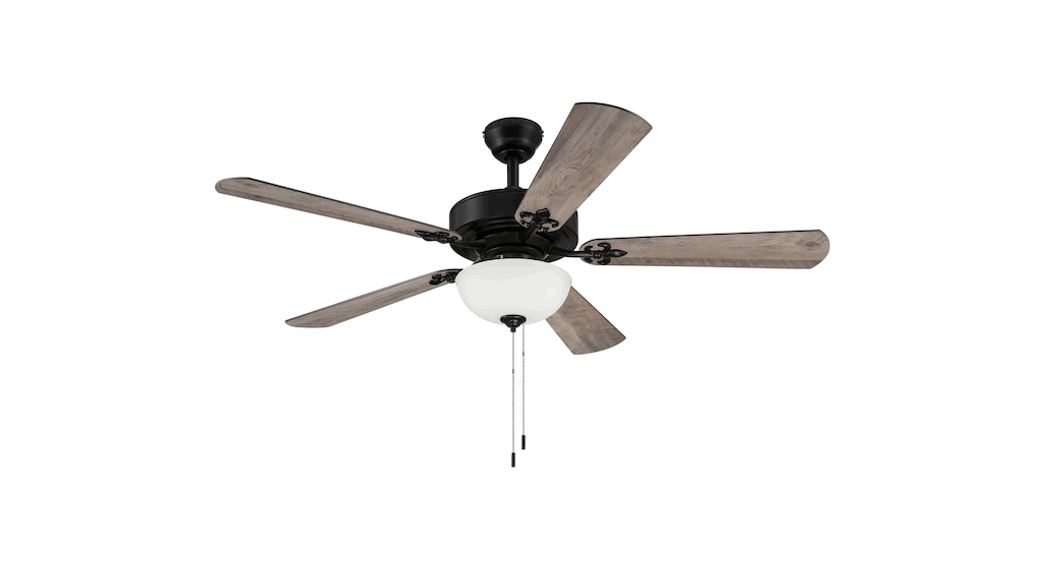
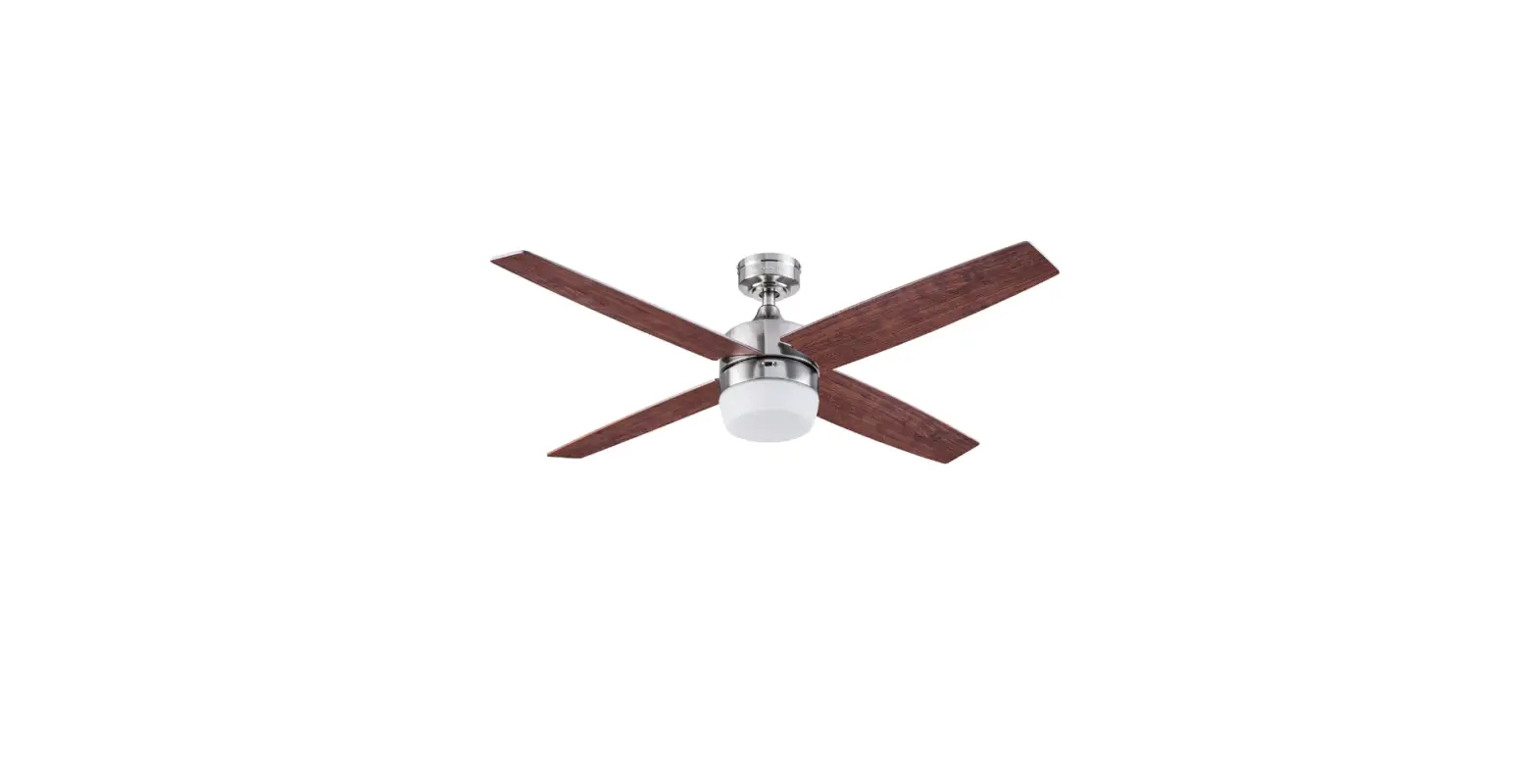
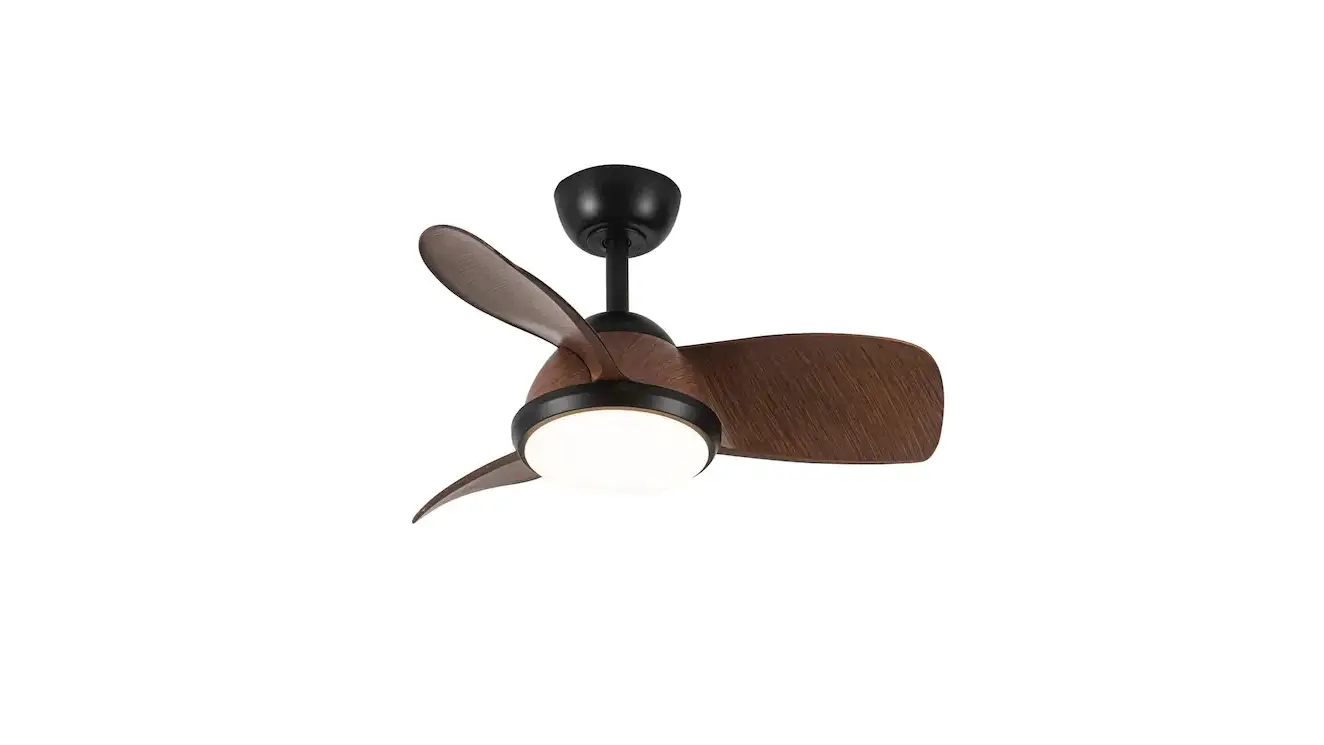
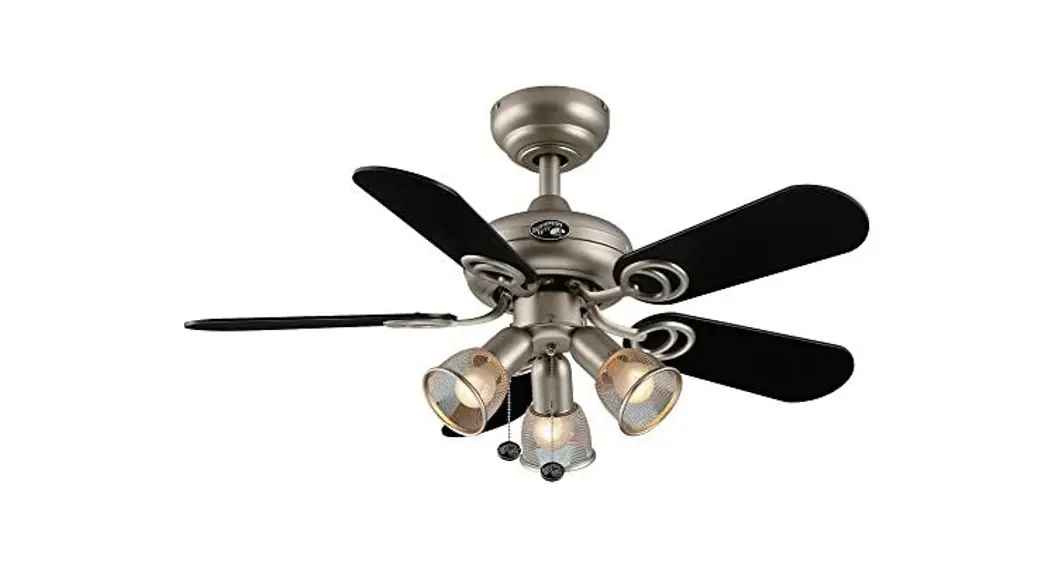
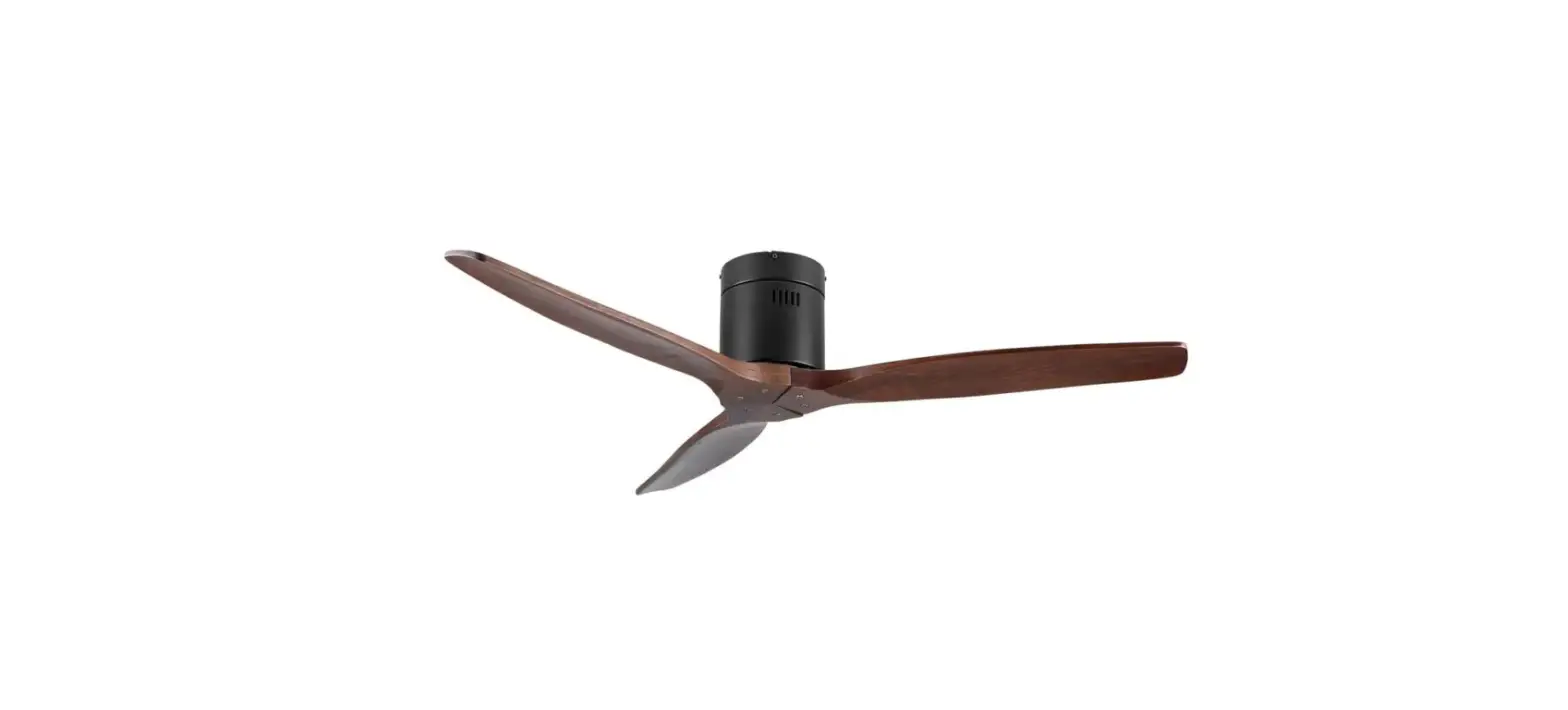
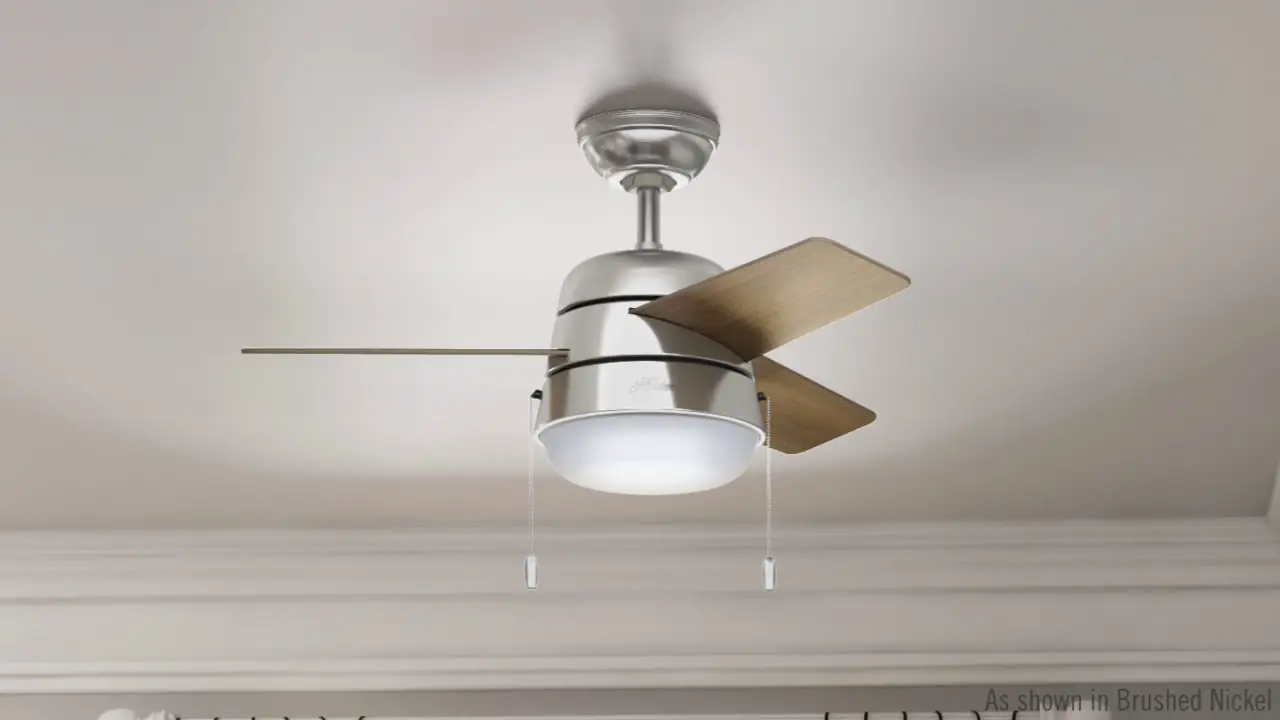
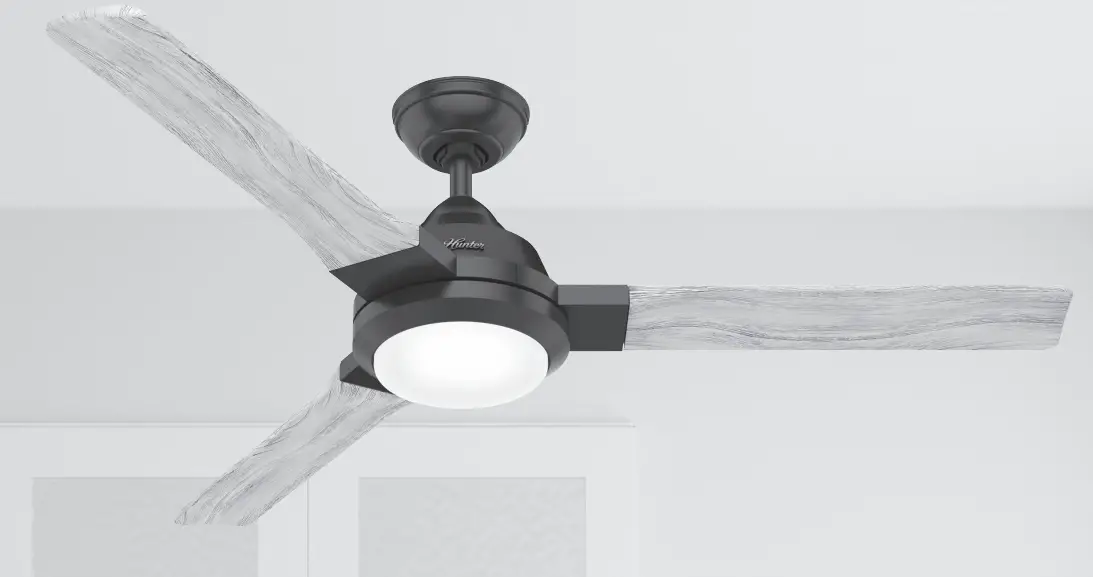
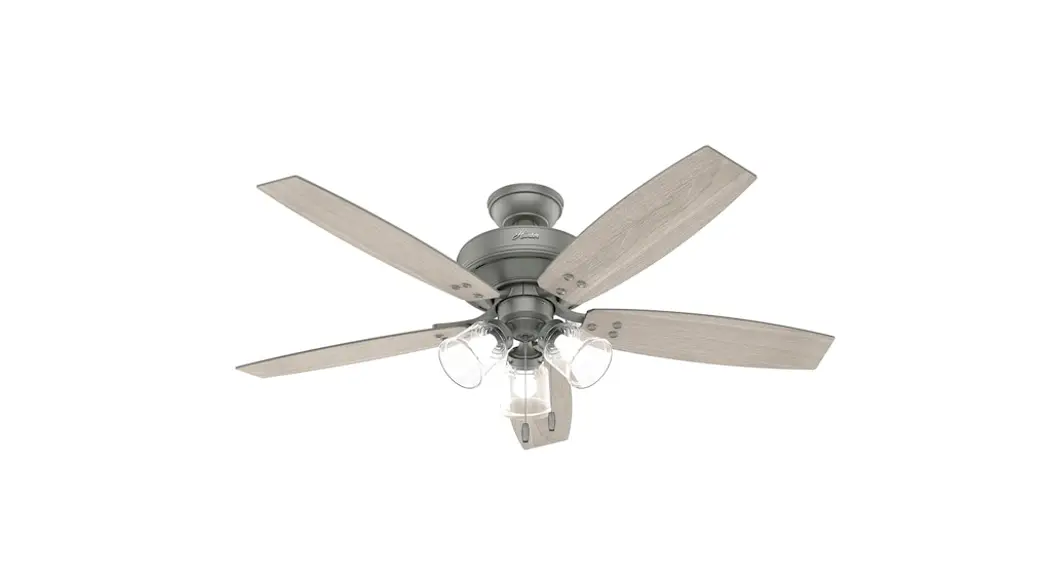
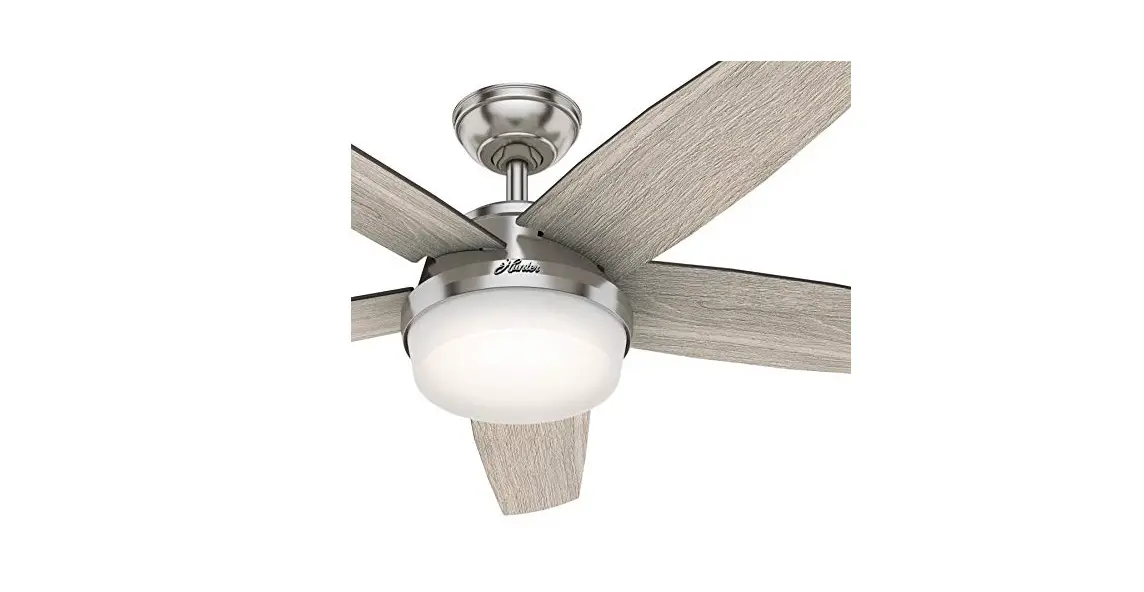
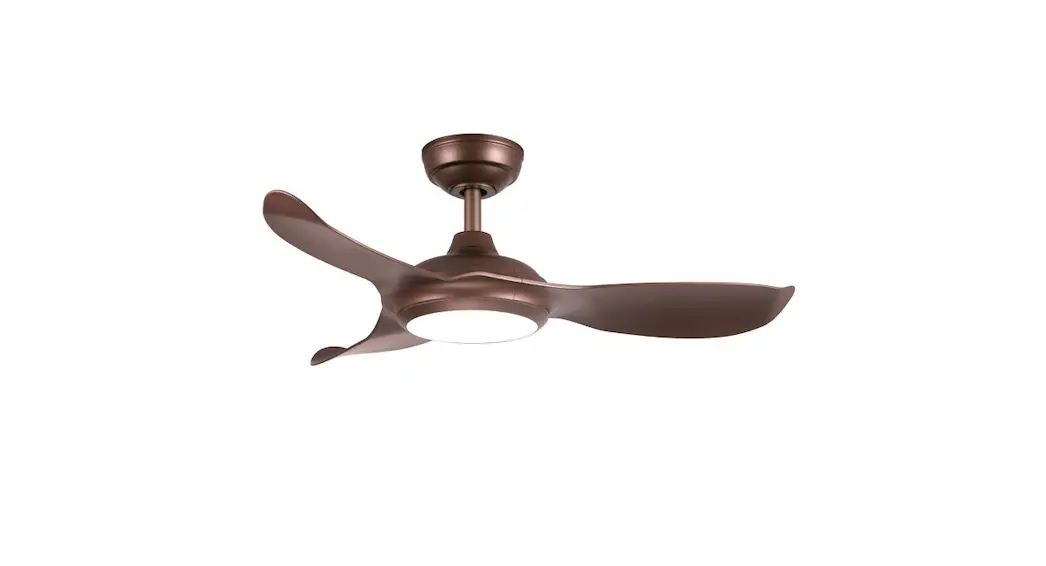
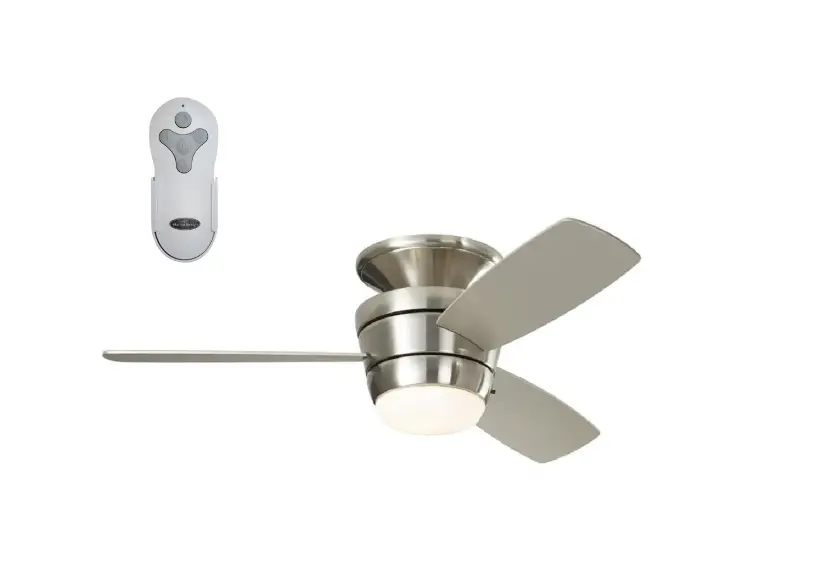
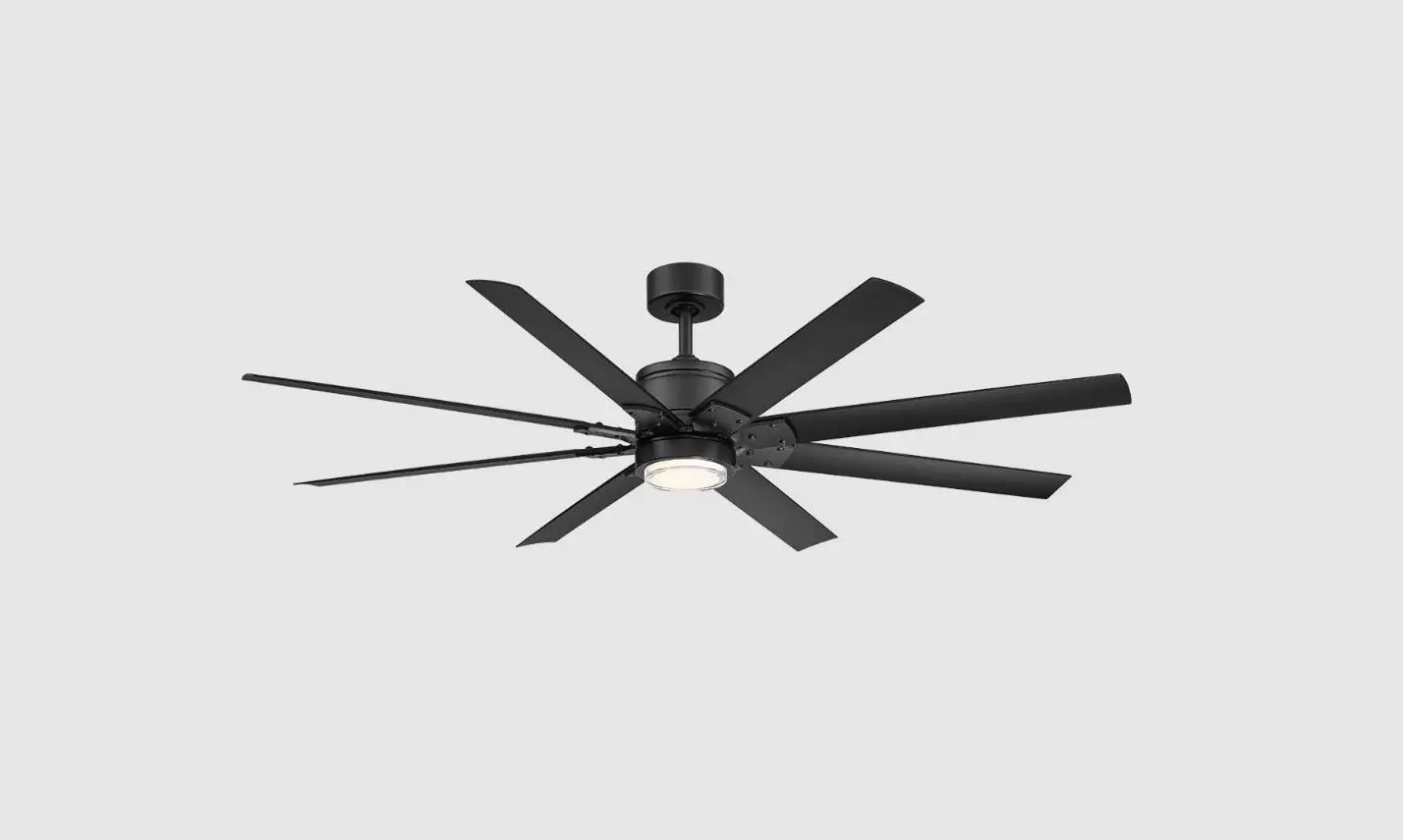
ARB-FM-XX Arbor Flush DC Ceiling Fan
Arbor Flush DC Ceiling Fan
The Arbor Flush DC Ceiling Fan is a high-quality fan designed to
provide efficient and effective airflow in your home or office.
This fan is rated and marked as Suitable for use in Damp Locations.
It is suitable for installation in locations protected from weather
and subject to moderate degrees of moisture, such as some
basements, barns, cold storage warehouses, and similar locations,
and also partially protected locations such as under canopies,
marquees, roofed open porches, and similar locations. However, it
is not rated nor intended for use in applications classified as Wet
Locations.
Safety Instructions and Warnings
Before installing your ceiling fan, please read all safety
instructions and warnings provided in this document. If you are
unsure about any of the information provided, we recommend that you
consult or hire a qualified electrician to install your outlet box
and ceiling fan.
- Mount the fan to an outlet box marked Acceptable for Fan
Support and use mounting screws provided with the outlet box. Note
that most outlet boxes commonly used for light fixtures are not
acceptable for fan support and may need to be replaced. Consult a
qualified electrician if in doubt. - Before installation or servicing, always disconnect the power
by turning off the circuit breakers to the outlet box and
associated wall switch location. If you cannot lock the circuit
breaker in the off position, securely fasten a prominent warning
device, such as a tag, to the service panel. - Do not bend the blade brackets when installing the blades,
balancing the blades, or cleaning the fan. Do not insert foreign
objects between rotating fan blades. - Disconnect the electrical supply circuit to the fan before
installing a light kit. - Do not use this fan with any solid-state speed control device
other than one provided or approved by the manufacturer. - This fan must be installed with an isolating wall
control/switch. - All wiring must be in accordance with national and local
electrical codes ANSI/NFPA 70. If you are unfamiliar with wiring,
use a qualified electrician. - Use this unit only in the manner intended by the manufacturer.
If you have any questions, contact the Modern Fan Co at (888)
588-3267. - Use only Modern Fan Co replacement parts.
Installation Preparation
Before installing your fan, make sure the installation site you
choose allows the fan blades to rotate without any obstruction.
Allow a minimum clearance of 7 feet (2.1 meters) from the floor to
the blades and 30 inches (76 cm) from the wall to the end of the
blades.
Fan Location
Your new ceiling fan requires a grounded electrical supply line
of 120 volts AC, 60 Hz, 15 amp circuit. The outlet box must be
securely anchored and capable of withstanding a load of 35 lbs
(15.9 kg).
Installation Instructions
- Turn off the power to the outlet box and associated wall switch
location. - Remove the old fan or light fixture, if present.
- Install the mounting bracket onto the outlet box using the
screws provided with the outlet box. - Connect the wires from the outlet box to the wires from the fan
using wire connectors. Follow the wiring diagram provided in the
instruction manual closely to ensure proper installation. - Attach the fan motor to the mounting bracket using the screws
provided with the fan. - Install the fan blades onto the fan motor using the screws
provided with the fan. Make sure that the blades are securely
attached and do not wobble or shake when the fan is in
operation. - If installing a light kit, follow the instructions provided
with the kit to install it onto the fan. - Turn on the power and test the fan to ensure that it is working
properly.
If you have any questions or difficulty installing your fan,
call Modern Fan Co customer service at (888) 588-3267.
Arbor Flush DC
Installation Instructions and Owners Manual
Models: ARB-FMXXXXXXXX(X)XX Net Weight of Fan: 13.0 lbs (5.9 kgs)
V2020/08
Please read and save these instructions. If you have any questions while installing your fan, call us first!
Customer Service MondayFriday, 8am4pm (PST) tel 888-588-3267
Safety Instructions and Warnings …..2 Fan Installation ……………………………………4 Control Installation and Wiring ……….7 Troubleshooting ……………………………….. 12 Maintenance …………………………………….. 14 Warranty……………………………………………… 15
Safety Instructions and Warnings
Please read all safety instructions prior to installing your ceiling fan and save this document for future reference. If you are in doubt with any of the information provided, we recommend that you consult or hire a qualified electrician to install your outlet box and ceiling fan.
If you have any questions or difficulty installing your fan, call Modern Fan Co customer service at (888) 588-3267.
WARNING
Circuit Breaker
POWER OFF
Warning To reduce the risk of fire, electrical shock, or personal injury please observe the following:
Mount fan to outlet box marked “Acceptable for Fan Support” and use mounting screws provided with the outlet box. Note: Most outlet boxes commonly used for light fixtures are not acceptable for fan support and may need to be replaced. Consult a qualified electrician if in doubt.
Prior to installation or servicing always disconnect the power by turning off the circuit breakers to the outlet box and associated wall switch location. If you cannot lock the circuit breaker in the off position, securely fasten a prominent warning device, such as a tag, to the service panel.
Do not bend the blade brackets when installing the blades, balancing the blades, or cleaning the fan. Do not insert foreign objects in between rotating fan blades.
Disconnect the electrical supply circuit to the fan before installing light kit.
Do not use this fan with any solid-state speed control device other than one provided or approved by the manufacturer.
This fan must be installed with an isolating wall control/switch.
All wiring must be in accordance with national and local electrical codes ANSI/NFPA 70. If you are unfamiliar with wiring, use a qualified electrician.
Use this unit only in the manner intended by the manufacturer. If you have any questions contact the Modern Fan Co at (888) 588-3267.
Use only Modern Fan Co replacement parts.
Note: This fan is rated and marked as “Suitable for use in Damp Locations.” This fan is suitable for installation in locations protected from weather and subject to moderate degrees of moisture, such as some basements, barns, cold storage warehouses, and similar locations, and also partially protected locations such as under canopies, marquees, roofed open porches, and similar locations. This is not rated, nor intended for use in applications classified as Wet Locations.
2
Minimum of 30 inches (76 cm)
Installation Preparation
WARNING
Make sure the installation site you choose allows the fan blades to rotate without any obstruction. Allow a minimum clearance of 7 feet (2.1 meters) from the floor to the blades and 30 inches (76 cm) from the wall to the end of the blades.
Fan Location
Minimum of 7 feet (2.1m)
WARNING
Your new ceiling fan will require a grounded electrical supply line of 120 volts AC, 60 Hz, 15 amp circuit. The outlet box must be securely anchored and capable of withstanding a load of 35 lbs (15.9 ww kg).
Support Structure
Ceiling Outlet Box (required)
Ceiling Outlet Box (required)
Flat Ceiling Mount
Angled Ceiling Mount
Control Installation and Wiring
WARNING If you are using an outlet box for wall control installation, the wires coming from the wall control must be grounded using the attached green wire. After making wire connections, the wires should be spread apart with the grounded conductor and the equipment-grounding conductor on one side of the outlet box and the ungrounded conductor on the other side of the outlet box. The splices after being made should be turned upward and pushed carefully up into the outlet box.
WARNING This device complies with Part 15 of the FCC Rules. Operation
is subject to the following conditions: (1) the device may not cause harmful interference, and (2) this device must accept any interference received, including interference that may cause undesired operation.
3
Fan Installation
Instructions
Tools Needed
A stepladder, Phillips head screwdriver and a
wire stripper
IMPORTANT: The included canopy receiver must be installed and paired with the wall or remote control components (see page 10). Third party fan controls may not be used with this product. Connecting this fan to line voltage without the canopy receiver will damage the motor and void your warranty.
1 Remove and identify contents of carton.
blades mounting plate
fan body
receiver
remote handset (optional)
bottom cap
wall control (optional)
hardware package
Hardware Package (close up):
balancing kit
Optional Light Kit parts:
wire nuts
blade screws
mounting hardware
hex key canopy blade
(for blade screws screw
screws)
washers
4
LED board screw pack
light plate
glass diffuser
isolation cover
See Page 2-3
WARNING
Circuit Breaker
POWER OFF
2
Using the existing screws provided with your junction box, secure the mounting plate to the ceiling junction box. Junction box must be visibly marked as “Acceptable
for Fan Support.” It is recommended that the flat washers and lock washers from the
hardware pack be used for added security. Electrical supply wires should remain
accessible through the center hole in mounting plate. Lift fan toward ceiling to
suspend from mounting plate using security cable loop and washer hook.
secure mounting plate
loop security cable
suspend fan
5
Fan Installation (continued)
See Pages 2-3
WARNING
Circuit Breaker
POWER OFF
3
Identify control components from control package/s (see Step 1). In addition to a receiving unit, your fan may have been ordered with a wall control
(transmitter), a handheld remote control (transmitter) or both.
Wiring Diagram
white black green (ground)
receiving unit
blue for optional light white for optional light red motor 1 purple motor 2 gray motor 3 green ground wires
wall switch
antenna
fan or fan and
light
A/C power in (load) A/C power in (neutral)
Insert receiving unit into the top of the fan body and make wire connections according to wire colors, labels and diagram above. All ground wires must be connected as shown in diagram. If ordered, install wall control into wall box. If ordered with a remote control only, the power to the ceiling box should be connected through a simple On/Off switch leg.
Note: The wall control is designed for control of a single fan only. Do not connect multiple fans to a single wall control. To control multiple fans together, the remote handset (in combination with a standard on/off switch) may be used. Contact Modern Fan customer service for additional guidance.
6
WARNING!! Power must be disconnected at circuit breaker prior to any contact with electrical wires.
4
Once wire connections are completed, lift fan body and carefully align collar with ceiling plate. Tabs on ceiling plate should seat into channel on inside of
fan collar. Rotate fan so that set screw holes on fan body align with set screw
holes on ceiling plate. Take care to not pinch or damage internal wires.
Insert and firmly tighten three canopy screws from hardware pack.
Note: Do not tighten down set screws until all three are partly screwed in.
mount fan to plate
secure with canopy screws
7
Fan Installation (continued)
See Pages 2-3
WARNING
Circuit Breaker
POWER OFF
5
Insert a blade screw and washer from the hardware pack through the center blade hole and position under the motor so that the screw is aligned with the “center”
hole position of any group of three screw holes. Using the large hex key from the
hardware pack, secure blade to motor, but do not over tighten. Repeat for the two
outside screw positions on blade one. Follow the same steps for the second and
third blade. Once all blade screws and washers are in place, gently tighten all
screws with the hex key.
6
If your fan was ordered with the optional LED light, skip to Step 7. Otherwise, align threaded rod in
bottom cap with center hole on bottom hub.
Rotate until threaded rod hits resistance against
hub plate. There is no need to over tighten or
apply excessive torque.
8
WARNING!! Power must be disconnected at circuit breaker prior to any contact with electrical wires.
7
If your fan was ordered with the optional LED light, begin by identifying all parts (see Step 1), then follow steps (a) through (d).
(a) Remove bottom hub plate held by three screws shown here. This will access light kit lead wires and 2-pin connector. Set aside screws for step (b).
(b) Position light plate so that the three recessed screw holes are aligned with screw posts on center hub. Light kit lead wires and 2-pin connector must be routed though center hole of light plate. Use three screws from step (a) to fasten light plate in place.
(c) Feed light kit lead wires and 2-pin connector through center hole of LED board and carefully insert into 2-pin block. Gently push any excess wire behind light plate and position LED board over screw holes on light plate. Align screw holes on isolation cover with notches in LED board and screw holes in light plate. Use pan head screws to secure isolation cover and LED board to light plate.
2-pin connector align board w/ holes
light kit screw pack
(d) Align slots in glass diffuser with studs on inside edge of light plate, press up and gently rotate securely into place. There is no need to forcefully over tighten glass diffuser.
secure cover and board
9
Fan Installation (continued)
Control Pairing
See Pages 2-3
WARNING
Circuit Breaker
POWER OFF
8
Wall controls and remote handsets communicate with the canopy receiver using radio frequency transmission. Each device (wall control and remote handset)
is factory set to a unique channel to avoid unwanted interference with other fans
installed nearby. A receiver can be paired with up to two devices (wall control +
remote handset or two remote handsets). To pair a wall control or remote handset,
proceed as follows:
(a) Remove face plate of wall control and/or battery cover of remote handset. Place battery (included) into wall control and/or remote handset as shown here.
face plate
battery cover
(b) With the breaker switched to the on position, turn power on at the wall control (bottom of control face). If your fan was ordered with a remote control only, turn power on at the on/off wall switch. If your fan is installed without a switch leg, you will need to use the breaker as your primary power switch for device pairing.
(c) Within 1-minute of turning power on, press and continuously hold the Fan Off button on your wall control (or remote control) for approximately 5-seconds. Upon successful pairing, the fan blades will move slightly backand-forth. If installed with a light, the light will also turn on and then off.
(d) Repeat the pairing process with second device if you ordered your fan with both the wall control and a remote handset.
Control Pairing Quick Reference: (a) Place batteries in control. (b) Power cycle the fan (switch power off, then on) (c) Press and hold fan off button until paired (approx. 5 seconds) (d) If applicable, repeat for next controller (wall or remote)
10
Fan and Light Operation
9
This fan operates with a micro-controller (enclosed in the canopy receiver) which regulates fan speed, fan direction and light function. After sending any operational
command to your fan, wait several seconds before re-sending the same command
or sending a new command.
The wall control and remote handset provide six numbered speeds (1 lowest to 6 fastest). Press and release any numbered speed button and wait for your fan to ramp up to the selected speed. At initial start up, the blades may move back-andforth or vibrate before transitioning to smooth rotation.
With the fan running at any speed, the Reverse button can be used to change the direction of rotation (and airflow) for summer or winter operation. Allow adequate time for the fan to come to a complete stop and restart in the opposite direction. The fan will return to the same speed at which it was operating prior to the Reverse button being used. Alternatively, you can leave your fan in the summer (downward) airflow setting and simply set it to a low speed for winter use. This method will also achieve effective de-stratification (recirculation) of warmer air trapped at the ceiling level.
Pressing the Fan Off button will stop rotation of the fan but allow continued operation of the light if installed.
If your fan is equipped with a light, pressing and releasing the light button will turn the light On or Off. Pressing and holding the light button will initiate progress through the dimming cycle, increasing or decreasing brightness depending on where the light was last set. To de-activate this dimming function, move the dip switch (located under the face plate on the wall control or under the battery cover on the handset) from D to O.
Switching power off at your wall control (if installed) or with an on/off switch (when ordered with remote handset only) will turn the fan motor and light off. The canopy receiver has a “memory” function which will return the fan and light to the previous setting when power is turned back on. The wall control and remote handset buttons will have no effect when power is Off.
Fan Balancing
10
The rotor and motor of your fan have been dynamically tested and balanced during manufacturing and production. In addition, the blades have been matched to the nearest gram to ensure well balanced operation. Furthermore, a blade balancing kit has been included with your fan. Please refer to the instructions packaged with the balancing kit should your fan require additional balancing.
11
Troubleshooting
Please read all installation instructions carefully. After reviewing the following troubleshooting tips, if you are unable to solve a problem with the installation or operation of you fan, please contact customer service for additional assistance.
I M P ORTA NT : Do not return a fan or fan parts without first contacting us for troubleshooting assistance. If we are unable to resolve a problem over the phone, a replacement fan or part will be provided and a prepaid shipping label will be issued for returning the defective product. Returns cannot be accepted without a Company issued return label. For the return of non-defective, un-installed merchandise, please contact your dealer. Often, noises such as ticking or humming can be caused by loose parts or structural factors in the ceiling. Please double check that all screws and parts are firmly tightened, including the outlet box from which the fan is hung. Next, review the troubleshooting tips listed below. As stated in the warranty, Modern Fan Co. is not liable for costs incurred related to installation labor or equipment. Be sure to test all functions of your fan, and if need be, contact customer service while your contractor/electrician is still on site.
Troubleshooting Checklist
Fan (or light) not responding to hand-held remote or wall mounted RF signal… ·Check that all wire connections are secure and made as instructed. ·Verify that power is on and reaching the receiver (using a voltmeter). ·Review and repeat pairing instructions (see page 10). ·Be sure to firmly press the center area of the buttons on you handset or wall control. ·Verify that batteries are installed with proper polarity as indicated inside battery cover.
Blades don’t turn… ·Verifythattherequiredreceivingunithasbeeninstalledandwireconnectionshave
been made according to the installation instructions. ·Verify that there are no physical obstructions preventing motor & blades from spinning
(push blades by hand to confirm that they spin freely). ·Confirm power has been turned on at circuit breaker and wall switch.
Light doesn’t work in the on position… ·Check wire connections at ceiling and wall control. ·Confirm that LED wire leads and terminal block is properly connected to LED board.
12
Fan wobbles… ·Make sure hanging bracket and mounting hardware at ceiling is secure and firmly
fastened. ·Be sure ridge in hanging bracket is seated in the half-ball slot. ·Check that stopper screw (or stopper pin) and set screws are firmly tightened where
down rod is attached to the fan body. ·Remove and reinstall two blades in opposite positions. ·Use blade balancing kit as instructed.
Note: blade sets should not be inter-mixed as they are weight matched when packaged together.
Fan makes repetitive ticking noise… ·Check for obstructions in rotor path. ·Make sure mounting hardware at ceiling is secure. ·Make sure all other hardware and blade attachments are tight. ·Give fan adequate “break in period” of several hours to several days then repeat
steps above.
Fan makes humming noise… ·Be sure you are using the control set (including receiver) that was supplied with
your fan. ·Besurethatallfittings(lightkit,bottomdome,canopy,etc.)arefirmlysecured.
Loose parts will often cause vibrational noise or humming. Removal and re-attachment can sometimes remedy such resonant vibrational noise.
Customer Service MondayFriday, 8am4pm (PST) tel 888-588-3267 [email protected]
13
Maintenance
See Pages 2-3
WARNING
Circuit Breaker
POWER OFF
Before servicing or cleaning your fan, switch power off at service panel and lock the service disconnecting means to prevent power from being switched on accidentally. When the service disconnecting means cannot be locked, securely fasten a prominent warning device, such a tag, to the service panel.
·Yourfanusesmaintenancefree,sealedbearings.Thereisnoneedtolubricatethe motor bearings or inner shaft.
·Itisrecommendedthatyouinspectyourfanatleastannuallytoconfirmthatallblade screws and mounting hardware remain securely fastened as when originally installed.
·Periodicsurfacecleaningmaybenecessarydependingontheamountofdustand particulate accumulation on the blades and surfaces of your fan. Use a damp cloth. If necessary, a light, non-abrasive soap solution may be used.
·Ifinstalledinacoastal,humidenvironment,regularsurfacecleaningmaybenecessary in order to avoid deterioration or oxidizing effects of salt or other corrosive elements. A Damp Location rating is not an assurance of finish durability. Preventative measures should be taken dependent on the environmental exposures your fan will undergo in order to preserve and protect the finish quality and appearance of your fan.
·Ifawobbledevelopsovertime,youmayneedtorebalanceyourfanfollowingthe instructions that were included with the balancing kit. If the blades have warped, twisted, bent or become uneven in weight distribution, replacement blades may be the best course of action and can be purchased by contacting The Modern Fan Co. directly.
·Ifanoisedevelopsovertime(clicking,ticking,hummingorotherwise),refertothe troubleshooting section of this manual (pages 12-13). If you are unable to remedy the issue, contact Modern Fan customer service for further assistance.
Use this unit only in the manner intended by the manufacturer. If you have any questions contact The Modern Fan Co.
Customer Service MondayFriday, 8am4pm (PST) tel 888-588-3267 [email protected]
14
Lifetime Limited Warranty
All products manufactured and sold by The Modern Fan Co. meet the highest industry standards. We use only the finest materials and production processes resulting in quality ceiling fans backed by the following warranty:
Motors (dry locations): ………………………………………………………………………………………….Lifetime Motors (damp locations): …………………………………………………………………………………… 10 years Light Kits: ……………………………………………………………………………………………………………….3 years Component Parts (switches, capacitors, blades): …………………………………………………1 year Finishes: …………………………………………………………………………………………………………………..1 year Wall and remote controls: ……………………………………………………………………………………….1 year
Limitations: · This warranty covers failure of fan due to defect(s) in materials or workmanship and
does not apply to defects, malfunctions or failures which are caused by repairs by persons not authorized by us, use of parts or accessories not authorized by us, mishandling, improper installation, modifications or damage to the fan while in your possession, or unreasonable use. ·ThiswarrantyappliesonlytoproductssoldandinstalledwithintheUnitedStates. ·This warranty extends only to the original user or consumer purchaser of the ceiling fan. · This warranty applies to private residential use of ceiling fans only. Use of products in commercial applications is backed by a 10-year “motor” warranty. All other aspects of this warranty remain the same. ·This warranty only covers the replacement or repair of ceiling fan or parts as specified above, and does not cover any other costs incurred related to installation labor or equipment, or shipping of fan or fan parts. ·Nootherexpressedwarrantyisgiven.Therepairorreplacementofaproductisyour exclusive remedy. Any implied warranty of merchantability or fitness is limited to the duration of this written warranty. In no event shall the Company be liable for consequential or incidental damages. Some states do not allow exclusion or limitation of consequential or incidental damages, so the above exclusions or limitations may not apply to you.
Claims: Prior to submitting a claim for a defective or failed fan, and prior to removal of your fan from its installation location, please contact customer service (888-588-3267) for troubleshooting assistance. Often our personnel can diagnose the cause of a nonfunctioning fan and provide either operational instructions, or replacement parts/components that don’t require your fan be removed from the ceiling. If we are unable to remedy the problem in this way, upon receipt of proof of purchase (including date and location of sale), we will provide the necessary replacement parts or fan as specified by this warranty, or provide instructions and an authorization for return of the product for diagnosis, repair or replacement.
15
The Modern Fan Company, Inc. 709 Washington Street, Ashland, Oregon 97520
tel 888-588-3267, fax 541-482-8418 [email protected] modernfan.com
V2020/08
 Modern Fans | Official Website of The Modern Fan Co.