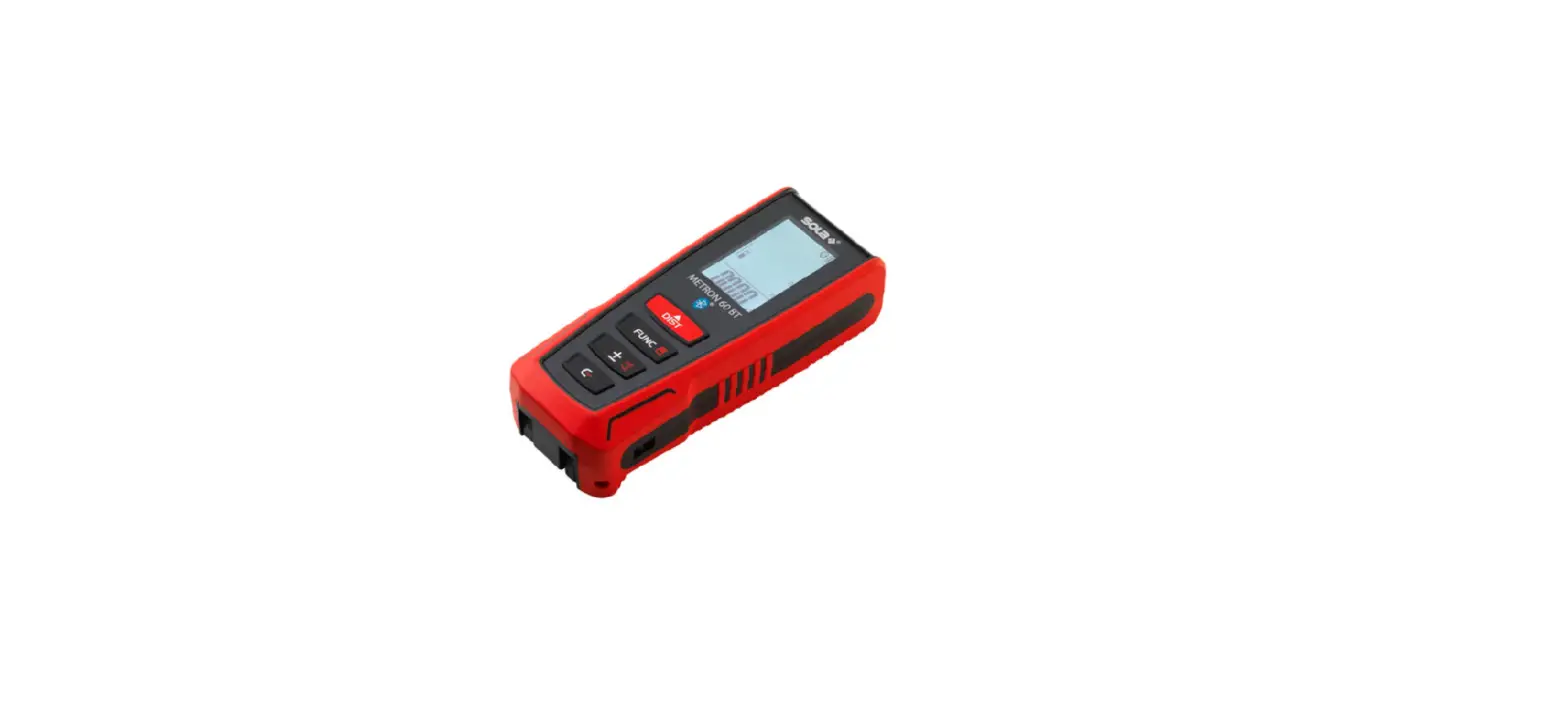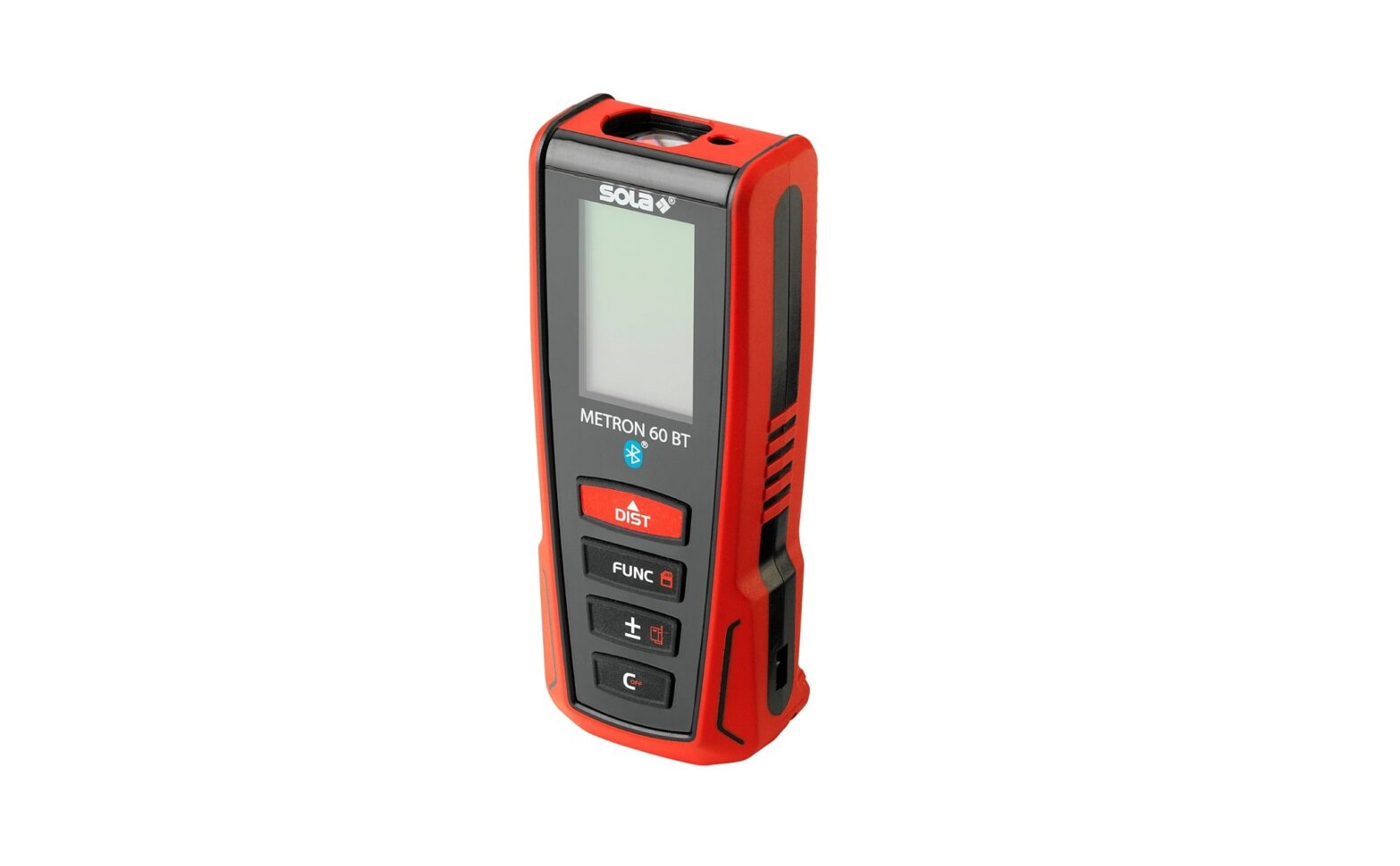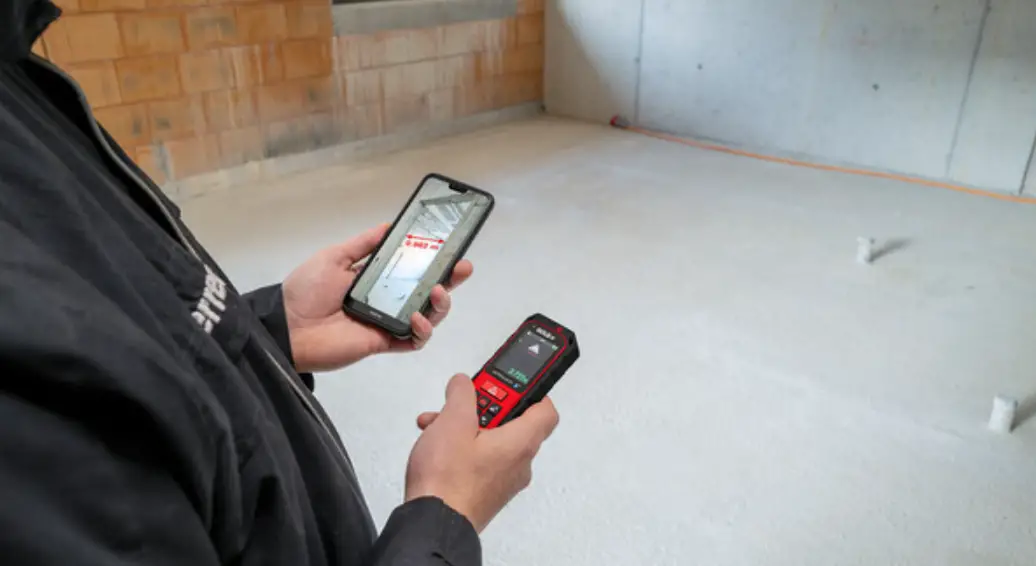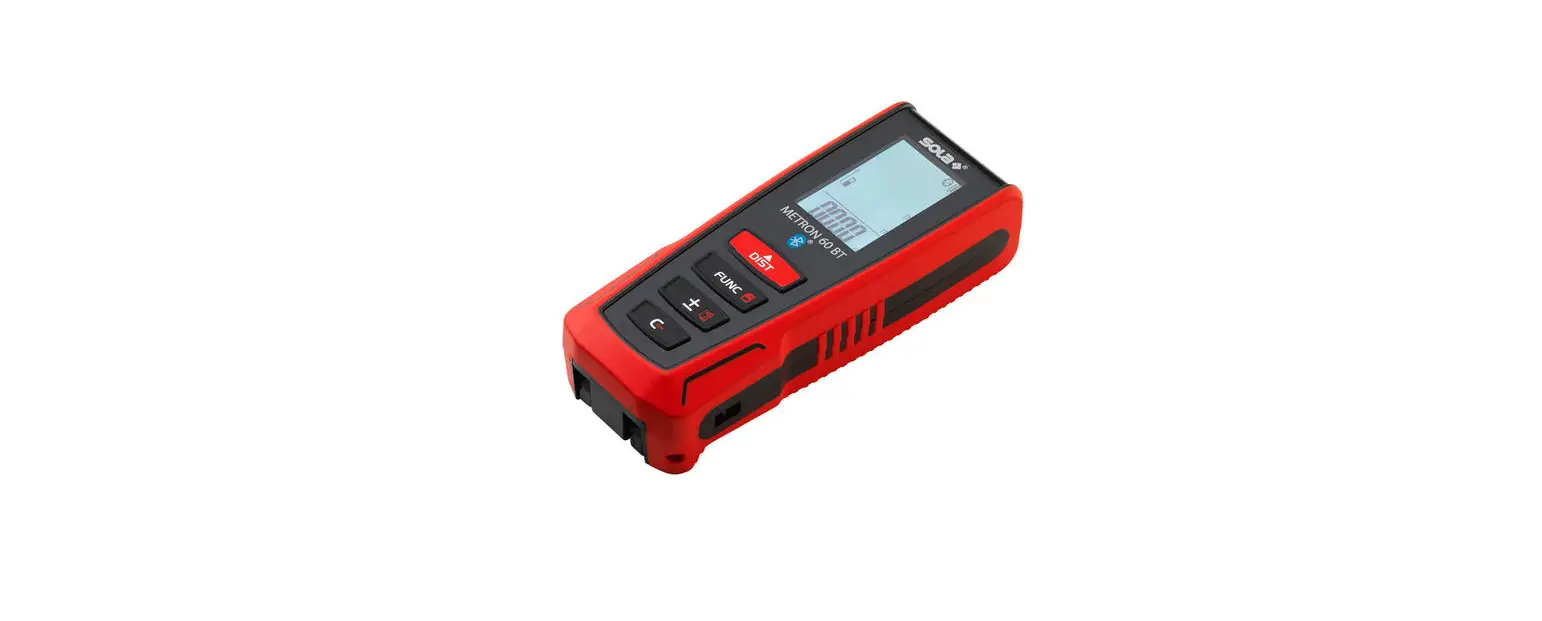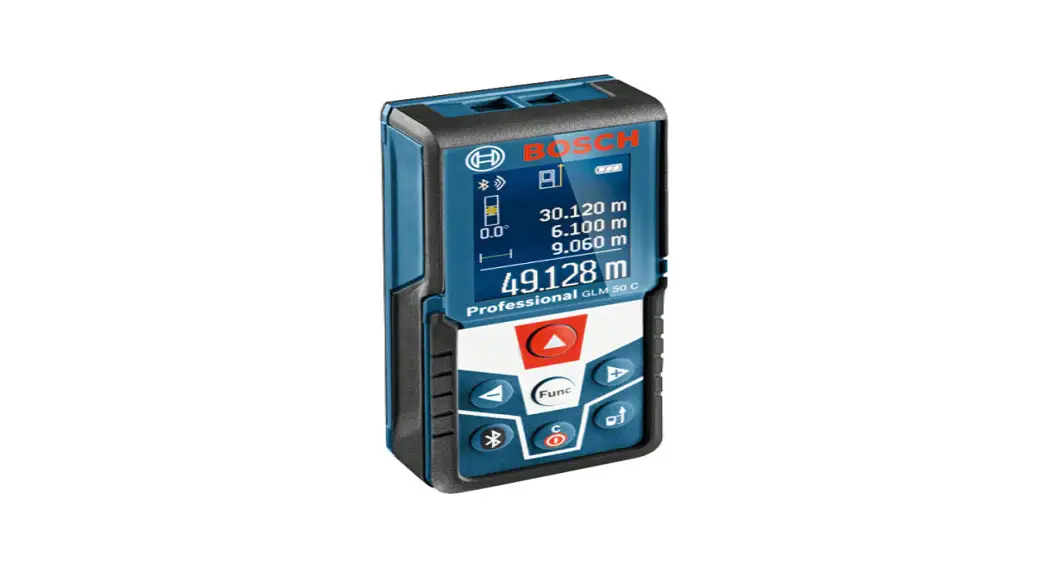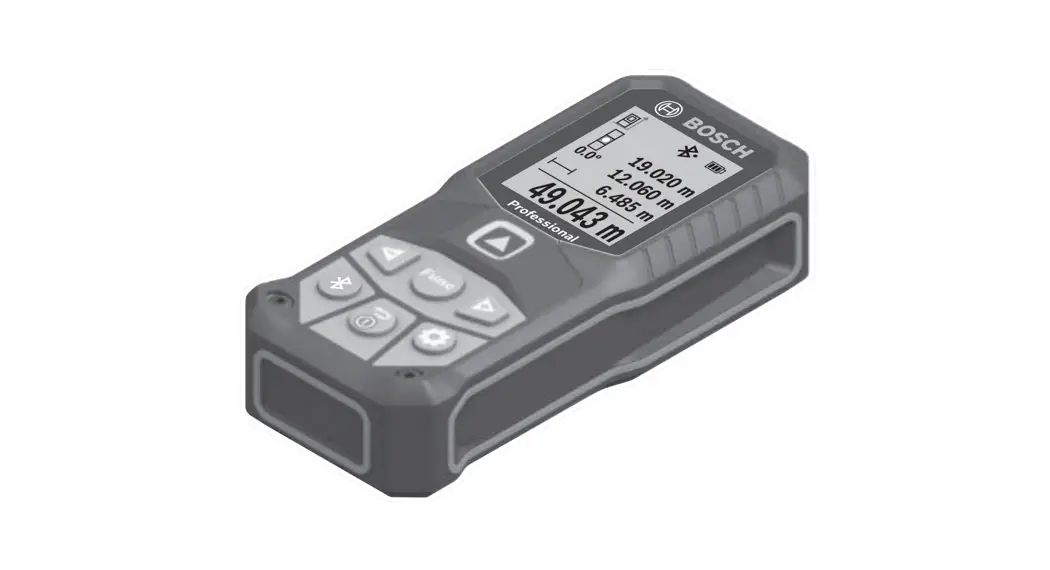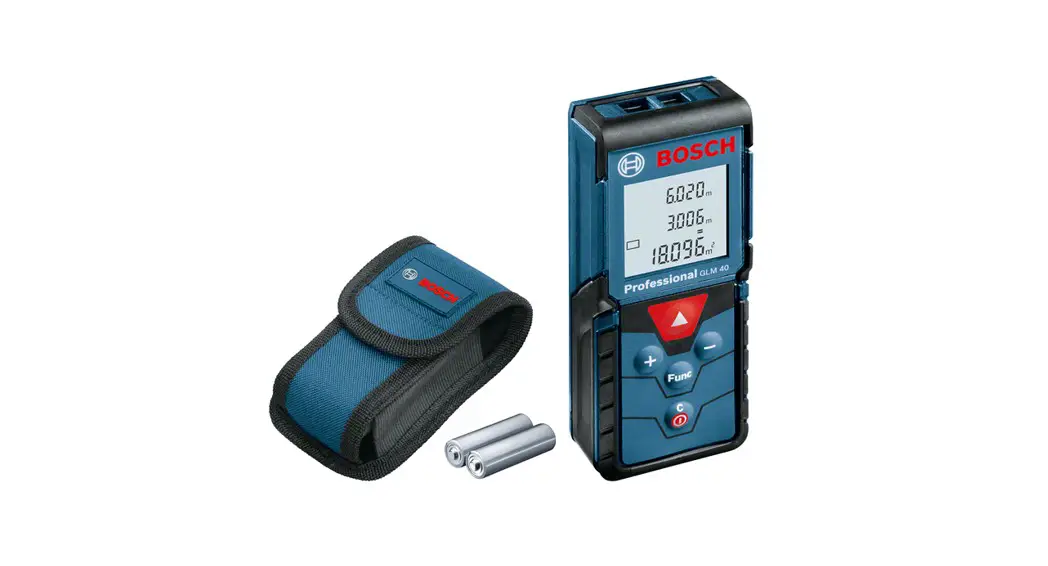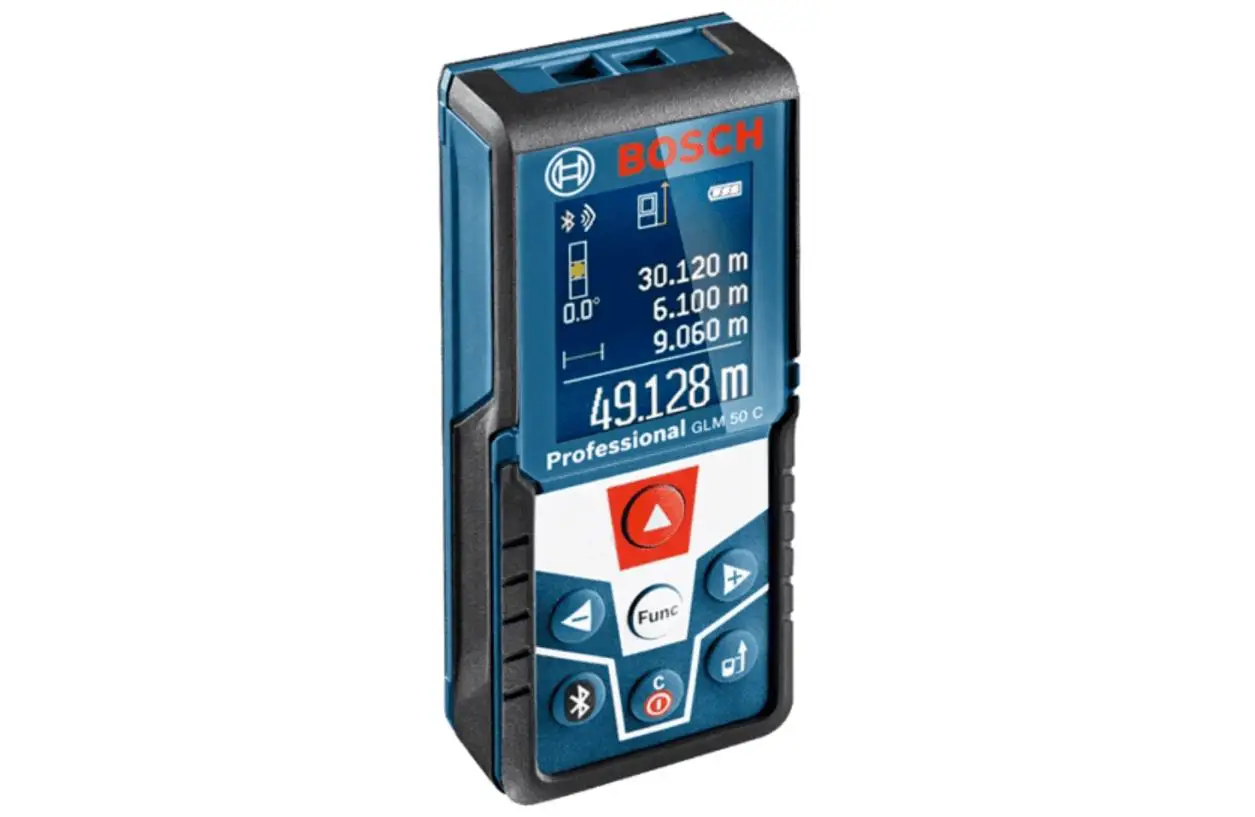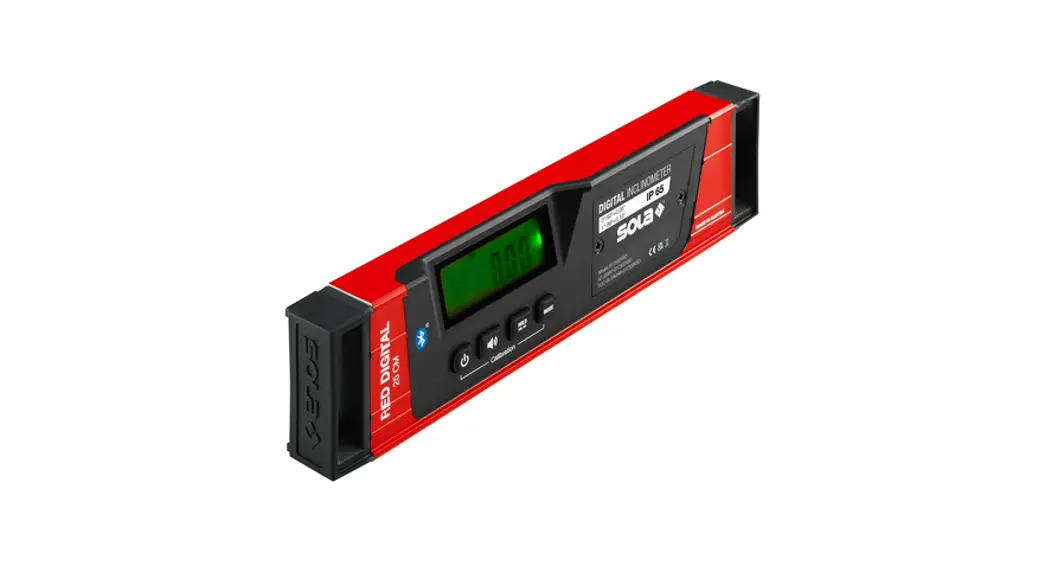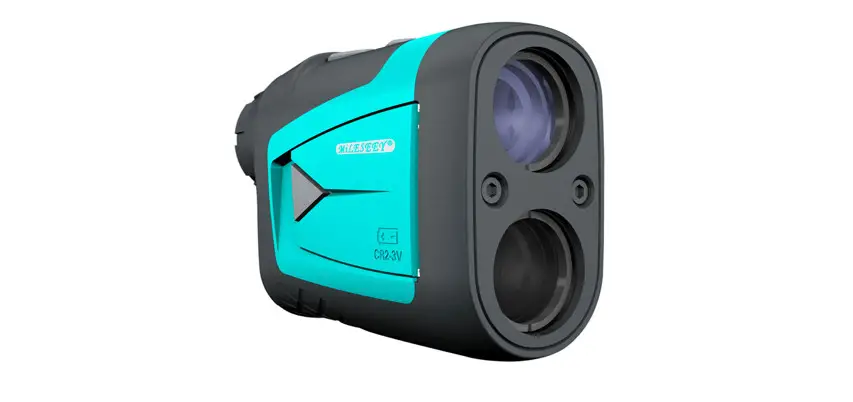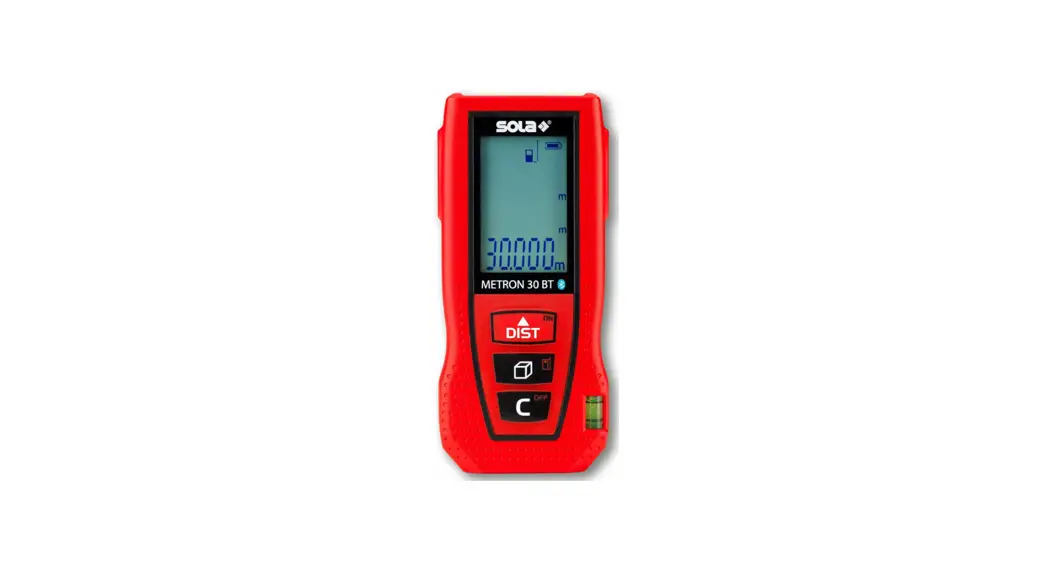
 METRON 30 BT Laser Range Finder
Instruction Manual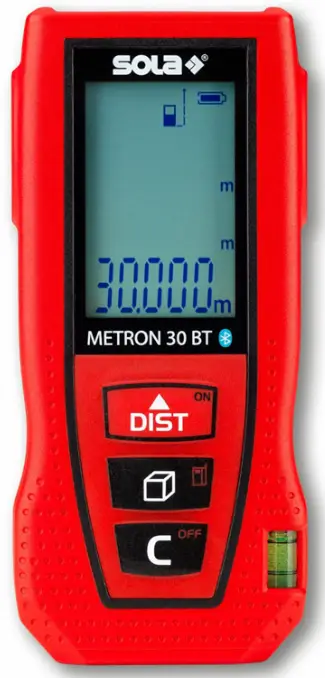
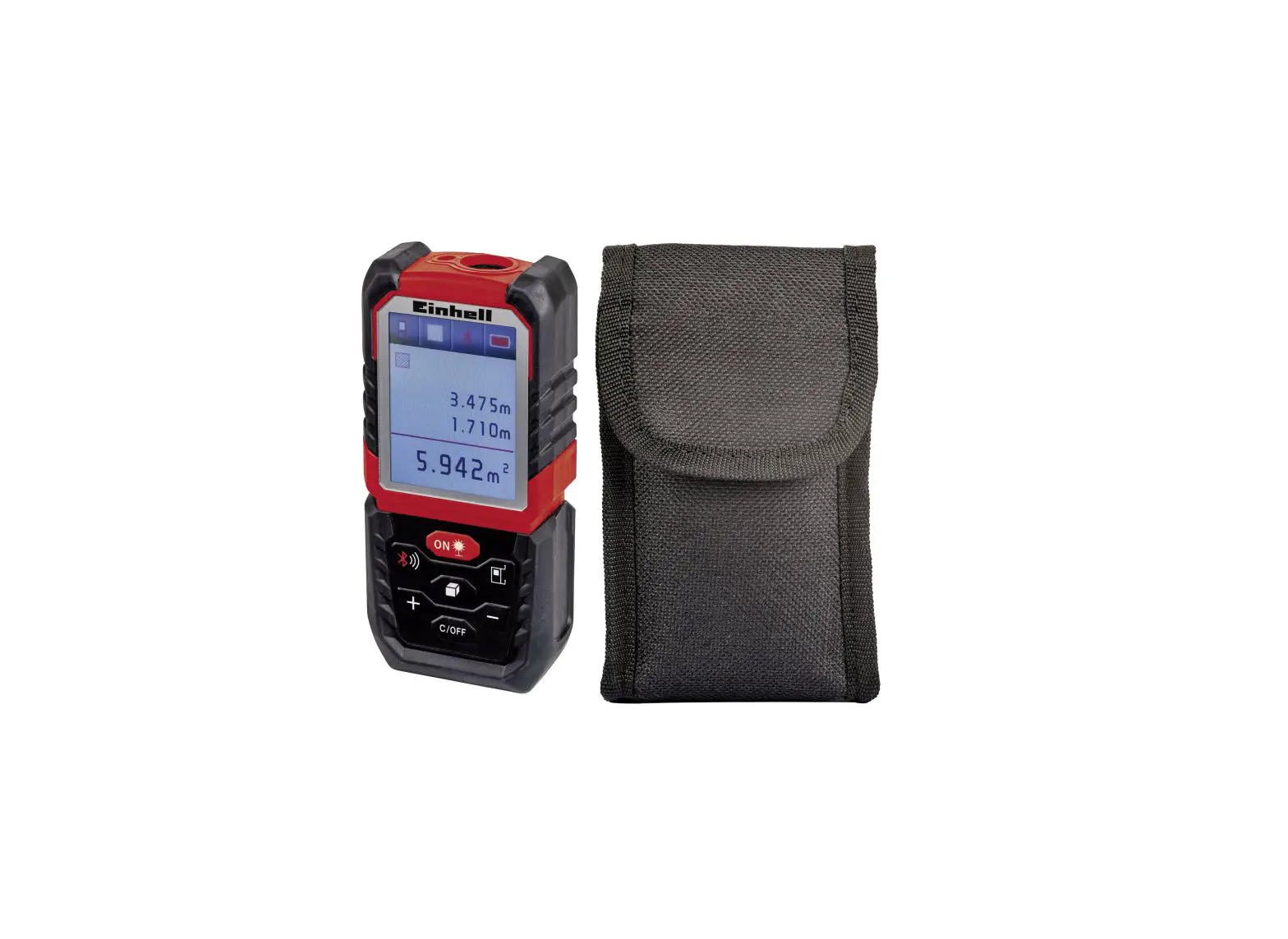
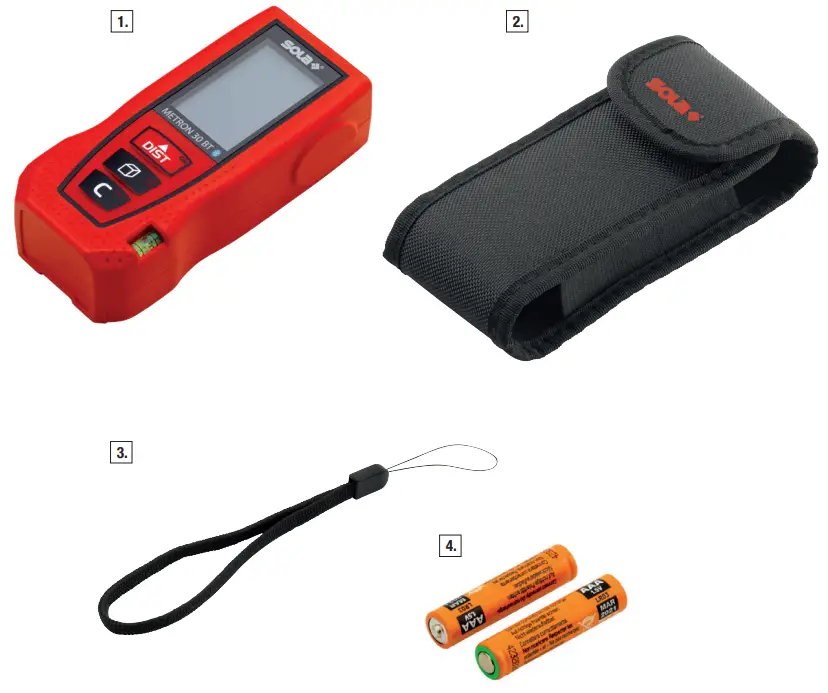
METRON 30 BT Delivery Contents
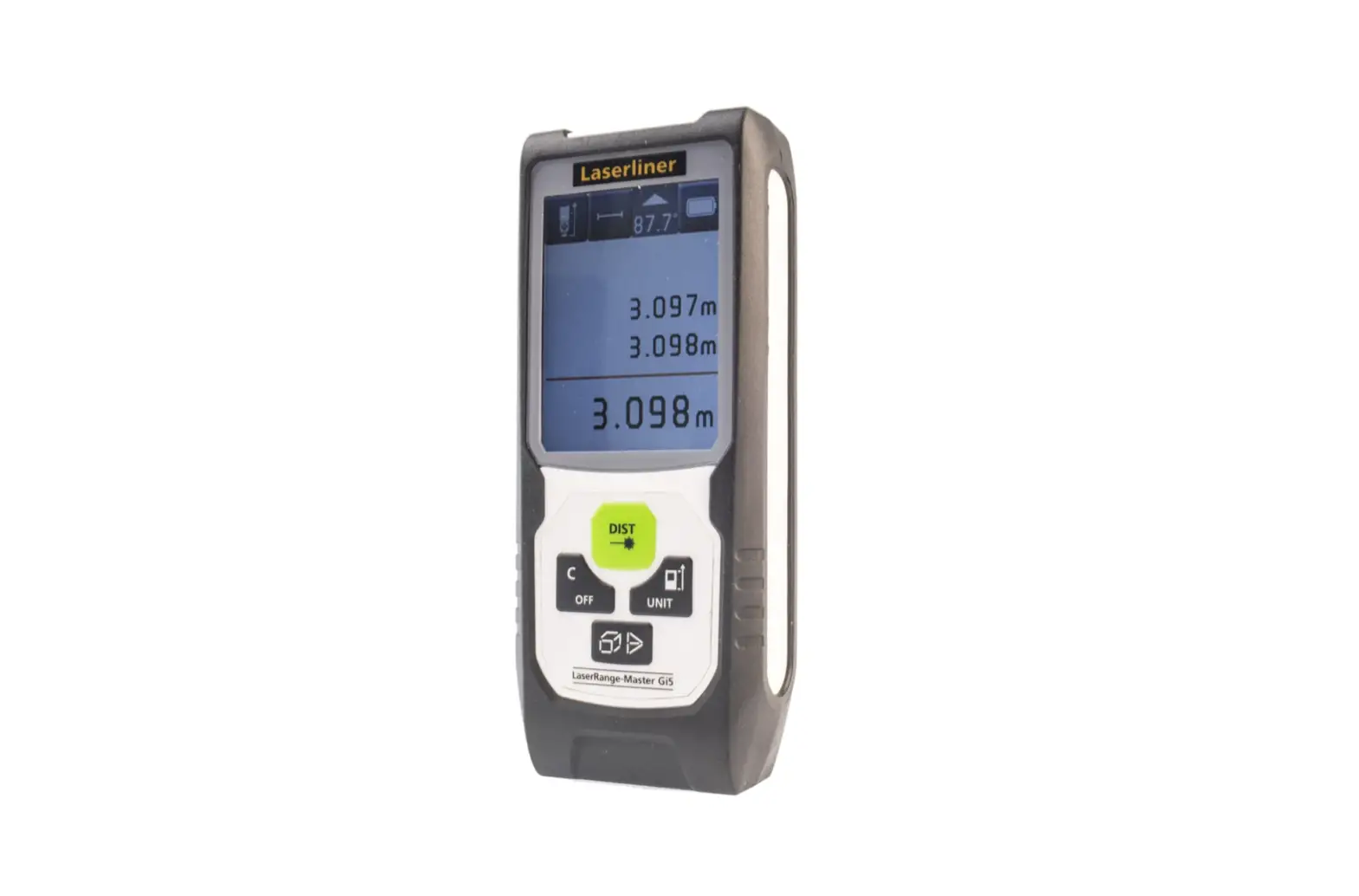
- Laser distance meter
- Belt pouch
- Strap
- 2 x 1.5 V (AAA) batteries
2.1 Function Buttons
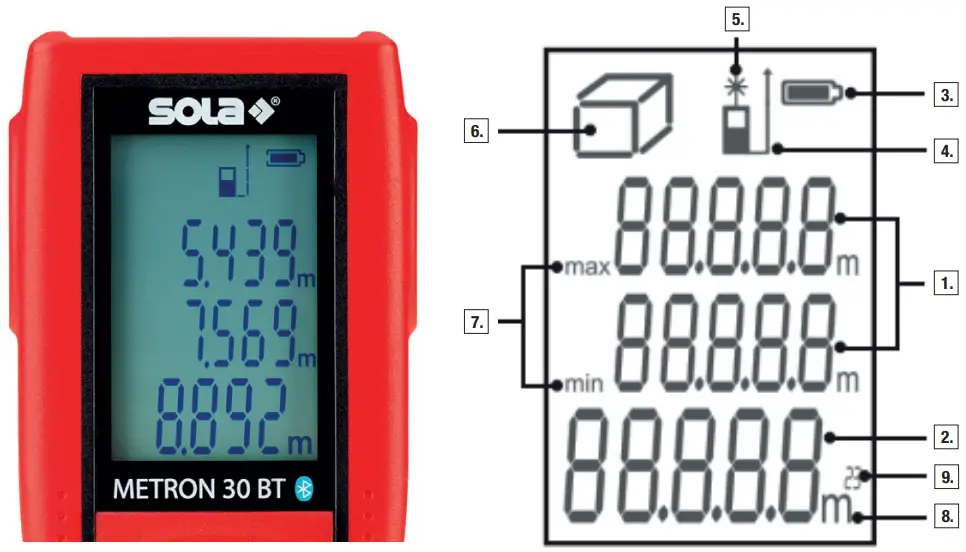
2.2 Display
About this Manual
Congratulations on the purchase of your new METRON 30 BT! You have acquired a SOLA measurement device, which can make your work easier, faster, and more precise.
To utilize the complete functionality range of this measurement device, and to ensure a safe operation, please observe the following instructions:
- Please read these operating instructions before commissioning the device.
- Always keep the operating instructions near the device.
- Only hand over the device to other persons together with the operating instructions.
- Never render the attached warning signs unreadable.
General Information
1.1 Signal Words and their Meaning
DANGER
For an imminent danger that could lead to serious injury or death.
WARNING
For a possibly dangerous situation that could lead to serious injury or death.
CAUTION
For a possibly dangerous situation that could lead to slight injury or property damage.
NOTE
For application notes and other useful information.
1.2 Pictograms and Other Information
1.2.1 Warning Signs Warning of dangers in general
1.2.2 Symbols
 | Read the operating instructions before use |
 | Batteries and devices may not be disposed of with household waste |
 | Do not throw battery into the fire |
 | Do not heat battery above 60°C |
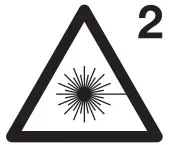 | Class 2 laser device |
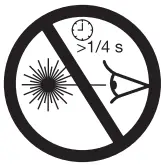 | Do not look into the laser beam! |
Description
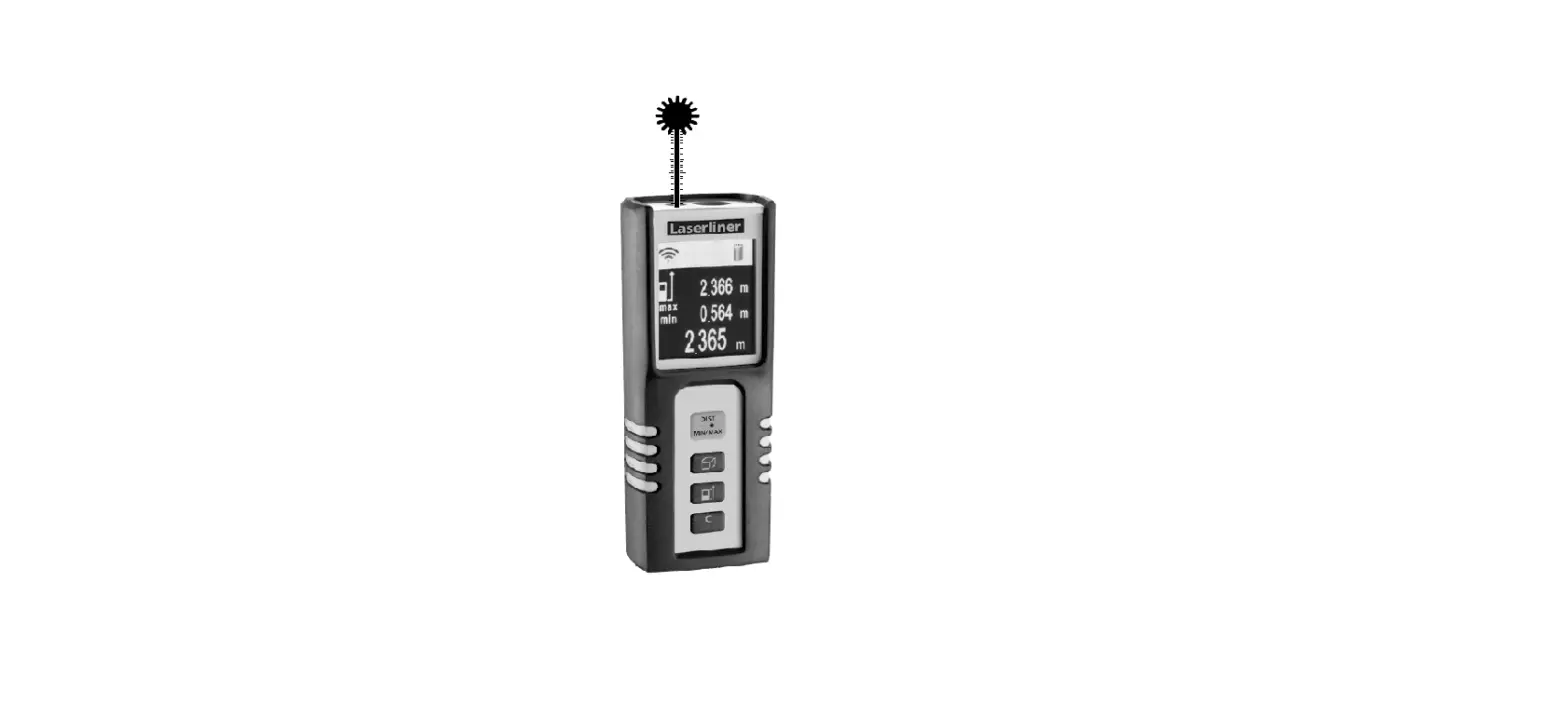
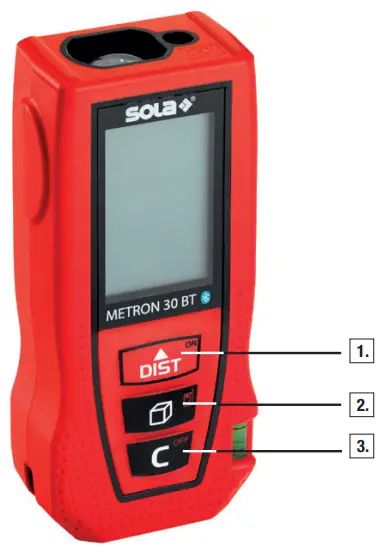
2.1 Function Buttons
- ON/measure button
- Function button/measuring edge
- OFF/delete button
2.2 Display
- Measurements
- Measurement display
- Battery status
- Measuring edge
- Laser point display
- Function display
- Min./max. display
- Unit
- Area/space display
2.3 Intended Use
The device is designed to measure distances. The display shows the measurement, the setting, as well as the device status.
An emitted laser beam is directed towards a reflective surface and sent back to the laser distance meter. This allows the distance to be determined. The range depends on the model of the laser distance meter, the reflectivity, and the quality of the reflective surface.
Technical Data
3.1 General
| Measuring range | 0.05–30 m* |
| Accuracy | ± 2.0 mm** |
| Protection class | IP54 |
| Laser class | 2 |
| Laser type | 630–670 nm < 1 mW |
| Automatic power off, laser | 45 s |
| Automatic power off, device | 180 s |
| Operating time | up to 5,000 measurements*** |
| Battery type | 2 x 1.5 V (AAA) batteries |
| Operating temperature | 0–40°C |
| Storage temperature | -20–60°C |
| Tripod connection | – |
| Dimensions (H x W x D) | 105 x 47 x 27 |
| Weight with batteries | 100 g |
*For measurements with 100% reflectivity of the target (e.g. a wall painted white), low background lighting, and 25°C operating temperature. Measurements may become less accurate in adverse conditions, such as direct sunlight, a poorly reflective surface, or measurement on glass or glossy surfaces, leading to measurement errors.
The visibility range of the laser point depends on the ambient conditions.
**Accurate from 0.05–10 m. The maximum tolerance of 0.1 mm/m may deteriorate at distances between 10 m and 30 m.
***Use at room temperature.
3.2 Functions Length measurement Min./max. measurement Continuous measurement Area measurement Volume measurement Indirect 2-point measurement
Safety Instructions
4.1 Area of Responsibility
4.1.1 Manufacturer
SOLA is responsible for the safe delivery condition of the product, including the operating instructions and the original accessories.
4.1.2 Operator
The operator is responsible for using the product as intended, the deployment of personnel, their training, and the operational safety of the product. The operator understands the safety information which is stated on the product and the instructions in the operating instructions.  The operator shall comply with the standard local regulations relating to safety and accident prevention regulations as well as worker protection laws and regulations. The operator shall immediately notify SOLA if safety-related issues should arise relating to the product or during its utilization. The operator shall ensure that the product is not utilized any further if defects become evident, and they will have the product repaired professionally.
4.2 Improper Use Use of the device and the accessories without instruction. Use of third-party accessories or additional equipment. Use outside of the intended limits (see Chapter 3 / Technical Data). Use under extreme temperature fluctuations without adequate acclimatization. Disabling of safety devices and removal of hazard notices and labels. Unauthorized opening of the device. Performance of modifications or alterations to the device or the accessories. Deliberate blinding of third parties. Inadequate safeguarding at the installation site.
4.3 Utilization Limitations
The METRON 30 BT is suitable for continuous use in an atmosphere which can be inhabited by humans. Do not operate the product in explosion-prone or corrosive environments. Inform the local safety authorities and safety experts before working in hazardous environments, in close proximity to electrical installations or similar surroundings.
4.4 Usage Hazards
4.4.1 General WARNING
Missing or incomplete instructions may result in improper or incorrect use. This can cause accidents with serious damage to persons, property, assets, and the environment. Follow the manufacturer’s and operator’s safety instructions. Protect equipment and accessories from being accessed by children.WARNING
Blinding by laser radiation can indirectly lead to serious accidents, especially for people who are driving a vehicle or operating machinery. Do not look into the laser beam. Do not set up the laser beam and the laser plane at eye level or aim at people.CAUTION
A fall, longer storage, transportation, or other mechanical effects can lead to erroneous measurement results. Check the unit for damage before use. Do not use damaged equipment. Repairs must only be performed by SOLA.
4.4.2 BatteriesDANGER
Mechanical damage can cause batteries to leak, explode, or catch fire or trigger the release of toxic substances. Batteries and rechargeable batteries must not be opened or exposed to mechanical loads. Repairs must only be performed by SOLA.WARNING
High ambient temperatures and immersion into liquids can cause batteries to leak, explode, or catch fire or trigger the release of toxic substances. Protect batteries and rechargeable batteries from mechanical damage during transport. Do not overheat batteries and rechargeable batteries or expose them to fire. Avoid the ingress of moisture into batteries and rechargeable batteries. Do not use damaged batteries or rechargeable batteries. Perform a proper disposal (see Chapter 11 / Disposal).WARNING
Short-circuiting or improper use can cause batteries to overheat and create an injury or fire hazard. Do not transport or store batteries in the pockets of garments. Do not bring the battery contacts in contact with jewelry, keys, or other electrically conductive objects. Do not charge the batteries. Do not discharge the batteries through short-circuiting. Do not solder the batteries in the device. Do not mix old and new batteries, and do not mix batteries from different manufacturers or with a differing type designation.WARNING
If disposed of improperly third parties may possibly be seriously injured and the environment polluted. Burning plastic components generates toxic fumes which may impair health. Batteries/rechargeable batteries may explode if they are damaged or heated excessively, and thereby cause poisoning, burning, corrosion, or environmental contamination. If disposed of negligently, unauthorized persons are able to use the product improperly. The product must not be disposed of together with household waste. Dispose of the device and accessories properly (see Chapter 11/Disposal). Protect the product against access by unauthorized persons at all times, especially children.
4.5 Electromagnetic Compatibility (EMC)
The electromagnetic compatibility is the ability of the product to function in an environment where electromagnetic radiation and electrostatic discharge are present, without causing electromagnetic interference to other devices.
4.5.1 Interference with Other Devices by METRON 30 BT
Although the product meets the strict requirements of the relevant directives and standards, SOLA cannot completely exclude the possibility of interference with other devices (for example, when using the product in combination with third-party devices, such as field computers, personal computers, wireless devices, mobile phones, certain cables, or external batteries). When using computers and radio equipment, be sure to observe to the vendor-specific information about electromagnetic compatibility. Only use original SOLA equipment and accessories.
4.5.2 Interference with the METRON 30 BT by Other Devices
Although the product meets the strict requirements of the relevant directives and standards, SOLA cannot entirely exclude the possibility that intense electromagnetic radiation in the immediate vicinity of radio transmitters, two-way radios, diesel generators, etc., may distort the measurement results. When performing measurements under these conditions, check the plausibility of the results.
Laser Safety/Classification
The METRON 30 BT emits a visible laser point.
The product corresponds to laser class 2 according to DIN EN 60825-1:2007-03
Laser Class 2:
When using Class 2 laser devices, the eye is protected by the blink reflex or aversion reaction in the case of random and short-term exposure.

WARNING
Looking directly into the beam with optical aids (e.g. binoculars, telescopes) can be dangerous.CAUTION
Looking into the laser beam may be hazardous to the eye. Do not look into the laser beam. Do not aim the laser beam at other people.
Labeling on the device:
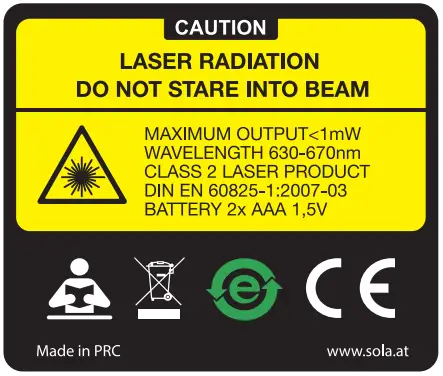
Do not remove the type plate!
Getting Started
6.1 Batteries
- Open the battery compartment cover on the rear of the device.
- Insert the batteries in the device with the correct polarity.
- Close the battery compartment cover (audible click of the cover).
Only use 1.5 V Mignon (AAA) batteries! Remove the batteries if you do not expect the device to be used for an extended period of time.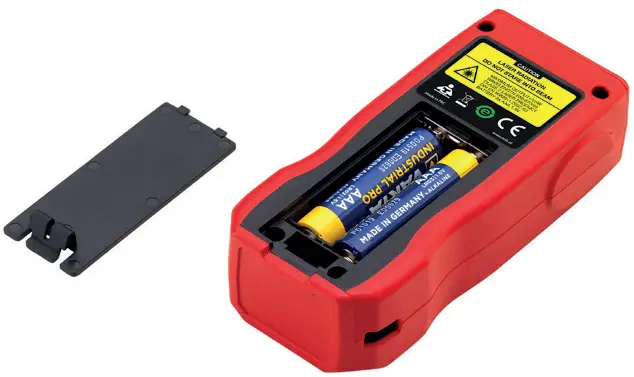
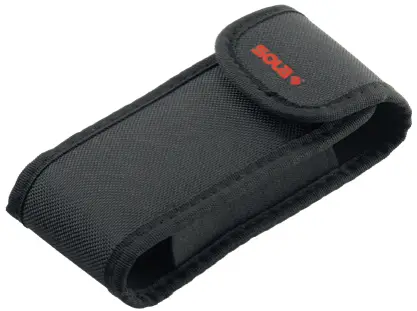
6.2 Belt Pouch
The laser device can be stowed in a belt pouch for transport. The laser device must be removed from the pouch for measurement.
Operation
7.1 Getting Started
7.1.1 Switching On and Off
Press the ON/measure button to turn the laser device on.
Press and hold the OFF/delete button for 2 seconds to turn the laser device off.
7.1.2 Back
Press the OFF/delete button once to undo the most recent action. Press the OFF/delete button twice to exit the current function and return to single measurement mode.
7.1.3 Setting the Measurement Level
Press and hold the function button/measuring edge for 2 seconds to switch between the front and rear.
This is shown by an arrow in the display. The rear of the device is set as the measuring edge by default. The rear of the device is set as the measuring edge whenever the device is restarted.
7.2 Applications
7.2.1 Single Measurement
- Turn on the laser device.
- Direct the laser point at the target.
- Press the ON/measure button.
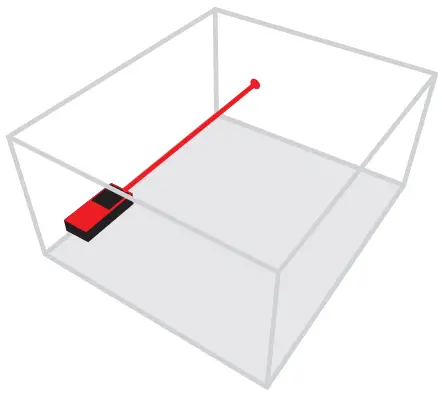
When the signal sounds, the measurement is complete. The distance can be read. To measure additional distances, press the measure button again.
7.2.2 Min./Max. Measurement
- Turn on the laser device.
- Direct the laser point at the target.
- Press and hold the ON/measure button for 2 seconds.
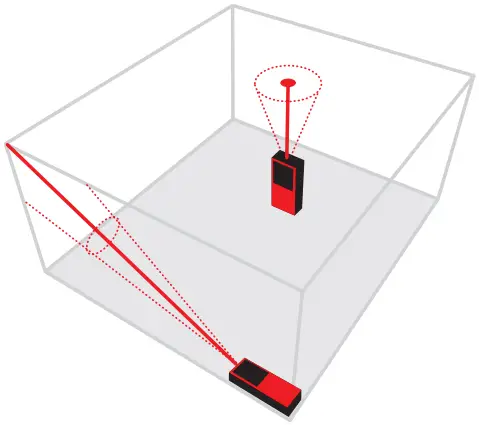
The minimum and maximum values are show in the display. To stop the measurement, simply press the ON/measure button.
7.2.3 Continuous Measurement
- Turn on the laser device.
- Direct the laser point at the target.
- Press and hold the ON/measure button for 2 seconds.
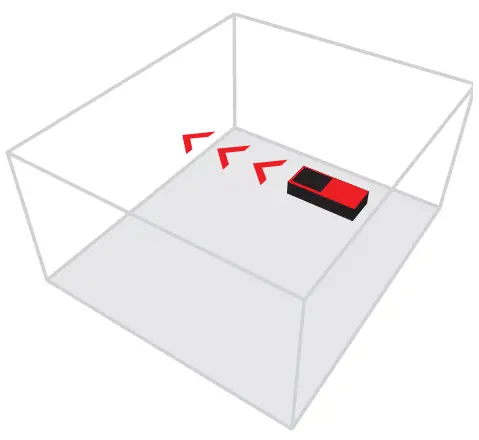
The laser device measures the distance and shows this on the bottom line of the display.
7.2.4 Area Measurement
- Turn on the laser device.
- Press the function button/measuring edge until the area measurement icon is shown in the display.
- Measure the length and width in succession, just like for a single measurement.
The laser beam remains switched on between the two measurements.
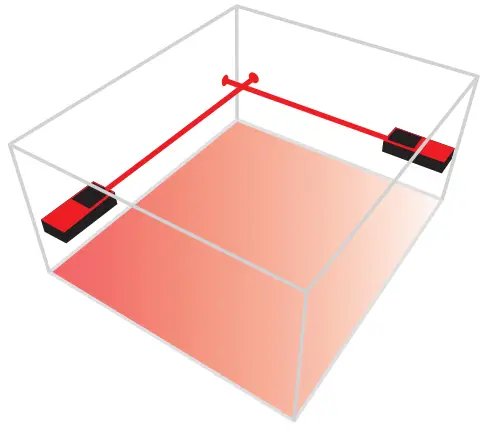
After completing the second measurement, the area is automatically calculated and shown in the bottom line of the display. The single measurements are shown in measurement lines 1 and 2.
7.2.5 Volume Measurement
- Turn on the laser device.
- Press the function button/measuring edge until the volume measurement icon is shown in the display.
- Measure the length, width, and height, just like for a single measurement. The laser beam remains switched on between the three measurements.
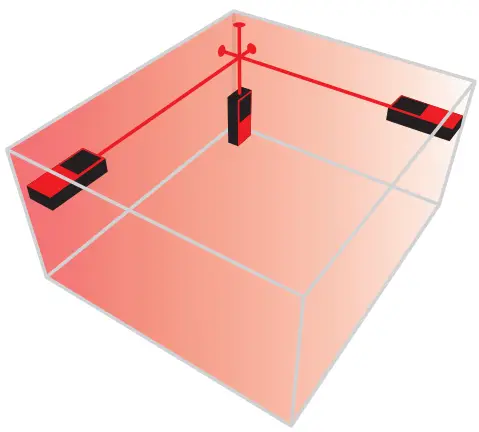
After completing the third measurement, the volume is automatically calculated and shown in the bottom line of the display. The single measurements are shown in measurement lines 1 and 2.
7.2.6 Indirect 2-point Measurement
- Turn on the laser device.
- Press the function button until the indirect 2-point measurement icon is shown in the display.
- Measure the 2 measurement points in succession, just like for a single measurement.
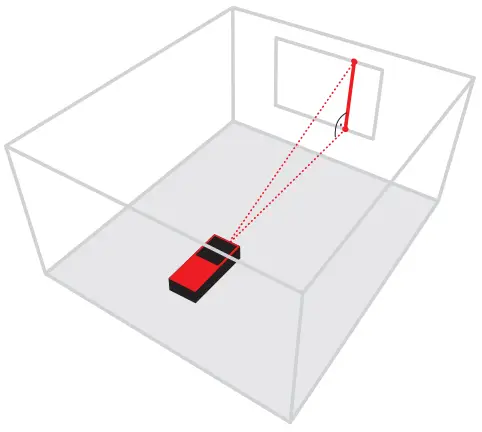
The laser beam remains switched on between the two measurements.
After completing the second measurement, the length is automatically calculated and shown in the bottom line of the display. The single measurements are shown in easurement lines 1 and 2.CAUTION
The two points must be measured in a line and the second measurement point must be at a right angle to the measuring surface, otherwise the measurements may be incorrect.
7.3 Important Notes
The laser device must not be moved during measurement. A use of a fixed support with end stop is recommended. Do not cover the laser emission field and the receiving area during measurement. Incorrect measurements are possible depending on the measuring surface. Textured, mirrored, transparent, or porous surfaces should be avoided.
Maintenance, Storage, and Transportation
8.1 Cleaning Wipe off the dirt with a soft damp cloth. Check the outlet openings of the laser distance meter regularly, and thoroughly clean them if necessary. Do not touch the glass with your fingers. Do not use aggressive cleaning agents or solvents. Do not immerse the device in water! Clean and dry wet equipment, accessories, and transport containers prior to packaging them. Only pack equipment again when it is completely dry. Keep plug connections clean and protected from moisture.
8.2 StorageThe equipment may only be stored within the specified temperature limits (see Chapter 3 / Technical Data). After prolonged storage, check the accuracy of the measuring device before using it.
8.3 TransportThe device may be damaged if it falls or is subjected to strong vibrations. Never transport the product loose. Always use the original packaging or an equivalent transport container. Switch off the measuring device before transporting it. Check the device for damage before use.
Delivery Contents and Accessories
9.1 METRON 30 BT Delivery Contents
- 1 Laser distance meter
- 1 Belt Pouch
- 1 Strap
- 2 1.5 V (AAA) batteries
9.2 Accessories (Optional)
LB RED laser visibility glasses
ZS RED magnetic target plate
Further information on accessories can be found at www.sola.at
Troubleshooting
| Error | Possible Cause | Remedy |
| 301 | Distance out of measuring range | Stay within the measuring range. |
| 302 | The reflected signal is too weak. | Measure on a more reflective surface. |
| 303 | Range outside of display. | Use the off/delete button to reset to zero. |
| 304 | Calculation error in Pythagoras. | Perform measurement again. |
| 305 | Low battery charge. | Insert new batteries. |
| 306 | Temperature too low. | Heat the device. |
| 307 | Temperature too high. | Cool the device. |
| 308 | Ambient light too bright. | Measure in a darker environment. |
Disposal
If disposed of improperly third parties may possibly be seriously injured and the environment polluted.
Burning plastic components generates toxic fumes which may impair health.
Batteries/rechargeable batteries may explode if they are damaged or heated excessively, and thereby cause poisoning, burning, corrosion, or environmental contamination.
If disposed of negligently, unauthorized persons are able to use the product improperly.
Measuring tools, accessories and packaging must be recycled in an environmentally friendly manner.The product as well as the accessories – especially the batteries and rechargeable batteries – must not be disposed of with household waste. Dispose of the device and the accessories properly. Observe the country-specific disposal requirements.
Your SOLA dealership will accept returned batteries as well as old equipment, and will ensure proper disposal.
Only for EU Countries Electric tools must not be disposed of with household waste!
According to European Directive 2002/96/EC on Waste Electrical and Electronic Equipment and its transposition into national law, electrical and electronic equipment that is no longer usable must be collected separately and recycled in an environmentally friendly manner.
Manufacturer’s Guarantee
“The manufacturer warrants to the original purchaser stated on the guarantee card, freedom from defects of the device for a period of two years, with the exception of batteries, from such time as the device is handed over. The guarantee is limited to repairs and/or replacements at the manufacturer’s discretion. Defects which are caused through improper handling by the purchaser or third parties, natural wear, and optical flaws that do not affect the usability of the equipment, are not covered by this guarantee. Claims under this guarantee can only be invoked if the device is submitted along with the guarantee card, completely filled out by the dealer, dated, and provided with the company stamp.
If the guarantee claim is justified, the manufacturer shall bear the transport costs. The duration of the guarantee will not be extended through repair or spare parts work which is carried out within the scope of the guarantee.
Further claims are excluded, unless these are stipulated by the respective national legislation. In particular the manufacturer shall not be liable for any direct, indirect, incidental, or consequential damages, losses or expenses in connection with device’s use or because of the inability to use the tool for any purpose whatsoever. Implied warranties for the usage or suitability for a particular purpose are expressly excluded.”
EC Declaration of Conformity
 Declaration of Conformity
We
SOLA-Messwerkzeuge GmbH, 6840 Götzis, Austria
METRON 30 BT
to which this declaration relates is in conformity with the following standards.
EN 60825-1: 2007-03
Electromagnetic compatibility 2014/30/EU
SOLA-Messwerkzeuge GmbH
SOLA-Messwerkzeuge GmbH, Unteres Tobel 25, 6840 Götzis, Austria
Phone +43(0)5523 53380,
[email protected]
www.sola.at
FCC STATEMENT
- This device complies with Part 15 of the FCC Rules. Operation is subject to the following two conditions:
(1) This device may not cause harmful interference.
(2) This device must accept any interference received, including interference that may cause undesired operation. - Changes or modifications not expressly approved by the party responsible for compliance could void the user’s authority to operate the equipment.
NOTE: This equipment has been tested and found to comply with the limits for a Class B digital device, pursuant to Part 15 of the FCC Rules. These limits are designed to provide reasonable protection against harmful interference in a residential installation.
This equipment generates uses and can radiate radio frequency energy and, if not installed and used in accordance with the instructions, may cause harmful interference to radio communications. However, there is no guarantee that interference will not occur in a particular installation. If this equipment does cause harmful interference to radio or television reception, which can be determined by turning the equipment off and on, the user is encouraged to try to correct the interference by one or more of the following measures:
- Reorient or relocate the receiving antenna.
- Increase the separation between the equipment and receiver.
- Connect the equipment into an outlet on a circuit different from that to which the receiver is connected.
- Consult the dealer or an experienced radio/TV technician for help.
RF warning statement:
The device has been evaluated to meet general RF exposure requirement. The device can be used in portable exposure condition without restriction.
 Sola Measuring Tools U.S.A.
 Sola Measuring Tools U.S.A.