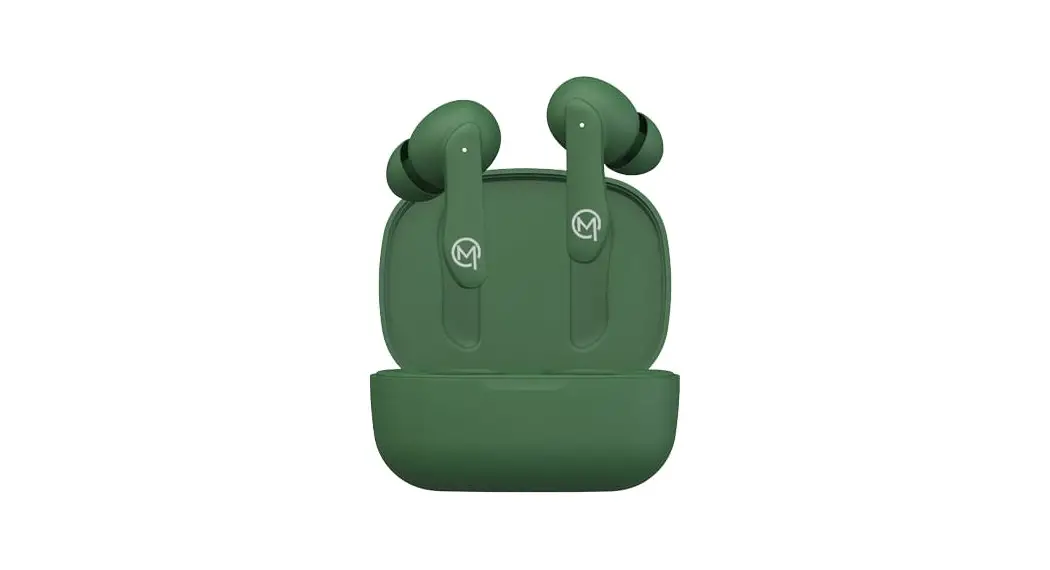
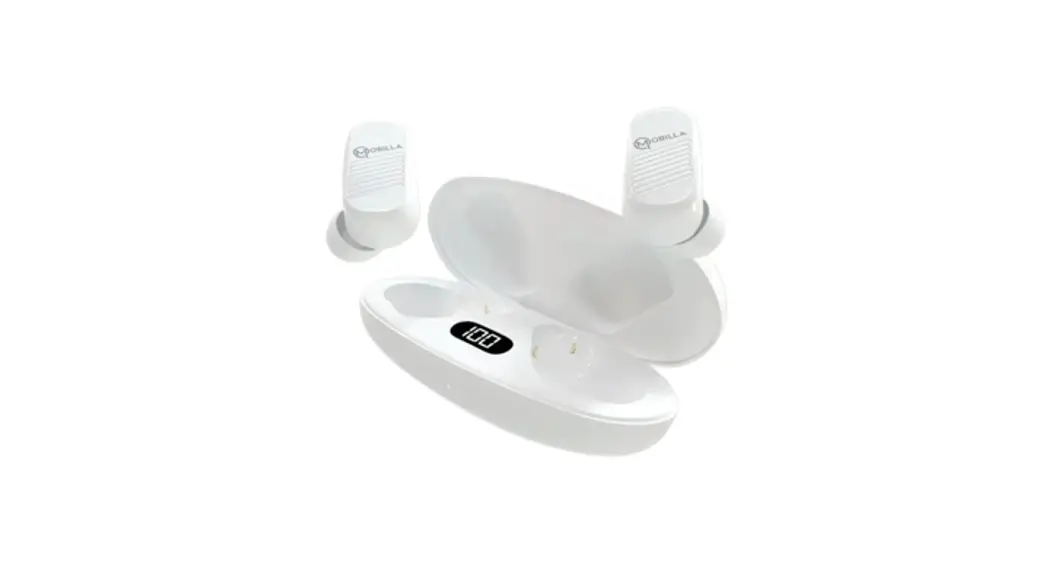
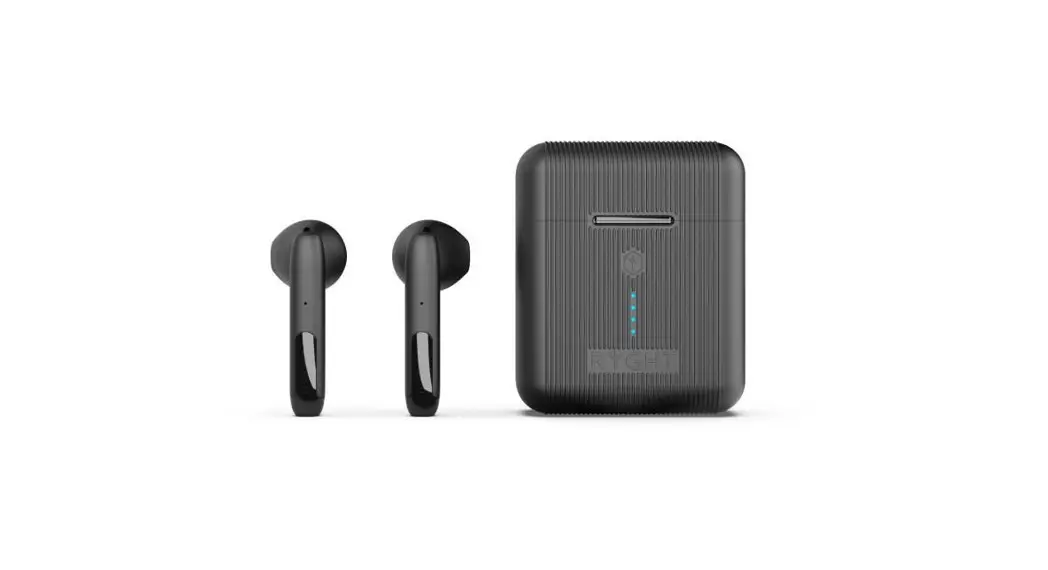
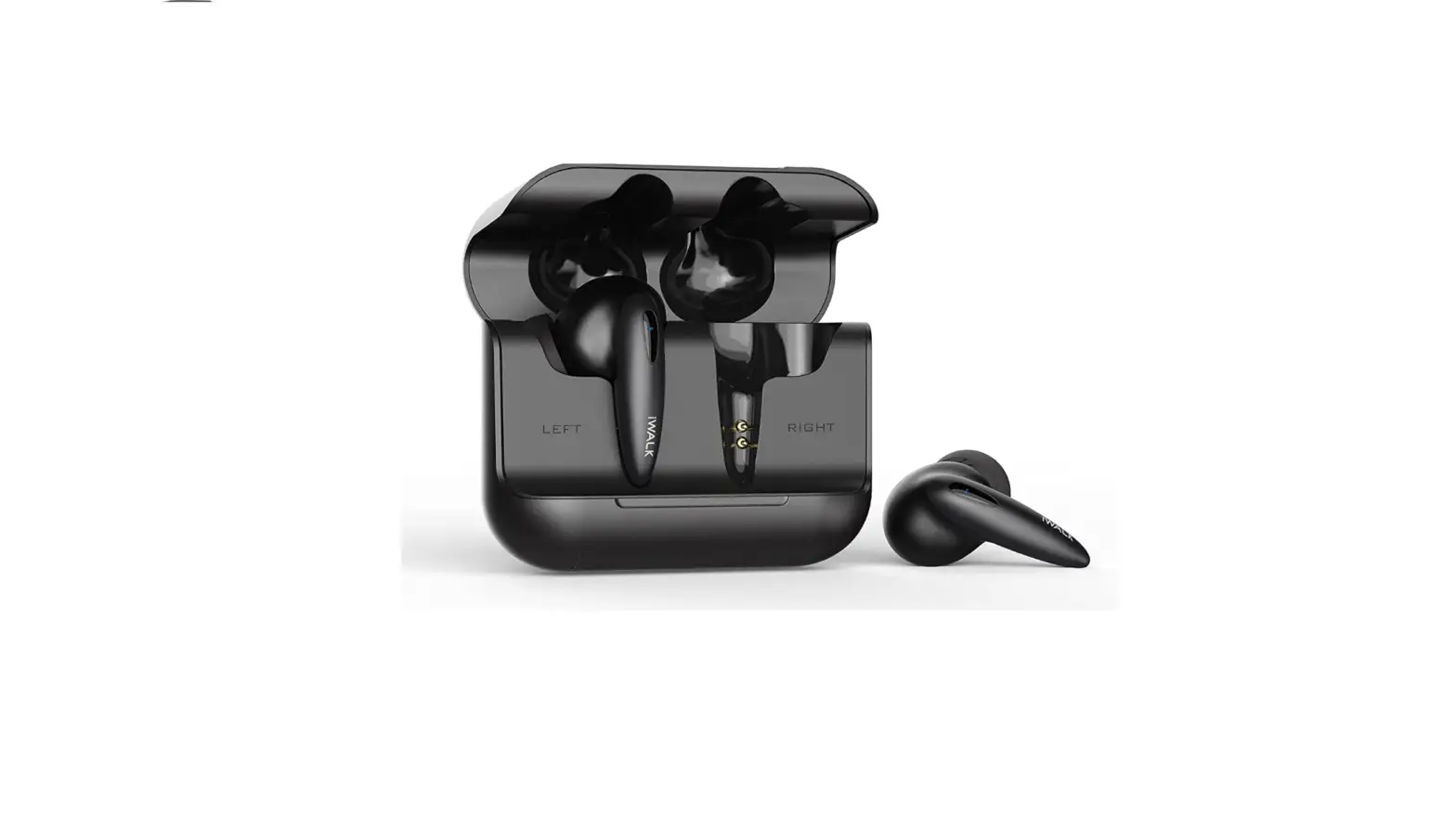
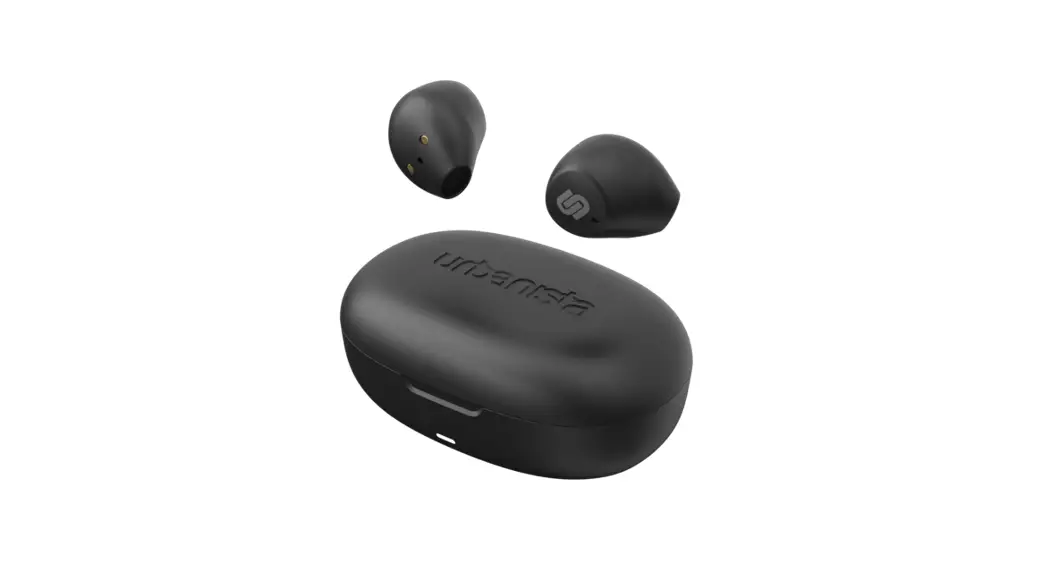
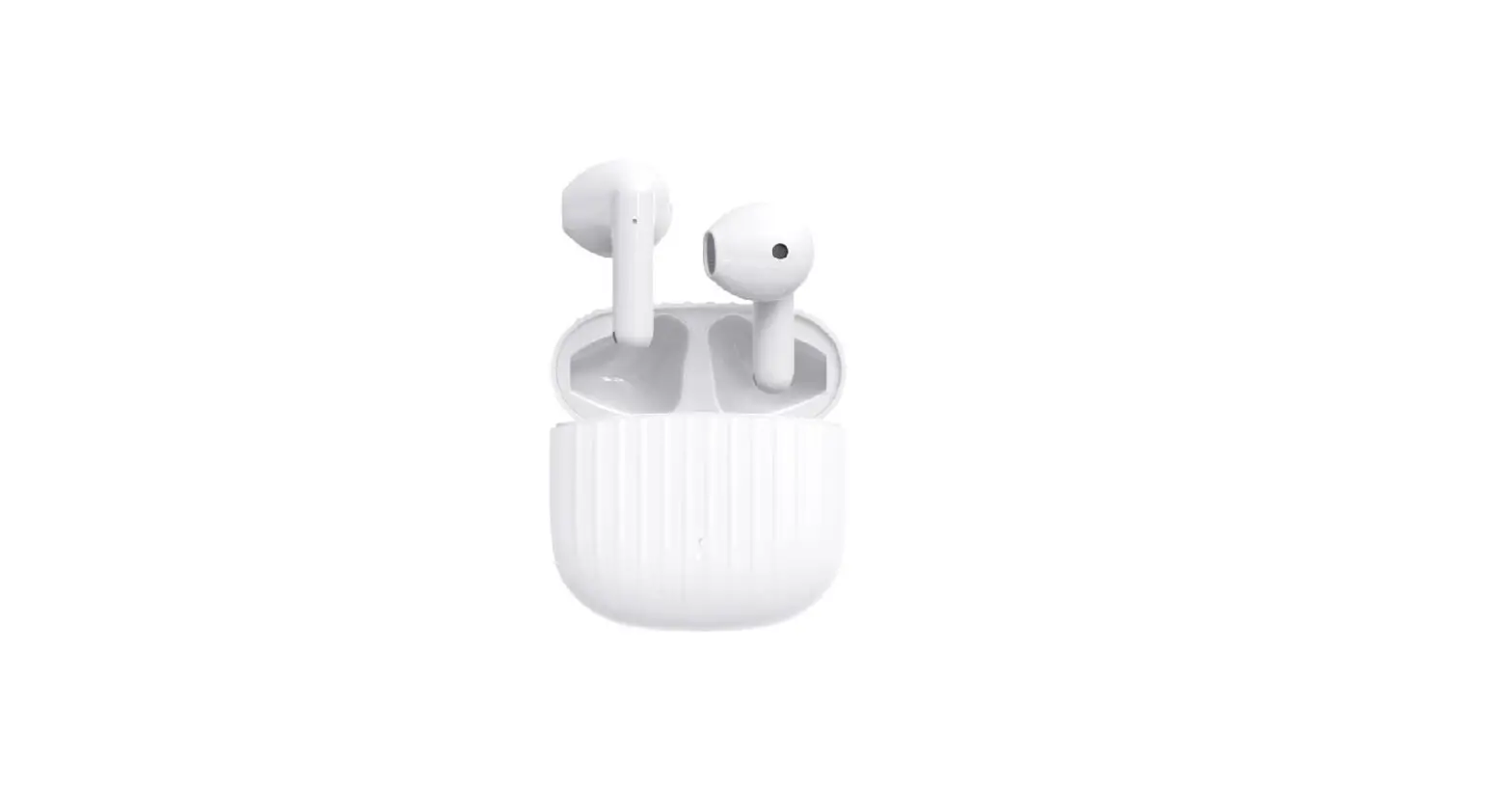
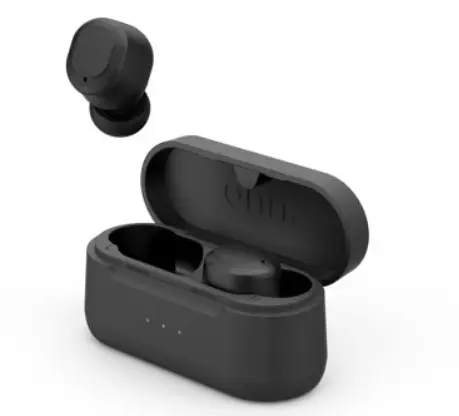
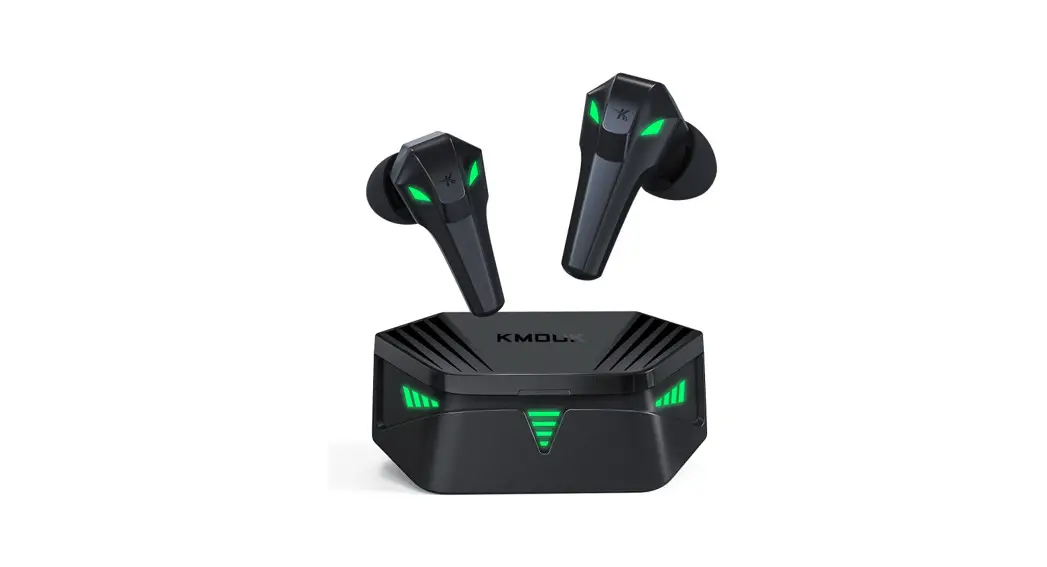
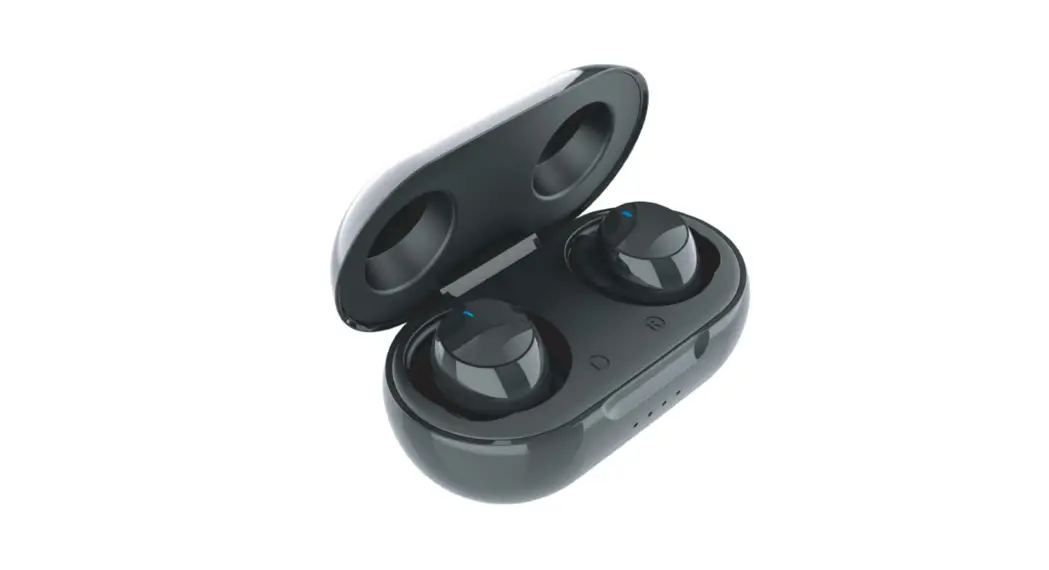
MBUDS104 Wireless Earbuds
Product Information
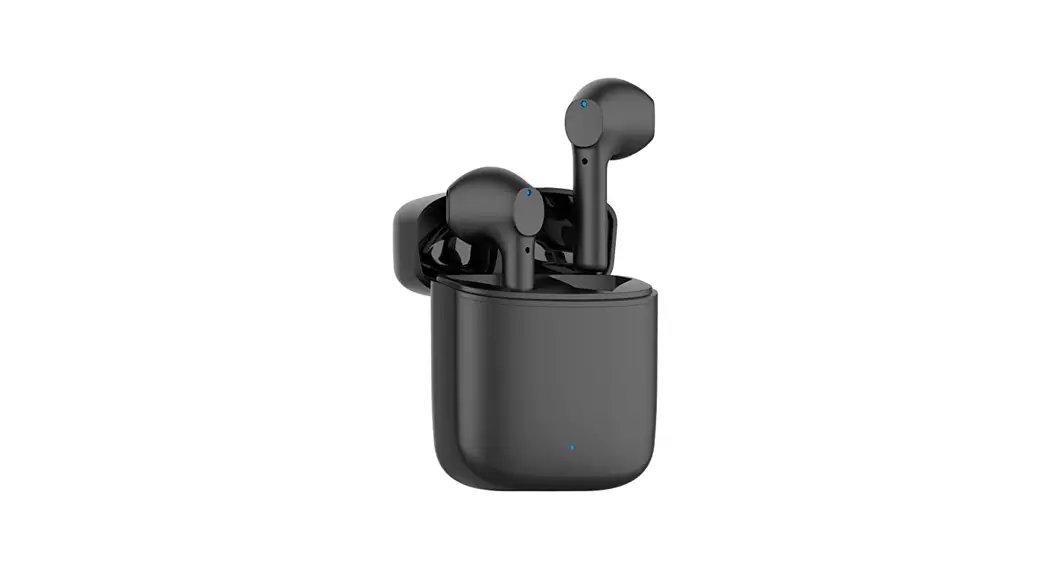
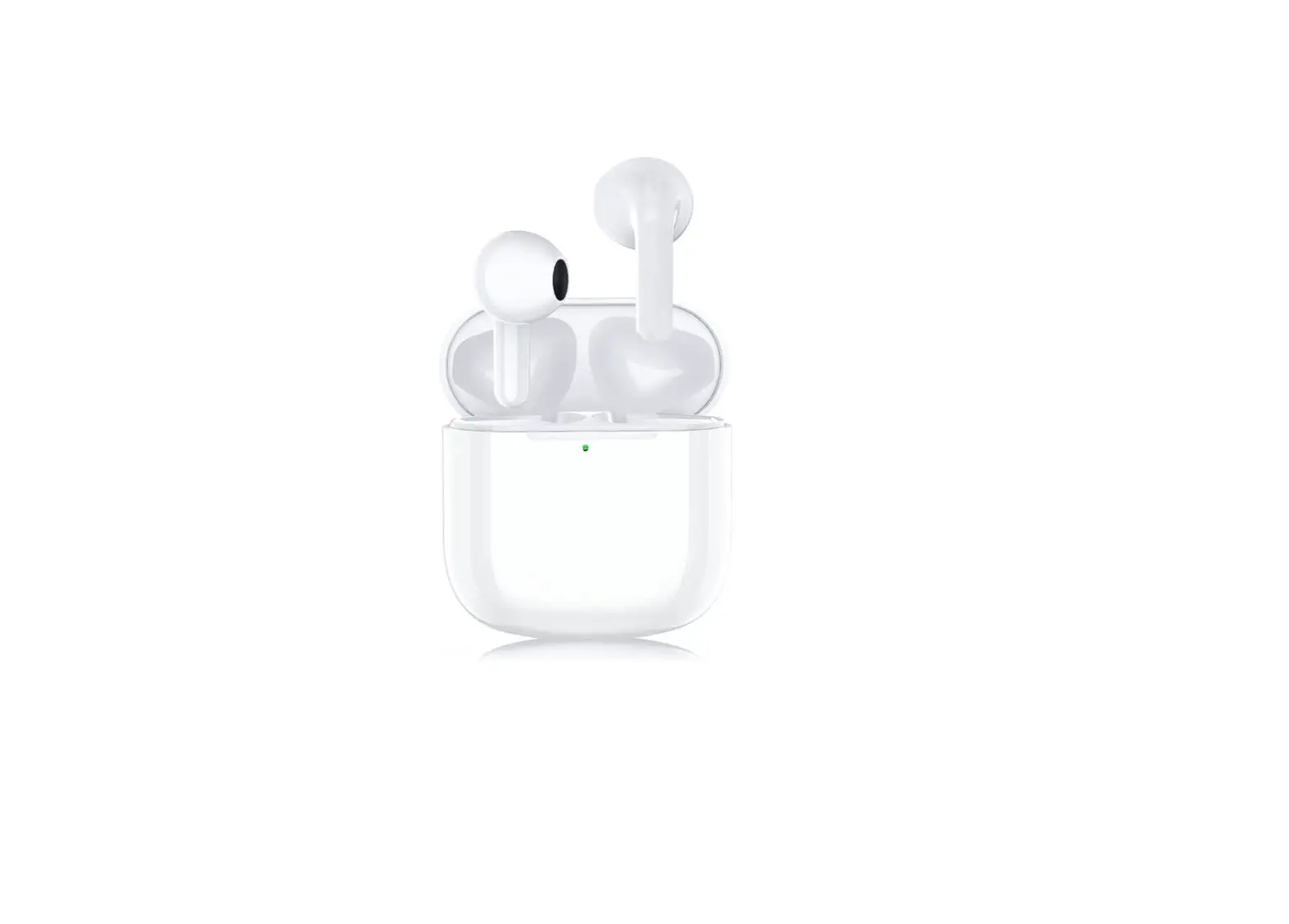
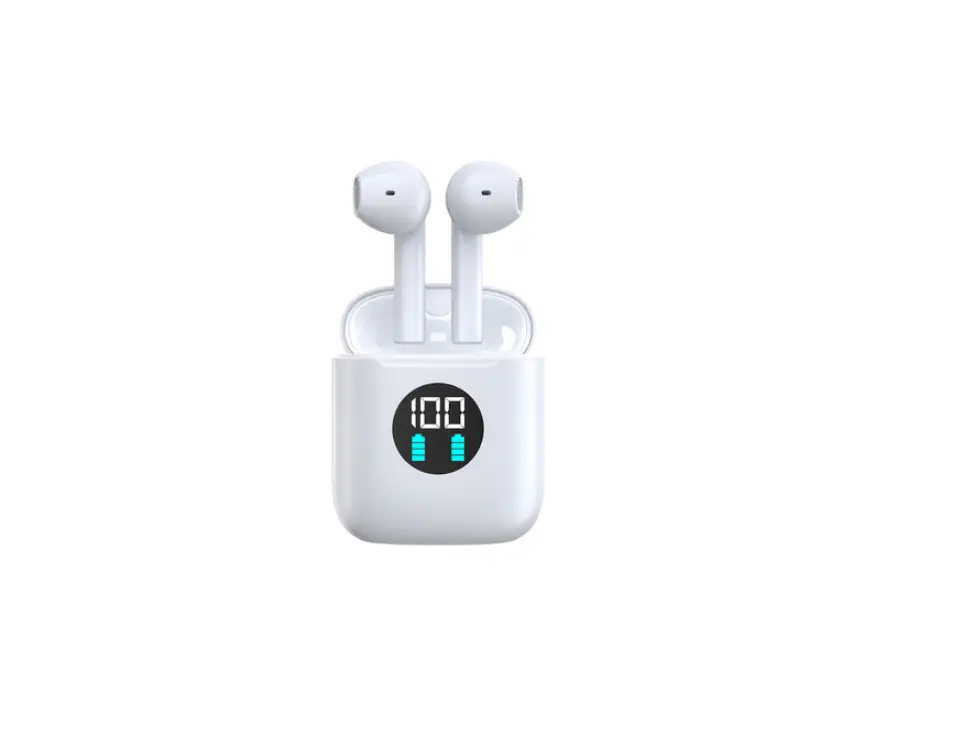
The Mobilla MBUDS104 Wireless Earbuds are a sleek and stylish
pair of earbuds that offer a range of features to enhance your
listening experience. The earbuds come with a charging case, which
can be used to charge the earbuds on-the-go. The earbuds are
sweat-resistant and water-resistant, making them perfect for use
during exercise or in wet conditions. The earbuds feature Bluetooth
version 5.0 for quick and easy connectivity to your devices. With a
music playtime of up to 20 hours at 50% volume, these earbuds are
perfect for long listening sessions.
Product Usage Instructions
Charging: To charge the charging case, connect
it to a charger using a Lightning USB cable. To charge the earbuds,
place them in the charged charging case. Please remove the sticker
peels attached to the earbuds before charging them.
To Connect: Charge the charging case and the
earbuds at least 70% before first usage. To pair the earbuds with
your device, take out the earbuds from the charging case and place
them in your ears. Go to the Bluetooth settings of your device and
switch it on. Scan for available devices and connect ‘Mobilla
MBuds104’ to your device.
SmartTouch: The earbuds feature a
multi-function touch area that can be used to control playback,
volume, calls, and voice assistants. Single tap on the
multi-function touch area to play/pause or answer calls. Double tap
on the multi-function touch area to repeat tracks or decline calls.
Triple tap on the multi-function touch area to increase or decrease
volume. Long press for 2 seconds on the multi-function touch area
to call a voice assistant.
MBUDS104Wireless Earbuds UserManual
Appearance: 1
5
6
2
3
4 1 LeftEarPiece 2 RightEarPiece 3 ChargingCase 4 LightningUSBChargingPort 5 Microphone 6 Multi-FunctionTouchArea
Charging:
Charging Case: ConnectthecasetoachargerusingaLightningUSBcableto charge the Charging Case.
Earbuds: Place the earbuds in the charged Charging Case to charge the earbuds. Note:Pleasetakeoffthestickerpeelsattachedtotheearbuds beforeyouchargethem.
To Connect:
ChargetheChargingCaseandtheEarbudsatleast70% beforethefirstusage. Pairing: 1.TakeouttheEarbudsfrom theChargingCaseandplace
them inyourears. 2.GototheBluetoothsettingsofyourdeviceandswitchiton. 3.Scanavailabledevices. 4.Connect`MobillaMBuds104’toyourdevice.
SmartTouch:
Play/Pause: Single tap on the Multi-Function Touch Area.
RepeatTrack: DoubletapontheMulti-FunctionTouchAreaoftheleftearbud.
NextTrack: DoubletapontheMulti-FunctionTouchAreaoftherightearbud.
ToIncreaseVolume: TripletapontheMulti-FunctionTouchAreaoftherightearbud.
ToDecreaseVolume: TripletapontheMulti-FunctionTouchAreaoftheleftearbud.
ToAnswerCalls: Single tap on the Multi-Function Touch Area.
To Hang Up Calls: Single tap on the Multi-Function Touch Area.
To Decline Calls: Double tap on the Multi-Function Touch Area.
CallVoiceAssistant: Longpressfor2secondsontheMulti-FunctionTouchArea.
Specifications:
-BluetoothVersion:5.0 -MusicPlaytime:UpTo20Hours(at50%volume) -Sweat-ResistantandWater-Resistant:IPX4Rating
ThankYouForChoosingMobilla
MBUDS104