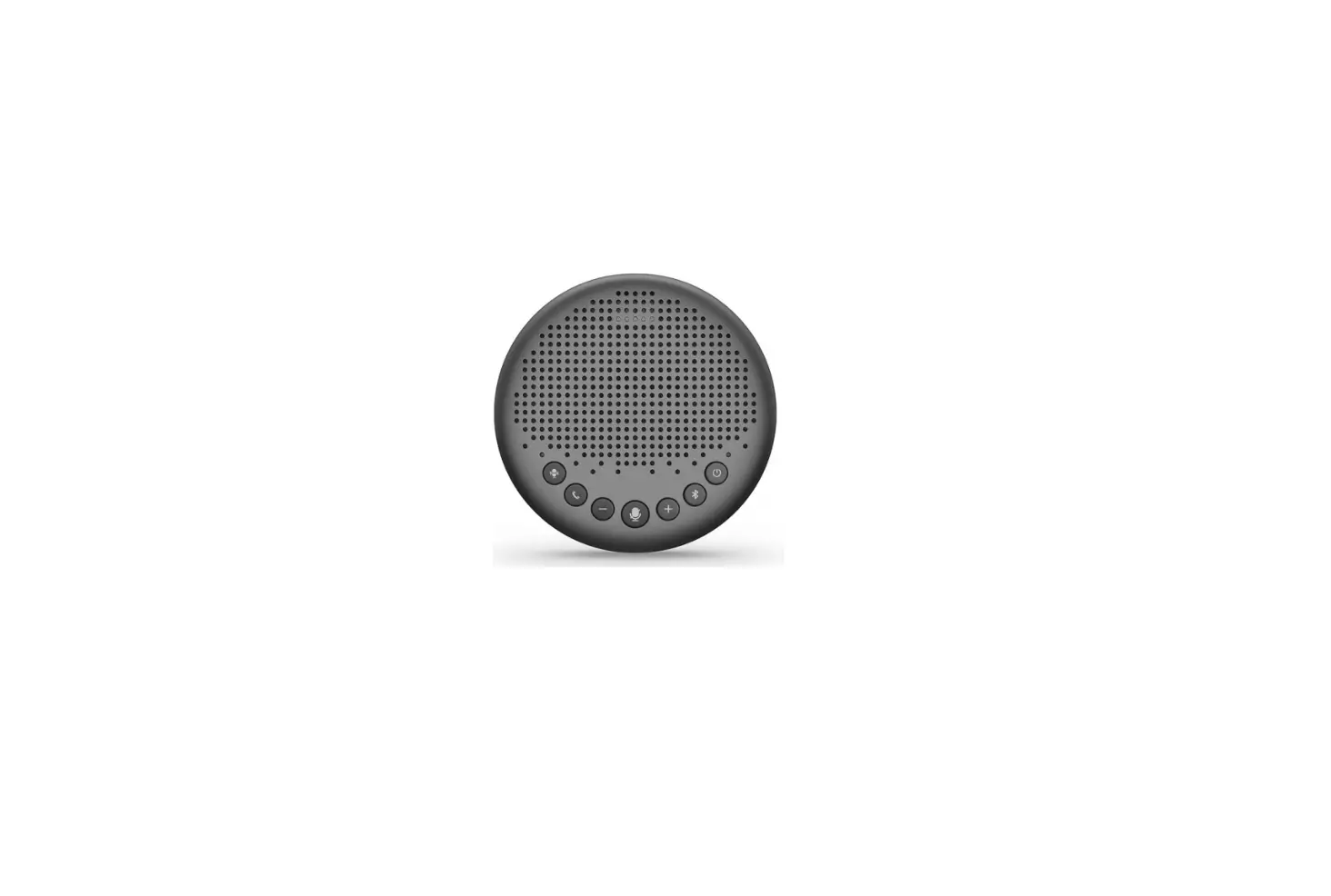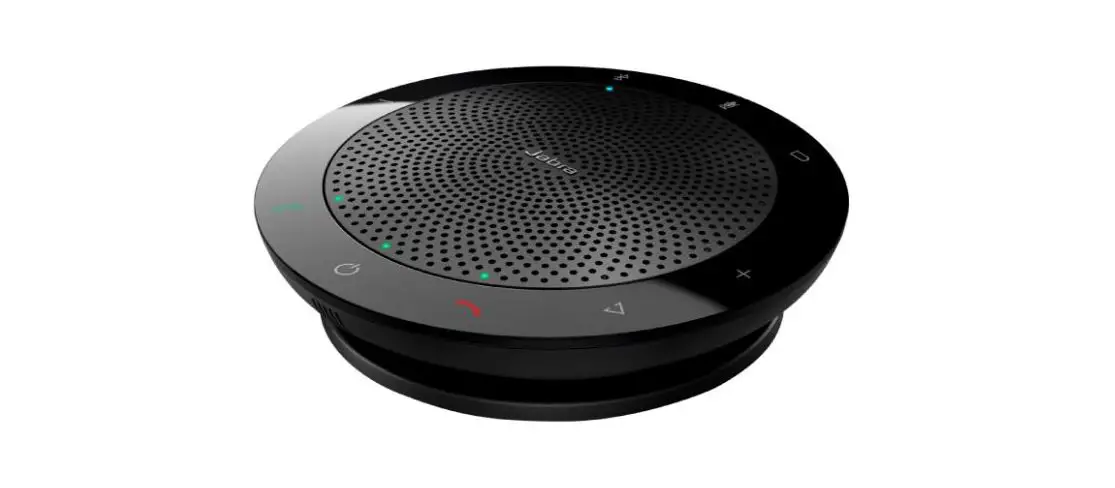
FS 127987 USB/Bluetooth Speakerphone for Home and Office
Introduction
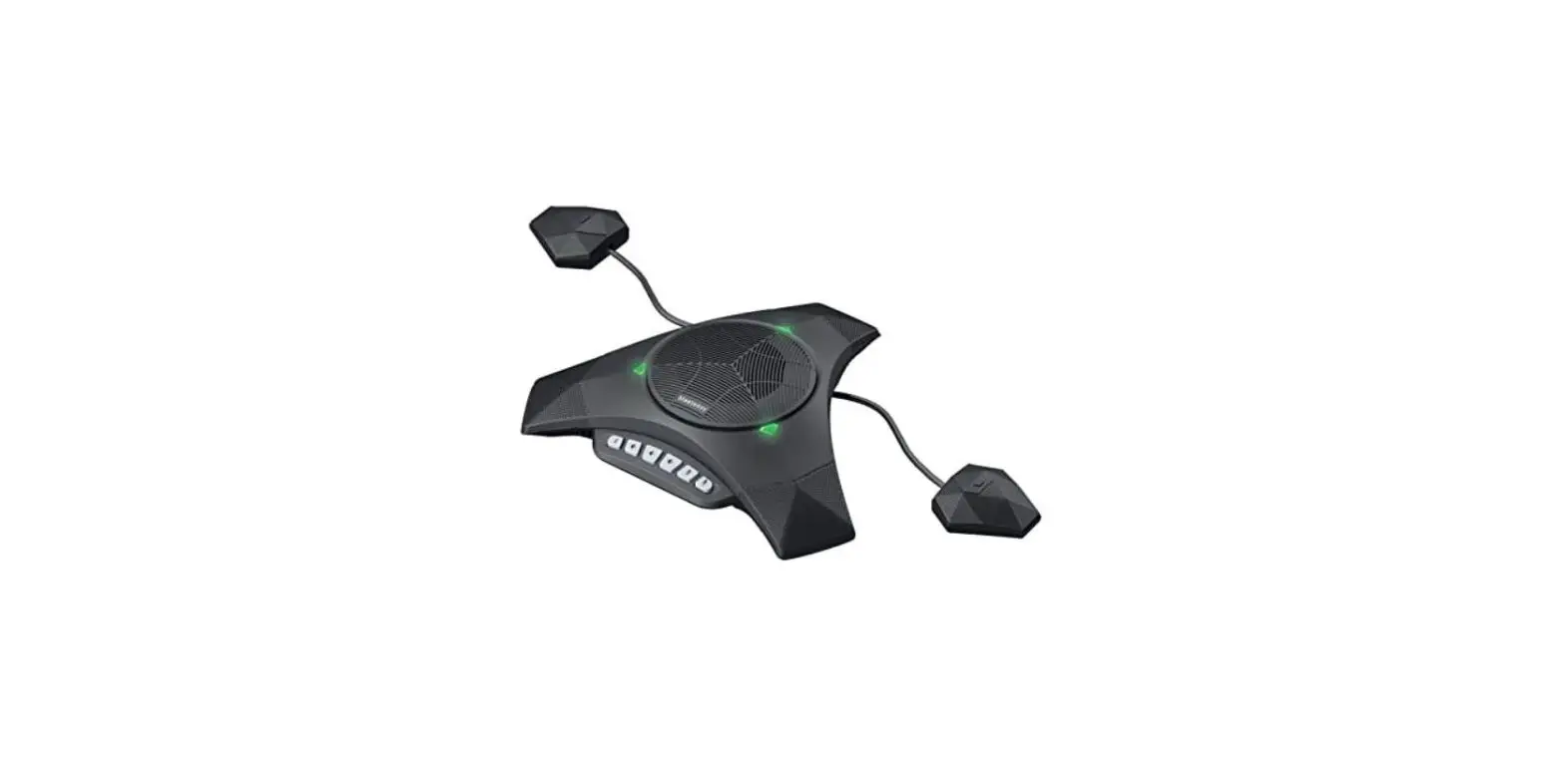
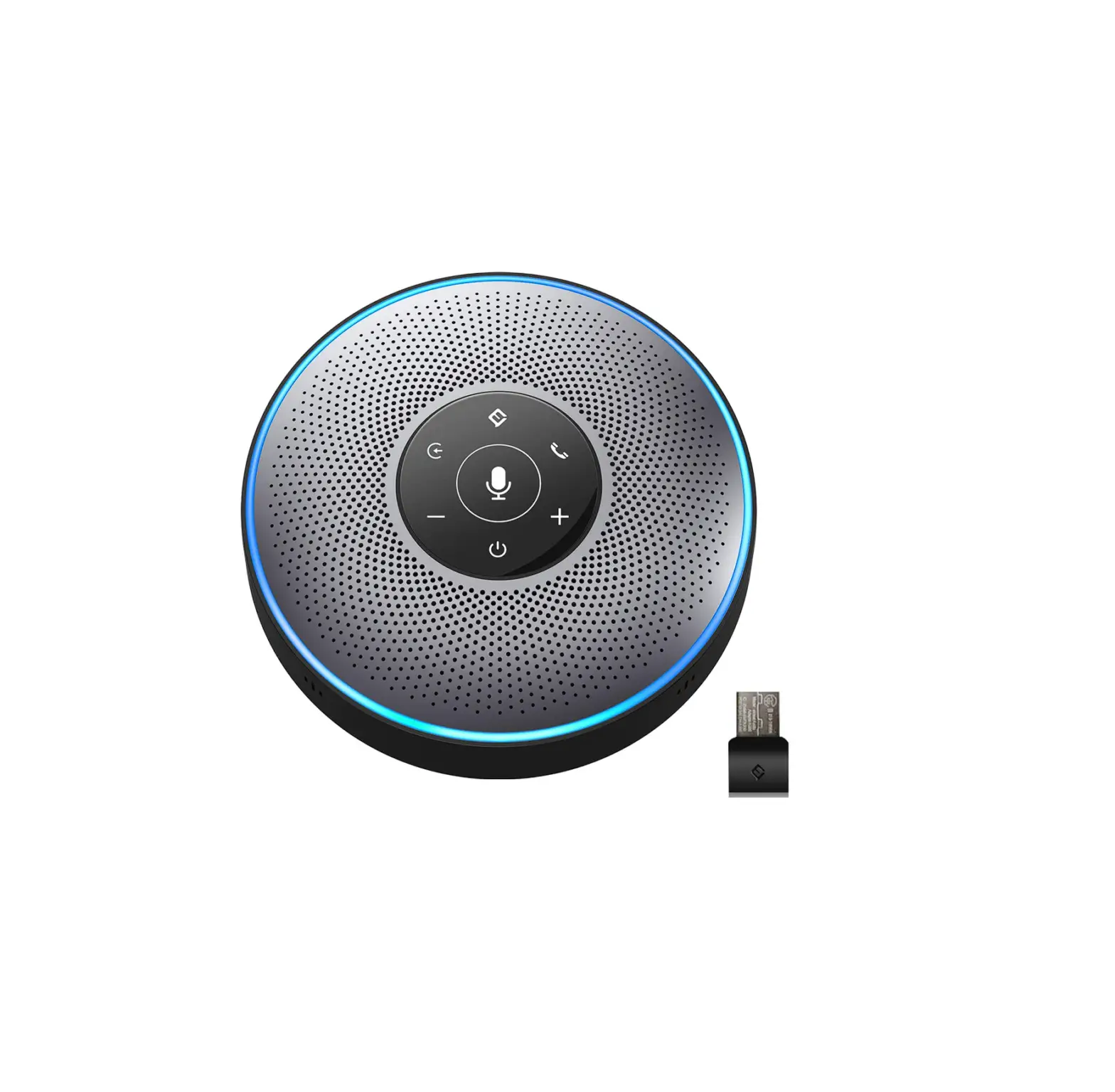
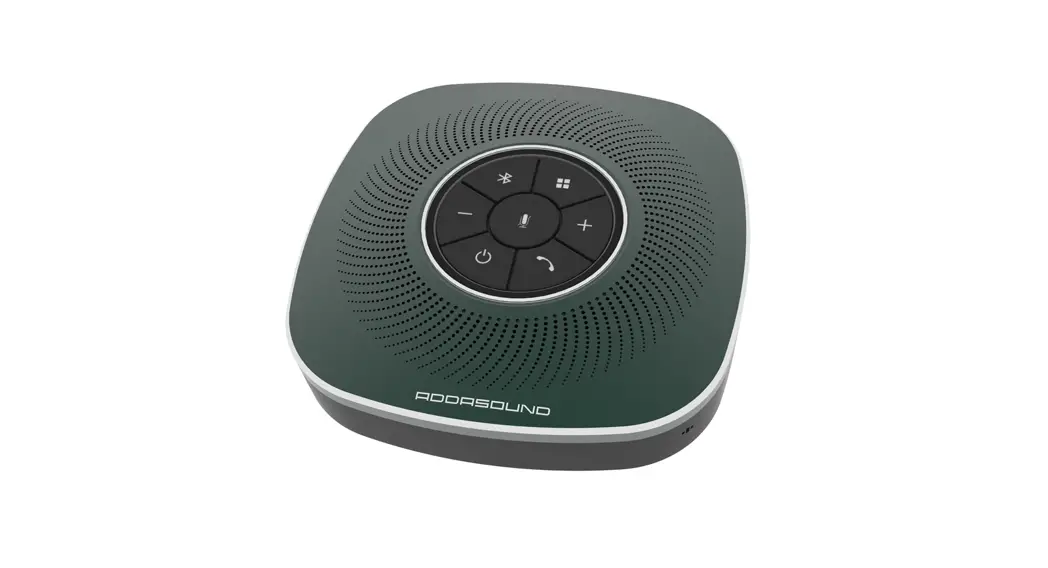
The SP630 is a wireless conference speakerphone that delivers high quality and crystal clear audio for efficient meetings. The light USB speakerphone lets you take audio conferencing freely.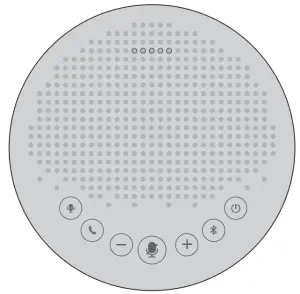
Accessories
|
| 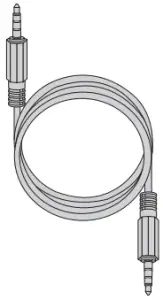 AUX Cable ×1 AUX Cable ×1 |
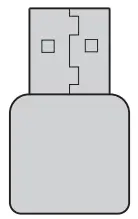 USB Dongle x1
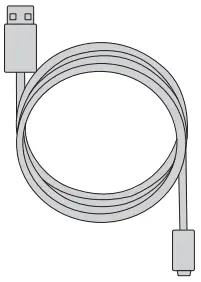 USB Cable x1
Hardware Overview
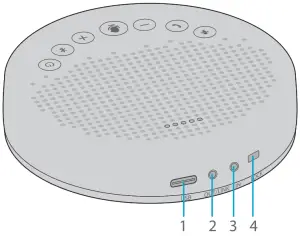
Ports | Description | |
1 | USB | USB 2.0 full speed interface |
2 | AUX OUT /LINK | Use the AUX cable to connect to the external speaker or use the daisy chain cable to daisy chain two SP630. |
3 | AUX IN | Use the AUX cable to connect to the phone, this device will replace the speaker and microphone of the phone. |
4 | LOCK | Lock the product through the LOCK port to prevent theft. |
 | NOTE:
|
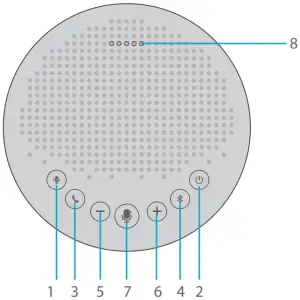
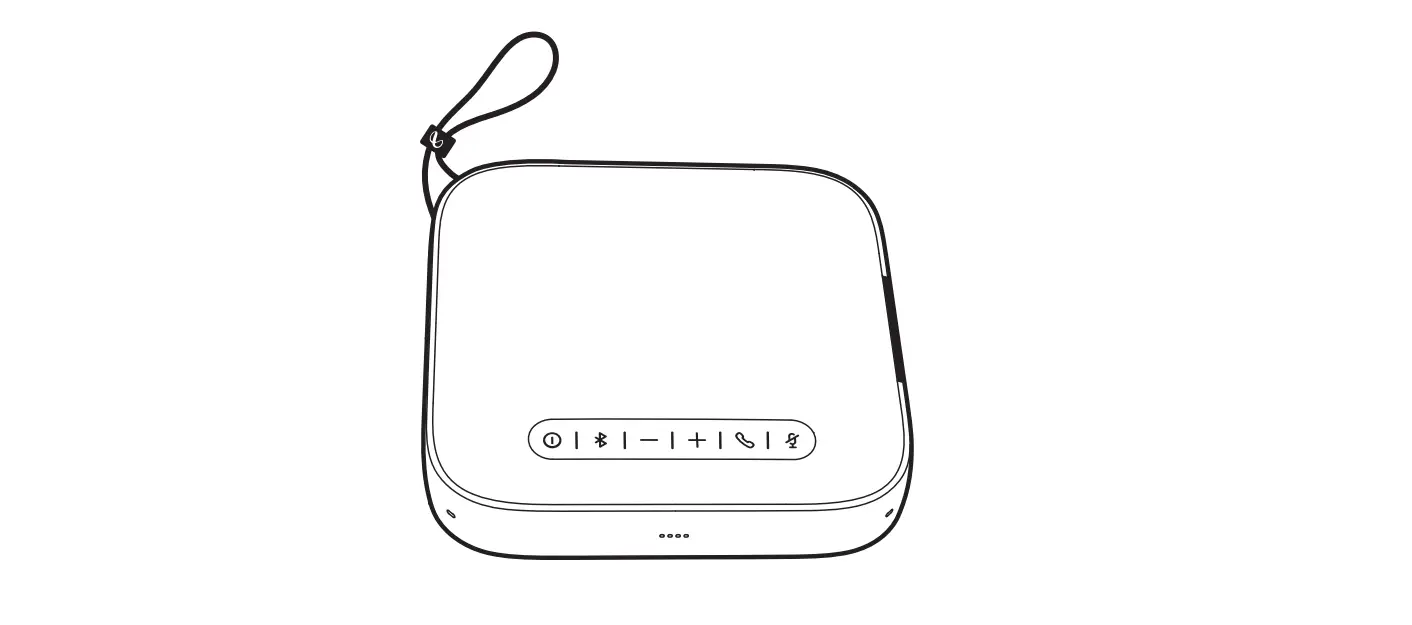
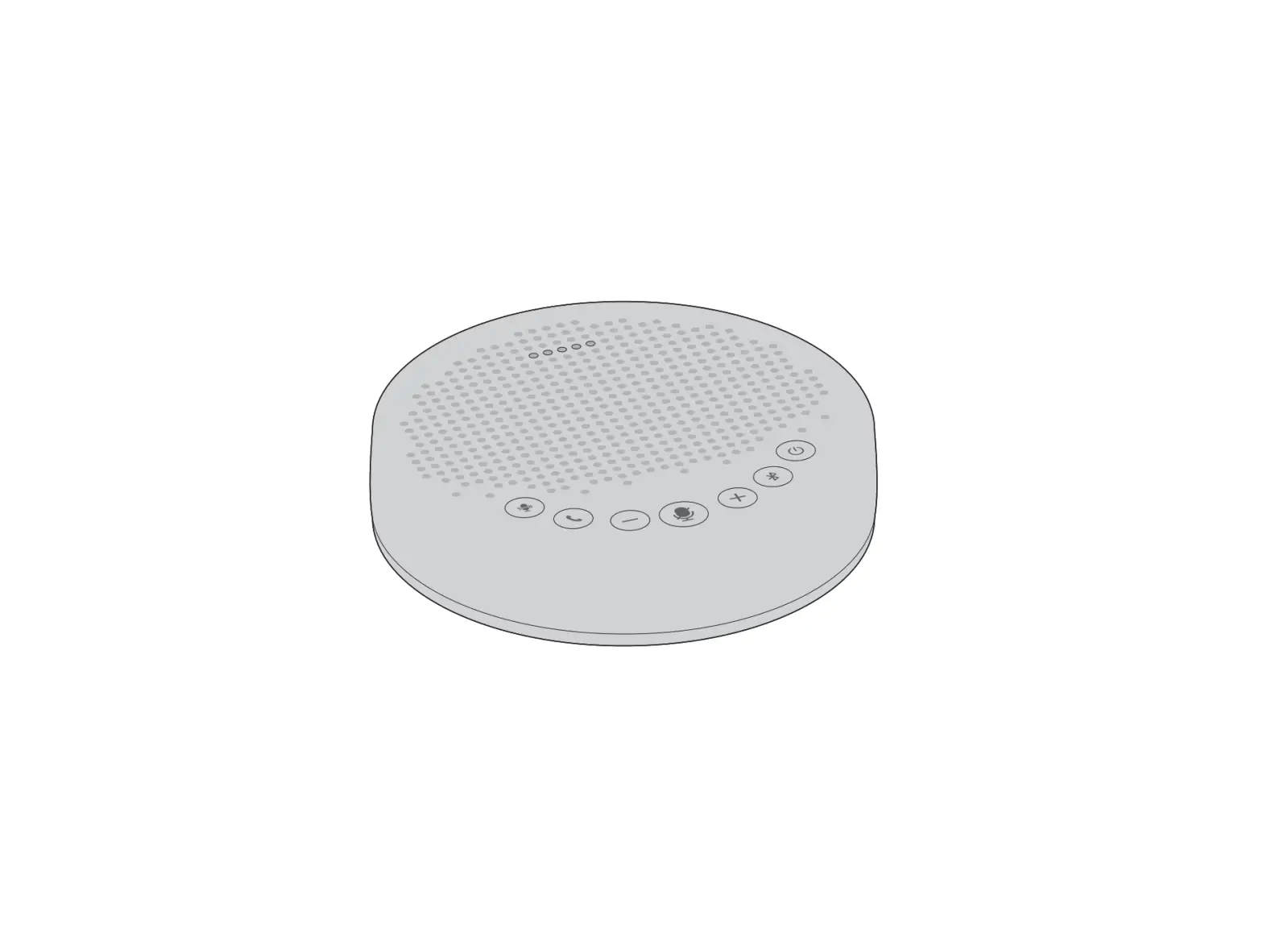
Name | Description | |
1 | AlI noise reduction | Press it, AI noise reduction turns on. Press again, recover. |
2 | Power | Press and hold for 2 seconds to power on or o‑ |
3 | Phone call | Press it, answer a call. Press and hold for 2 seconds, reject a call |
4 | Bluetooth | Press and hold for 2 seconds to enter Bluetooth pairing mode. |
5 | Volume down | Reduce the volume. |
6 | Volume up | Increase the volume. |
7 | Mute | Press it, microphone mute. Press again, recover. |
8 | Status LED | Indicate the device status. |
Status LED
| Status | Indication | Light |
| Mic mute | Turn red |  |
| Incoming call when Bluetooth is connected | Flash green |  |
| Skype for business incoming call when USB is connected | ||
| Volume display | Turn cyan | |
| Battery low display | Flash red | |
| USB connection | Turn green |  |
| Audio in connection | Turn yellow green | |
| Audio out connection | Turn cyan | |
Connecting the Speakerphone
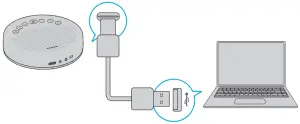
Option 1: Connect to your computer by using a USB cable.
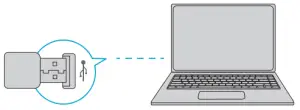
Option 2: Connect to your computer through USB Dongle.
Option 3: Connect to your computer or mobile device via Bluetooth.
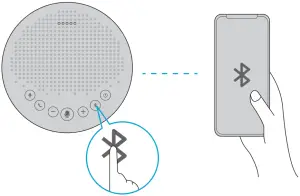
| Status | Indication | Light |
| Enter Bluetooth pairing mode | Press and hold 2 seconds |  |
| Bluetooth pairing | Flash blue |  |
| Bluetooth connected | Steady blue | |
| Bluetooth disconnected | Press | |
| Bluetooth closed | Steady white | |
NOTE:
- When turning on the device, it will connect to the last computer /mobile phone via Bluetooth whilst it is active.
- Bluetooth closed means it can not be found.
Charging the Speakerphone
| Status | Indication | Light |
| Charging in power-o‑ state | Flash yellow-green | |
| Fully charged in power-o‑ state | Steady yellow-green | |
Checking Battery Level
In the power-on state, short press the power button to check the current battery level.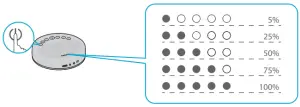
Troubleshooting
How do I know if my speakerphone is recognized by the operating system?
Connect the speakerphone in any USB 2.0 port. Once the speakerphone is connected it takes a few moments before the new hardware is recognized.
To ensure that the speakerphone has installed correctly, check the following: Under Control Panel > Device Manager
– Review the Imaging Devices, FS speakerphone should be seen.
– Review the Sound, Video, and Game Controllers, FS speakerphone should be seen.
If the device can`t be located, check whether the speakerphone is properly connected to the desktop. Try to insert the speakerphone into another USB port.
Why I can’t find FS speakerphone in the available Bluetooth devices?
– Check whether it automatically connects with the last successfully connected device.
– Ensure FS speakerphone and the connected device are within range (up to 10 meters or 33ft) and there are no obstacles blocking the bluetooth connection.
– Check the power status, plug the device to power and let it charge for a while.
The device is on, but there is no sound coming from the speakerphone, why not?
– Volume is set too low, increase the volume by pressing the “+”.
– Make sure that FS speakerphone is successfully connected.
Support and Other Resources
- Download https://www.fs.com/download.html
- Help Center https://www.fs.com/service/help_center.html
- Contact Us https://www.fs.com/contact_us.html
Product Warranty
FS ensures our customers that any damage or faulty items due to our workmanship, we will offer a free return within 30 Days from the day you receive your goods. This excludes any custom made items or tailored solutions.
 Warranty: All Speakerphones enjoy 2 years limited warranty against defect in materials or workmanship. For more details 2 about warranty, please check at https://www.fs.com/policies/warranty.html
 Return: If you want to return item(s), information on how to return can be found at https://www.fs.com/policies/day_return_policy.html
Compliance Information
FCC
Note: This equipment has been tested and found to comply with the limits for a Class B digital device, pursuant to part 15 of the FCC Rules. These limits are designed to provide reasonable protection against harmful interference in a residential installation. This equipment generates, uses and can radiate radio frequency energy and, if not installed and used in accordance with the instructions, may cause harmful interference to radio communications. However, there is no guarantee that interference will not occur in a particular installation. If this equipment does cause harmful interference to radio or television reception, which can be determined by turning the equipment off and on, the user is encouraged to try to correct the interference by one or more of the following measures:
–Reorient or relocate the receiving antenna.
–Increase the separation between the equipment and receiver.
–Connect the equipment into an outlet on a circuit different from that to which the receiver is connected.
–Consult the dealer or an experienced radio/TV technician for help.
This device complies with part 15 of the FCC Rules. Operation is subject to the following two conditions: (1) This device may not cause harmful interference, and (2) this device must accept any interference received, including interference that may cause undesired operation.
CAUTION:
Any changes or modifications not expressly approved by the grantee of this device could void the user’s authority to operate the equipment.
Responsible party (only for FCC matter)
FS.COM Inc.
380 Centerpoint Blvd, New Castle, DE 19720, United States https://www.fs.com
FS.COM GmbH hereby declares that this device is in compliance with the Directive 2014/53/EU. A copy of the EU Declaration of Conformity is available at www.fs.com/company/quality_control.html
FS.COM LIMITED
24F, Infore Center, No.19, Haitian 2nd Rd, Binhai Community, Yuehai Street,Nanshan District, Shenzhen City
FS.COM GmbH
NOVA Gewerbepark Building 7, Am Gfild 7, 85375 Neufahrn bei Munich, Germany