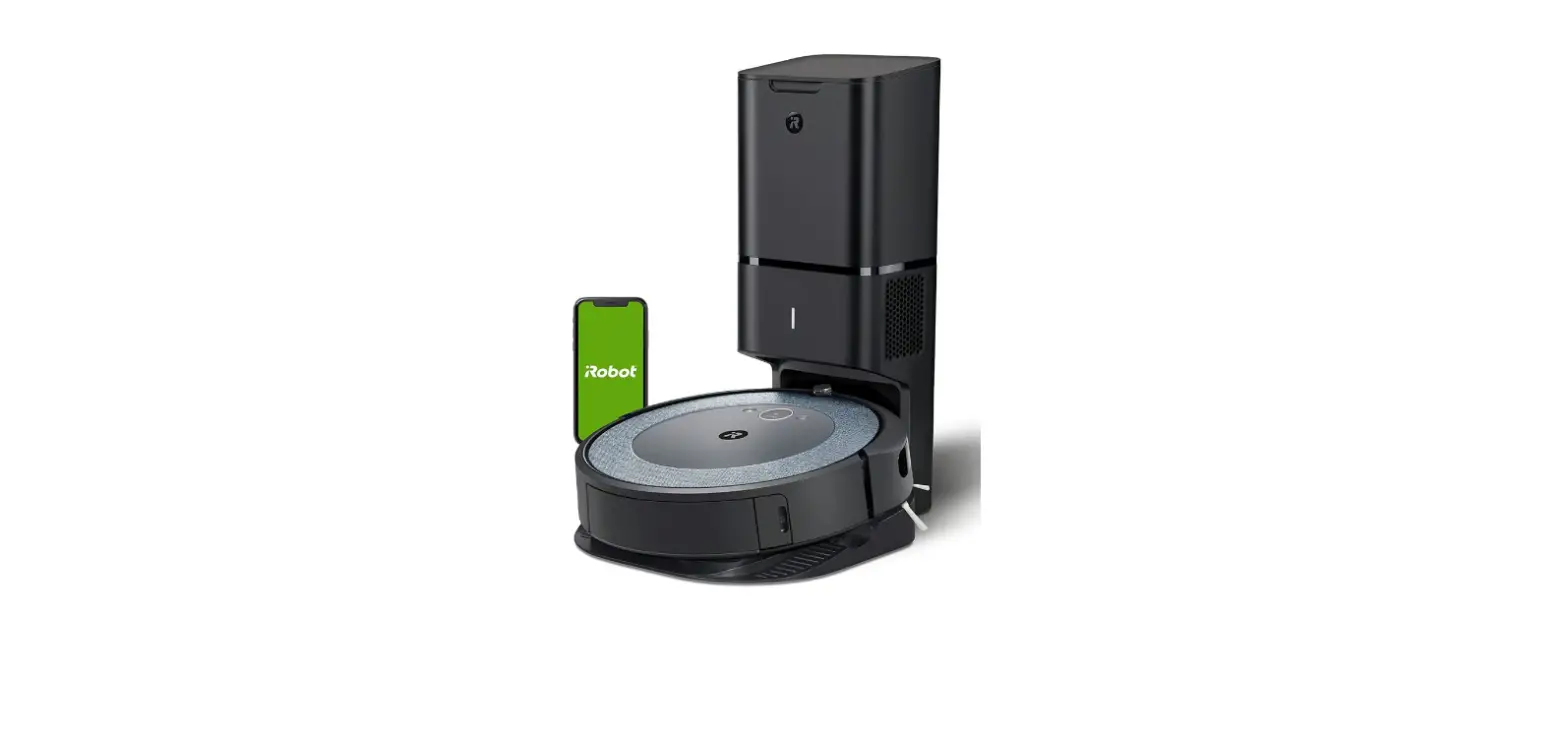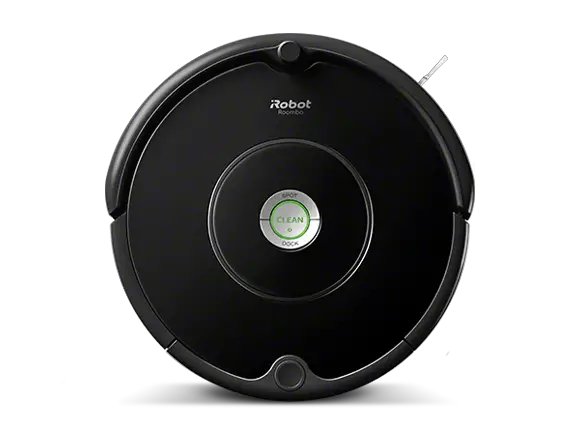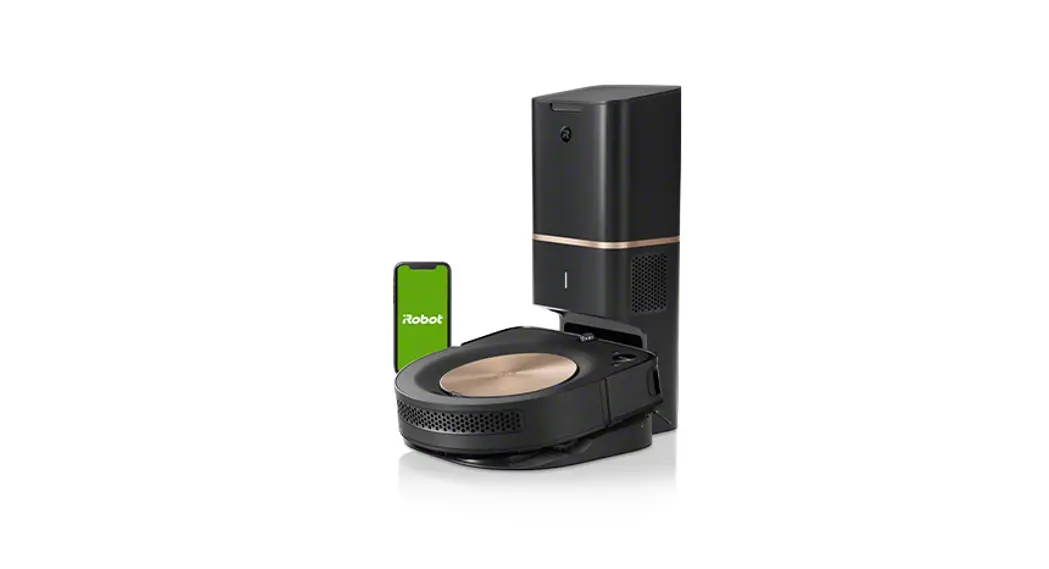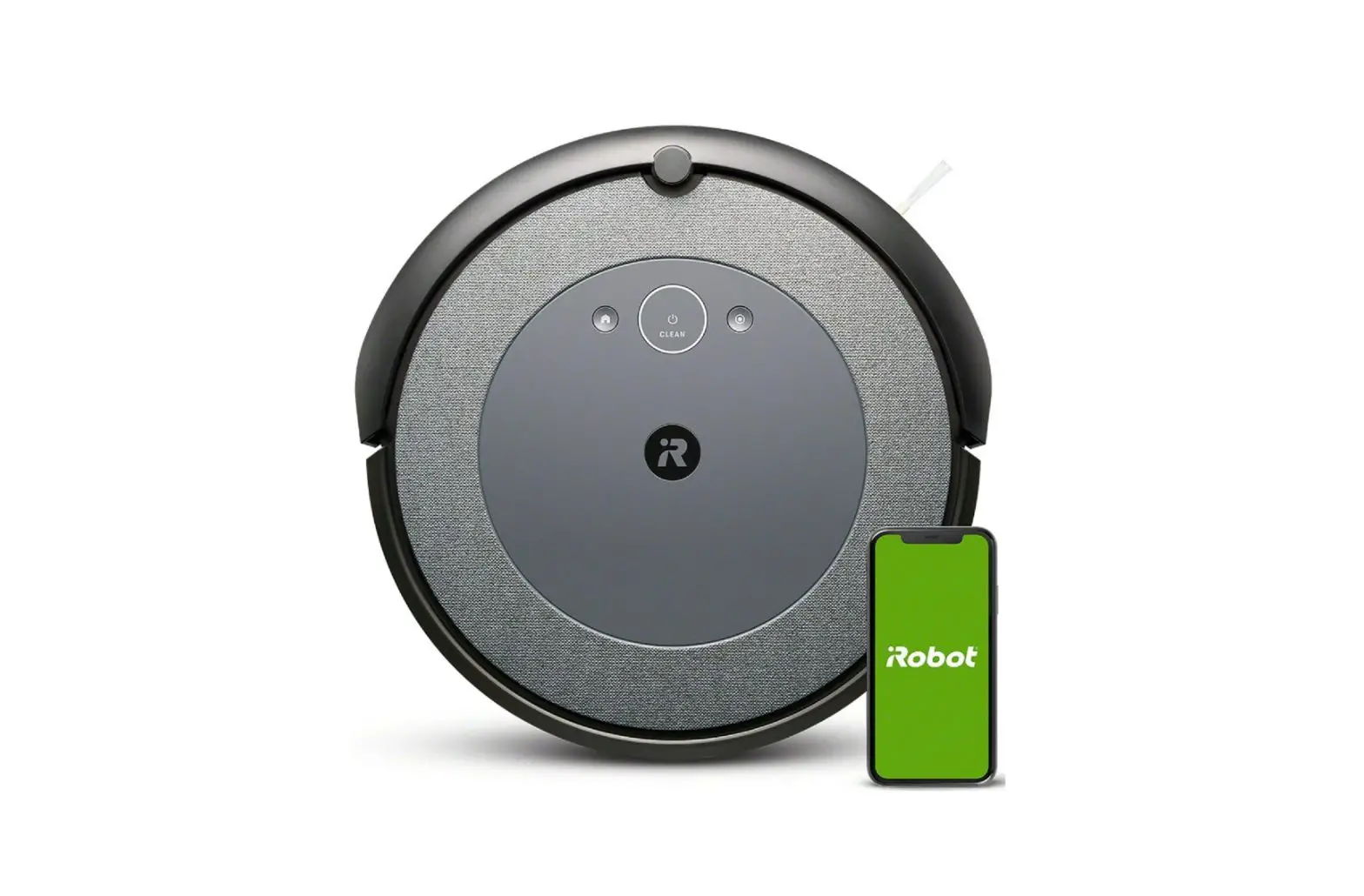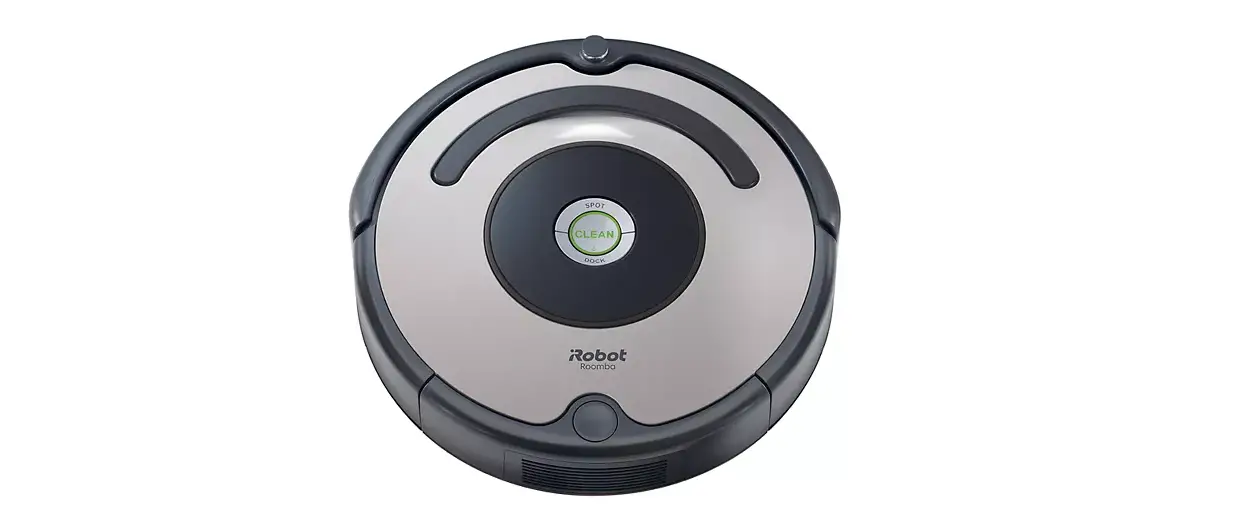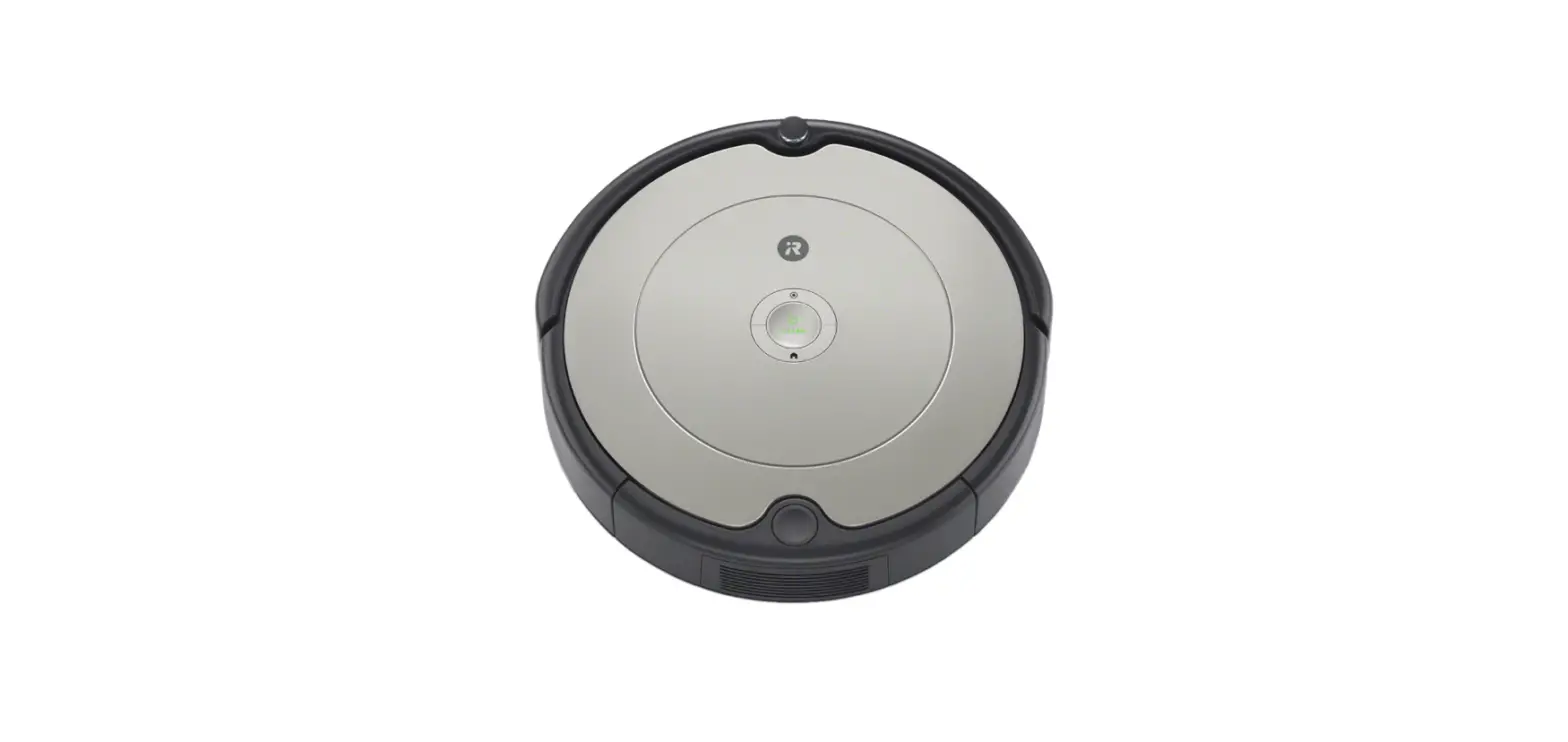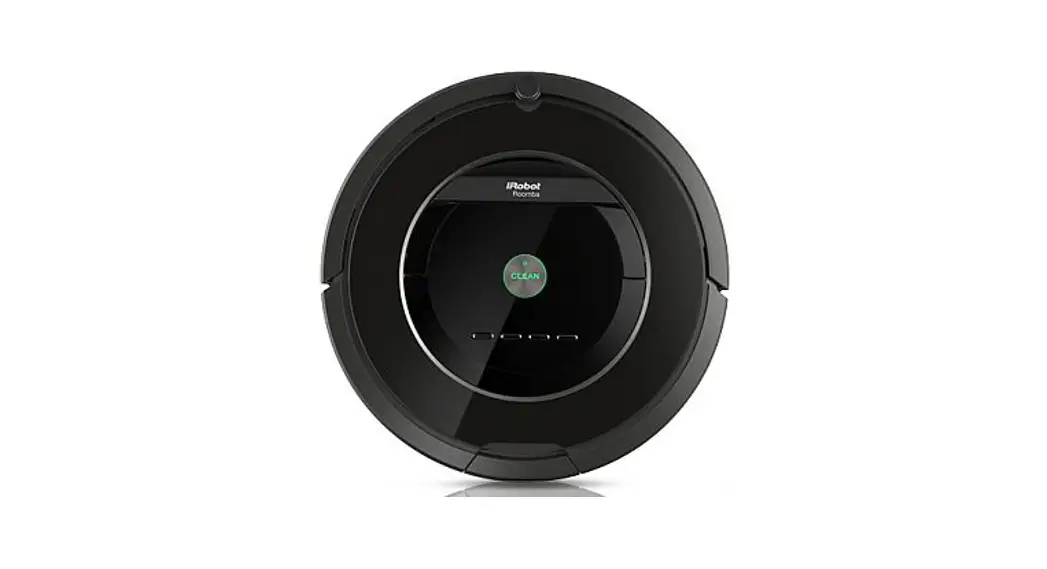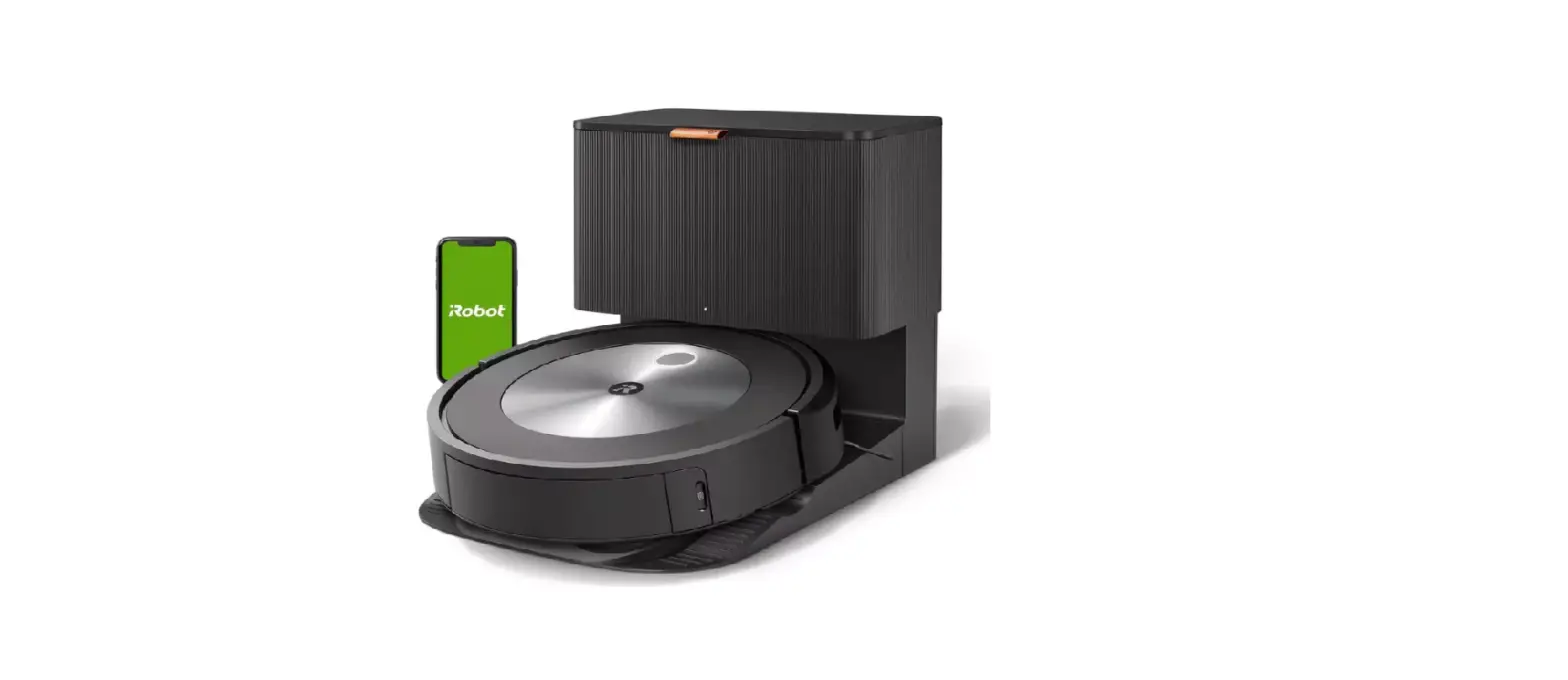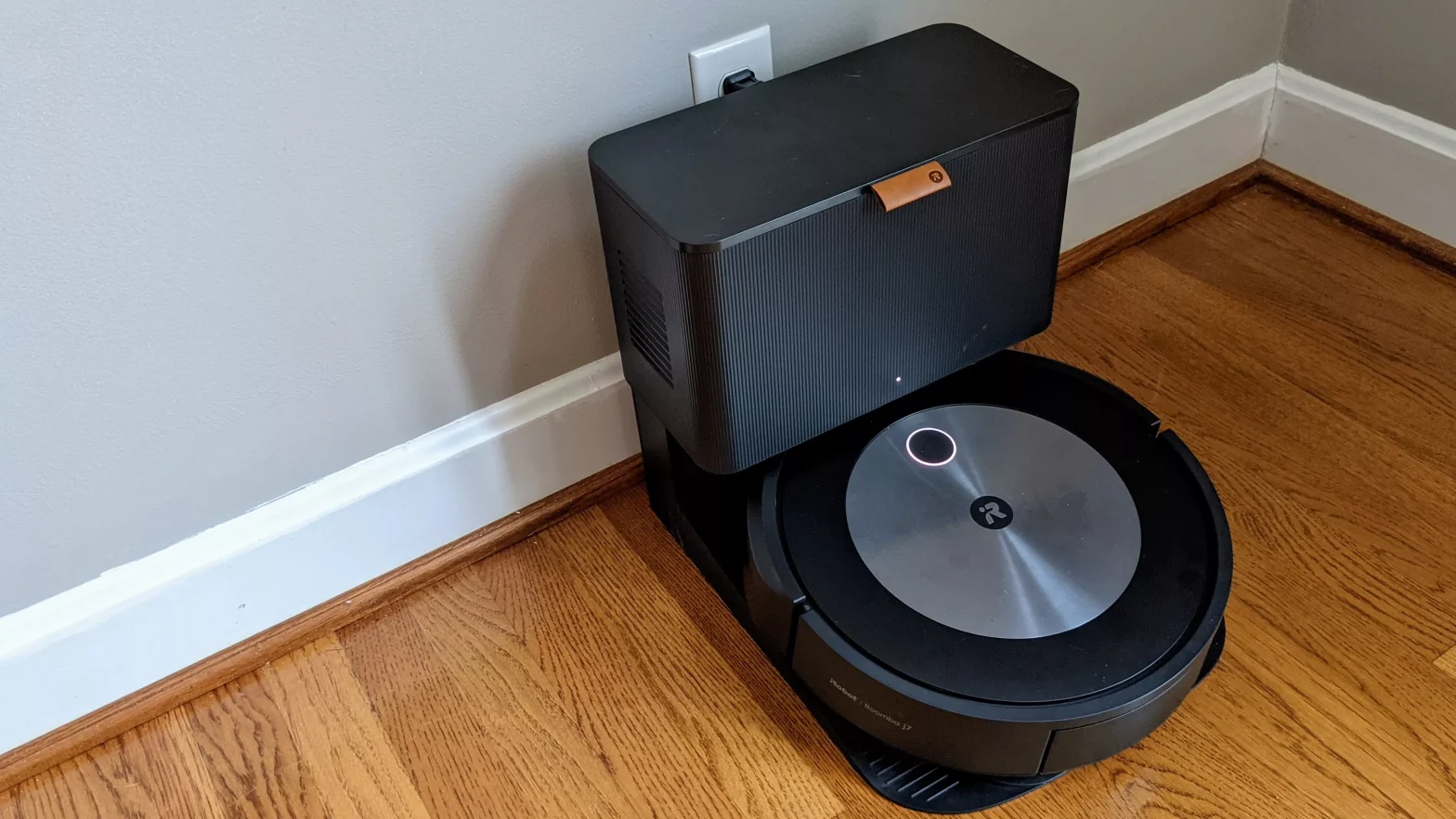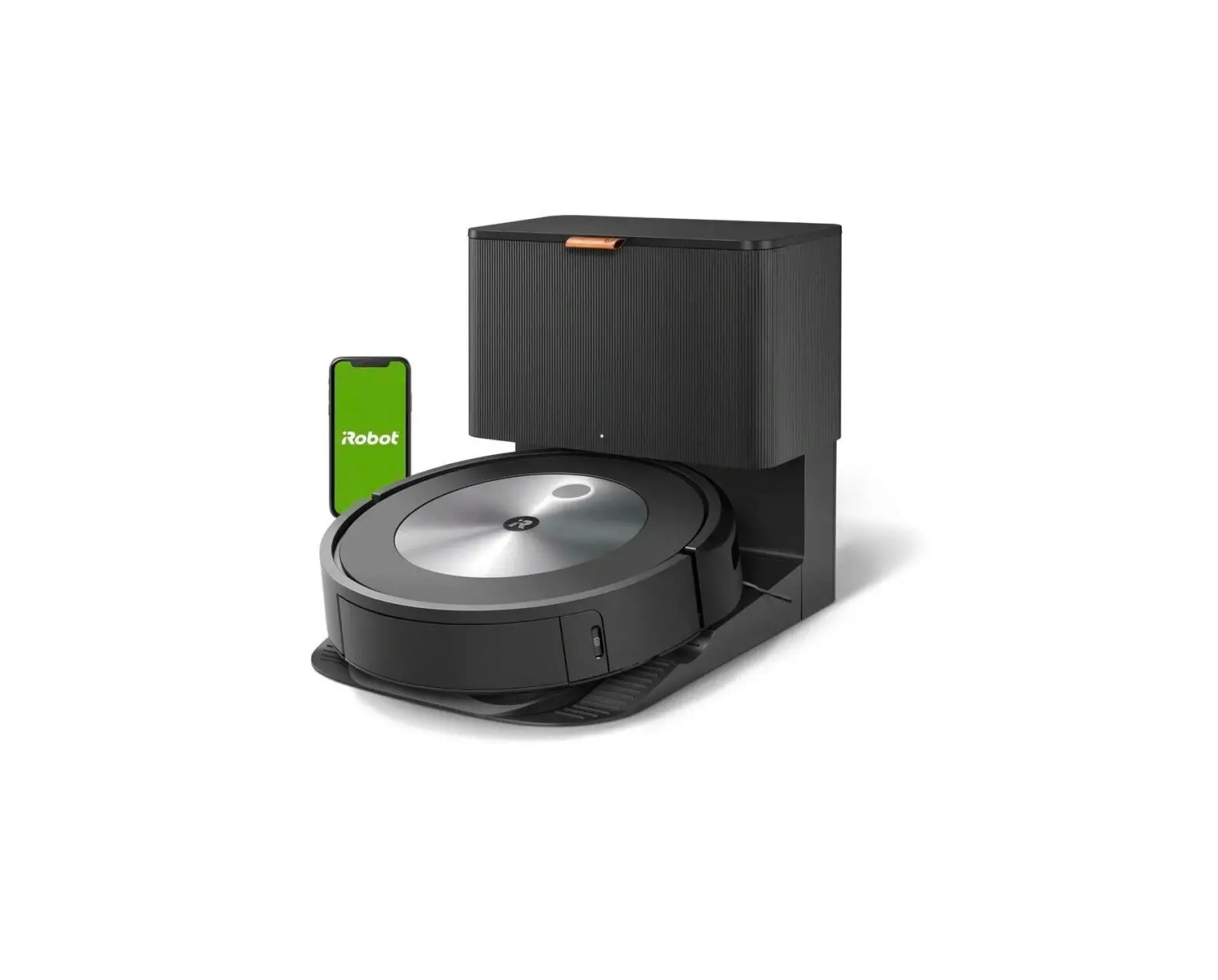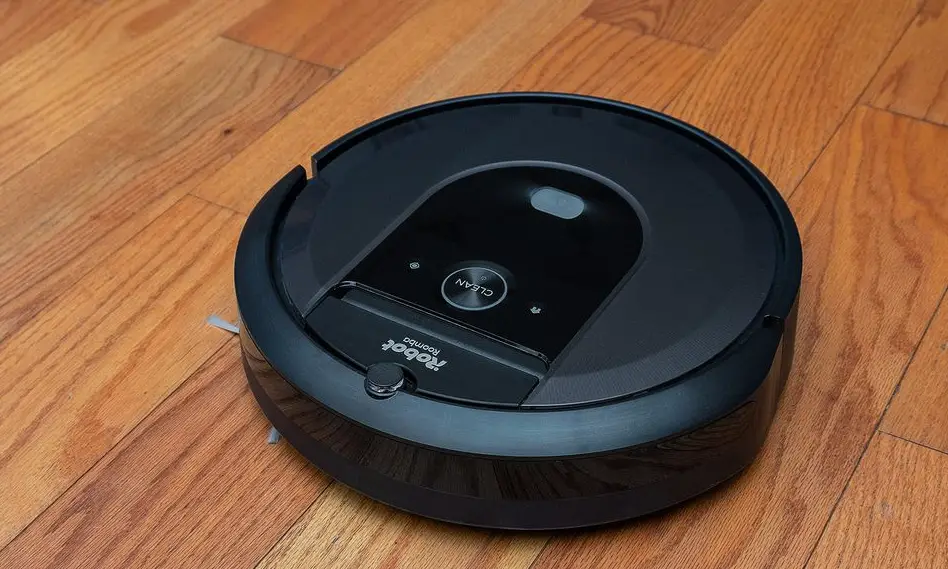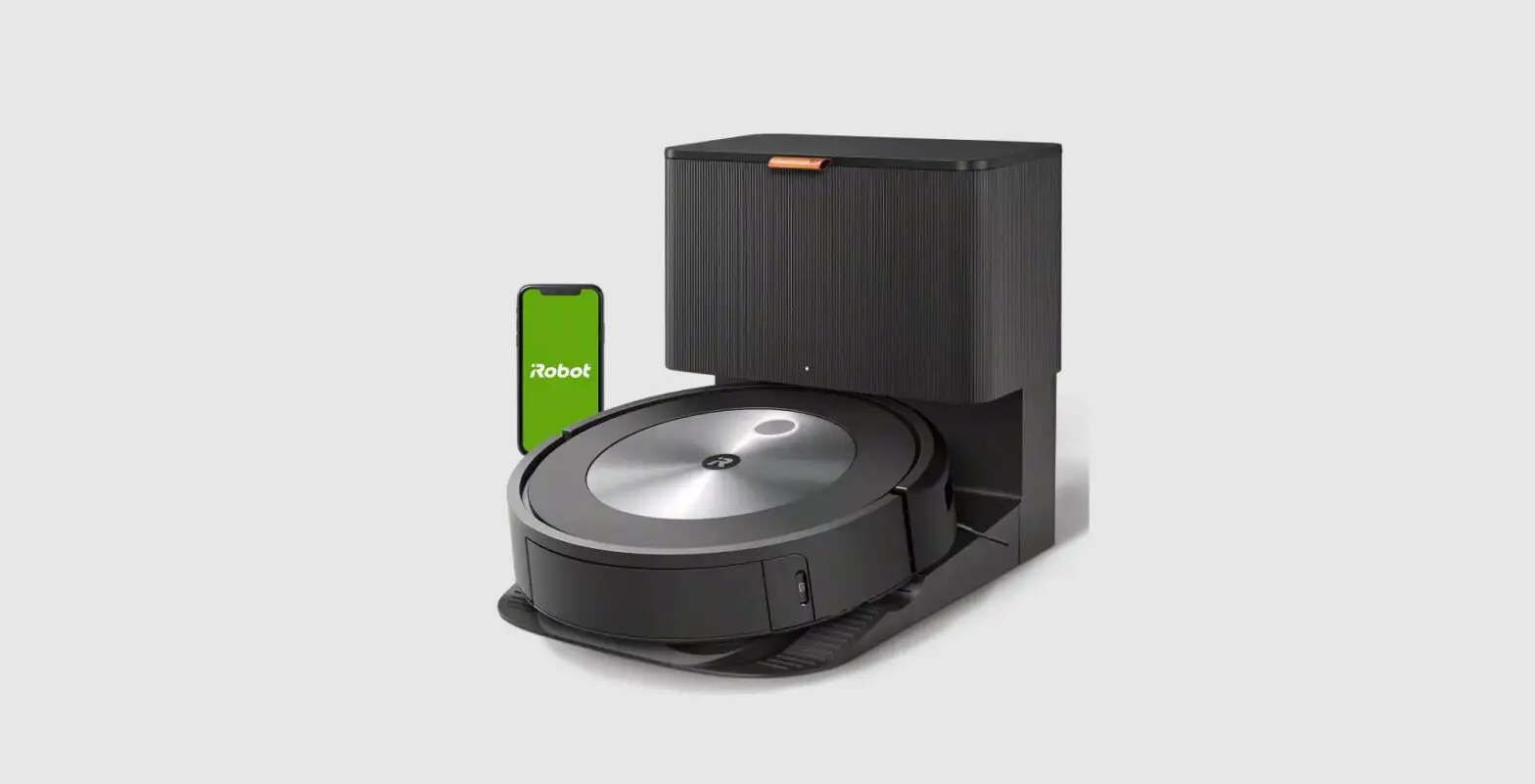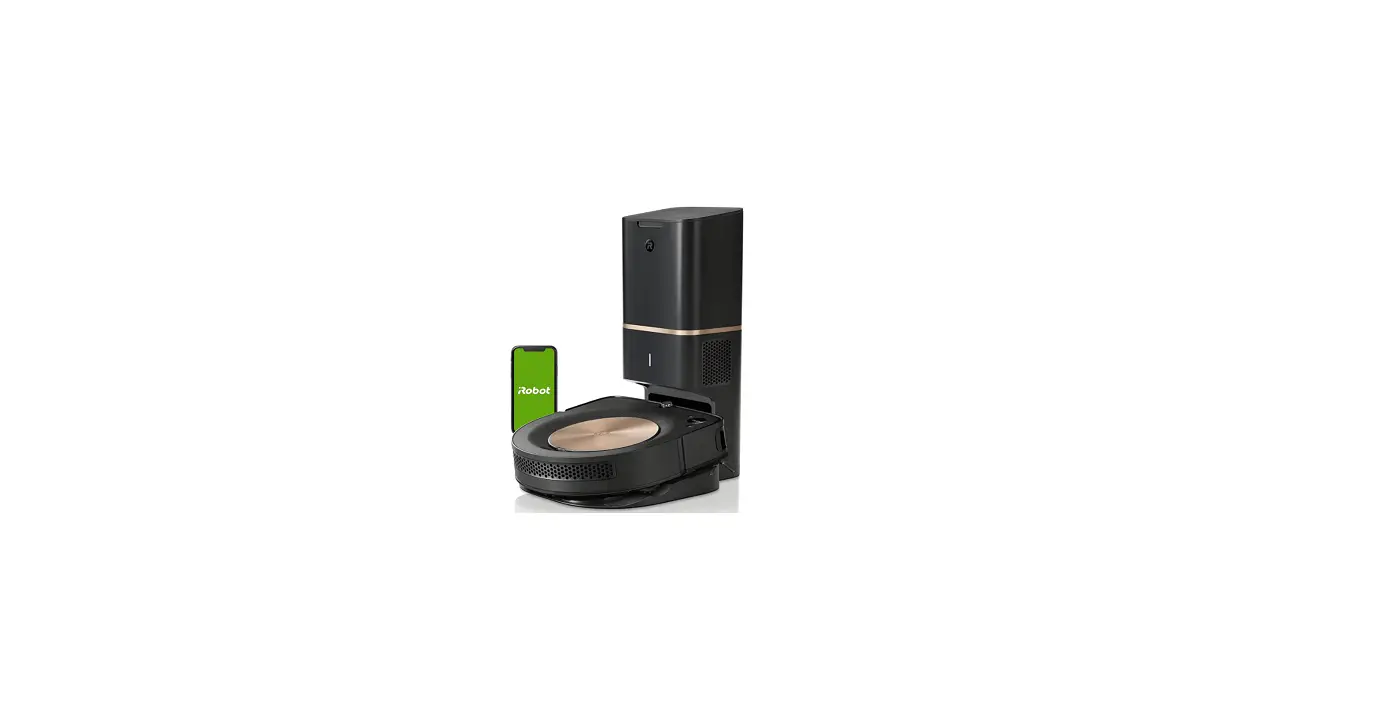

iRobot Roomba s9+ (9550) Robot Vacuum
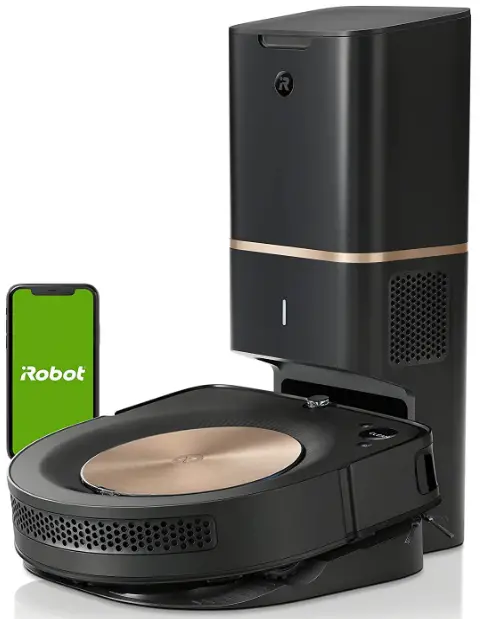
SAFETY INFORMATION
Important Safety Information
This owner’s guide includes information for Regulatory Model(s): RVA-Y1, ADC – N1
SAVE THESE INSTRUCTIONS
WARNING: When using an electrical appliance, basic precautions should always be followed, including the following:
READ ALL INSTRUCTIONS
WARNING: To reduce the risk of injury or damage, read and follow the safety precautions when setting up, using and maintaining your robot.
This appliance can be used by children aged from 8 years and above and persons with reduced physical, sensory or mental capabilities or lack of experience and knowledge if they have been given supervision or instruction concerning use of the appliance in a safe way and understand the hazards involved. Children shall not play with the appliance. Cleaning and user maintenance shall not be made by children without supervision.
WARNING: Cancer and Reproductive Harm – www.P65Warnings.ca.gov/product This is the safety alert symbol. It is used to alert you to potential physical injury hazards. Obey all safety messages that follow this symbol to avoid possible injury or death.
WARNING: When using an electrical appliance, basic precautions should always be followed, including the following:

WARNING: Indicates a hazardous situation that, if not avoided, could result in death or serious injury.
CAUTION: Indicates a hazardous situation that, if not avoided, could result in minor or moderate injury.
NOTICE: Indicates a hazardous situation that, if not avoided, could result in property damage.
GENERAL
WARNING
- Your robot is not a toy. Small children and pets should be supervised when your robot is operating.
- Do not sit or stand on your robot or dirt disposal.
- Do not use unauthorized chargers. The use of an unauthorized charger could cause the battery to generate heat, smoke, catch fire, or explode.
- This product comes with a region-approved power supply cord and is designed to be plugged into a standard household AC power outlet only. Do not use any other power supply cord. For replacement cords, please contact Customer Care to ensure the proper selection of country-specific power supply cords.
- Do not open your robot or dirt disposal unless instructed to do so. There are no user-serviceable parts inside. Refer servicing to qualified service personnel.
- Risk of electric shock, use indoors in a dry location only.
- Do not handle your robot or dirt disposal with wet hands.
- Store and operate this product in room temperature environments only.
- If the room to be cleaned contains a balcony, a physical barrier should be used to prevent access to the balcony and ensure safe operation.
ROBOT
CAUTION
- Do not operate the robot in areas with exposed electrical outlets in the floor.
- If the robot passes over a power cord and drags it, there is a chance an object could be pulled off a table or shelf. Before using the robot, pick up objects like clothing, loose papers, pull cords for blinds or curtains, power cords, and any fragile objects.
- Be aware that the robot moves on its own. Take care when walking in the area that the robot is operating in to avoid stepping on it.
- Do not use the robot to pick up sharp objects, glass, or anything that is burning or smoking.
NOTICE
- This robot is intended for dry floor use only. Do not use the robot to pick up spills. Do not allow your robot or dirt disposal to become wet.
- Do not place anything on top of your robot.
- The failure to maintain the cleanliness of charger contacts could result in a loss of ability for the robot to charge the battery.
CHARGING STATION
WARNING
- Do not use a charging station with a damaged cord or plug if the cord or plug is damaged, it must be replaced.
- Always disconnect your robot from the charging station before cleaning or maintaining it.
- Charge your robot only with Home Base model ADC – N1. The provided power supply delivers safety extra low voltage corresponding to the input marking on the robot which is required to maintain safe operation.
- To prevent the risk of your robot falling downstairs, ensure that the charging station is placed at least 4 feet (1.2 meters) away from stairs.
NOTICE
- The product may not be used with any type of power converter. The use of power converters will immediately void the warranty.
- If you live in an area prone to electrical storms, it is recommended that you use additional surge protection. Your charging station may be protected with a surge protector in the event of severe electrical storms.
BATTERY
WARNING
- Do not open, crush, heat above 176°F: 80°C, or incinerate. Follow the manufacturer’s instructions.
- Do not short-circuit the battery by allowing metal objects to contact battery terminals or immerse in liquid. Do not subject batteries to mechanical shock.
- Periodically inspect the battery pack for any sign of damage or leakage. Do not charge damaged or leaking battery packs, do not allow the liquid to come in contact with skin or eyes. If contact has been made, wash the affected area with copious amounts of water and seek medical advice. Place the battery in a sealed plastic bag and recycle or dispose of it safely according to local environmental regulations, or return it to your local authorized iRobot Service Center for disposal.
CAUTION
- Battery usage by children should be supervised. Seek medical advice immediately if a cell or a battery has been swallowed.
NOTICE
- The battery pack must be removed from the robot before recycling or disposal.
- For best results, use only the iRobot Lithium Ion Battery that comes with the robot.
- For replacement, purchase an identical iRobot battery or contact iRobot Customer Care for alternative battery options.
- Do not use non-rechargeable batteries.
- Always charge and remove the battery from your robot and accessories before long-term storage.
ABOUT YOUR ROOMBA® ROBOT VACUUM
Top View
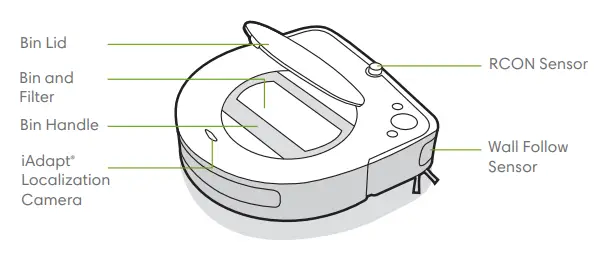
Bottom View
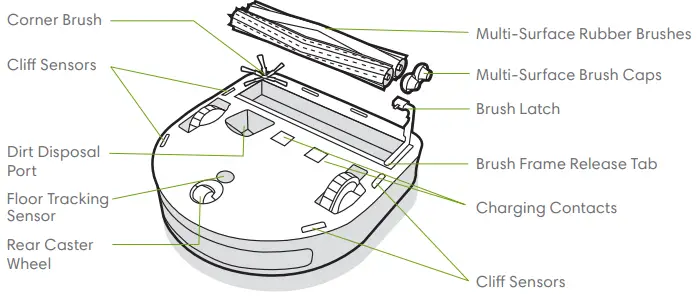
Buttons & Indicators
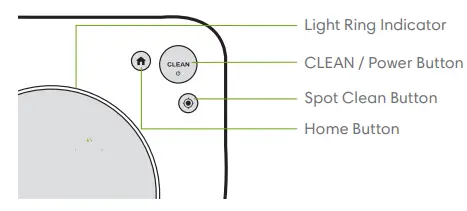
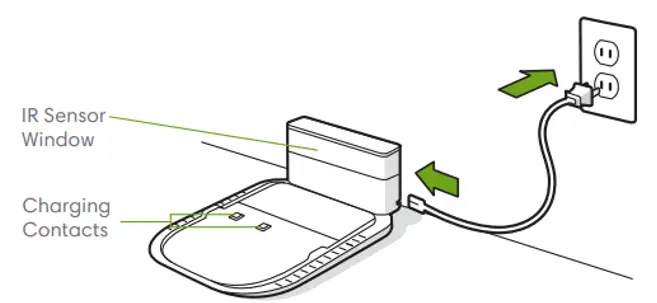
Home Base Charging Station
USING YOUR ROOMBA® ROBOT VACUUM
Positioning the Home BaseTM Charging Station
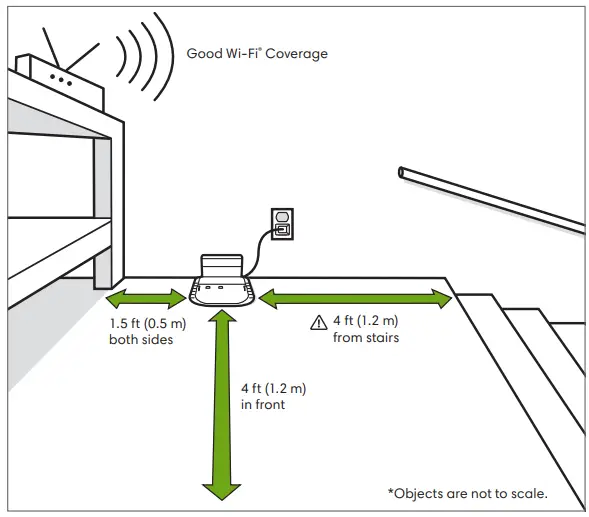
WARNING: To prevent the risk of your robot falling downstairs, ensure that the dirt disposal is placed at least 4 feet (1.2 meters) away from stairs.
Charging

- Place the robot on the charging station to activate the battery. Note: Your robot comes with a partial charge, but we recommend that you charge the robot for 3 hours prior to starting the first cleaning job.
- I f the “CLEAN” text is pulsing while charging, the robot is in the middle of a cleaning job and will automatically resume where it left off once recharged.
- The robot uses a small amount of power whenever it is on the dirt disposal. You can put the robot in a further-reduced power state when not in use. For instructions and more details on this
- Reduced Power Standby Mode, refer to the iRobot HOME App.
- For long-term storage, turn off the robot by removing it from the dirt disposal and holding down for 10 seconds. Store the robot in a cool, dry place.
Cleaning
Use your robot frequently to maintain well-conditioned floors.
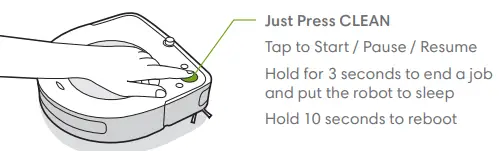
- Your robot will automatically explore and clean your home. It will return to the dirt disposal at the end of a cleaning job and whenever it needs to recharge.
- To send the robot back to its dirt disposal, tap HOME. A blue light ring pattern will indicate that the robot is seeking dirt disposal.
- When your robot detects an especially dirty area, it will engage in Dirt Detect™ mode, moving in a forward/backward motion to clean the area more thoroughly. The light ring indicator will flash blue.
- Tap to spot-clean a designated area. The robot will spiral outward about 3 feet (1 meter) and then spiral inward to the end where it started. The light ring indicator will show a blue spiral.
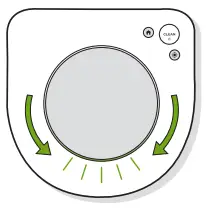
When the robot senses its bin needs to be emptied, the light ring indicator will illuminate in a red sweeping motion toward the rear.
Troubleshooting
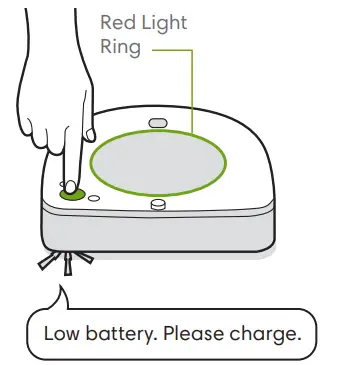
- Your robot will tell you something is wrong by playing an audio alert and turning the light ring indicator red. Press CLEAN for details. Further support and instructional videos are available in the iRobot HOME App.
- After 90 minutes of inactivity off the dirt disposal, the robot will automatically end its cleaning job.

Lithium Ion Battery
For best results, only use the iRobot Lithium Ion Battery that comes with your Roomba® robot vacuum.
WARNING: Lithium-ion batteries and products that contain lithium-ion batteries are subject to stringent transportation regulations. If you need to ship this product (with the battery included) for service, travel, or any other reason, you MUST follow the below shipping instructions.
- The battery MUST be turned off before shipping.
- Turn off the battery by removing the robot from the dirt disposal and holding down the HOME for 10 seconds. All indicators will turn off.
- Package the product in its original packaging.
- Ship via ground transportation only (no air shipping).
- If you need further assistance, contact our Customer Care team.
Care and Maintenance
Robot Care and Maintenance Instructions
To keep your robot running at peak performance, perform the procedures on the following pages.
There are additional instructional videos in the iRobot HOME App. If you notice the robot picking up less debris from your floor, empty the bin, clean the filter and clean the brushes.
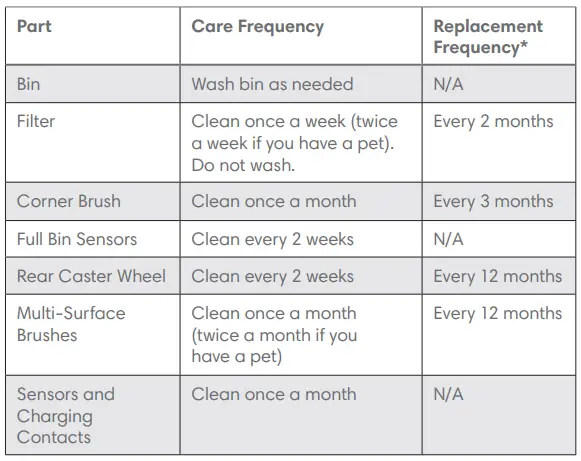
Note: iRobot manufactures various replacement parts and assemblies. If you think you need a replacement part, please contact iRobot Customer Care for more information.
Replacement frequency may vary. Parts should be replaced if visible wear appears.
Emptying the Bin
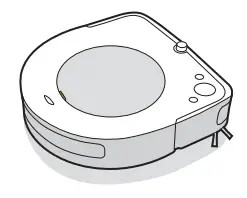
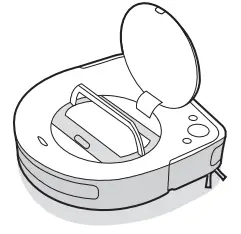
- Press the bin lid release and lift the bin.

- Lift the handle to remove the bin.

- Press the bin release button to empty bin.

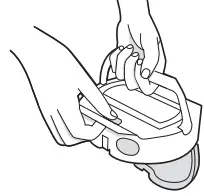
Cleaning the Filter
- Open the filter door and remove the filter by grasping the tab.

- Shake off debris by tapping the filter against your trash container.

- Reinsert the filter and close the filter door.
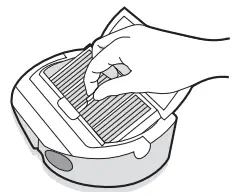
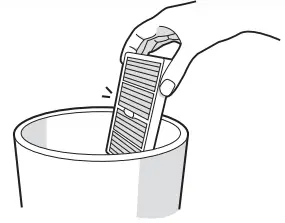
Important: The filter door won’t close unless a filter is reinserted correctly. Replace the filter every two months.
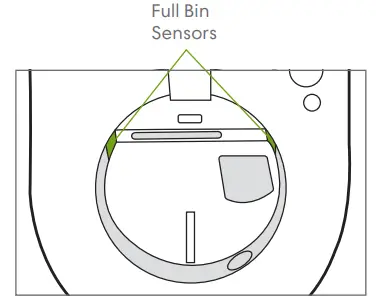
Cleaning the Full Bin Sensors
- Remove and empty the bin.
- Wipe the inner sensors with a clean, dry cloth.

- Remove the filter and wash the bin, or gently clean the bin to ensure the sensor ports are clean.

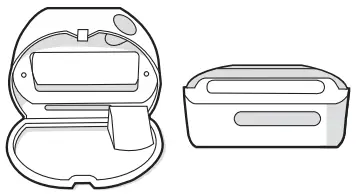
Washing the Bin
Important: Do not wash the filter. Remove the filter before washing the bin.
- Release the bin, remove the filter, and open the bin door.
- Rinse the bin using warm water.
 Note: Bin is not dishwasher safe.
 - Make sure bin is completely dry. Then reinsert filter and place bin back in the robot.
 Note: Bin is not dishwasher safe.
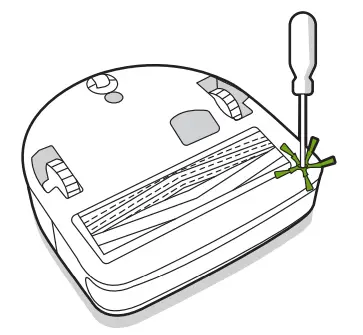
Cleaning the Corner Brush
- Use a small screwdriver to loosen the screw holding the Corner Brush in place.
- Pull to remove the Corner Brush. Remove any hair or debris, then reinstall the brush.
Cleaning the Rear Caster Wheel
- Pull firmly on the rear caster wheel module to remove it from the robot.
- Press firmly on the wheel to remove it from its housing (see illustration below).
- Remove any debris from inside the wheel cavity.
- Reinstall all parts when finished.
- Make sure the wheel clicks back into place.
Important: A rear wheel clogged with hair and debris could result in damage to your floor. If the wheel is not spinning freely after you have cleaned it, please contact Customer Care.
Cleaning the Multi-Surface Brushes
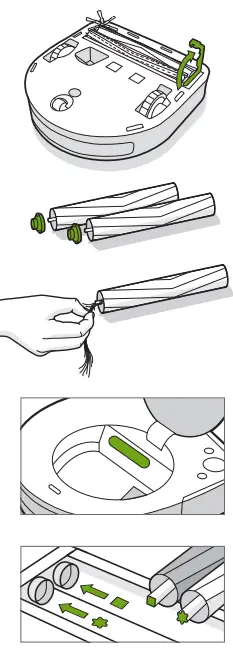
- Pinch the brush frame release tab, lift the brush frame, and remove any obstructions.
- Remove the brushes from the robot. Remove the brush caps from the ends of the brushes. Remove any hair or debris that has collected beneath the caps. Reinstall the brush caps.
- Remove any hair or debris from the square and star pegs on the opposite side of the brushes.
- Remove the bin from the robot and clear any debris from the vacuum path.
- Reinstall the brushes in the robot. Match the shape of the brush pegs with the shape of the brush icons in the cleaning head module.

Cleaning the Sensors and Charging Contacts
- Wipe sensors, camera window and charging contacts with a clean, dry cloth.


Important: Do not spray cleaning solution or water onto the sensors or sensor openings.
iRobot Customer Care
USA & Canada
If you have questions or comments about your Roomba® robot vacuum or Clean Base™ Automatic Dirt Disposal, please contact iRobot before contacting a retailer.
You can start by visiting www.irobot.com for support tips, frequently asked questions and information about accessories. This information can also be found in the iRobot HOME App. If you need further assistance, call our Customer Care team at (877) 855-8593.
iRobot USA Customer Care Hours
- Monday to Friday, 9AM – 9PM Eastern Time
- Saturday and Sunday 9AM – 6PM Eastern Time
Outside USA & Canada
Visit global.irobot.com to:
- Learn more about iRobot in your country
- Get hints and tips to improve your Roomba® robot vacuum’s performance
- Get answers to questions
- Contact your local support center
Regulatory Information
This device complies with part 15 of the FCC Rules. Operation is subject to the following two conditions:
- This device may not cause harmful interference, and
- this device must accept any interference received, including interference that may cause undesired operation.
This device complies with Industry Canada license-exempt RSS standard(s). Operation is subject to the following two conditions:
- This device may not cause interference, and
- this device must accept any interference, including interference that may cause undesired operation of the device.
- Changes or modifications not expressly approved by iRobot Corporation could void the user’s authority to operate the equipment.
- This equipment has been tested and found to comply with the limits for a Class B digital device, pursuant to part 15 of the FCC Rules as well as ICES-003 Rules. These limits are designed to provide reasonable protection against harmful interference in a residential installation. This equipment generates, uses and can radiate radio frequency energy and, if not installed and used in accordance with the instructions, may cause harmful interference to radio communications. However, there is no guarantee that interference to radio communication will not occur in a particular installation. If this equipment does cause harmful interference to radio or television reception, which can be determined by turning the equipment off and on, the user is encouraged to try to correct the interference by one or more of the following measures:
©2019 iRobot Corporation, 8 Crosby Drive, Bedford, MA 01730 USA. All rights reserved. i Robot, Roomba, iAdapt and Virtual Wall are registered trademarks of iRobot Corporation. Clean Base and Dirt Detect are trademarks of iRobot Corporation. Wi-Fi and the Wi-Fi logo are registered trademarks of Wi-Fi Alliance.
- Reorient or relocate the receiving antenna.
- Increase the separation between the equipment and receiver.
- Connect the equipment into an outlet on a circuit different from that to which the receiver is connected.
- Consult the dealer or an experienced radio/TV technician for help.
- Under Industry Canada regulations, this radio transmitter may only operate using an antenna of a type and maximum (or lesser) gain approved for the transmitter by Industry Canada. To reduce potential radio interference to other users, the antenna type and its gain should be so chosen that the equivalent isotopically radiated power (e.i.r.p.) is not more than the necessary for successful communication.
- FCC Radiation Exposure Statement: This product complies with FCC §2.1093(b) for portable RF exposure limits, set forth for an uncontrolled environment and is safe for the intended operation as described in this manual.
- ISED Radiation Exposure Statement: This product complies with the Canadian Standard RSS-102 for portable RF exposure limits, set forth for an uncontrolled environment and is safe for the intended operation as described in this manual.
- For battery recycling go to call2recycle.org; or call 1-800-822-8837
FAQs
They can be more difficult and expensive to fix, and they not only need more frequent maintenance (such cleaning the wheels and brushes). According to our expert Kim, robotic vacuums are more prone to malfunction and act strangely than regular vacuums.
Emptying the dustbins of your robot vacuum after each cleaning session is advised by the majority of robot vacuum manufacturers. Both iRobot and Neato recommend doing this for their respective Roomba and Botvac models.
Most owners believe that using their robot vacuums four times per week is sufficient to keep the floors dust-free. If you have children or pets, you should use your robot vacuum more frequently. If you suffer from seasonal allergies, you should vacuum every day.
Robotic vacuums leave from a station that also acts as a battery charger and dock there. In our testing, which is conducted in a space of more than 600 square feet with walls and furniture set up in a normal layout, some vacuums stop cleaning after 40 minutes. For two hours, other vacuums might operate.
The authors discovered that homes employing these gadgets consumed more electricity, despite the fact that robovacs are promoted as being more energy-efficient. Robotic vacuum cleaners are referred to be “energy-saving” technology since they use less electricity per hour than hand vacuums.
You don’t even need to turn it off if you’re not changing the brushes or putting on the mop. If you set it to clean or charge when you turned it back on, it will immediately redo the map and start cleaning.
The battery lasts around 60 minutes when used normally; in Eco mode, it lasts approximately 90 minutes. Depending on the type of floor, it could take up to 15 minutes longer. Hair or fibres may reduce the robot vacuum’s battery life since the brush motor will have to work harder and use more energy.
Hybrid robot mop-vacuums are a good option if you don’t have adequate space for both machines. These will all perform the same functions as regular robot vacuum cleaners, gathering pet hair from low pile carpets, hard surfaces, and underneath furniture. To keep your house tidy, they will also mop your hard flooring.
Three (3) to five (5) cleaning visits or Mapping Runs frequently yield a completely created ImprintTM Smart Map that you can then customise and use. Simply choose Clean All in the iRobot® HOME APP to have Roomba clean and learn every inch of your home as the cleaning cycle is running.
The biggest challenge a robot vacuum can face In 2021, a robot vacuum will be able to climb a barrier as high as 34″ (19 mm), but this will largely depend on the robot and how good they are at navigating.
The robot vacuum’s auto-emptying feature may also allow for increased usage. If you have to empty the dustbin several times a day, you might be reluctant to use the vacuum more frequently than is really required. However, if it empties itself, you might use it more regularly and keep your house cleaner.
Most robot vacuums can clean in the dark thanks to infrared technology that scans for obstacles in their way. The specific model’s qualities are crucial because some models might be too noisy to operate at night, while others won’t function as effectively when the lights are out.
Hales suggests checking the vacuum you choose to see whether it has an obstruction detection system. It will locate any furniture or other objects on the floor and steer clear of them. Look for a feature called lidar as well, which enables the robot to digitally map out your property using a laser system.
False; Lidar is used by the Robot Vacuum. There is no requirement for light for it to work. Mine going off in the dark at five in the morning is not a problem for me. However, mirrors and other reflective surfaces might cause numerous problems for mapping.
Place it at least four feet away from stairs, two feet away from objects on either side, and two feet away from other furniture, if at all possible (including tables and chairs). In this way, the vacuum has an unobstructed, clear path.
Robotic vacuum cleaners are efficient and economically priced. They are considerably less expensive than expensive housekeepers. The device can be configured to clean precisely as needed and requires little maintenance. You merely need to replace the bag or sometimes empty the container.