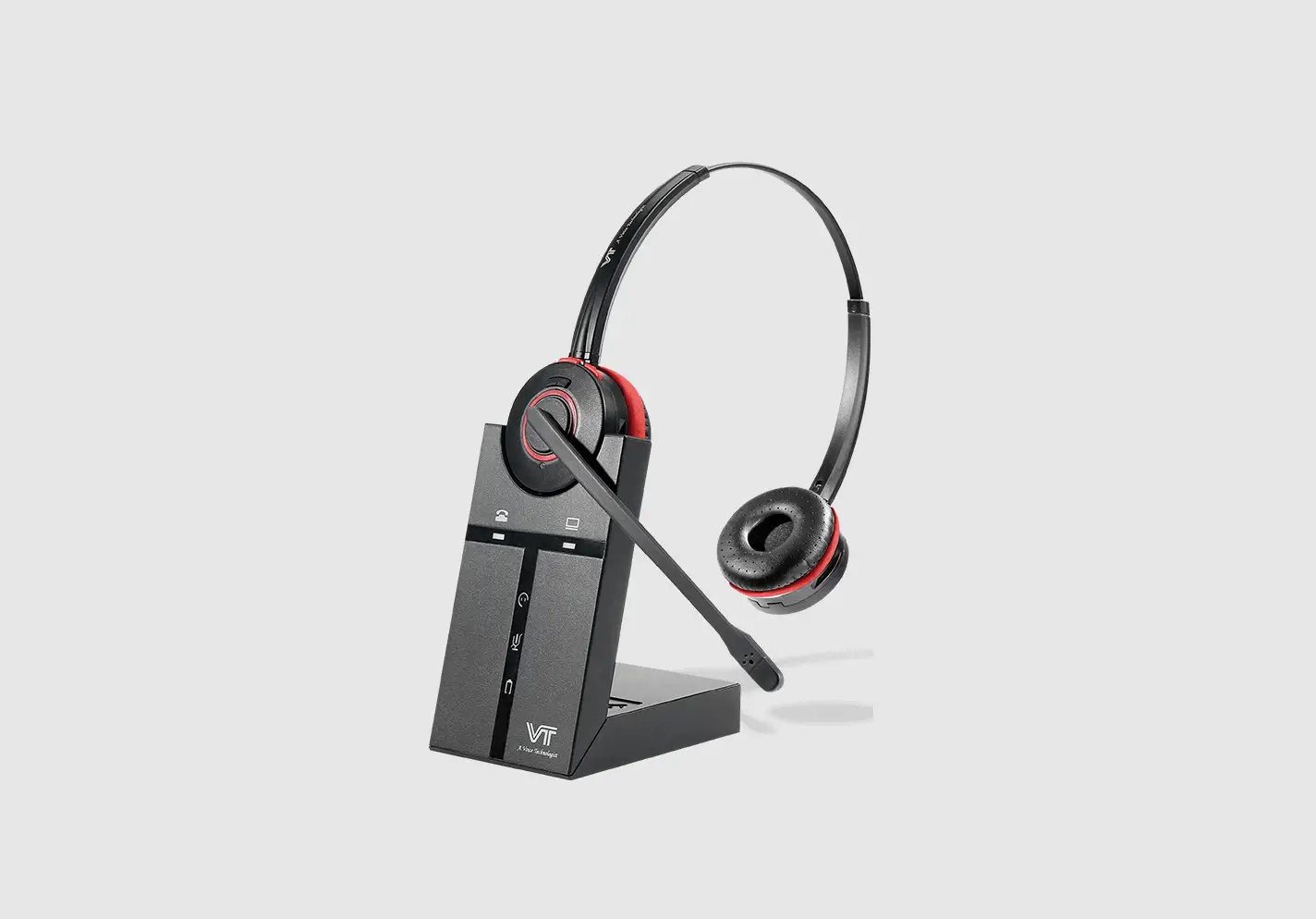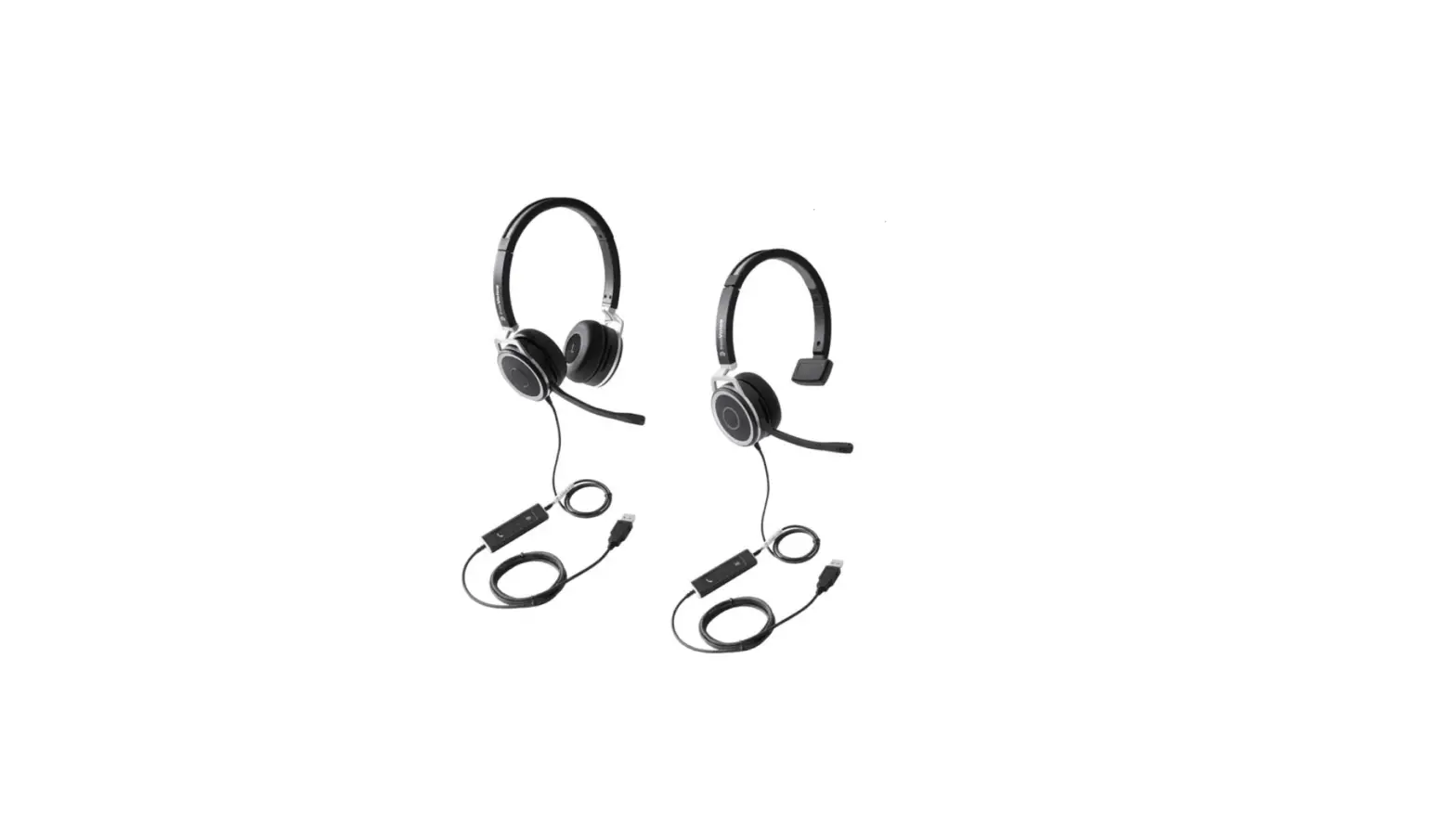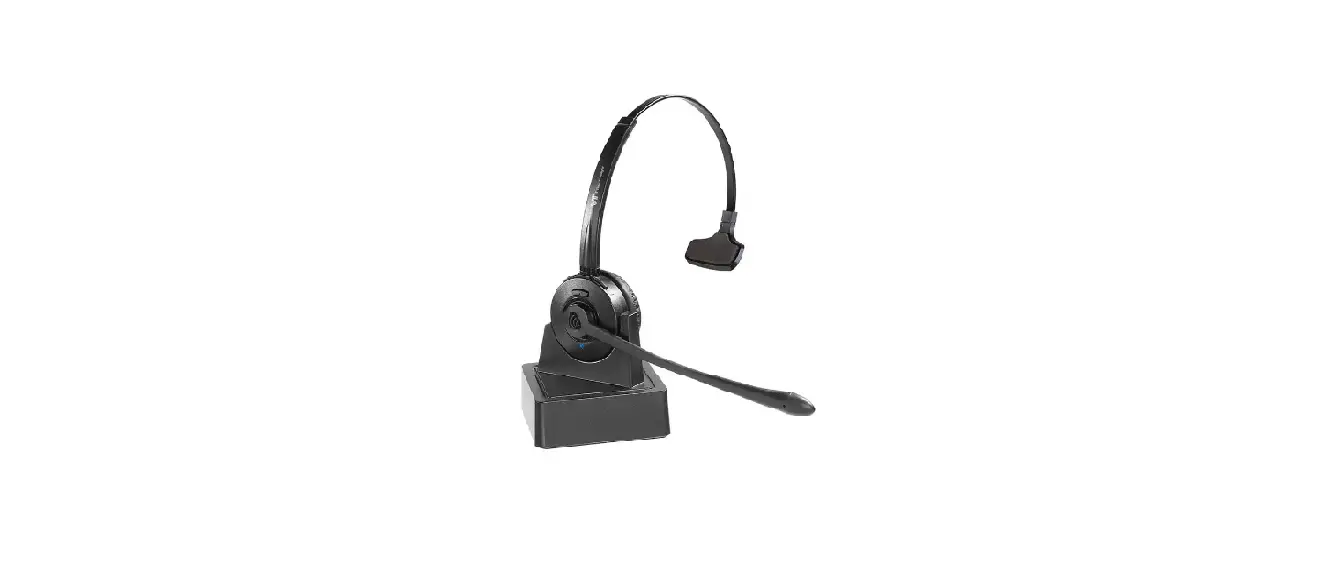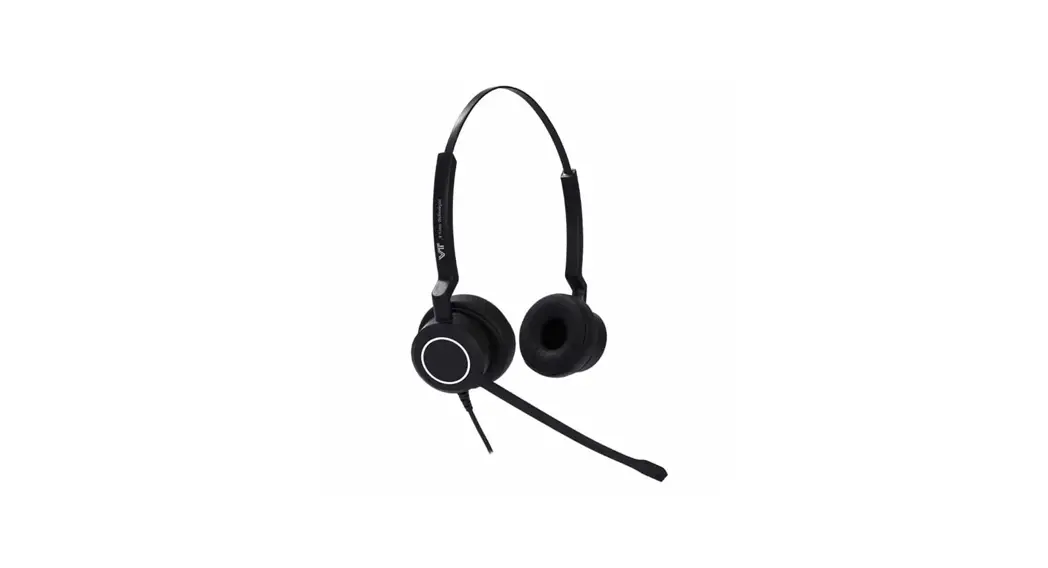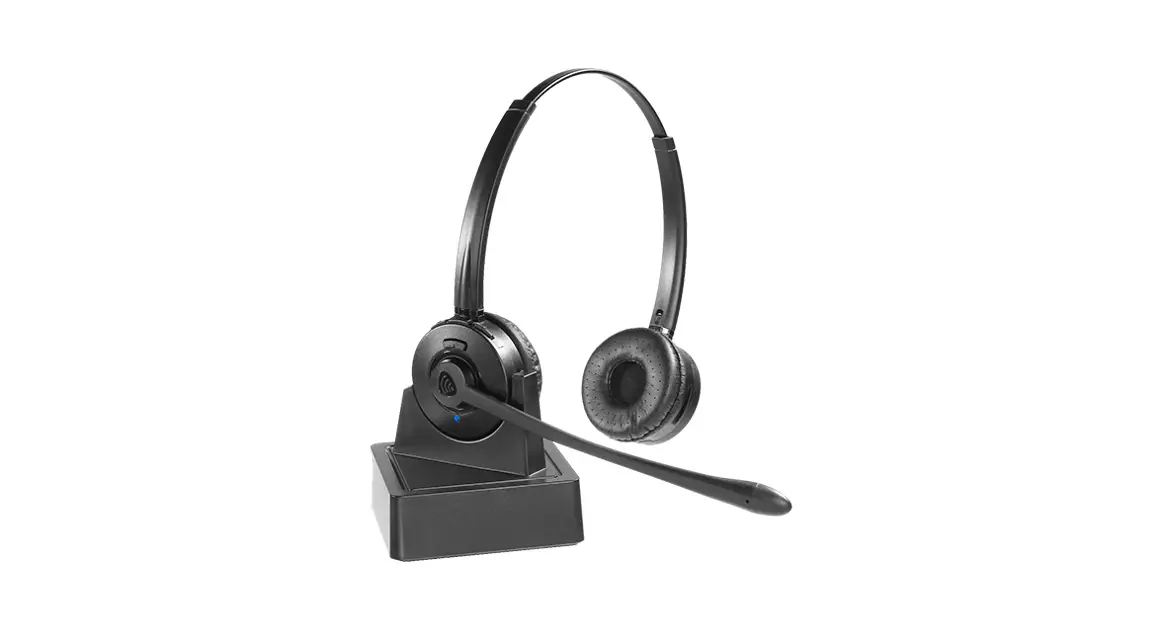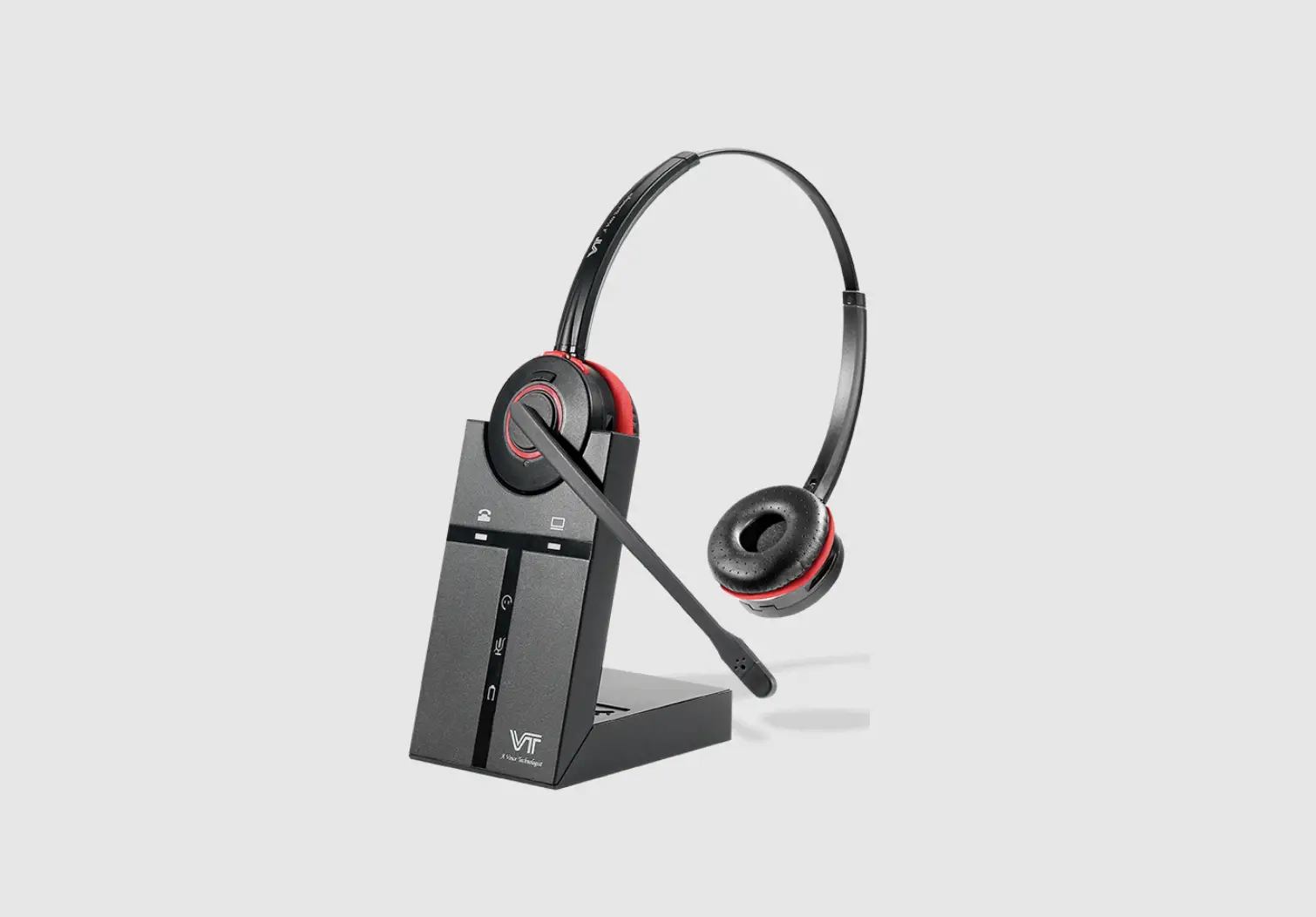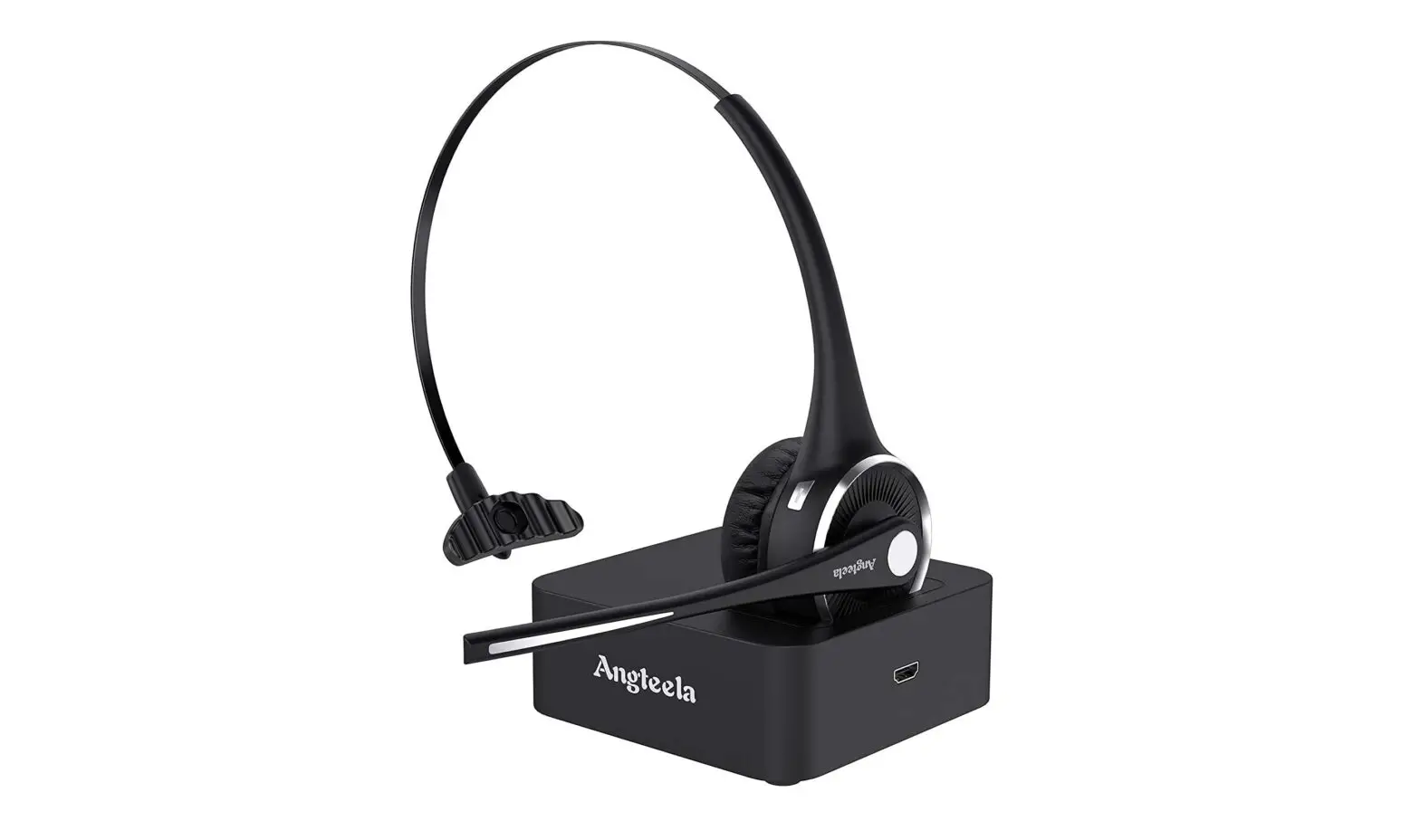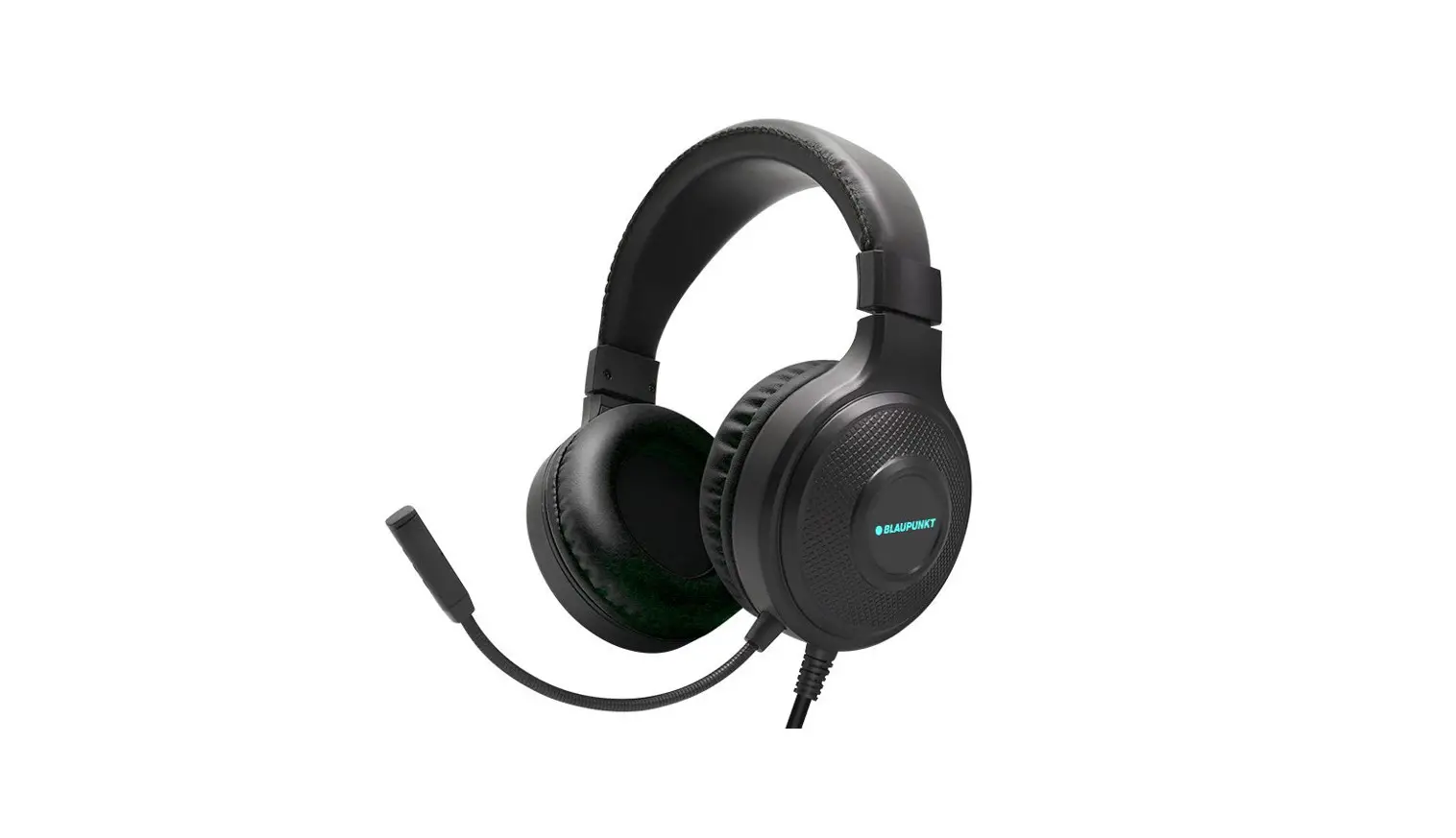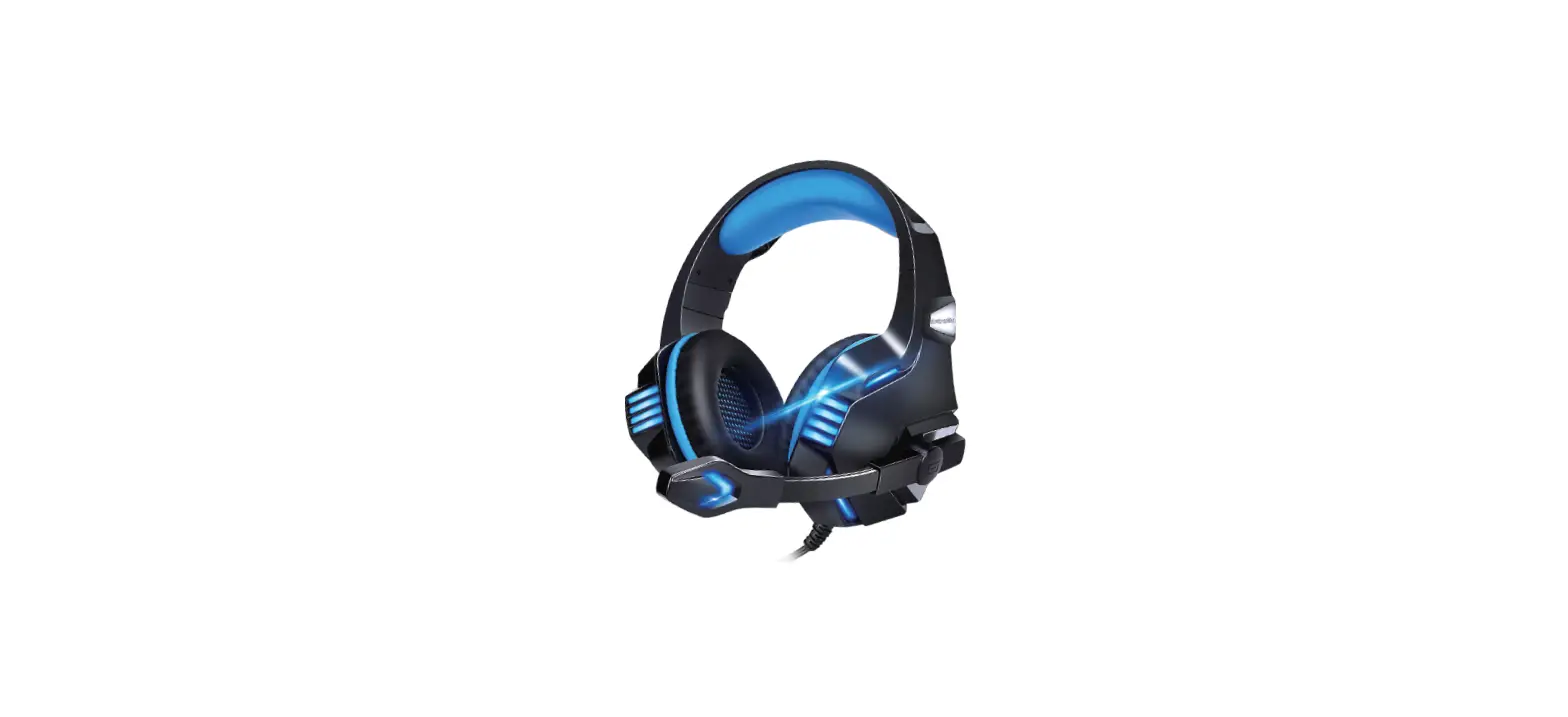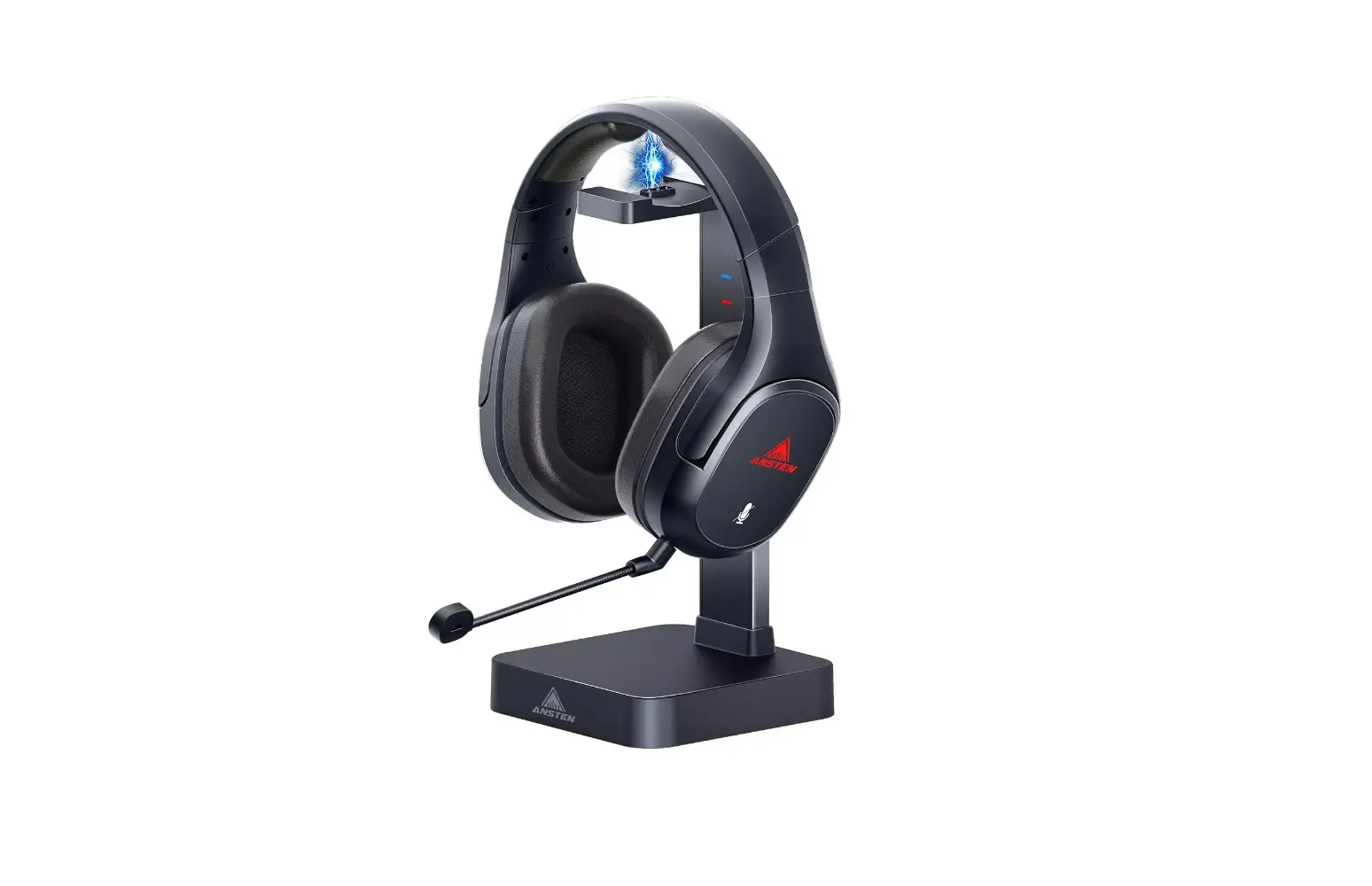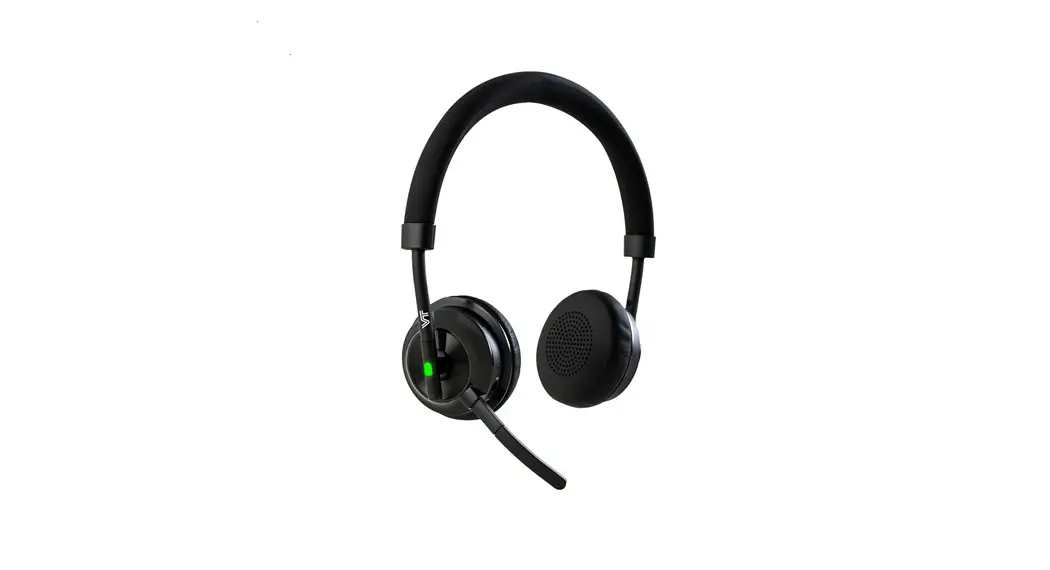

VT X300 BT Headset
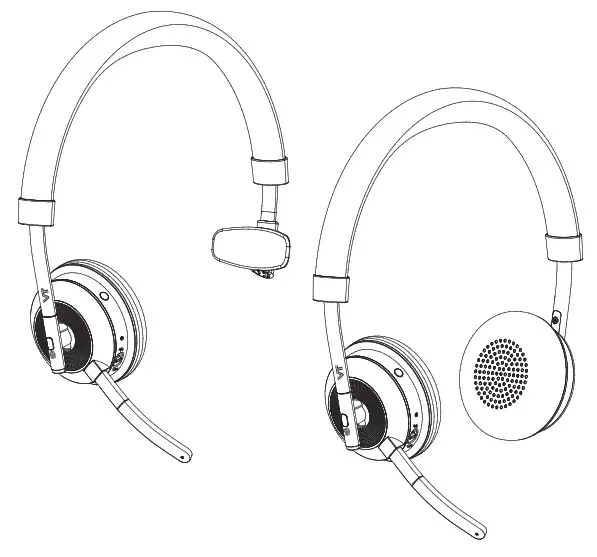
User Manual
WELCOME
Thank you for using the VT X300 BT Headset. We hope you will enjoy it!
VT X300 BT FEATURES
- Connect to PC via BT 50U Bluetooth adapter
- Connect to mobile devices via Bluetooth
- Integrated Busylight
- Discreet boom arm can fold neatly away into the headband when not on a call
- Superior music and voice capabilities
- Hi-Fi Sound
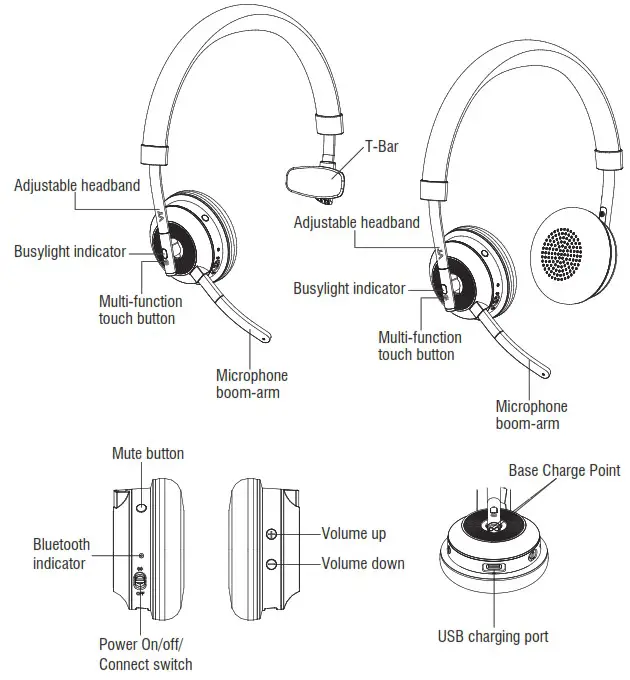
VT X300 BT OVERVIEW
HEADSET
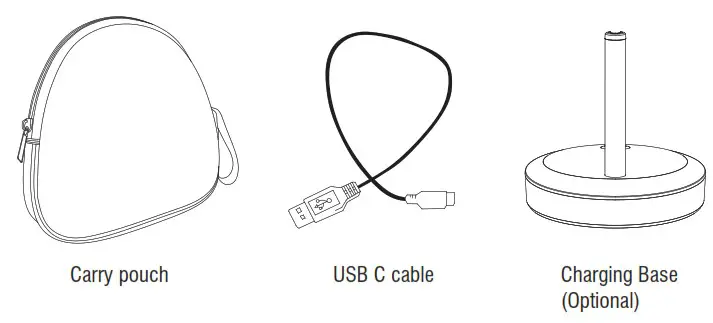
INCLUDED ACCESSORIES
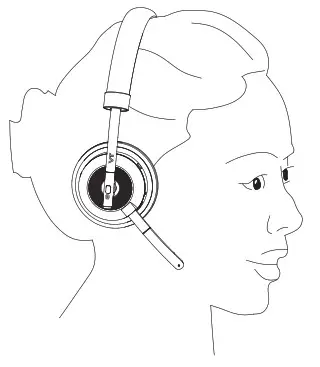
HOW TO WEAR
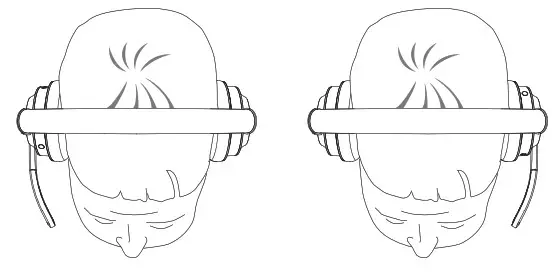
LEFT OR RIGHT WEARING STYLE
The VT X300 BT DUO can be worn on the right or left which you want.

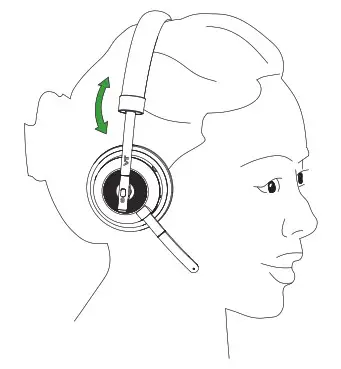
ADJUST THE HEADBAND
Adjust the headband to find the most comfortable fit.
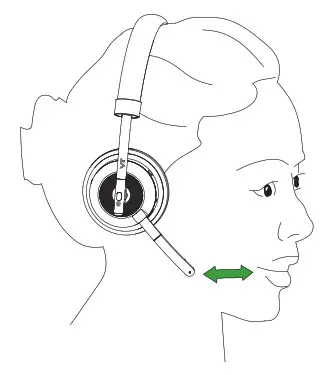
POSITION THE MICROPHONE
It is recommended to position the microphone close to your mouth.

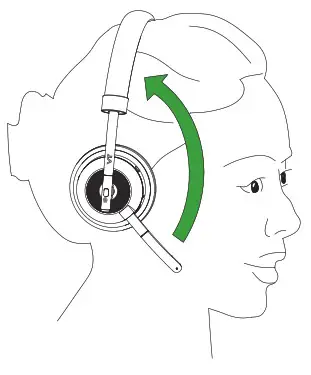
STORING THE MICROPHONE
Discreet boom arm can fold neatly away into the headband when not on a call.
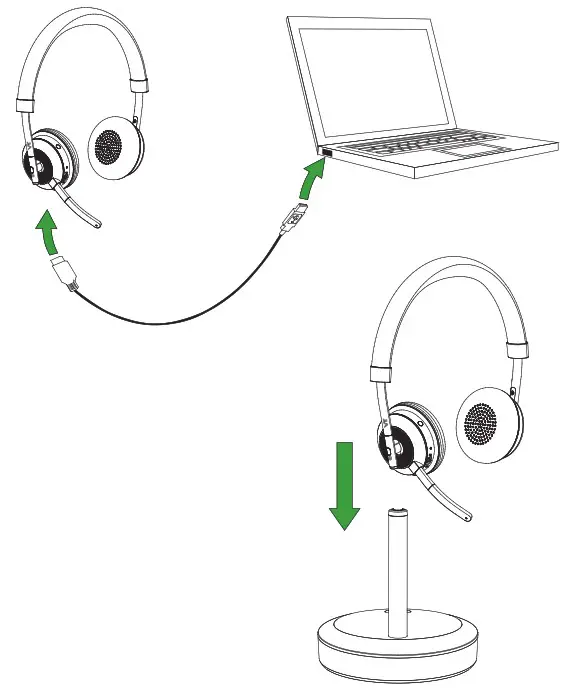
HOW TO CHARGE THE BATTERY
Option 1: The headset battery will be charged when connected to a PC using a USB cable, or when using any USB charger supplied with your mobile device. Option 2: If you have a charging base, you could plug the charging base into a powered USB port and then dock the headset.
It takes approx.3 hours to fully charge the battery.
HOW TO CONNECT
CONNECT TO PC (USING BT 50U)
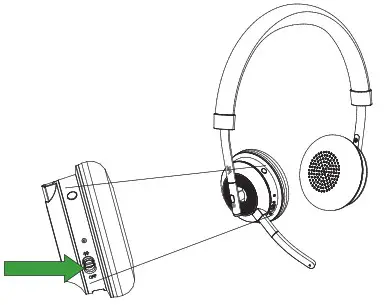
- Ensure the headset is switched on.
- Plug the BT 50U dongle into a USB port on your PC. The headset and BT 50U are already pre-connected.
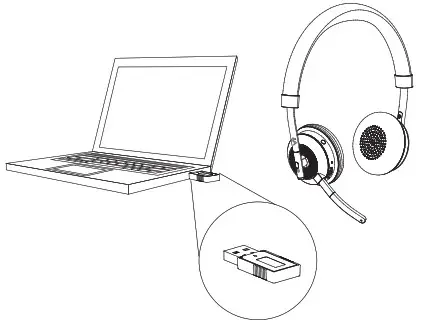
CONNECT TO MOBILE DEVICE (USING BLUETOOTH)
- Wear the headset.
- Hold (2 secs) the On/off/connect switch in the connect position until you hear the voice-guided instructions. The Bluetooth indicator will flash blue.
- Follow the voice-guided instructions to connect.
HOW TO USE
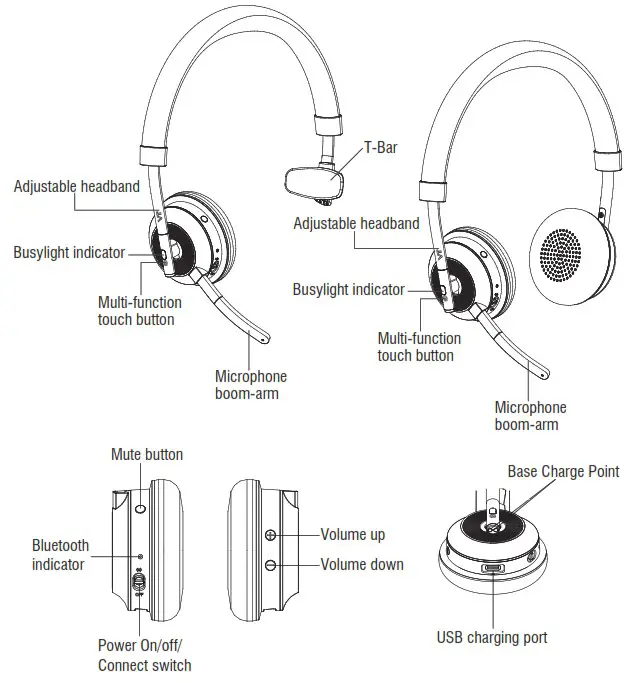
EVERYDAY USE
| FUNCTION | ACTION | LED STATUS | |
 | Headset on | Slide the On switch | Blue Light flash twice insuccession |
| Headset off | Slide the off switch | Red Light flash twice in succession | |
| Pairing | Slide the Pair Button | Blue Light flash |
 | Pairing Successfully | Blue Light flash twice in succession | |
| Standby | Blue Light flash 1 time per 8 secs | ||
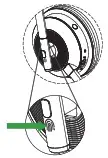 | Answer/End Call | Tap the Multi-function button | |
| Reject call | Double-tap the Multifunction button | ||
 | Adjust volume | Tap the Volume up or Volume down button | |
 | Mute/unmute microphone | Tap the Mute button |
MULTIPLE CALL HANDLING
The headset can accept and handle multiple calls at the same time.
| FUNCTION | ACTION | |
 | End current call and answer incoming call | Tap the Multi-function button |
| Put current call on hold and answer incoming call | Press and hold (2 secs) the Multi-function button | |
| Switch between held call and active call | Press and hold (2 secs) the Multi-function button | |
| Reject incoming call, when on a call | Double-tap the Multi-function button |
SUPPORT
FAQ
View the FAQs on www.Vbet.cn/VT X300 BT.
HOW TO CARE FOR YOUR HEADSET
- Always store the headset with the power off and safely protected.
- Avoid storage at extreme temperatures (above 55°C or below -10°). This can shorten battery life and may adversely affect the headset.
TECHNICAL SPECIFICATIONS
| VT X300 BT HEADSET | SPECIFICATION |
| Frequency Range | 2402-2480MHz |
| Headset weight: | Mono headset 106g Stereo headset 146g |
| Headset dimensions: | Mono headset L196.3mm x W72.5mm x H189.1 mm Stereo headset L196.3mm x W72.5mm x H191.1mn |
| Wear Style: | Headband |
| Talk Time: | 10 hours |
| Charging Time: | 3 hours |
| Charging Base: | Optional |
| Microphones: | Noise canceling microphone |
| Speaker Size: | 40 mm |
| Speaker frequency range: | 20hz – 20 kHz |
| Cable length: | Connect to PC for charge: 1500 mm |
| Operating temperature: | -10°C to 40°C |
| Storage temperature: | -20°C to 25°C |
| Transmit power: | 6.0dBm |
| BLUETOOTH ADAPTER(BT 50U) | SPECIFICATION |
| PC connection: | USB 2.0 |
| Bluetooth range: | Up to 30m (100 feet), Class 1 |
| Bluetooth profiles: | A2DP (V1.2), Hands free profile (V1.6) |
| Simultaneous Bluetooth Connection: | 1 |
| Support Softphones: | Microsoft Teams/Skype for Business/3CX, Cisco Jabber, Avaya, and Counterpath Bria, etc. |
| Bluetooth audio bandwidth: | HD voice (wideband), A2DP |
| Visual indicators: | Multicolor LED |
FCC Warning
is device complies with part 15 of the FCC Rules. Operation is subject to the following two conditions: (1) is device may not cause harmful interference, and (2) this device must accept any interference received, including interference that may cause undesired operation.
NOTE 1: This equipment has been tested and found to comply with the limits for a Class B digital device, pursuant to part 15 of the FCC Rules. These limits are designed to provide reasonable protection against harmful interference in a residential installation. This equipment generates uses and can radiate radio frequency energy and, if not installed and used in accordance with the instructions, may cause harmful interference to radio communications. However, there is no guarantee that interference will not occur in a particular installation. If this equipment does cause harmful interference to radio or television reception, which can be determined by turning the equipment off and on, the user is encouraged to try to correct the interference by one or more of the following measures:
- Reorient or relocate the receiving antenna.
- Increase the separation between the equipment and receiver.
- Connect the equipment into an outlet on a circuit different from that to which the receiver is connected.
- Consult the dealer or an experienced radio/TV technician for help.
NOTE 2: Any changes or modifications to this unit not expressly approved by the party responsible for compliance could void the user’s authority to operate the equipment.
FCC Radiation Exposure Statement:
This equipment complies with FCC radiation exposure limits set forth for an uncontrolled environment.
Made in China
MODEL: VT X300 BT DUO
FCC ID: 2AC67-X300BT
Xiamen VBeT Electronics Co., Ltd. N403, Weiye Building, Xiamen Pioneering Park for Overseas Chinese Scholars, PRC.
Declaration of Conformity can be found on www.vbet.cn
Part NO.:BT 50U
FCC ID:2AC67-BT50U
SN:VTBT50U0121120027 Made in China