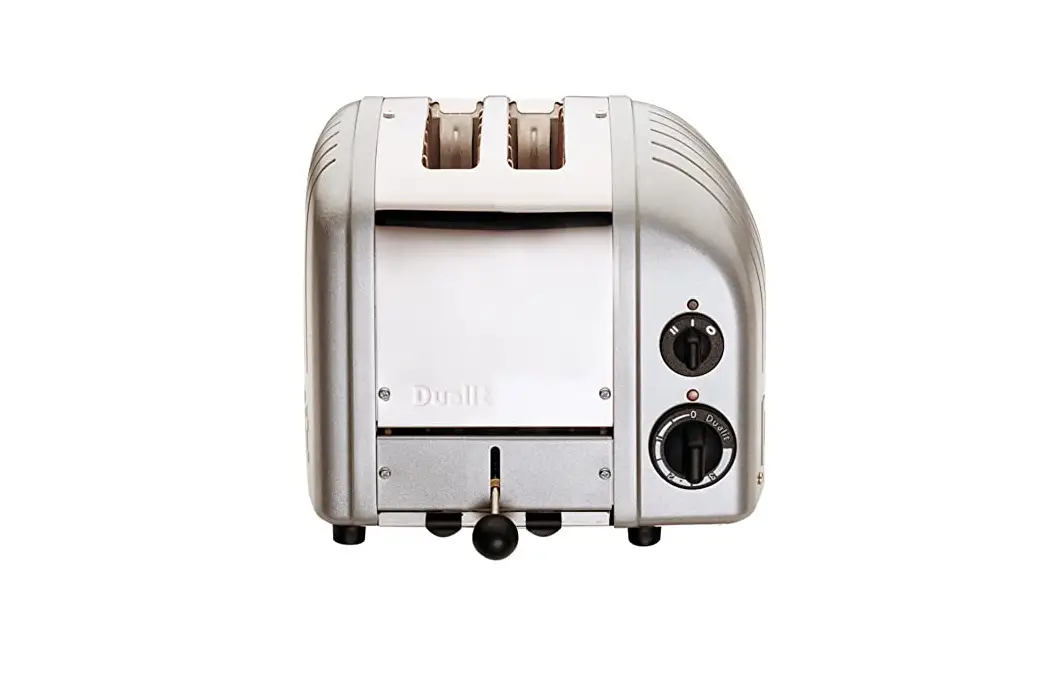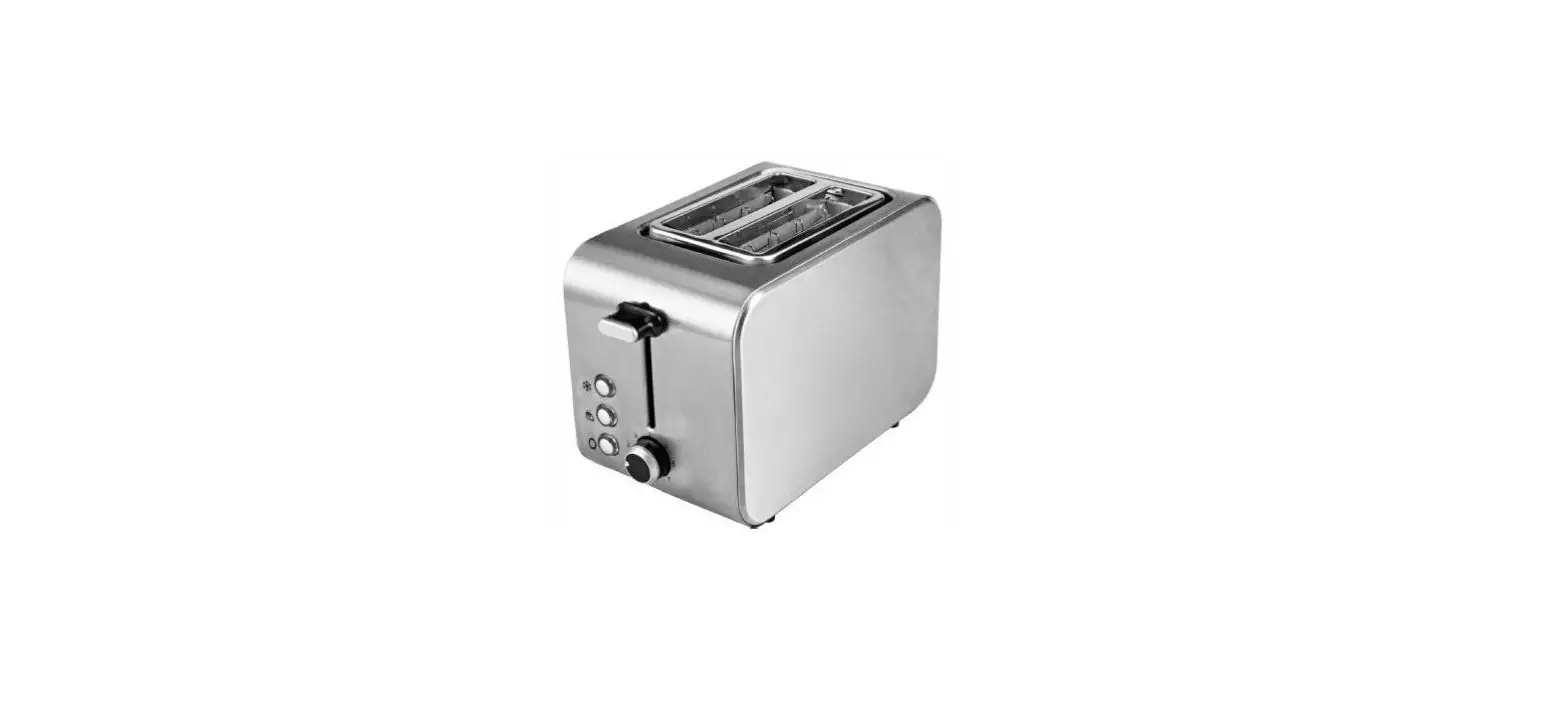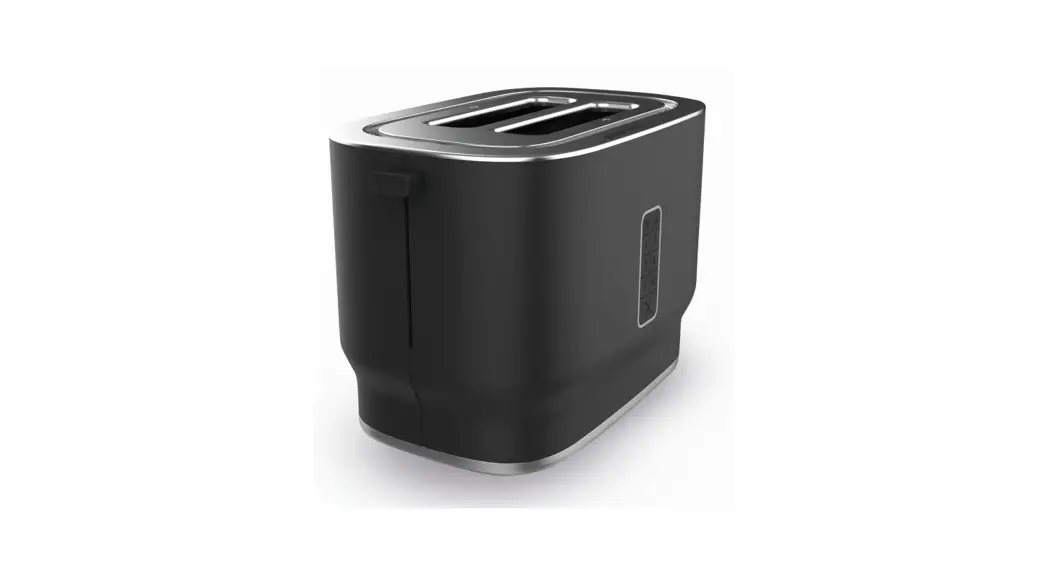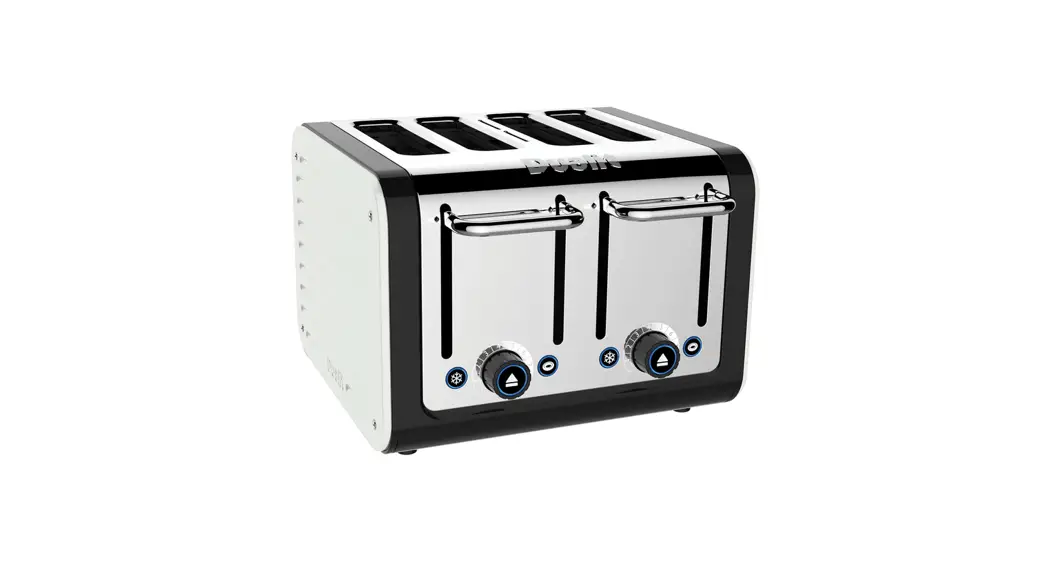


Toaster panels
Instruction manual
 CAUTION! Edges may be sharp. Use and clean with care.
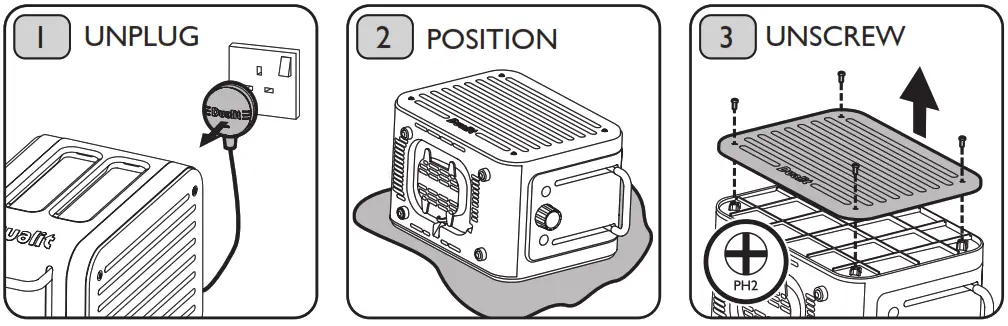 | ||
| Unplug the toaster and allow to cool to room temperature. Risk of electric shock and scalding. | Place the toaster on its side on a soft cloth. | Using a Phillips screwdriver (PH2), unscrew and remove panels. NB. Do not operate the toaster with the panels removed. |
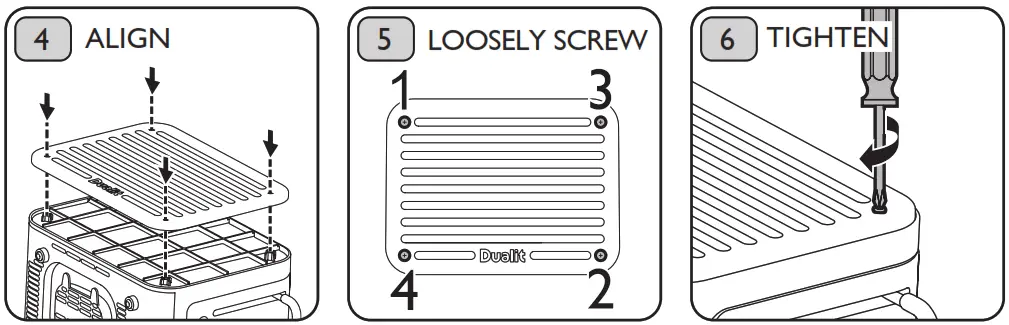 | ||
| Align the new panel with the screw holes on the body of the toaster. | Loosely screw in order of 1-4. | Tighten in place to secure, using the same order. |

Dualit Limited County Oak Way Crawley West Sussex RH11 7ST
+44(0)1293 652 500
[email protected]
www.dualit.com
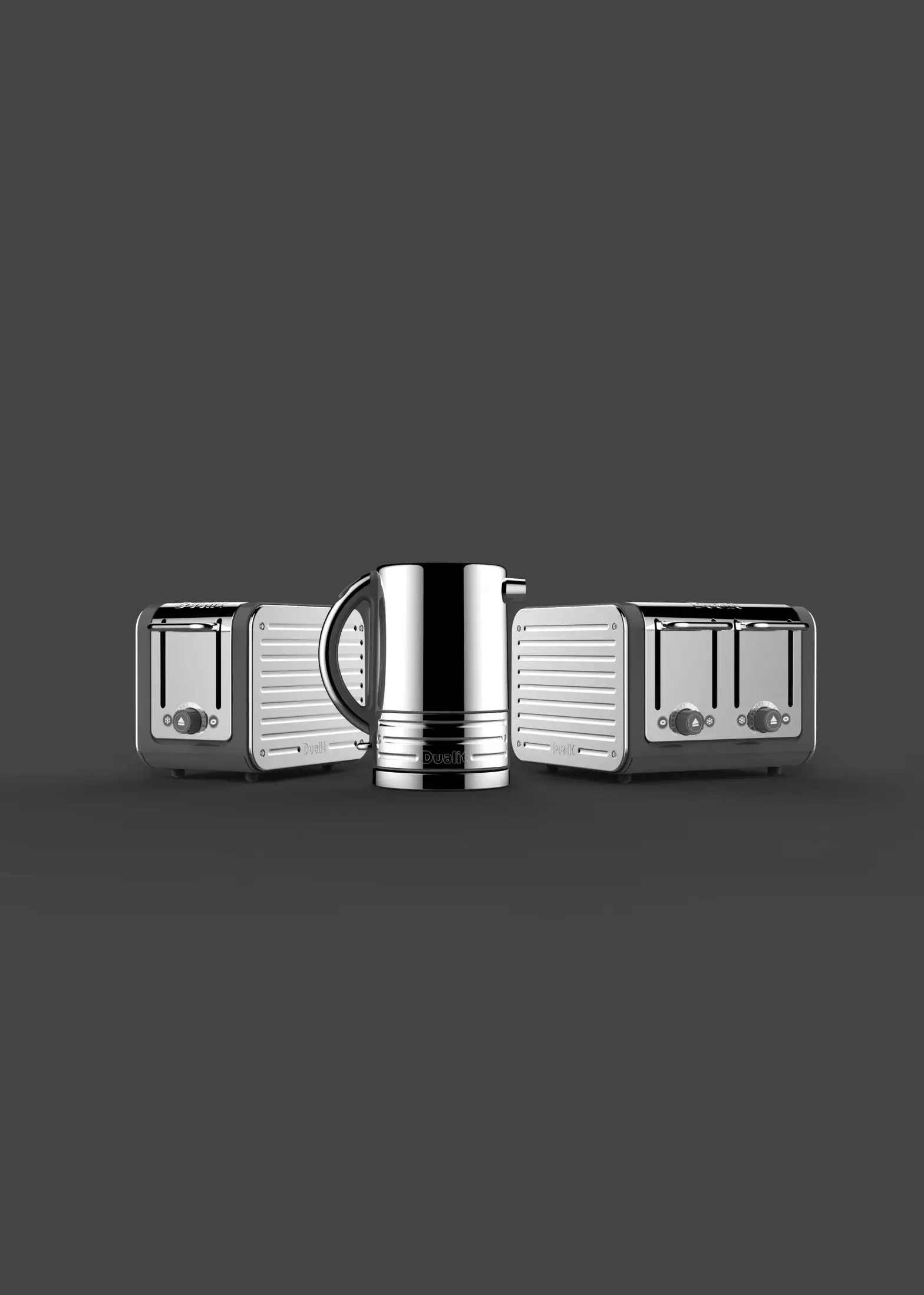
You may also like the matching Architect Kettle
www.dualit.com/architect