 Control using free SeraNova app
User Guide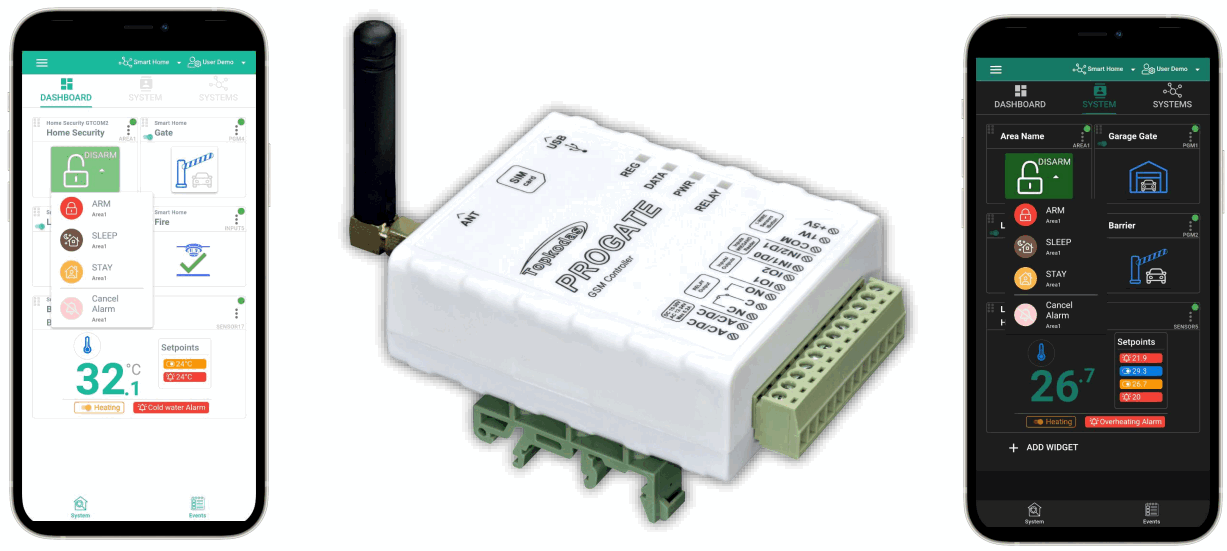
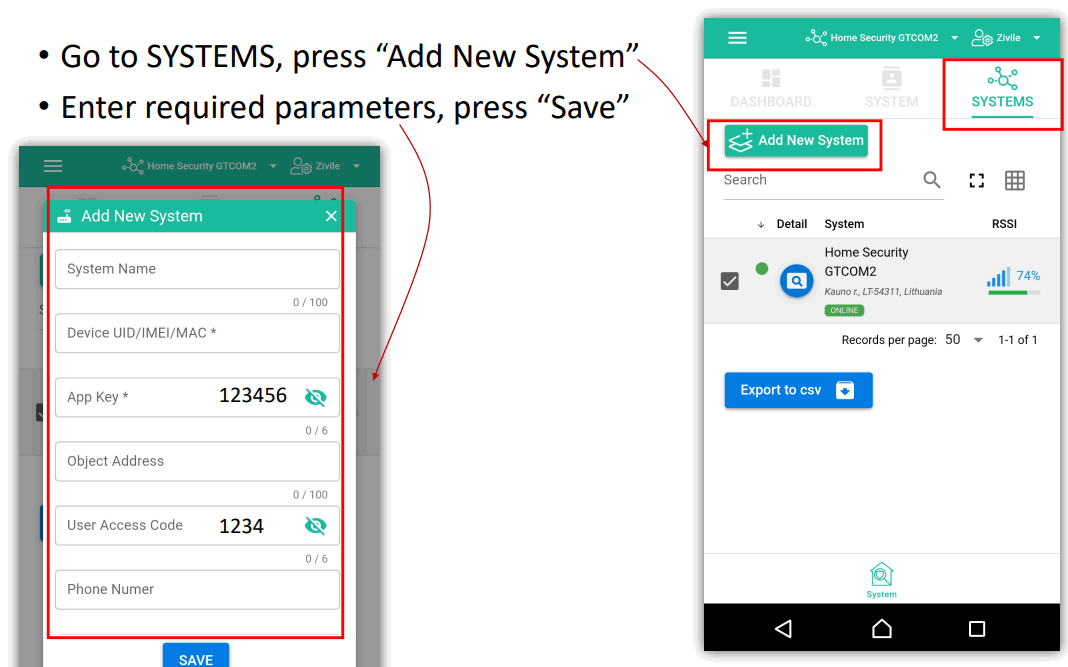
Step by Step:
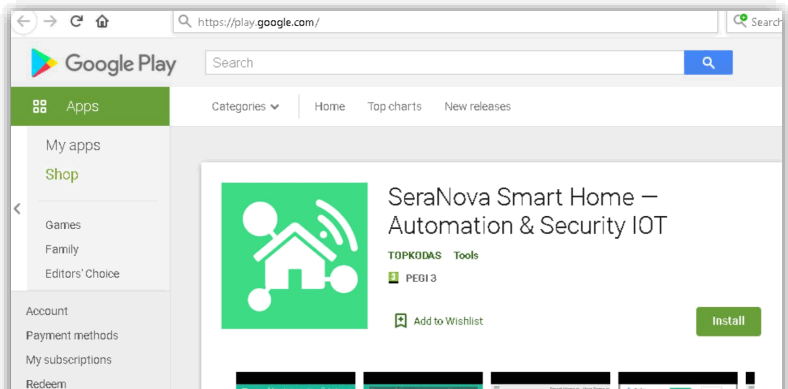
- Download and launch the SeraNova app
https://play.google.com/store/apps/details?id=com.seranova.cloud or use the browser version of SeraNova at at https://seranova.eu/login
Scan a QR code with your Android Phone
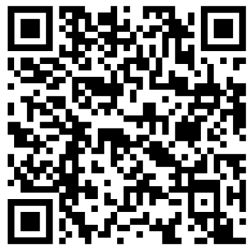 https://play.google.com/store/apps/details?id=com.seranova.cloud&hl=en&gl=US

If You don’t know IMEI
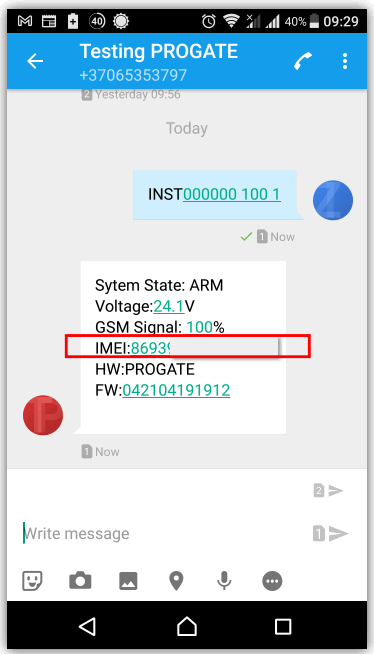
- Send SMS to the module: INST000000 100 1
- You will receive SMS with IMEI
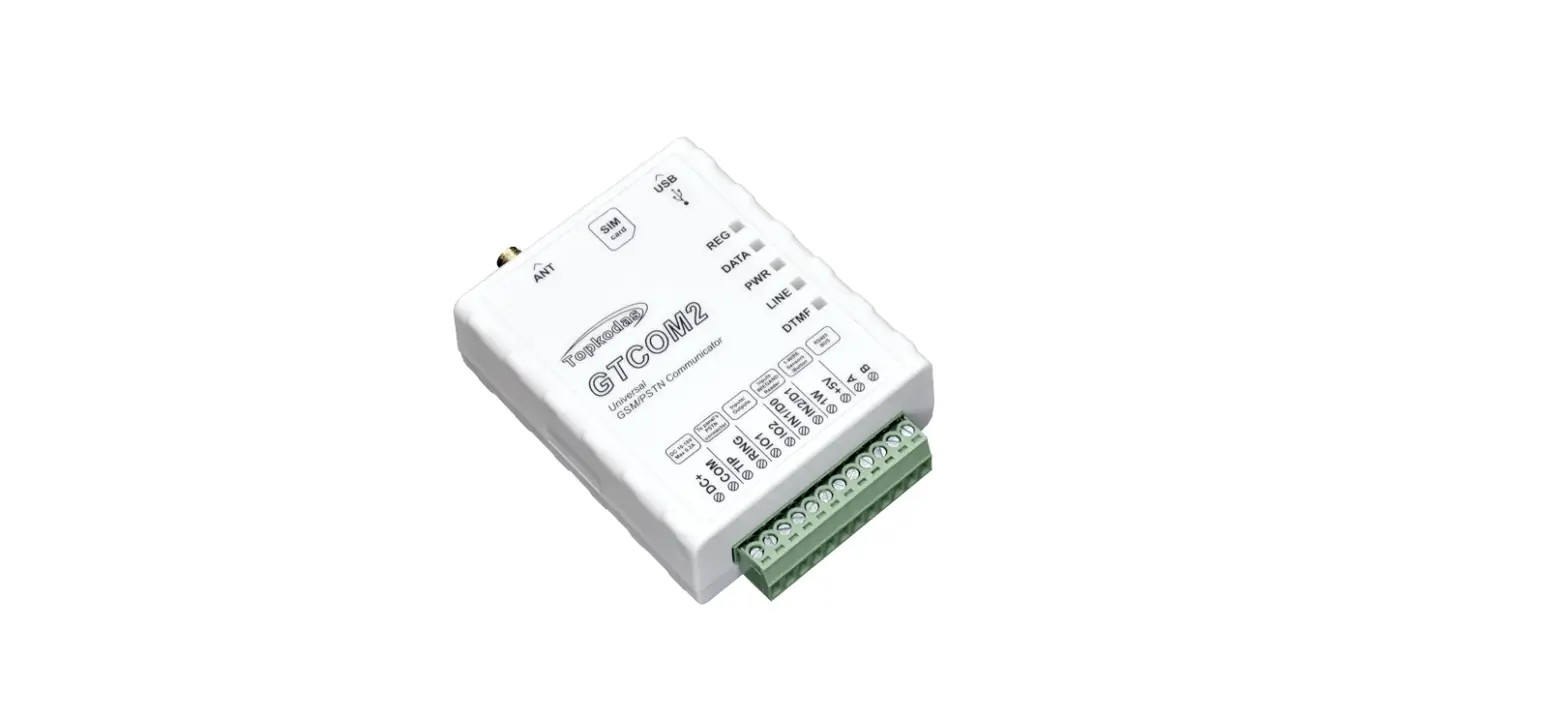
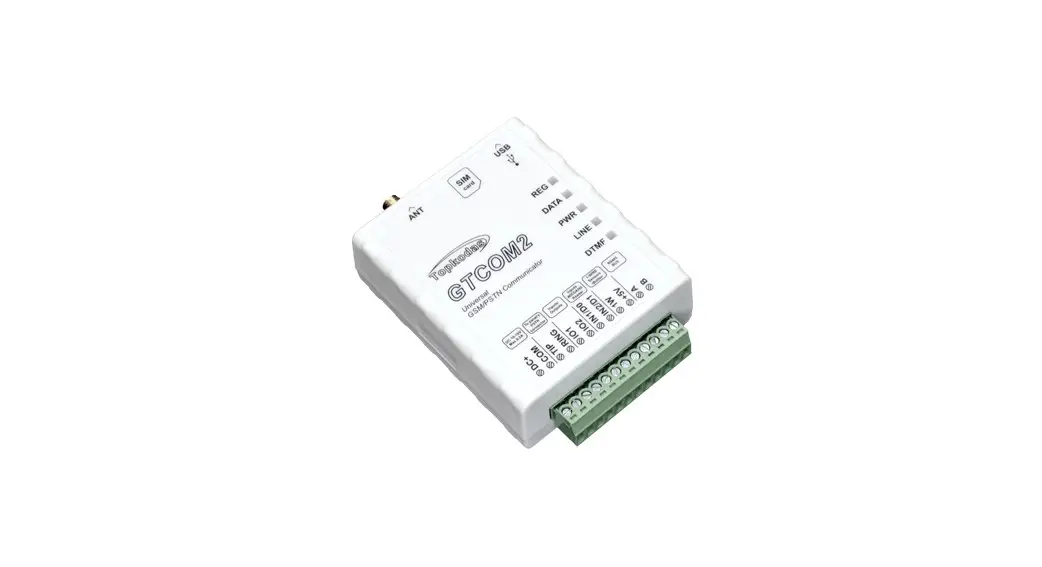
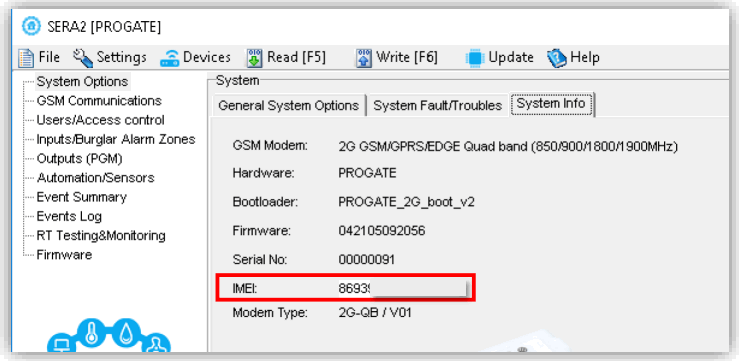
Or connect the module to the computer via miniUSB cable Install configuration software SERA2 (https://www.topkodas.lt/downloads/)
Go to SERA2> System Options> System Info
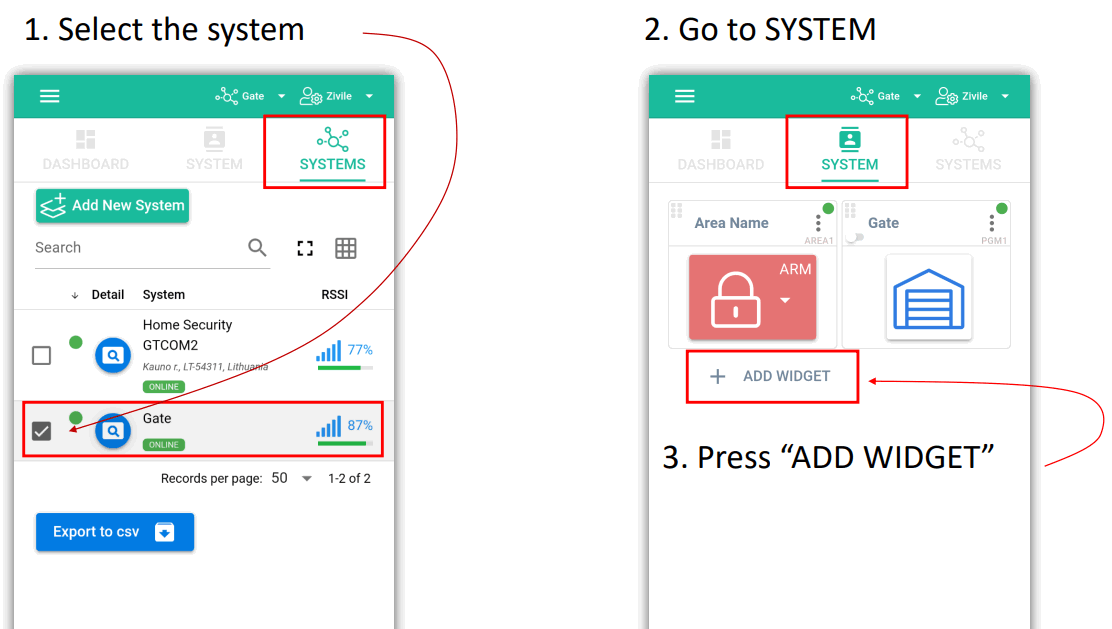
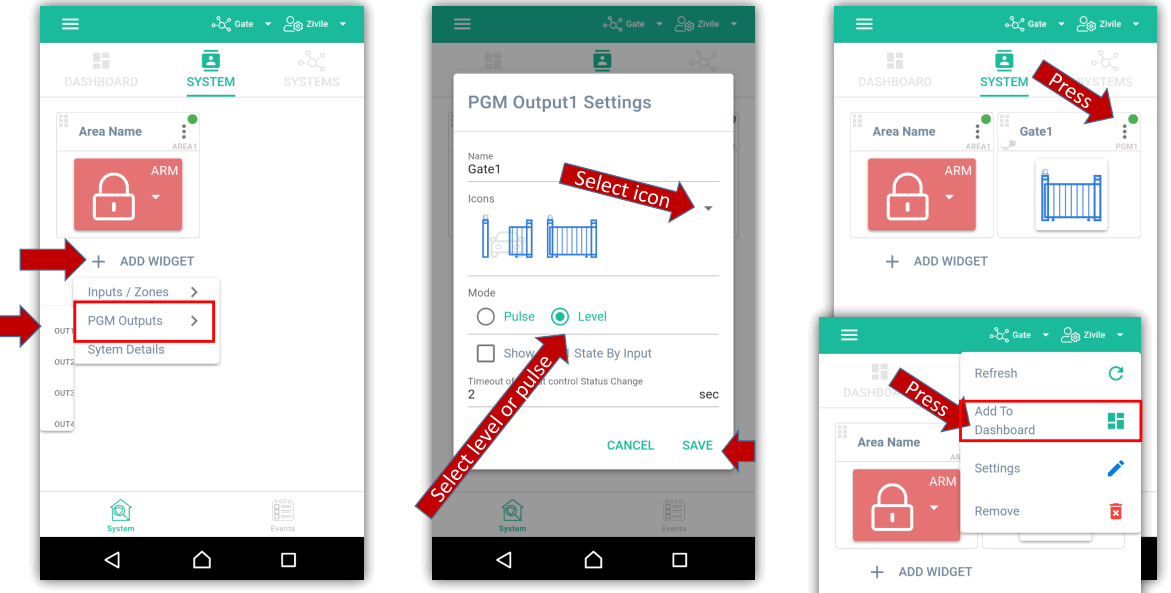
| 1. ADD WIDGET> PGM Outputs> OUT1 | 2. Select the icon, pulse or level, etc. | 3. Add to Dashboard |
 | ||
- Go to DASHBOARD
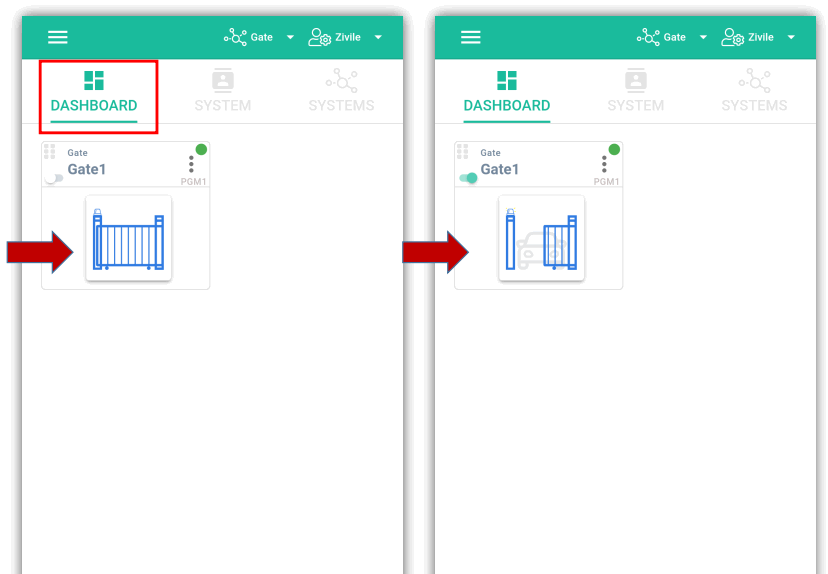
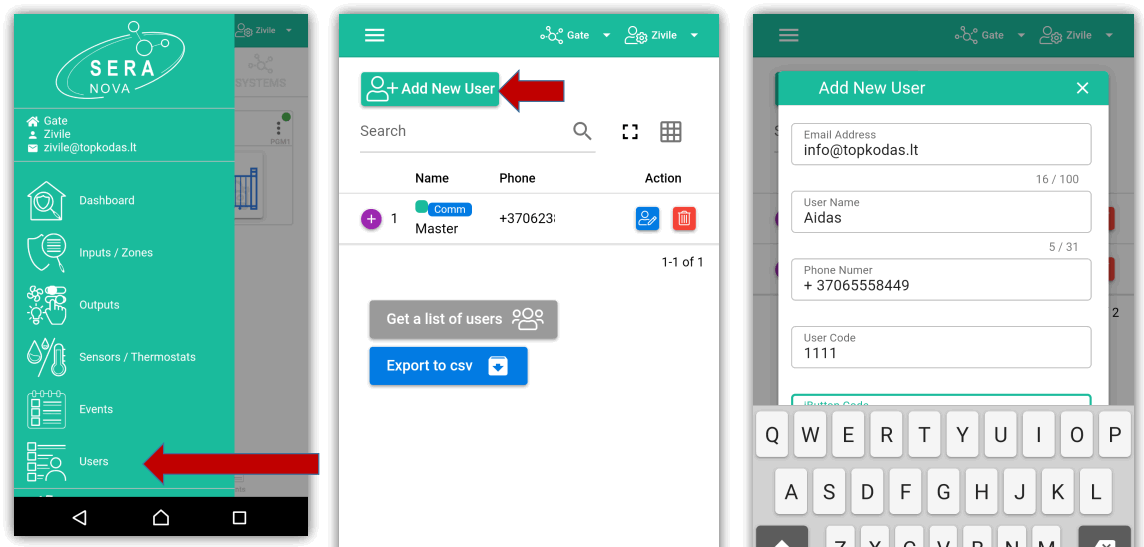
- The first person to add a system becomes an administrator. He can add other users and give them permissions : admin or user
IMPORTANT:
- When adding the controller to SeraNova app:
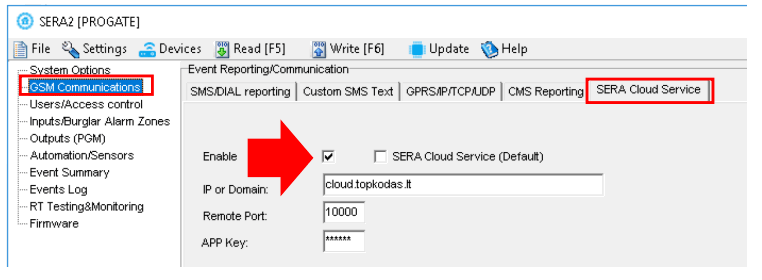
- The SERA Cloud service must be turned on in SERA2> GSM Communication> SERA Cloud Service
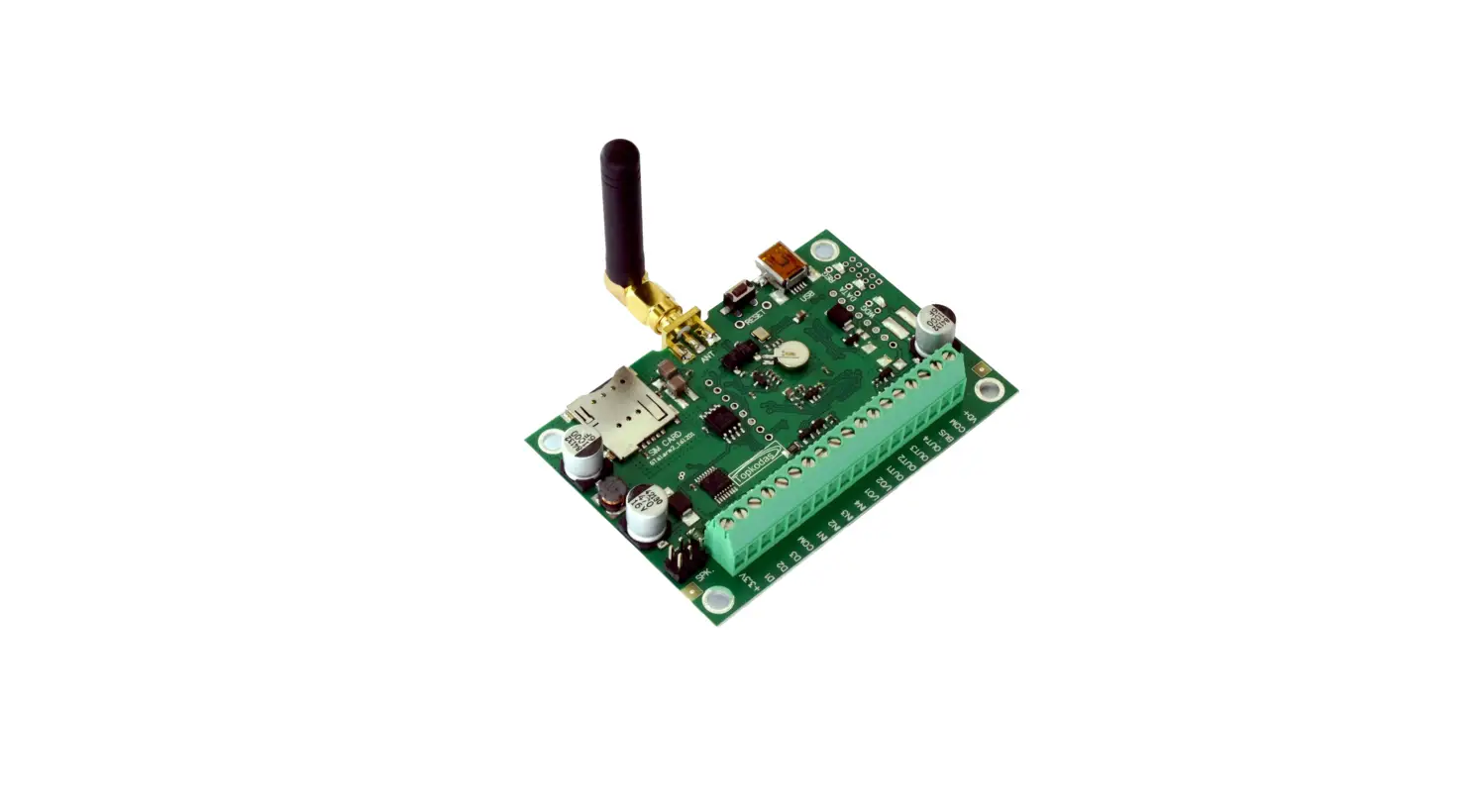
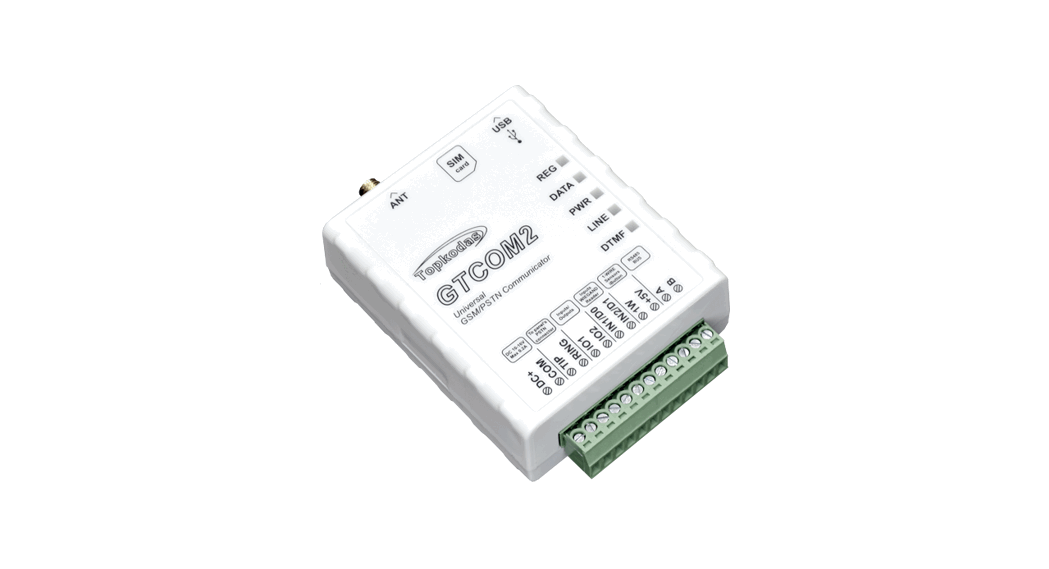
- The power supply must be turned on („PWR“ LED must blink green);
- Must be registered in to network („REG“ LED must be solid yellow).
 SeraNova Automation & Security Cloud APP
 Downloads - TOPKODAS