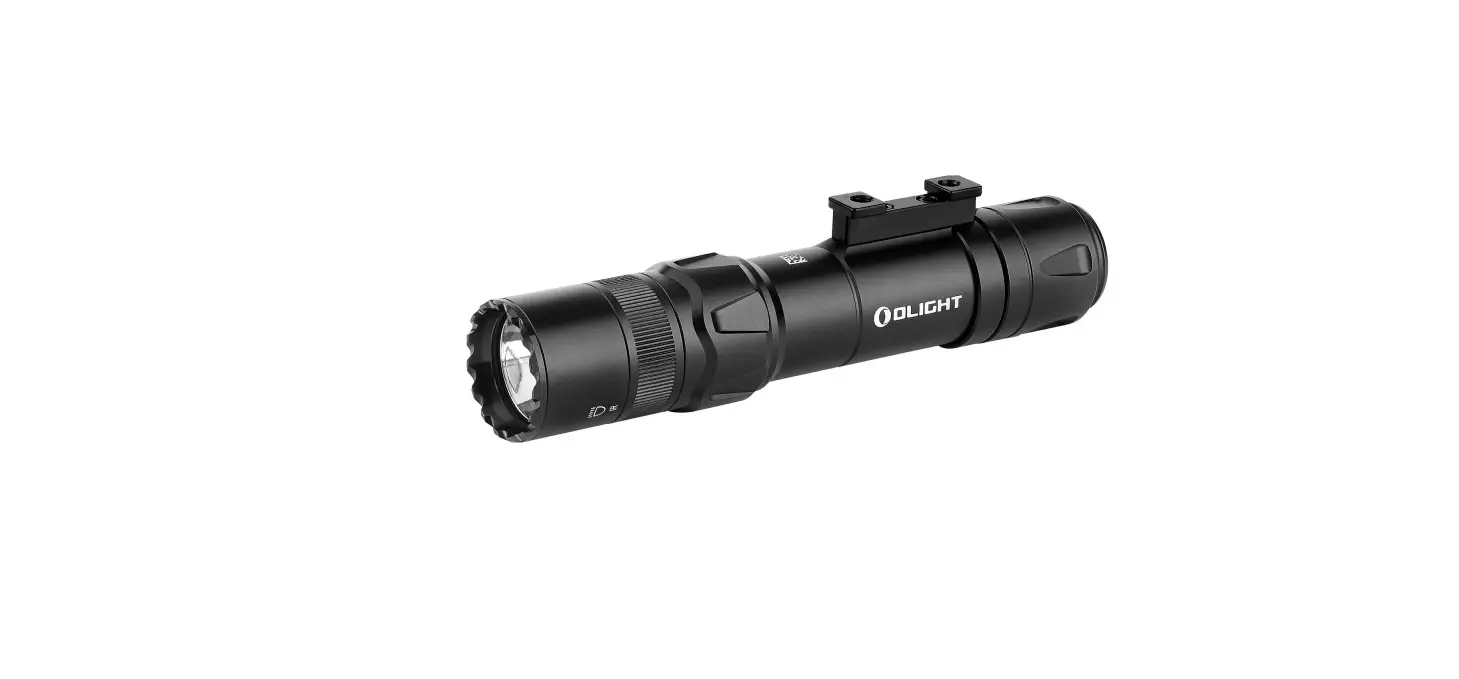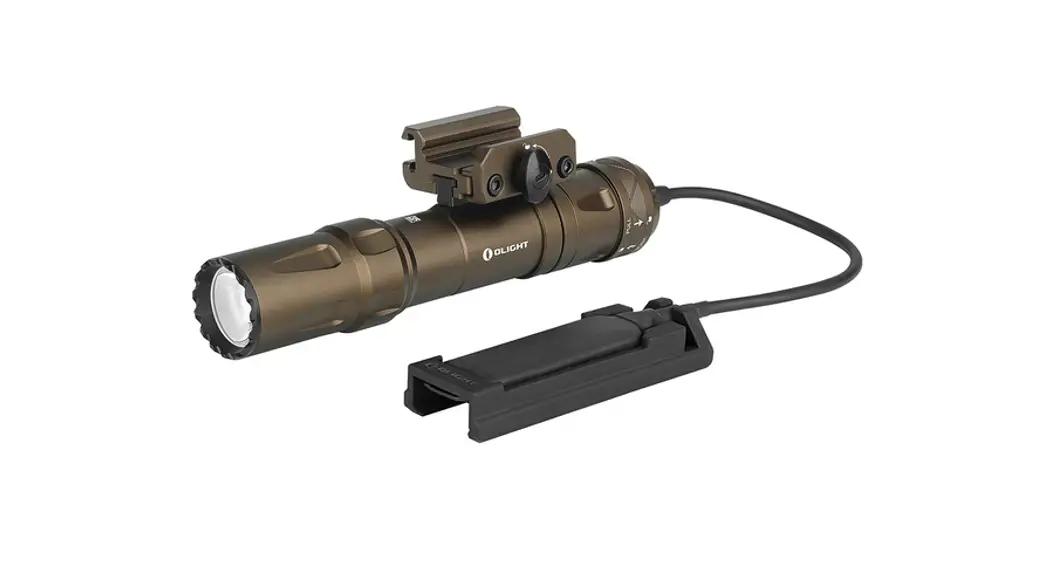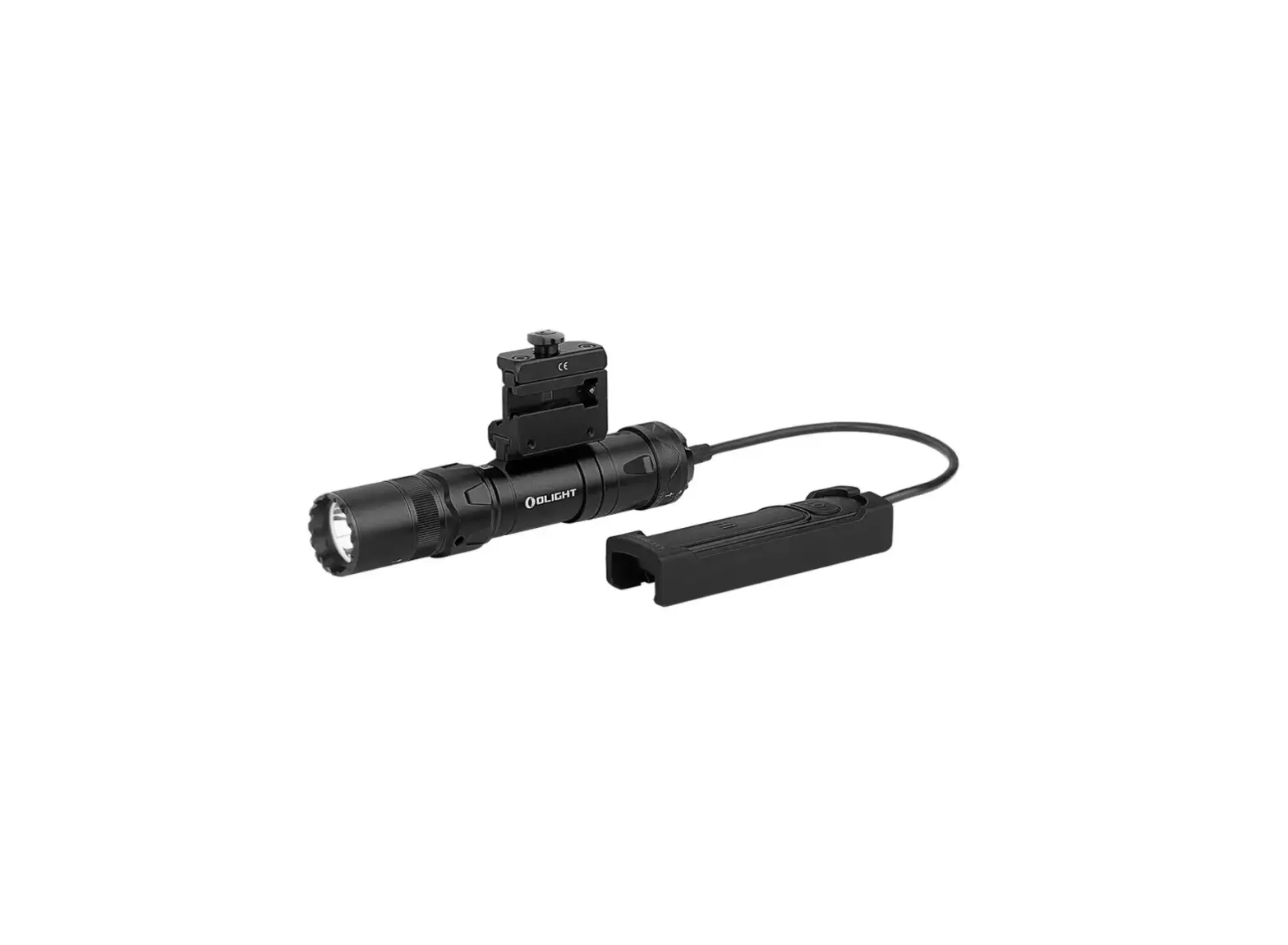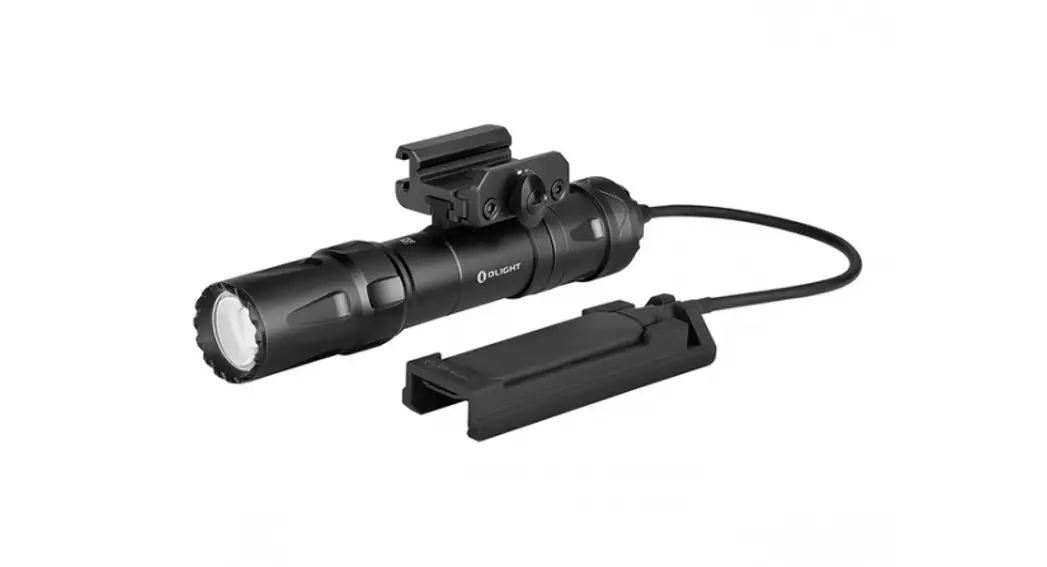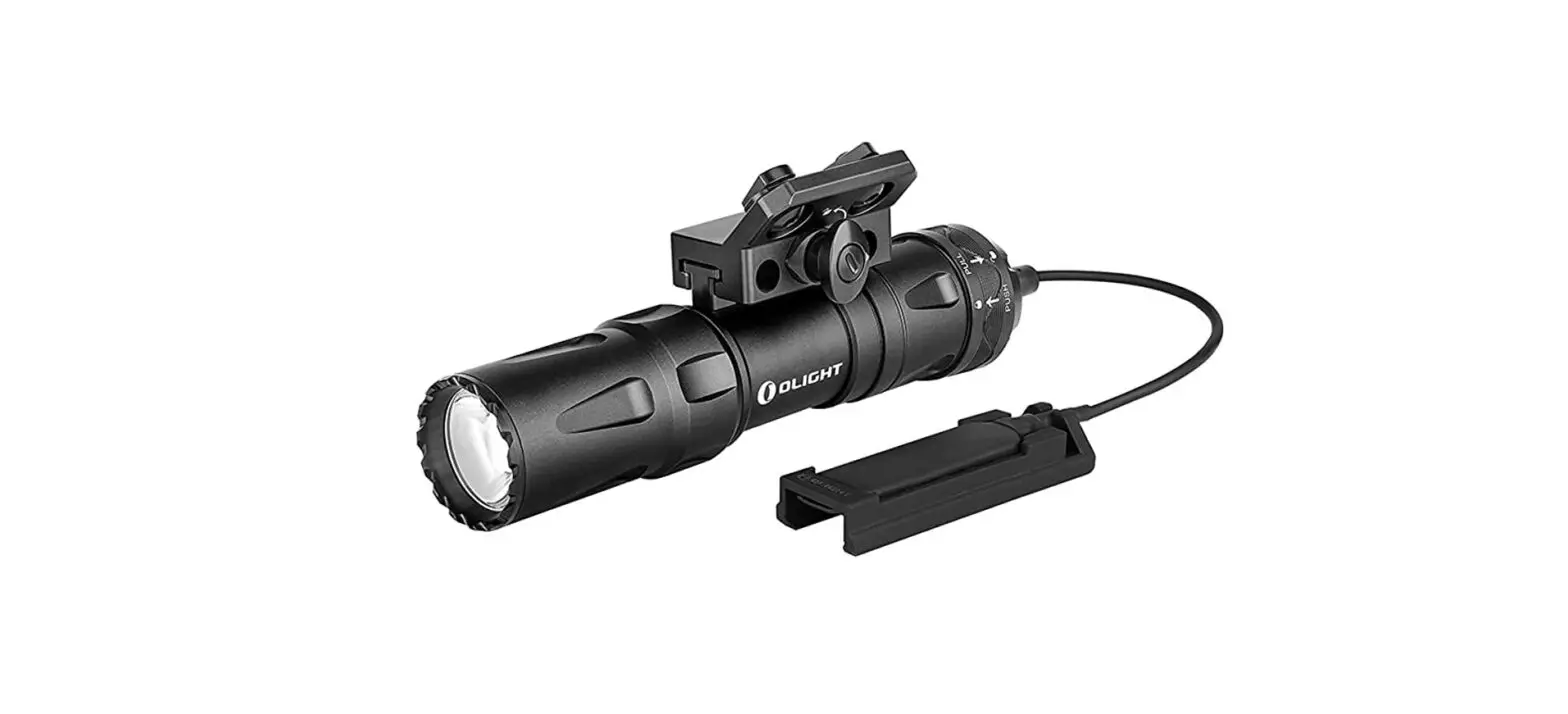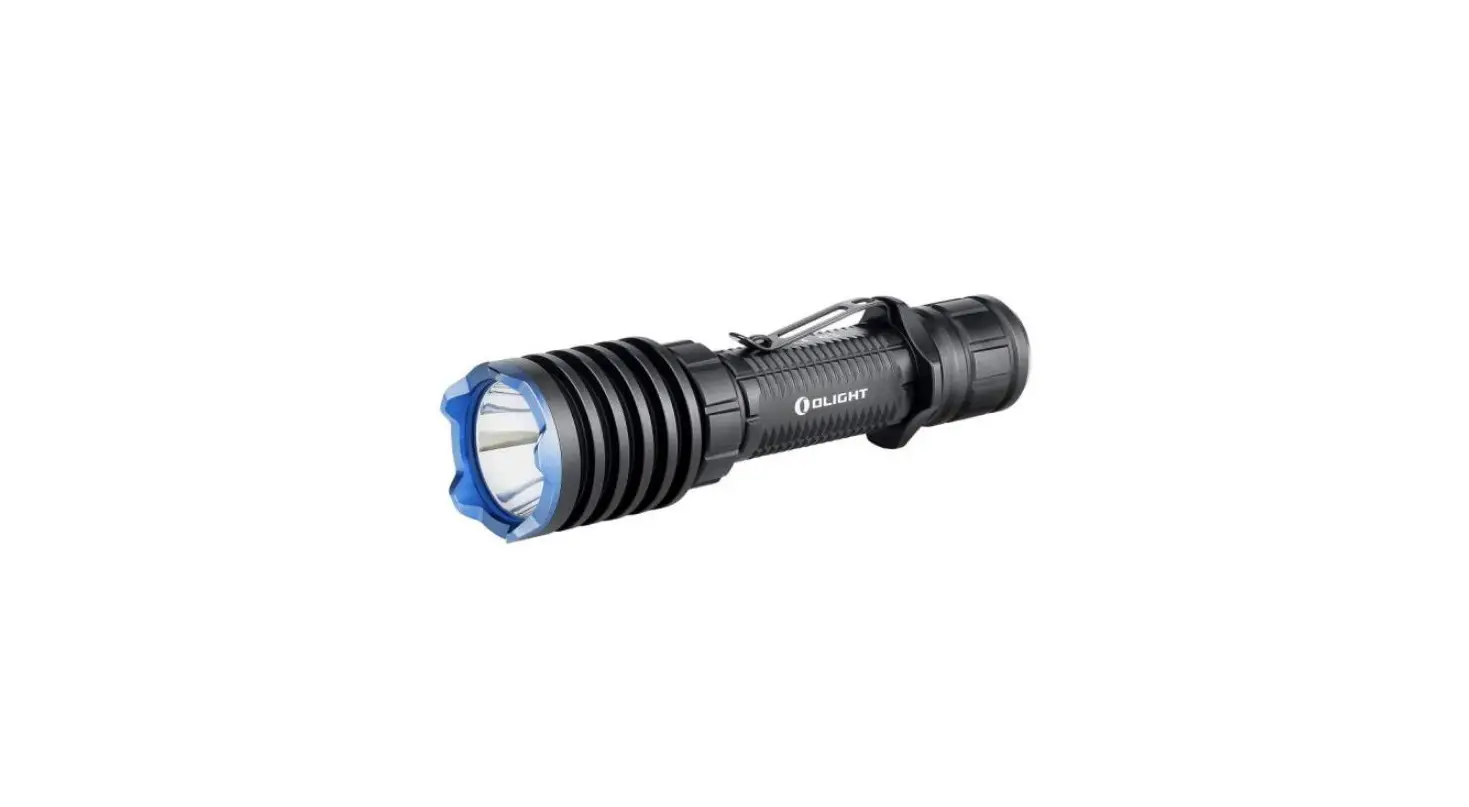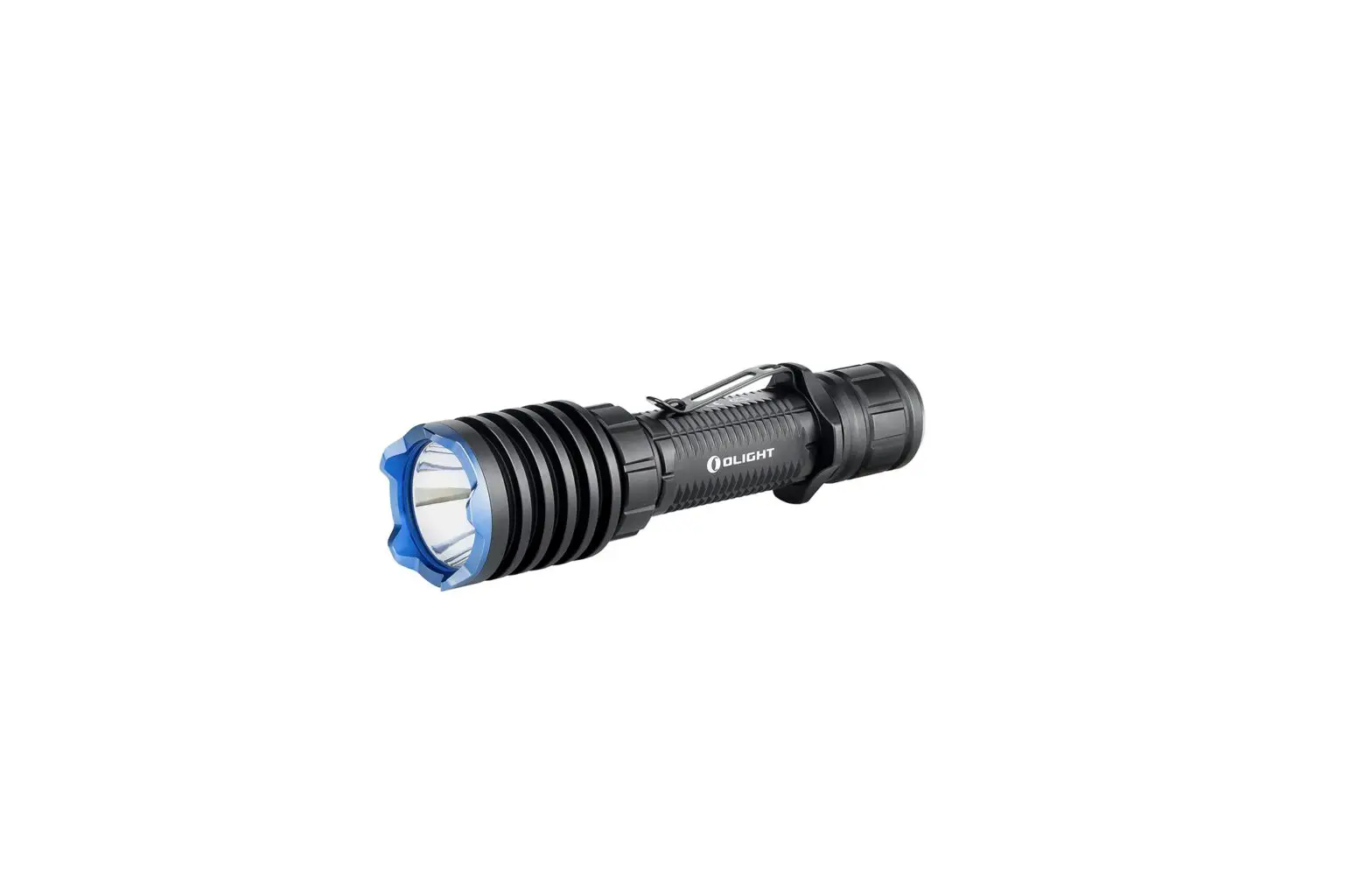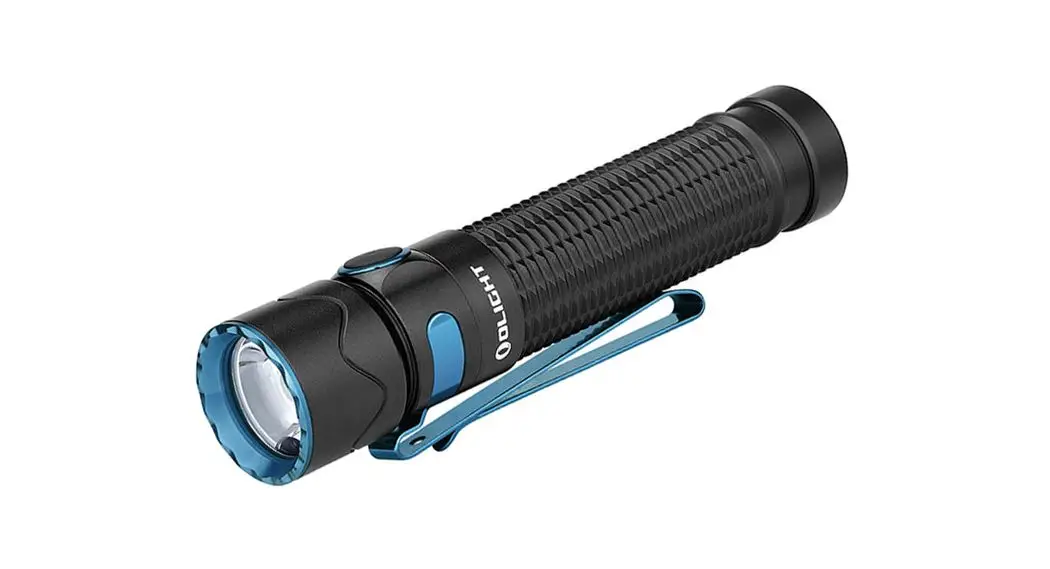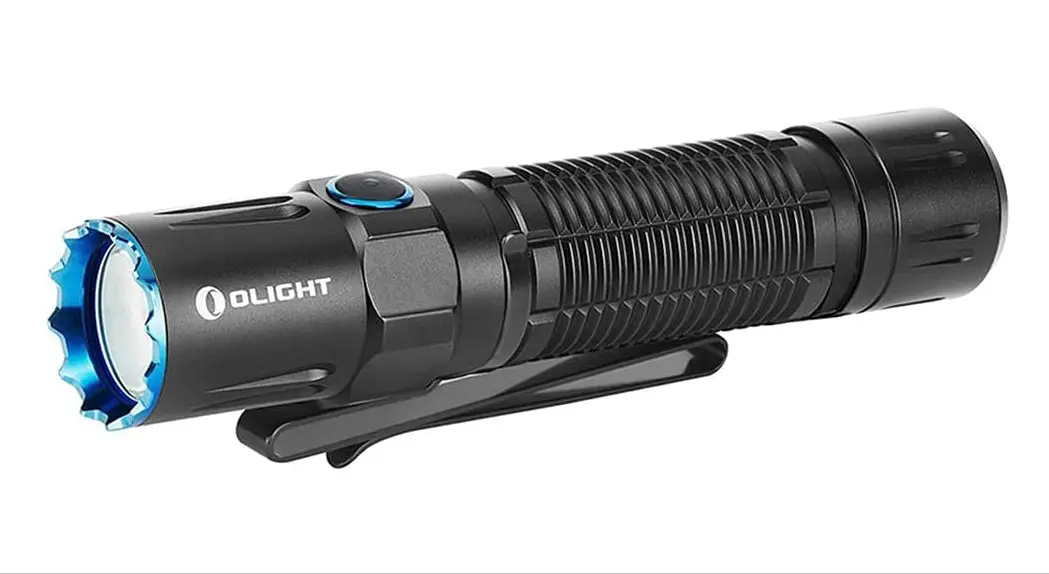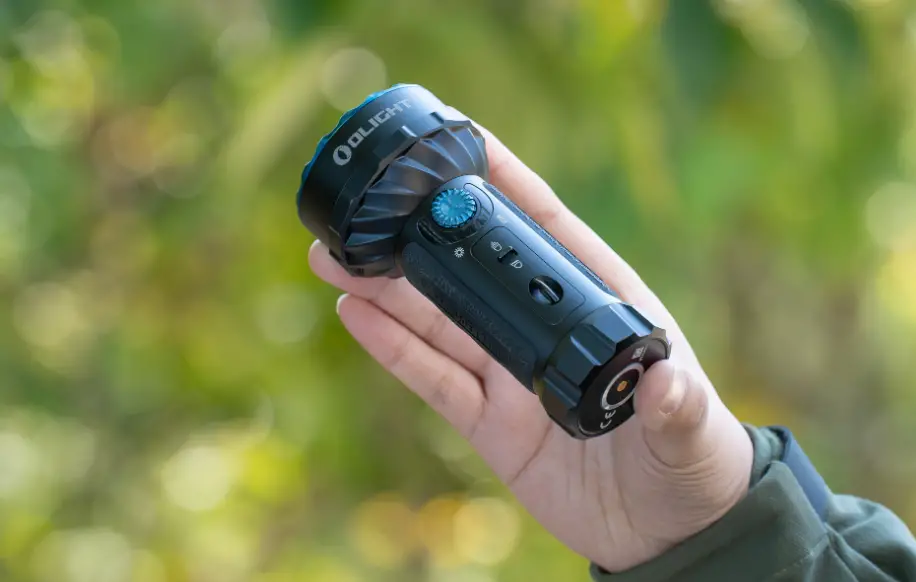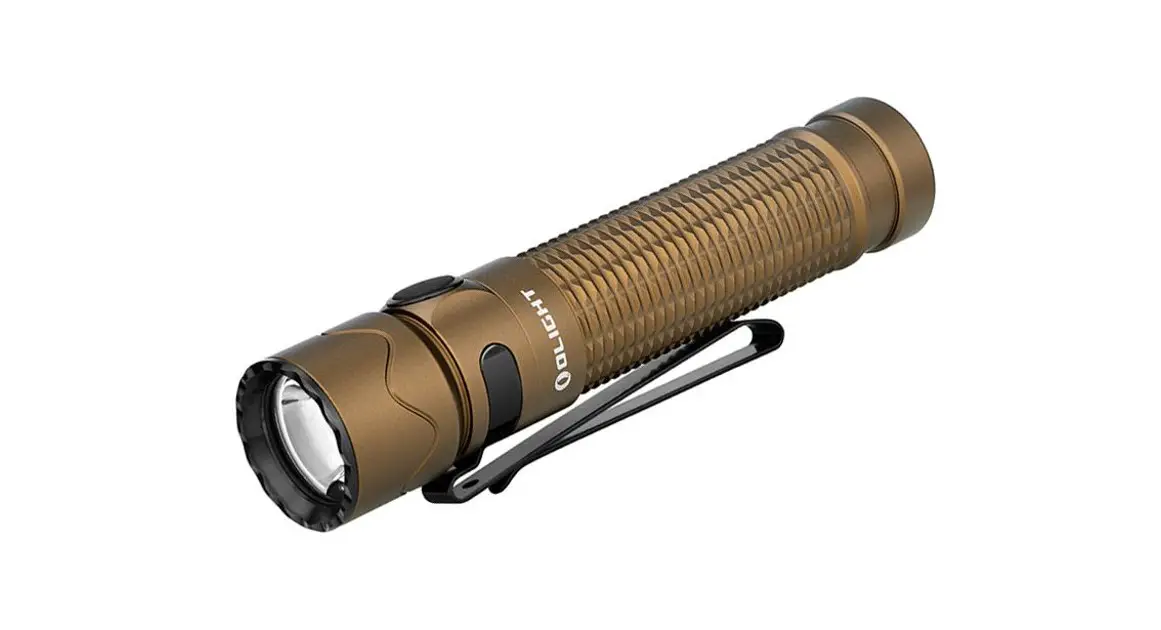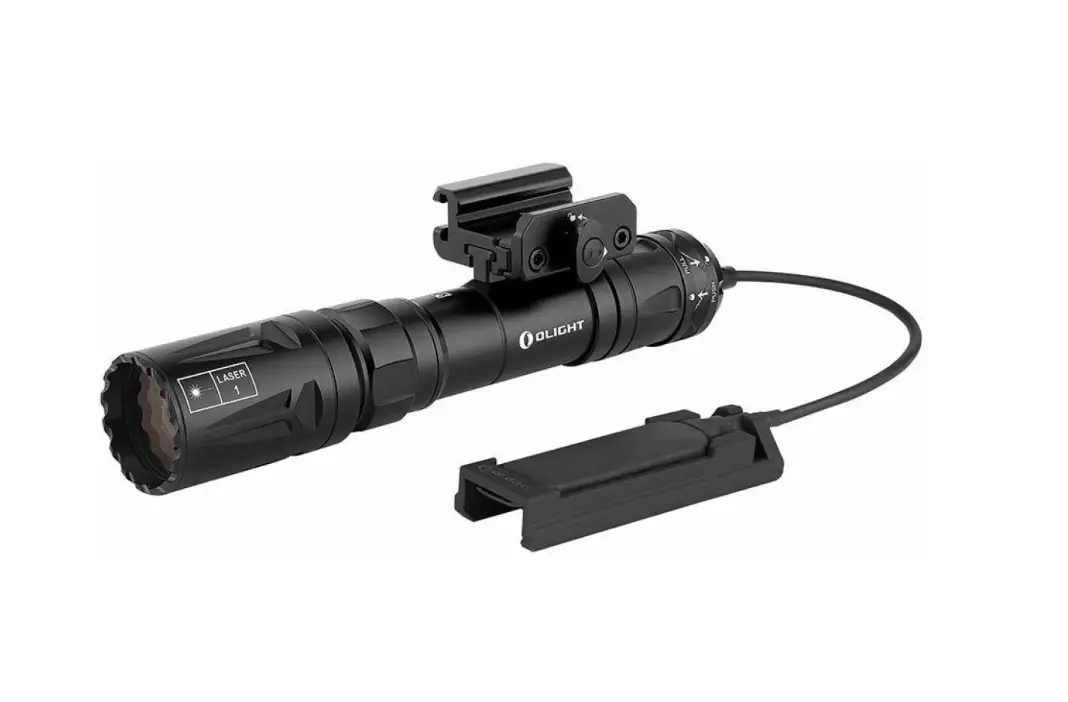
OLIGHT Odin Turbo LED Flashlight Strong Tactical Light User Manual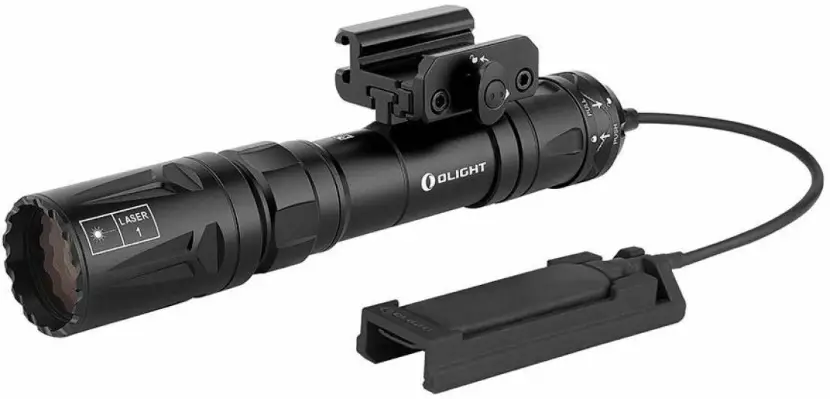
Introduction
Thank you for purchasing this O light Product.
Please read this manual carefully before use and keep it for future reference!
IN THE BOX
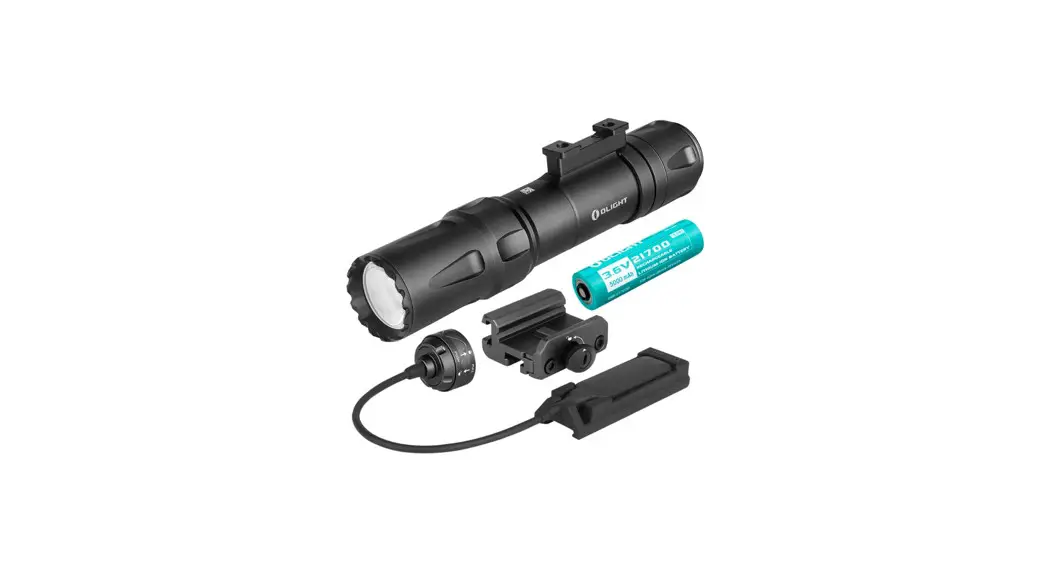
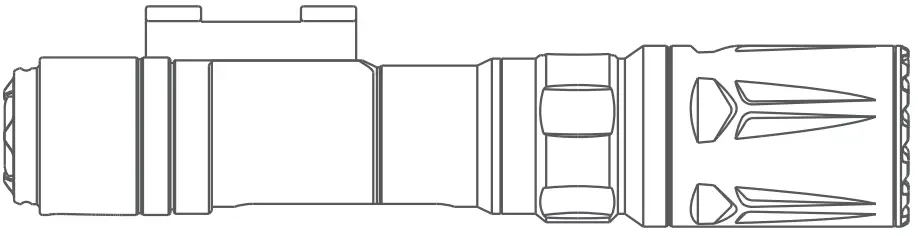
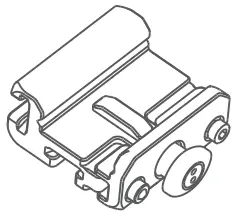
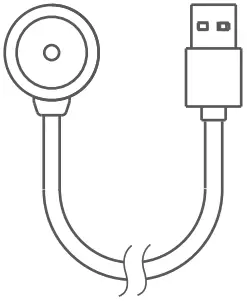
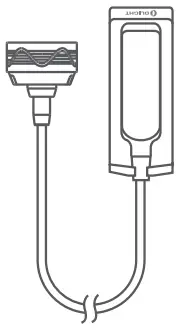
| Odin Turbo (With Battery) | Pic Rail Mount | USB Magnetic Charging Cable | Magnetic Remote Switch |
 |  |  |  |
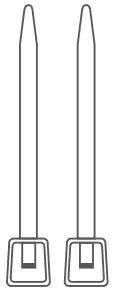
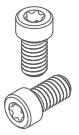
| Wrench | Self-locking bands | Screws | |
 |  |  | |
SPECIFICATIONS
- HIGH

- LOW



 |  |  |  |  |  |
| 1,050m | 275,625cd | 1.5m | IPX8 | (L)6.1* (D)1.22in (L)155 *(D)31mm | 8.78oz / 249g (Including Battery) |
All above specifications are test results based on ANSI/NEMA FL1-2009 Standard.
The tests are performed using the battery included in the light.
The product obeys the IEC 60825-1:2014 standard and 21 CFR 1040.10 requirement.
Max Output: <0.39 mW @ 440~455nm wavelength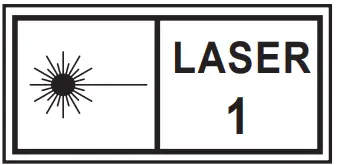
USB MAGNETIC CHARGING CABLE — MCC3
| Parameter | Specification |
| Charging cable | USB type A – magnetic charging connector, length: 0.5m |
| Input | USB A – Type DC 5V 2A |
| Charging pattern | CC&CV |
| Maximum charging current | 2A |
| Voltage of fully charged battery | 4.2V±0.05V |
| Time to fully charge | 5.5 hours (For reference only. When the USB power source is insufficient to provide 5V 2A power capacity, the charging time will be longer) |
| Charge indication | Red: charging Green: full (over 95%) or disconnected with flashlight |
PRODUCT OVERVIEW
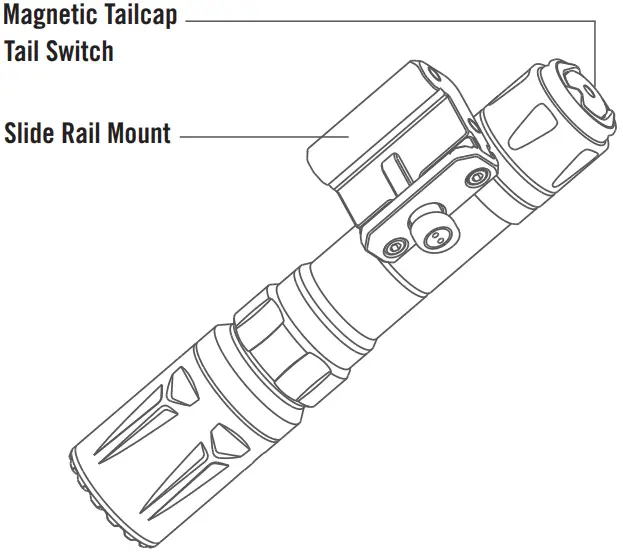
BATTERY INSTALLATION
Before first use, unscrew the tail cap and remove the insulating film within the battery compartment before screwing the tail cap back on tightly.
If the battery needs to be replaced, make sure that the positive end of the new battery faces the flashlight head when you put it in.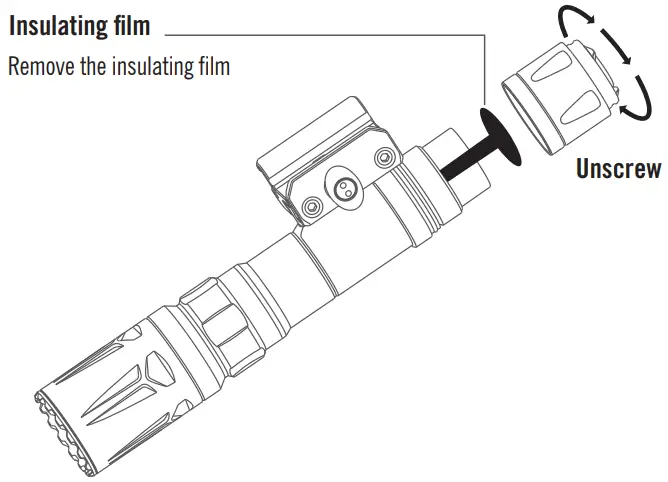
AVAILABLE BATTERIES
- 1 x customized 5000mAh 21700 rechargeable lithium battery
VIBRATING POWER INDICATOR
It helps to alert if the battery is low (power≤20%, vibrate once every 5 minutes; power≤10%, vibrate once per minute; power≤ 5%, vibrate once every 10 seconds).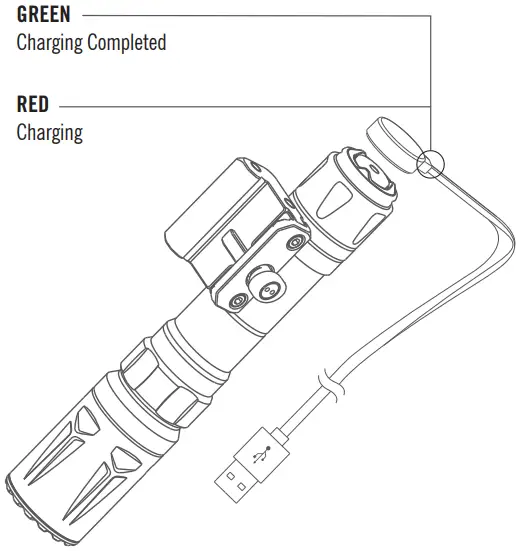
- Before first use please fully charge the product.
- Connect the USB end of the magnetic charging cable to an external USB power source, then attach the other end of the cable to the charging port of the light (best charging efficiency with a USB power source of no less than 10W (5V 2A) ).
The red indicator means charging, while the green indicator means charging completed (battery level>95%). - Only charge with standard MCC3, not compatible with other MCC.
PRODUCT INSTALLATION
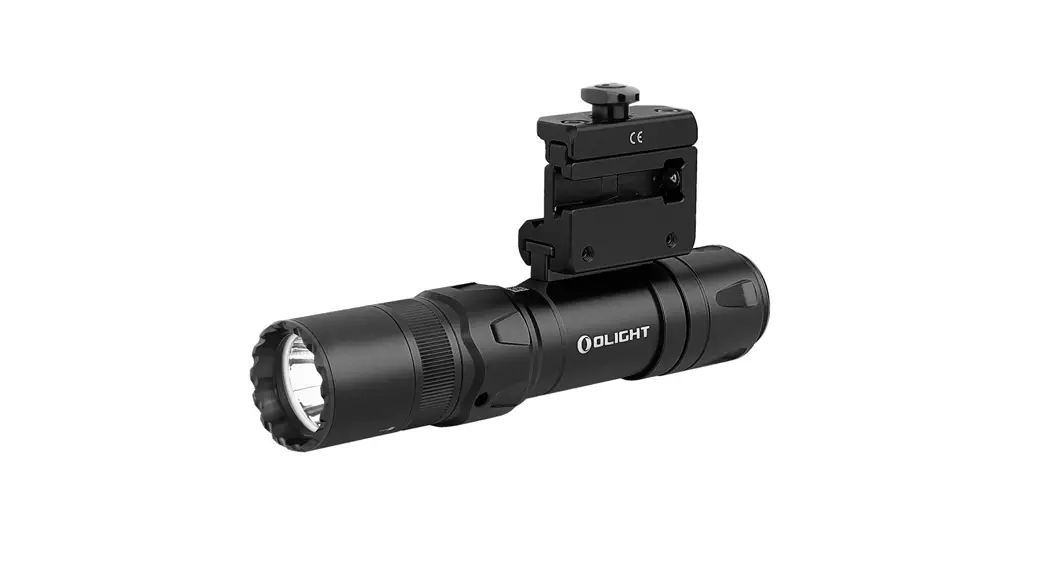
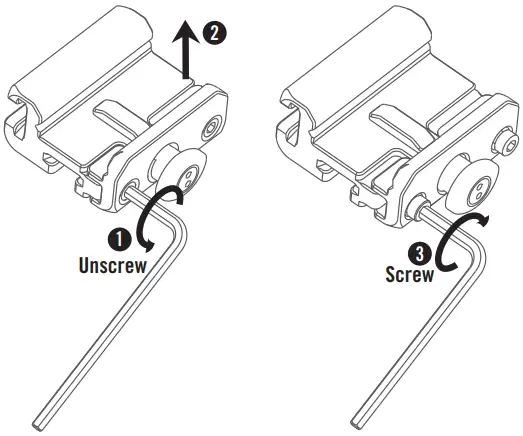
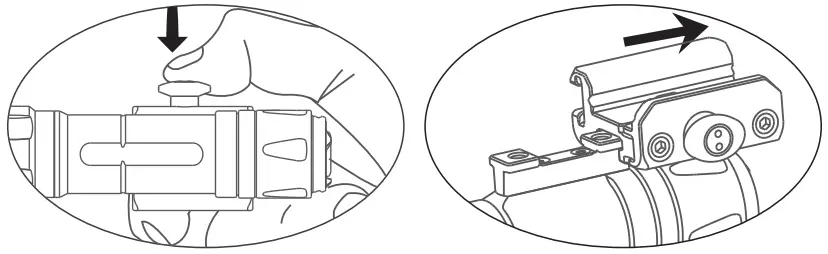
- Loosen the screws and install the rail mount in its desired position, then tighten the screws.

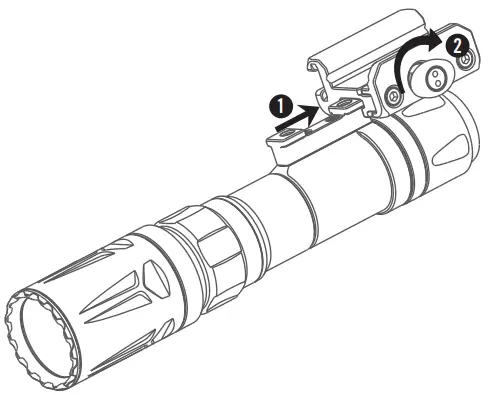
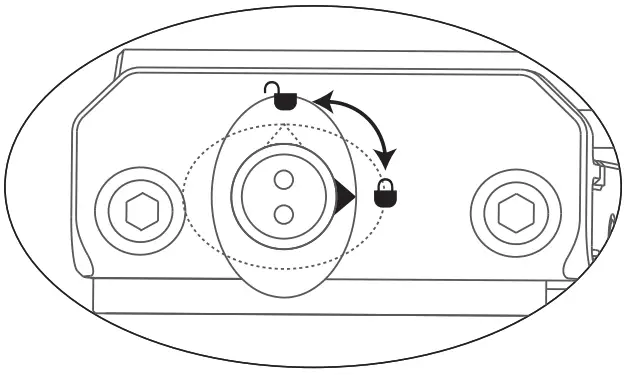
- Slide the product into the rail mount until you hear a click, then turn the button 90 degrees clockwise as the mark shows to fix the product.

- Rotate the button 90 degrees counterclockwise to unlock the product as the mark shows.

- Press the button and remove the product.

REMOTE SWITCH INSTALLATION
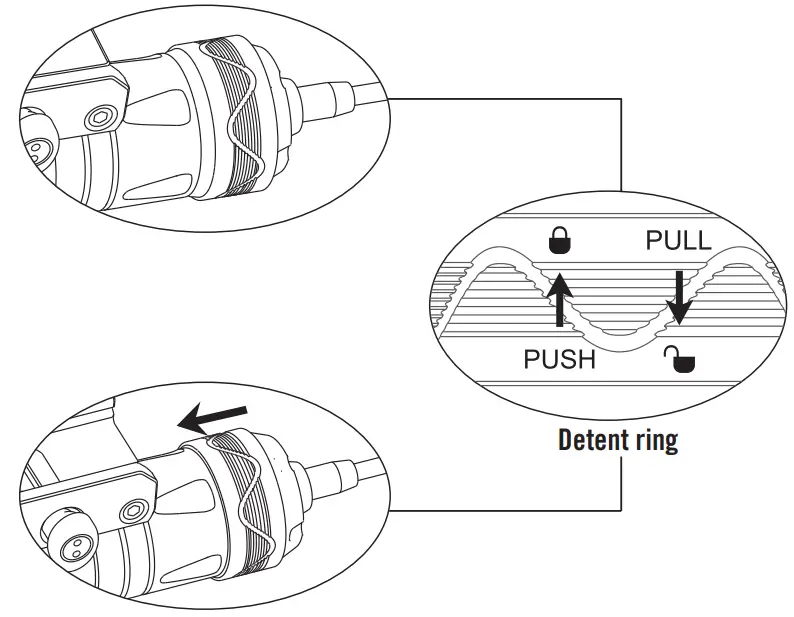
- Attach the magnetic remote switch to the tail of the product (make sure the detent ring of the remote switch is unlocked).

- Push the ring forward to fix the remote switch.
Safety Instruction
 DANGER
- DO NOT shine the light directly into human eyes.
This may cause temporary blindness, or permanent damage to the eyes. - DO NOT cover the flashlight’s head or stand the flashlight on its head when it is on.
The radiation energy may cause damage to the flashlight itself, or even result in the burning of flammable objects nearby. - DO NOT use non-protected rechargeable batteries.
WARNING
- Keep out of reach of children.
- The tail switch may not work while immersed in sea water or other conductive media.
Please try to keep it clean and dry. - DO NOT disassemble the LEP module.
Disassembly may result in irreversible damage. - If the light is about to be put aside for a long time or be transported, please unscrew the tail cap and remove the battery to cut off the circuit.
NOTICE
- DO NOT short-circuit the tail switch cap with the ring surrounding it.
The short circuit in this case will result in an electric discharge of below 5mA between them, and may lead to a complete battery drain if it is in this state for too long
RISK GROUP 2
CAUTION:
Possibly hazardous optical radiation emitted from this product.
Do not stare at operating lamp.
May be harmful to the eyes
WARNING
Complies with FDA performance standards for laser products except for conformance with IEC 60825-1 Ed. 3., as described in Laser Notice No. 56, dated May 8, 2019.
HOW TO OPERATE
Click the tail switch lightly to produce a low light output or press the tail switch hard to produce a high light output.
Single click (click and release quickly) the tail switch to turn the flashlight on or off.
When you press and hold the switch, the flashlight will be in momentary mode; when you release the tail switch, it will turn off.
EU-DECLARATION OF CONFORMITY
EU-Declaration of Conformity can be found here:
https://olightworld.com/ec-declaration
Scan Me
WARRANTY
Within 30 days of purchase:
Contact the original seller for repair or replacement.
Within 5 years of purchase:
Contact O light for repair or replacement.
Battery warranty:
O light offers a one year warranty for all rechargeable batteries.
USB magnetic charging cable:
One year.
For any of the fragile or low-value fittings not covered above, like wrench and self-locking bands, you can contact the post-sale within 30 days of the purchase, if it has any quality drawback or damage under normal use condition.
If such drawback or damage occurs after 30 days of the purchase or under abnormal use condition, we will only offer conditional quality assurance as appropriate.
Dongguan Olight E-Commerce Technology Co., Ltd
4th Floor, Building 4, Kegu Industrial Park, No 6 Zhongnan Road,
Changan Town, Dongguan City, Guangdong, China.
Made in China
CUSTOMER SUPPORT
USA Customer Support
[email protected]
Global Customer Support
[email protected]
Visit: www.olightworld.com to see our complete product line of portable illumination tools.
 Olightworld.com.Olight Flashlights, Tactical Light, Outdoor Light, Weapon Light
 Olightworld.com.Olight Flashlights, Tactical Light, Outdoor Light, Weapon Light