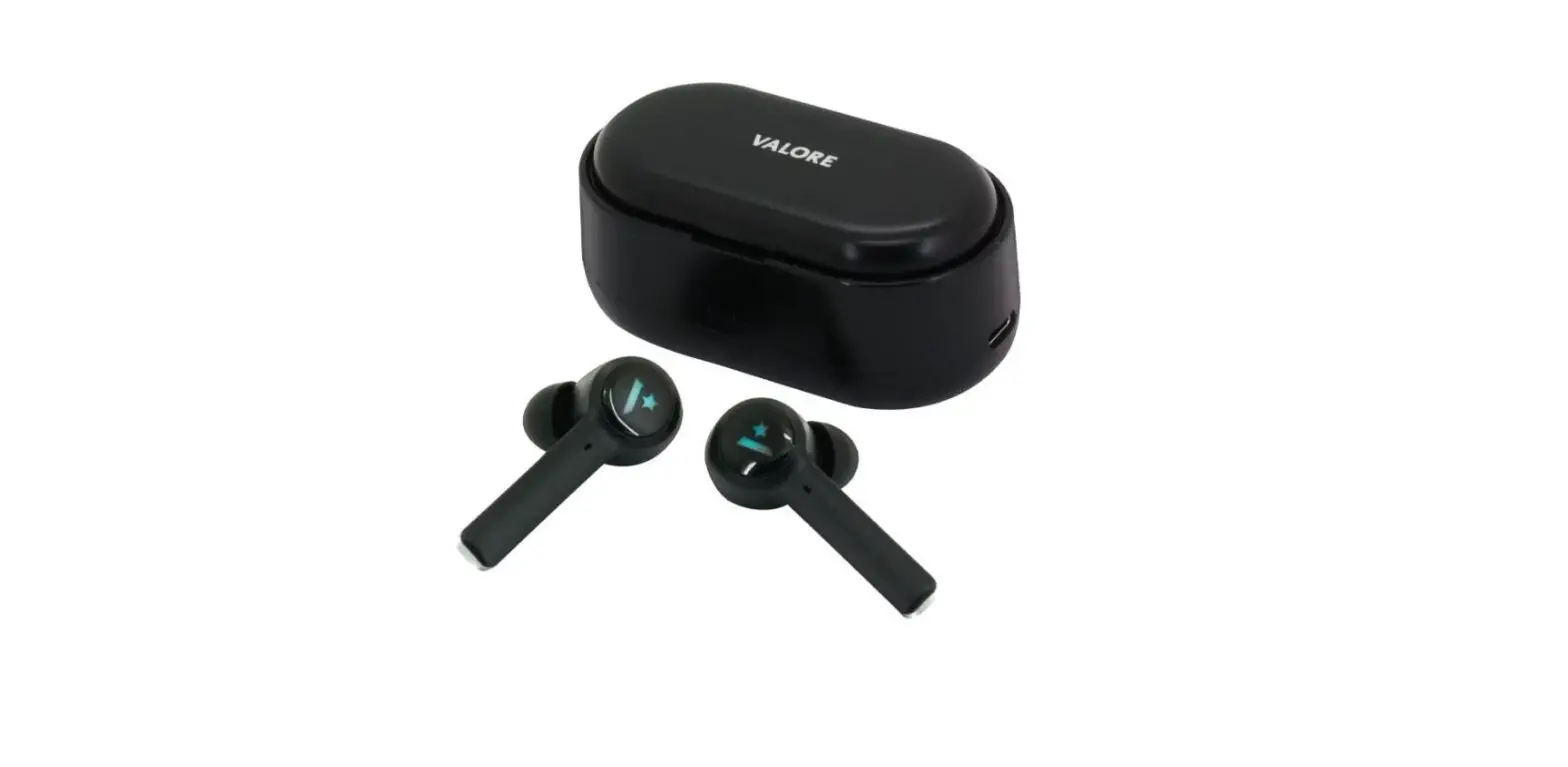
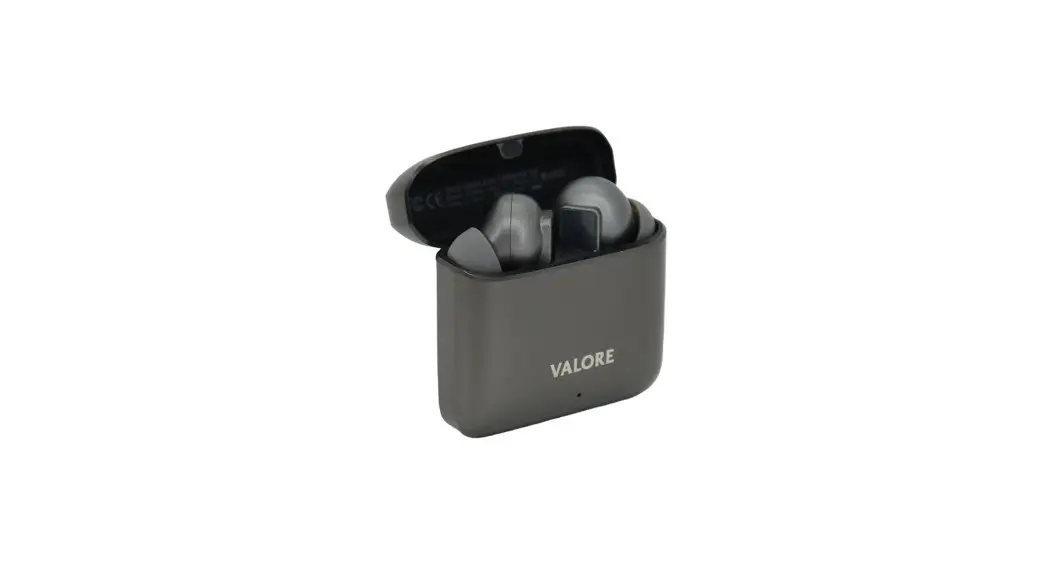
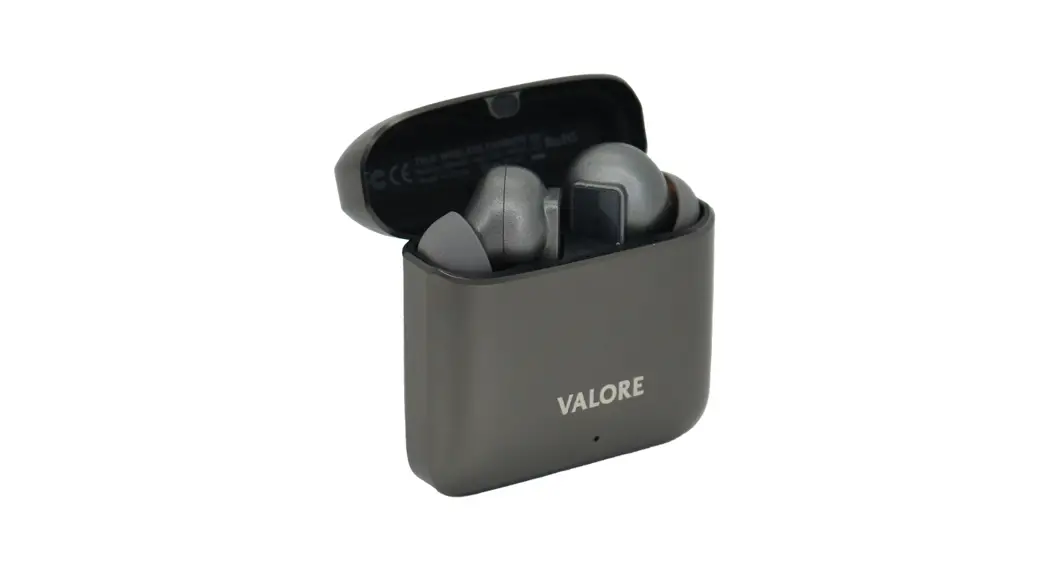
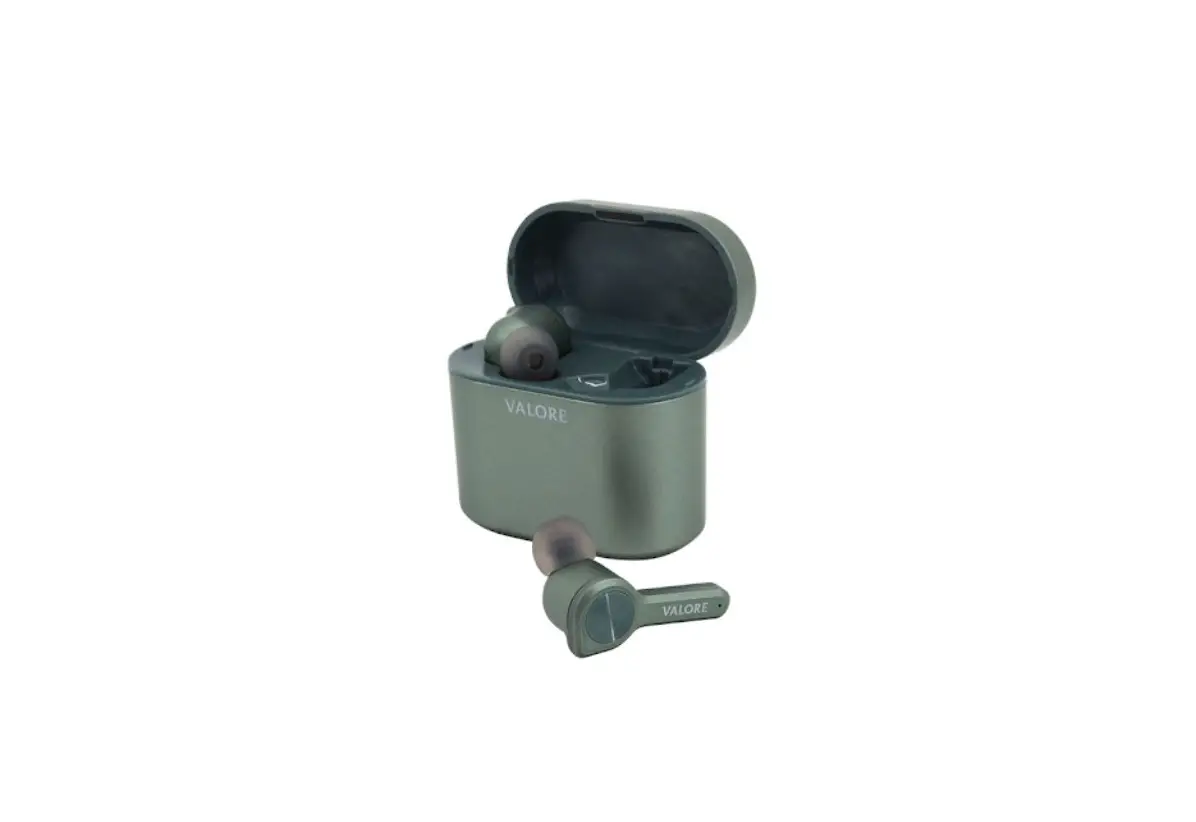
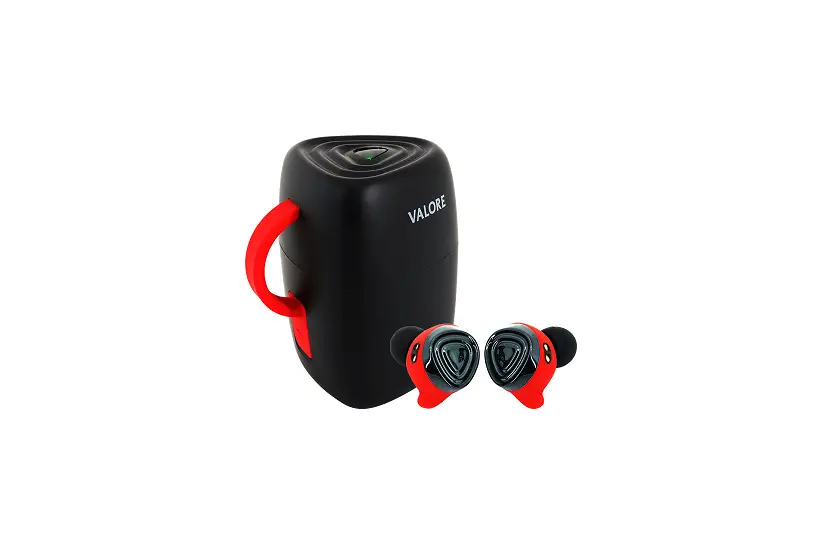
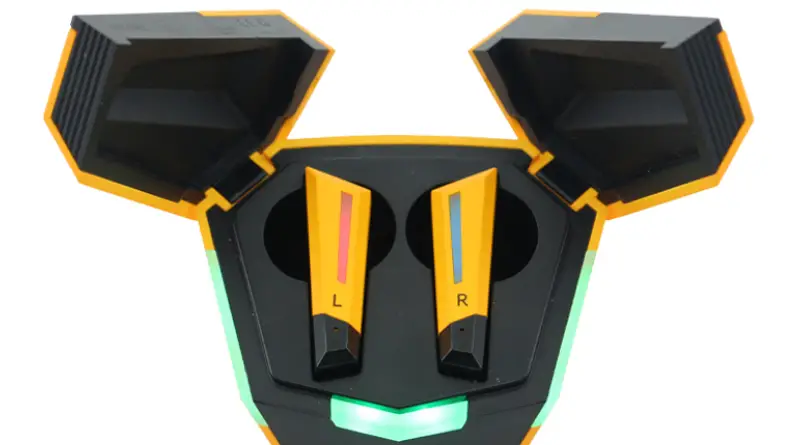
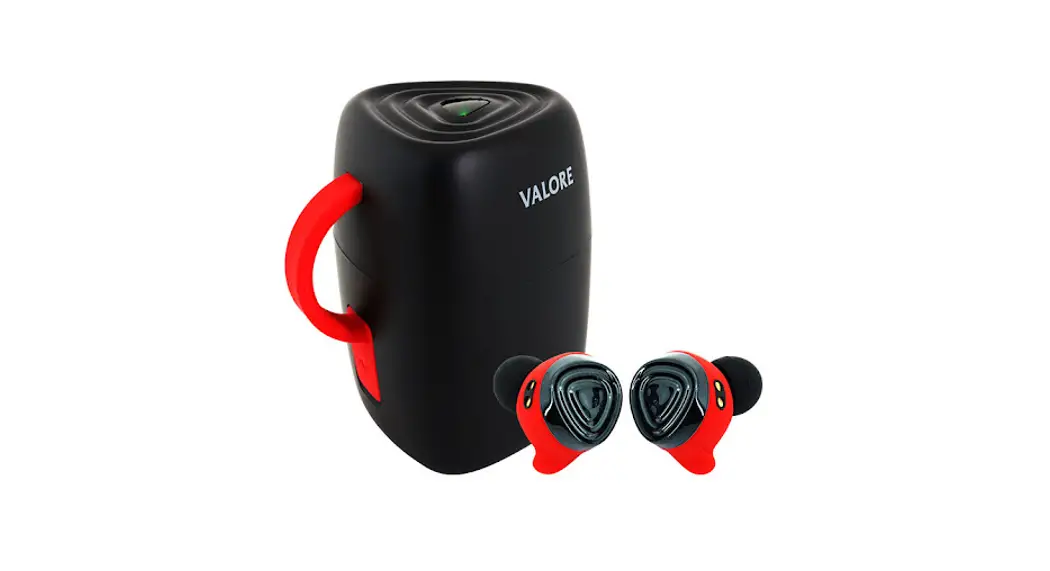
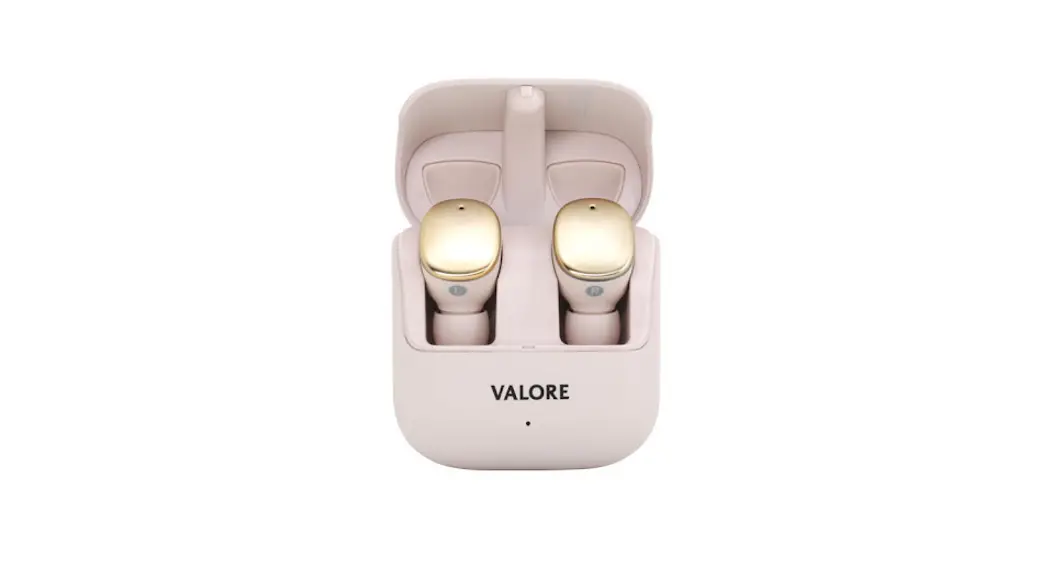
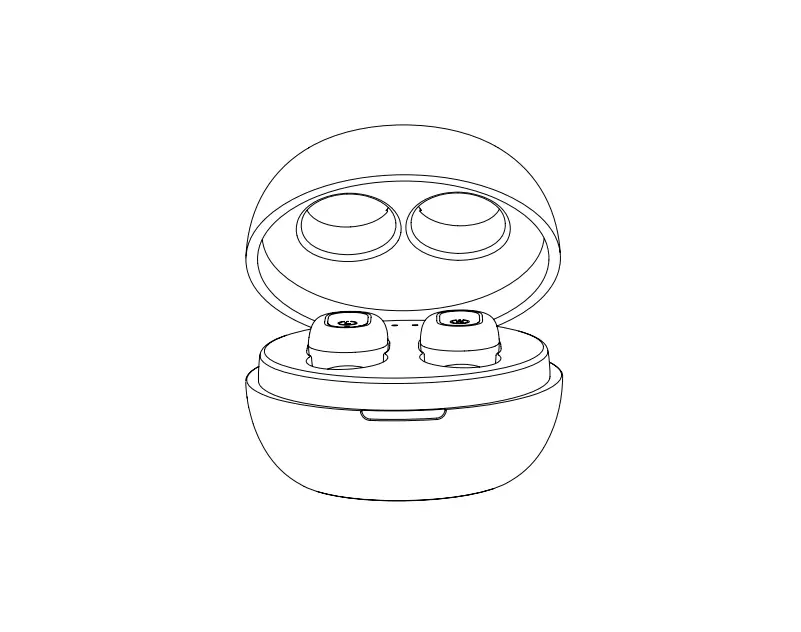
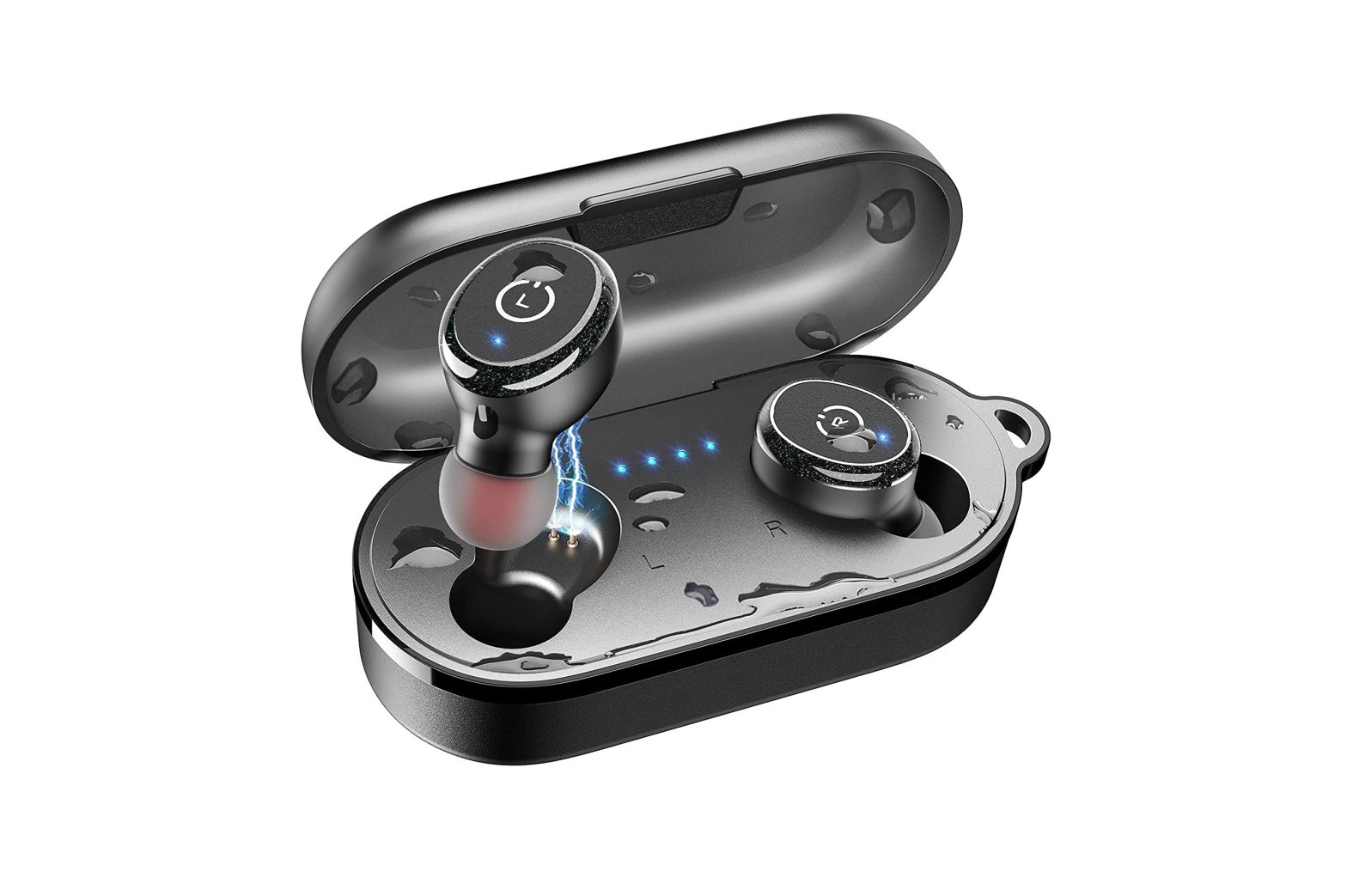
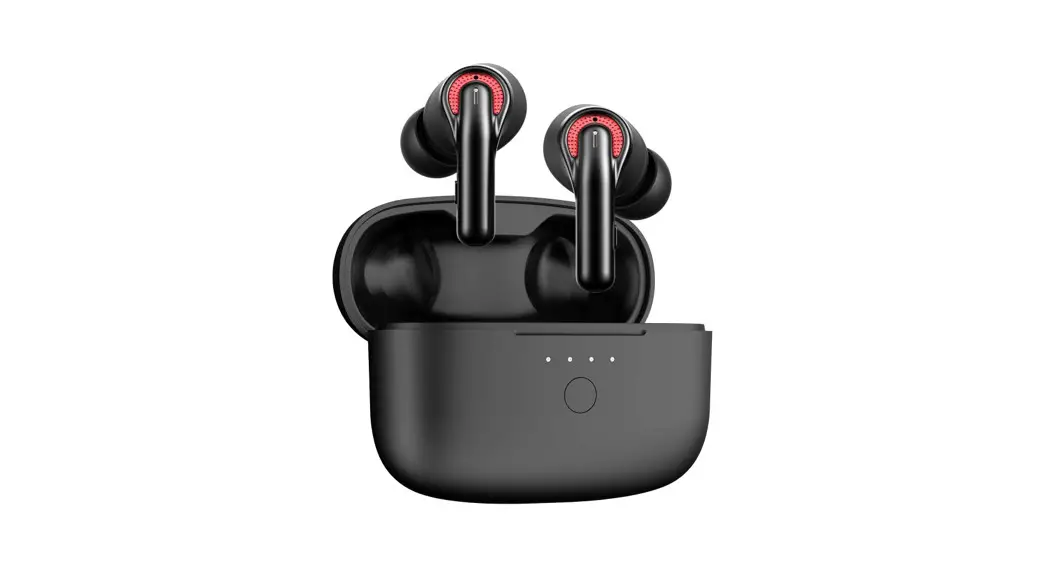
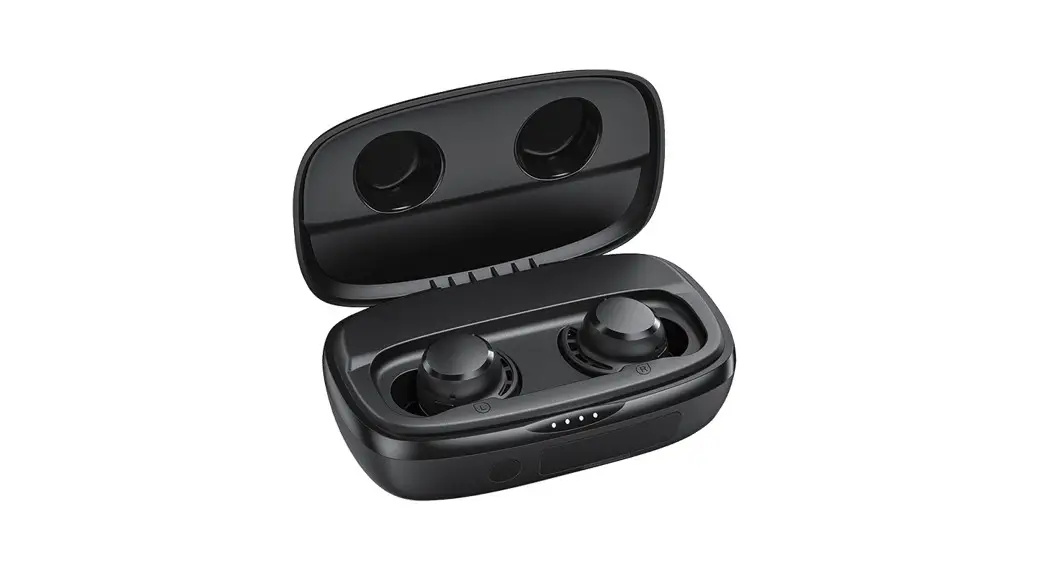
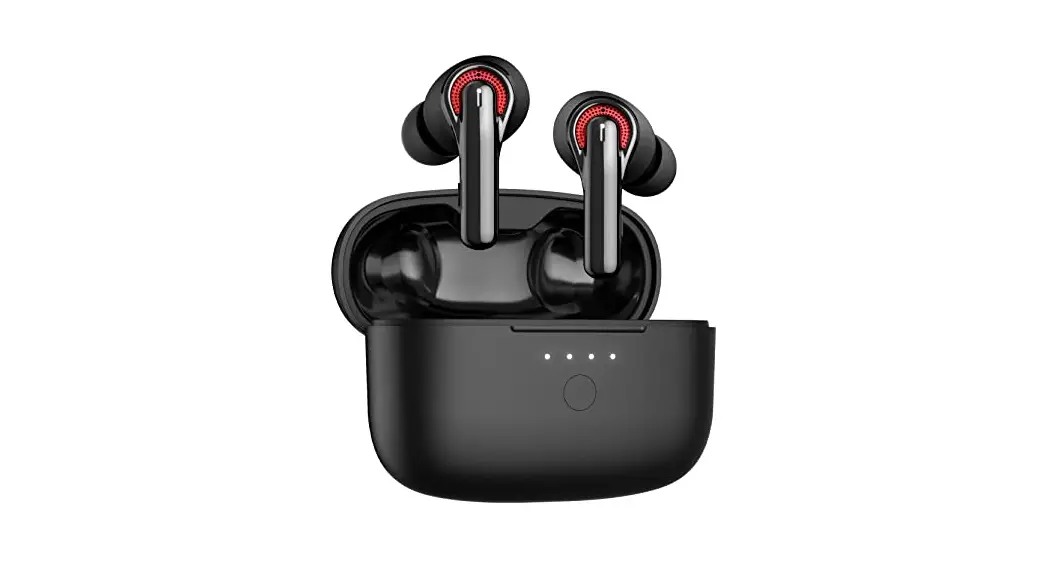
BTi49 True Wireless Earbuds
Product Information
Product Name: Valore True Wireless Earbuds (BTi49)
Manufacturer: Valore Lifestyle Pte Ltd
Bluetooth Name: S03
Product Usage Instructions
1. Wearing Overview:
- Take out the headsets from the charging case.
2. Operation:
- Power On: Headsets will go into pairing mode once taken
out of the charging case. - Power Off: Put the headsets back into the charging case.
If there is no connection within 5 minutes, they will be turned
off. - Pairing Connection: The headsets will automatically
pair. - Re-connection: Headsets will automatically reconnect to
the last paired device. - Power Saving Mode: If there is no connection within 5
minutes, the headsets will enter power saving mode. - Charging: Put the headsets back into the charging case
to charge them. - Charging Complete: Headsets are fully charged when they
are in the charging case. - Low Power Indicator: Voice alarm occurs when the power
is below 10%. - Remove Pairing: Press and hold the touch key for 8
seconds to remove the pairing.
3. LED Indicator:
- Power On: Red and blue LED flash.
- Power Off: Red LED off.
- Pairing Connection: Red and blue LED flash.
- Re-connection: Blue LED off.
- Power Saving Mode: Red LED off.
- Charging: Red LED flashes every 3 seconds. Once the
battery is under 8%, the LED light will turn off.
Technical Support & Warranty
All information, trademarks, logos, graphics, and images
provided on this user manual are copyrighted or trademarked and are
the property of Valore Lifestyle Pte Ltd. Unauthorized use of any
material contained on the instruction manual may violate copyright
laws, trademark laws, laws of privacy, and communications
statutes.
The trademarks, service marks, and logos used and displayed in
the materials are registered and unregistered trademarks and
service marks of Valore and others. All other registered and
unregistered company names, product names, and marks mentioned
herein the materials are the property of their respective owners
and may be trademarks or registered trademarks.
Inspired by Valore Singapore. For the full range of Valore
products, visit www.valore.sg.
Valore True Wireless Earbuds (BTi49)
Thank you for purchasing the Valore True Wireless Earbuds (BTi49).
· Immersive audio experience · Intuitive touch controls · Enhanced call clarity · Open ear design
Important: Please read the user manual thoroughly before using your wireless earbuds.
Specifications: · Wireless range: Up to 10m · Battery capacity: Built-in 300mAh lithium battery (Charging case) : Built-in 35mAh lithium battery (Earbuds) · Charging time: Approximately 1.5 hours · Playback time: Up to 4.5 hours · Power input: DC 5V/1A · Support: A2DP, AVRCP, HSP, HFP
Package Contents: · True Wireless Earbuds · USB-C Charging Cable
UNDERSTANDING THE PRODUCT
WEARING OVERVIEW:
OPERATION:
To pick up a call, press the touch area on either headset twice To hang up a call, press the touch area on either headset twice To reject a call, press and hold the touch area on either headset for 2 seconds To play or pause music playback, press the touch area on either headset twice To skip to the next song, press and hold the touch area on the right headset for 2 seconds To go back to the previous song, press and hold the touch area on the left headset for 2 seconds To start the voice assistant on your device, click the touch area on either headset three times
Touch area
Item
Power on
Operation
Take out headsets from the charging case
Power off Pairing Connection
Put the headsets back into the charging case
Headset will go into pairing mode once taken out of the charging case
Bluetooth Name S03
Re-connection Power saving mode Charging
The headsets will automatically pair
If there is no connection within 5 minutes, it will be turned off
Put the headsets back into the charging case
Charging Complete
Headset is in the charging case
Low Power Indicator
Voice alarm occurs when power is below 10%
Remove Pairing
Press and hold the touch key for 8 seconds
LED indicator
LED Indicator Red and blue LED Flash Red LED on Red and blue LED flash Blue LED loff
LED off Red LED off Red LED off Red LED flashes every 3 seconds, and once battery is under 8%, LED light will turn off
TECHNICAL SUPPORT & WARRANTY
· For Technical Support, email us at [email protected]. · For Warranty Registration, visit www.valore.sg.
Cautions: Read all the instructions and warnings carefully prior to using this product. · Do not store the earbuds in a high temperature environment. · Do not place the earbuds near a fire or other excessively hot environments. · Do not expose this speakerto moisture or submerge it in liquid. Keep earbuds dry at all
times. · Do not attempt to charge the earbuds using any other method or connection other than the
headset’s provided charging cable. · Do not disassemble this earbuds or attempt to repair or modify it in any manner. · Be cautious of excessive drops, bumps, abrasions or other impacts to this headset. If there
is any damage to the earbuds such as dents, punctures, tears, deformities or corrosion, stop using the earbuds and contact us immediately via email at [email protected], or return this product to the store where you have purchased it from. · If the product produces an abnormal smell, high temperature (low temperature during normal use), discolours or changes shape abnormally, stop using the product and contact us immediately via email at [email protected].
DISCLAIMER & TRADEMARKS
All information, trademarks, logos, graphics, and images (“Materials”) provided on this user manual are copyrighted or trademarked and are the property of Valore Lifestyle Pte Ltd. Any unauthorized use of any material contained on the instruction manual may violate copyright laws, trademark laws, laws of privacy and communications statutes.
The trademarks, service marks and logos used and displayed in the Materials are registered and unregistered trademarks and service marks of Valore and others. All other registered and unregistered company names, product names and marks mentioned herein the (“Materials”) are the property of their respective owners and may be trademarks or registered trademarks.
Inspired by Valore Singapore For full range of Valore products visit www.valore.sg