Camrs Zigbee Smart Plug User Guide

Camrs Zigbee Smart Plug User Guide

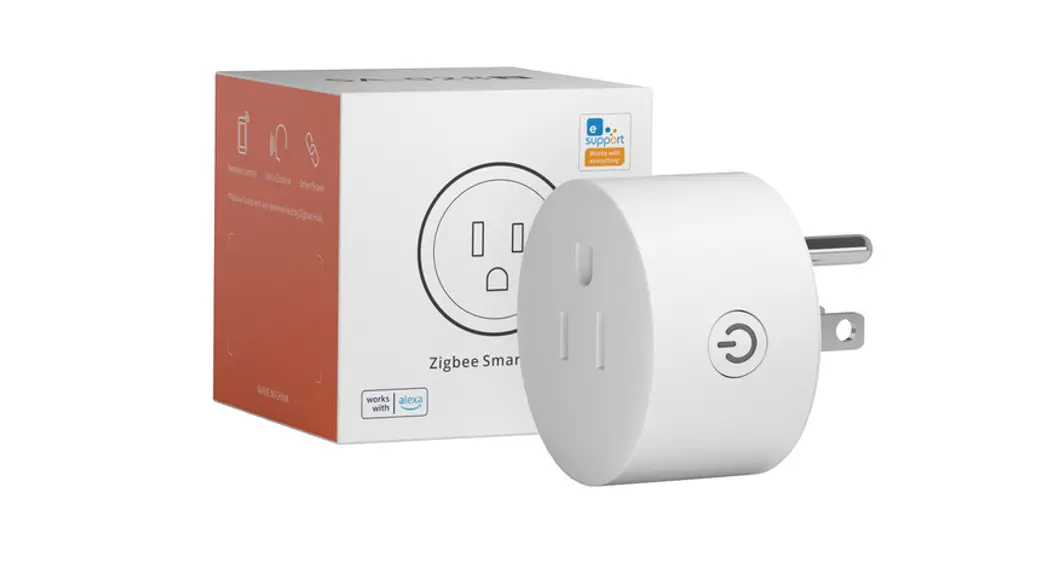
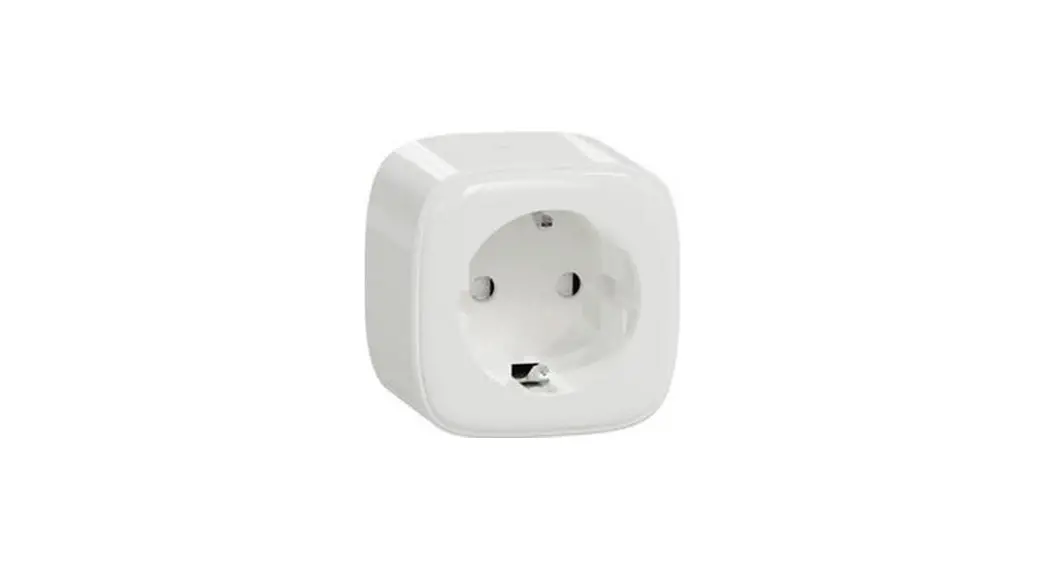
CAMRS ZIGBEE SMART PLUG
USER GUIDE
This instruction shows how to connect to SmartThings Hub and Hue Hub
Install smart plug and follow the steps: If it failed, RESET the plug and try again.

How to RESET the plug

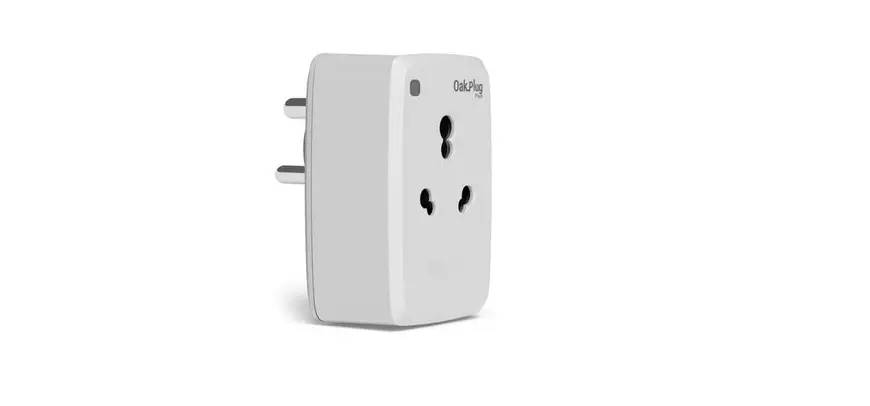
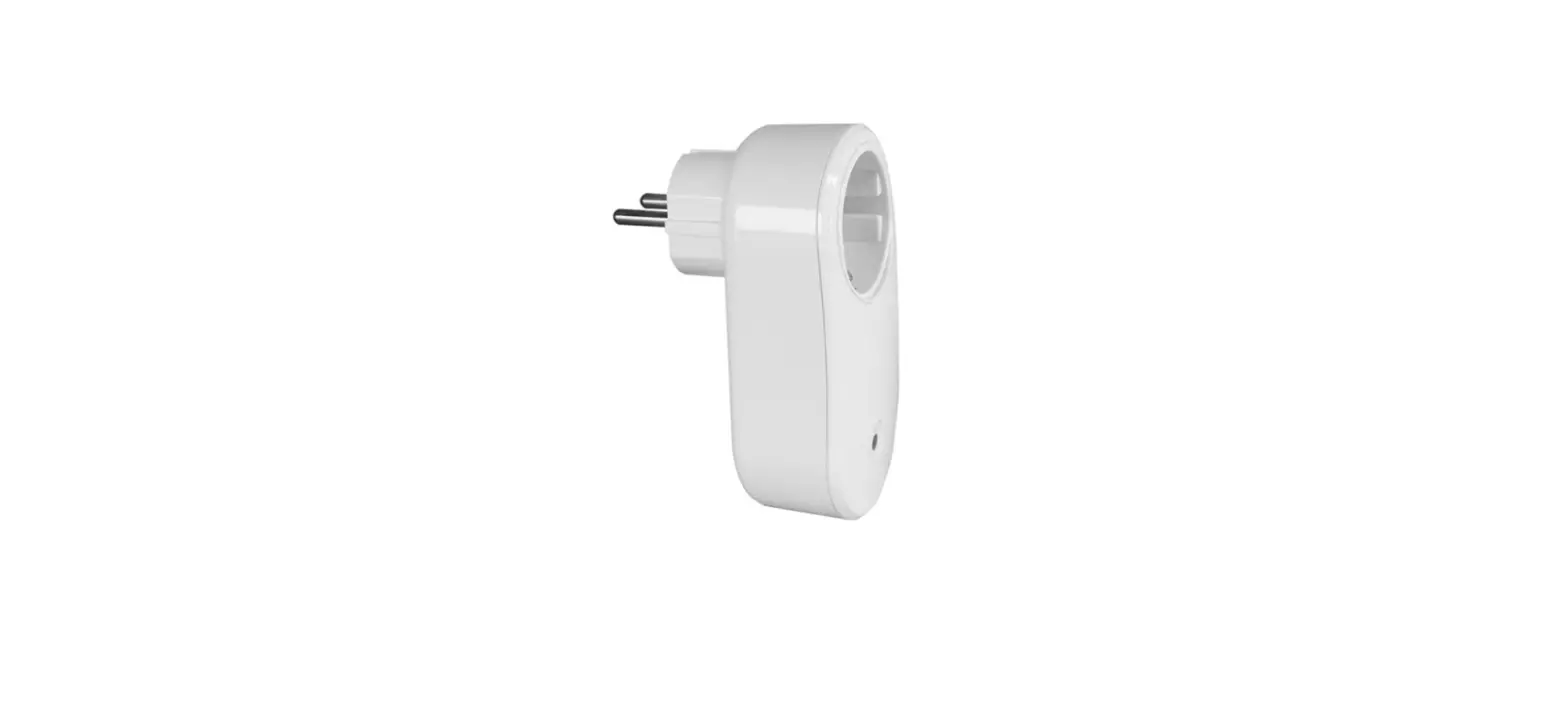
Zigbee Smart Plug-

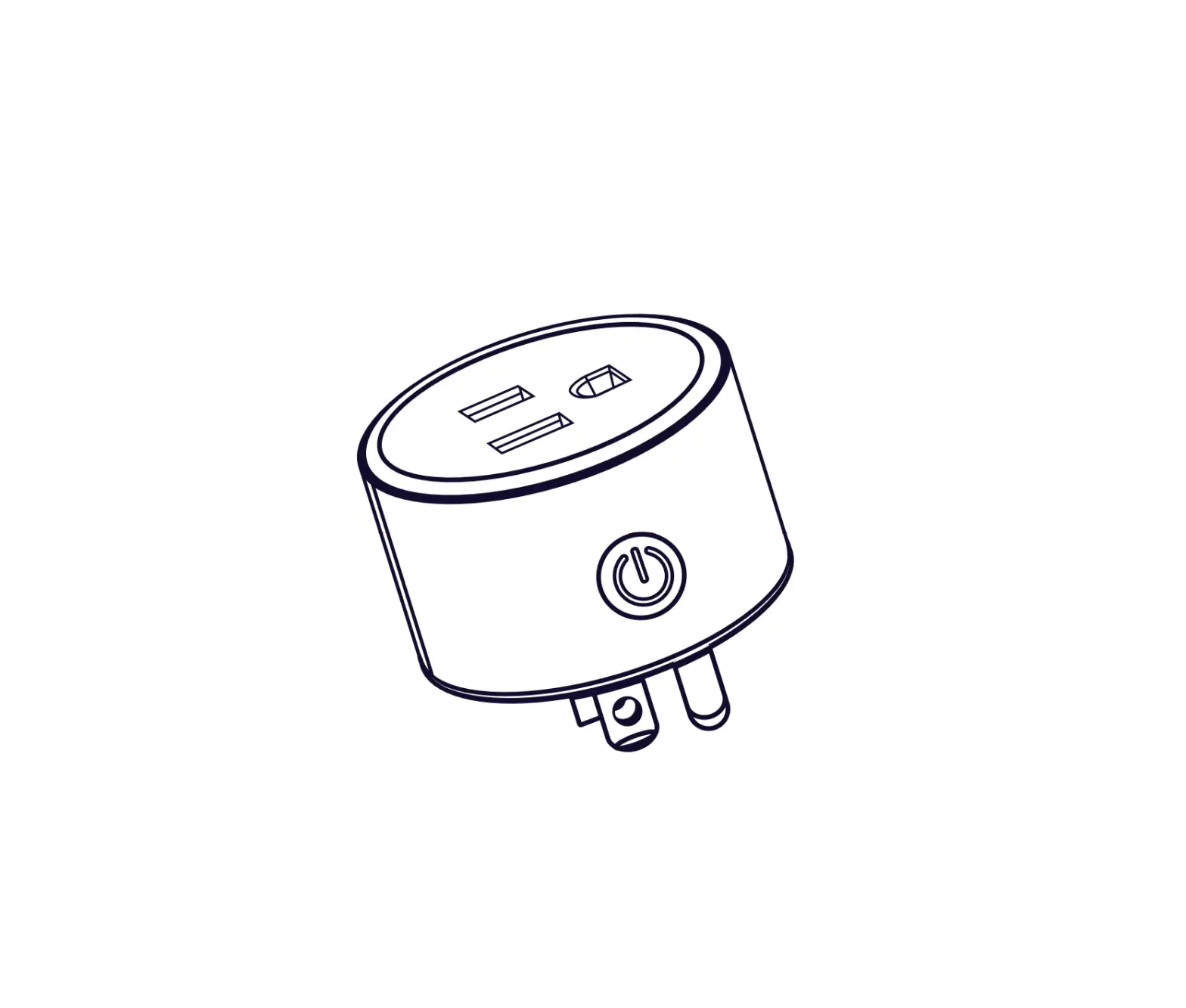
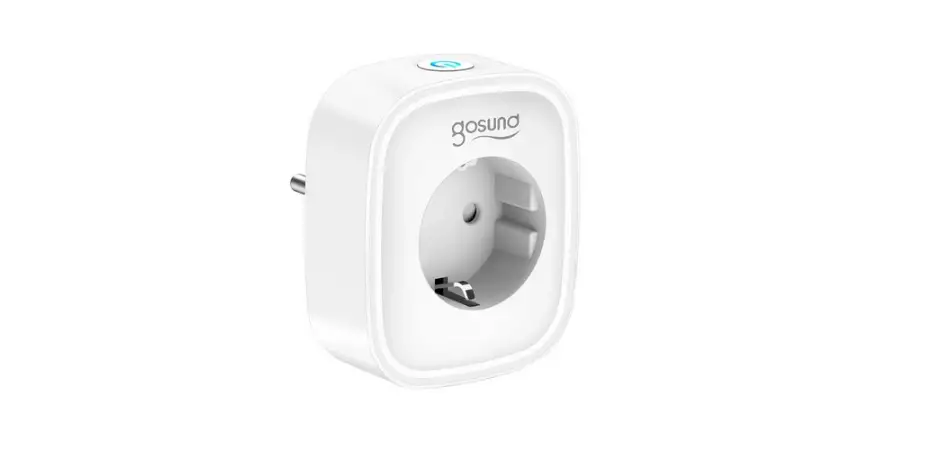
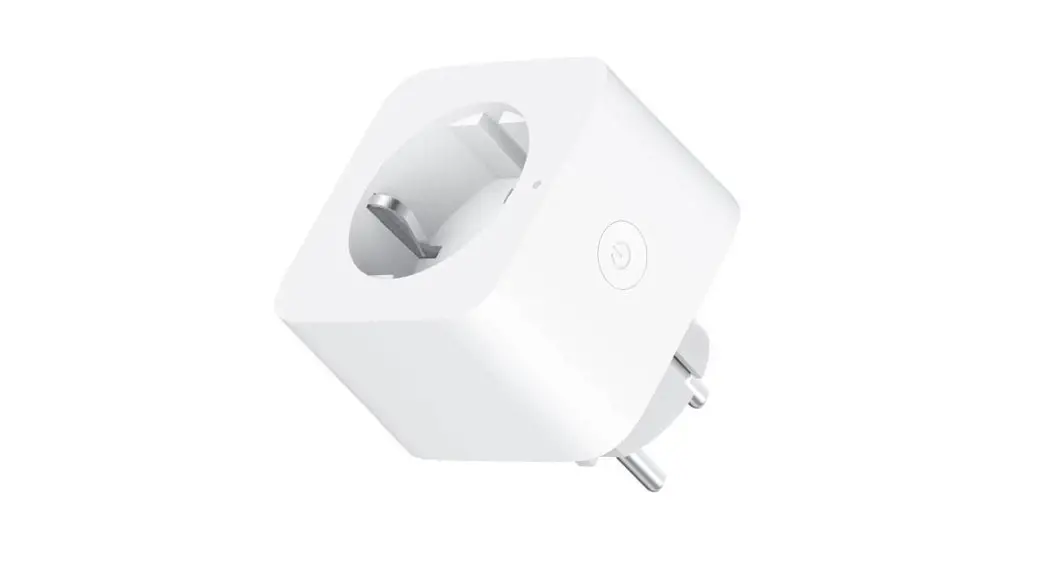
Plug it in, hold a press on the button for 5 seconds until you hear it click 3 times and it will flash.

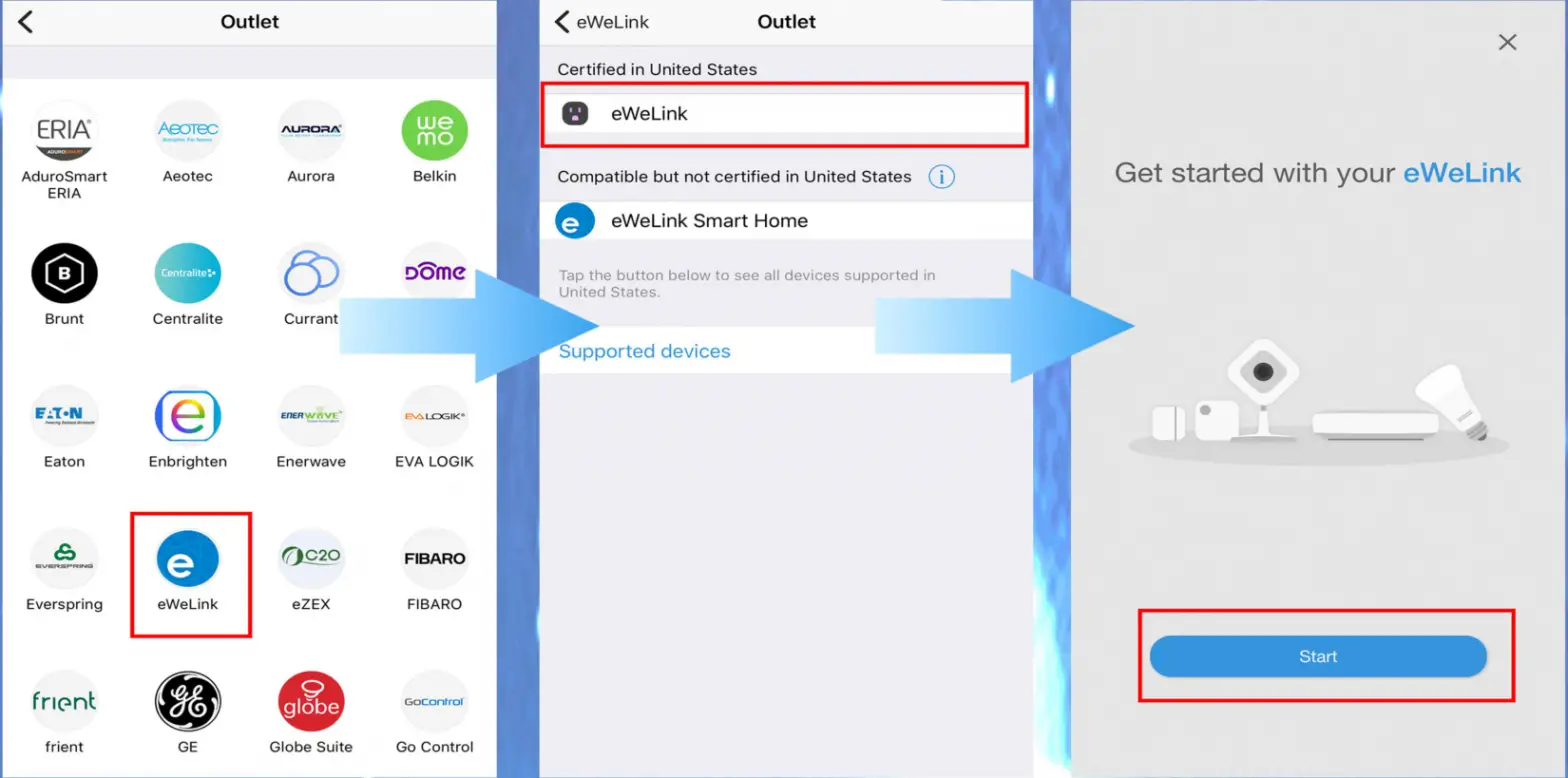
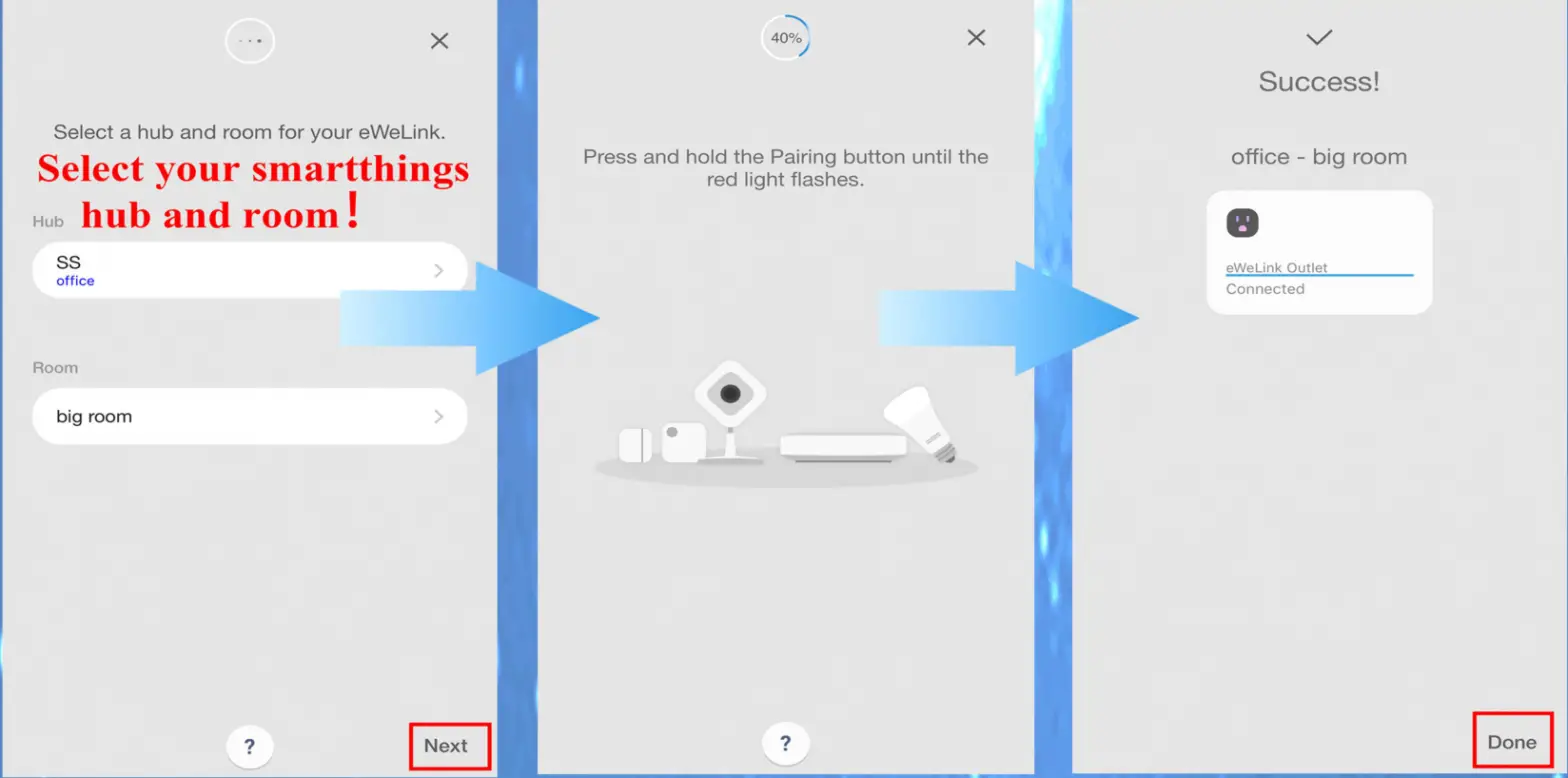
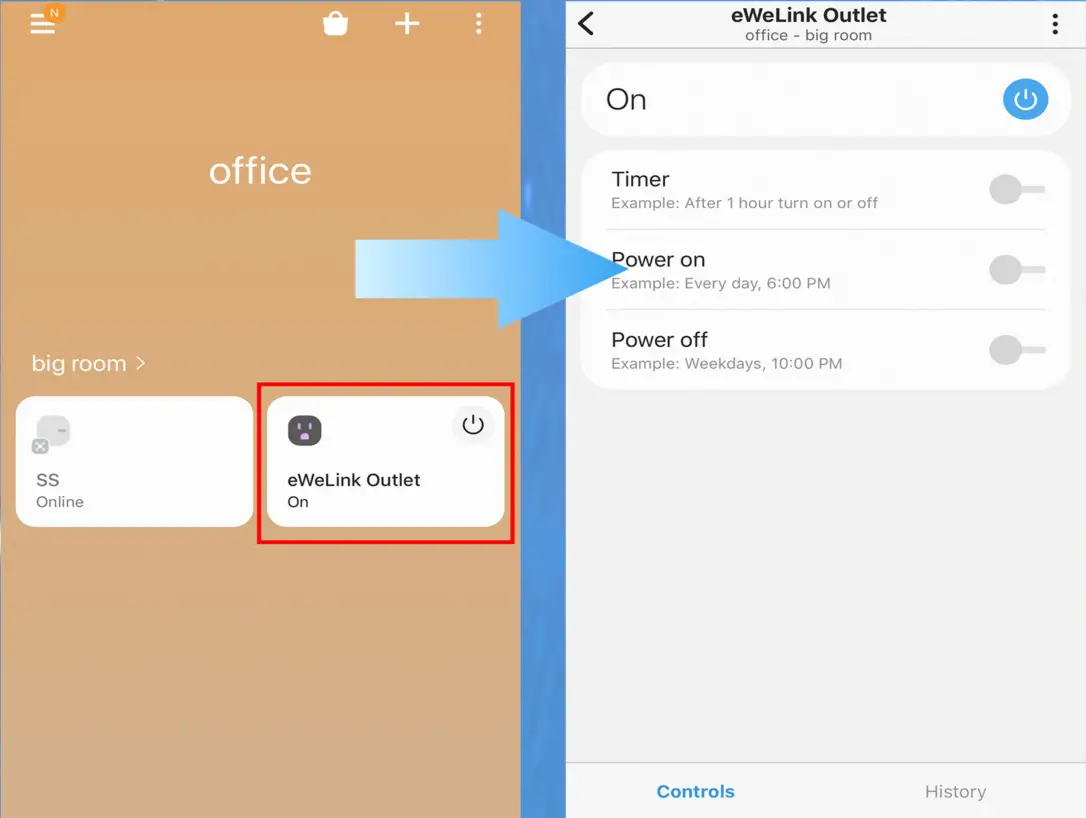
Connect to SmartThings
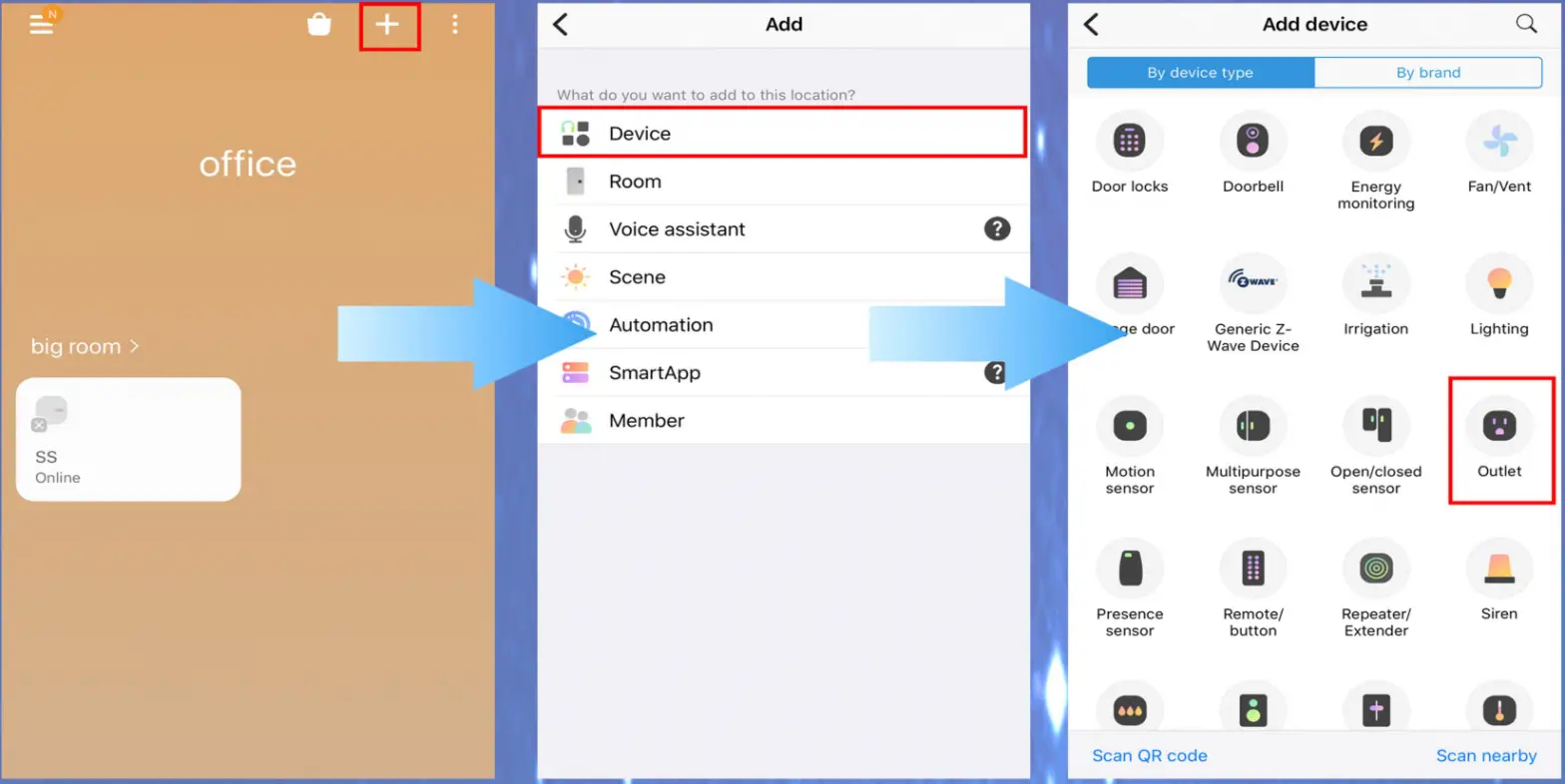
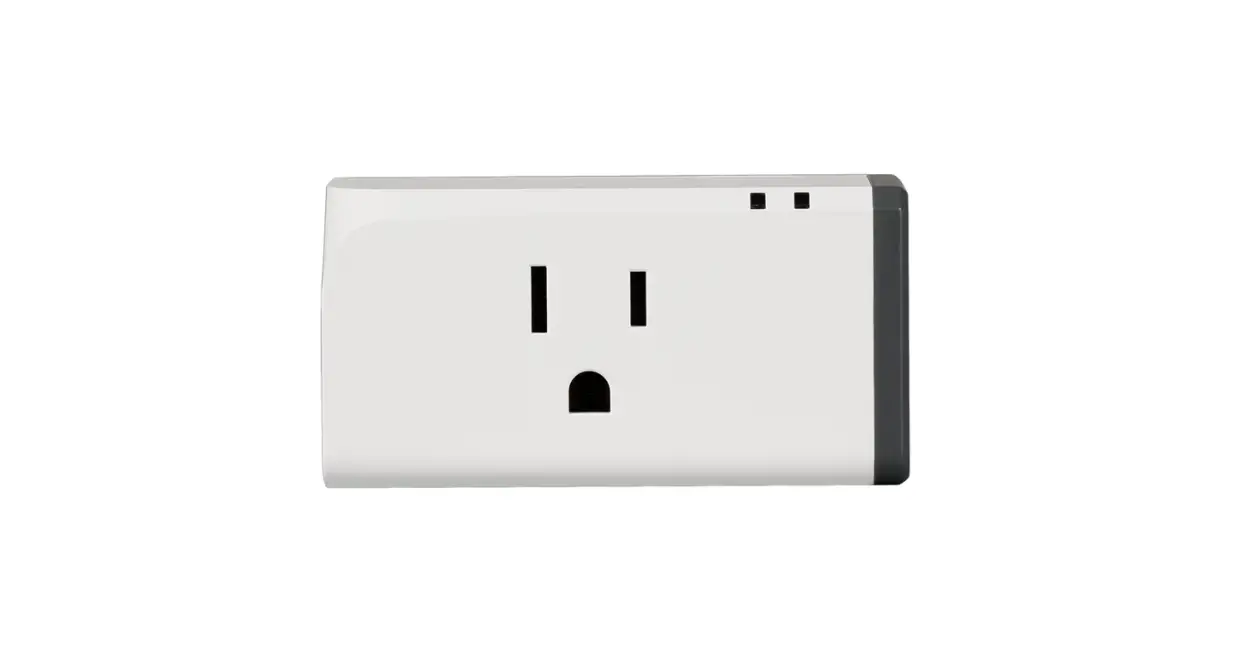
Zigbee Smart Plug-Smart Plug

Zigbee Smart Plug-Smart out let

Zigbee Smart Plug-Smart select

Zigbee Smart Plug-Smart control

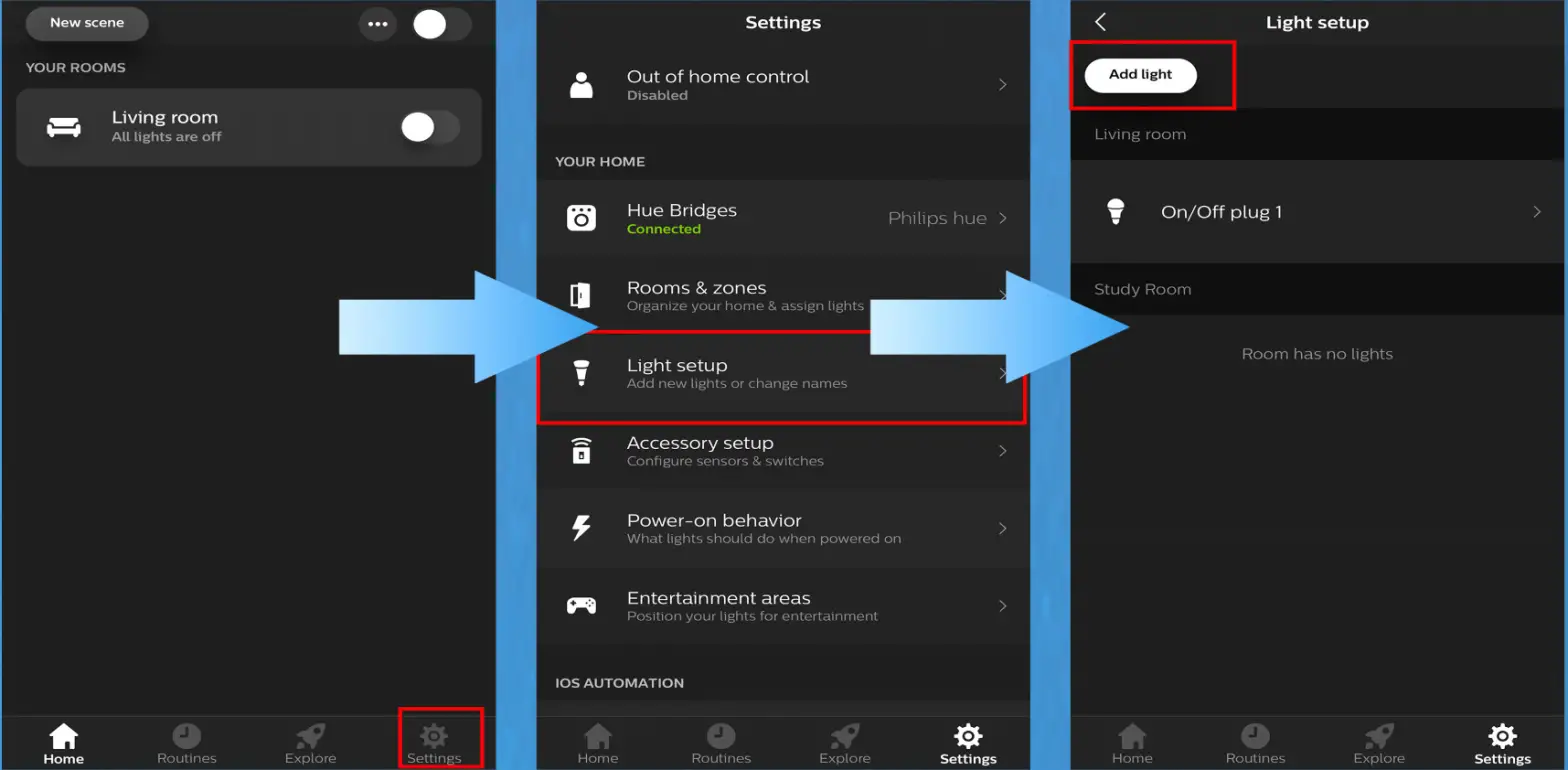
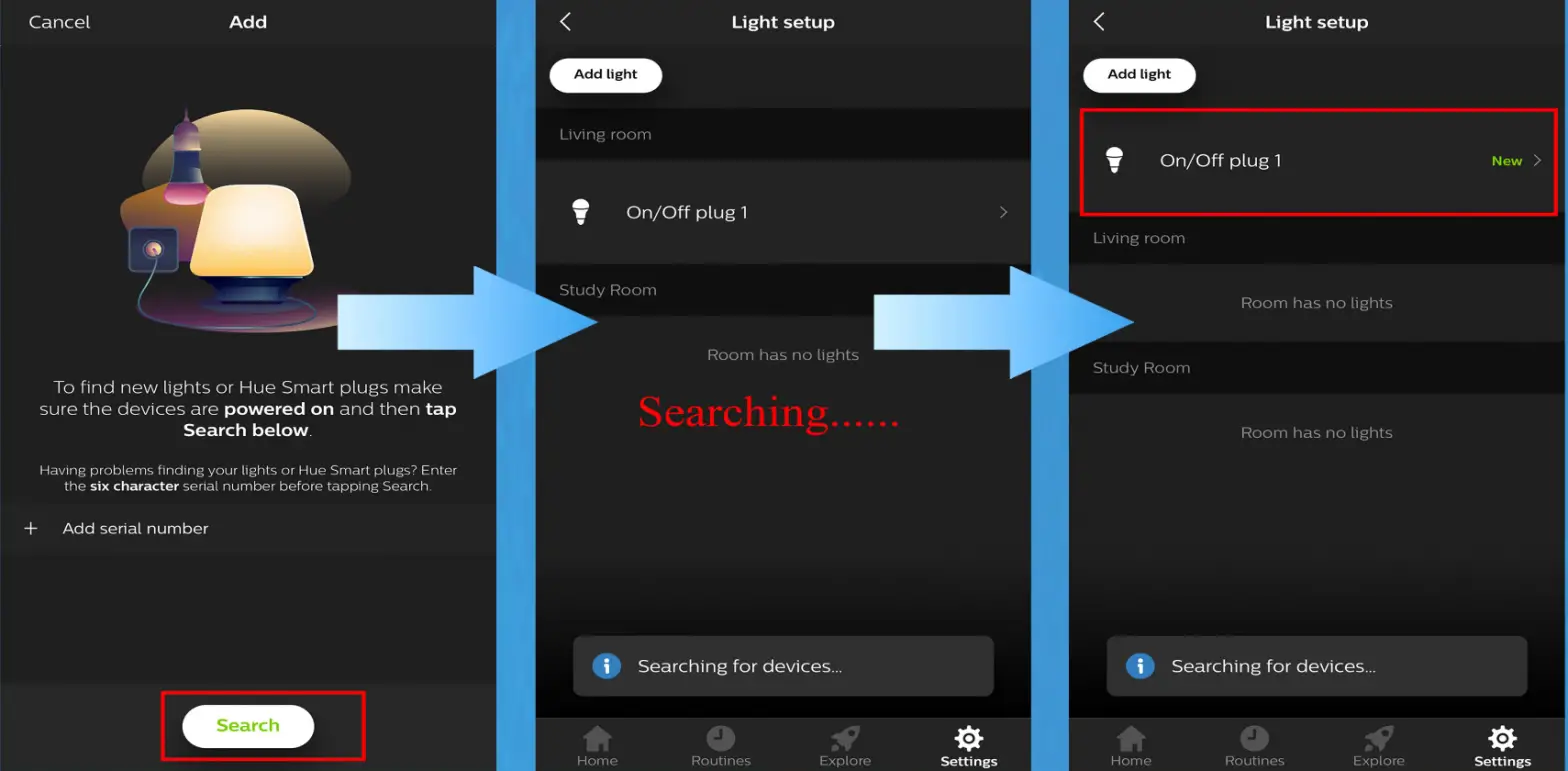
Connect  to Philips Hue:
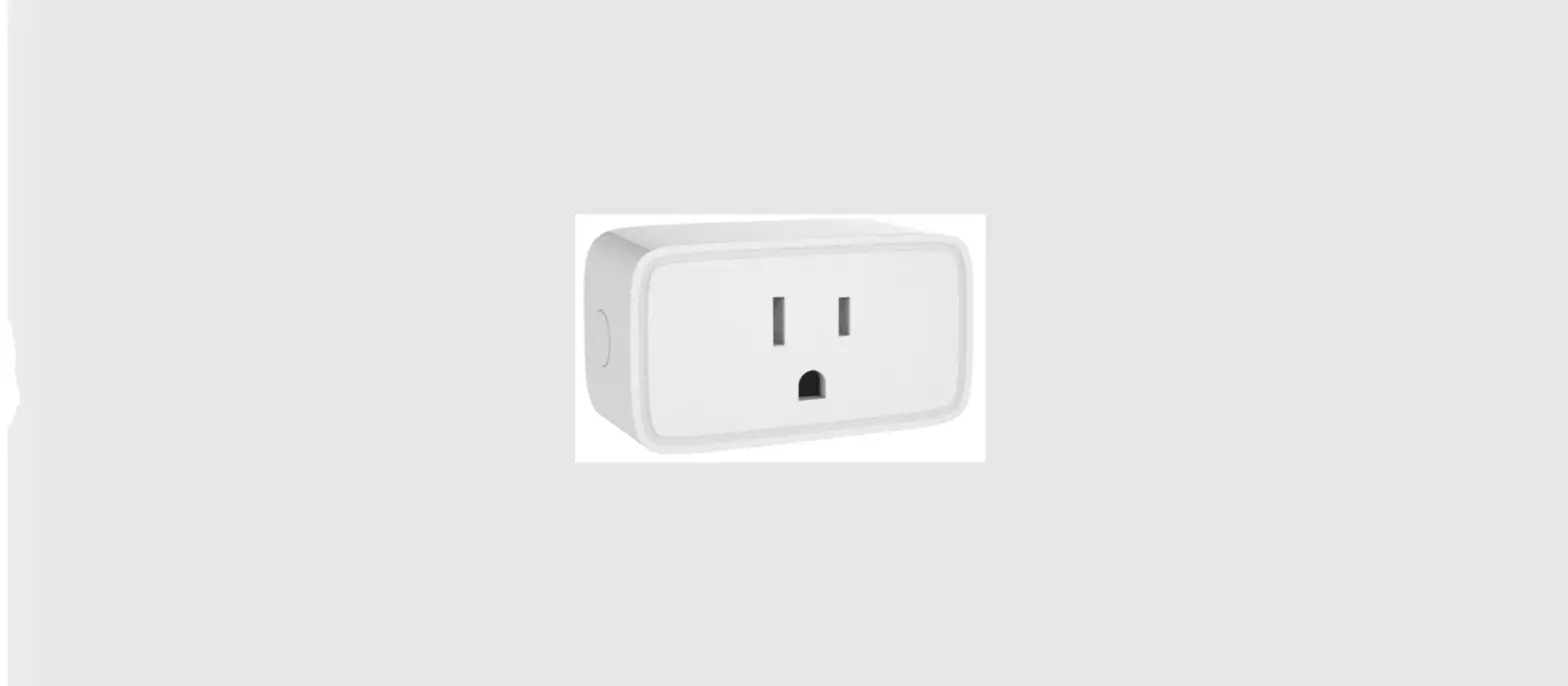
Zigbee Smart Plug-Smarthug

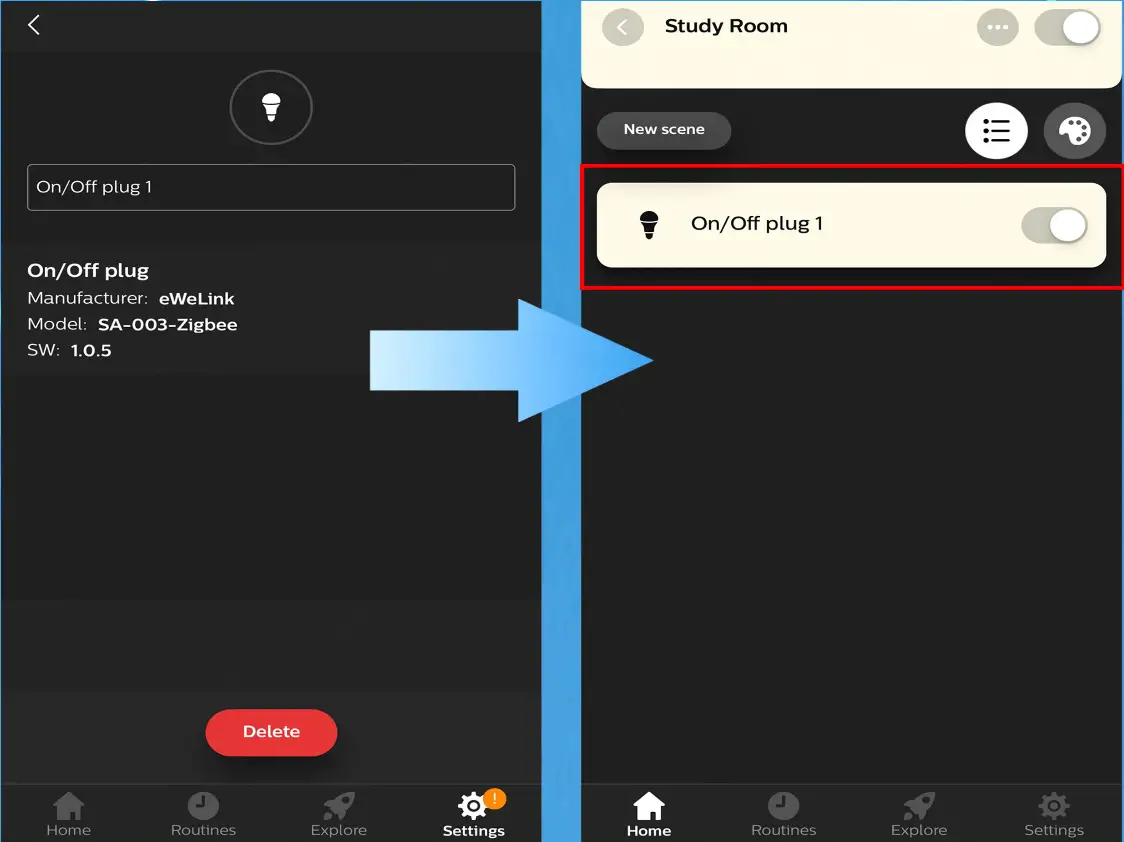
Zigbee Smart Plug-Smarthug cancel

Zigbee Smart Plug-Smarthug- on

Documents / Resouces

Download manual
Here you can download full pdf version of manual, it may contain additional safety instructions, warranty information, FCC rules, etc.


Related Manuals