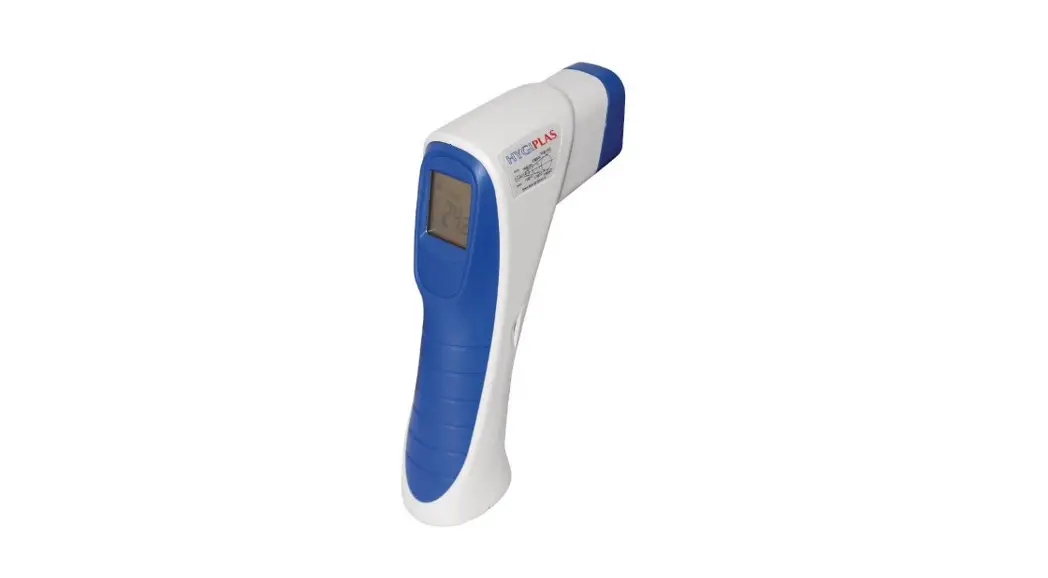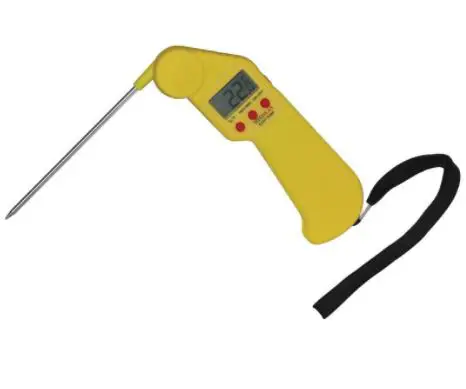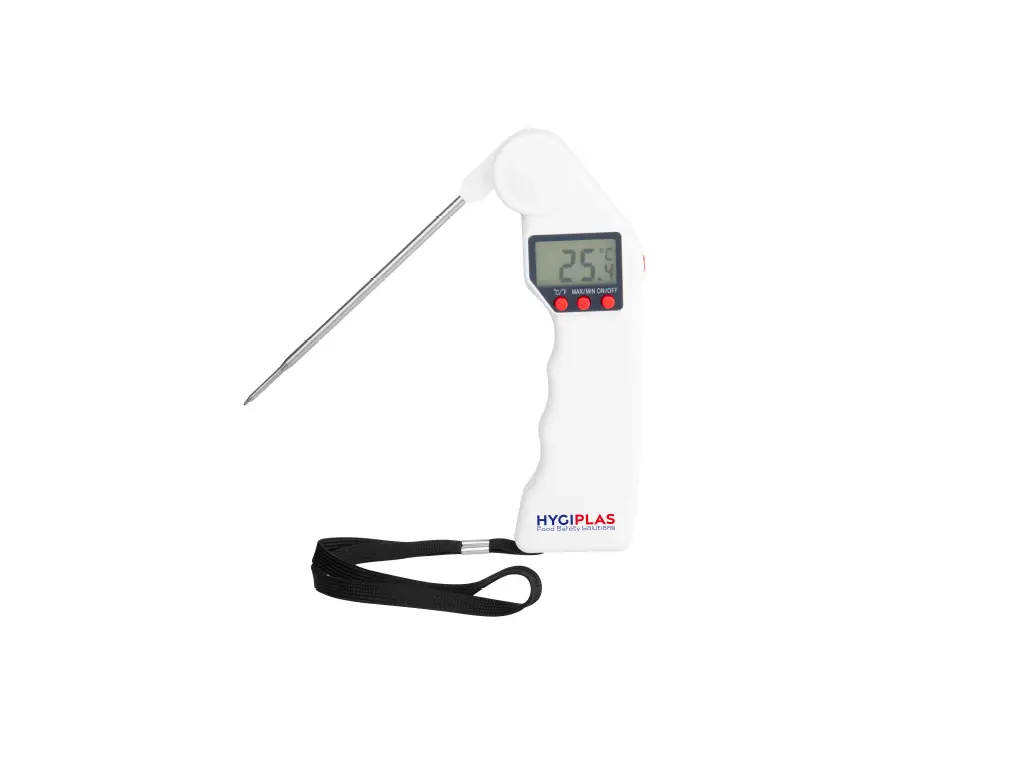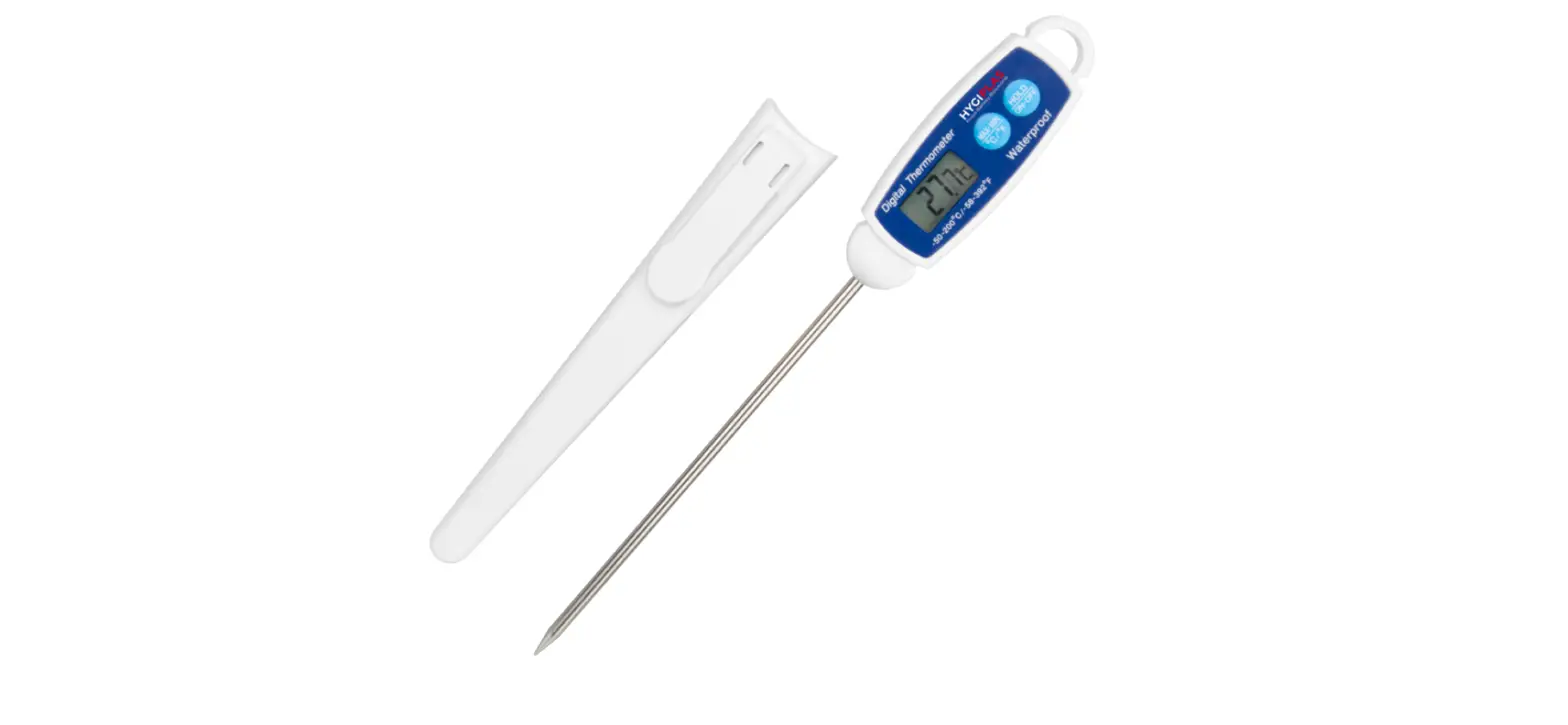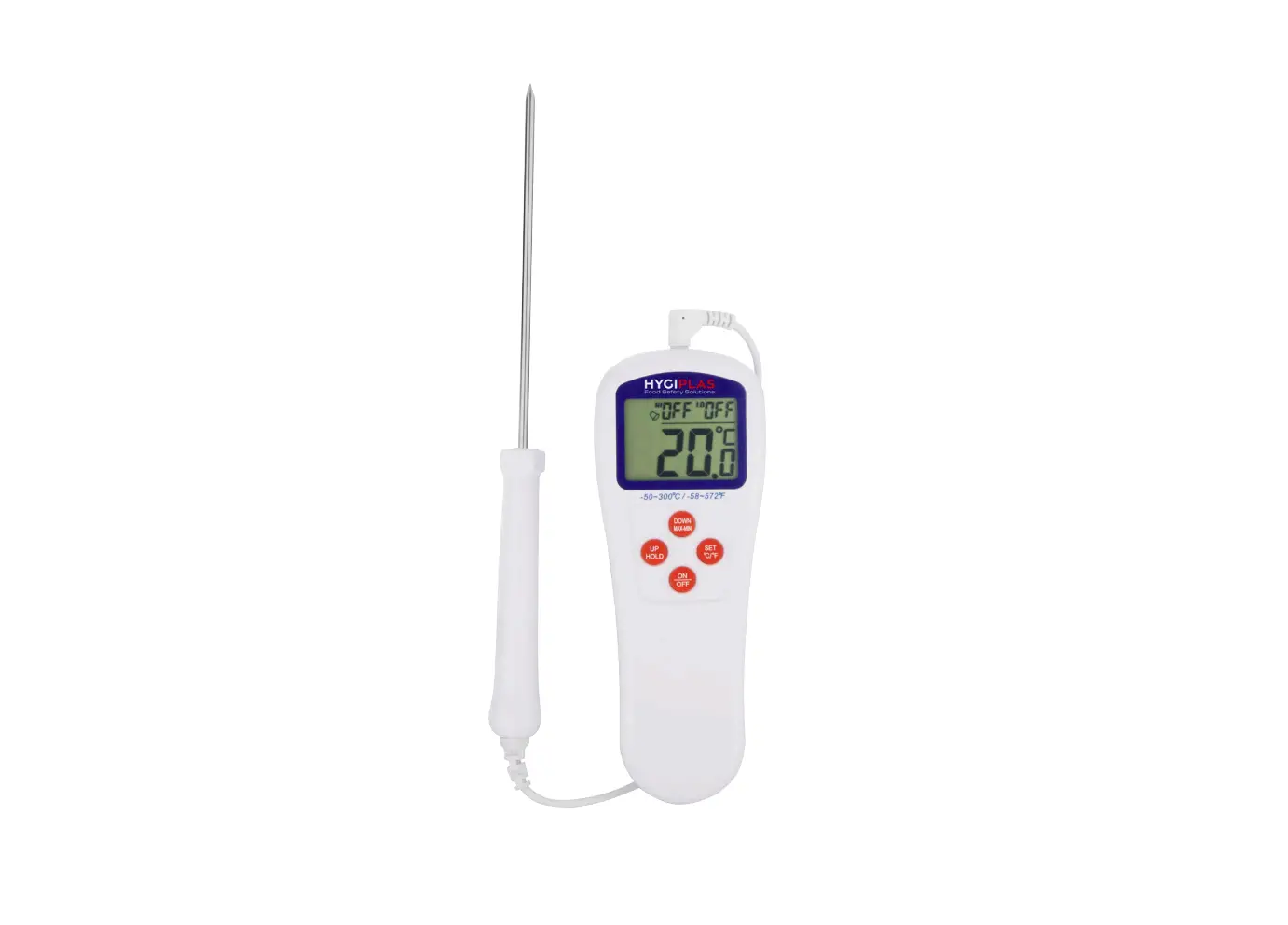
HYGIPLAS GG748 Catertherm Digital Thermometer Instruction Manual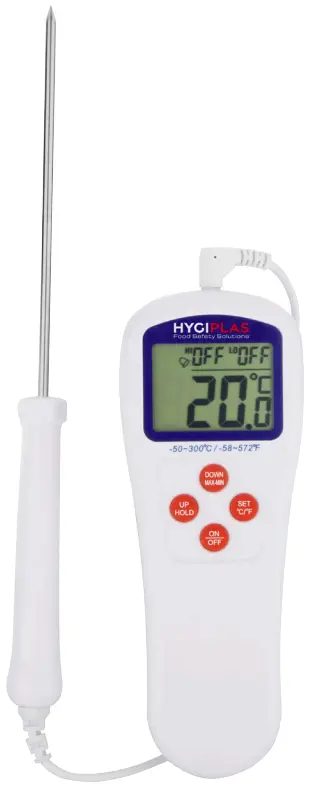
Features
- Selectable temperature units, °C or °F
- Data hold function
- Maximum and minimum reading memory
- Stainless steel probe
- High/low alarm temperature limit setting
- Low battery indication
Technical Specification
| Temperature range | -50°C to 300°C / -58°F to 572°F |
| Display Accuracy |
|
| Display Resolution | 0.1° over full range |
| Automatic power off | After idle for 10 minutes |
| Battery | 1.5 volt, 2 x MA or equivalent (included) |
| Probe size | 3.5 (0) x 135 (L) mm |
| Display size | 41 (W) x 30 (H) mm |
| Dimensions | 62 (W) x 165 (H) x 19(D) mm, excluding probe |
Installation
- Unpack the thermometer with care.
- Connect probe to the thermometer.
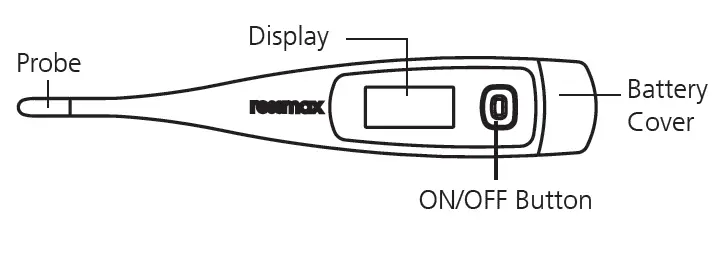
- Open the battery cover and insert batteries.
- Close t he battery cover.
- The display will show the current temperature reading.
Operation
Power ON/OFF
- Press [ON/OFF} to switch on thermometer
- The thermometer will perform a self test with all display segments switched on for 2 seconds, and then display the temperature as normal
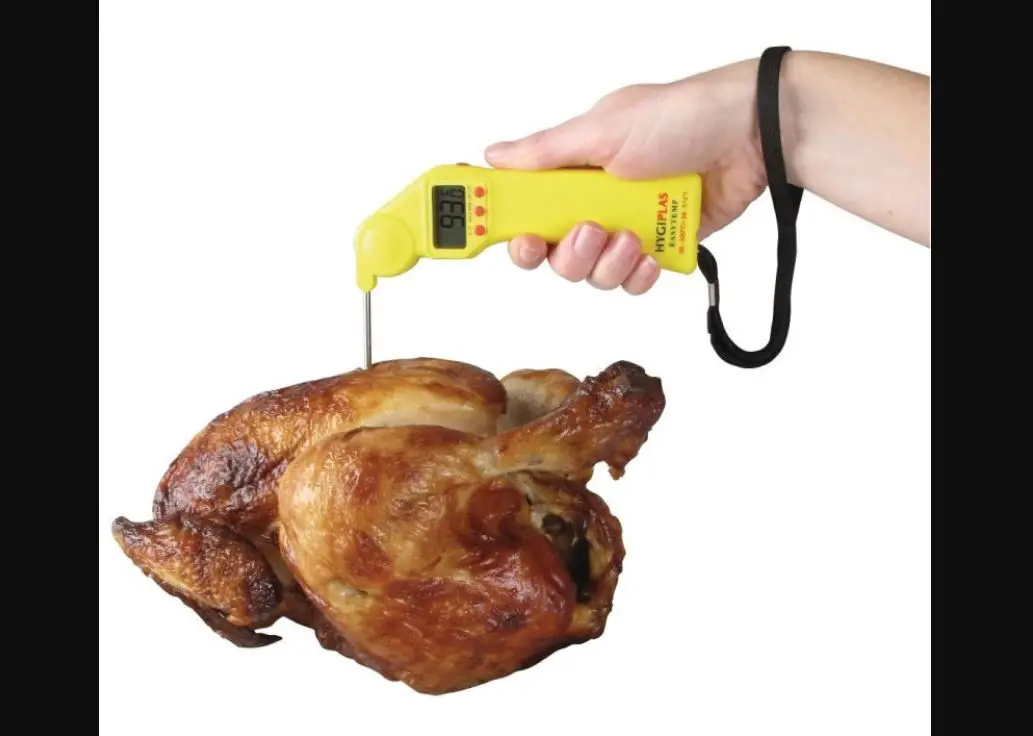
- Insert the probe by 25mm/1” into object and obtain reading when it becomes stable.
Select the temperature unit
Press and hold [°C/°F] for 3 seconds and release to change the temperature unit.
Data Hold
- Press the [HOLD] button once will retain the display reading and the “Hold” icon will be flashing.
- Press the button again will release the hold function and return to normal display.
Maximum/Minimum reading memory
- Press the [MAX/MIN] button to display the maximum reading, and the “Max” icon will be flashing.
- Press the button again will show the minimum reading and the “Min” icon will be flashing.
- Press the button once more to return to normal display.
High/Low temperature alarm setting
- Press [SET] and the high (HI) limit value will flash.
- Press [UP] or [DOWN] to set high limit. *
- Press [SET] again and the low (LO) limit value will flash.
- Press [UP] or [DOWN] to set low limit. *
- Press [SET] to finish setting.
During setting the limit value, holding down the [UP] or [DOWN] will increase/decrease the value automatically. Press [ON/OFF] with turn the alarm off or on.
- When the reading is out of set limit the alarm will be on for 10 seconds and off for 5 seconds.
- Press any key to stop the alarm but the HI or LO icon still flashes until the reading is within the limit.
Battery Replacement
- Open the battery cover on the back case.
- Replace the battery with the same type and close battery cover.
NOTE
- Clean the probe after each measurement to avoid cross contamination.
- Reset reading memory to current value before taking maximum/minimum reading.
- Do not expose thermometer to temperatures over 50°C/122°F or use in ovens.
- The thermometer cannot be switched off when the hold function is activated or the maximum/ minimum reading is being displayed.
Symbols
| Symbol | Description | Action required |
| Low battery voltage | Replace the batteries |
| LLLL |
|
|
| HHHH |
|
|

Compliance
 Dispose of depleted batteries in accordance with local regulations, within the EC there are nominated disposal points for batteries.
The WEEE logo on this product or its documentation indicates that the product must not be disposed of as household waste. To help prevent possible harm to human health and/or the environment, the product must be disposed of in an approved and environmentally safe recycling process. For further information on how to dispose of this product correctly, contact the product supplier, or the local authority responsible for waste disposal in your area.
HYGIPLAS parts have undergone strict product testing in order to comply with regulatory standards and specifications set by international, independent, and federal authorities.
HYGIPLAS products have been approved to carry the following symbol:
All rights reserved. No part of these instructions may be produced or transmitted in any form or by any means, electronic, mechanical, photocopying, recording or otherwise, without the prior written permission of HYGIPLAS.
Every effort is made to ensure all details are correct at the time of going to press, however, HYGIPLAS reserve the right to change specifications without notice.
DECLARATION OF CONFORMITY
| Equipment Type | Model | |
| Insertion Thermometer Mini Fridge /Freezer Thermometer Oven Digital Cooking Thermometer Insertion T-Shape Thermometer Multi-Purpose Stem Thermometer Cater therm Thermometer Digital Water-Resistant Thermometer | J229 CB891 CE399 F306 F338 GG748 GH628 | |
| Application of Territory Legislation & Council Directives(s) | Electro-Magnetic Compatibility (EMC) Directive 2014/30/EU – recast of 2004/108/EC Electromagnetic Compatibility Regulations 2016 (S.I. 2016/1091) EN 61326-1 Restriction of Hazardous Substances Directive (RoHS) 2015/863 amending Annex II to Directive 2011/65/EU Restriction of the Use of Certain Hazardous Substances in Electrical and Electronic Equipment Regulations 2012 (S.I. 2012/3032) | |
| Producer Name | Hygiplas | |
I, the undersigned, hereby declare that the equipment specified above conforms to the above Territory Legislation, Directive(s) and Standard(s).
| Date | 30th April 2021 | ||
| Signature |
|  |
|
| Full Name | Ashley Hooper | Eoghan Donnellan | Josie Holt |
| Position | Technical & Quality Manager | Commercial Manager/ Importer | Commercial Manager/ Responsible Supplier |
| Producer Address | Fourth Way, Avon mouth, Bristol, BS11 8TB United Kingdom | 42 North Point Business Park New Mallow Road Cork Ireland | 15 Bagdally Road, Campbelltown NSW 2560 |


Support

| UK | 0845 146 2887 | Fourth Way, Avonmouth, Bristol, BS11 8TB United Kingdom |
| Eire | 42 North Point Business Park, New Mallow Road, Cork, Ireland | |
| NL | 040 – 2628080 | |
| FR | 01 60 34 28 80 | |
| BE-NL | 0800-29129 | |
| BE-FR | 0800-29229 | |
| DE | 0800 – 1860806 | |
| ES | 901-100 133 | |
| AU | 1300 225 960 | 15 Badgally Road, Campbelltown, 2560, NSW, Australia |