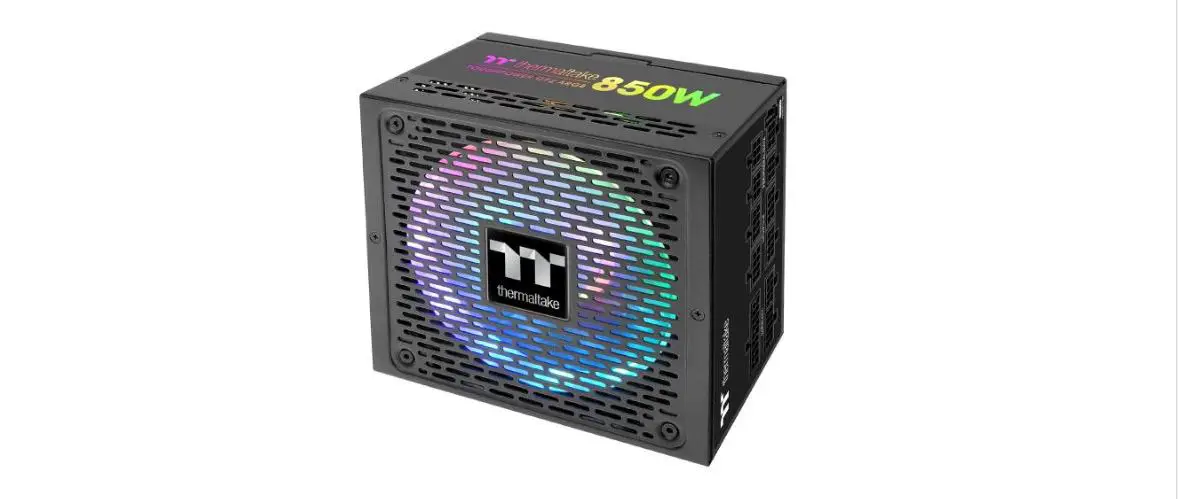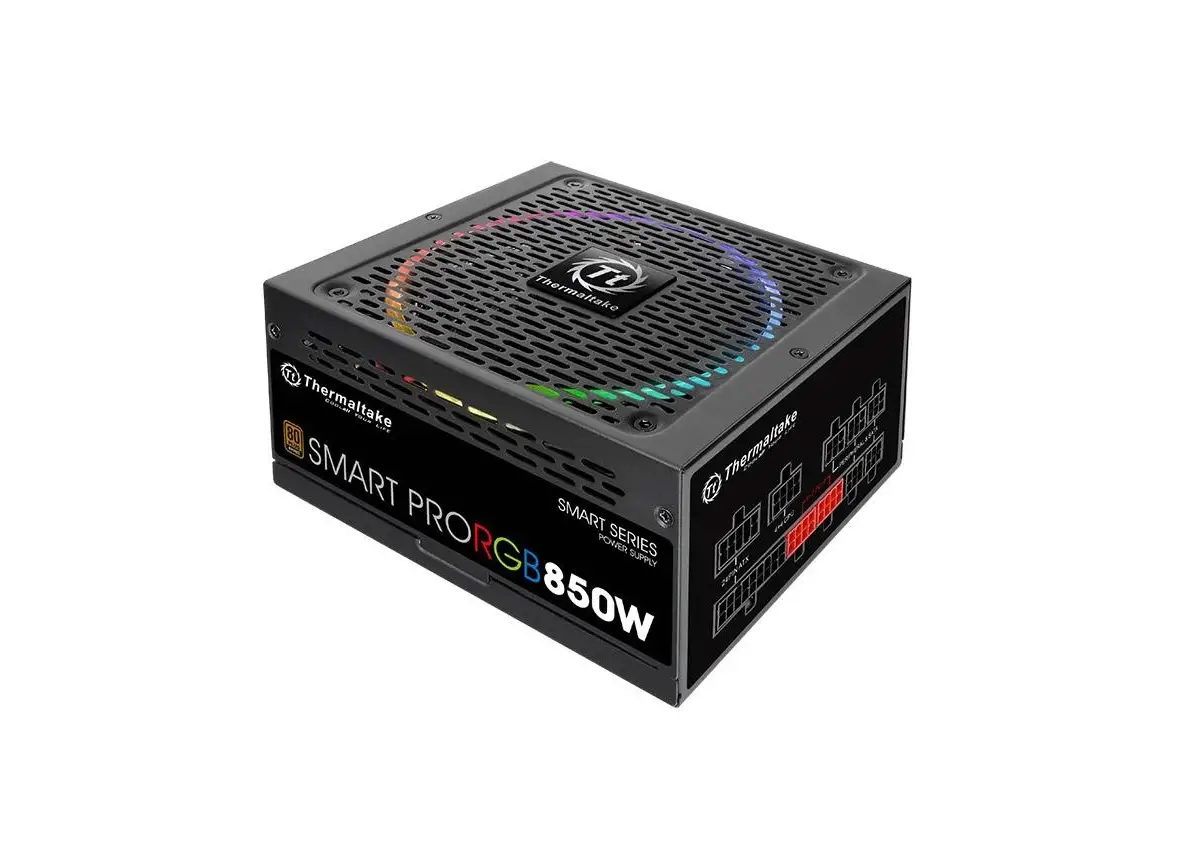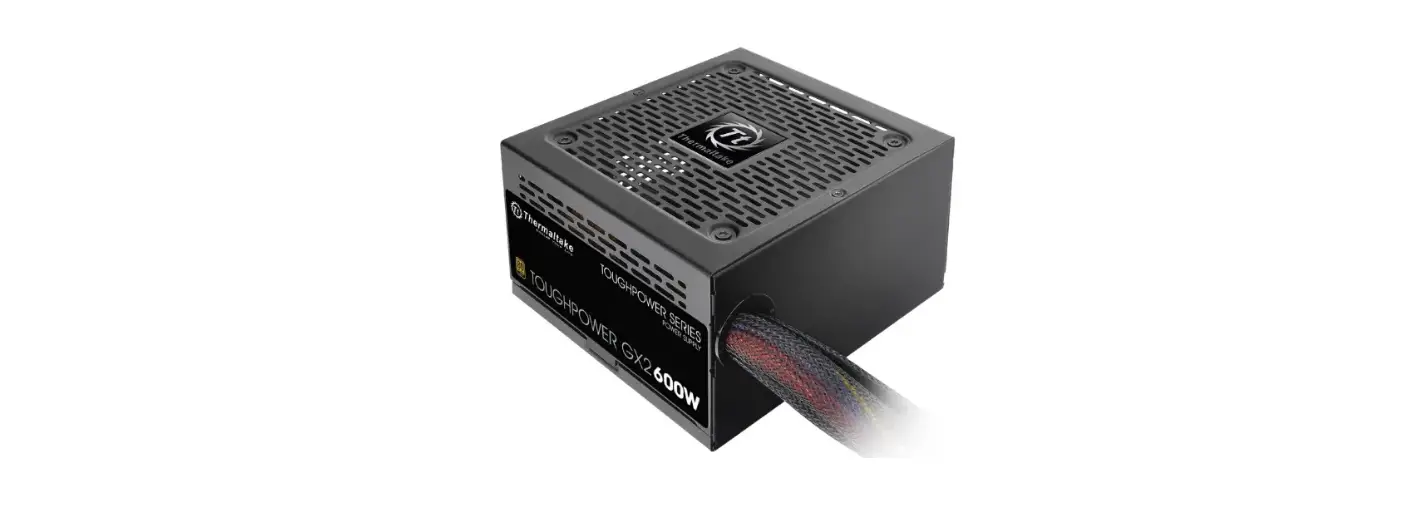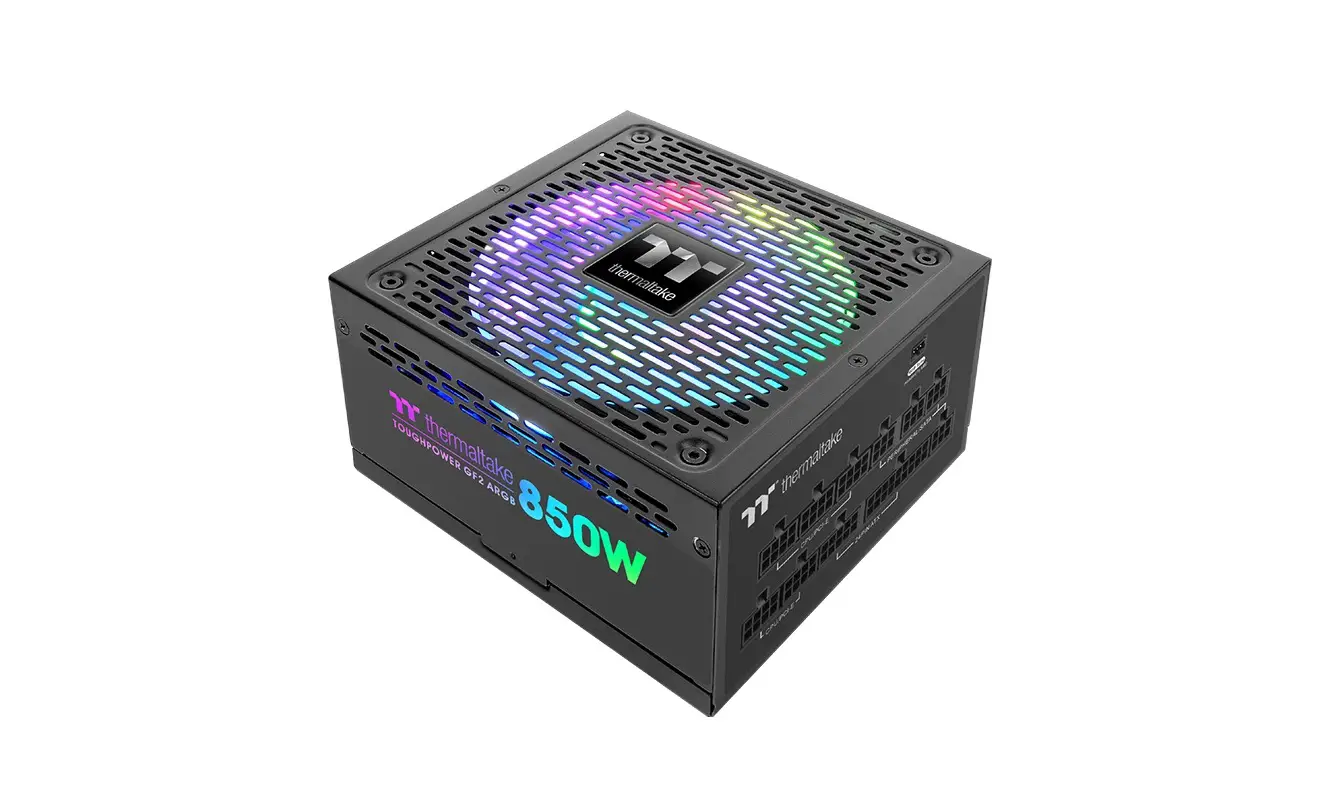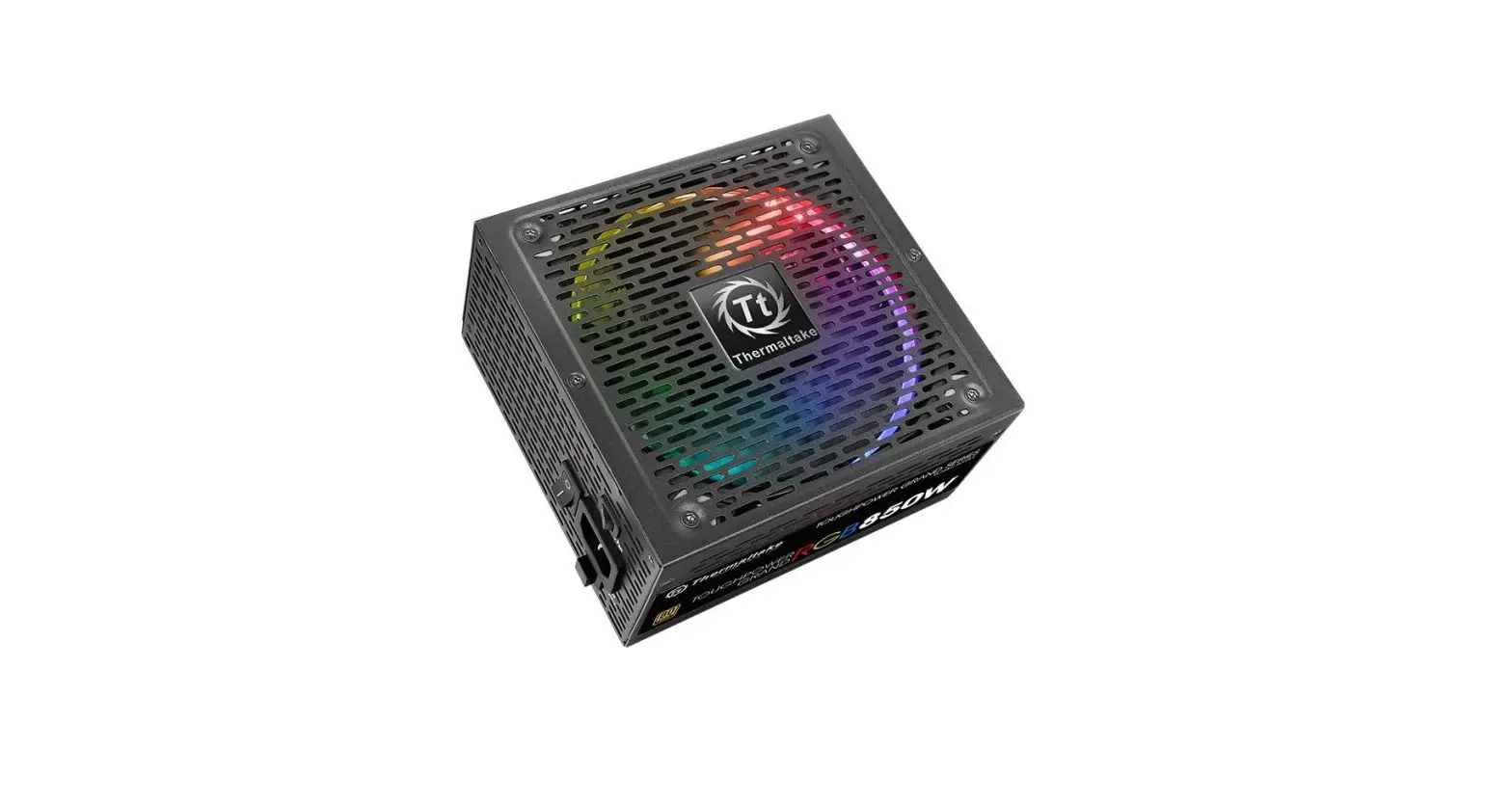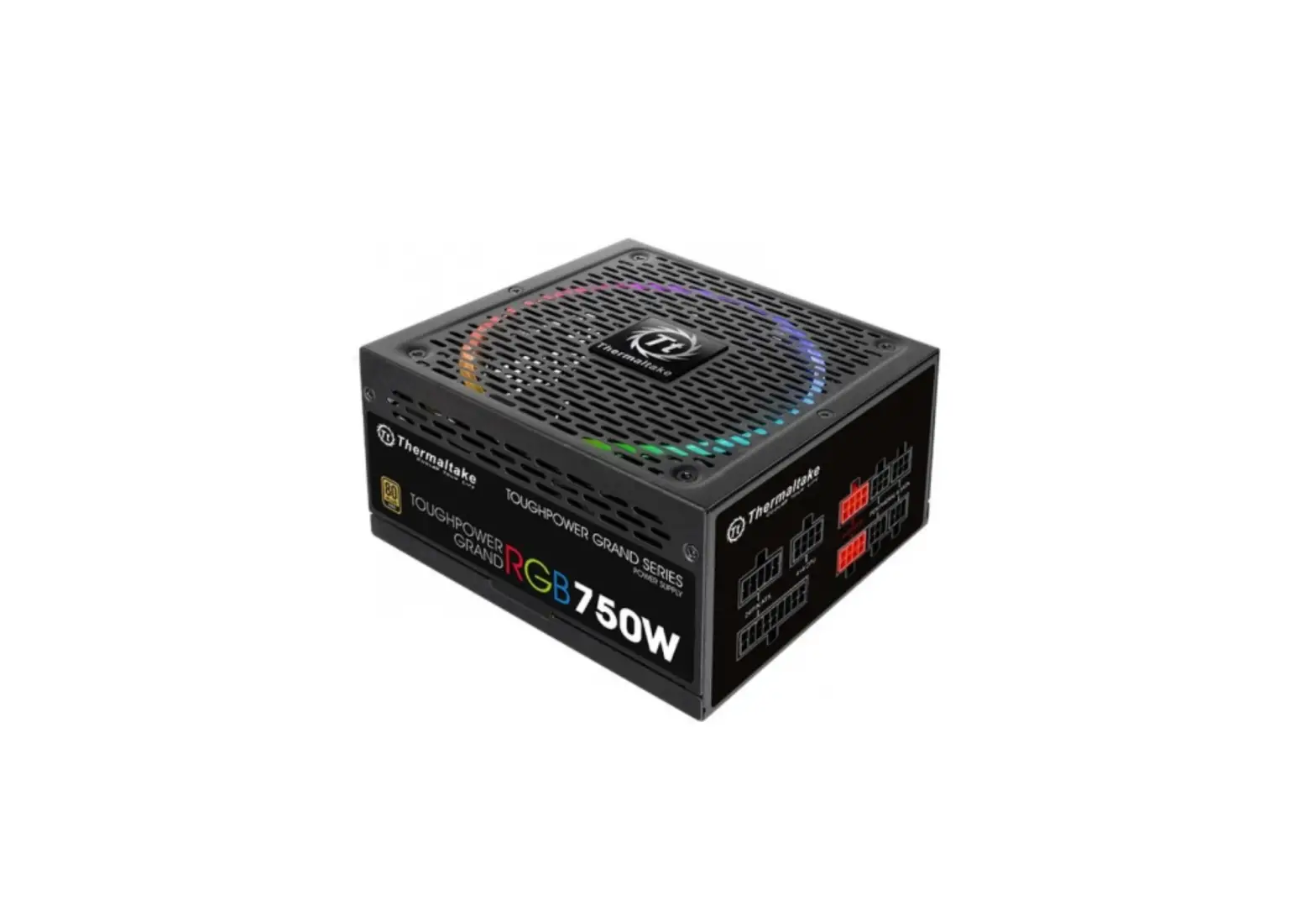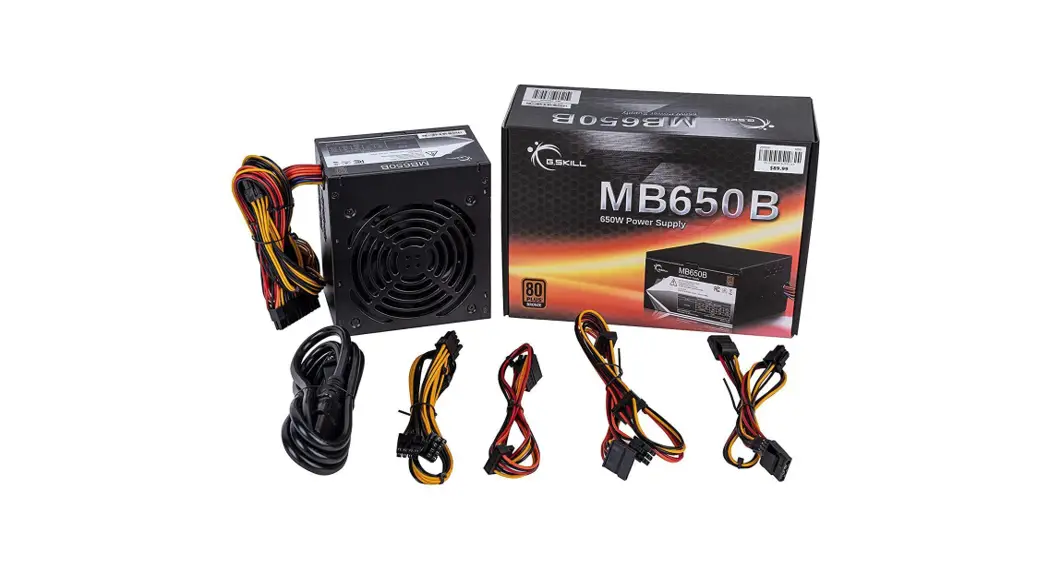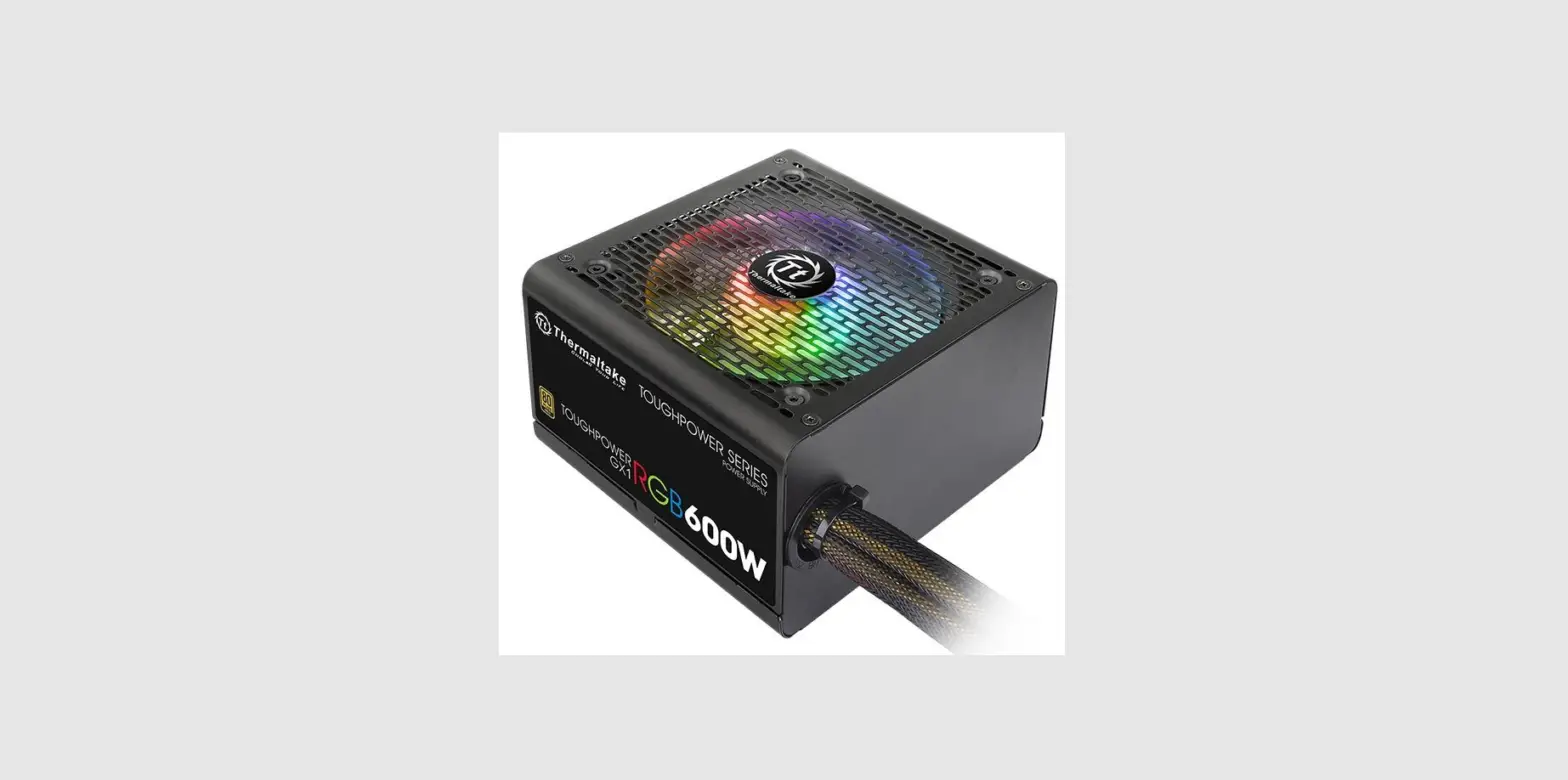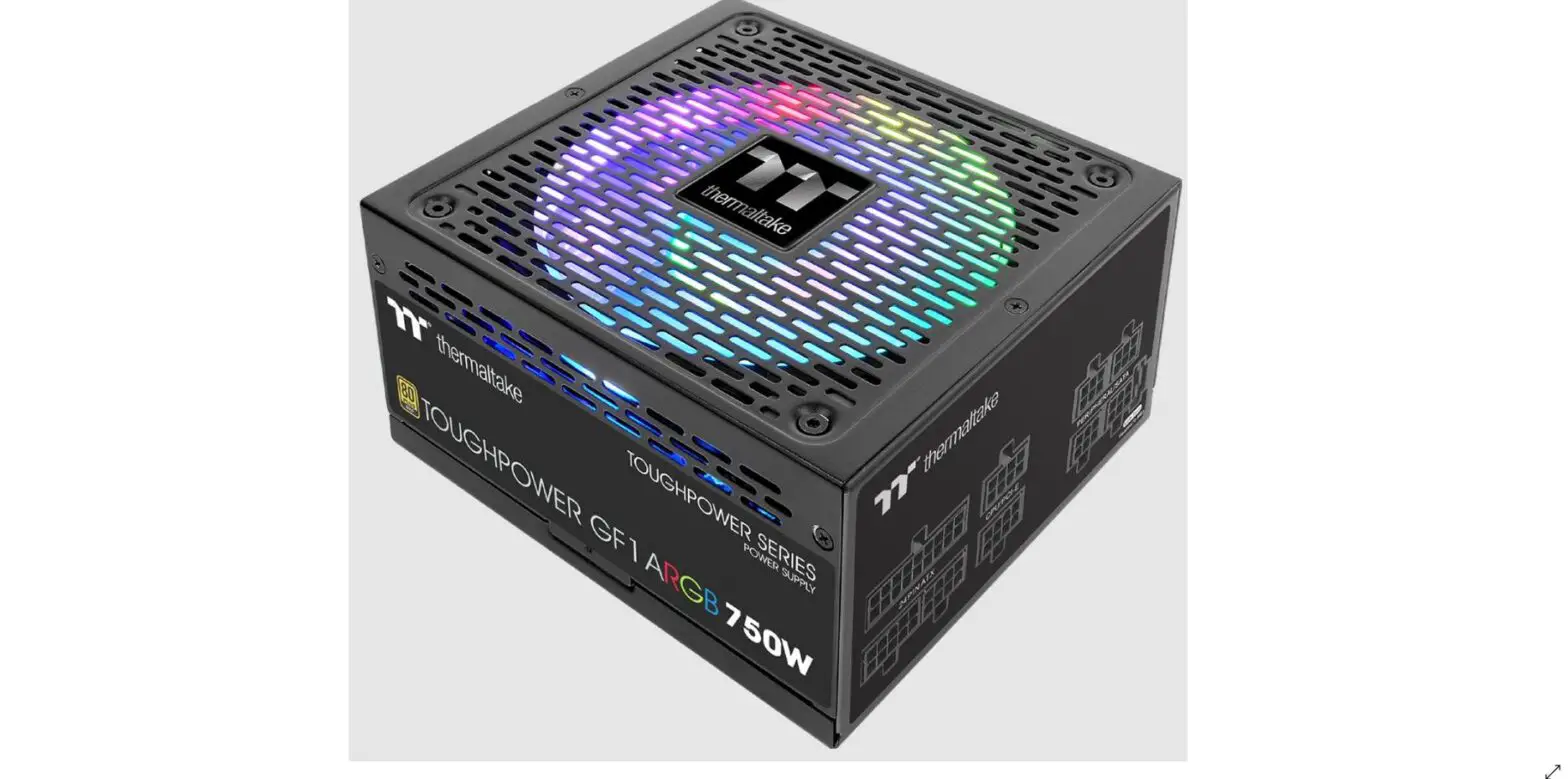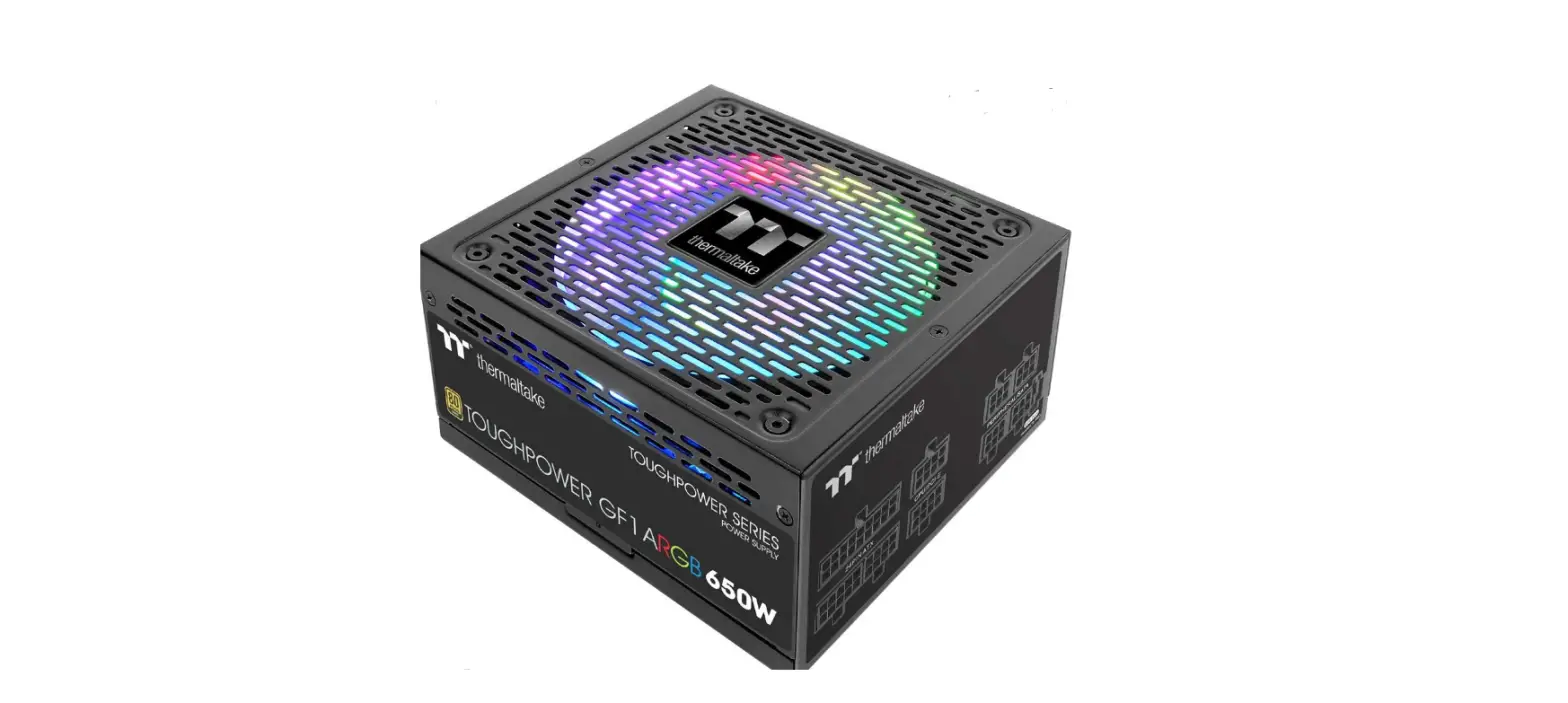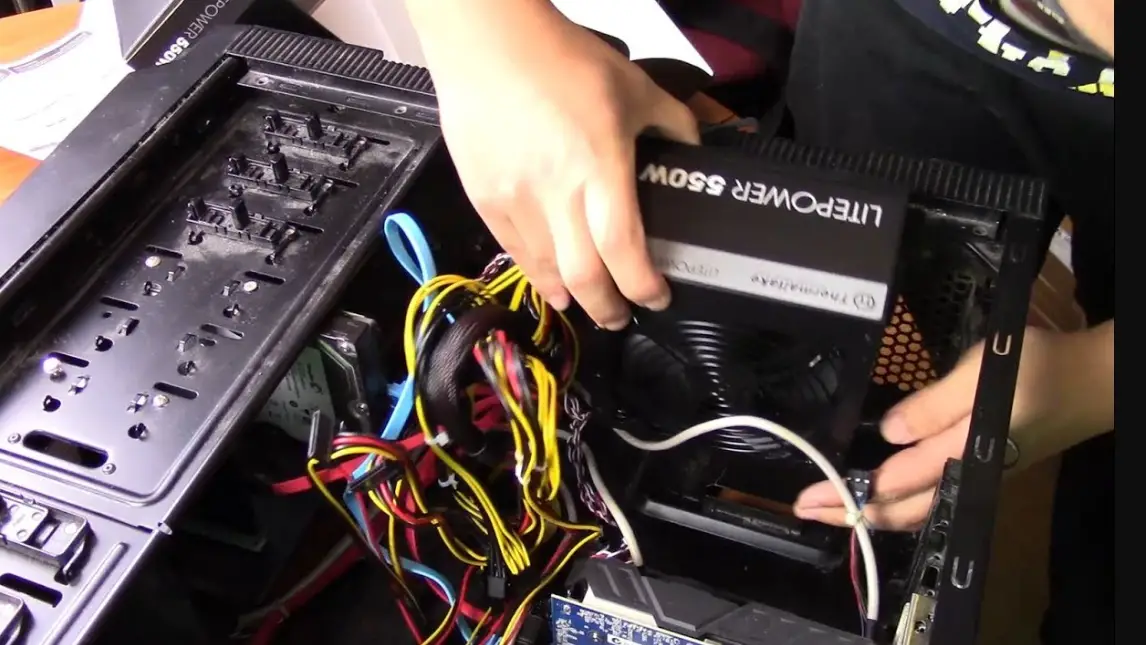

Thermaltake LTP-0650P-2 Litepower RGB 650W Power Supply
Warnings and cautions
- Do not unplug the AC power cord when the power supply is in use. Doing so may cause damage to your components.
- Do not place the power supply in a high humidity and/or temperature environment.
- High voltages exist in the power supply. Do not open the power supply case unless you are an authorized service technician or electrician. Doing so will void the warranty.
- PSU should be powered by the source indicated on the rating label.
- All warrantees and guarantees will be voided, if failure to comply with any of the warnings and cautions covered in this manual.
Components Check
- LITEPOVWER power supply unit
- User manual
- AC power cord
- Mounting screw x 4
Power Connector Introduction
| Cable
P/N | 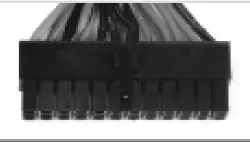 | 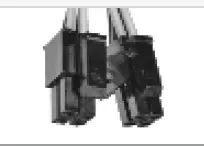 |  | 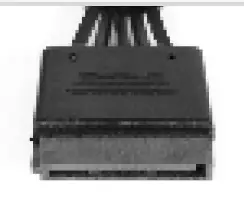 | 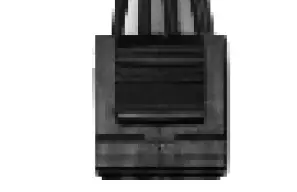 | 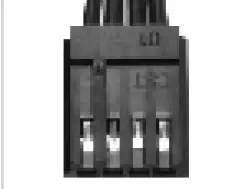 |
| Main Power Connector (24Pin) | ATX 12V Connector (4+4Pin) | PCI-E Connector (6+2Pin) | SATA Connector (5 Pin) | Peripheral Connector (4Pin) | Floppy Connector (4Pin) | |
| LTP-0650P-2 LTP-0650P-F | 1 | 1 | 2 | 5 | 6 | 1 |
| LTP-0550P-2 LTP-0550C-F | 1 | 1 | 2 | 5 | 4 | 1 |
| LTP-0450P-2 LTP-0450C-F | 1 | 1 | 2 | 4 | 4 | 1 |
| LTP-0350P-2 LTP-0350C-F | 1 | 1 | 0 | 3 | 3 | 1 |
Installation Steps
Note: Make sure that your system is turned off and unplugged.
Disconnect the AC power cord from your old power supply.
- Open your computer case; please refer to the direction in your case manual.
- Install the PSU into the case with the four screws provided.
- If your motherboard requires a 24pin Main Power connector, please connect the 20+4pin Main Power connector to the motherboard.
If your motherboard only requires a 20pin Main Power connector, please detach the 4pin connector from the 20+4pin Main Power connector hen connect only the 20pin connector to the motherboard. - For motherboard that only requires a 4pin ATX 12V (CPU) connector, please detach a 4pin connector from the 4+4pin ATX 12V connector and connect it to the motherboard.
(Either one of the 4pin from the 4+4pin ATX 12V connector will work) - Connect other peripheral power connectors to devices such as hard drives, optical drives, etc.
- Connect any devices that may use the 4 pin peripheral connectors. ie; hard drives, CD / DVD drives or case fans.
- If your graphic card requires PCI-E power connector, please connect corresponding PCI-E connector instructed by your graphic card’s user manual. Please note the power supply utilizes a unique 6+2pin PCI-E connector that can be effectively used as a single 8pin or 6pin PCI-E connector. To use it as a 6pin PCI-E connector, please detach the 2pin connector from the 6+2pin connector.
DO NOT PLUG THE PCI-E CABLE INTO THE CPU POWER CONNECTION.
THIS WILL DAMAGE YOUR SYSTEM. - Close your computer case and connect the AC power cord to the power supply AC inlet.
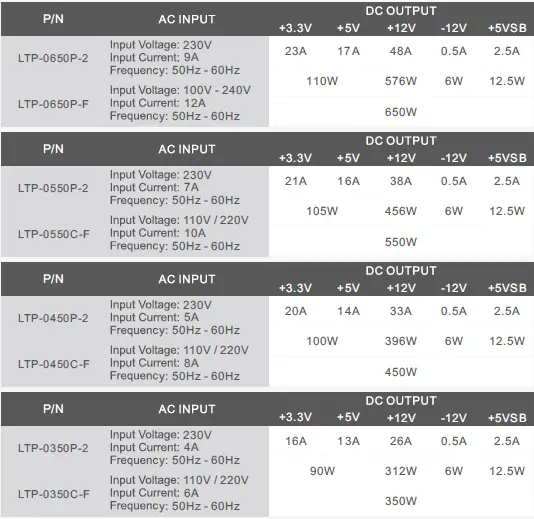
Output Specification
Total protection

EMI & SAFETY

Environments

Trouble-Shotting
If the power supply fails to function properly, please follow the troubleshooting guide before application for service:
- Is the power cord plugged properly into electrical outlet and into the power supply AC inlet?
- Please make sure the I/O switch on the power supply is switched to I position.
- Please make sure all power connectors are properly connected to all the devices.
- If connected to a UPS unit, is the UPS on and plugged in?