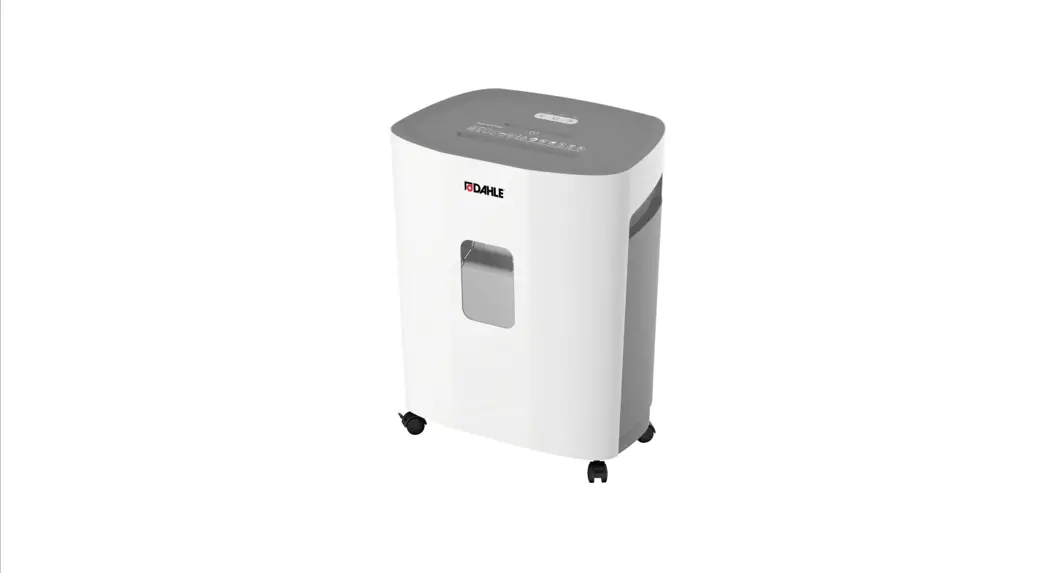

35150
ShredMATIC®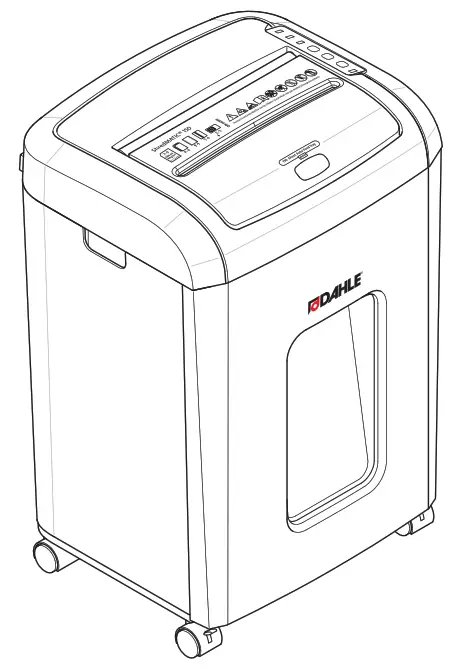
 Instructions
Instructions
 IMPORTANT!
Read the operating and safety instructions BEFORE placing the document shredder into operation. You must follow the instructions.
Keep the operating instructions in a safe place ready for later use.
Intended use, warranty
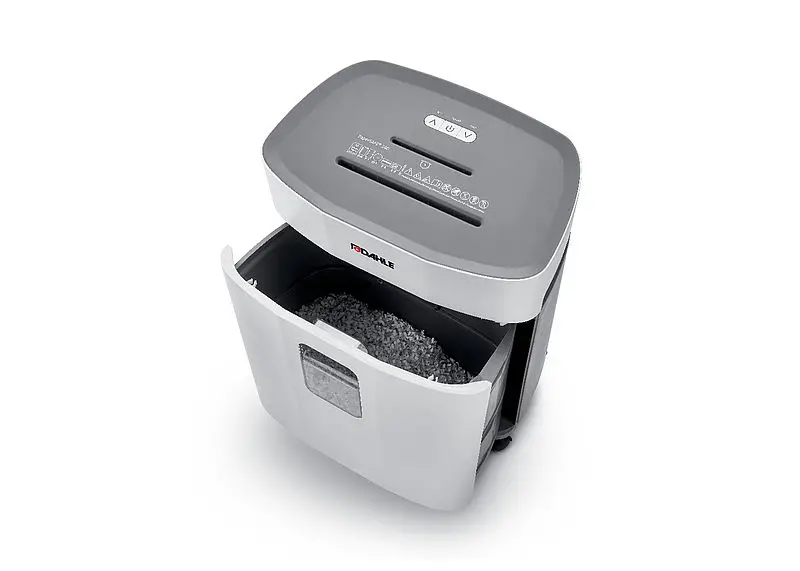
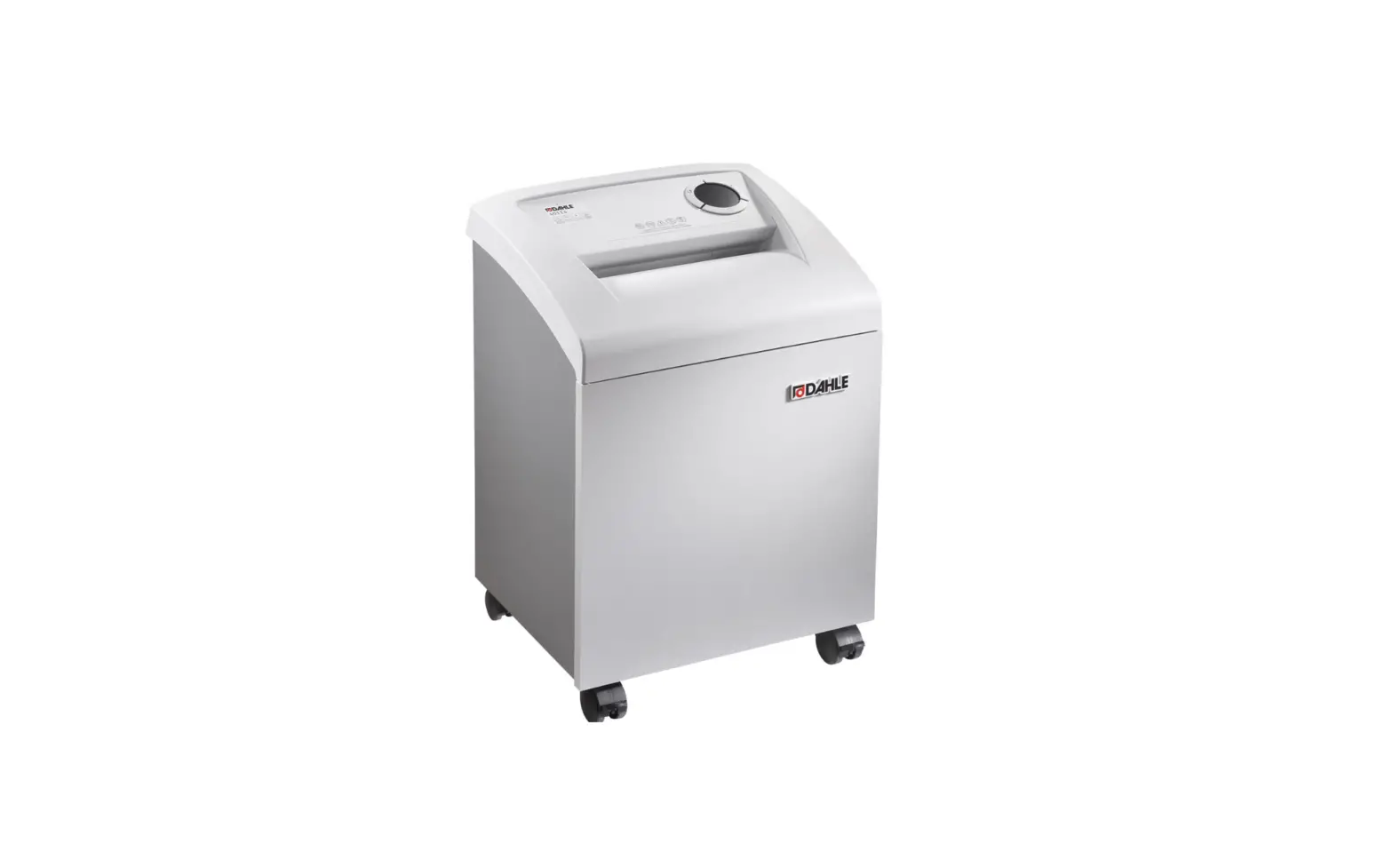
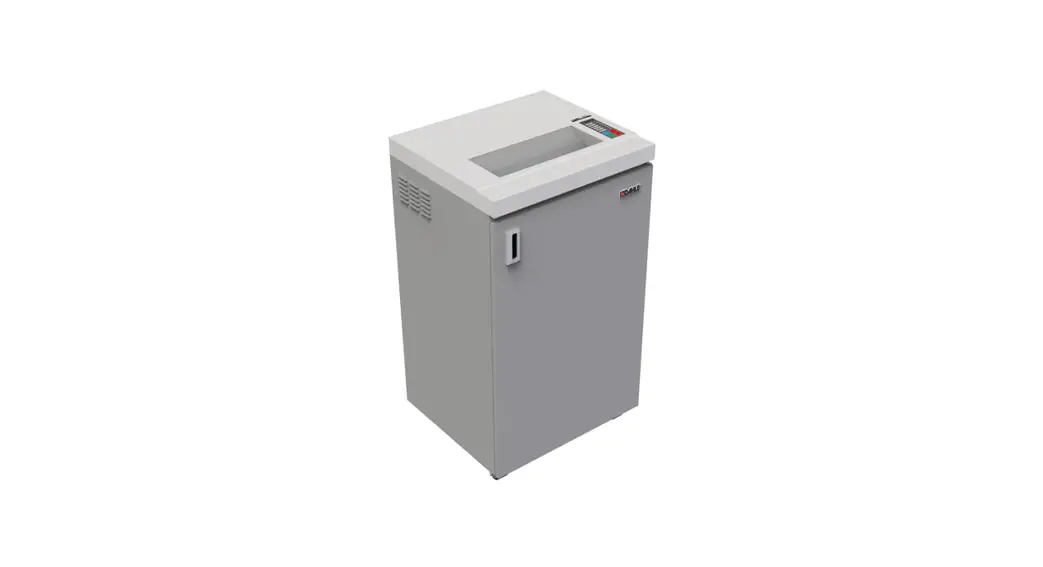
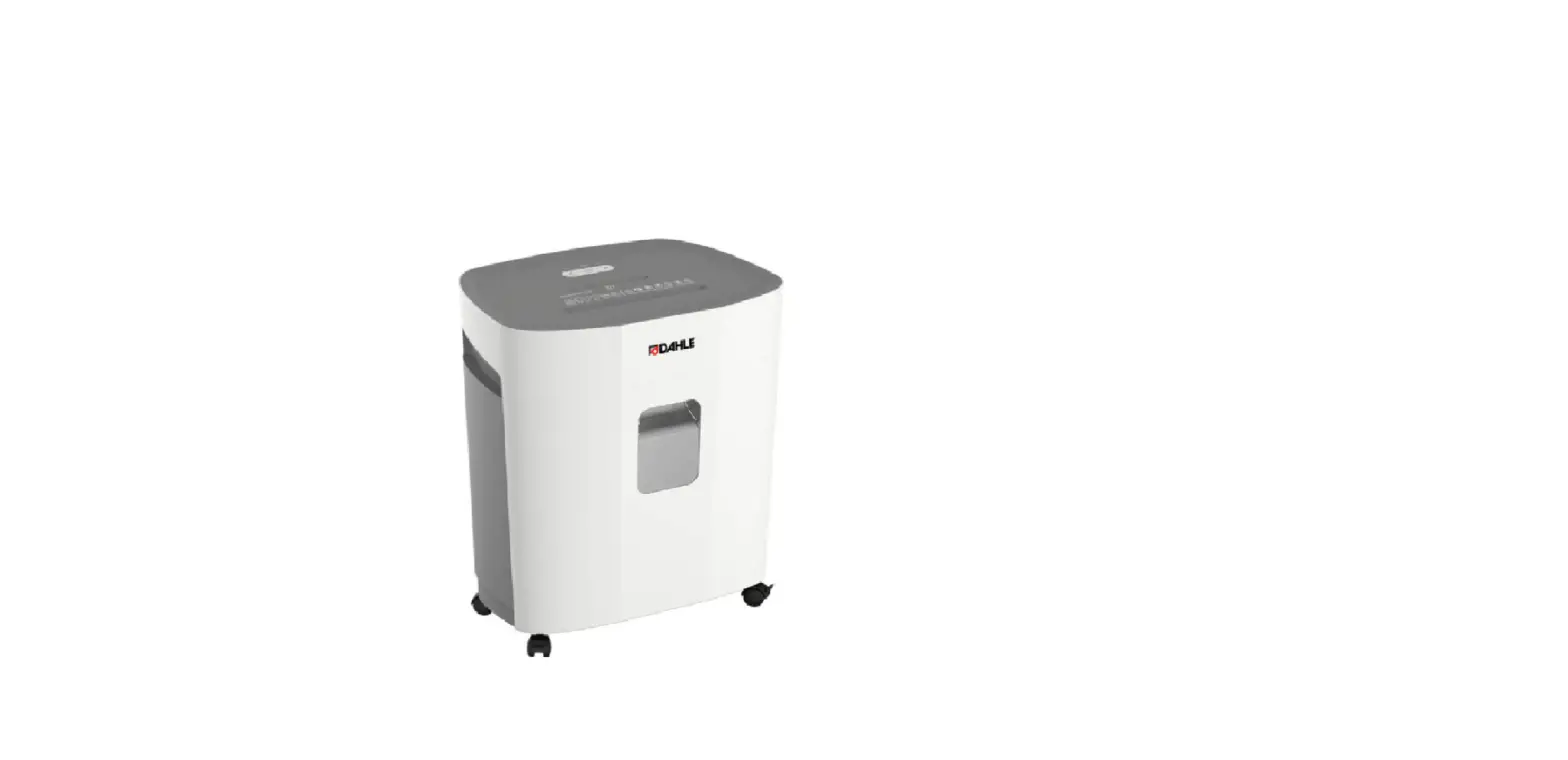
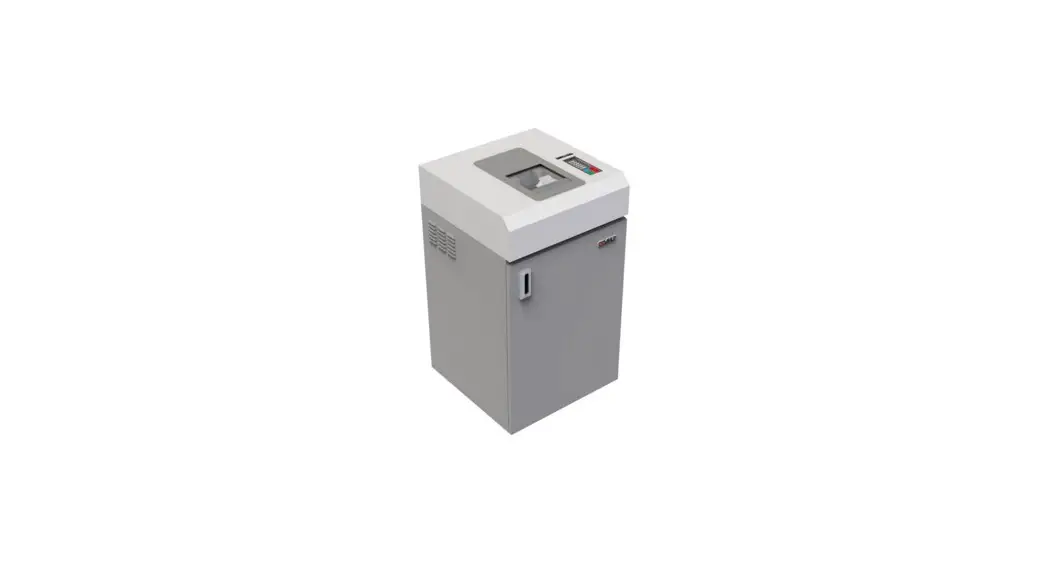
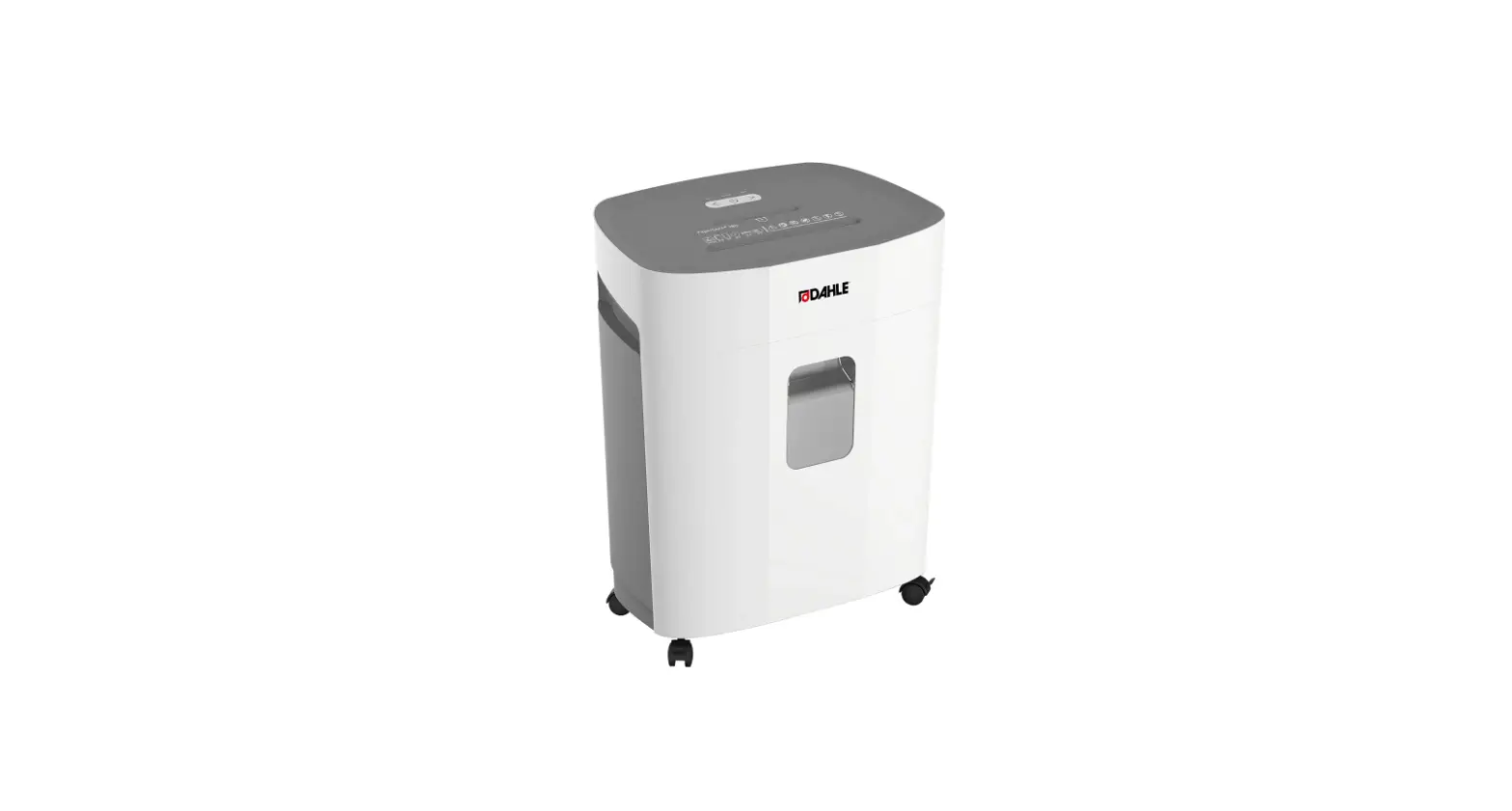
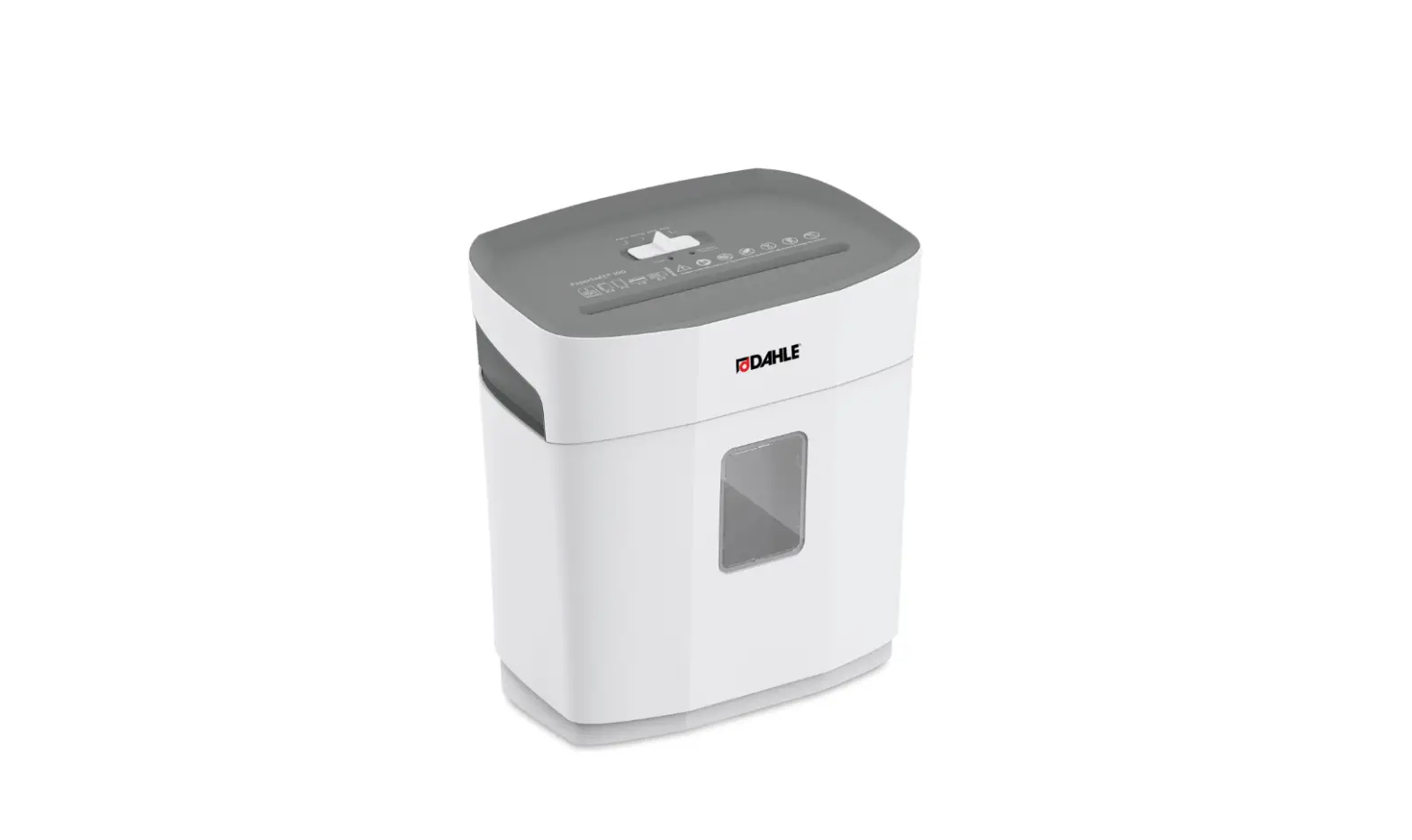
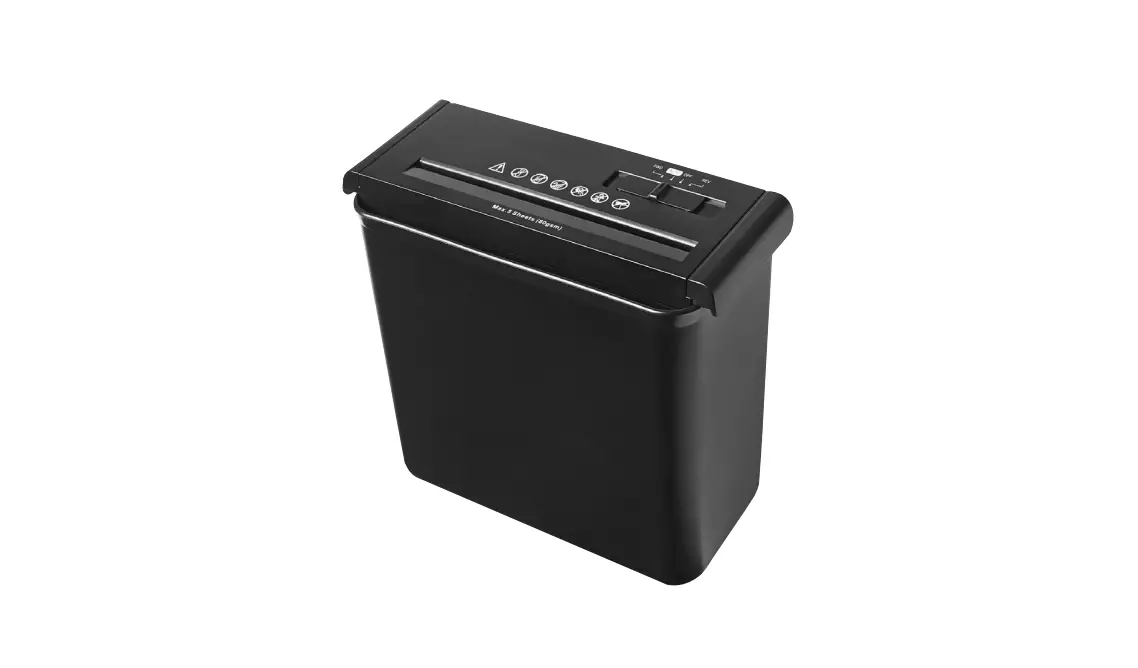
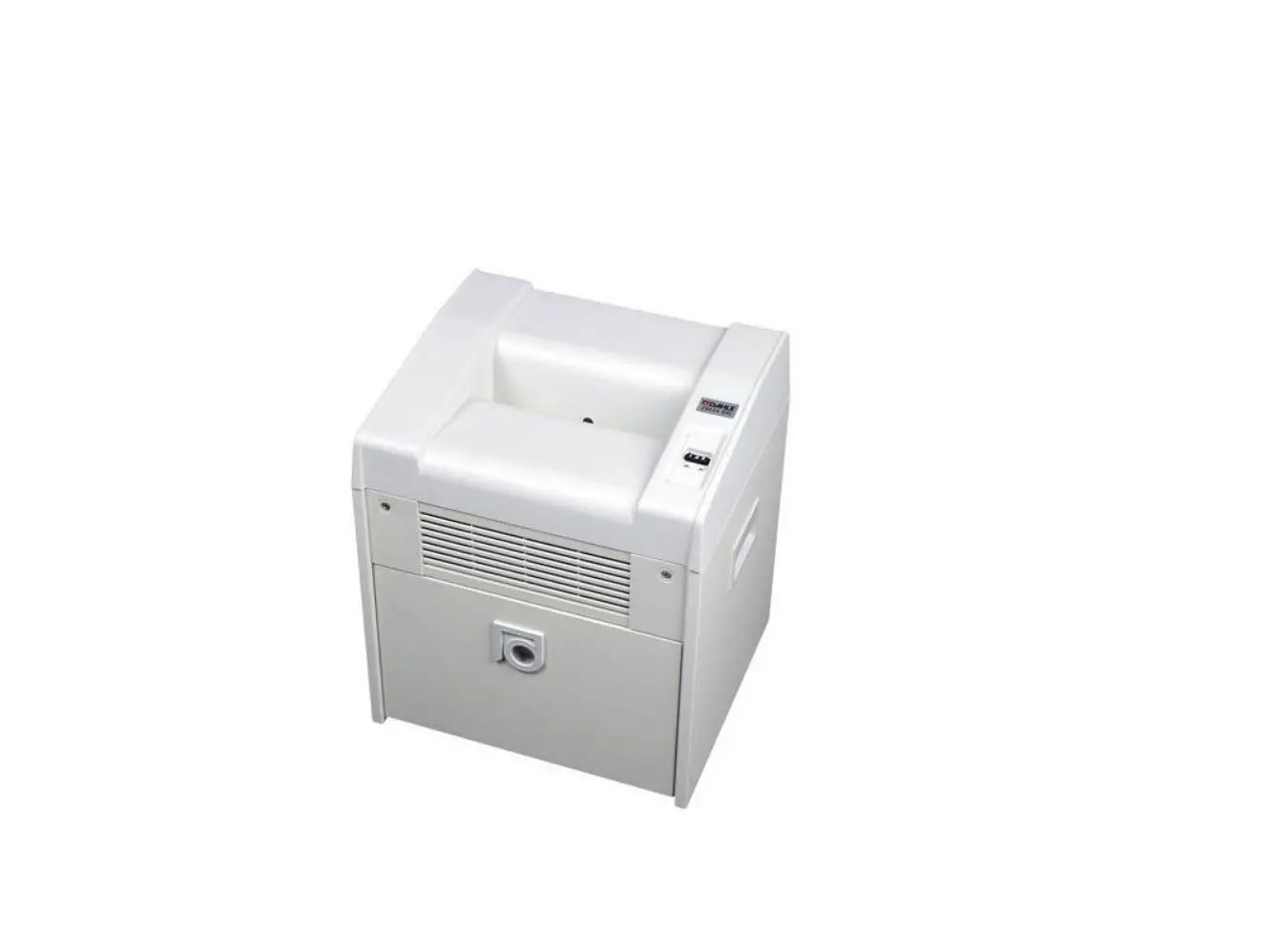
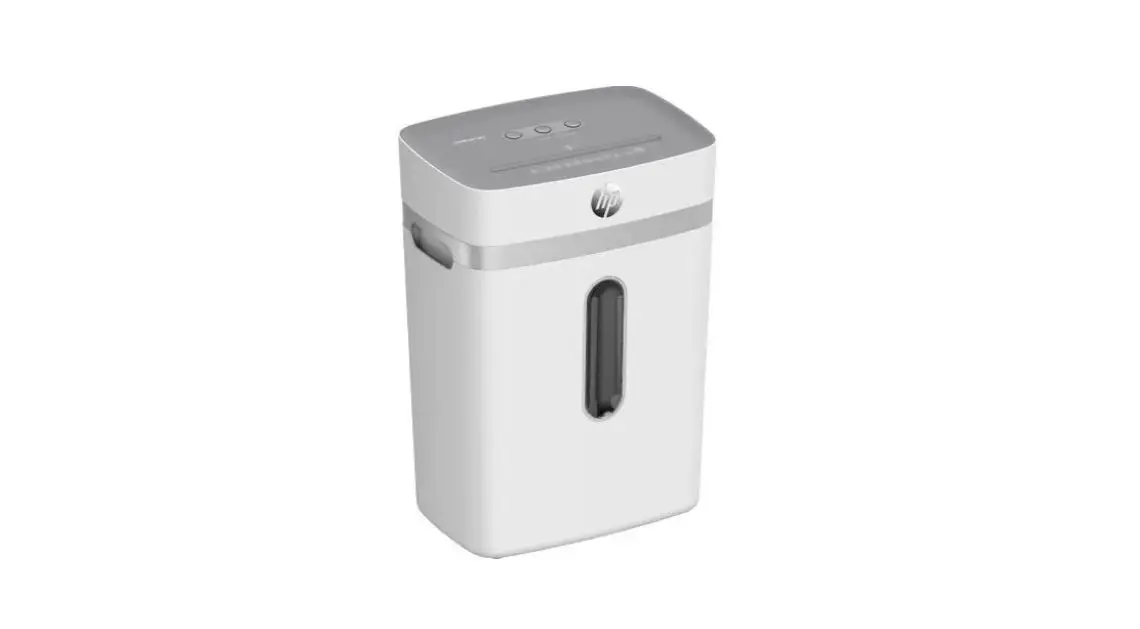
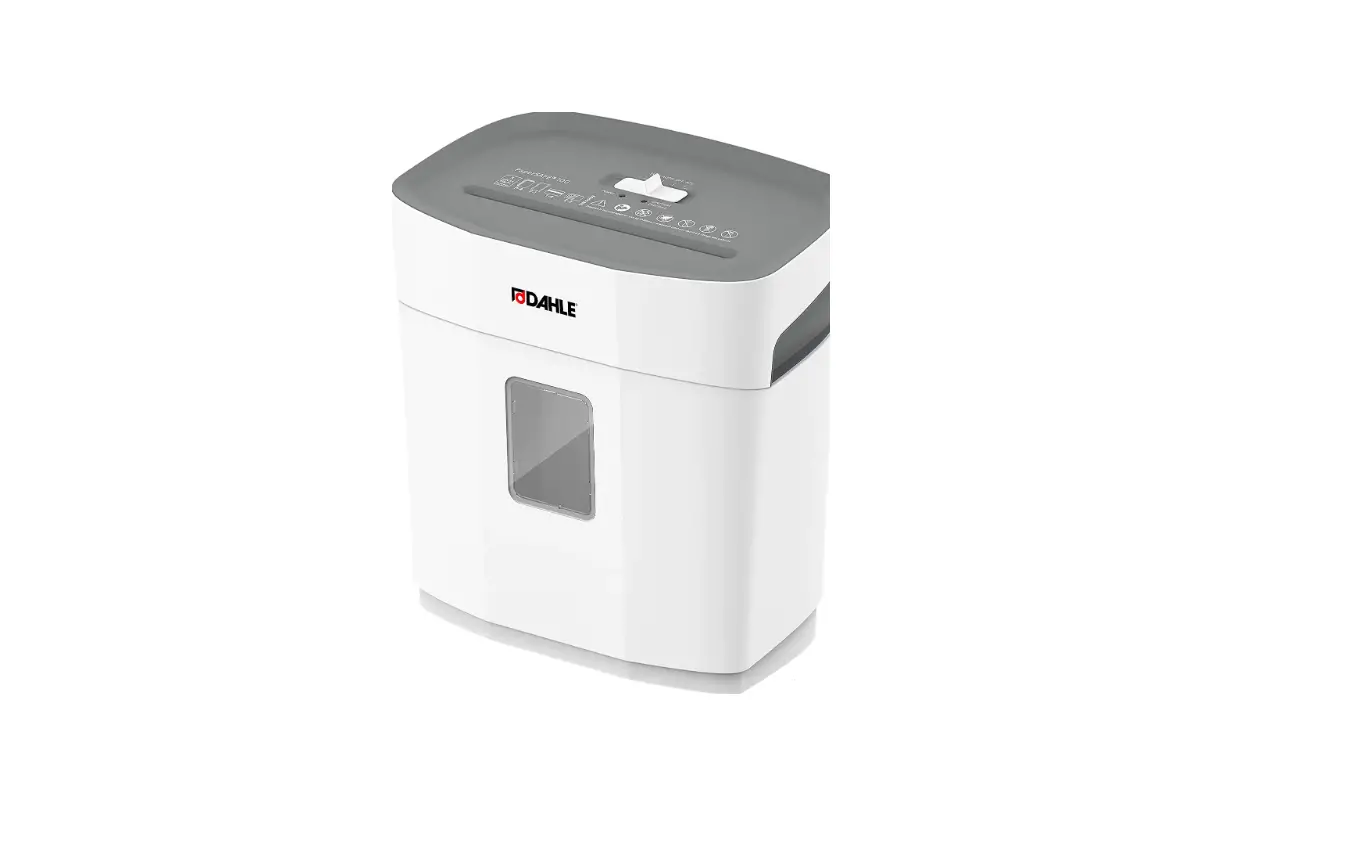
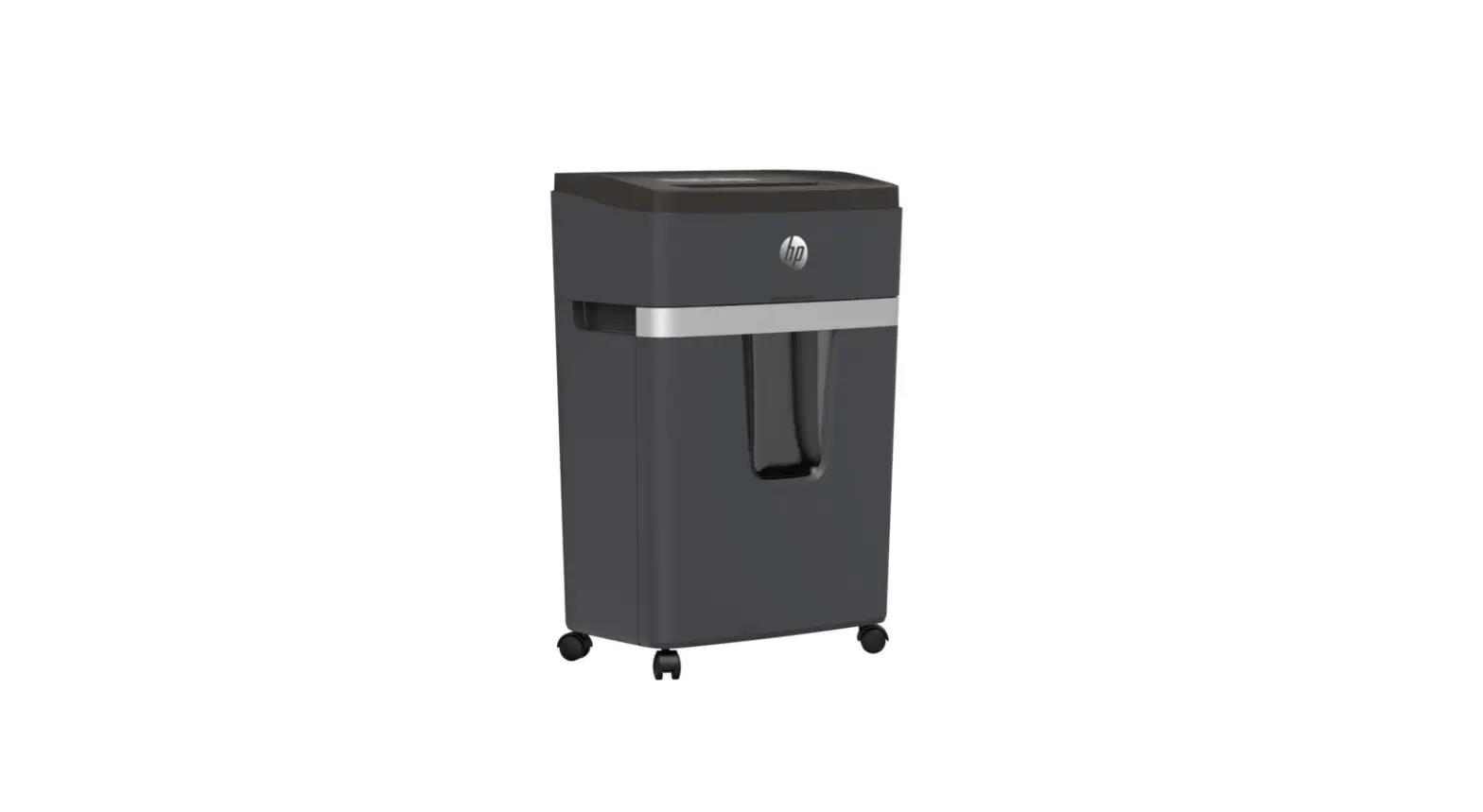
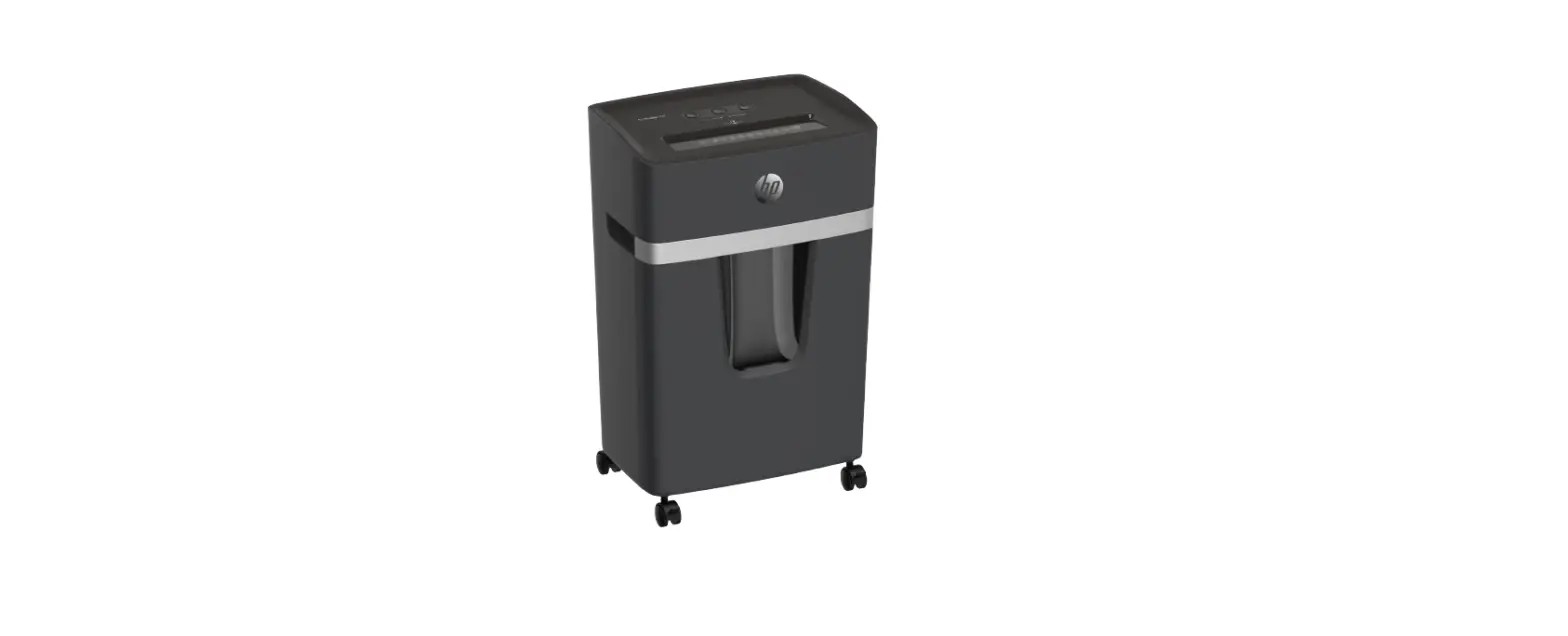
The document shredder is intended to be used for shredding paper.
Depending on the model variant, a small amount of the following materials can also be shredded:
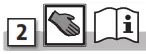
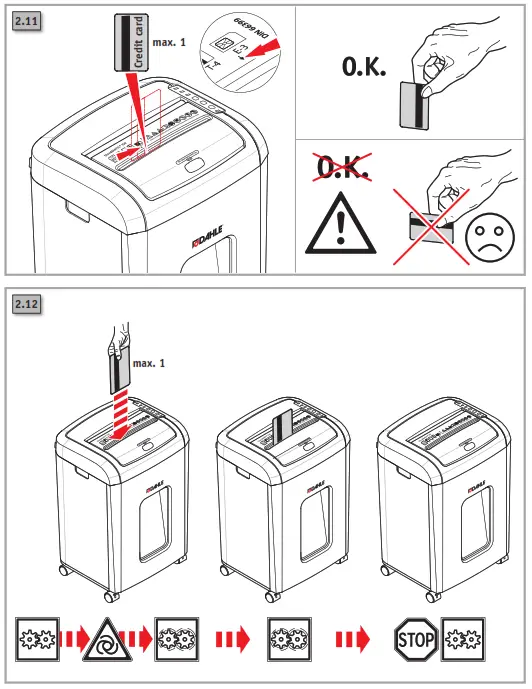
- CDs/DVDs, bank cards, and credit cards (see technical data).
- The normal staples and paper clips are found in paper documents (exception: security level P6 and P7 devices).
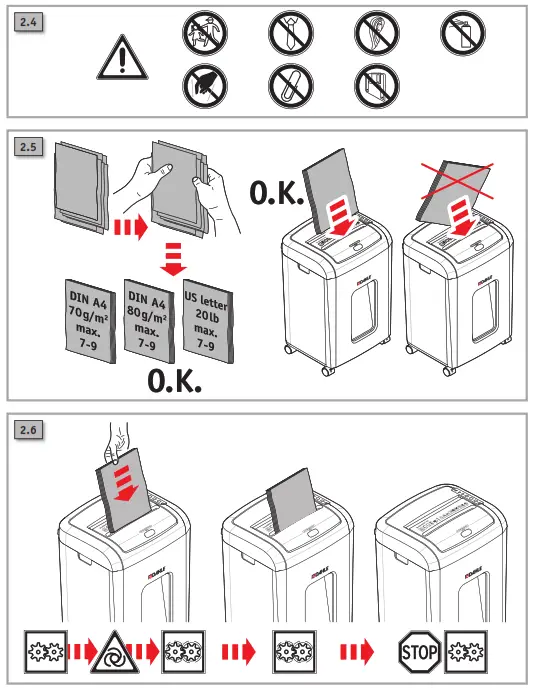
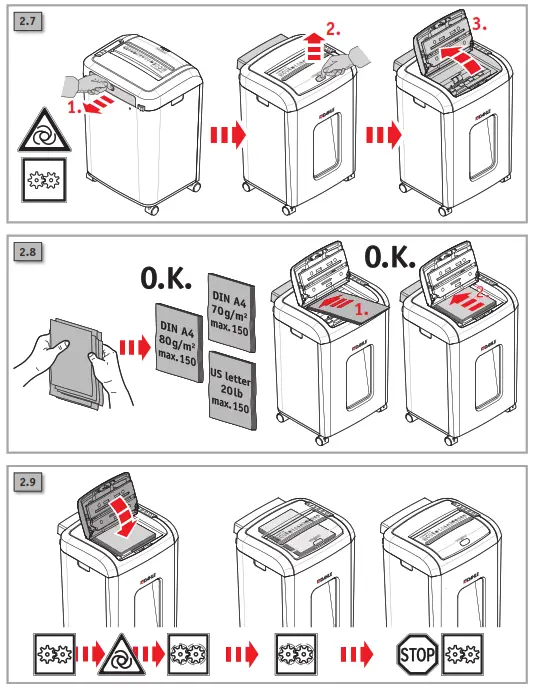
The device has an automatic intake for paper stacks that consist of individual sheets that are not folded (max. 100 g/m²). Paper clipped together, either with paper clips or staples, can generally also be processed in the stacks. The precondition for this is that the clips should be on the rear side of the paper tray (pointing away from the user).
However, removing the office clips/staples before shredding is recommended to extend the life of the device. In individual cases, depending on the quantity and position of the clips and the thickness of the clipped stack, misfeeding and hence an interruption of the shredding process may occur.
Wear, damage due to improper use, or unauthorized modifications and repairs are not covered by the warranty or the guarantee.
The document shredder was designed for private use and for use in normal office environments. The following conditions apply to the performance in terms of sheets listed under technical data: A maximum number of sheets that are shredded in one pass under the following conditions: New cutting rollers, oiled if needed, cold motor, power supply with nominal voltage and nominal frequency (230 V/50 Hz; 120 V/60 Hz).
Deviations may result in reduced sheet processing and increased operating noises. The sheets are fed centrally and lengthwise at a 90-degree angle. The performance in terms of sheets can also vary depending on the paper properties and input.
 | Important information |
 | User information/safety instructions |
 | WARNING |
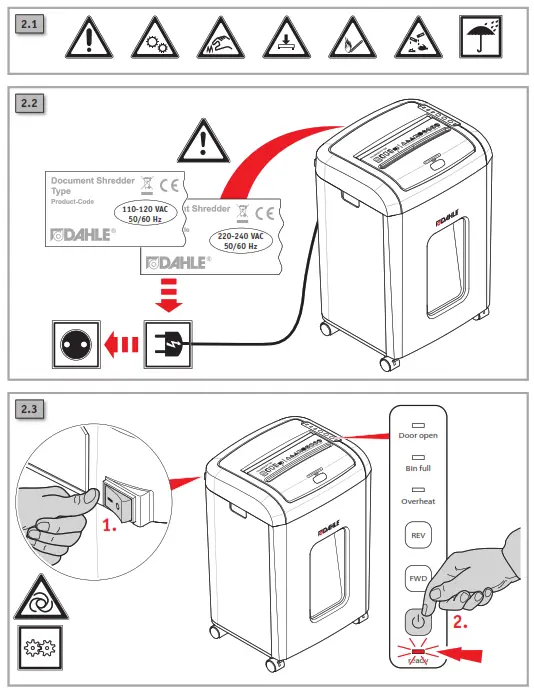
 | CAUTION! Risk of electric shock. |
 | WARNING, moving parts This equipment is not intended for use by children. Avoid touching the media feed opening with the hands, clothing, or hair. Unplug this equipment when not in use for an extended period of time, hazardous moving parts in this equipment, keep body parts away from moving parts. |
 | ATTENTION, sharp edges. Do not touch. |
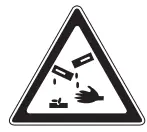 | Do not use near caustic substances. |
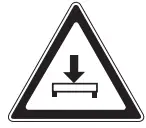 | Place the device in a stable position on the floor, leaving a gap of 100 mm to the wall, ensure no heat can accumulate, engage brake mechanisms (depending on the type) |
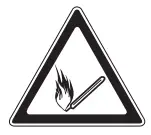 | Do not use near inflammable liquids or gases. |
 | Automatic start-up |
 | Do not expose to moisture |
 | This document shredder is not intended to be used by children (the product is not a toy). |
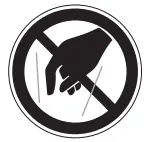 | Do not touch the paper feed with your hands. |
 | Do not allow items of clothing to come into contact with the paper feed. |
 | Do not allow your hair to come into contact with the paper feed. |
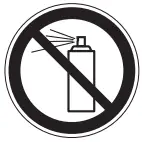 | Keep spray cans away from the device. |
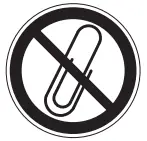 | Remove paper clips and staples before shredding. |
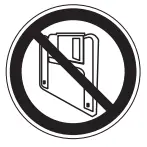 | Do not insert any diskettes. |
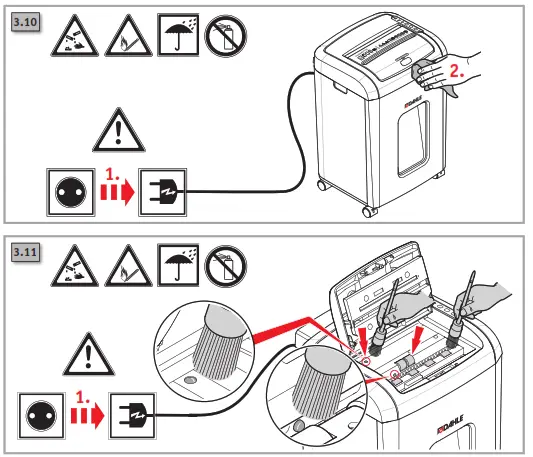
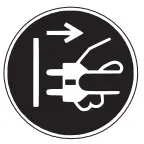 | Disconnect the document shredder from the electrical power supply before performing maintenance work. |
 | Technical specifications – Subject to technical modifications. |  | The power plug is used to disconnect the power supply. |
 | The noise level when operated without shredding documents |  | The main socket must be easily accessible at all times. |
 | The noise level when operated without shredding documents | 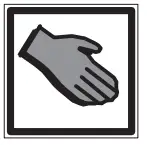 | How to use |
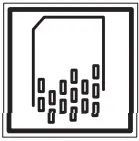 | The noise level when operated without shredding documents |  | Document shredder on standby |
 | Card – cross cut | 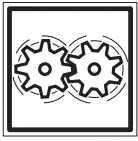 | Document shredder in operation |
 | Weight |  | Automatic shut-down! |
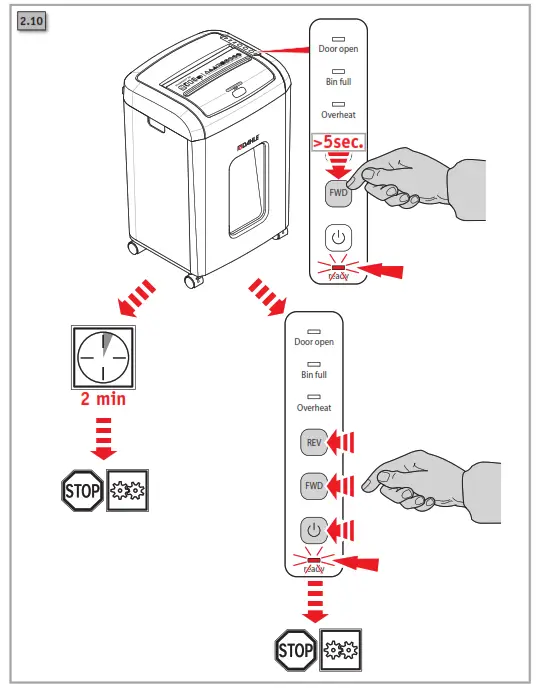
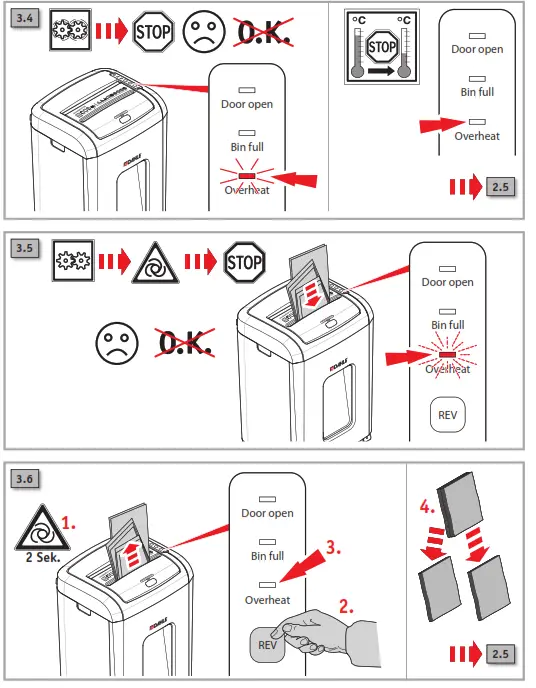
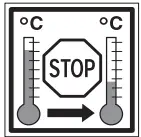 | The document shredder will switch off automatically to cool down if used for a long time and /or if overloaded |
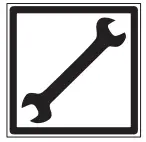 | Maintenance instructions/troubleshooting |
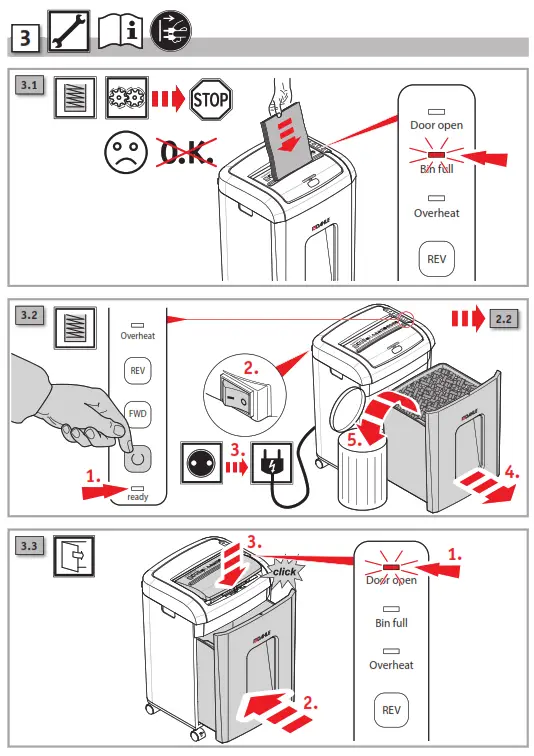
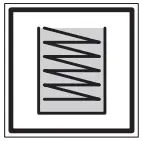 | Container full |
 | Possible malfunctions |
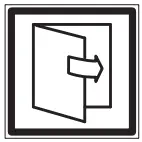 | Automatic switch-off when housing is open |
Safety instructions
- Do not place the device near a source of heat.
- Store, transport and operate the device in an upright position only.
- Only use liquids and gases on the device that comply with DAHLE guidelines.
- Do not open up the device. Risk of electric shock.
- Only operate the device in closed spaces, at temperatures of between 10 °C and 25 °C (50 °F to 77 °F) and at a non-condensing humidity of between 15 % and 95 %.
- Ensure that the building installation has short-circuit protection: max. 16 A(US max. 20 A).
- Do not operate the document shredder without inserting documents.
- The device is not intended for use by persons (including children) with restricted physical, sensory, or mental capabilities or a lack of experience and knowledge unless they are working under supervision or receive detailed instruction about how to use the device from a person who is responsible for safety.
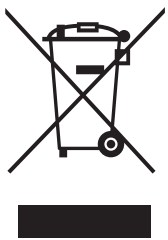 Dispose of the document shredder properly in an environmentally friendly way at an authorized collection point. Do not dispose of any parts of the document shredder or packaging in domestic waste.

Headquarters:
Novus Dahle GmbH
Breslauer Straße 34 – 38
DE-49808 Lingen (Ems)
Service contact:
Novus Dahle GmbH
Nikolaus-A.-Otto-Straße 11
96472 Rödental · Germany
Tel.: +49 (0) 9563 75299-0
Fax: +49 (0) 9563 75299-333
[email protected]
www.novus-dahle.com
16100-16507 | 1020