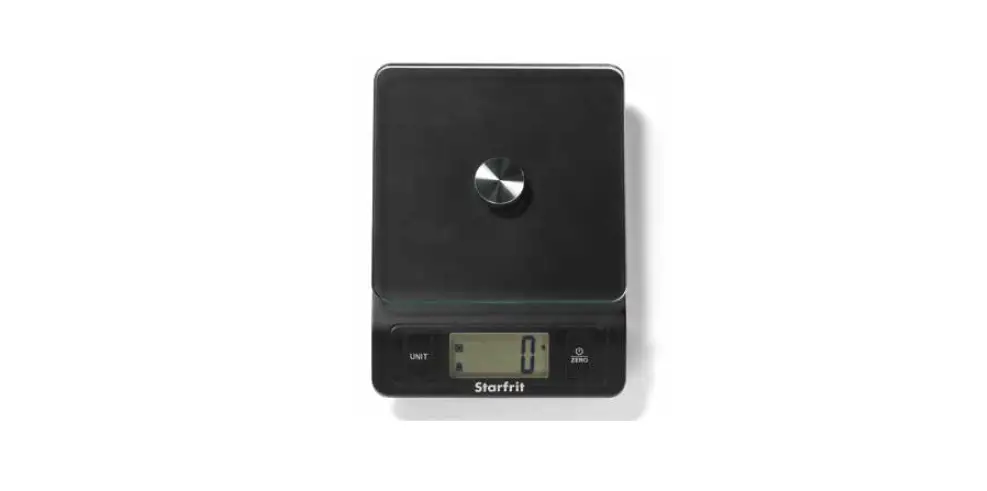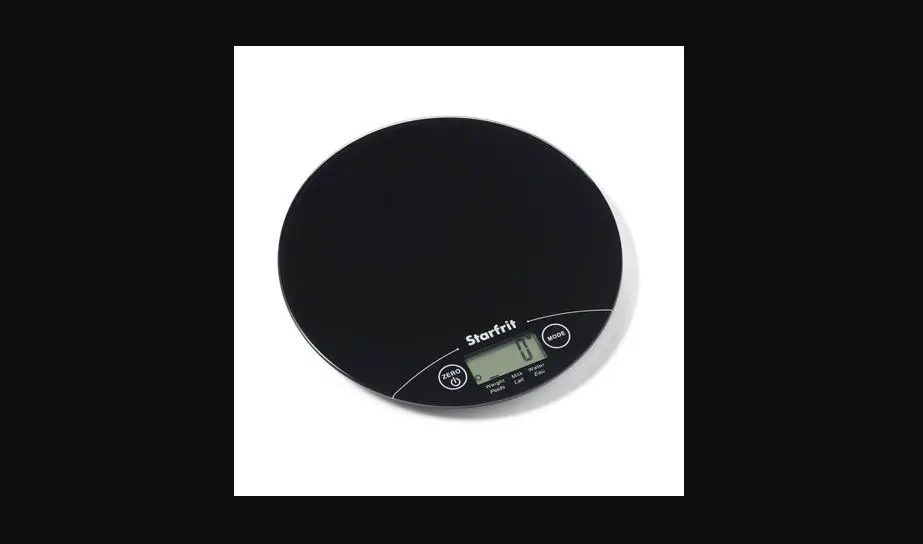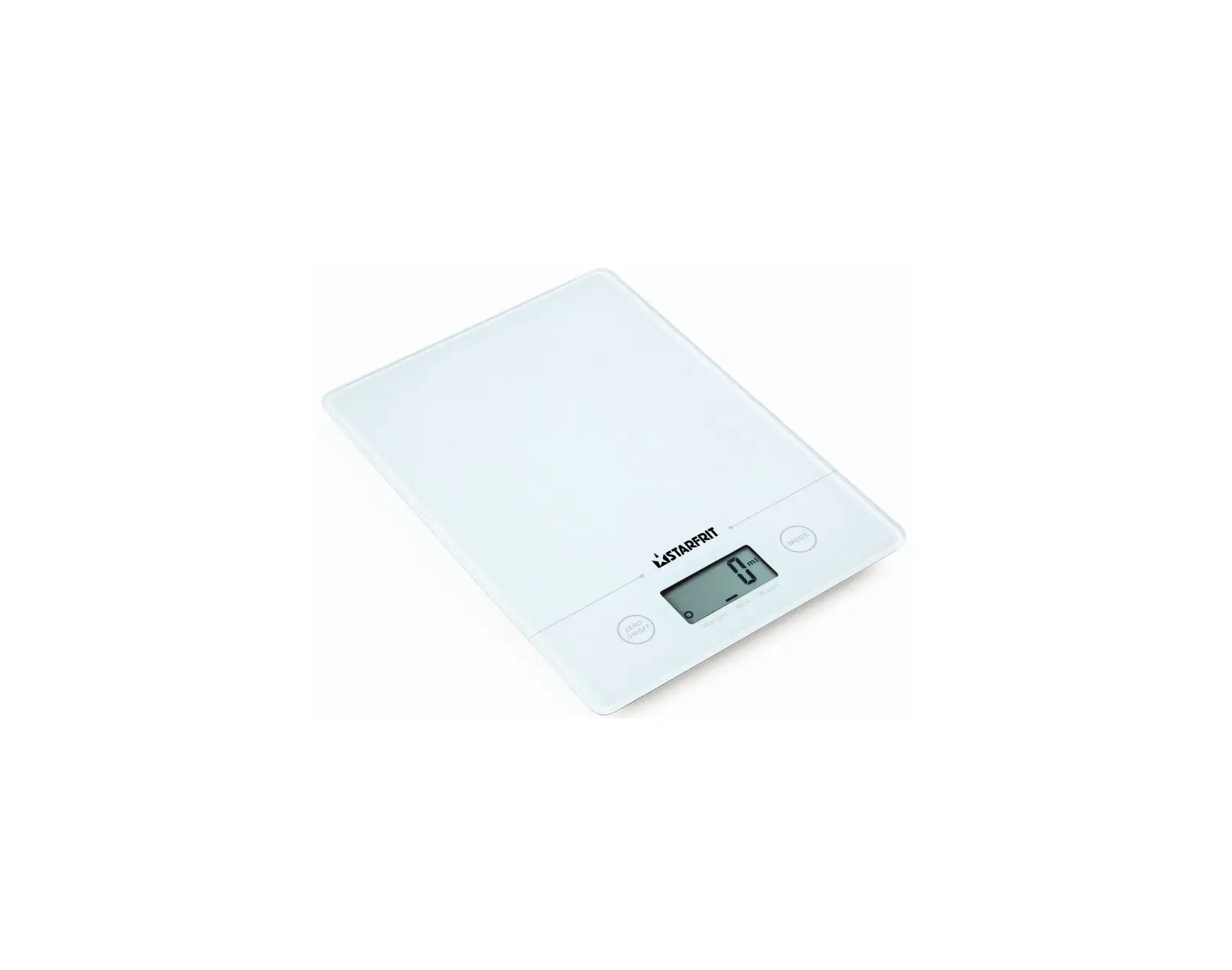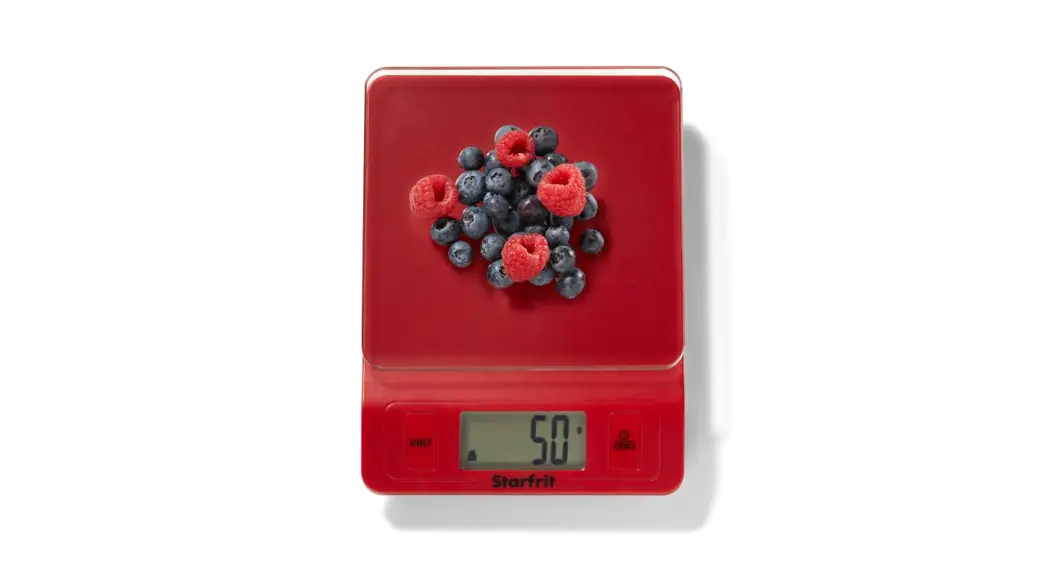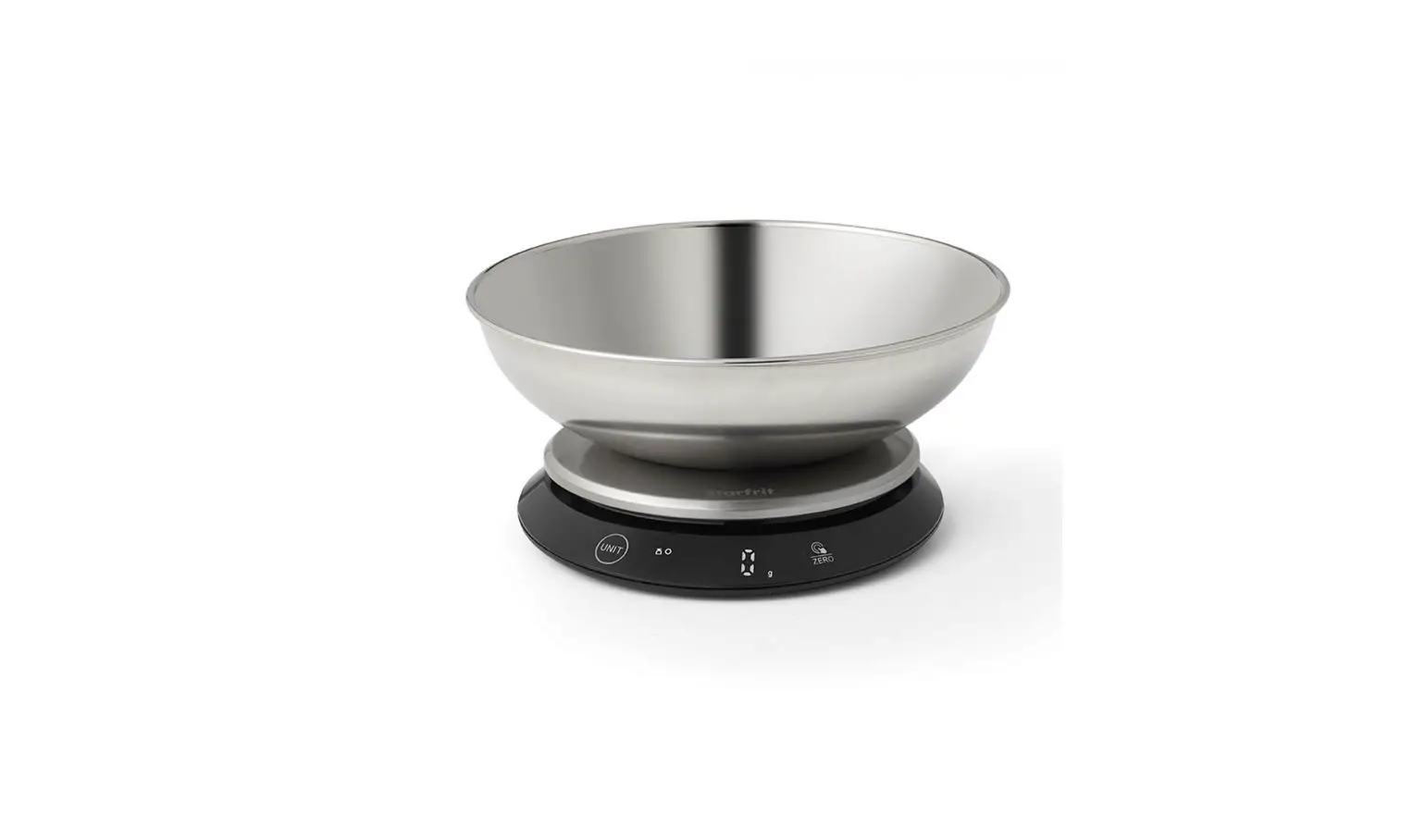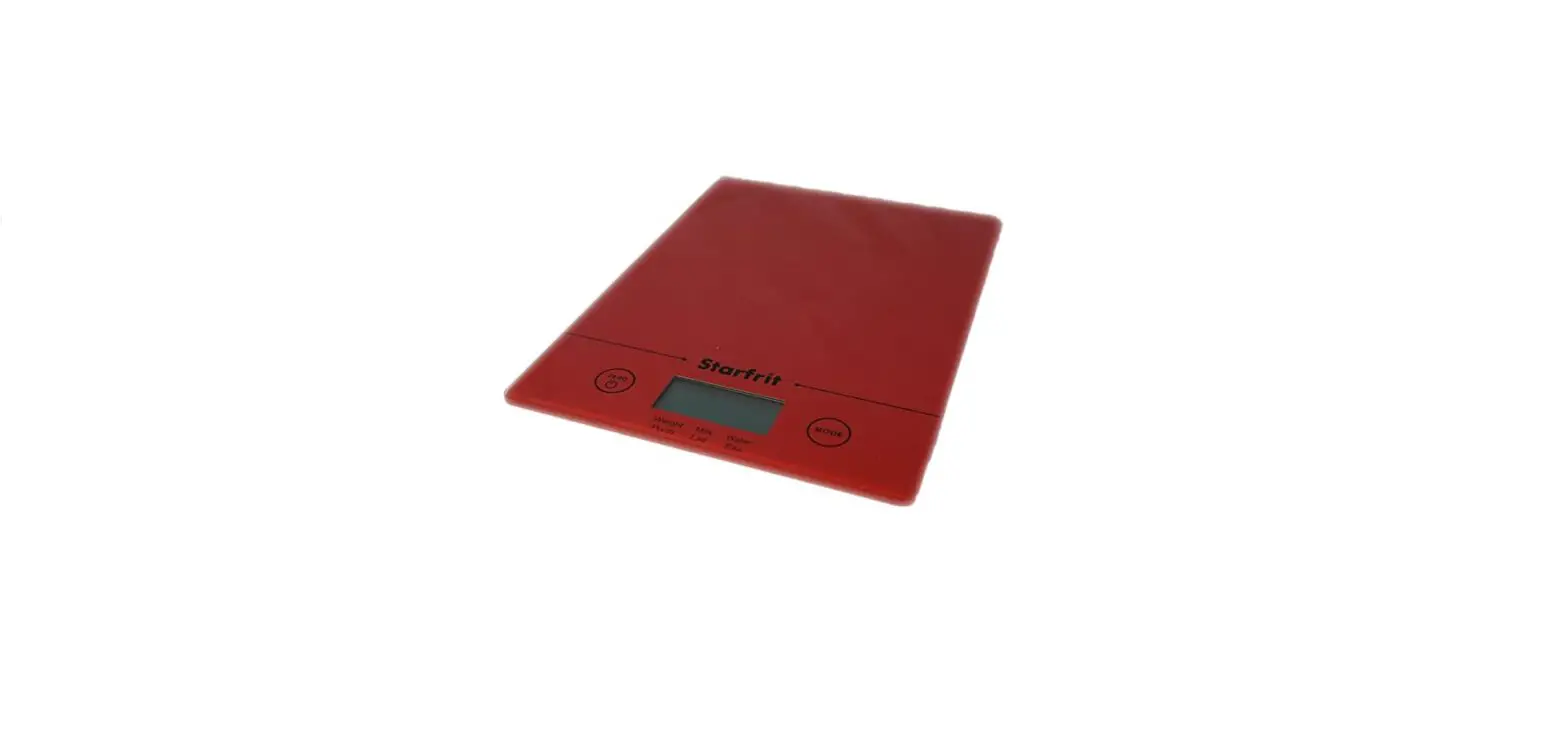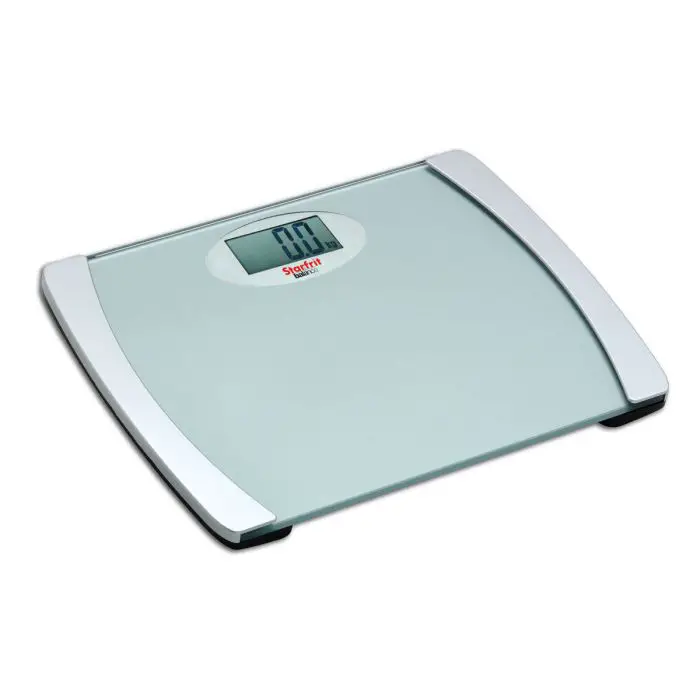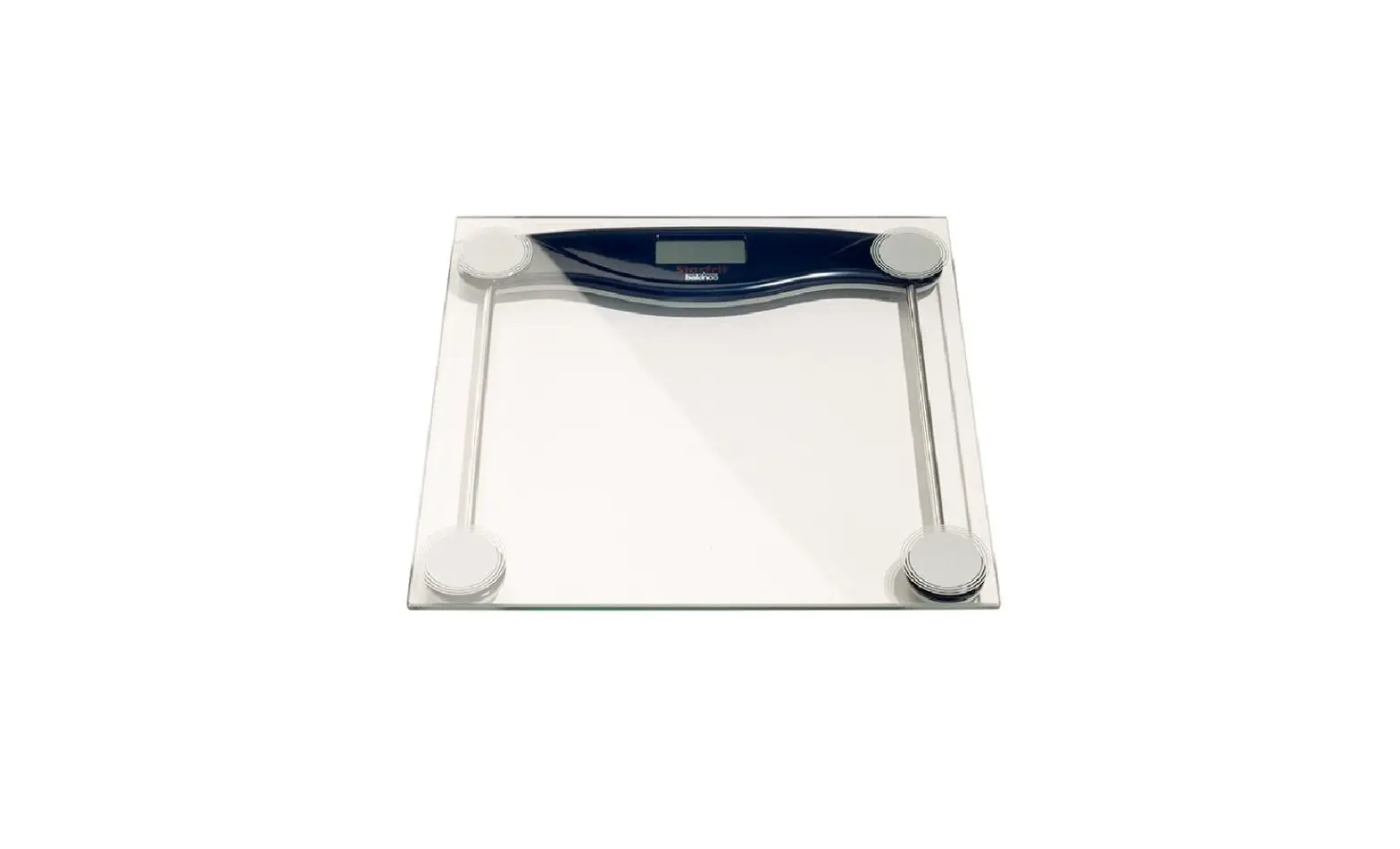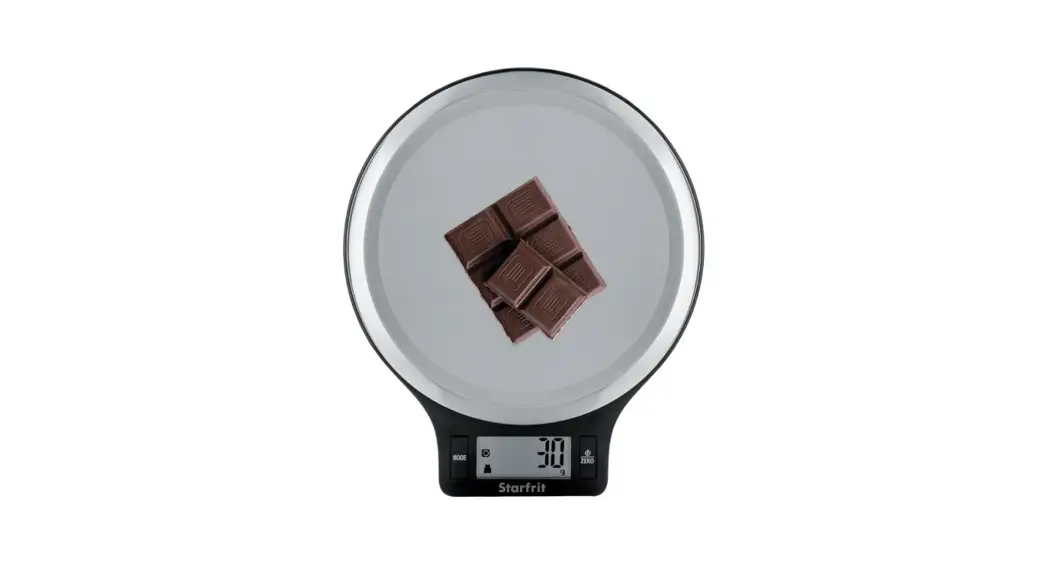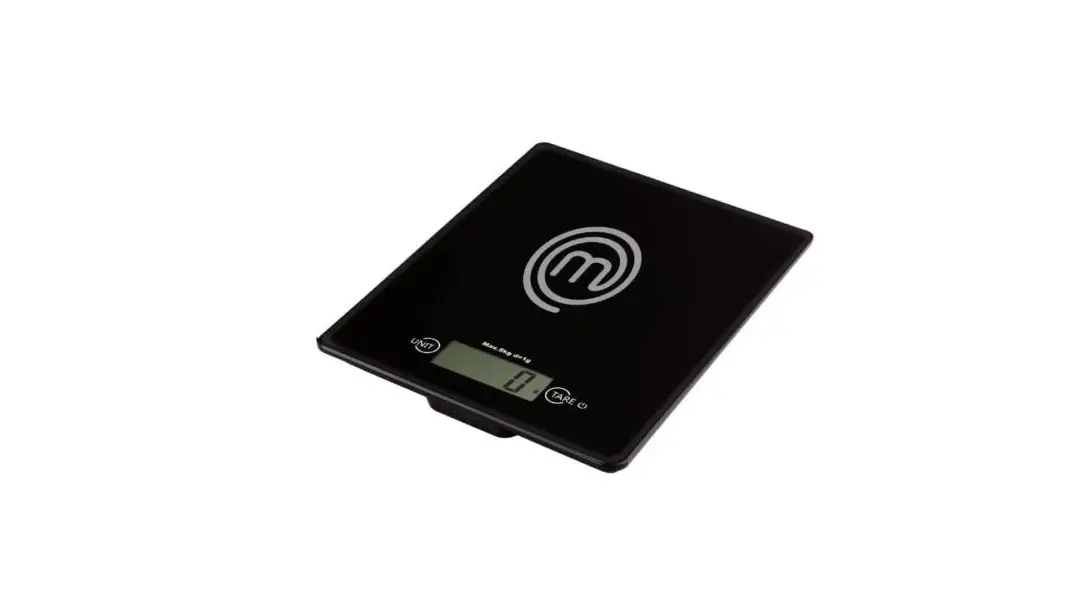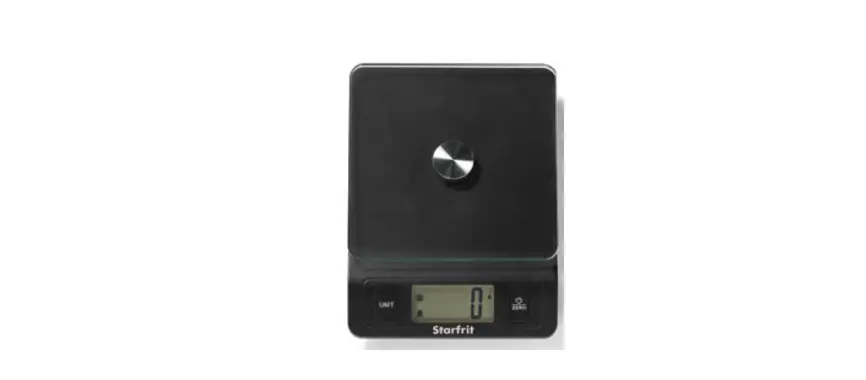

Starfrit Digital Kitchen Scale 5kg
 SPECIFICATIONS
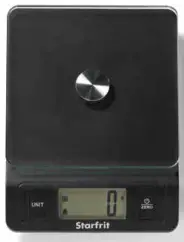 SPECIFICATIONS
- Glass weighing platform
- Also measures volume of milk and water
- Unit conversion feature
Weight: grams, pounds and ounces
Volume: milliliter and fluid ounces - Automatic conversion feature imperial/ metric
- Zero and tare functions
- Low battery and overload indicators
- Auto-off after two minutes or manual-off
- Capacity: 11 lb/ 5 kg
- Accuracy: 0.1 oz/ 1 g
BATTERIES
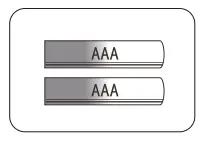
- Requires 2 AAA batteries (included).
- Remove isolation sheet before use.
TO REPLACE BATTERIES
- Open battery case cover underneath the scale.
- Take out the used batteries and install new ones. Make sure to respect the polarity.
- Close battery case cover.
LCD SCREEN
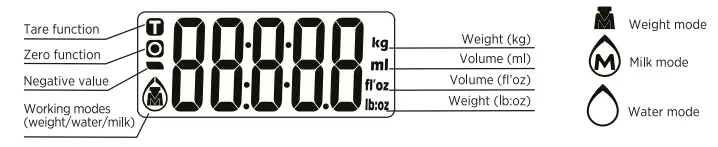
BUTTONS
WORKING MODES/ UNIT CONVERSION
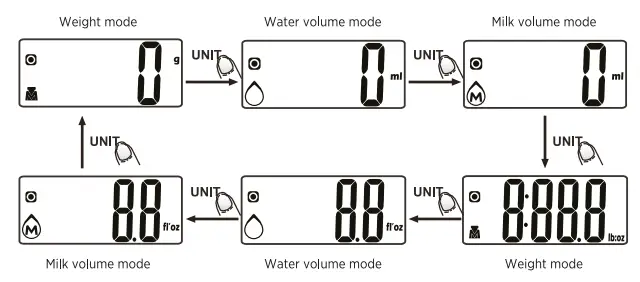
Press button to switch the mode and unit.
WEIGHING MODE
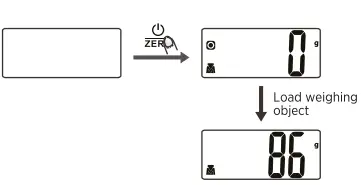
- Place the scale on a solid and flat surface.
- Press
 button to turn on the scale.
 - Wait until LCD screen shows “O” to start weighing. Press
 button to convert to weight mode if needed.
 - Load weighing object on scale. LCD will show the weight reading.
VOLUME WEIGHING MODE
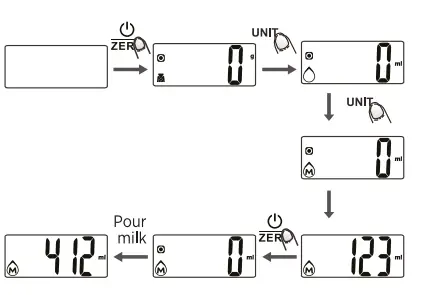
- Place the scale on a solid and flat surface.
- Press button to turn on the scale.
- Wait until LCD screen shows “O” to start weighing. Pressbutton to convert to scale to water or milk mode.
- Place a bowl or container on the weighing platform. LCD screen indicates the weight of the bowl or container. Pressbutton to reset the LCD screen at “O”.
- Pour liquid (water or milk) into the bowl or container. LCD screen indicates the volume of the liquid (water or milk).
ZERO AND TARE FUNCTIONS
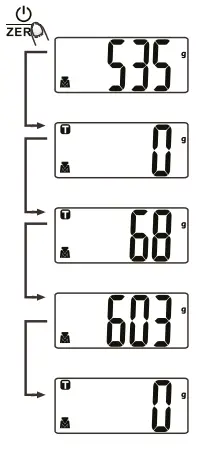
The zero and t.are functions allow you to weigh items consecutively without having to remove the article already on the platform. For example, if you are using a bowl, these functions allow you to weigh the content of the bowl without counting the weight of the bowl. Press to use these functions.
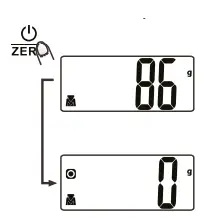
zero function
When sum of all loads on scale is less than 7 oz (200 g), the LCD will show “O g” each time button is pressed. Icon “o” will show on left of LCD, indicating zero function is activated. The maximum capacity of the scale will not be reduced by the stated weight if it is 7 oz (200 g) or less
Tare function
When sum of all loads on scale is over 7 oz (200 g), the LCD will show “O g” each timebutton is pressed. Icon “T” will show on left upper corner of LCD, indicating tare function is activated. Maximum weight capacity is reduced by tare amount. Under this condition, if you pressbutton, you will see the total weight of all loads.
AUTO SHUT OFF & MANUALLY SHUT OFF
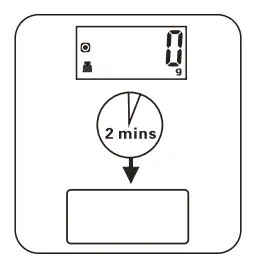
Auto shut-off occurs if display shows “O” or shows the same weight reading for 2 minutes To maximize batteries life, it is recommended to shut off manually the scale. Press button for 3 seconds and the scale will turn off.
LOW BATTERY & OVERLOAD INDICATORS
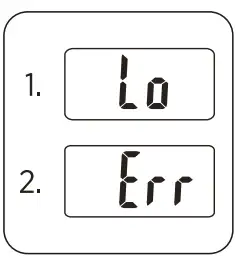
- Low battery power
Please replace batteries. - Overload
Remove item to avoid damage. Maximum capacity for thsi scale is 11 lb/ 5 kg
ADVISE FOR USE & CARE
- Always use the scale on a hard flat surface.
- Clean the scale with a slightly damp cloth.
- Avoid contact with water. DO NOT immerse the scale in water.
- All plastic parts should be cleaned immediately after contact with fats, spices, vinegar and strongly flavored/colored food. Avoid contact with acid citrus juices.
- DO NOT use chemical or abrasive cleaning agents.
- Not for commercial use.