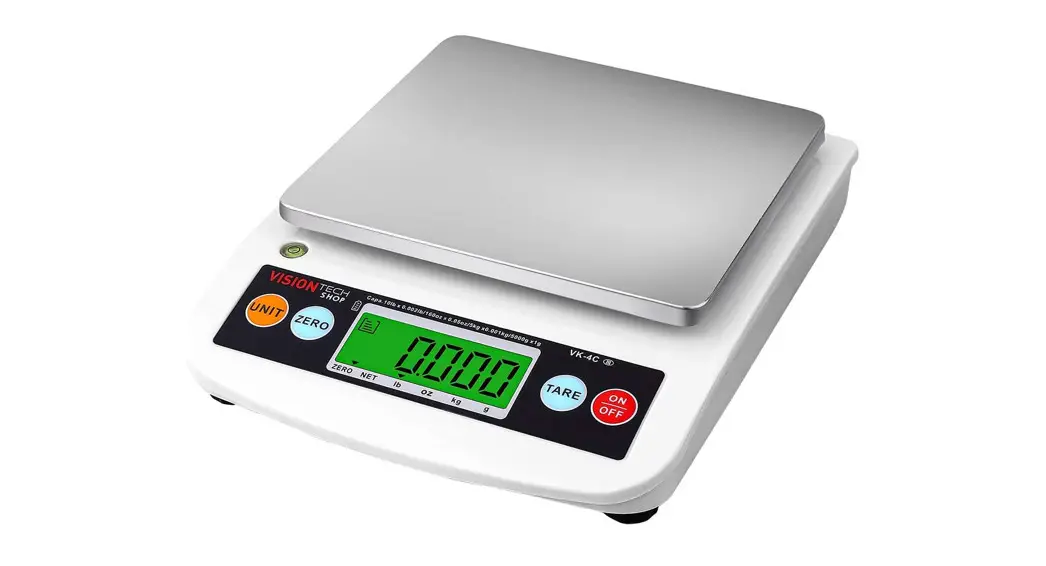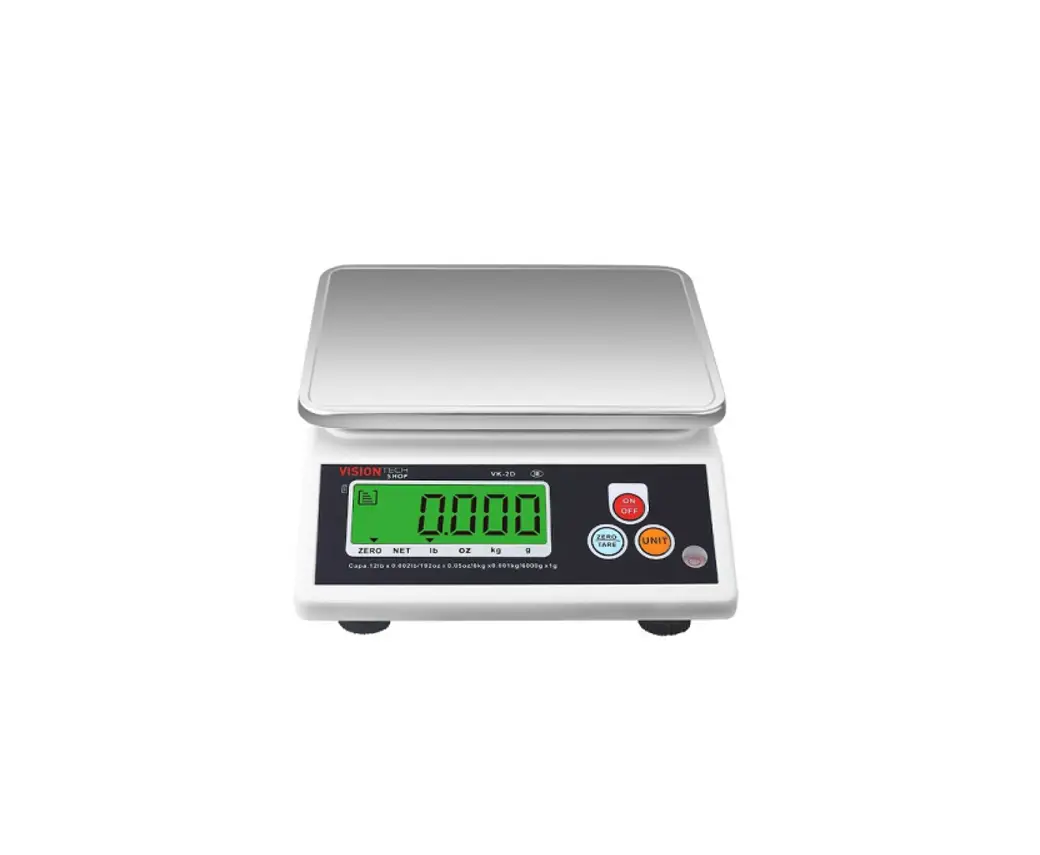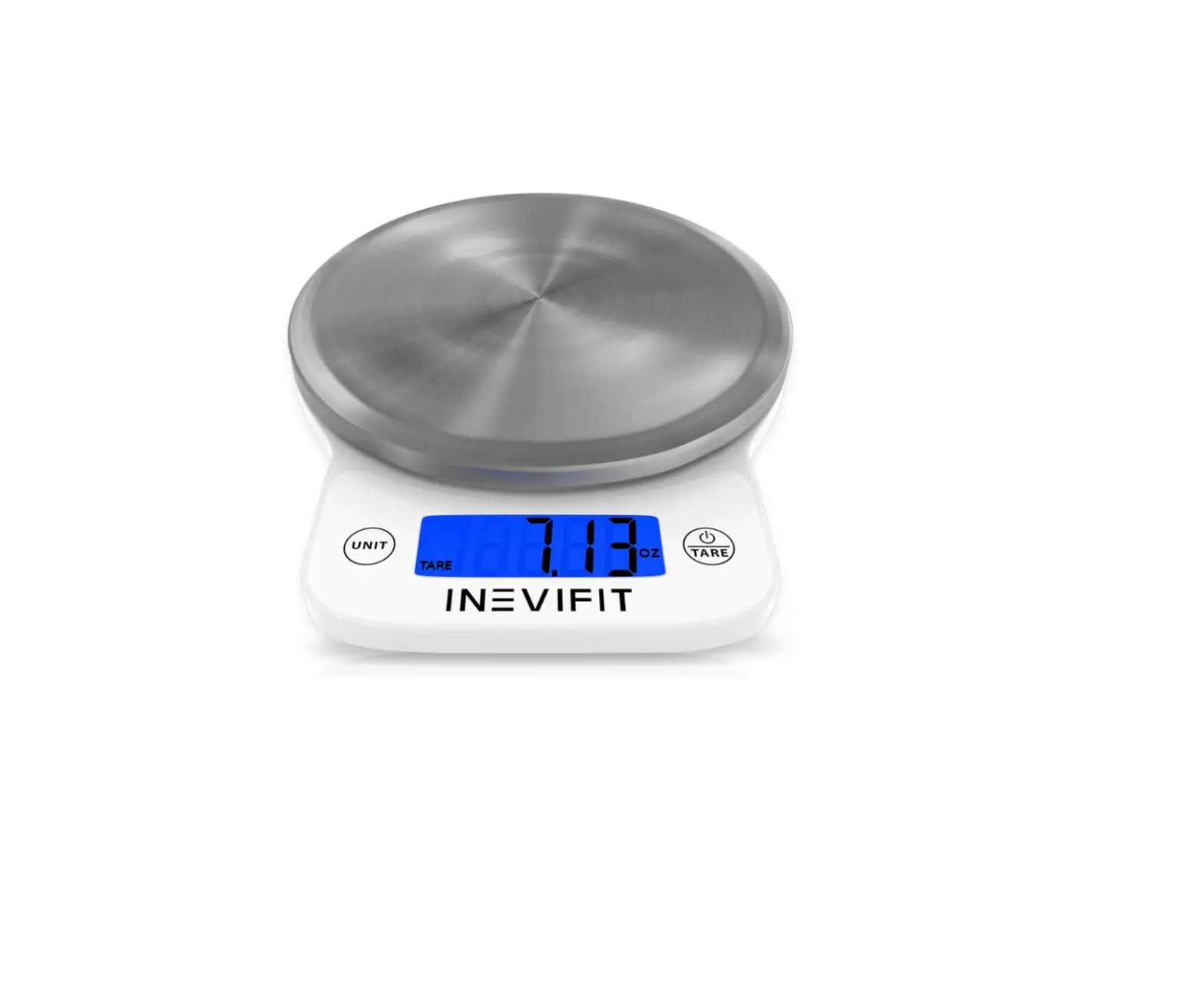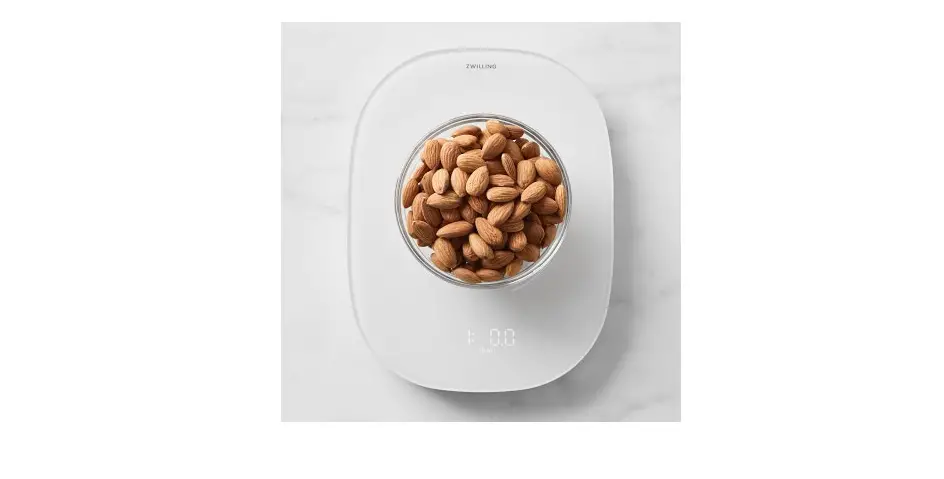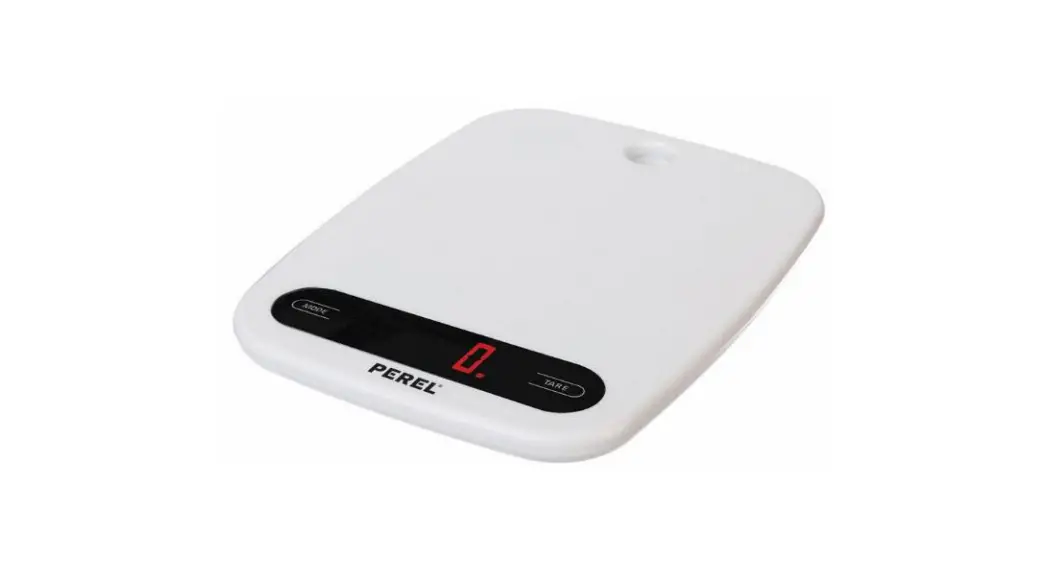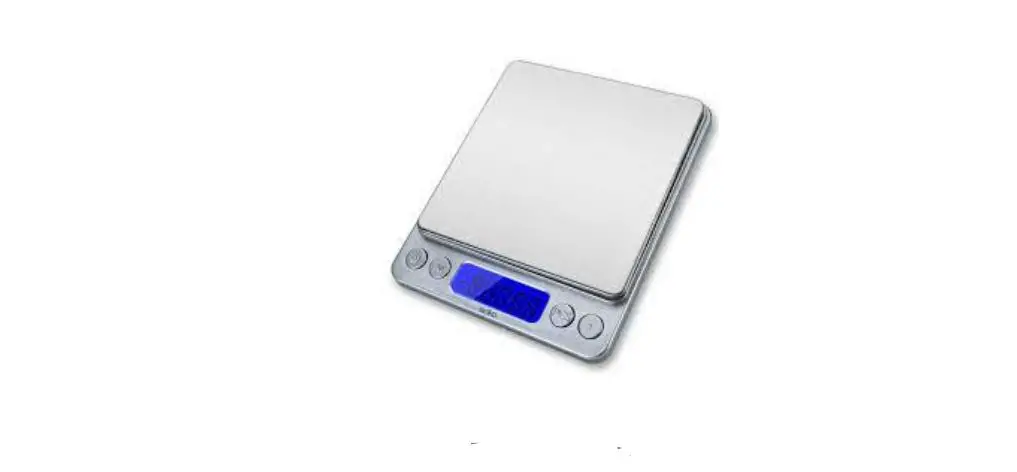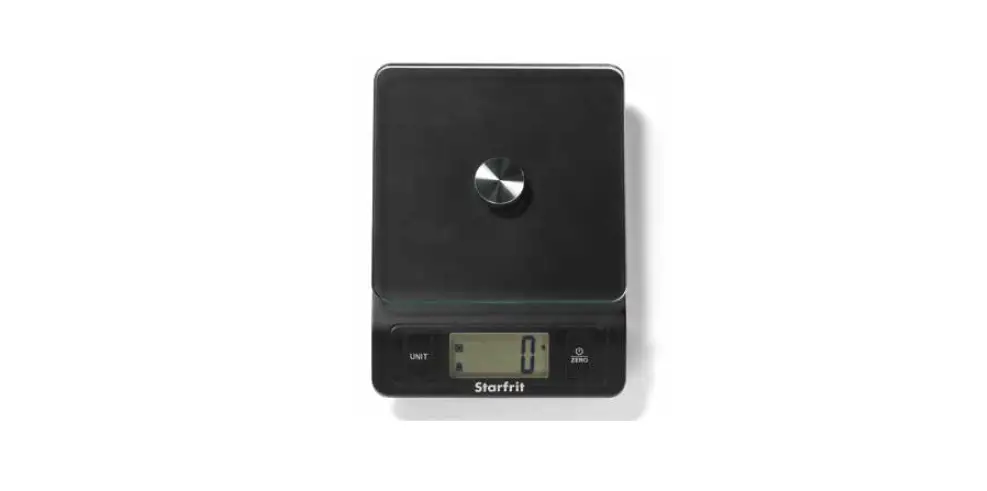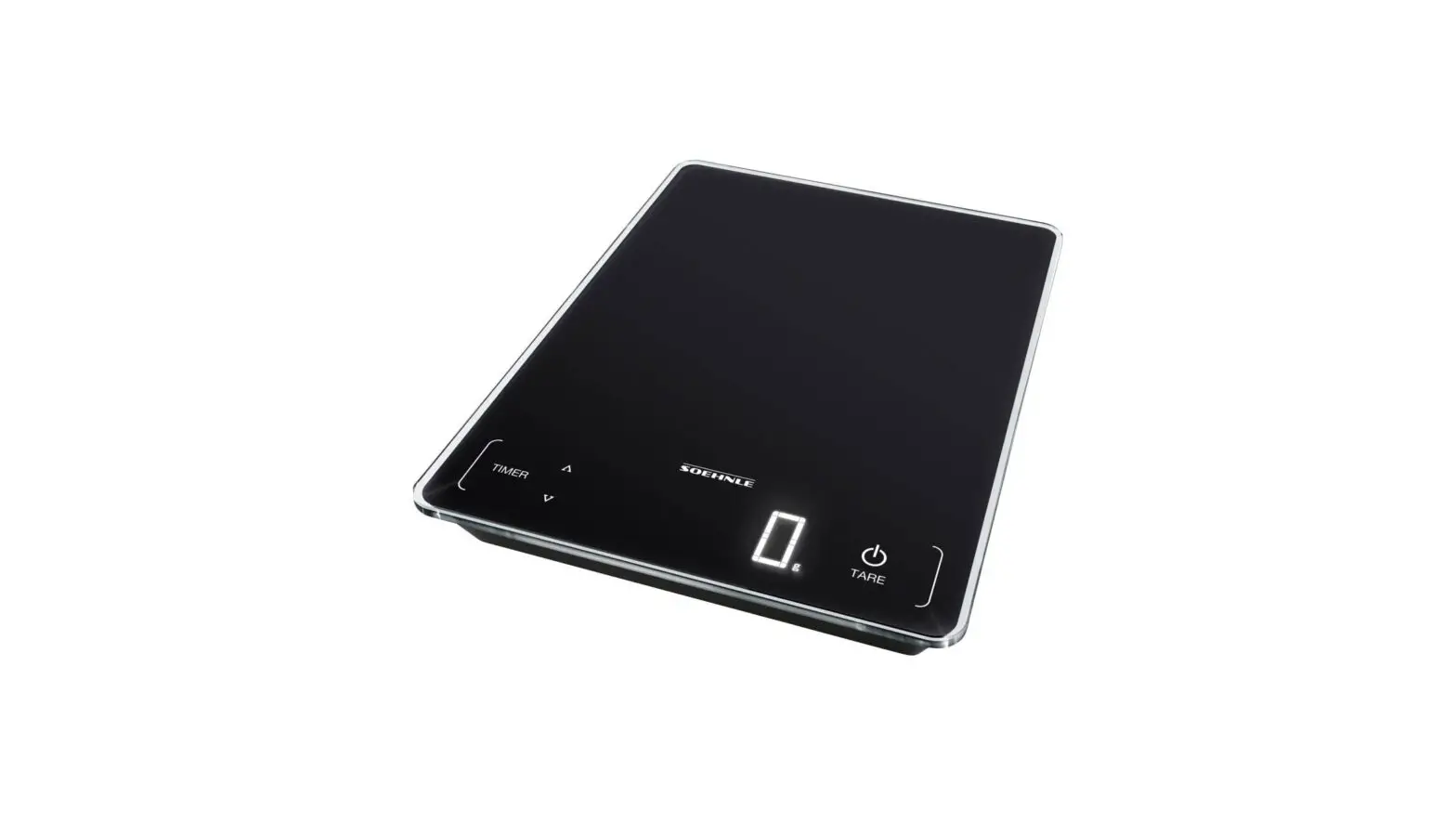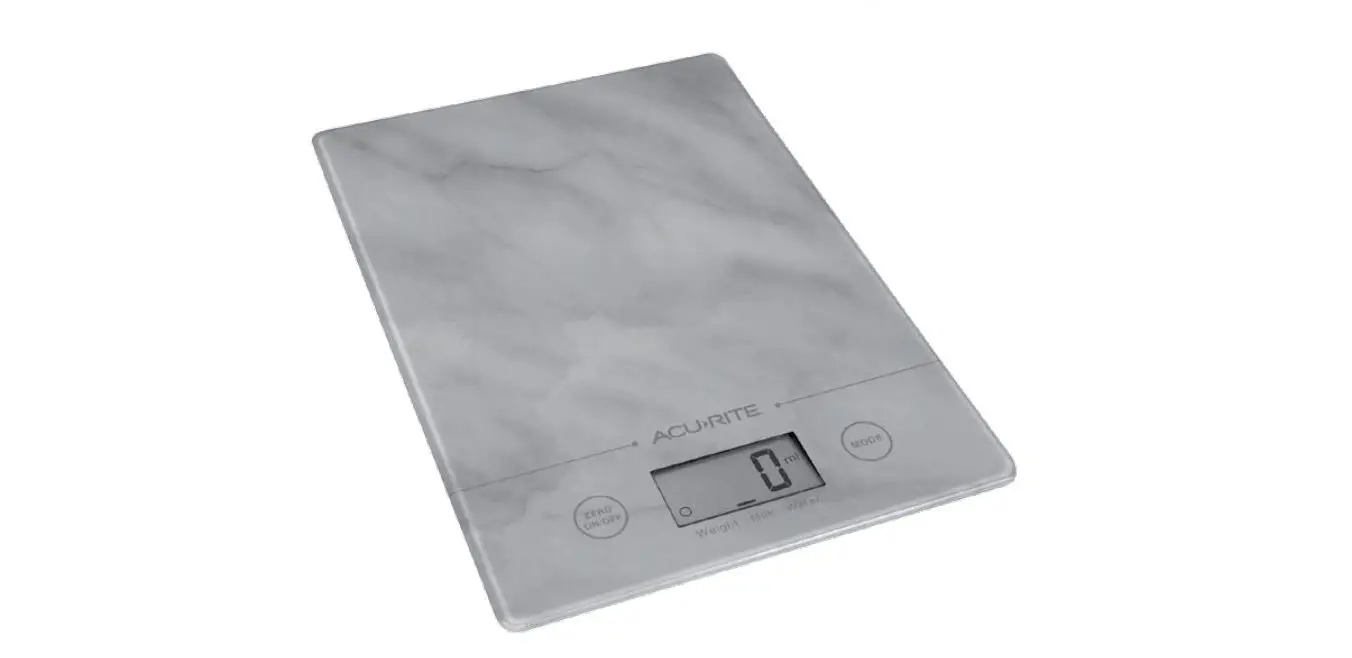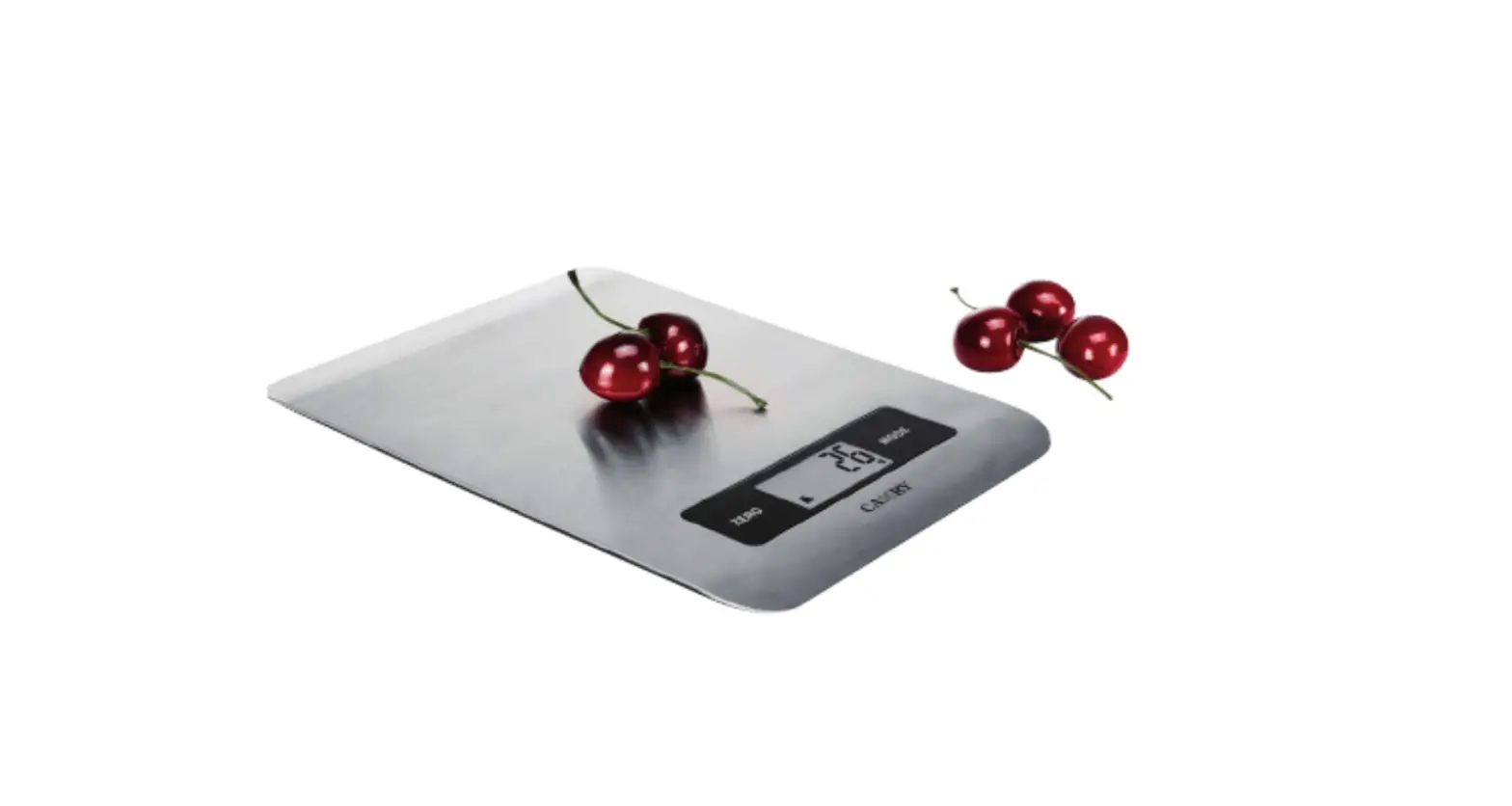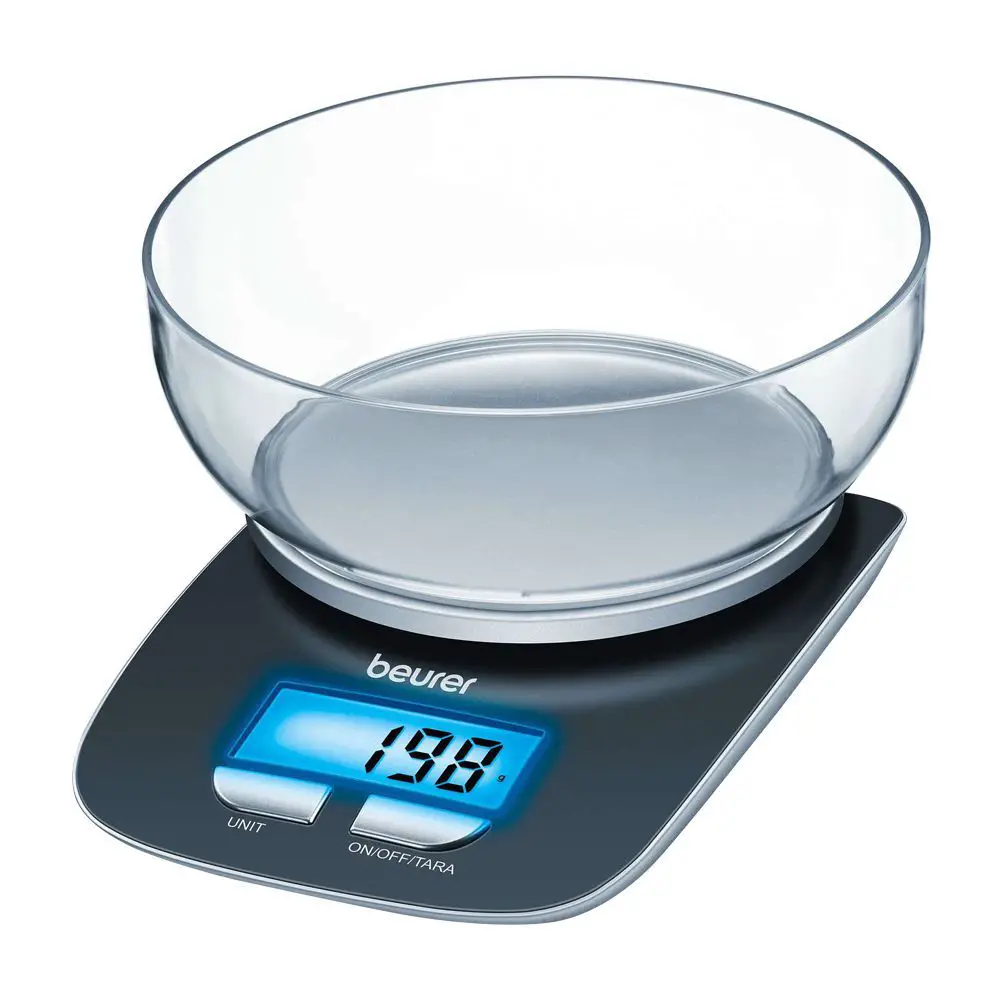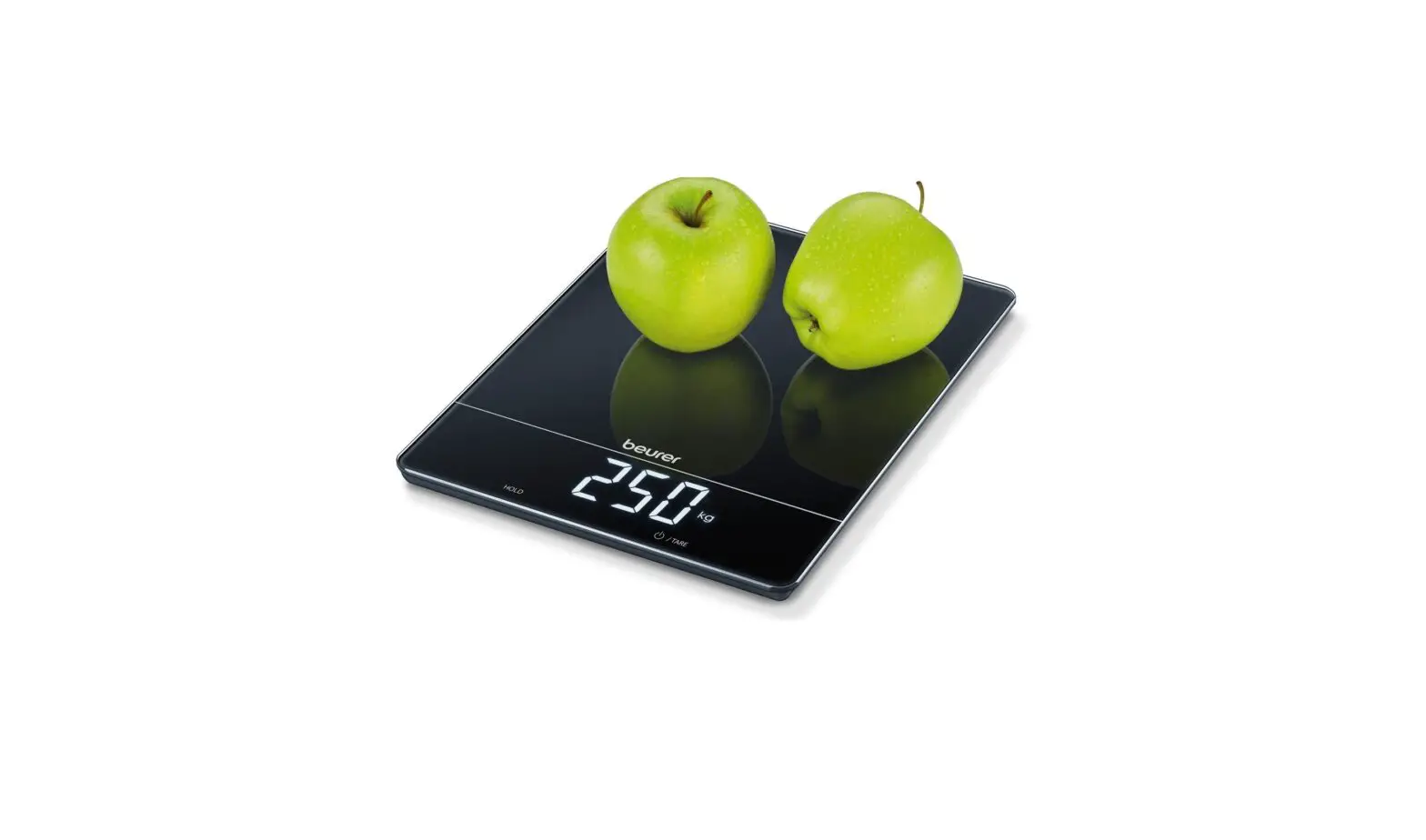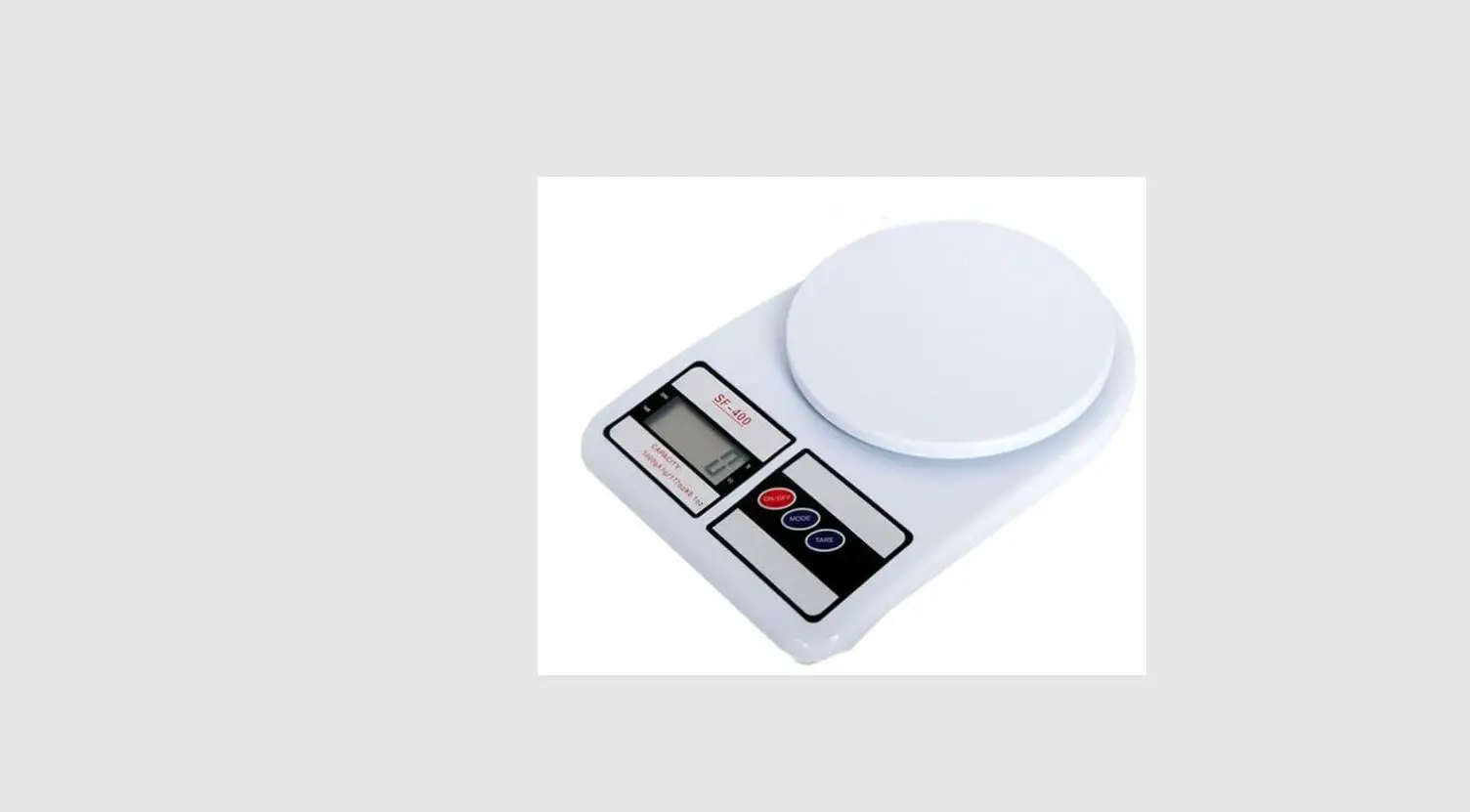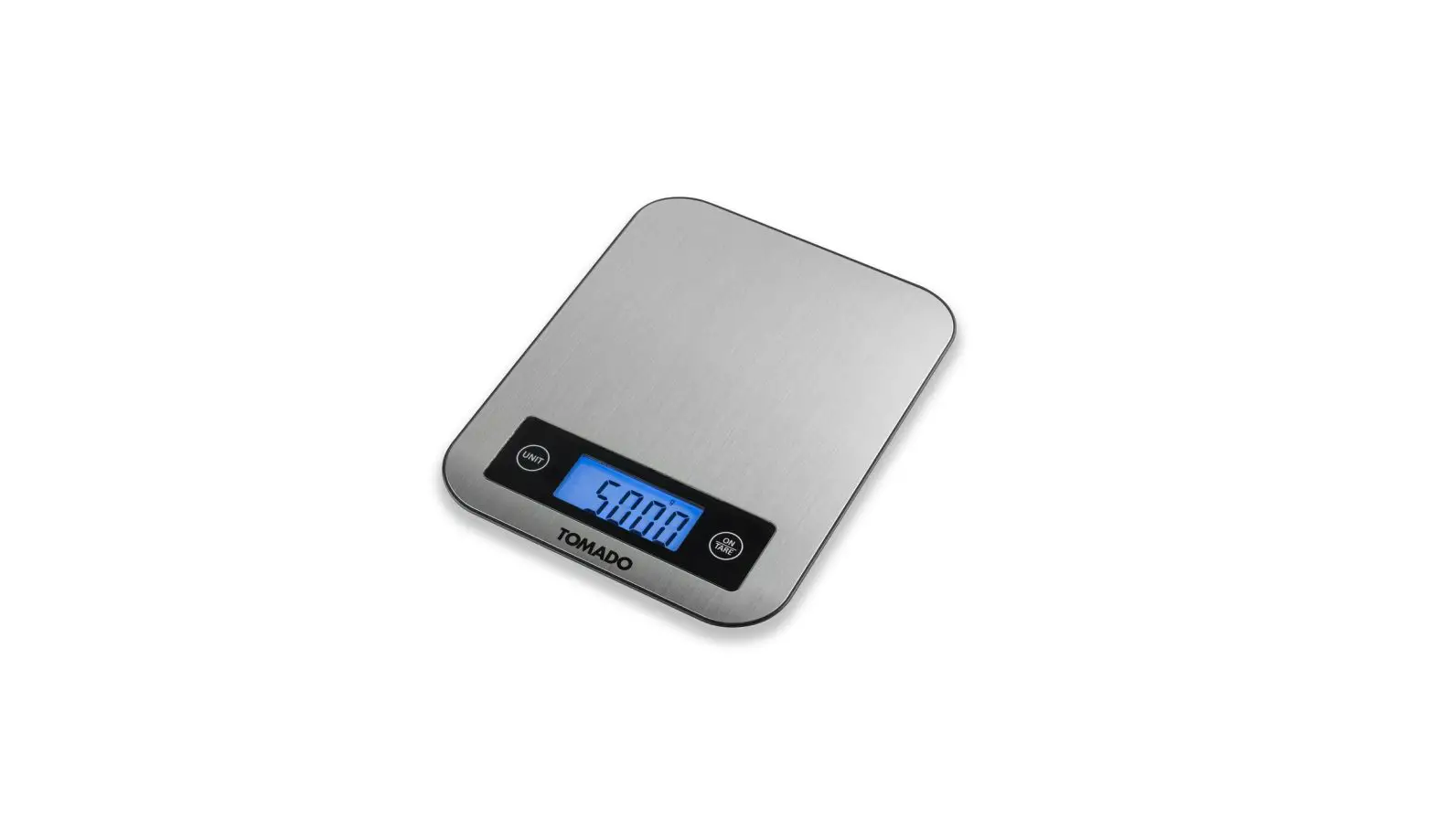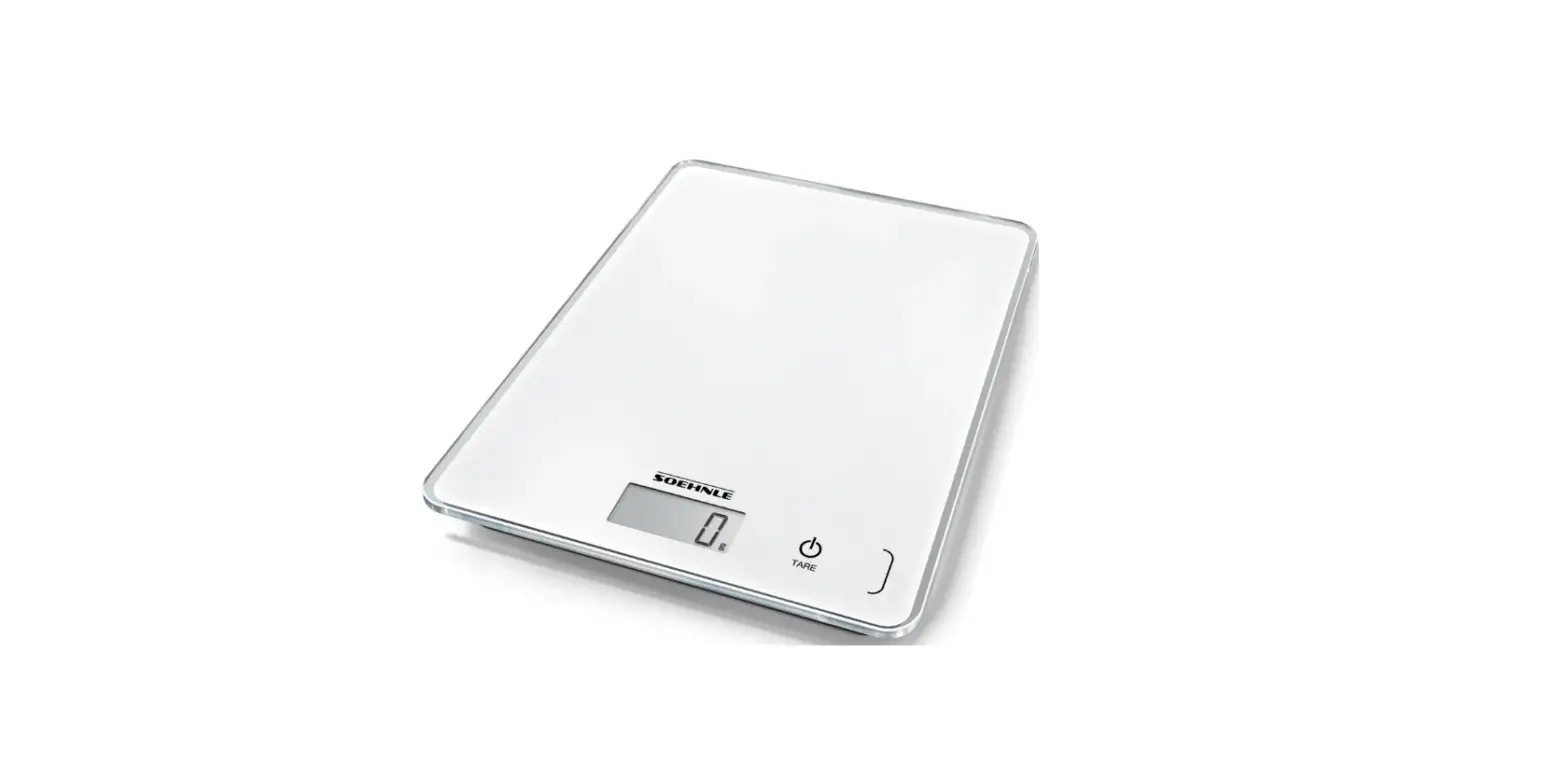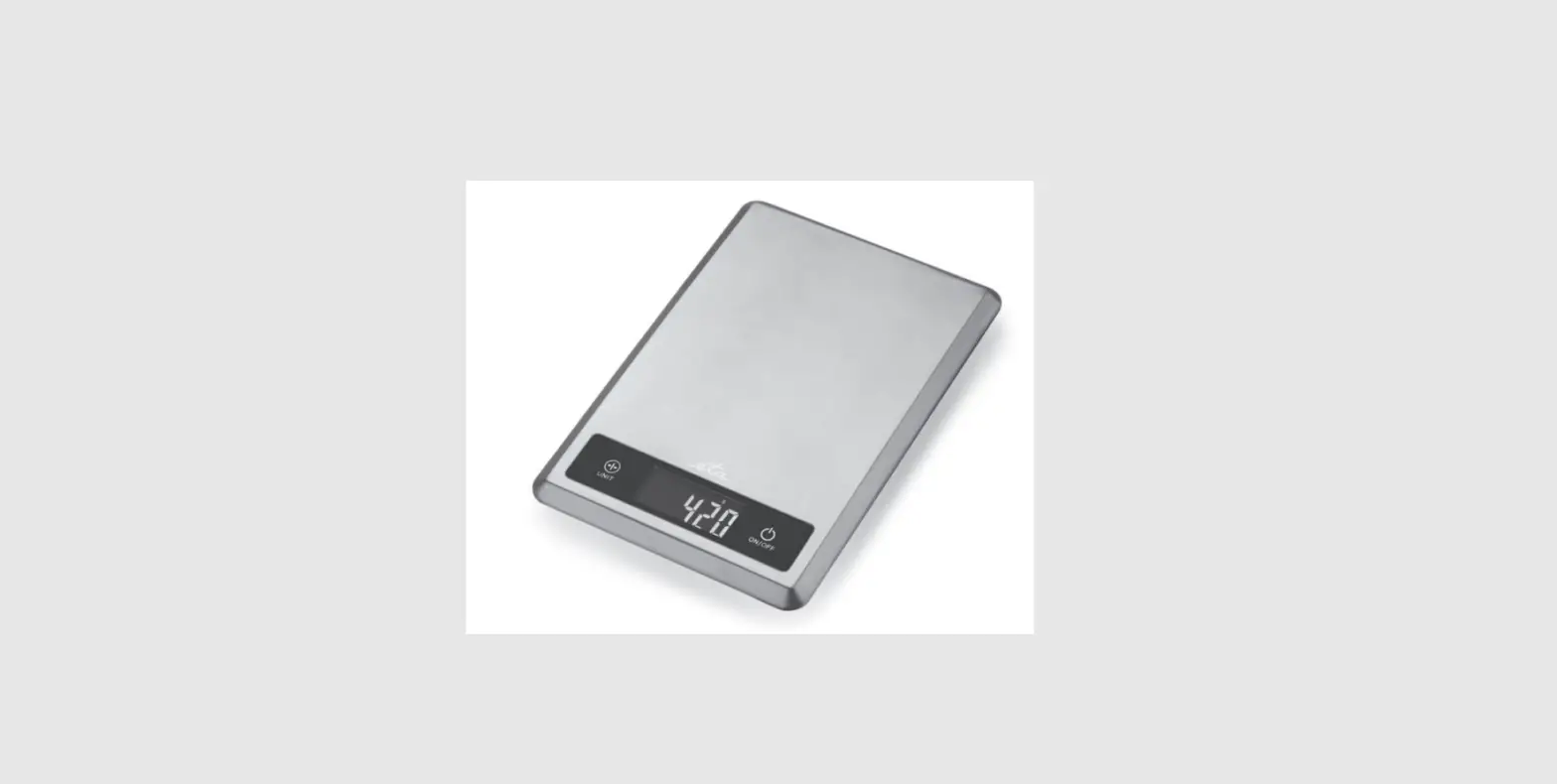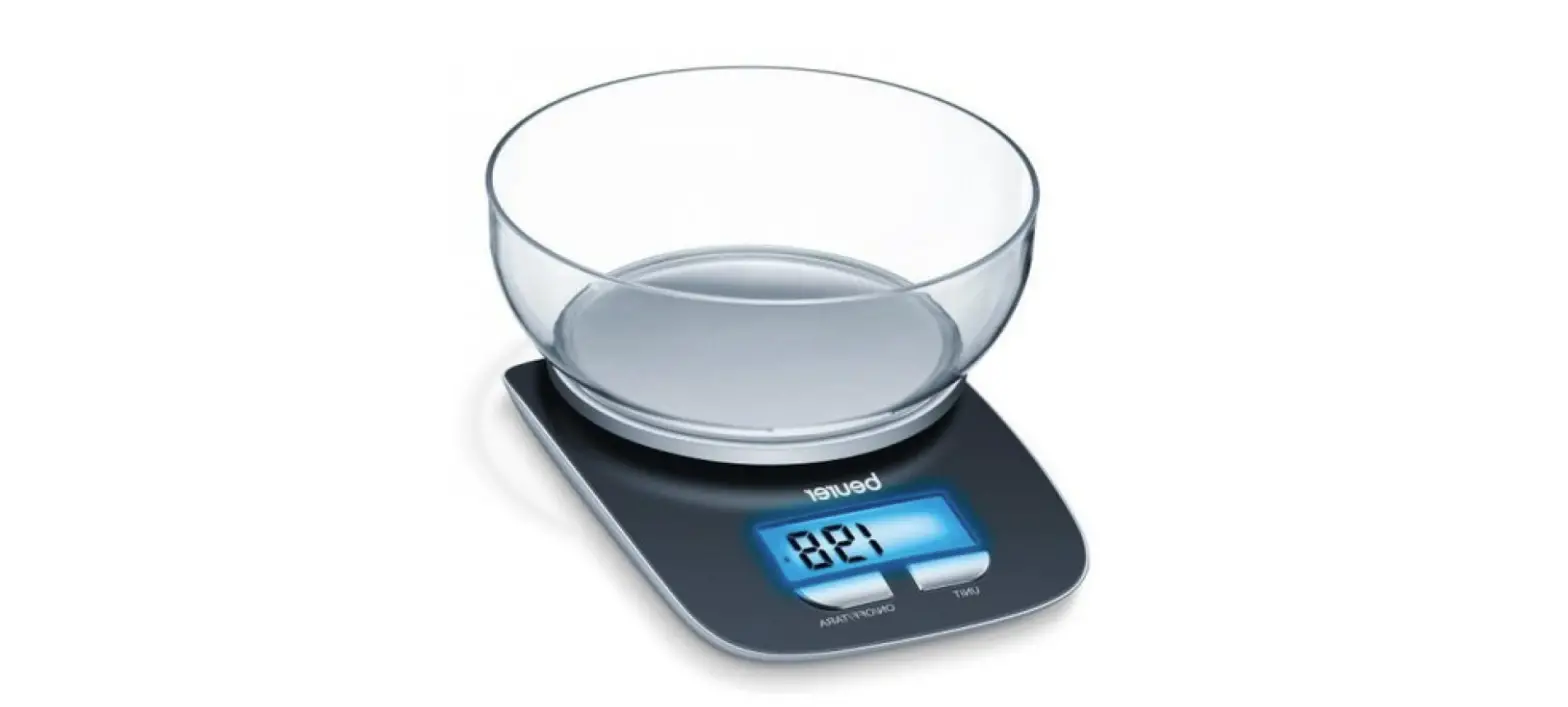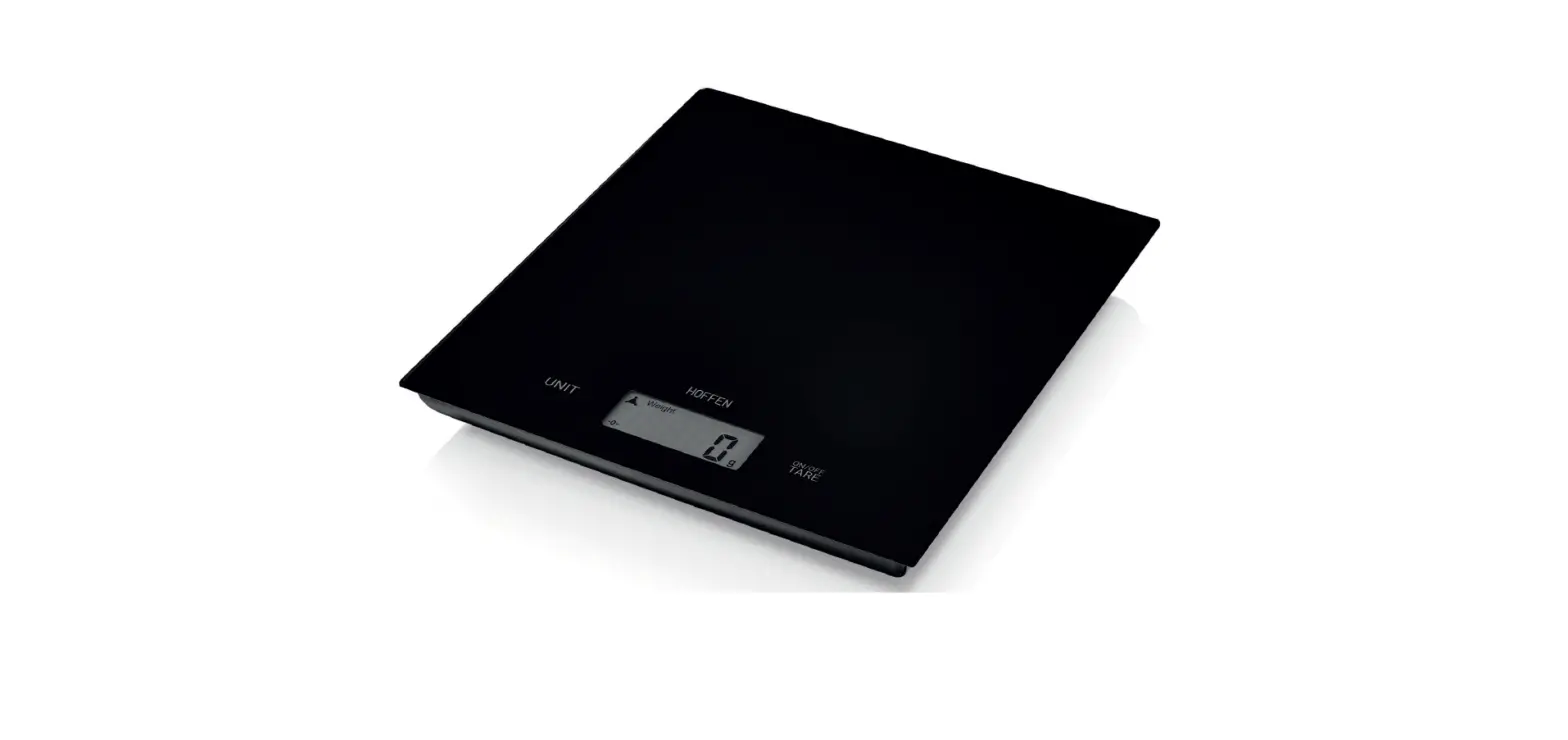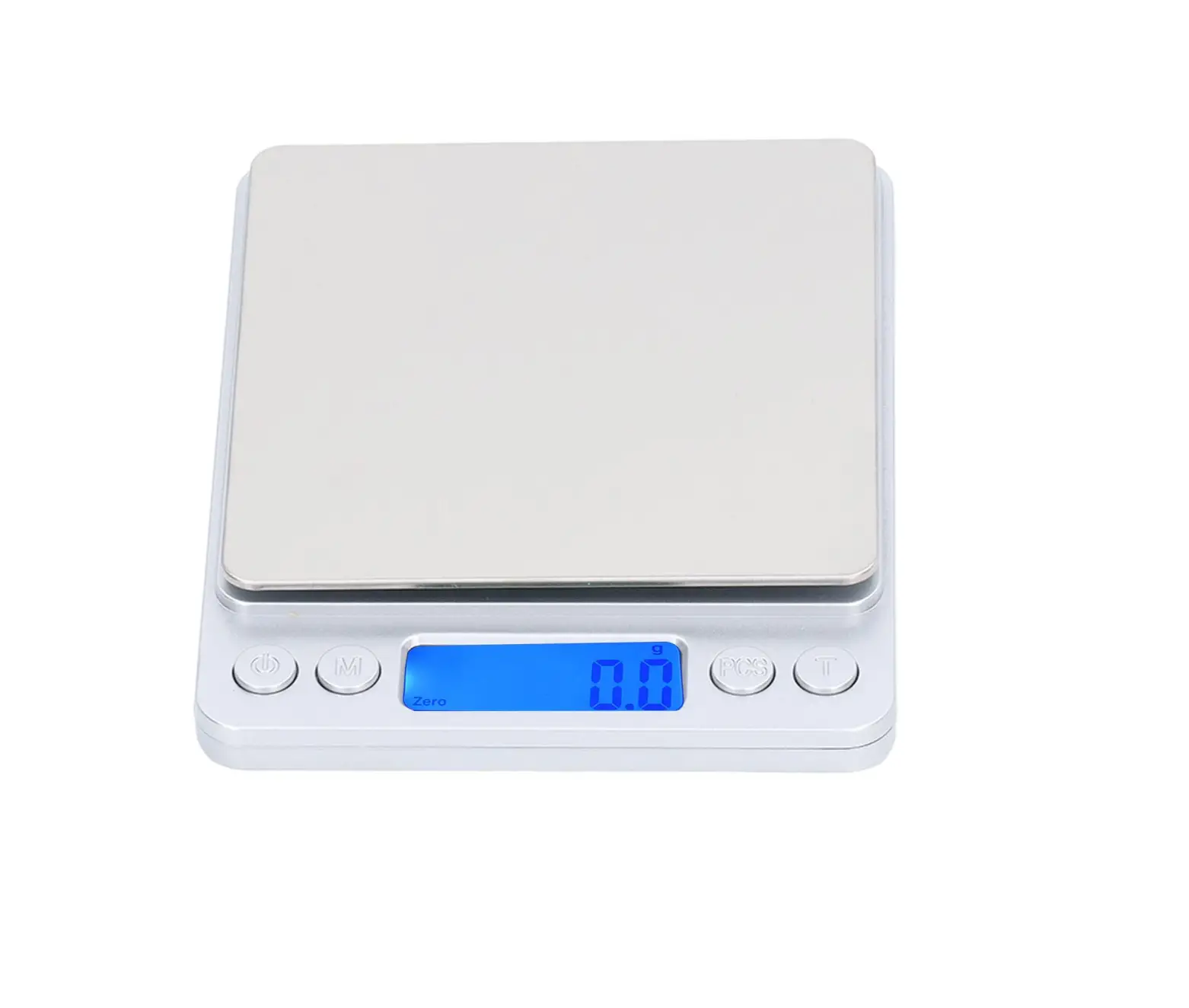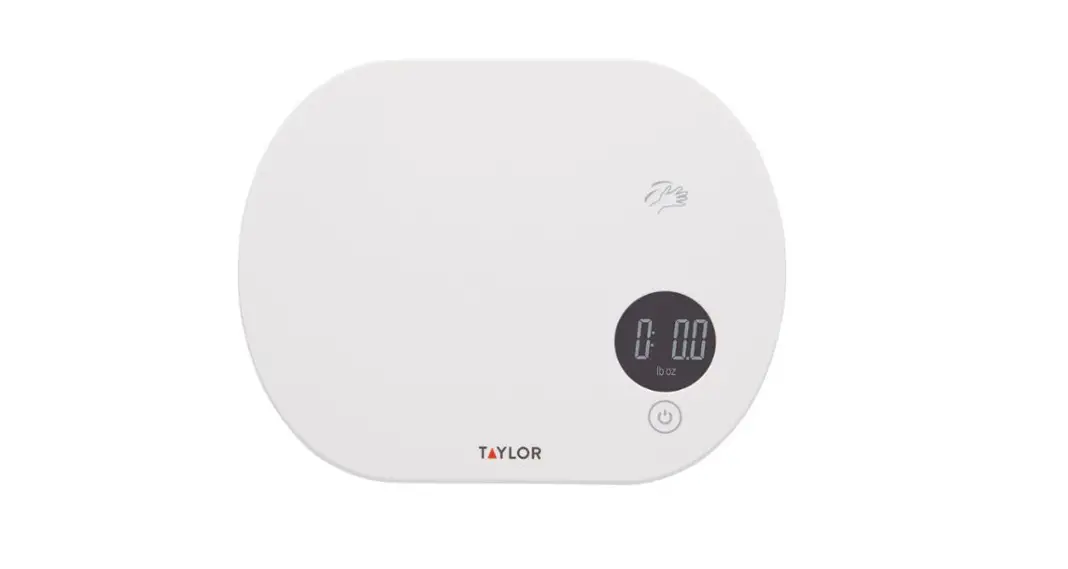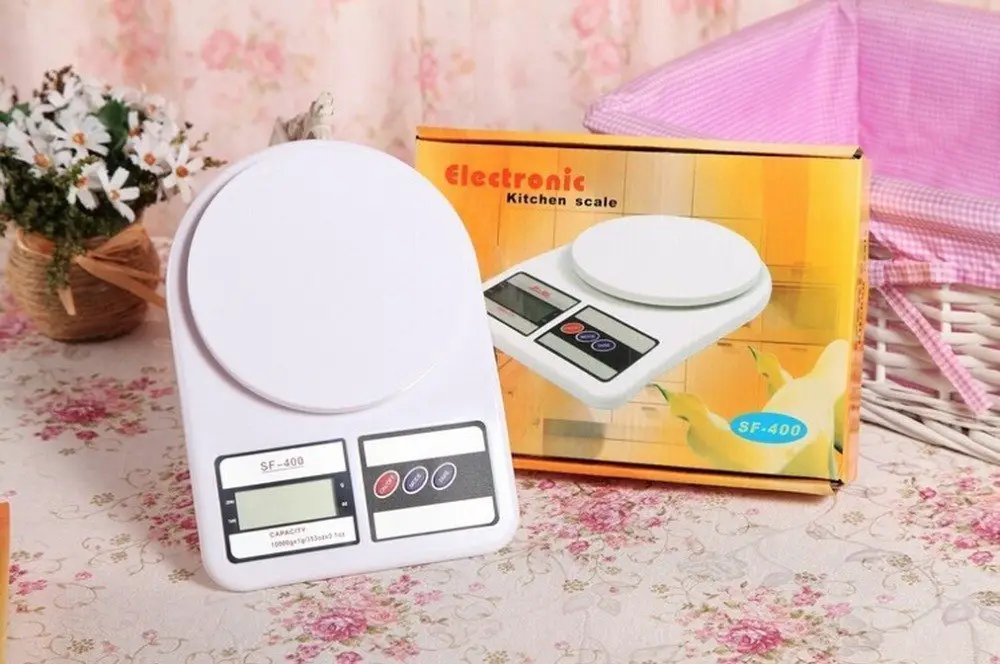
VISIONTECH Digital Kitchen scale
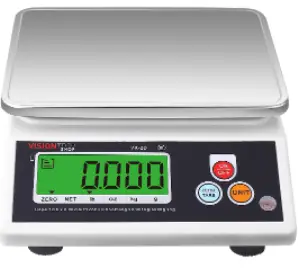
Specification
Model no: VK-2D
Capacity: 12lb/192oz/6kg/6000g
Tare range: 100% F.S
Zero range: 4% F.S
Unit : lb/oz/kg/g
Platter Size(inch/mm): 8.3(W) x 6.3(D)/ 210(W) x 160(D)mm
Product Size(inch/mm): 8.07(W) x 9.5(D) x 3.1(H)/205(W) x 240(D) x 80(H)mm
Operating Temperature: 32 F~104F/0℃ ~40 ℃
Power: 3VDC(2 x D batteries)
Division: 0.002lb/0.5oz/0.001kg/1g
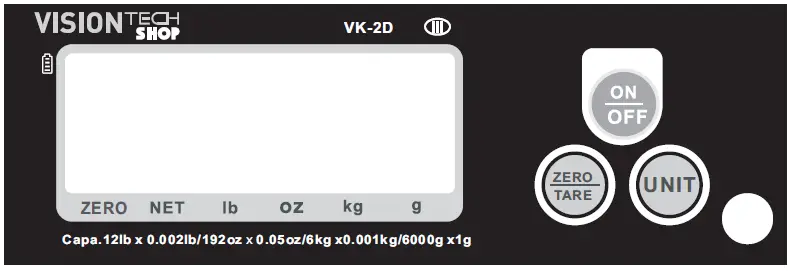
Function keys
- Press on/off key, power on the scale, enter into normal weighing status.
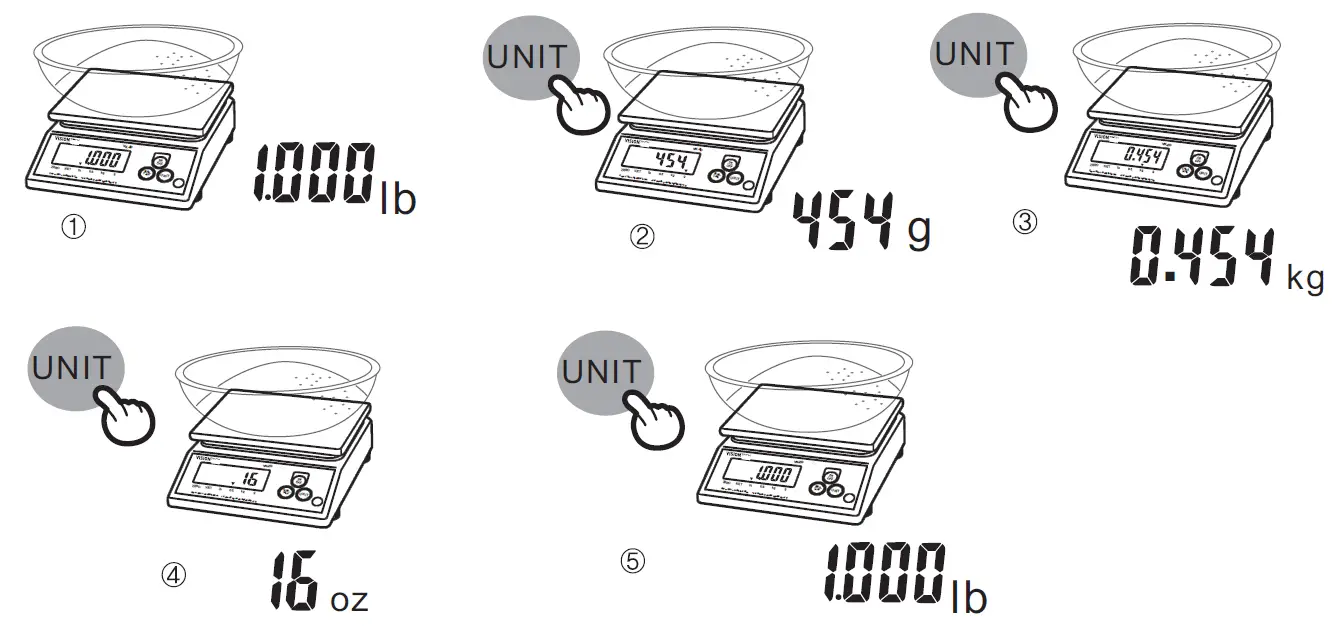
The screen will display full capacity before the screen display zero. - Press unit key, to select the weighting unit under normal weighing status
- Press on/off key, turn off the scale
ALARM
| Warning message | Reason | Solution |
| Display “Err” | Exceed max capacity | Take away the over-weight object |
| Battery symble “ ” flashing | Not enough power | Change new battery |
Operation
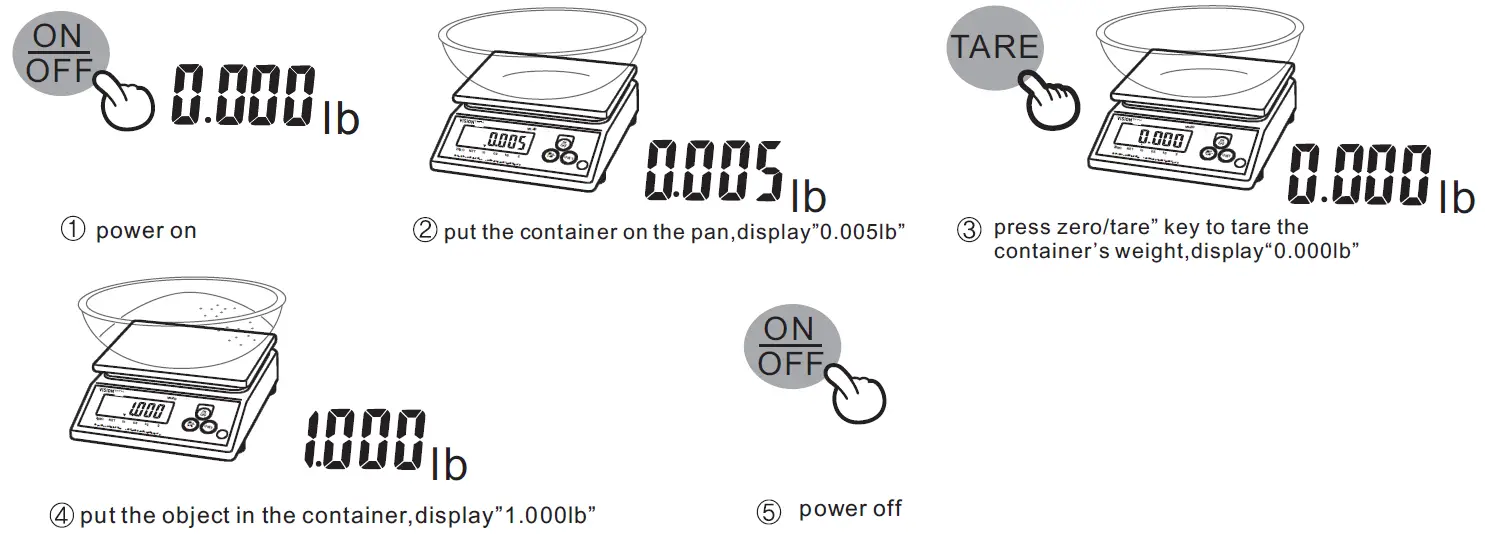
Unit Select
NOTE:
- Use the scale on the stable level surface
- No overloading
- Forbid to drech, washing, keep the body inside dry, don’t fall off the scale
- When it indicates low power ,please replace new battery
- Clean the scale with mild detergent ,chemicals is not allowed.
- If it is incorrect, it needs to recalibrate by standard weight or contact with dealer
VisionTechShop.com
100 Temple Ave.Hackensack,NJ07601
Tel:+1-201-679-7793

 VisionTechShop.com: Online Shopping for Scales, Cash Drawers, Label&Roll more