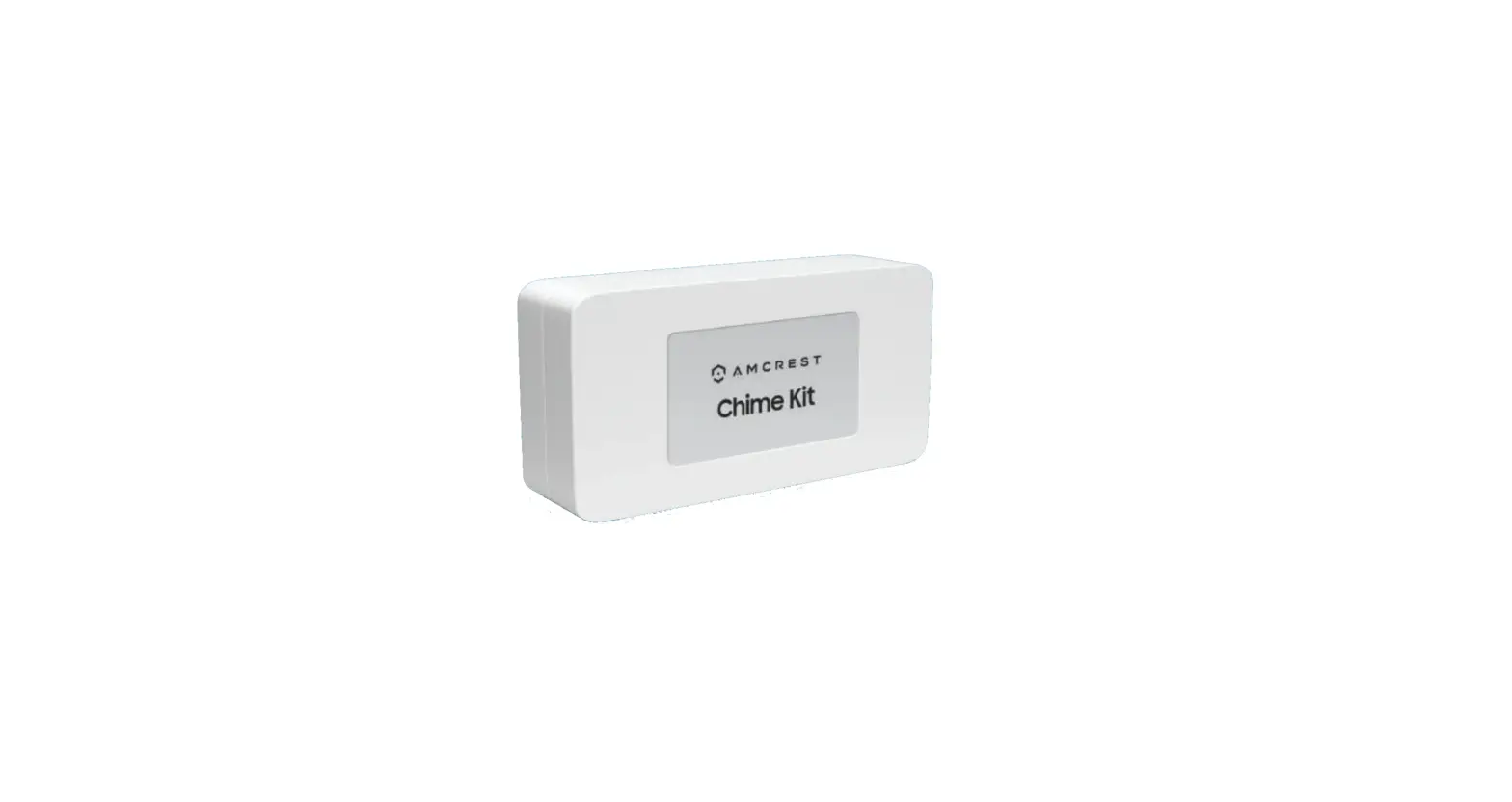
Installing Your Chime Kit
WHAT’S INCLUDED



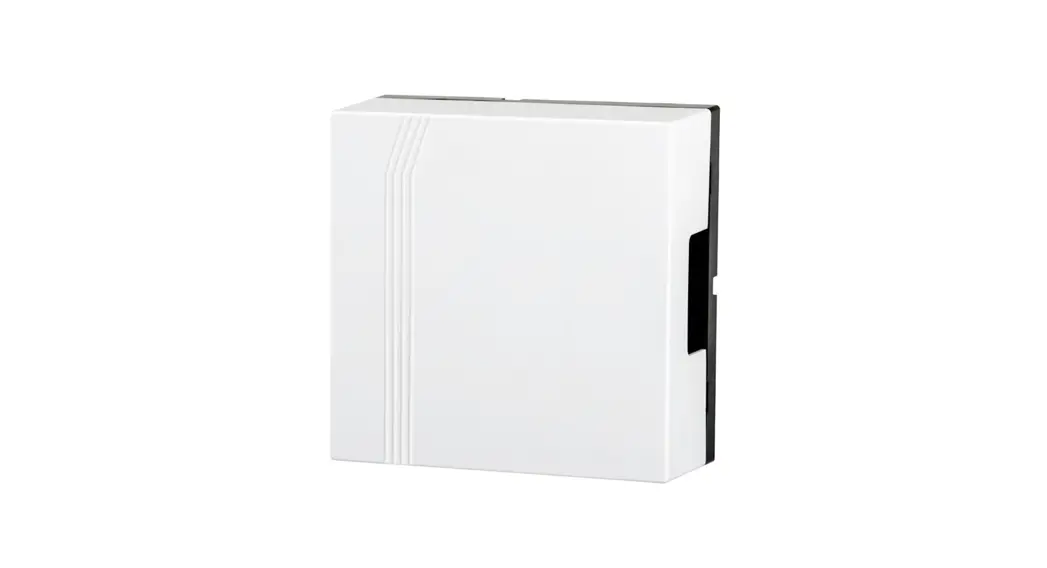
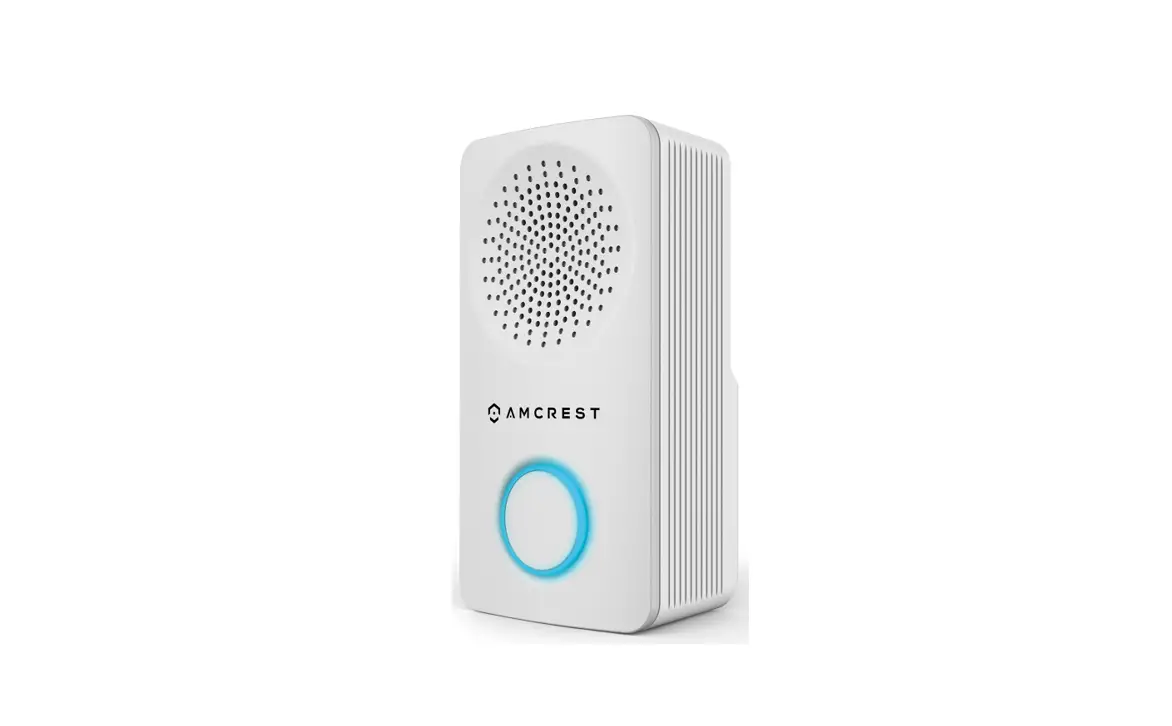
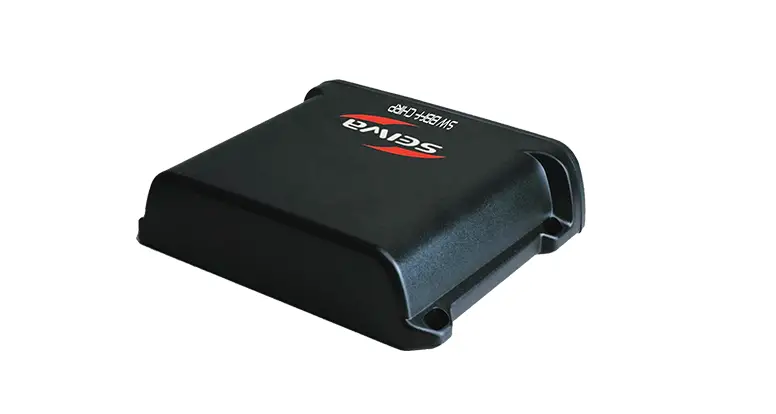
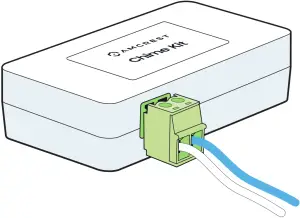
Amcrest Chime Kit Wire Harness

How can we help?
We are dedicated to providing the highest quality support to our customers and are available 7 days a week.
Online Quick Start Guide
amcrest.com/support
Need help?
[email protected]
 NOTE The Amcrest Chime Kit is used to regulate power to your existing chime so that your doorbell will function properly.
Step 1: Connect the Wire Harness to the Chime Kit
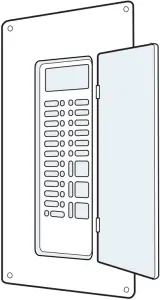
Step 2: Turn off the Circuit Breaker for your Doorbell
Since we will be working with electrical wiring, it’s important to shut off the power to your doorbell at the electrical breakers of your home to ensure no power is flowing through the doorbell system.
Step 3: Remove Your Existing Chime Cover
Look for two connected wires. They may be labeled “FRONT” and “TRANS”.
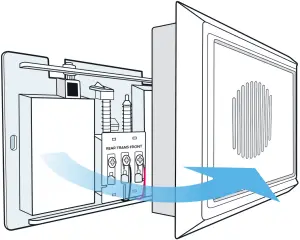
NOTE Your existing chime may look different, depending on if you have a digital or mechanical chime.
Step 4: Loosen the Screws on Your Existing Chime
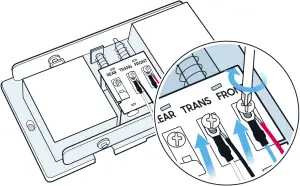
Using the included screwdriver, loosen the screws labeled “FRONT” & TRANS”. If the there are no labels, simply loosen the two terminals that have exisiting wiring attached.
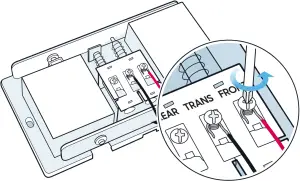
NOTE Be careful not to detach or remove the existing wiring.
Step 5: Connecting the Amcrest Chime Kit
Slide the connecting wires from the Amcrest Chime Kit underneath the screws, then retighten the screws. It doesn’t matter which wires connect to which terminal.
Step 6: Replace Your Chime Cover
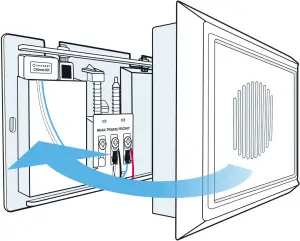
Secure the Amcrest Chime Kit using the included adhesive. If you are using a mechanical chime, ensure any excess wiring is clear of all moving parts.
NOTE Please refer to booklet 2, “Installing Your Wi-Fi Doorbell” for instructions on how to install the doorbell.