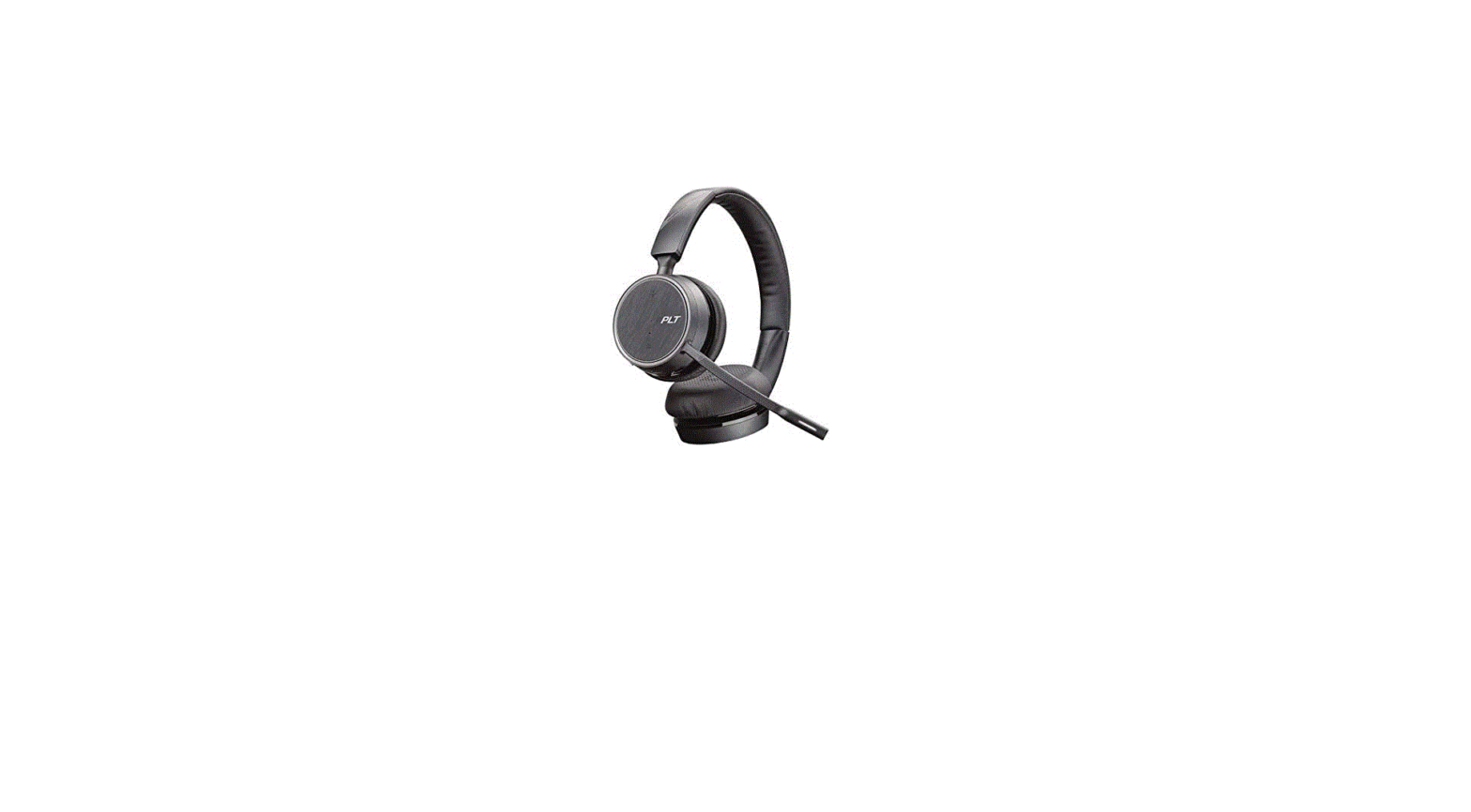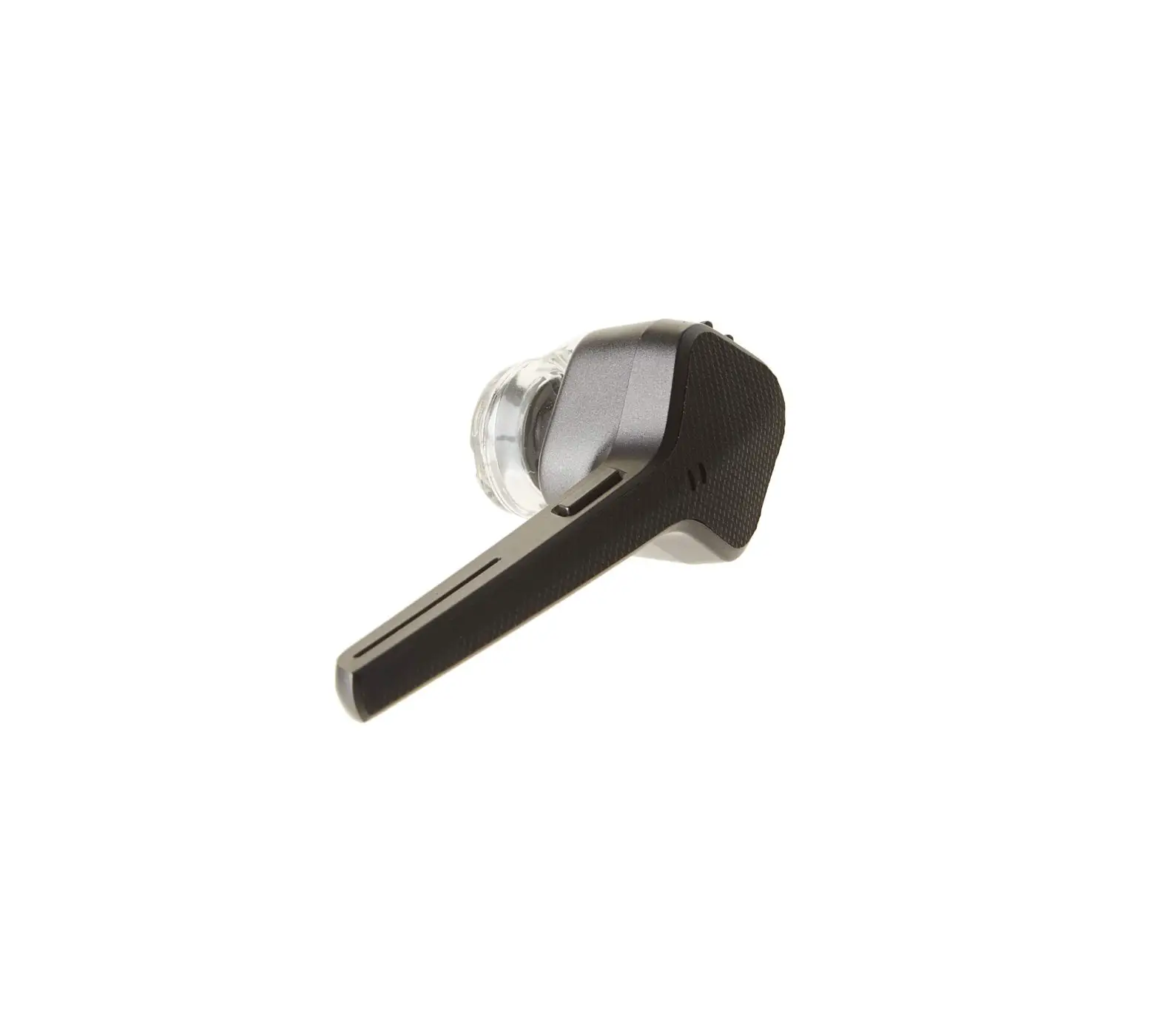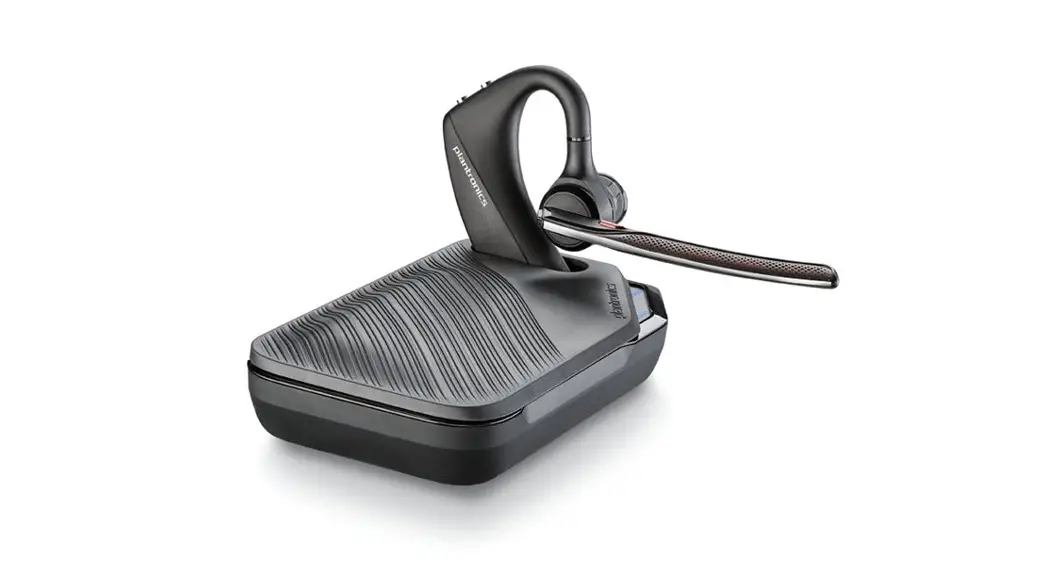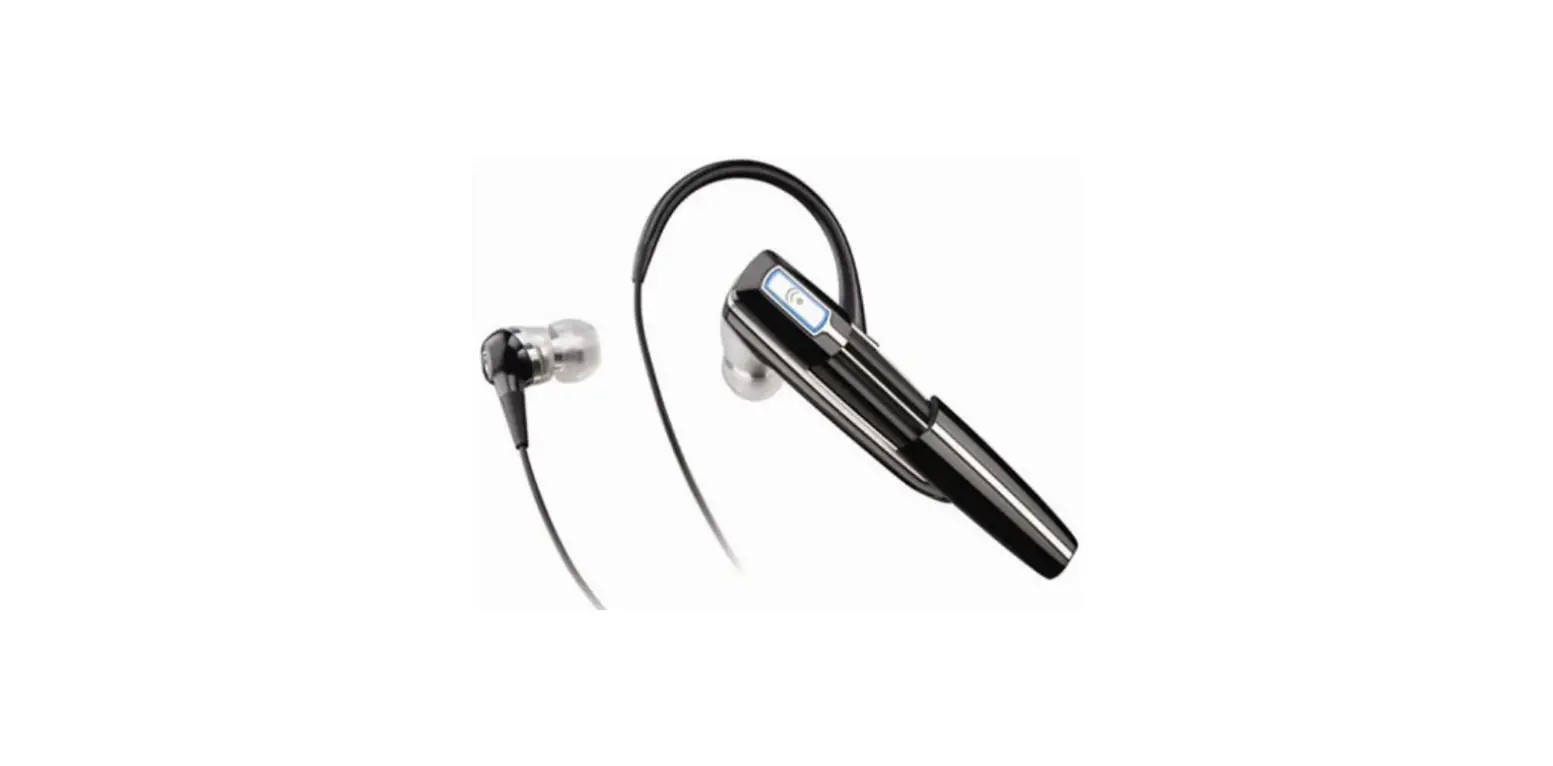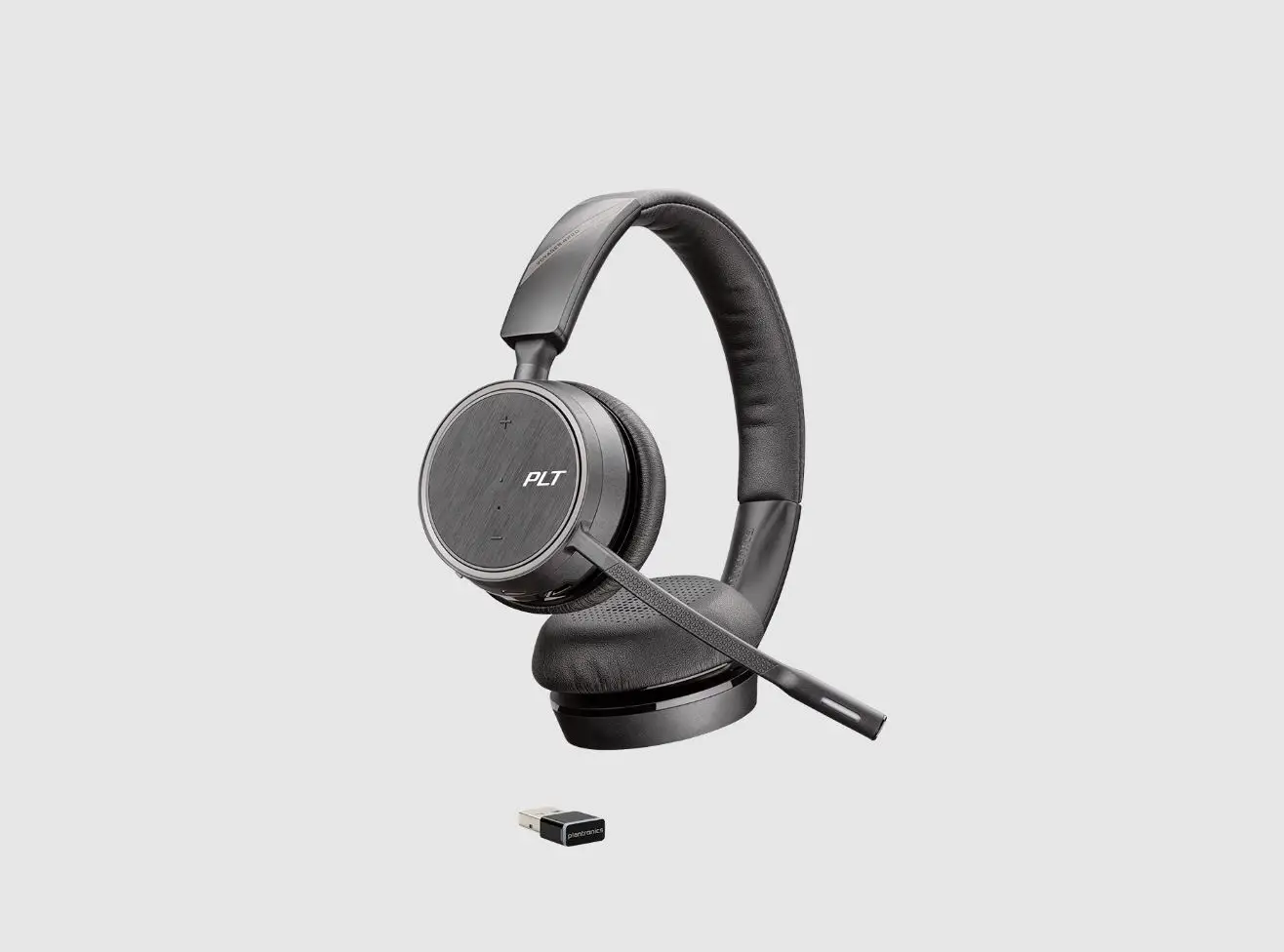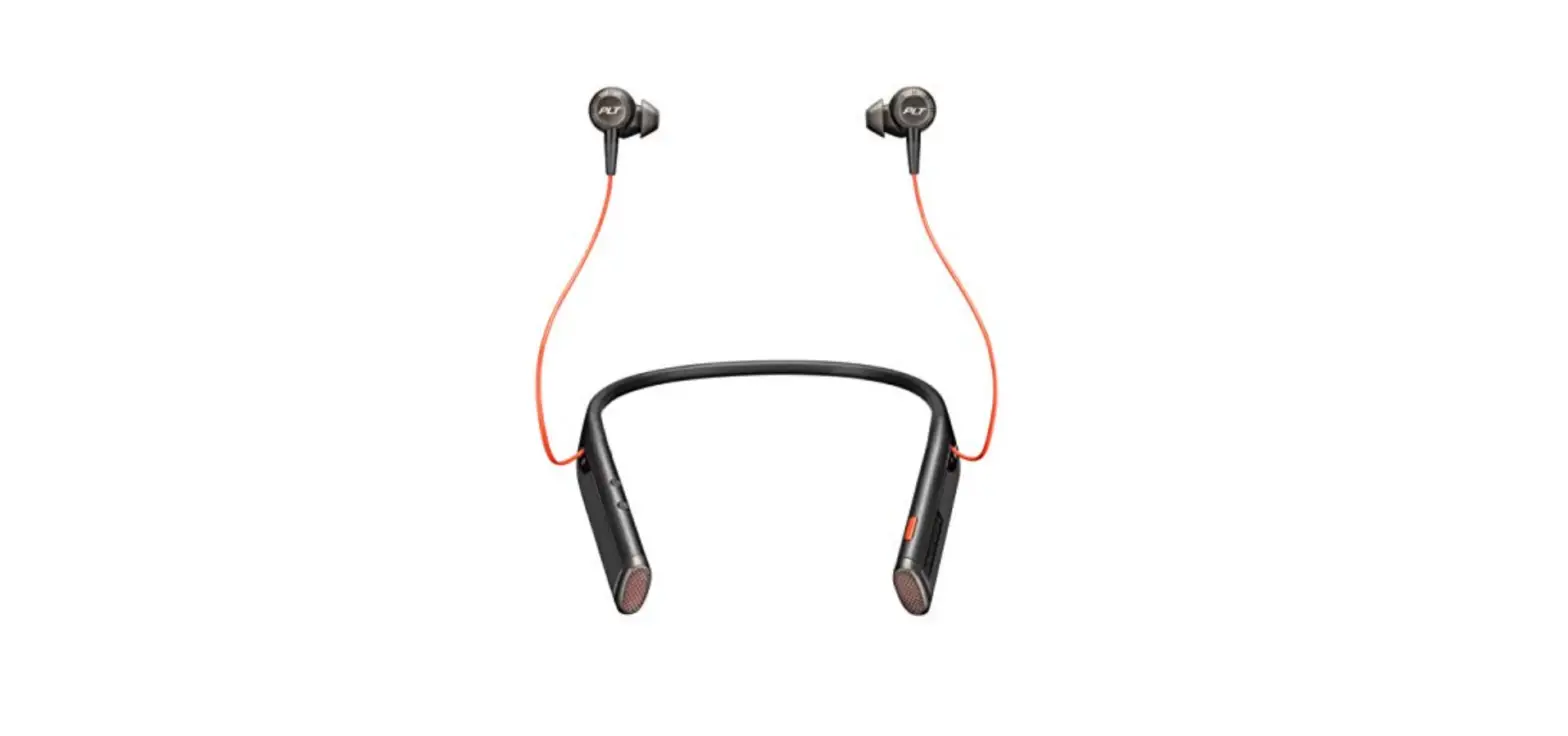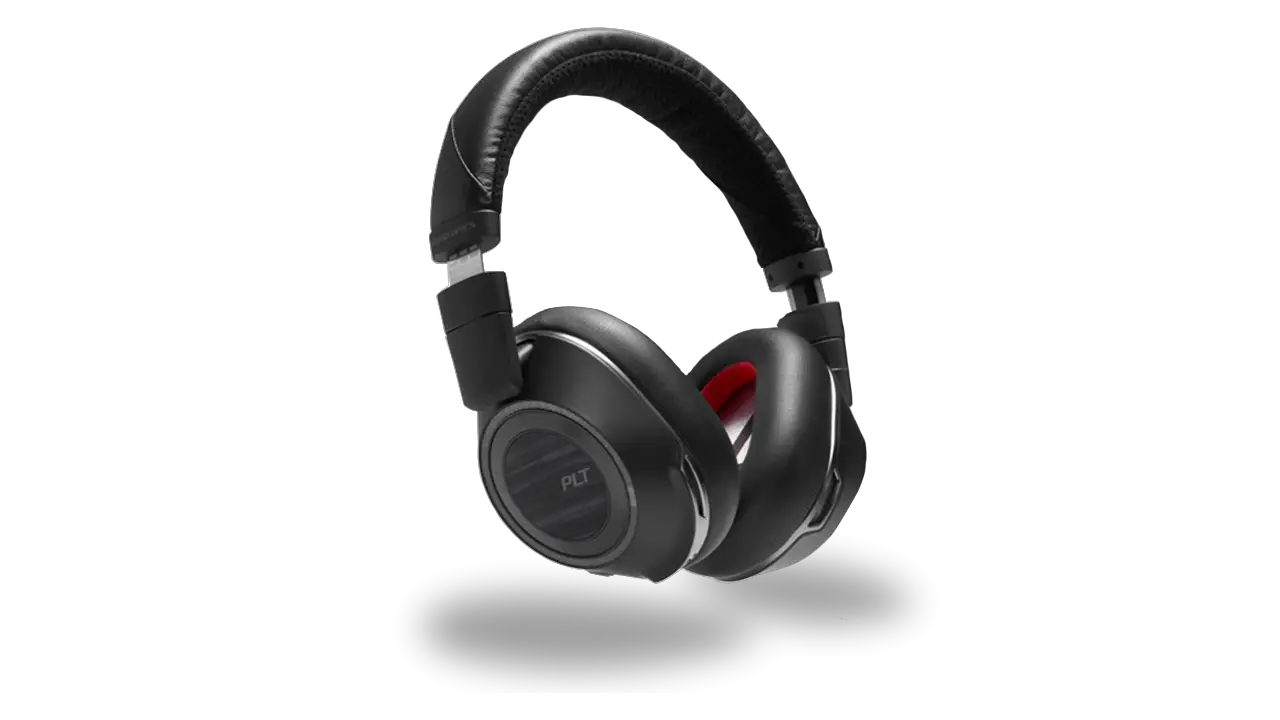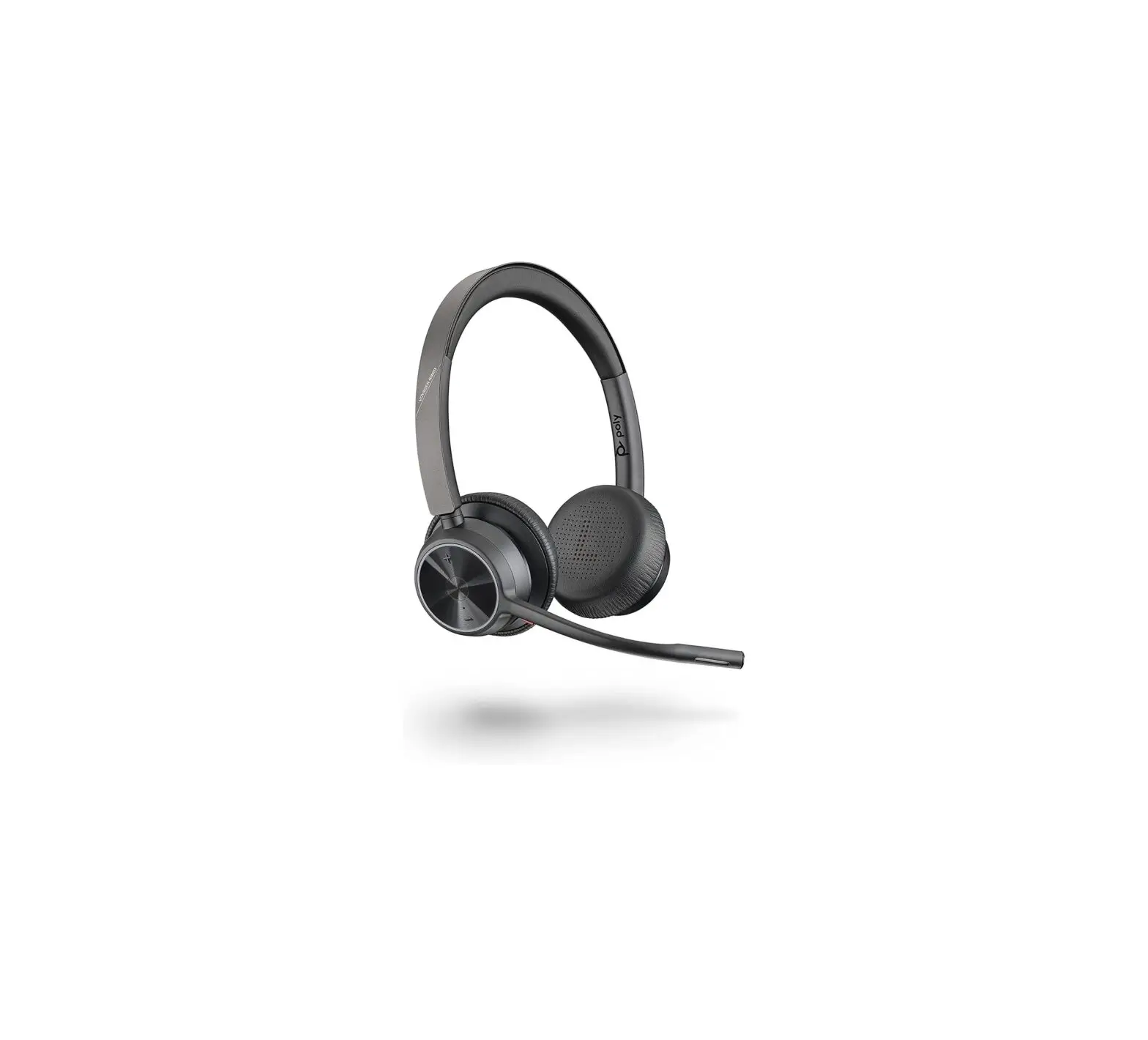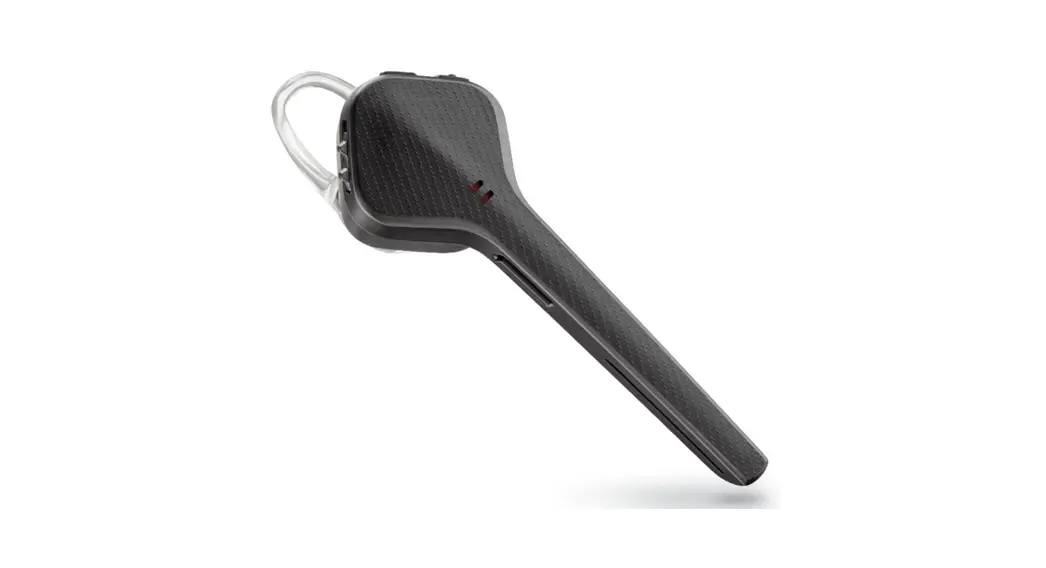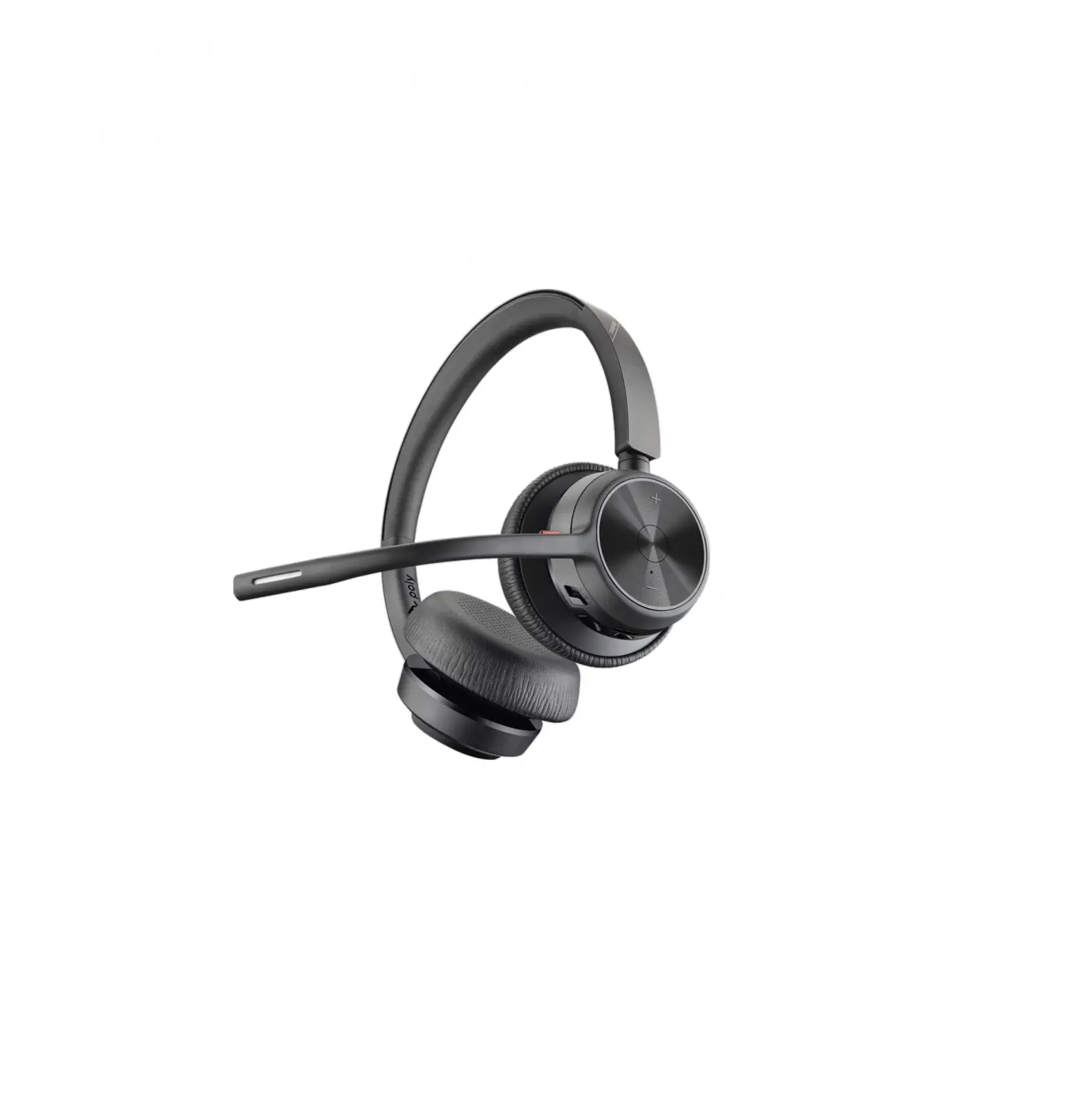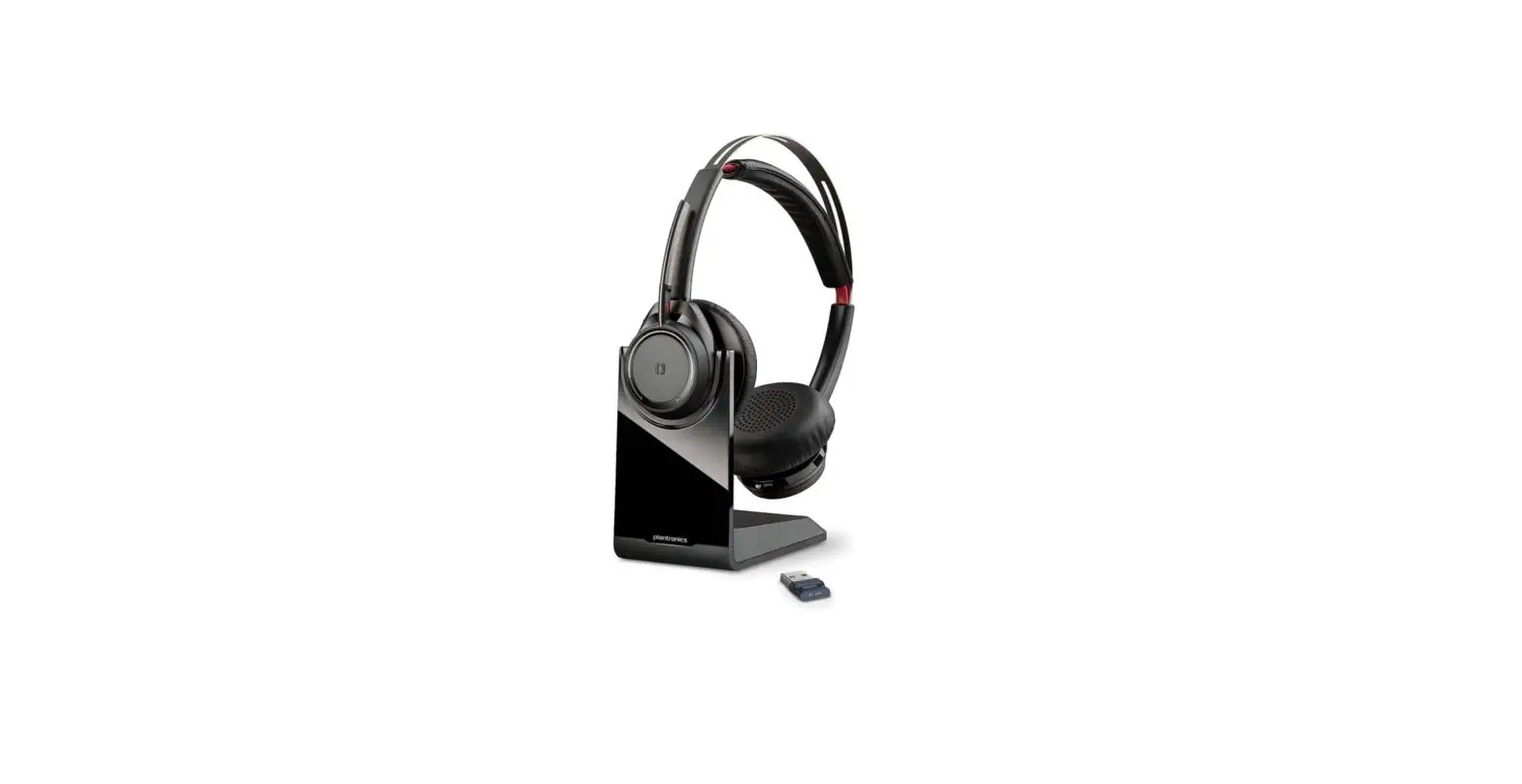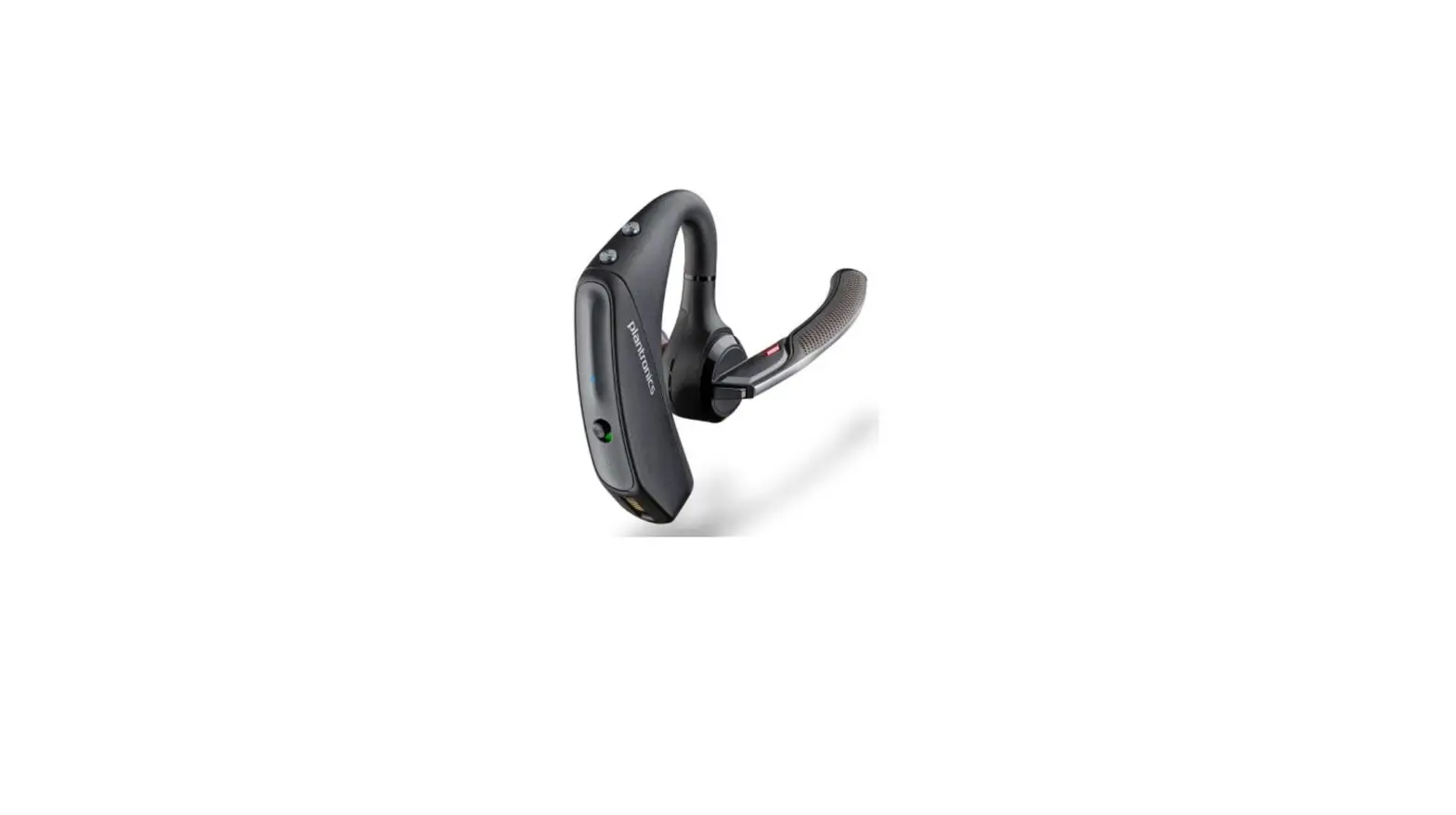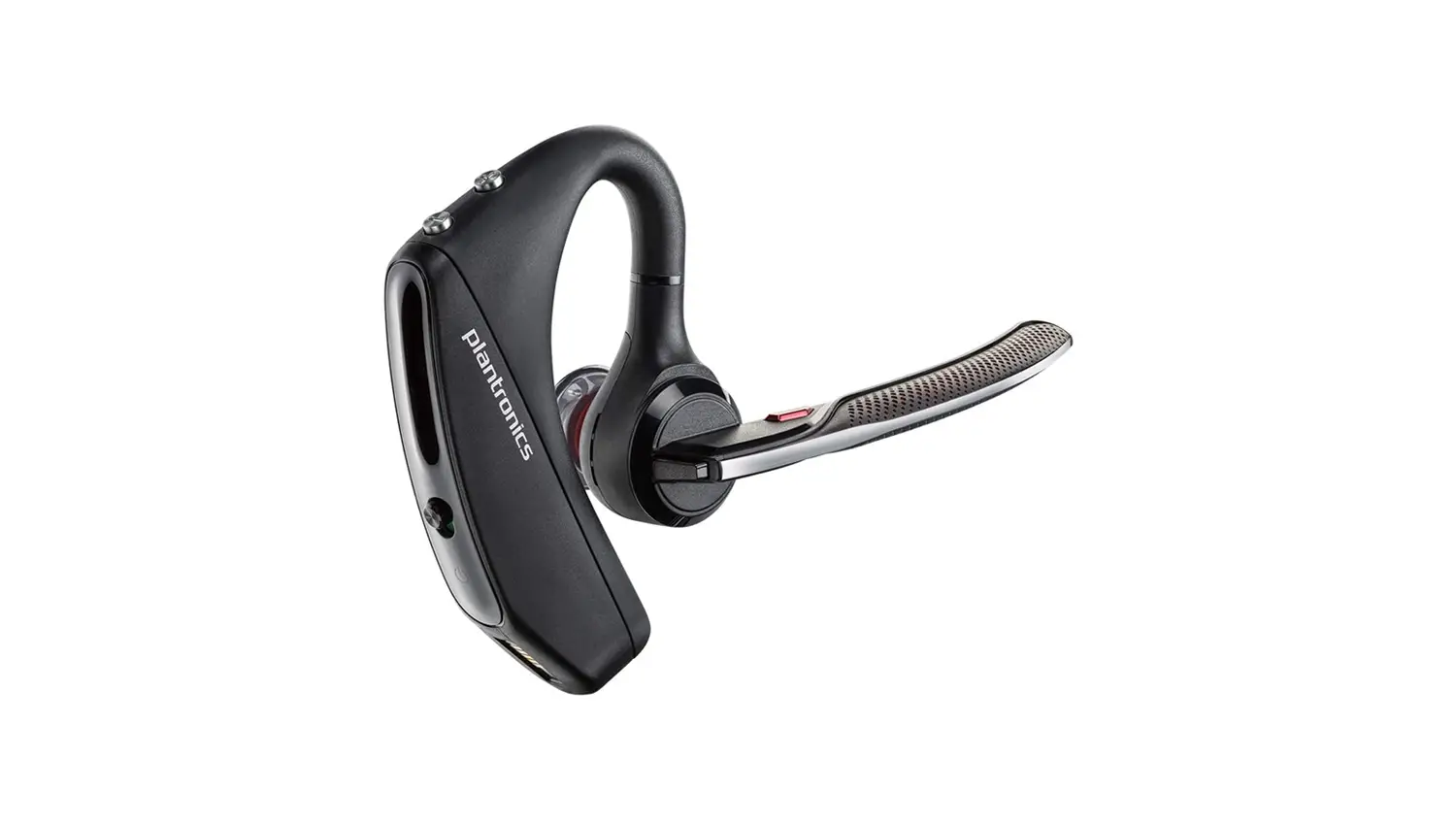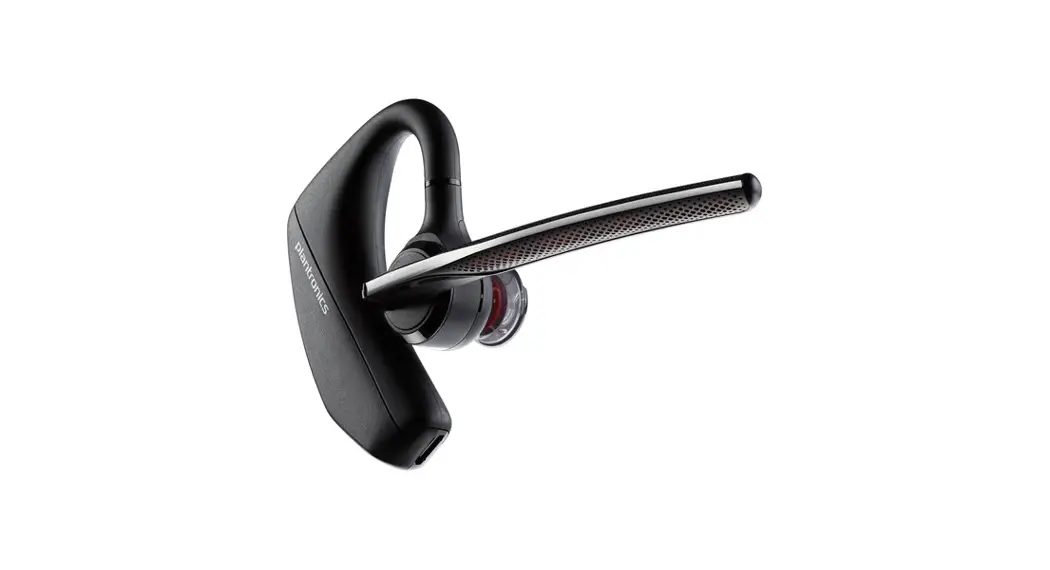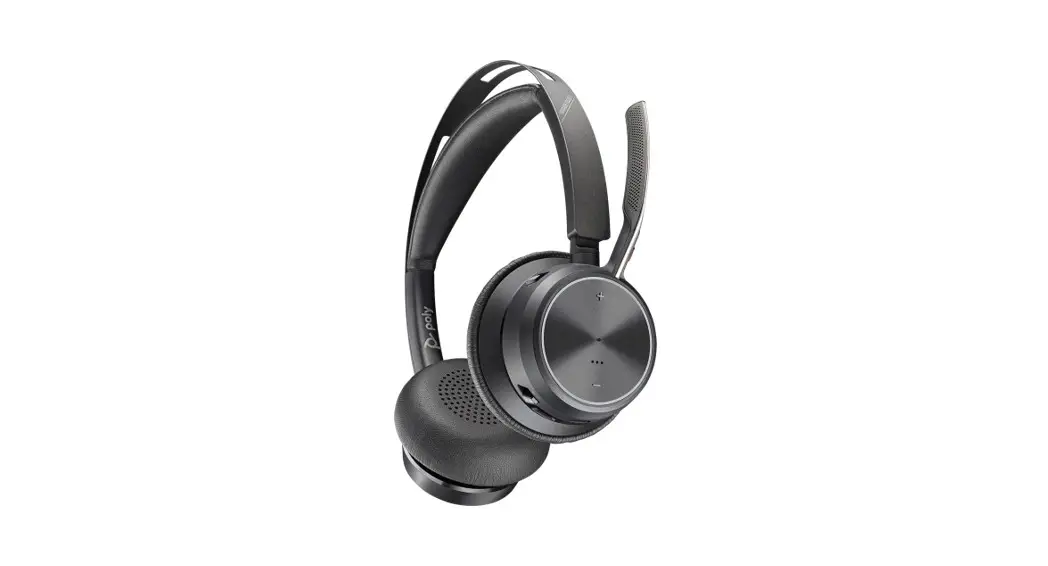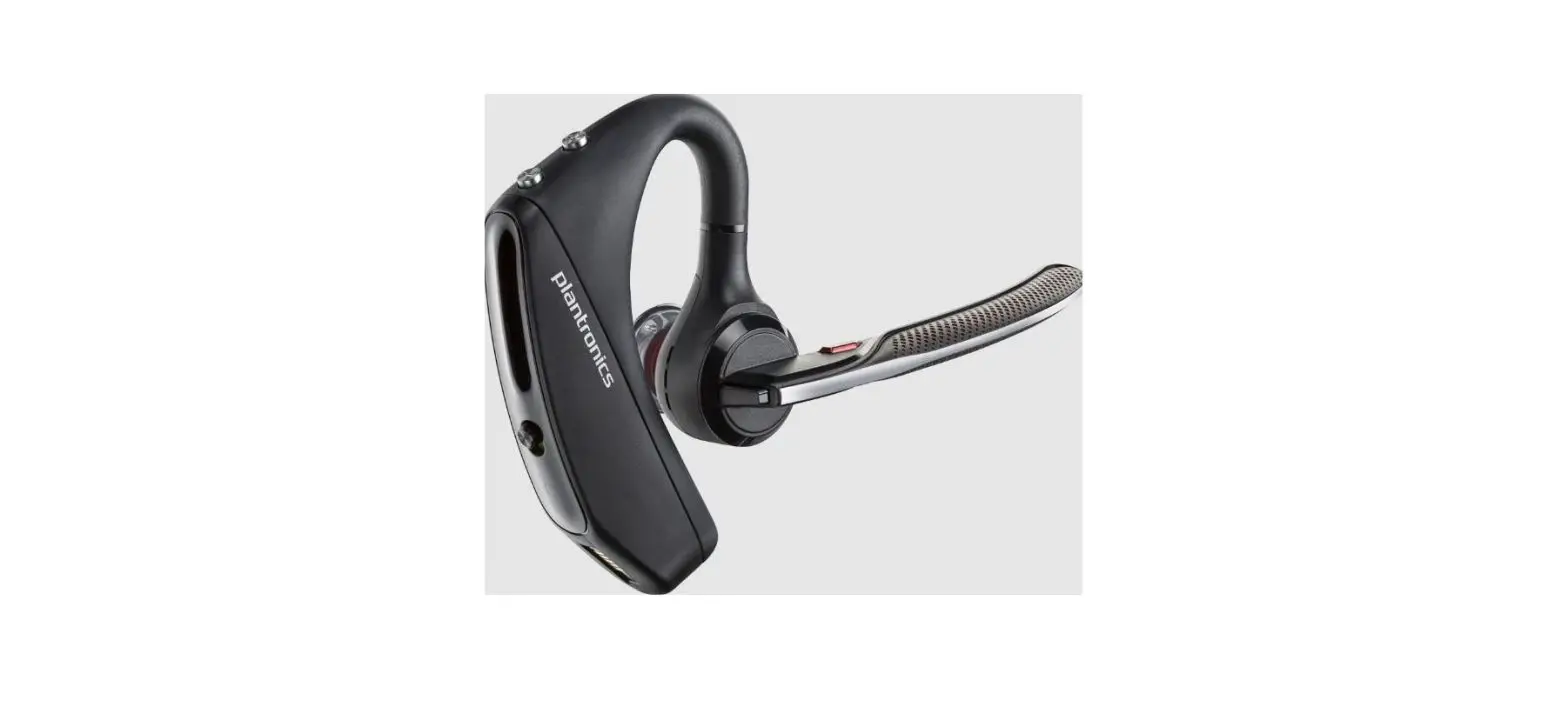

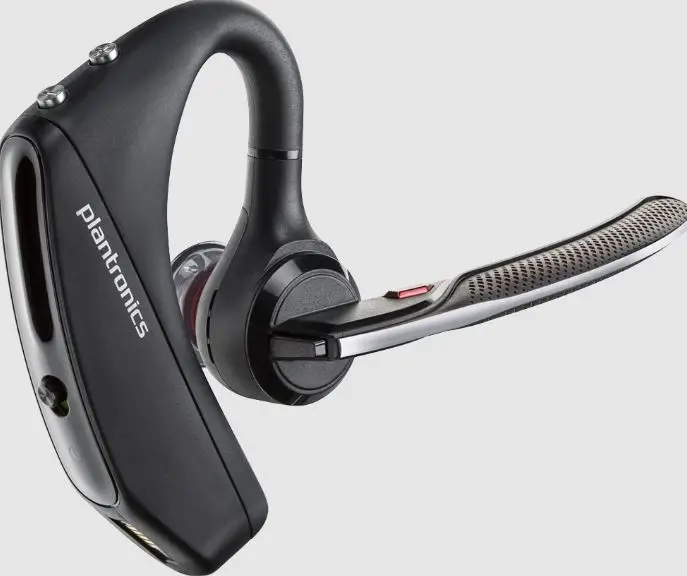
Plantronics – Voyager 5200 UC (Poly) – Bluetooth Single-Ear (Monaural) Headset
Specifications
- BRAND: Plantronics,
- CORDED OR CORDLESS: Cordless,
- FOR USE WITH: PC and Mobile,
- CONNECTS USING: USB & Bluetooth,
- USB TYPE: USB-A (Standard),
- WEARING STYLE: Single Ear (Mono),
- MICROPHONES: 4,
- BLUETOOTH VERSION: 5.0.
- BLUETOOTH RANGE: 30m.
The Plantronics Voyager 5200 Bluetooth Headset is the latest addition to the Voyager line of headsets, offering unrivaled sound quality and being specifically designed for on-the-go professionals who require a high level of audio quality that allows them to have clear conversations in any environment. The Voyager 5200 UC is a wonderful headset that works on numerous devices and is compatible with mobile phones, tablets, laptops, and PC computers (through the accompanying UC USB Adapter). Because of the button that handles voice commands, you may utilize the interactive capabilities of your Smartphone like Siri, Google Now, or Cortana. There are four microphones in Voyager 5200, these are built with latest noise reduction feature. The Wind smart feature cancels the sound of wind and breathing. This technology makes the sound clearer and crisper.
Sound quality
Voyager 5200 gives the highest quality sound effect. These are comfortable to wear and reliable. The sound has no distortion in it. You can wear it throughout the whole day.
Bluetooth
Bluetooth has the latest technology, Bluetooth 5.0. The range of Bluetooth is 30m. Weight of the device is 20g which we can easily wear all day long. You just have to put this on and move freely all around.
Supported
The Plantronics UC USB adapter connects your Voyager 5200 UC headset to your PC or laptop, allowing you to use Microsoft Teams, Skype for Business, Zoom, and other UC-based softphone apps.
Sensor Technology
Smart Sensor Technology detects when you put on your headset, triggering the voice control system, which allows you to answer or ignore calls by just speaking the appropriate command.
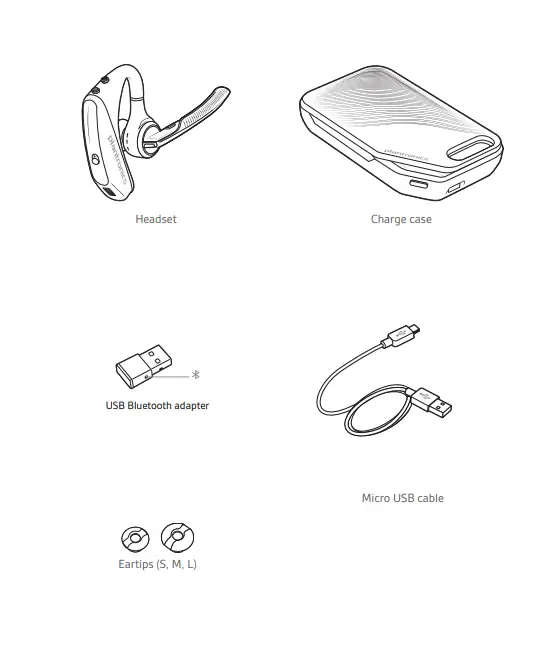
What’s in the box
Functions
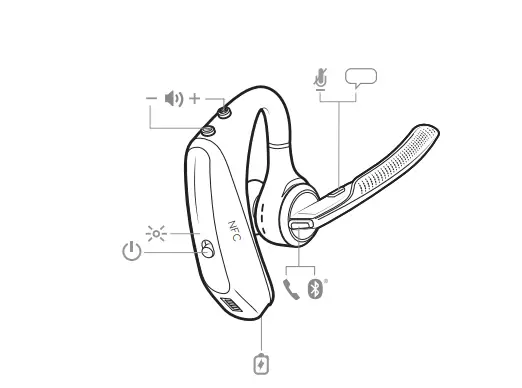
Function description
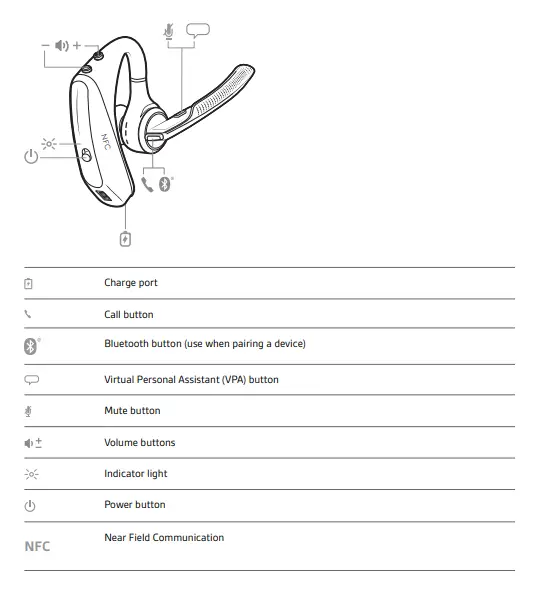
Charger case
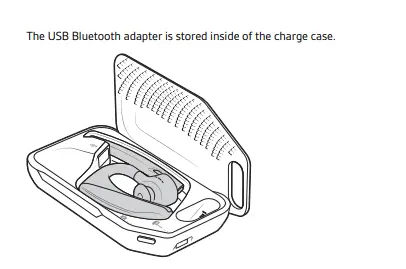
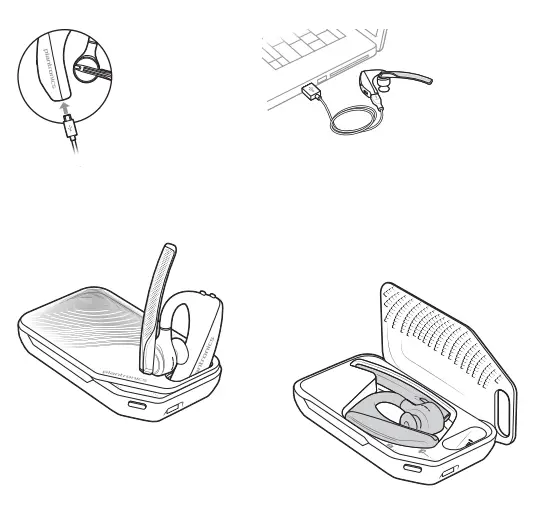
How to connect the Charger case to the charger
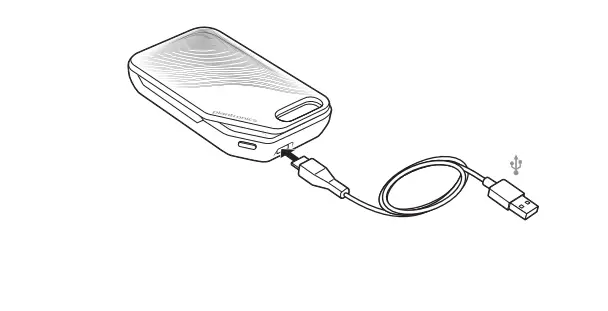
Charge your headset
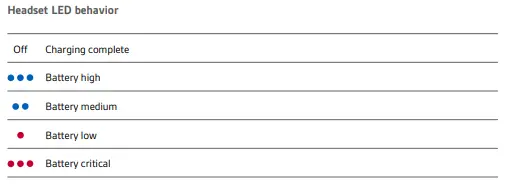
Check the Battery level
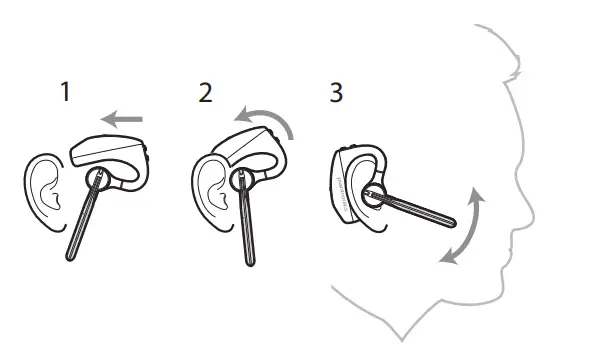
How to wear Voyager 5200
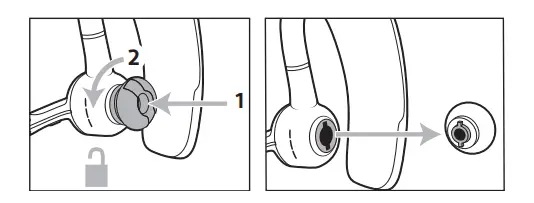
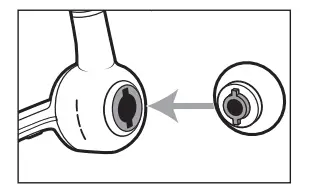
How to change the earbuds
How to connect and pair
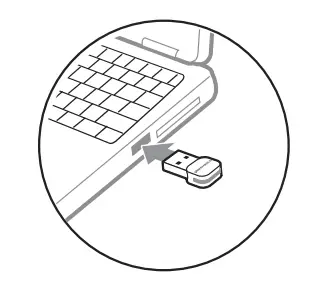
- Plug your Bluetooth USB adapter into your laptop or PC and turn on your headphones.
- To signify that the headset is connected to the USB adapter, the USB adapter LED flashes blue and then goes solid blue. If you have your headset on, you will hear “PC connected” to signify that the connection has been made. The USB adapter’s LED will blink blue when you’re on a call.
- The LED will be solid blue while you are not on a call.
Pairing with Mobile Phone
- Press and hold the Call button on your headset until you hear “pairing” and the headset LEDs glow red and blue.
- Turn on your phone’s Bluetooth and set it to look for new devices.
- Android Settings > Bluetooth: On > Scan for devices* • iPhone Settings > Bluetooth: On > On*
- Menus may change depending on the device.
- Select “PLT V5200 Series” from the drop-down menu.
- Accept the connection or enter four zeros (0000) for the passcode if necessary.
Accept Call:
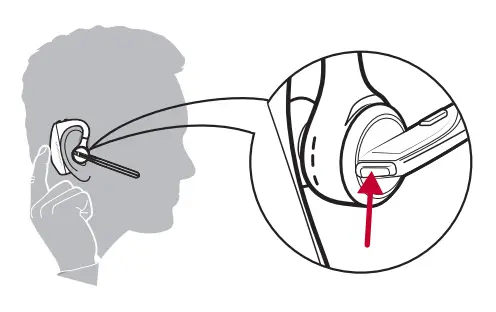
- To answer a call, put on the headset, say “answer” when the call is announced, or tap the Call button.
Answer a second call
- First, double-tap the Call button to place the first call on hold while you answer the second.
- Double-press the Call button to switch between calls.
- Tap the Call button to stop the second call and return to the first.
End Call:
- Press the Call button to end a call.
- Press the Call button for 2 seconds to reject an incoming call.
- Double-tap the Call button to redial the previous outgoing call.
PROS
- Good battery life.
- Noise cancellation.
- Wide range.
- Voice commands.
CONS
- The ear hook does not fit well while the glasses on.
- Not that much comfortable life previous models of Voyager.
Verdict:
Voyager 5200 is a worth buying product because this is something new and innovative as compared to other in ear devices. The voice command gives an ease to answer calls when your phone is far from you. The price is also affordable, as compared to other earphones.
Frequently Ask Question
- Is the Plantronics Voyager 5200 a good investment?
The most effective at canceling all background noise. When it comes to eliminating background noise, the Voyager 5200 is the finest headset we tested. However, it catches voices less warmly than our top option, has half the battery life, and costs a little more. - What’s the difference between a Plantronics Voyager 5200 and a Plantronics Voyager 5200 UC?
The 5200 is a consumer model, whereas the 5200 UC is a commercial model targeted at a certain segment of the road warrior market. - Is the Voyager 5200 a comfy machine?
The Plantronics Voyager 5200 is a pleasant headset to use. It comes with three sizes of silicone tips, which are easy to use for long periods of time because they don’t go too far into the ear canal. The headset’s ear-hook is flexible and does not place too much strain on your ear. - Is it possible to link two Plantronics Voyager 5200 phones?
Your headset can associate with up to eight devices, but it can only sustain two connections at a time, including the Bluetooth USB adaptor. If you don’t have any gadgets linked to your phone, you can use NFC pairing. If two devices are already connected, NFC pairing will not operate. - On the Voyager 5200, where is the call button?
Your call control is the black button on the rear of the microphone boom arm. Your headset will produce a beeping sound when your phone rings, and you may use this button to answer or stop calls.