RCHS5200WF
Read before installing. Home
Home
Let’s Get Started
 Download the Home App
Search for Honeywell Home app in the App Store or Google Play. Download and open the app. The app will guide you step-by-step through the install.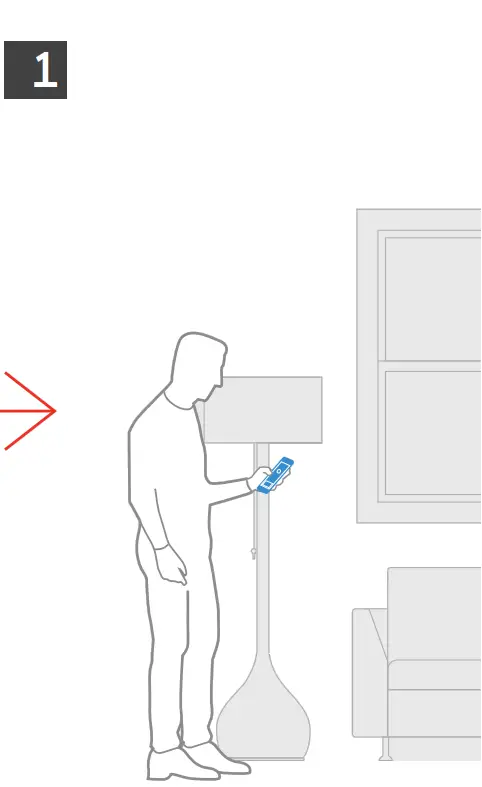
 Install Tip
Create your app account or login to an existing account before plugging in your Camera Base Station.
Use App to Setup Camera Base Station
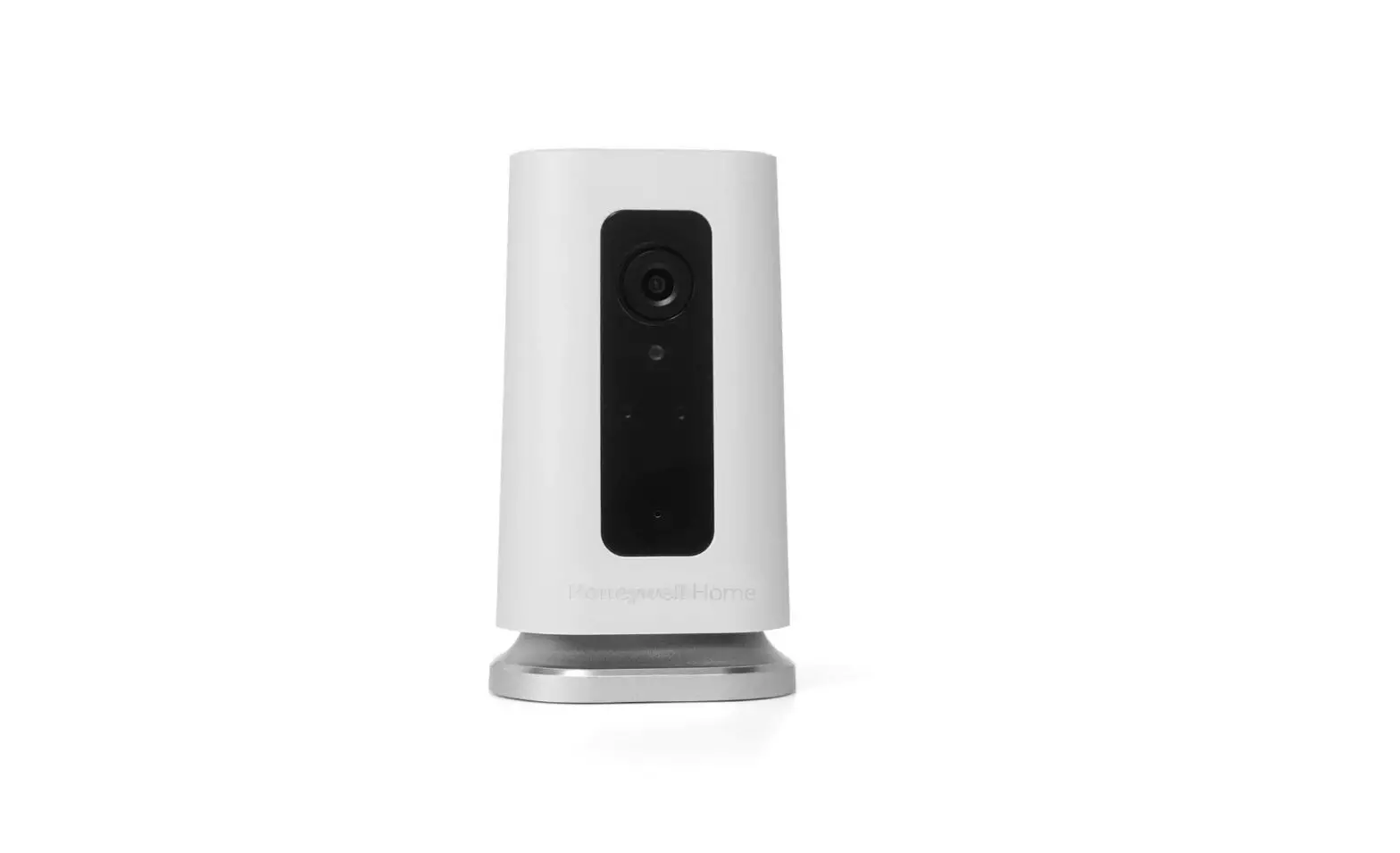
Place your Camera Base Station where it gets the widest view of your home.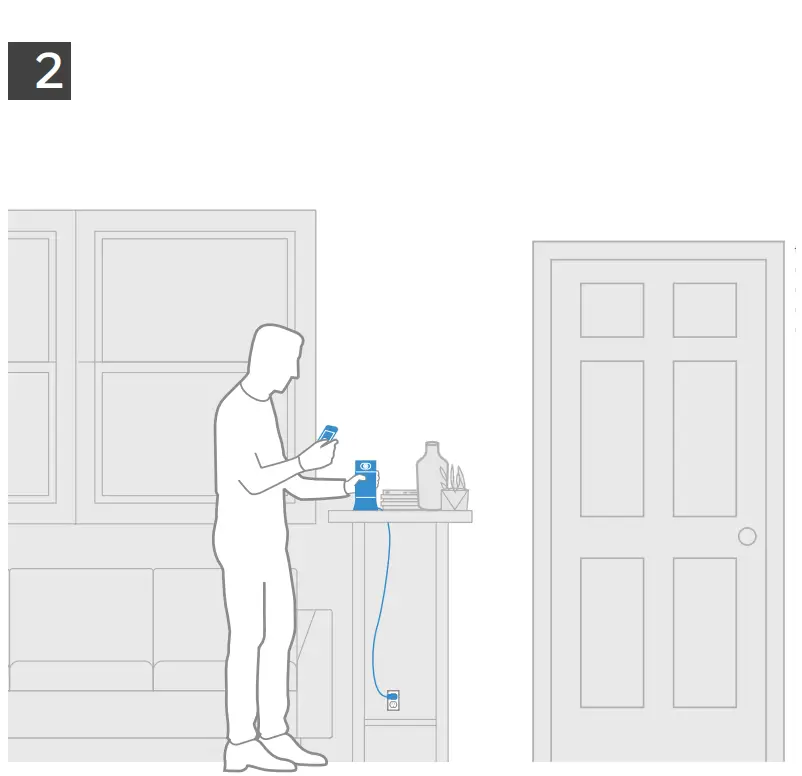 Install Tip Your Camera Base Station will flash blue when it’s ready to be setup with the app.
Choose an area where your Camera Base Station has the widest view of the home:
- Near the main entrance
- In the main living area
- On a kitchen counter
- On a mantle
Understanding your System
Base Station: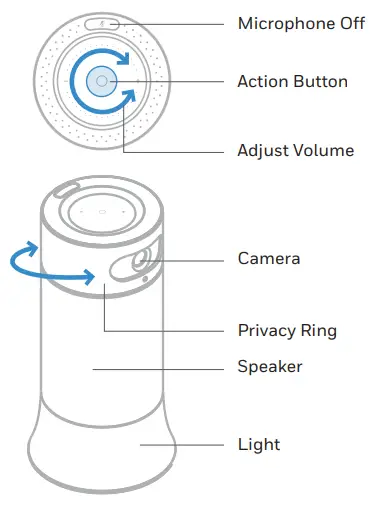 Voice commands
(Range for commands is 6–8 ft).
Say “OK Security,” then say one of the commands listed in the app.
Go to device settings for list of commands.
To tell base station to start listening: “OK Security…”
Tell Base station to switch to Away mode:
“OK Security, Away”
“OK Security, I’m Leaving”
Tell Base station to switch to Night mode:
“OK Security, Bed Time”
Vocal assistant in French version available later in 2019.
Sensor Accessories
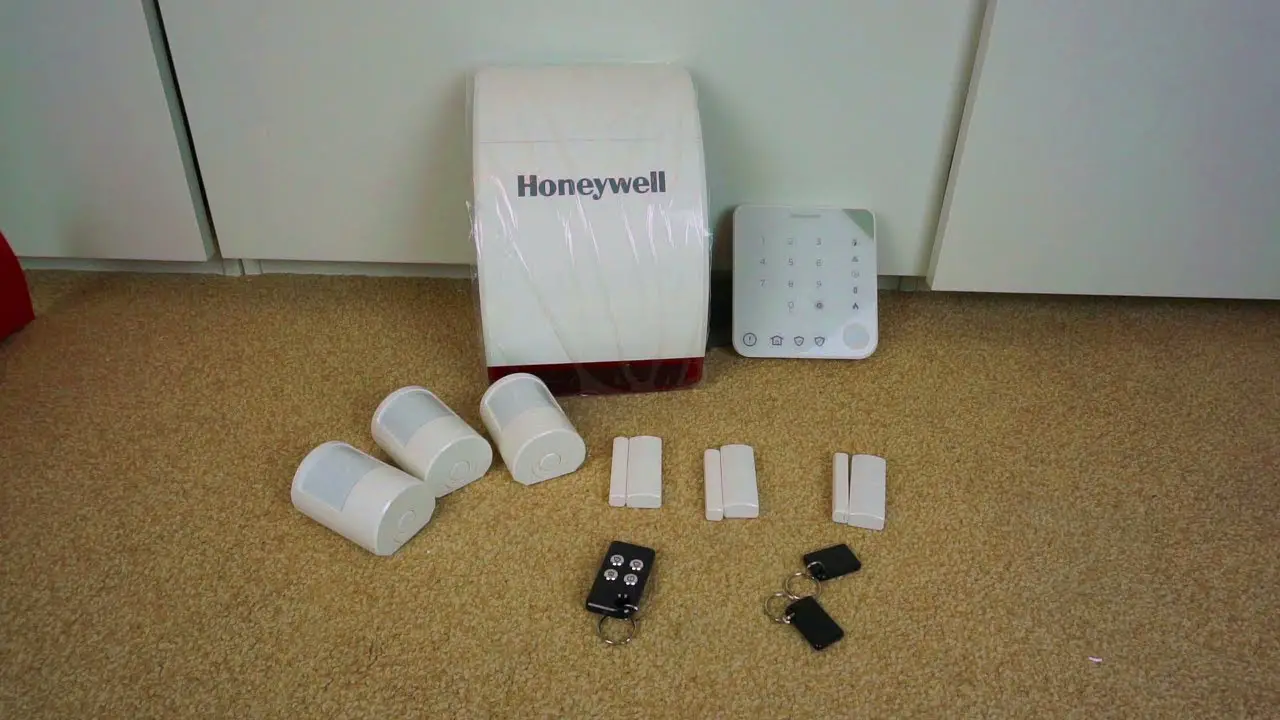
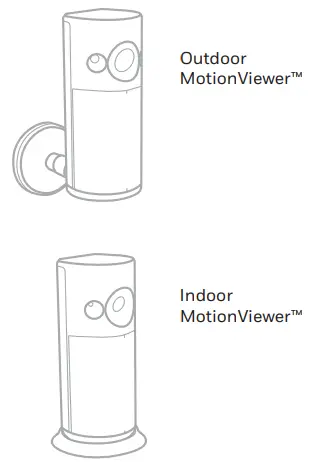
Your Camera Base Station can be paired with a number of devices (available separately) to extend the system and your control of it. This included Motion Sensors and Access Sensors, Indoor and Outdoor Motion Viewers, and a Key Fob.
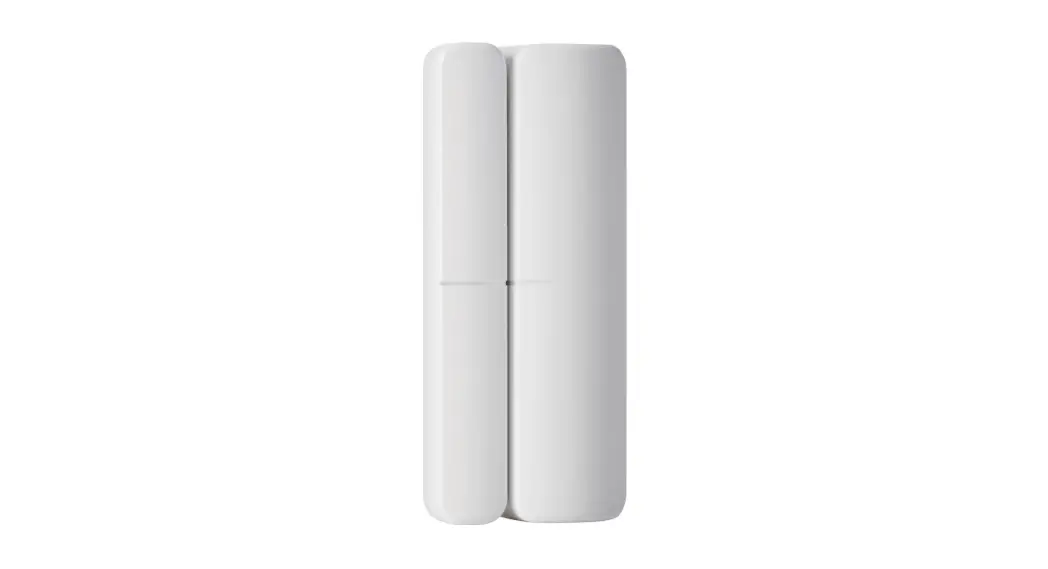
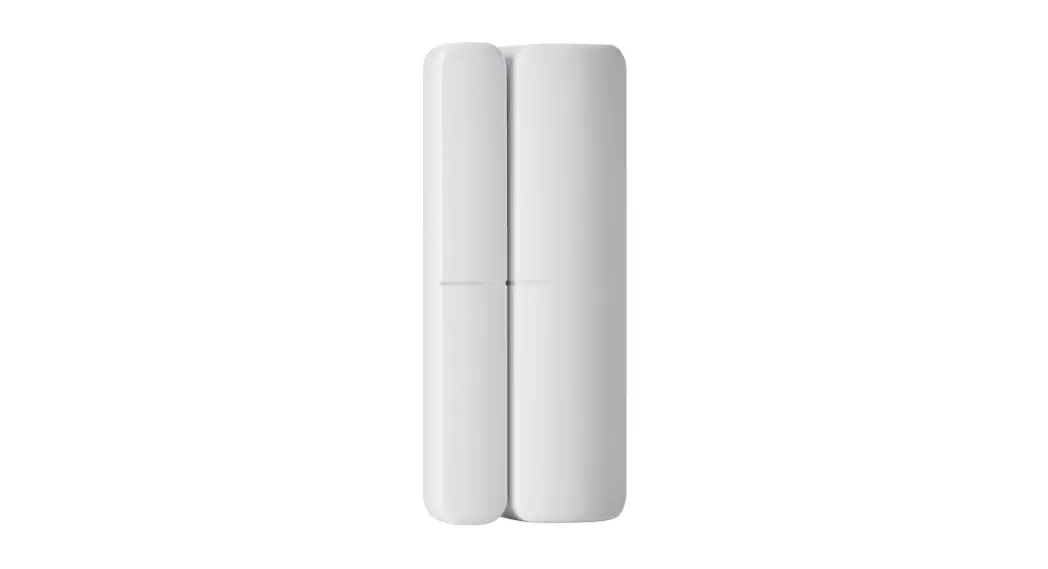
Access Sensor:
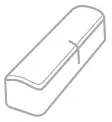 | Large Half |
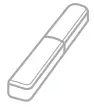 | Small Half (with magnet) |
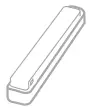 | Optional Small Half Extender (for doors and windows with uneven frames) |
Motion Sensors: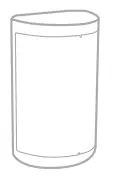 MotionViewers™:
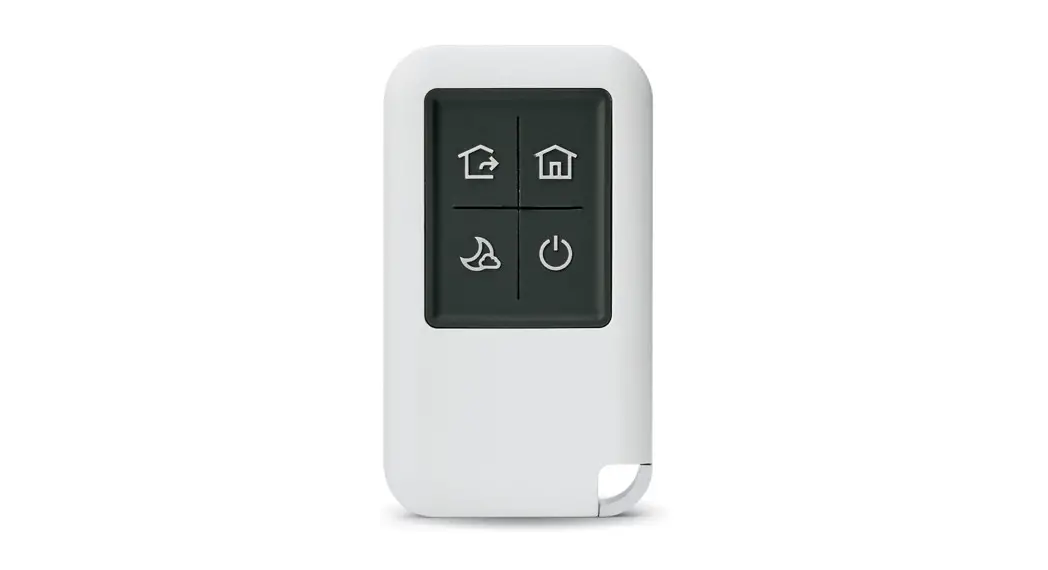
 Key Fob
Key Fob can be used inside your home to change your security mode with the press of a button.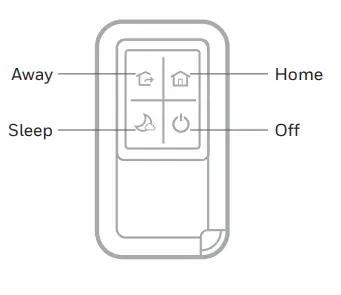 Lights and Sounds
Here are some ways your Camera Base Station uses light and sound to draw your attention and keep you aware of system status.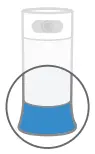
| Mode | Looks like | |
 | Home In this mode, you will hear a chime when doors and windows open. Motion sensors are disabled. | White single pulse of light fading to off to let you know your sensors are disabled |
 | Away In this mode, opening a window or motion will trigger an alarm, opening a door will start the Entry Countdown. | Green steady glow to let you know all sensors are active |
 | Night In this mode, opening a window will trigger an alarm, opening a door will start the Entry Countdown. Motion sensors are disabled. | Purple steady glow to let you know door and window sensors are active |
| Event | Sounds like | Looks like | |
 | Microphone Off This button temporarily disables the microphone. When Away, microphone will reactivate. | Single tone | Red steady glow |
 | Entry Countdown Use this time to cancel the siren when in Night or Away. | Accelerating tone followed by siren if not disarmed | White pulsing light during countdown |
 | Departure Countdown Use this time to leave the home after Away is set. | Recurring tone every second | Green pulsing light during countdown |
 | Notice Keeps you aware of any minor issues. Tap Action Button for additional information. | Silent until you tap the Action Button | Amber flutter |
 | Urgent Notice Keeps you aware of any critical issues. Tap Action Button for additional information. | Silent until you tap the Action Button | Red flutter |
FCC Regulations
§ 15.19 (a)(3)
This device complies with part 15 of the FCC Rules. Operation is subject to the following two conditions: (1) This device may not cause harmful interference, and (2) this device must accept any interference received, including interference that may cause undesired operation.
§ 15.21
Changes or modifications not expressly approved by the party responsible for compliance could void the user’s authority to operate the equipment.
§ 15.105
This equipment has been tested and found to comply with the limits for a Class B digital device, pursuant to part 15 of the FCC Rules. These limits are designed to provide reasonable protection against harmful interference in a residential installation. This equipment generates, uses and can radiate radio frequency energy and, if not installed and used in accordance with the instructions, may cause harmful interference to radio communications. However, there is no guarantee that interference will not occur in a particular installation. If this equipment does cause harmful interference to radio or televions reception, which can be dtermined by turning the equipment off and on, the user is encouraged to try to correct the interference by one or more of the following measures:
- Reorient or relocate the receiving antenna.
- Increase the separation between the equipment and receiver.
- Connect the equipment into an outlet on a circuit different from that to which the receiver is connected.
- Consult the dealer or an experienced radio/TV technician for help.
FCC Radiation Exposure Statement:
This equipment complies with FCC radiation exposure limits set forth for an uncontrolled environment. This equipment should be installed and operated with minimum distance 20cm between the radiator & your body.
IC Regulations
This device complies with Industry Canada license-exempt RSS standard(s). Operation is subject to the following two conditions: (1) this device may not cause interference, and (2) this device must accept any interference, including interference that may cause undesired operation of the device.
IC Radiation Exposure Statement:
This equipment complies with IC RSS-102 radiation exposure limits set forth for an uncontrolled environment. This equipment should be installed and operated with minimum distance 20cm between the radiator & your body.
Contains lithium ion batteries. Please dispose of properly and in accordance with local law.
 Resideo Inc., 1985 Douglas Drive North
Golden Valley, MN 55422
www.resideo.com
©2019 Resideo Technologies, Inc.
This product is manufactured by Resideo Technologies, Inc., Golden Valley, MN, 1-800-633-3991.
The Honeywell Home trademark is used under license from Honeywell
International Inc. All rights reserved.
33-00332EF—05 M.S. Rev. 06-19
Printed in U.S.A.
INPUT: 100 V–240 V ~50 Hz–60 Hz, 0.9 A The operation of this equipment is subject to the following two conditions: (1) this equipment or device may not cause harmful interference, and (2) this equipment or device must accept any interference, including interference that may cause undesired operation. 
 Smart Home Products and Systems | Resideo