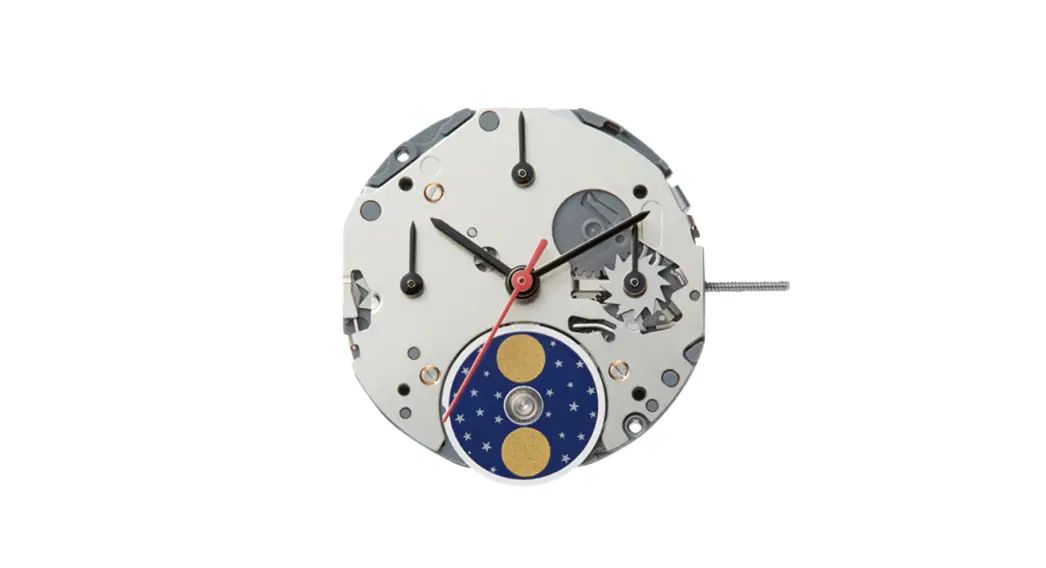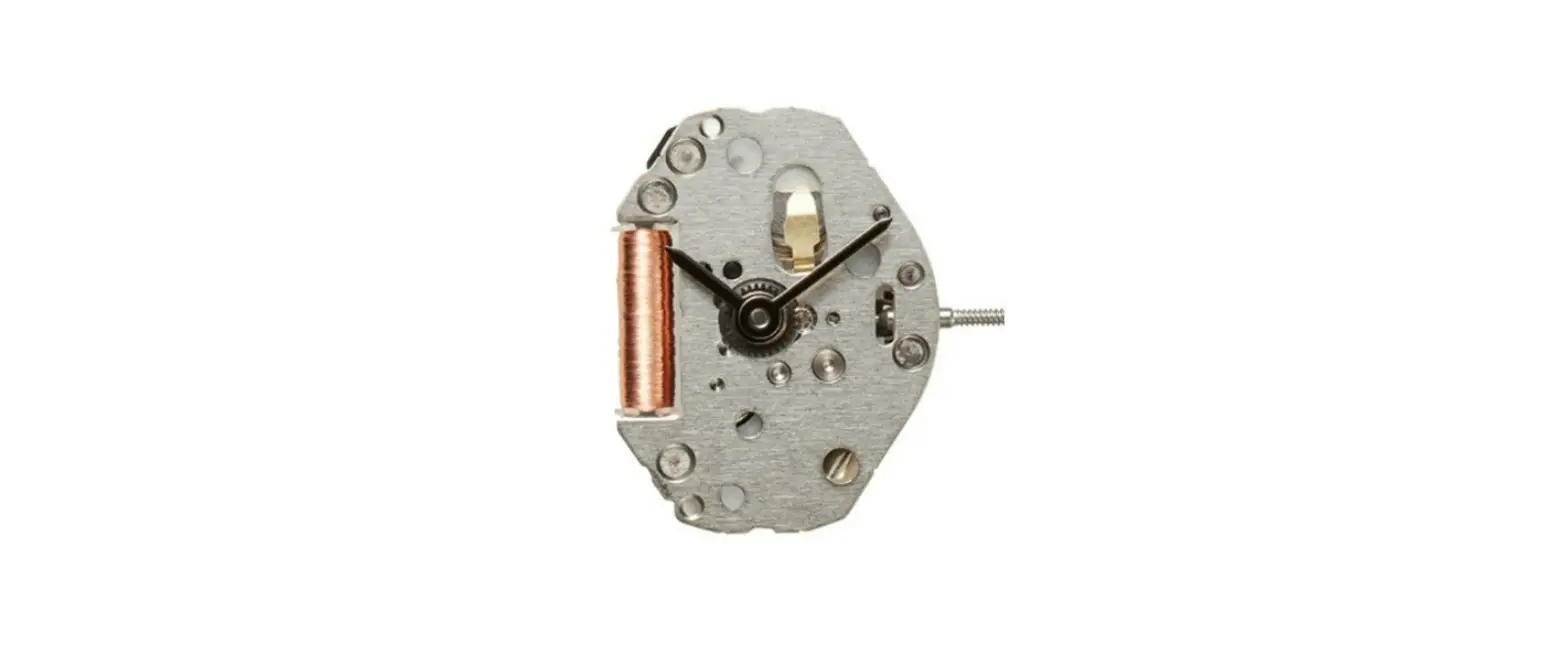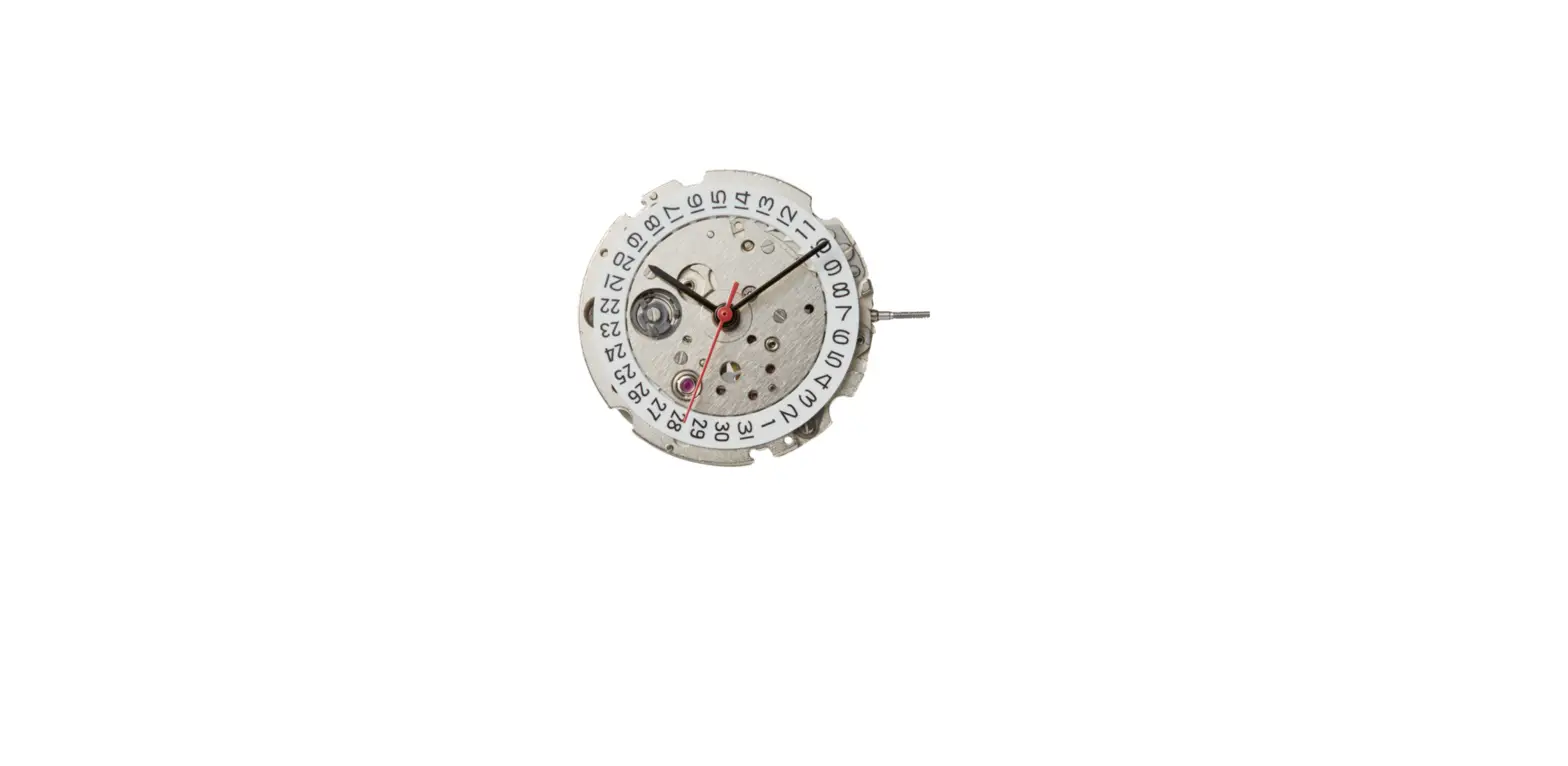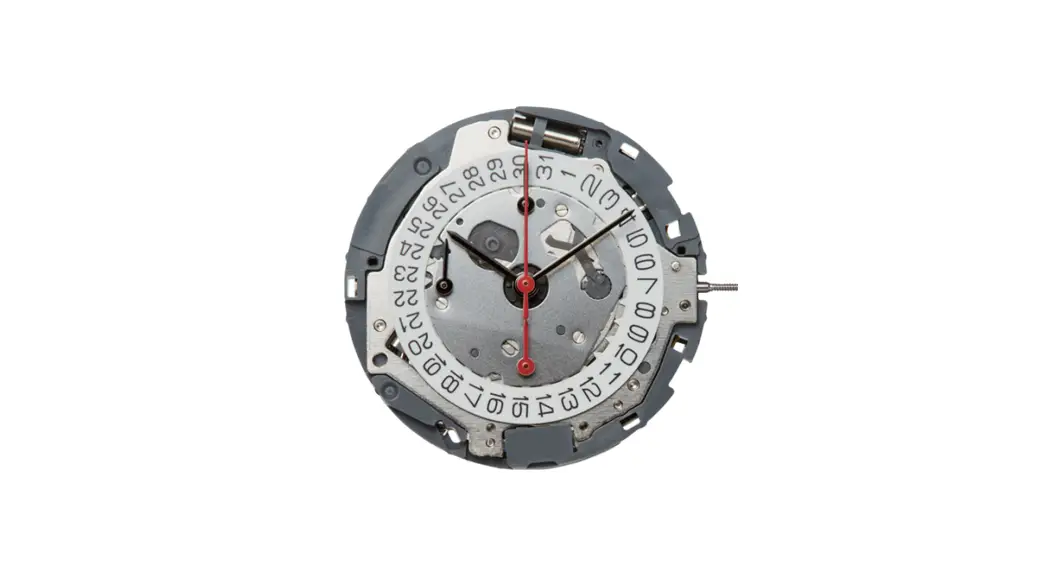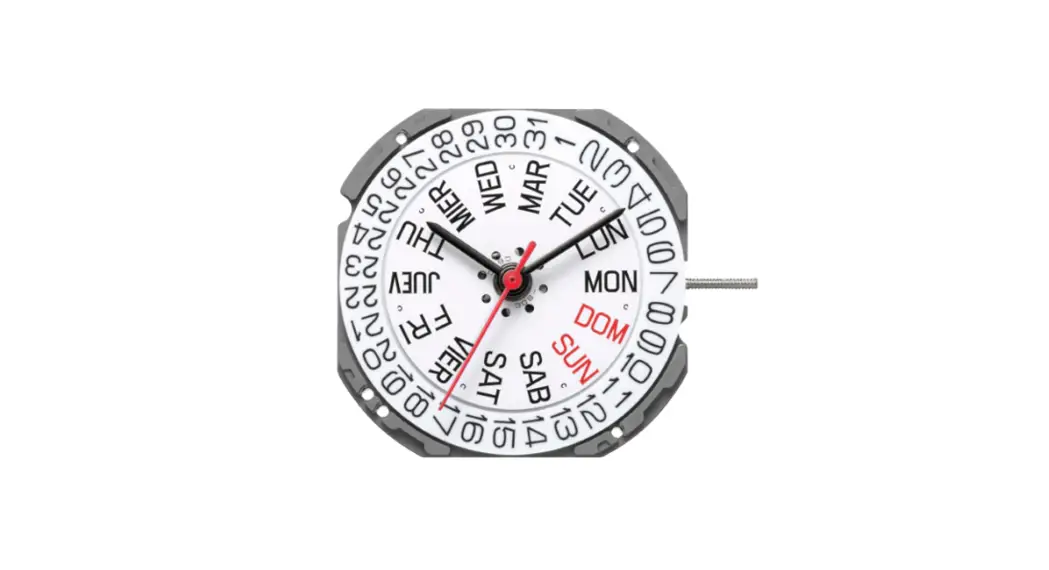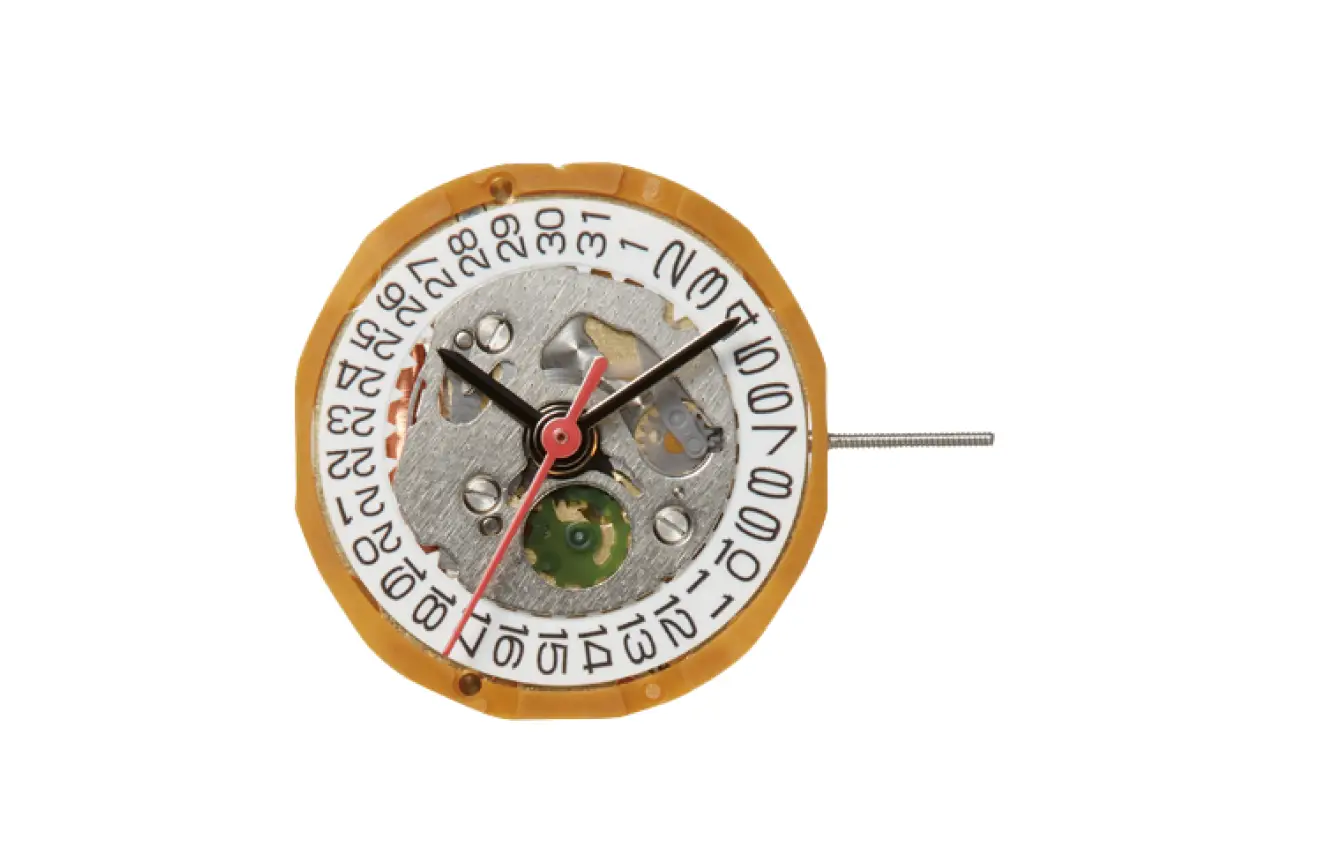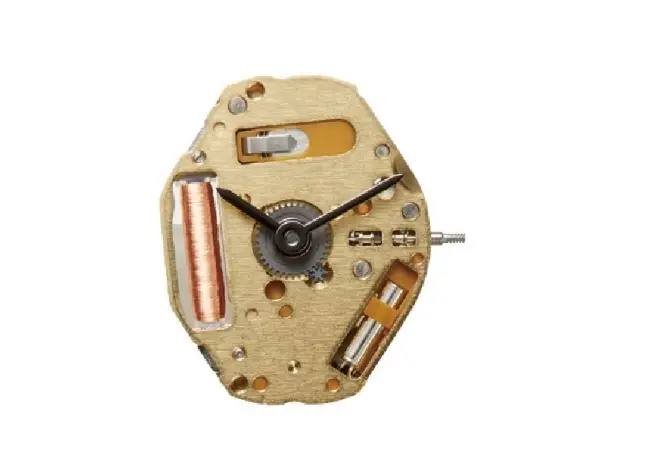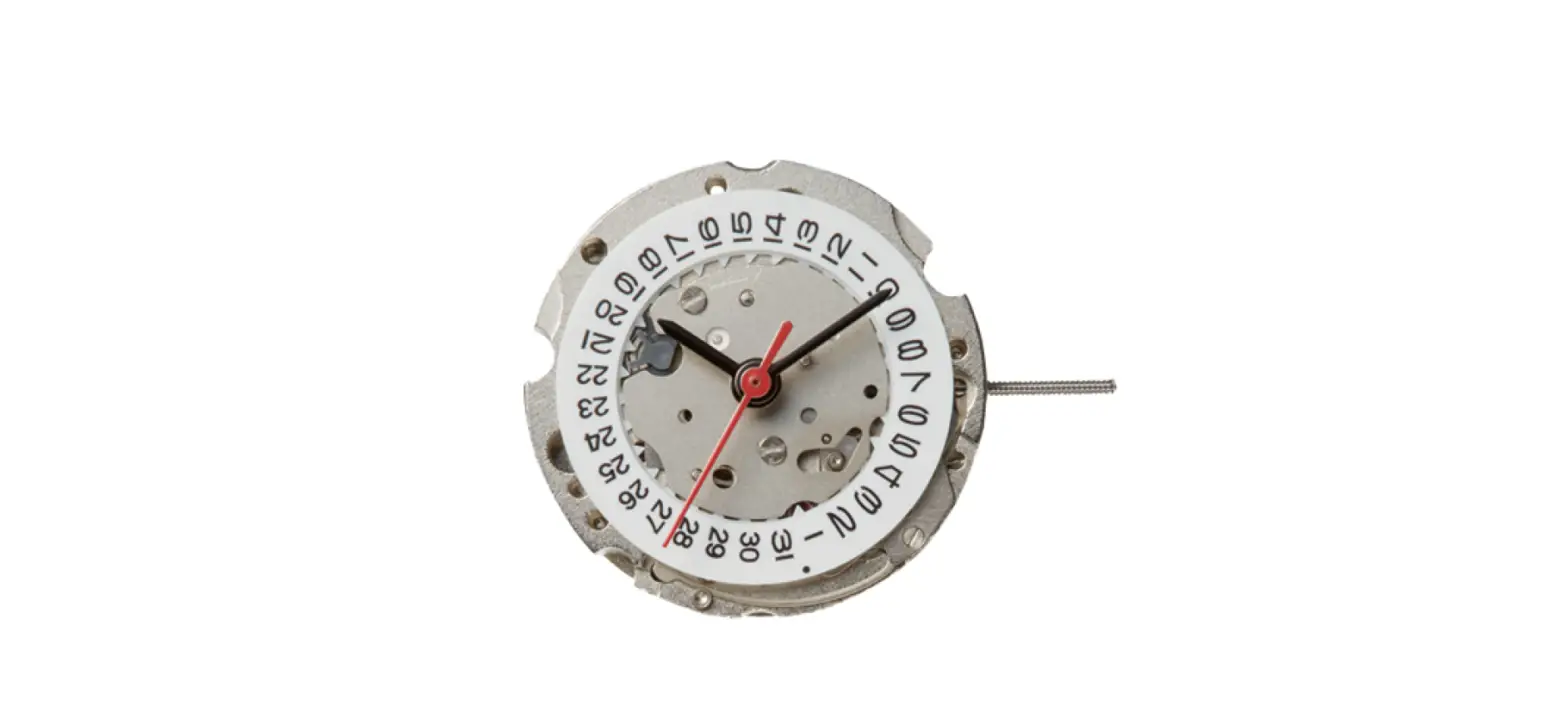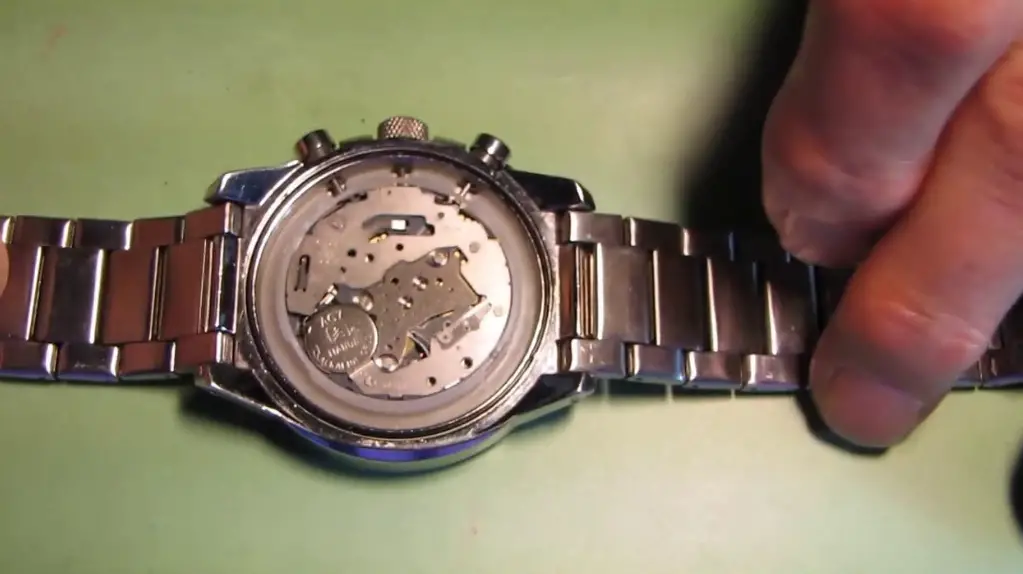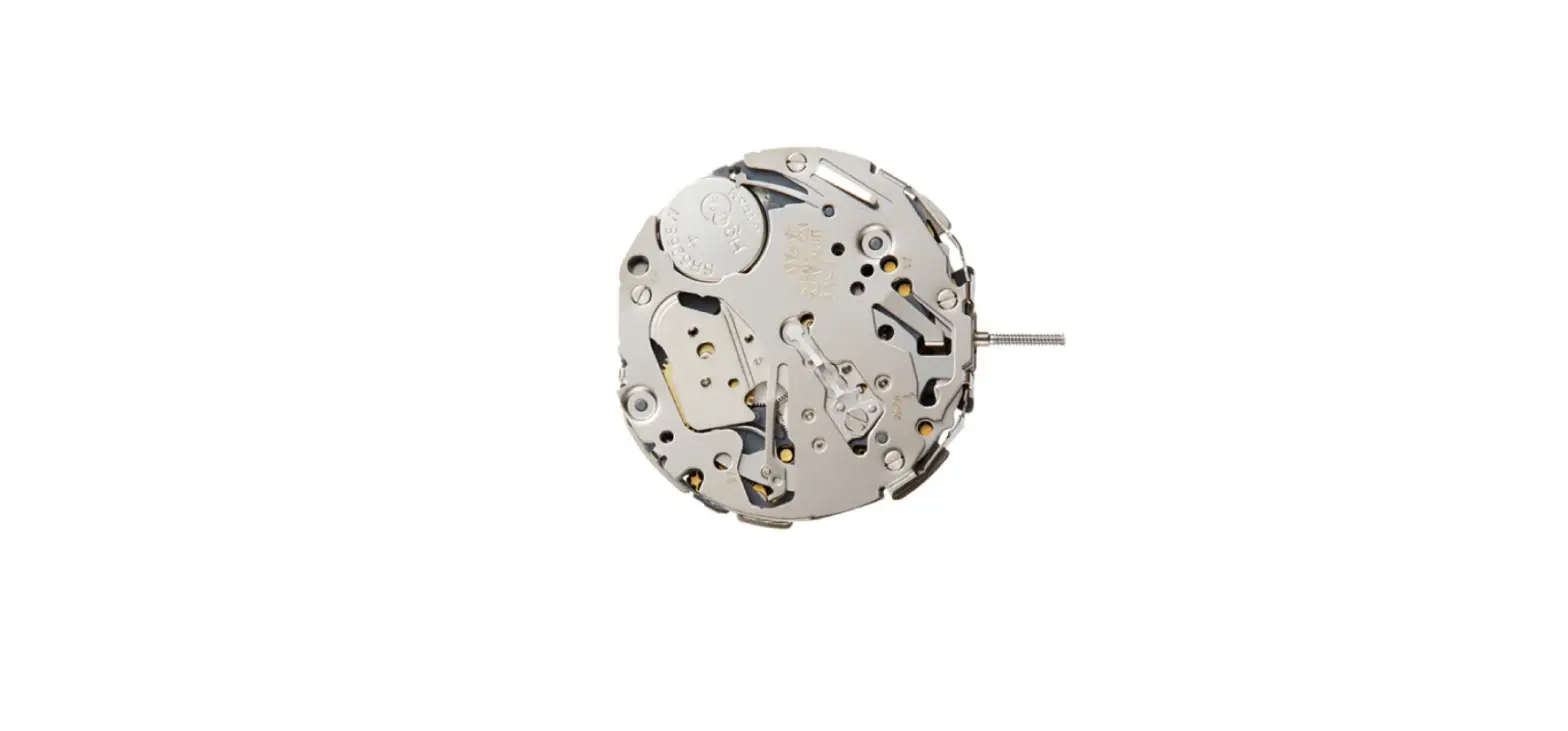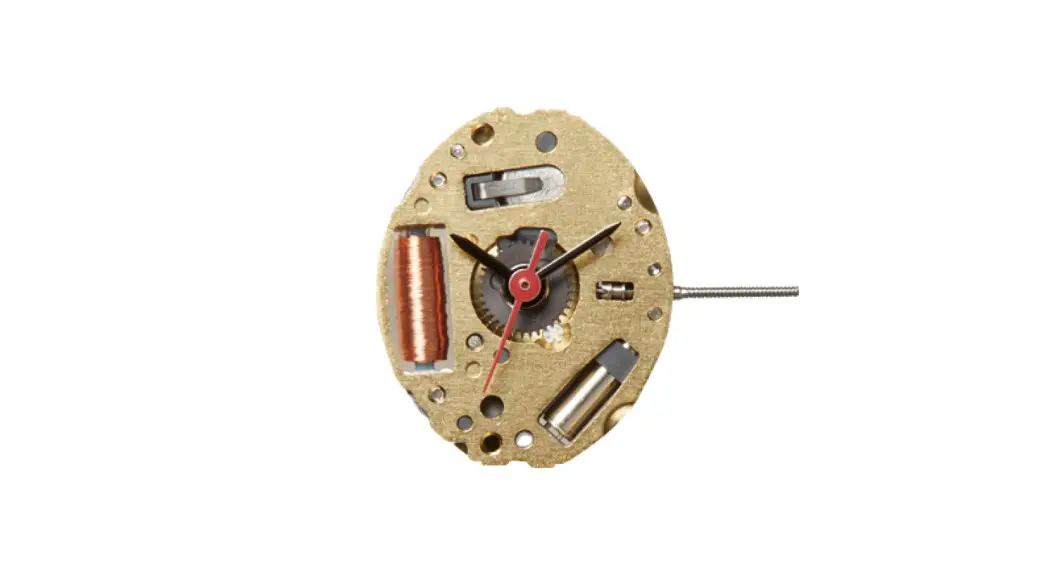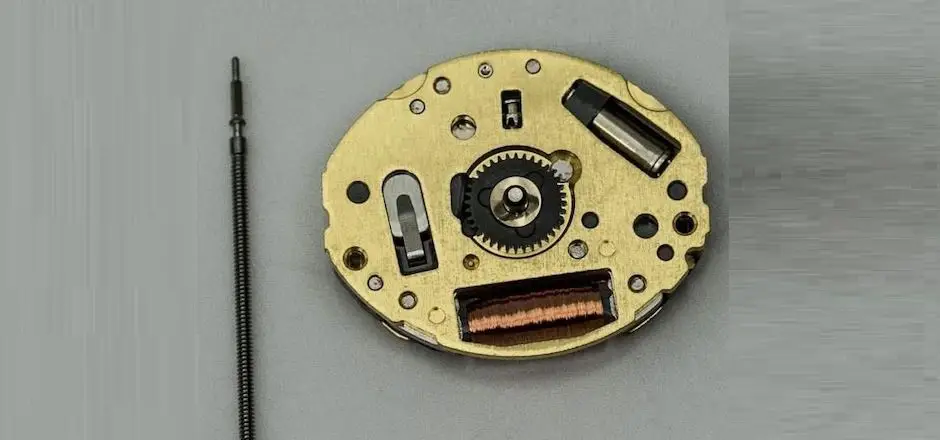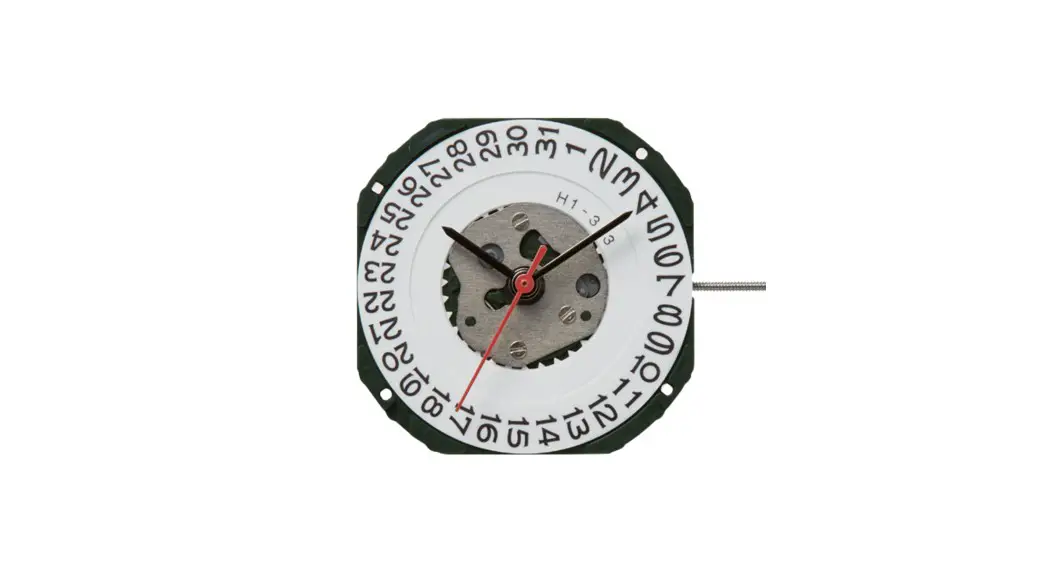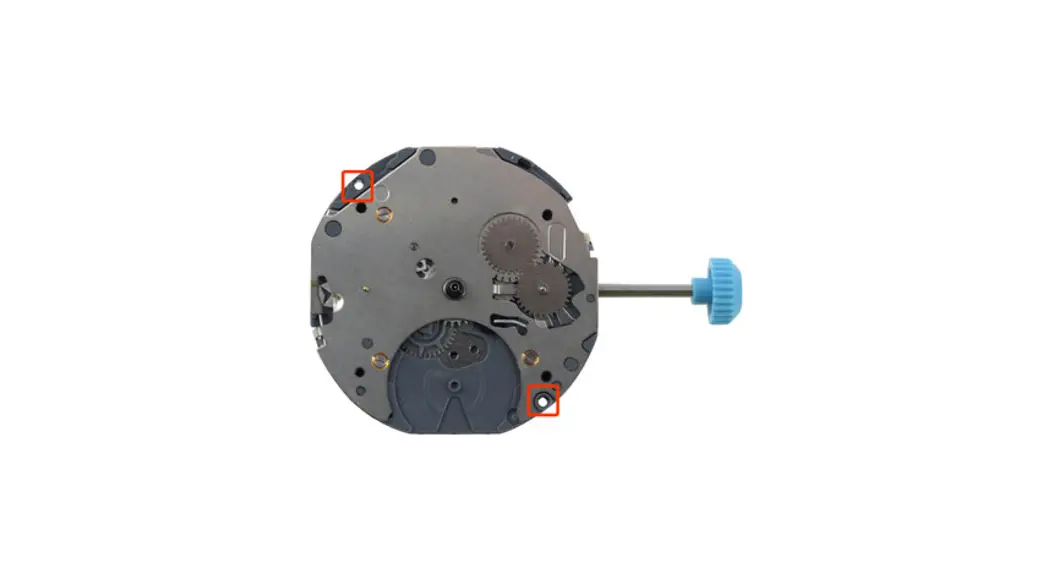
 Cal. 6P23 Instruction manual
6P23 Multi-Function Movements
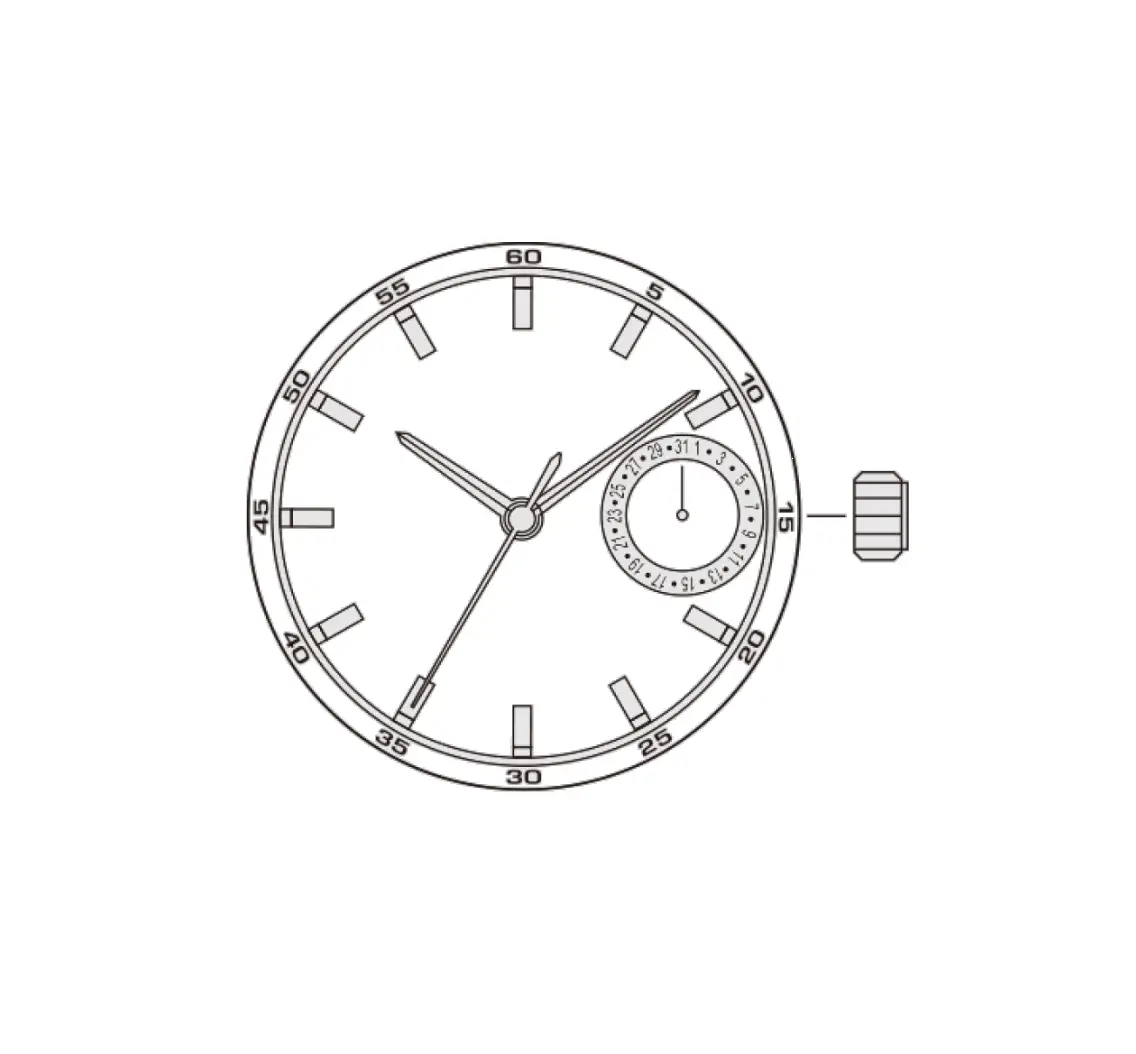
FEATURES : ANALOG MULTI-HAND QUARTZ WATCH WITH DATE AND 24HOUR
A) DISPLAY
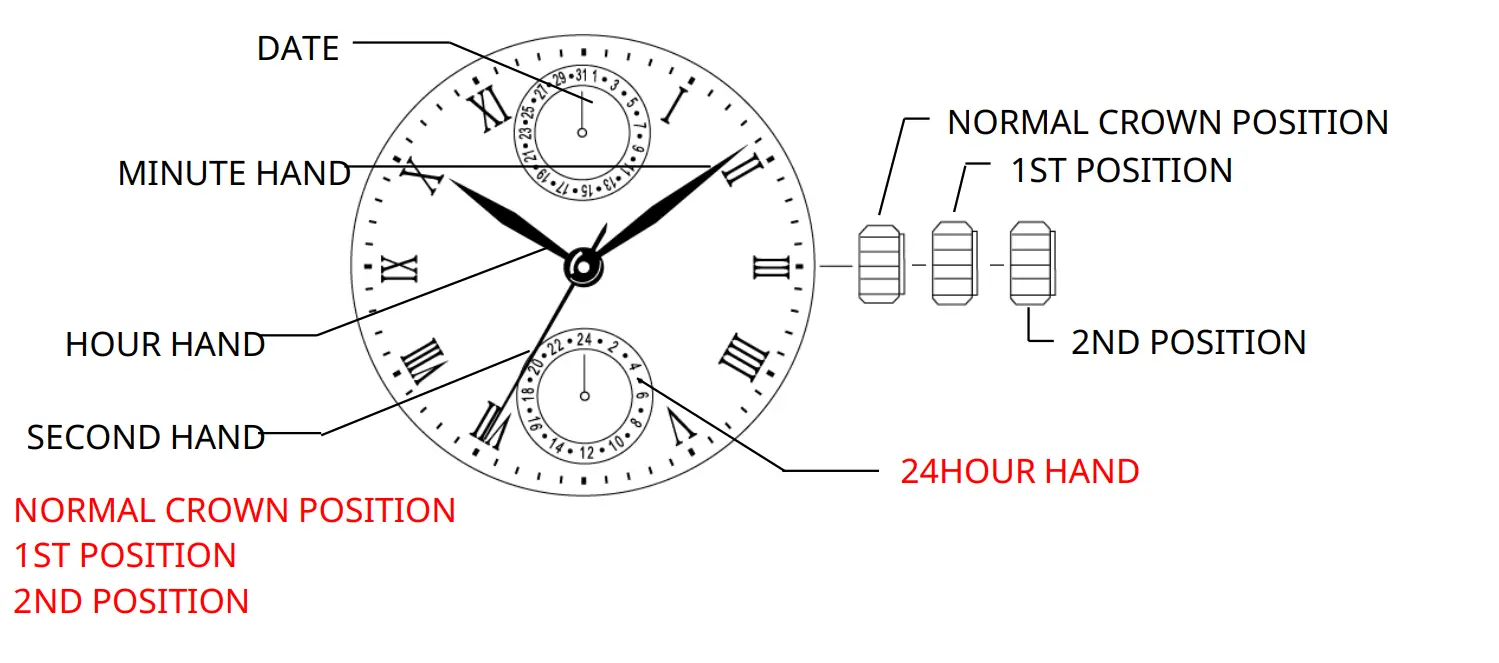
QUICK OPERATION – DATE (COUNTERCLOCKWISE) TIME/DAY SETTING (CLOCKWISE)
B) OPERATION PROCEDURE
- SETTING THE TIME (HOUR, 24HOUR, MINUTE and SECOND)
- SETTING THE DATE
C) SETTING THE TIME (HOUR, 24 HOUR, MINUTE AND SECOND)
The hour, 24 hour, minute and second are set by the same operation.
SETTING PROCEDURE

Pull the crown out to the 2nd position to stop the second hand at 0 (12 o’clock).
Turn the hour/minute hands in a clockwise direction to set the time.
To ensure time is set accurately, first turn the minute hand 5 minutes ahead of desired time and then turn back (in a counterclockwise) to the desired time.
After setting the time, use a time signal to synchronize the watch by pushing crown to the normal position to start the second hand going.
NOTE: Make sure you have correctly set AM/PM before setting the time. When the day changes over, it is a.m..
(Day changes over between 0:00a.m. and 5:30a.m. or little later) Check am./p.m. by the 24hour hand.
D) SETTING THE DATE (BY QUICK OPERATION)
Pull the crown out to the 1st position. Turn the crown counterclockwise to set the date quickly.
NOTE:
* Do not set the date between the hours 9:00p.m. and 0:30a.m..The date may not change correctly the next day.
These specifications might be changed without prior notice.