
Dear customer,
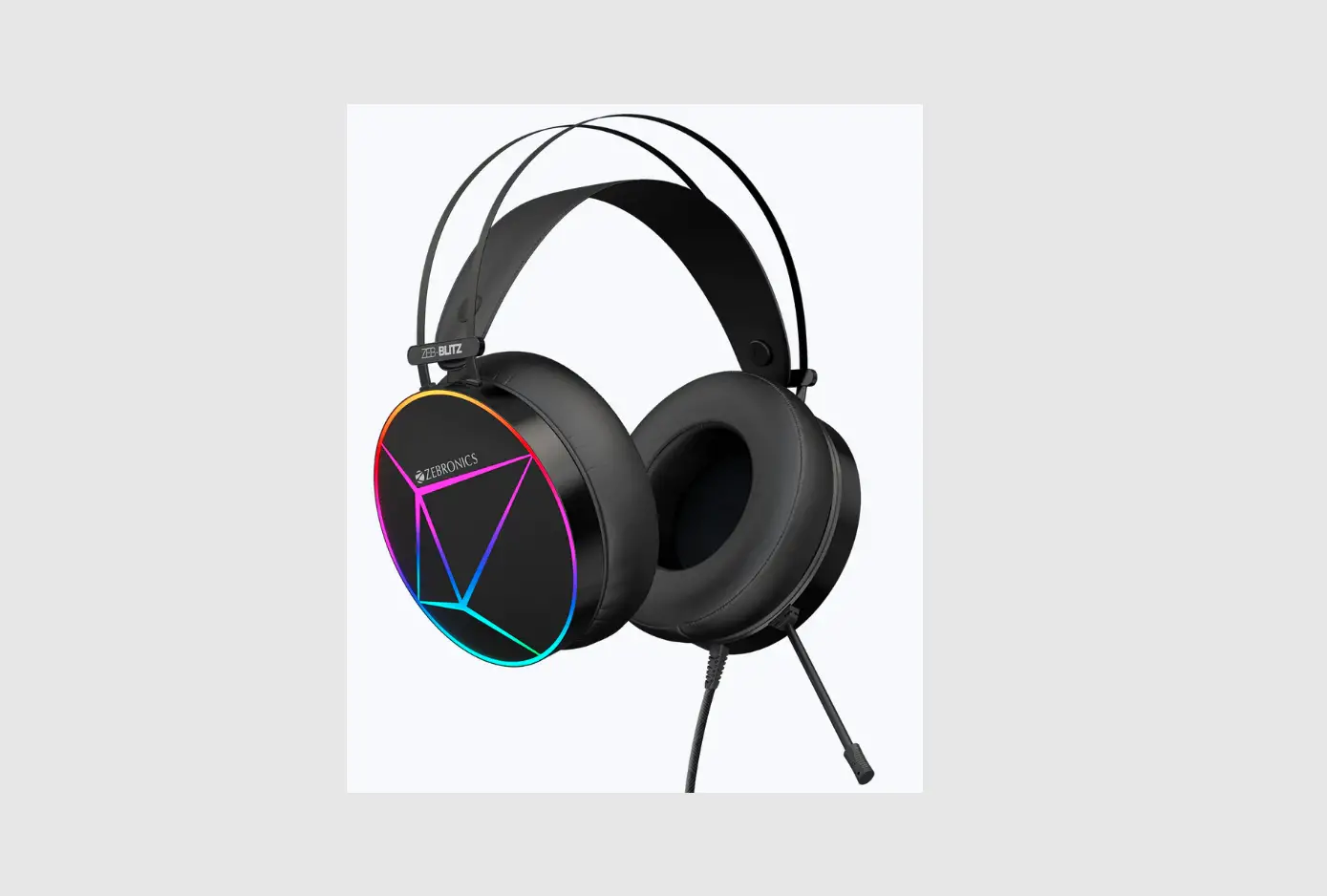
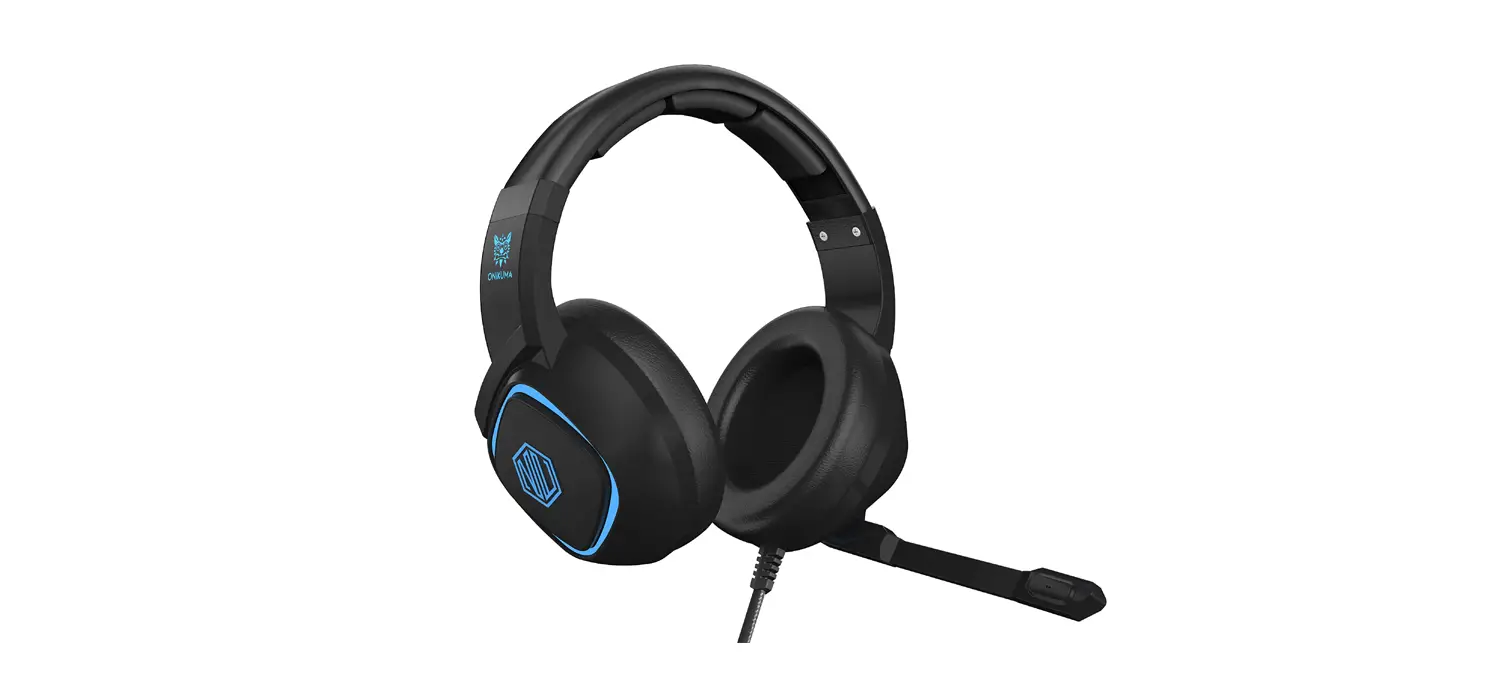
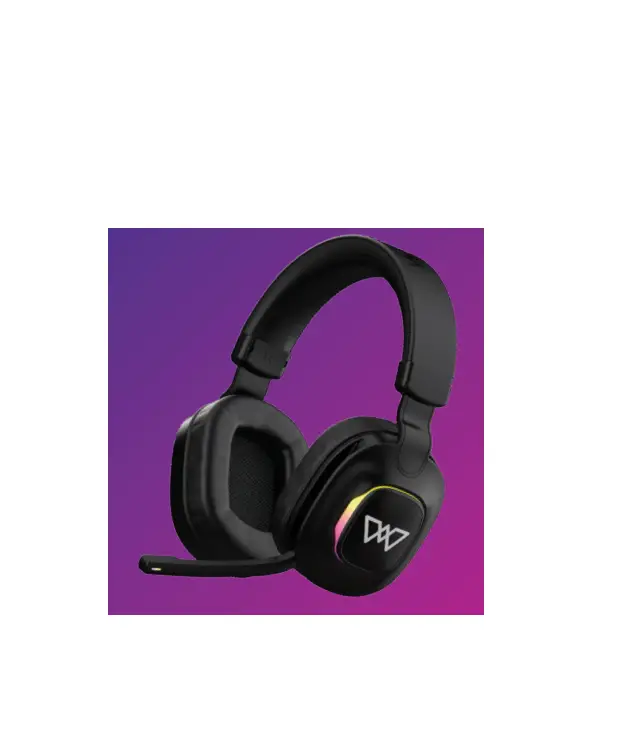
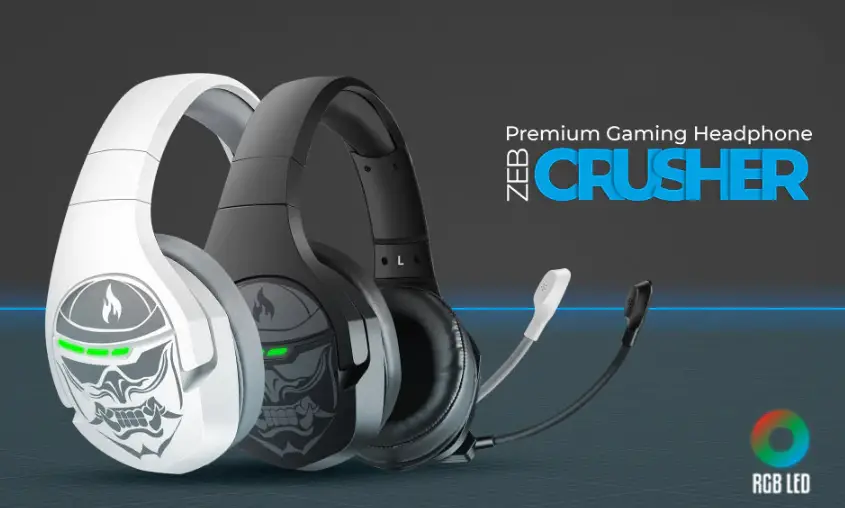
Thank you for purchasing the ZEBCRUSHER Premium Gaming Headphone. Please read the user manual carefully before usage & save it for future reference.
Note
- Avoid the usage of this product at the high temperature and high humidity environment.
- Avoid the self-disassembly of the product as it results in the failure of Warranty.
Caution
Listening at high volume can cause hearing impairment. Please limit your usage time at high volume.
Features
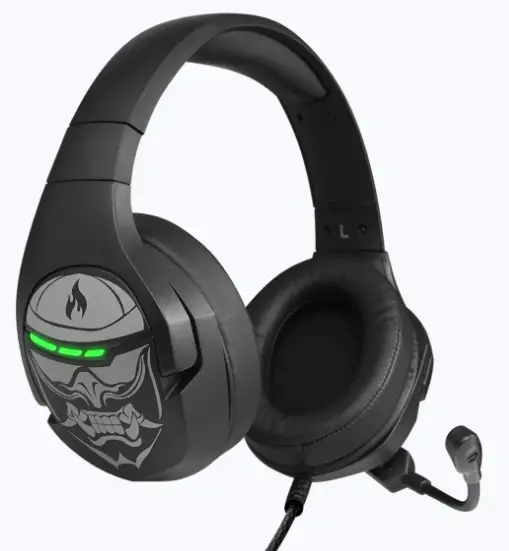
- RGB LED Lights with On/ Off switch Padded adjustable Headband
- Extra soft ear cushion
- Flexible Mic
- PC Compatible
- 2m Braided Cable
- Gold Plated nickel USB
- MIC on-off Control
- 3D Surround Sound control button
- 50mm Neodymium drivers
- Lightweight & comfortable
- Powerful Bass
Specification
- Driver Size :S0mm
- Impedance : 160
- Response : 20Hz – 20kHz
- Sensitivity : 114dB ± 3dB
- Microphone Impedance : 2.2kO
- Microphone Sensitivity : -38dB±3dB
- Connector type : USB
- Cable length : 2m
- Net. Weight : 313g
Package Contents
- ZEB-CRUSHER Headphone
- QR Code Guide
System Requirements
- Operating Systems Windows XP/7 /8/10
- USB 2.0/3.0 Port
Quick Start
- Plug your headset into Computer’s USB Slot
- Adjust the Volume before Listening
- Adjust the Microphone Direction.
In-line Controller
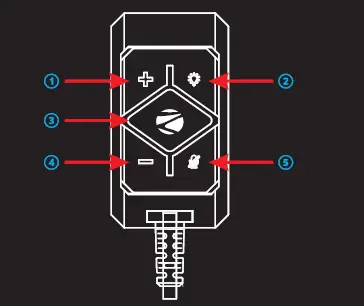
- Volume+
- RGB Light ON/OFF
- Mute
- Volume MICON/OFF
ZEB-Crusher Software
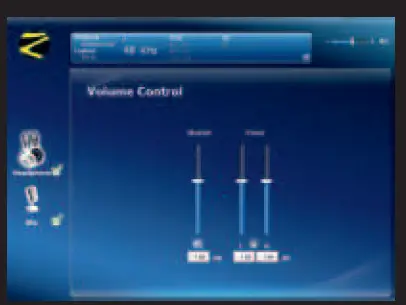
ZEB-Crusher Gaming Headphone comes with a Sound MX Software. You can download the driver from the provided link, https://zebronics.com/pages/drivers You can use this Software to create 7.1 Virtual Surround Sound for your Game.
Installation
Note: Keep the headset plugged into computer’s USB Slot while installing.
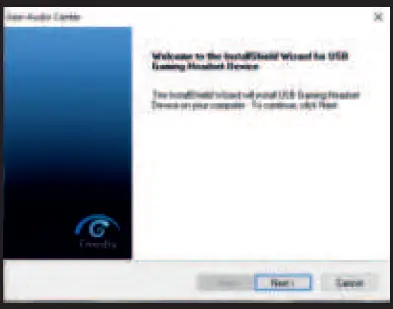
- Click “Next” and Follow instructions to Start Installation
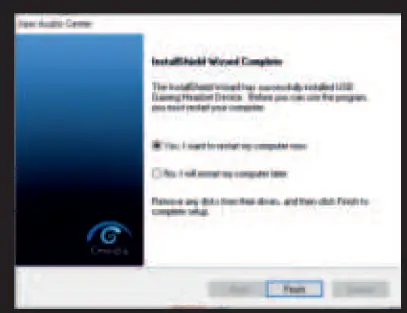
- Click “Finish” to restart the System before you Start using the Software.
Speaker Customization
IsO 9001:2015 Certified Company www.zebronics.com