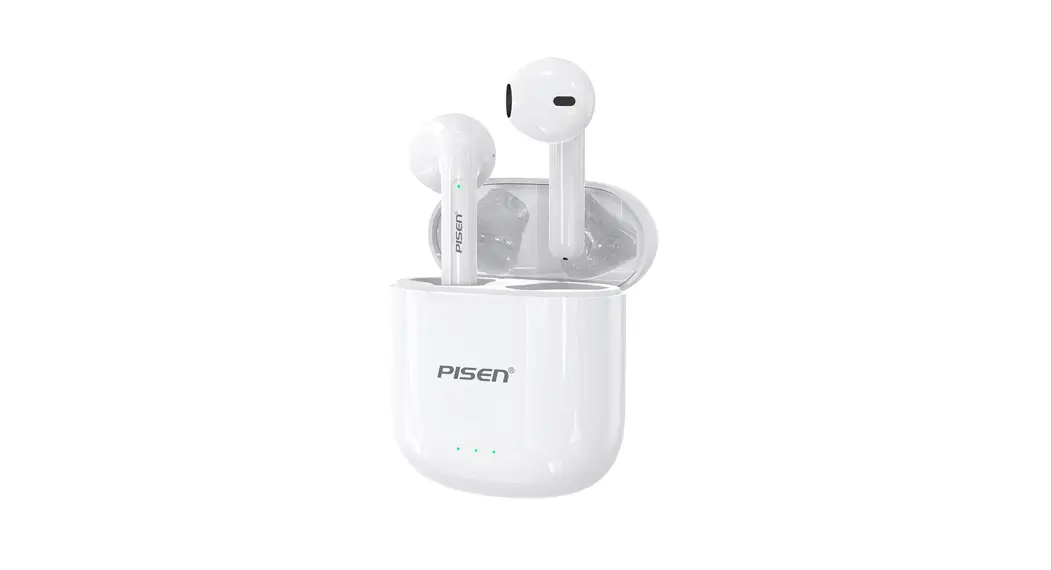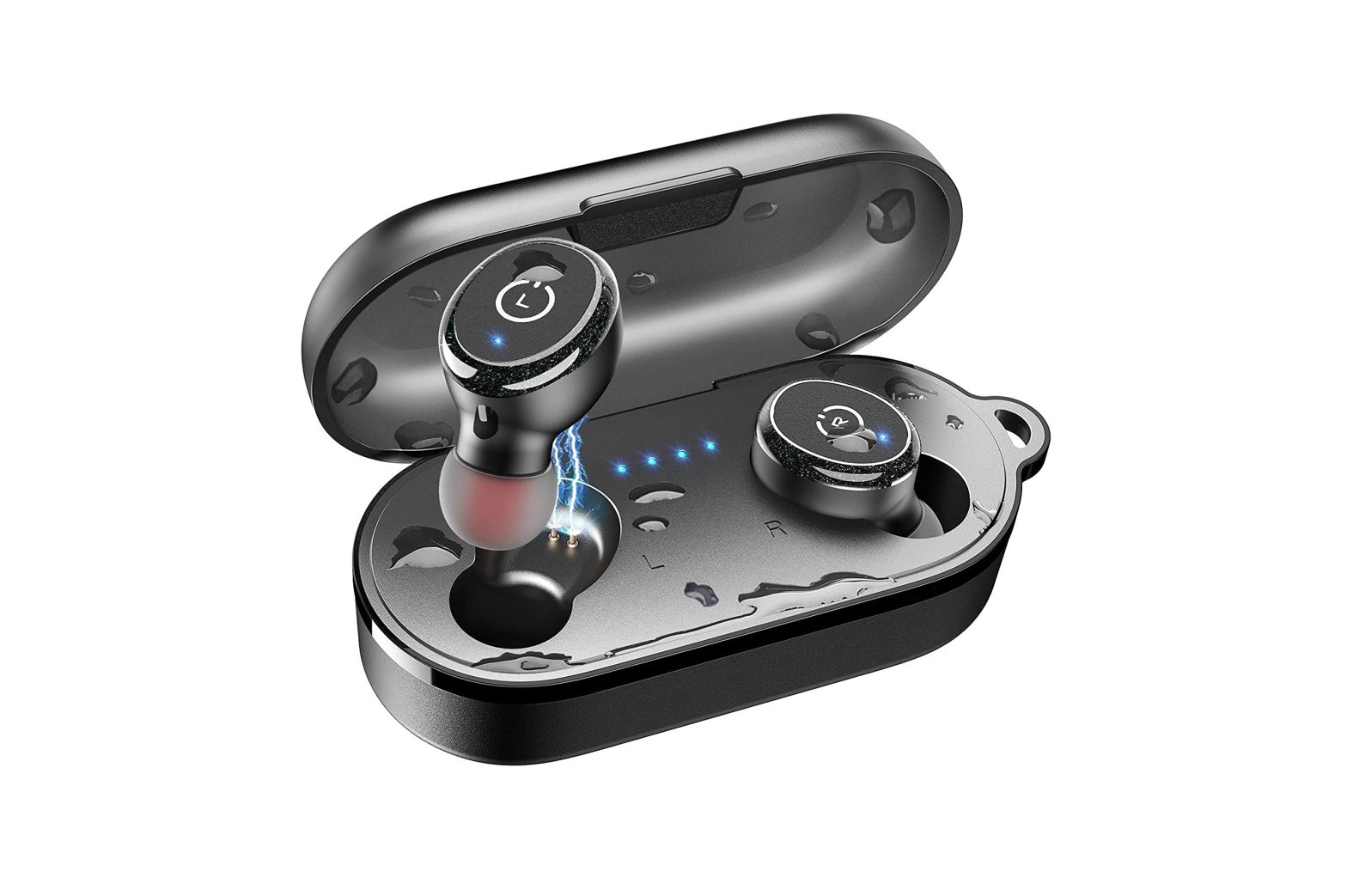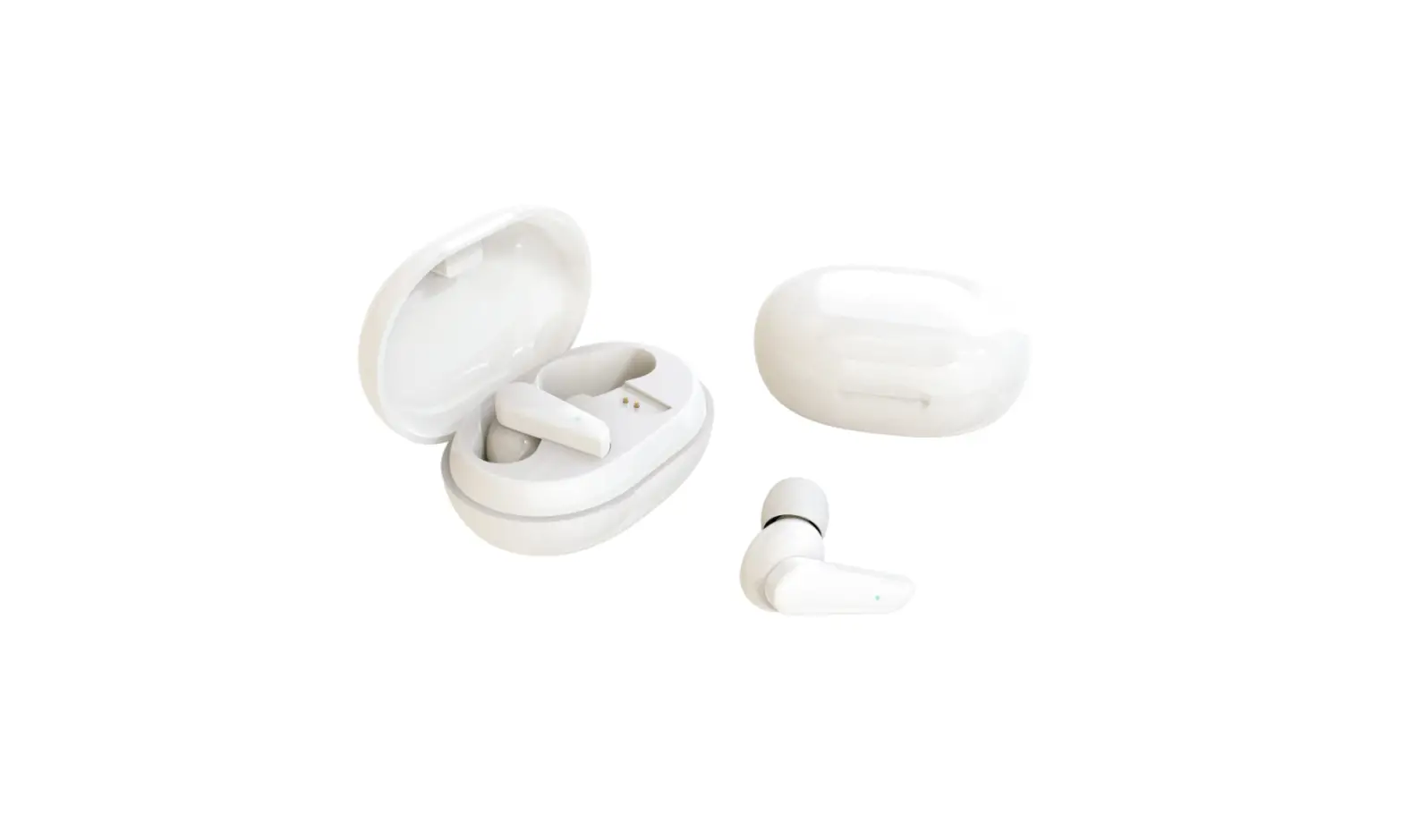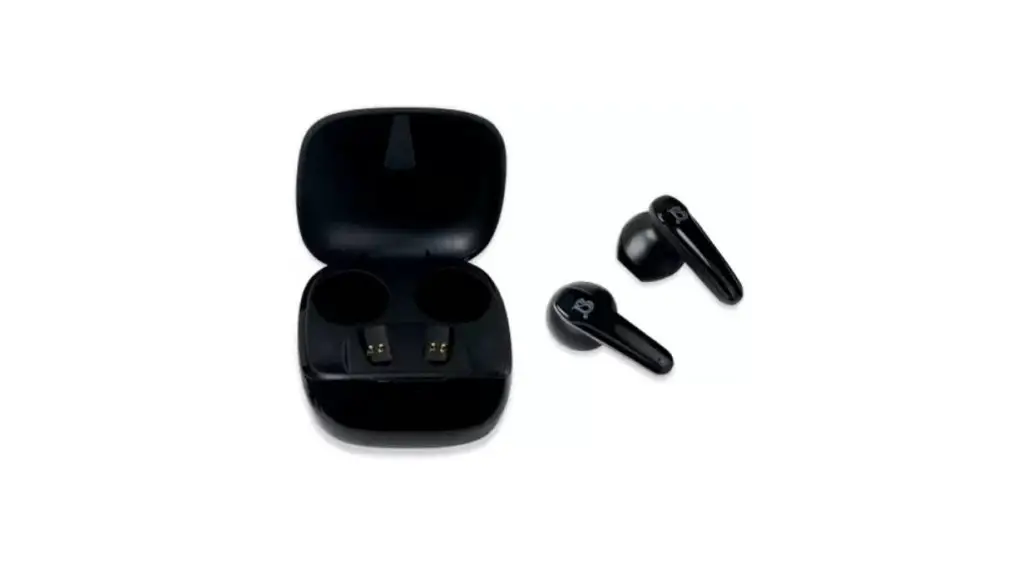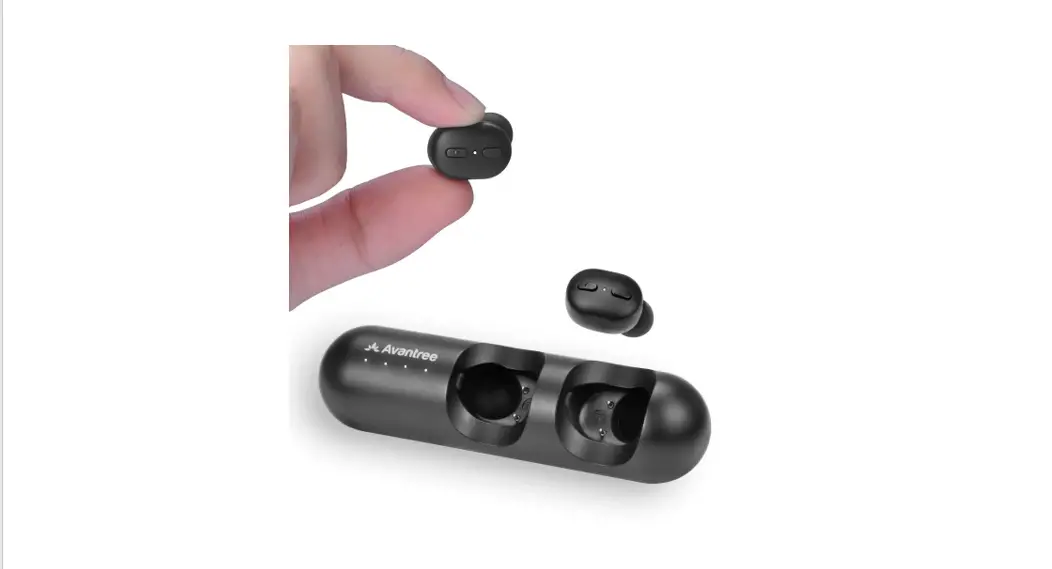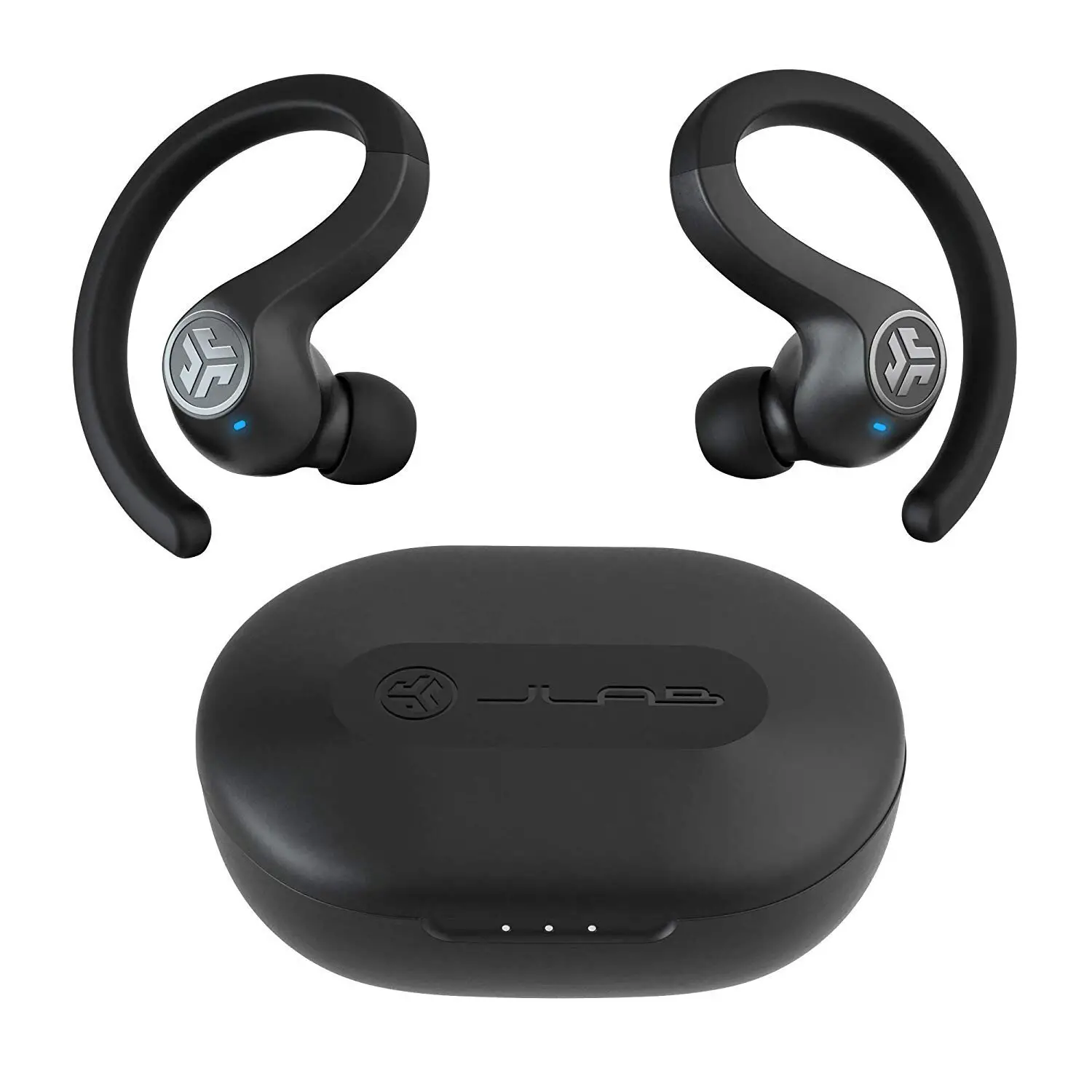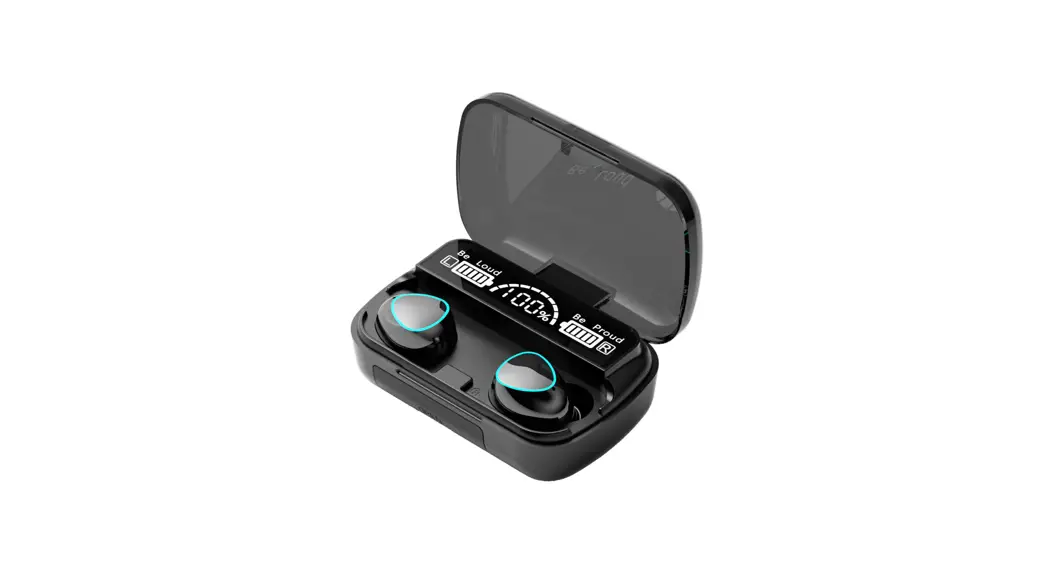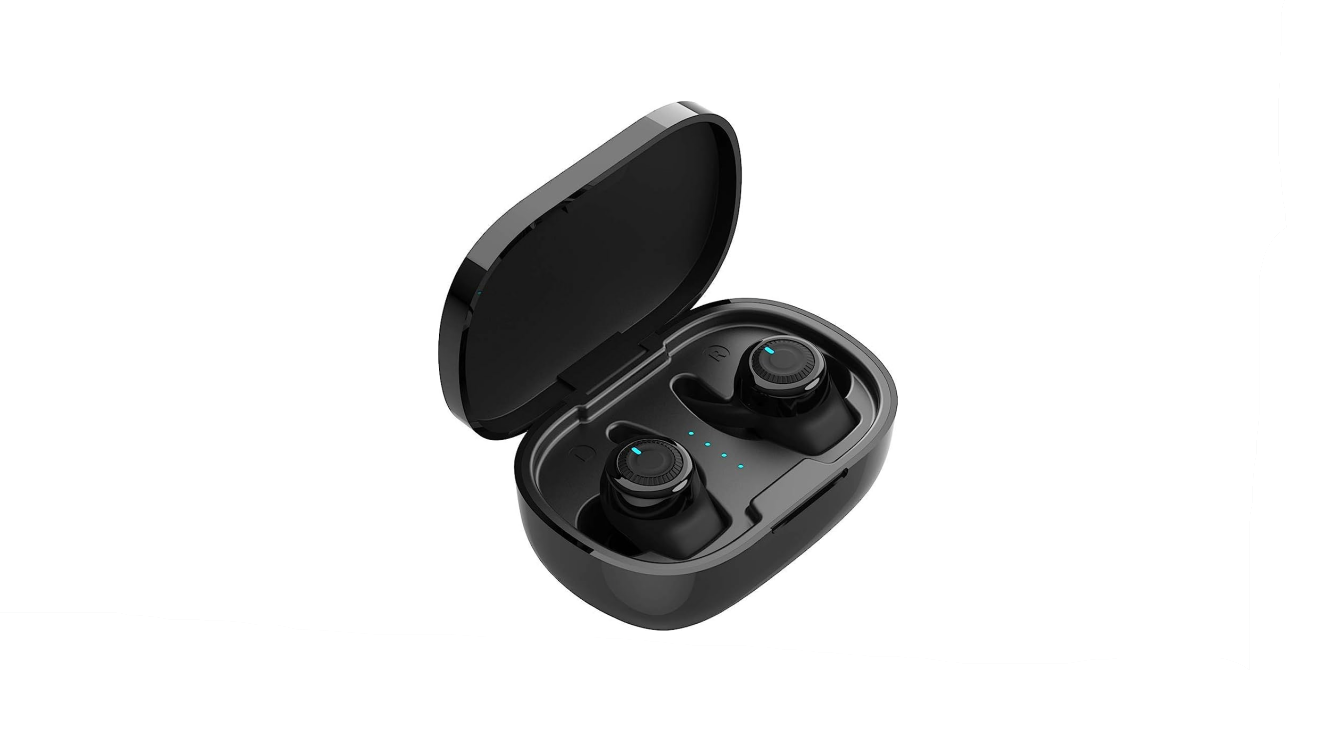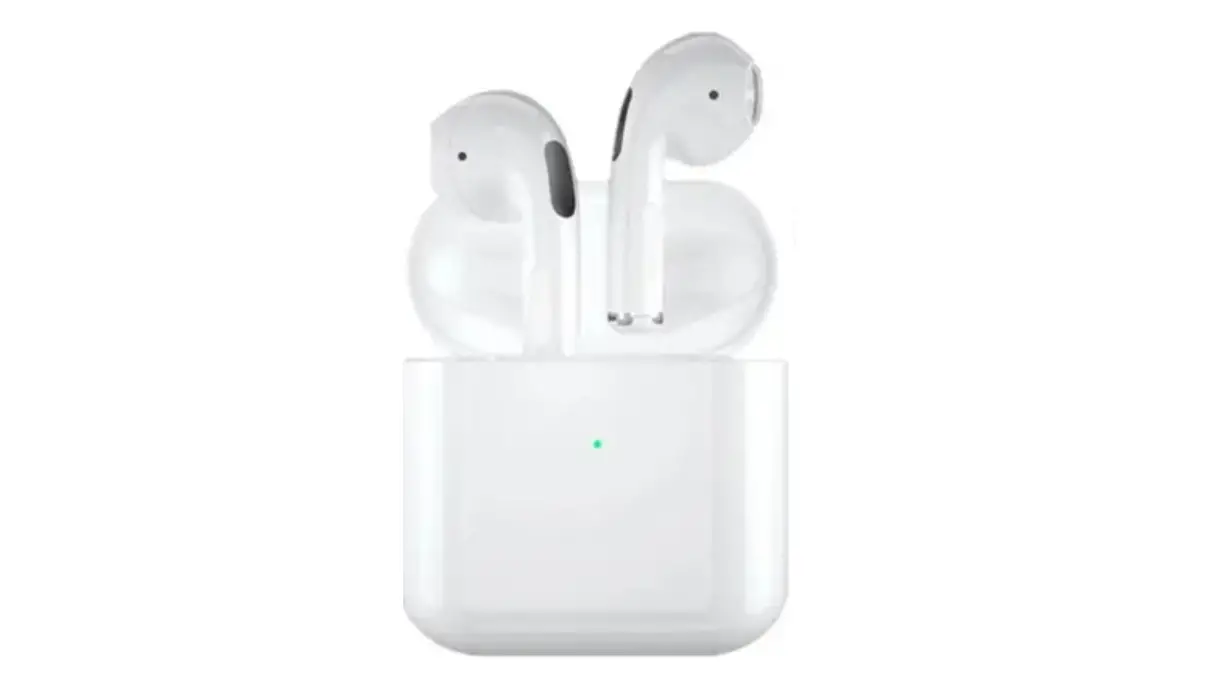

PISEN LV12AB -TWS -True- Wireless -Bluetooth -Earbuds
Please refer to this user manual carefully to ensure safety and satisfactory using experience,Please keep this manual for later reference.
Specification
| Model | LV12AB |
| Input | DC 5V 500mA |
| Earphone capacity | 30mAh*2 |
| Charging box capacity | 320mAh |
| Rated voltage | 3.7V |
| Frequency range | 20Hz-20KHz |
| Charging time | Approx 1.5h |
| Battery life | Approx 25h(comes with a charging box) |
| Connection distance | ≤10M |
| Supported agreement | Headset / Handsfree / A2DP / AVRCP |
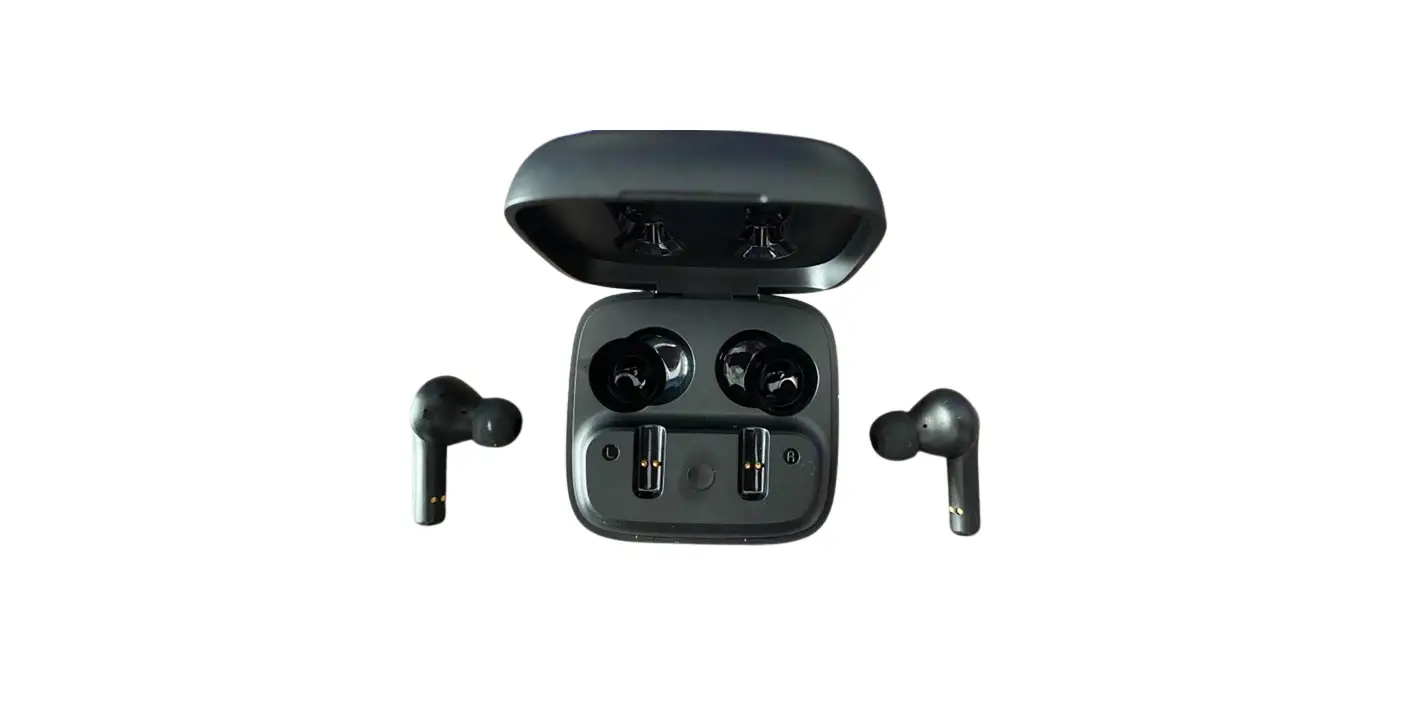
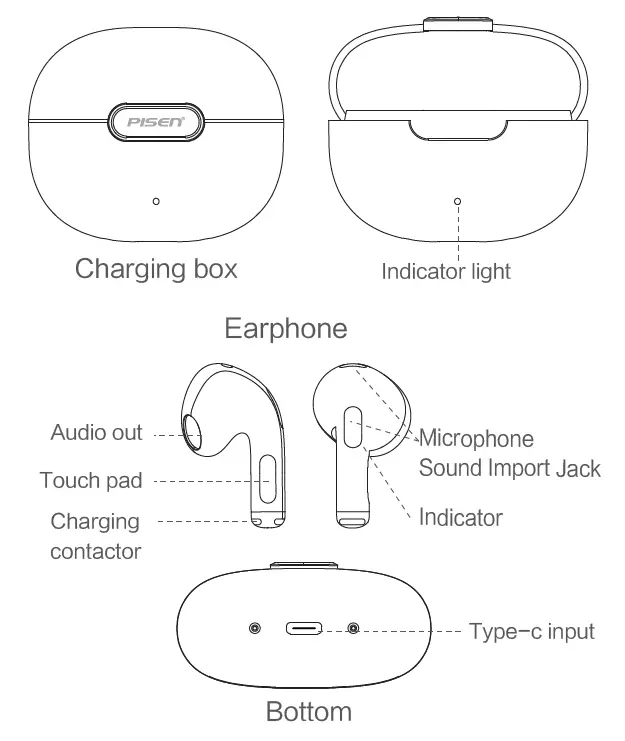
Product diagram
Earphone user manual
- Power-on
Open the lid up and the earphones will turn on automatically; put the earphones back close the lid and open it again to turn on the earphones. - Power-off
Put the earphones back to the charging box, close up the lid, earphones will turn off and start recharging; Earphones will automatically turn off when disconnected for more than 3 minutes. - Matching
L&R earphones will match automatically when you open up the charging box. - Connect with devices
- Earphones match with device
Open up the lid, and search ‘Buds Space’ on your device, Click connect, and you will hear ‘du’ once connected (support single connection). - Automatic connection with devices
Once connected, earphones will connected to the latest connected device when being taken out of the charging box.
- Earphones match with device
Touch pad manual
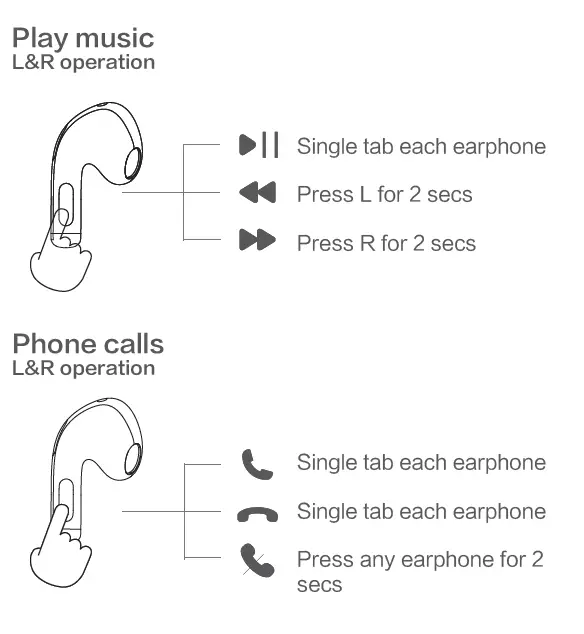
Voice assistant
Except for calling mode, tab L or R for 3 times to activate voice assistant, tab 3 more times to end voice assistant.
LED indicator status
|
Earphone | Put earphones b ac k to t h e c h ar gi ng b ox, close up the lid, earphones will start recharging | Matching status: Blue light flashes Charging status: Blue light on Connected status: Light off Fully recharged status: Light off Music/Calling status: Light off Low power status: Light off |
|
Charging box |
Us e t h e c ab l e fro m us to r ec har ge you r charging box |
Recharge charging box: Red light flashes Charging box fully recharged: Red light on |
|
Charging box open/close lid |
Normal power Low power |
Open/ close the lid: Blue light on for 8 secs Open/ close the lid: Red light flashes for 8 secs |
Reminder
- To avoid damage to your hearing, please keep the volume at a normal level. Please avoid listening to the music at high volume for too long, this might damage your hearing.
- Please do not take calls or use earphones when you need to pay attention (outdoors etc,).
- Audio and video might be out of sync sometimes.
- If not frequently using Buds space, please recharge the product at least once a month to ensure better battery life.
- If your earphones are still connected to your device when it has been put back to the charging box, or it is not being recharged, please clean the contactor.
- Please ensure the voltage of the charger you use to recharge this product does not exceed 5V/1A, if this product is damaged because of over voltage, it can’t be warranted.
Warning
- Please store or use this product in normal temperature.
- Please do not expose this product in rain or humid environ-ment.
- Please do not throw this product for potential damage.
- Please do not disassemble or reform this product.
- This product’s built-in battery cannot be changed. Please do not discard this product, or expose it in fire or extremely high temperature, there are risks.
- Please discard this product accordingly, follow local laws of discarding batteries. This product cannot be categorized as household waste.
 Pisen - Guangdong Pisen Electronics Co. Ltd