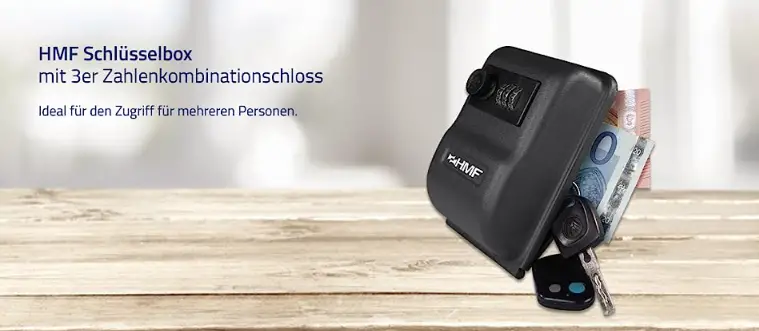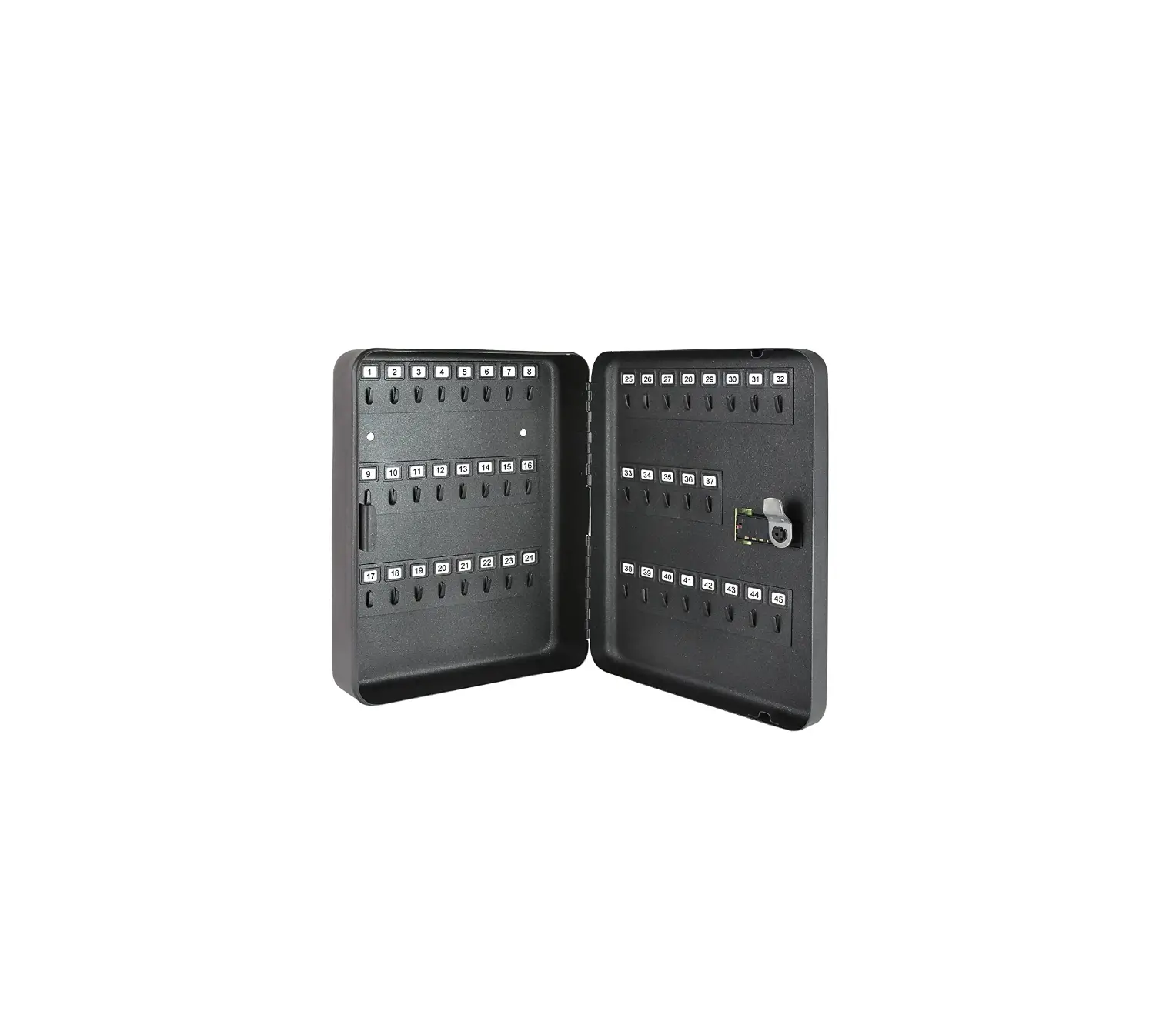
HMF 14500 Key Box with Number Code
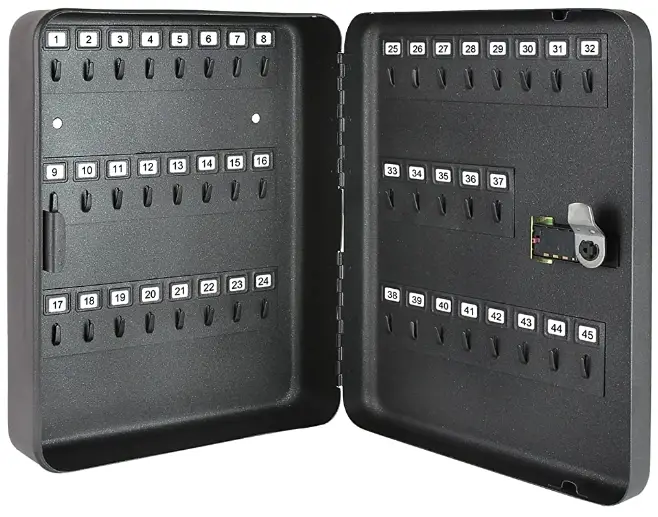
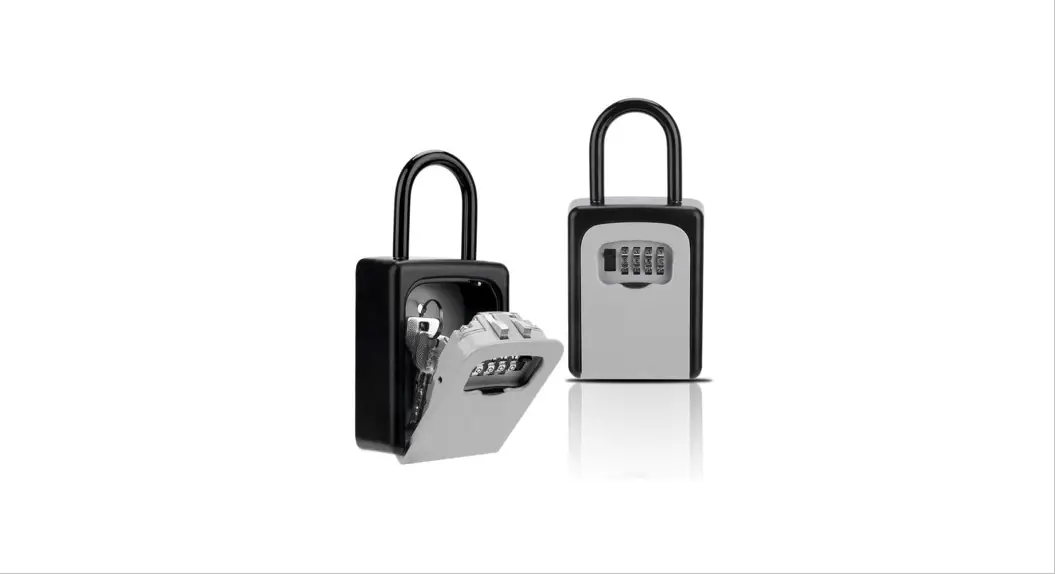
KEY BOX
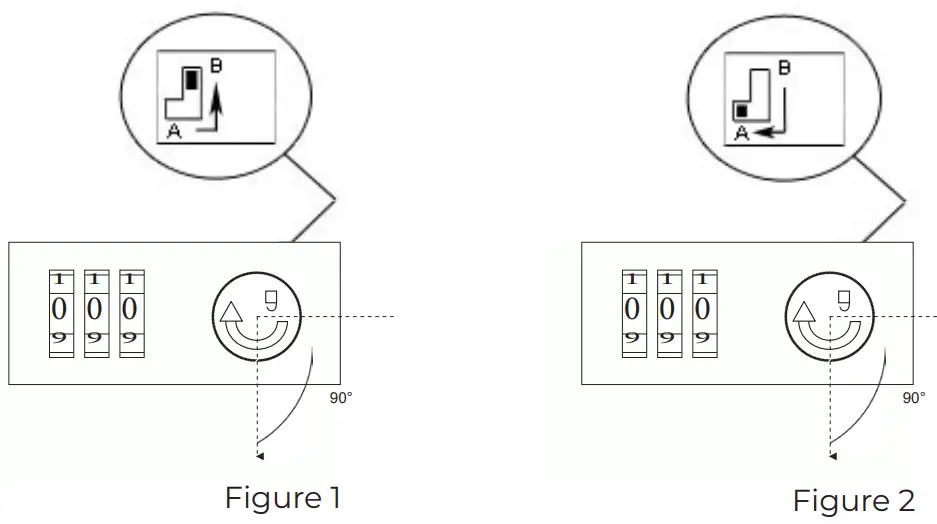
- Turn all three numbers onto the combination 0-0-0.
- Open the box and slide the RESET switch on the back to the combination lock on the position B (Figure 1).
- Set your desired combination on the lock.
- Now push the RESET switch to position A (Figure 2). IMPORTANT: Write down your number combination!
The number combination is stored now. To change the combination repeat steps 1-4.
© Holthoff Trading GmbH
HMF.DE | [email protected]

 HMF Shop I Tresore, Geldkassetten, Koffer uvm.