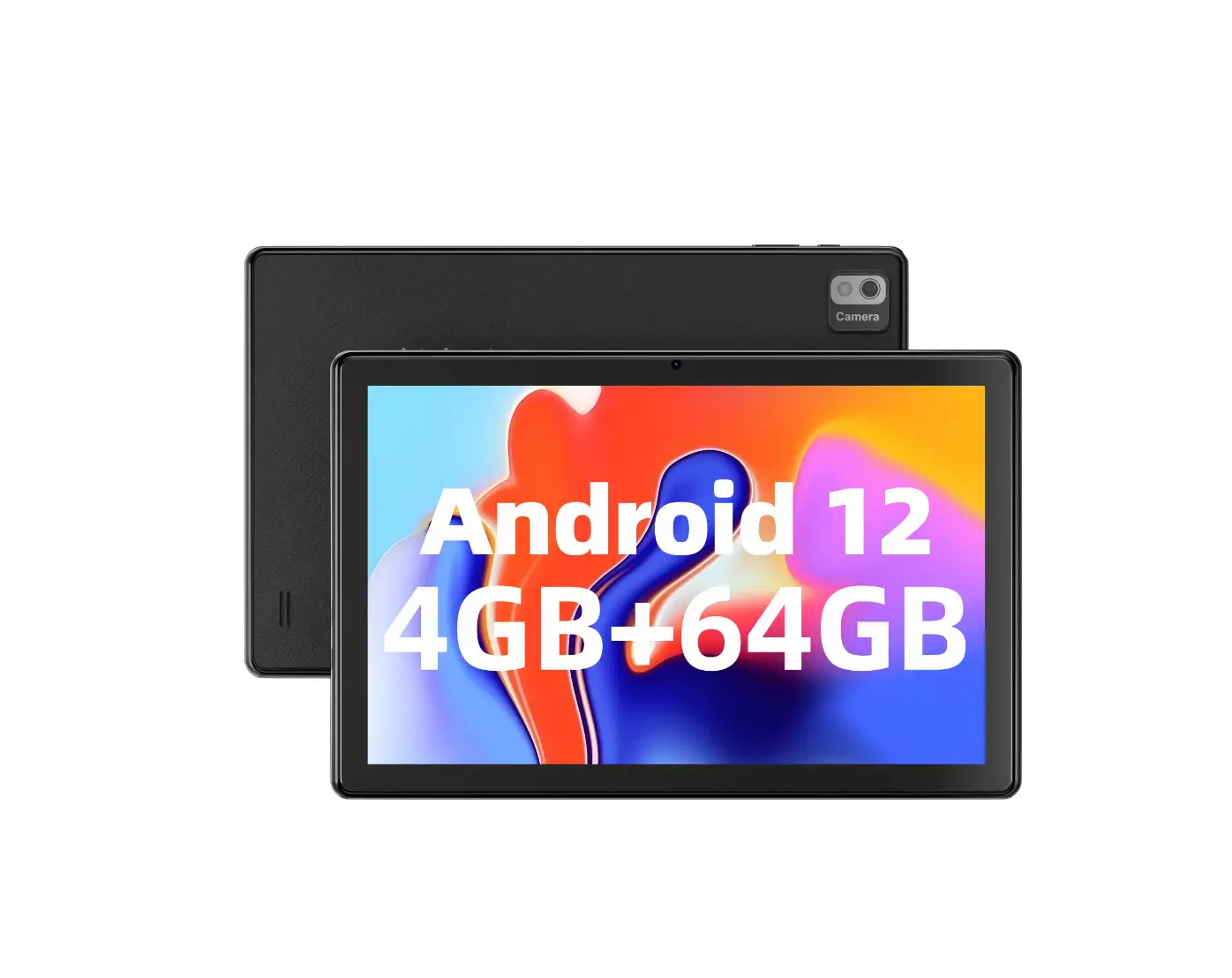
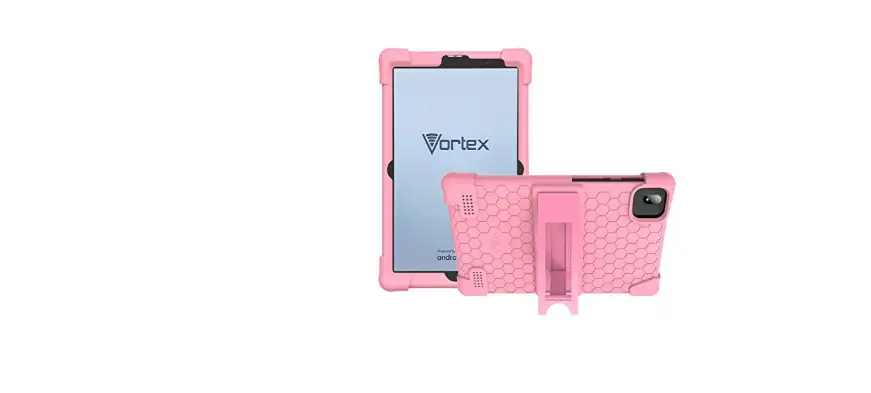
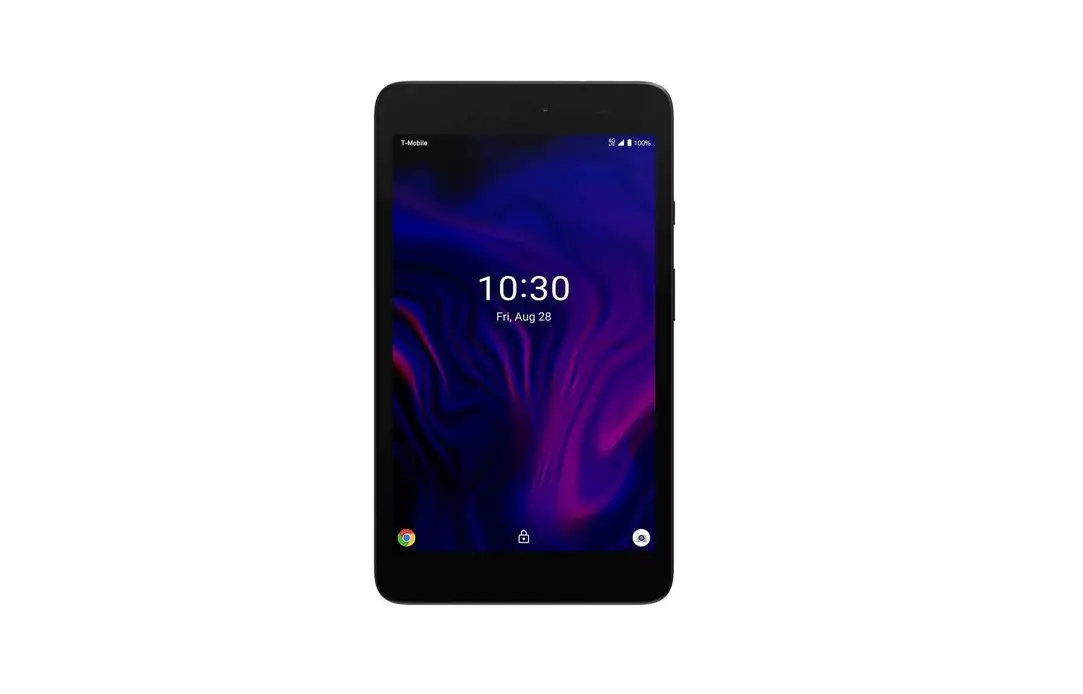
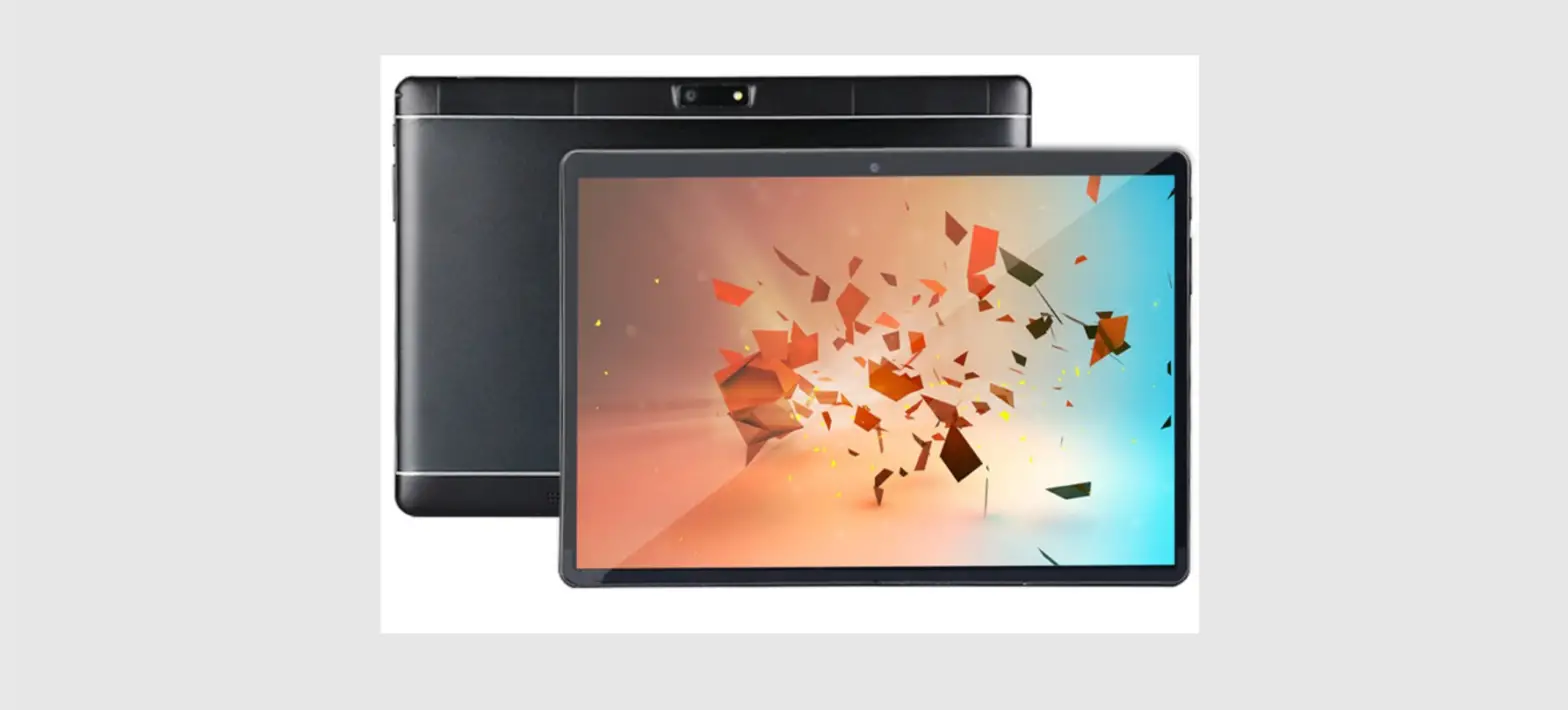
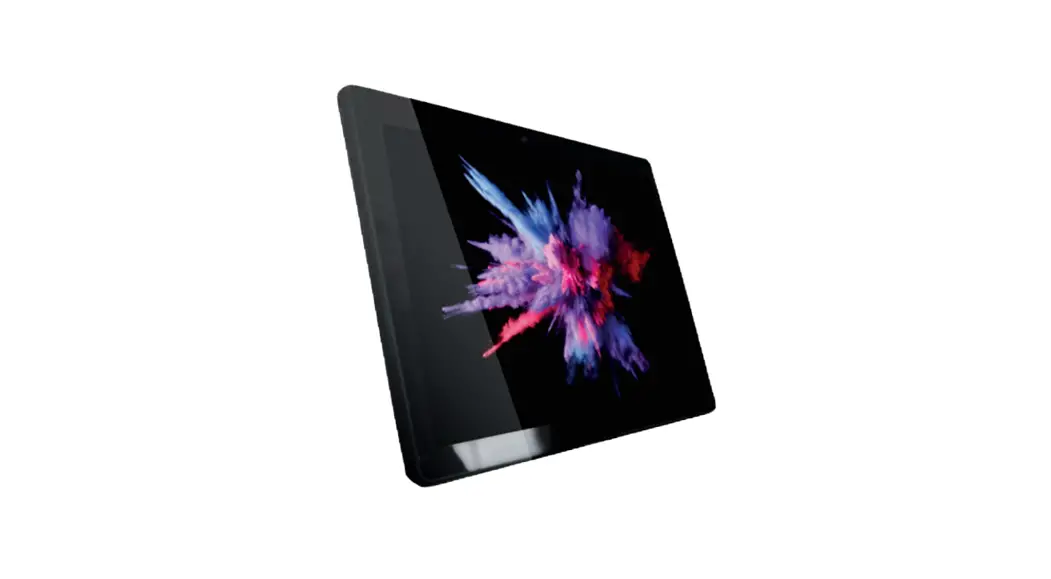
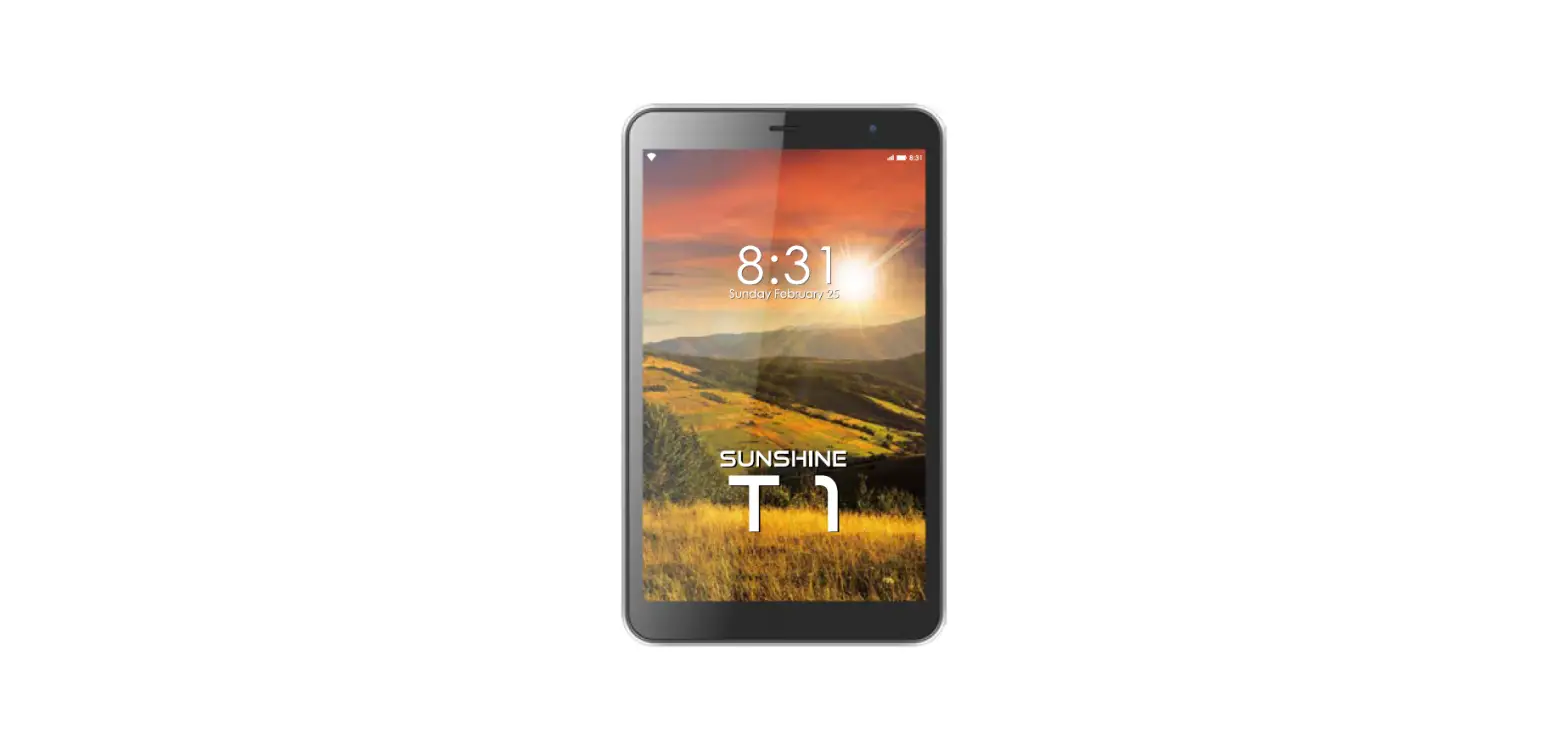
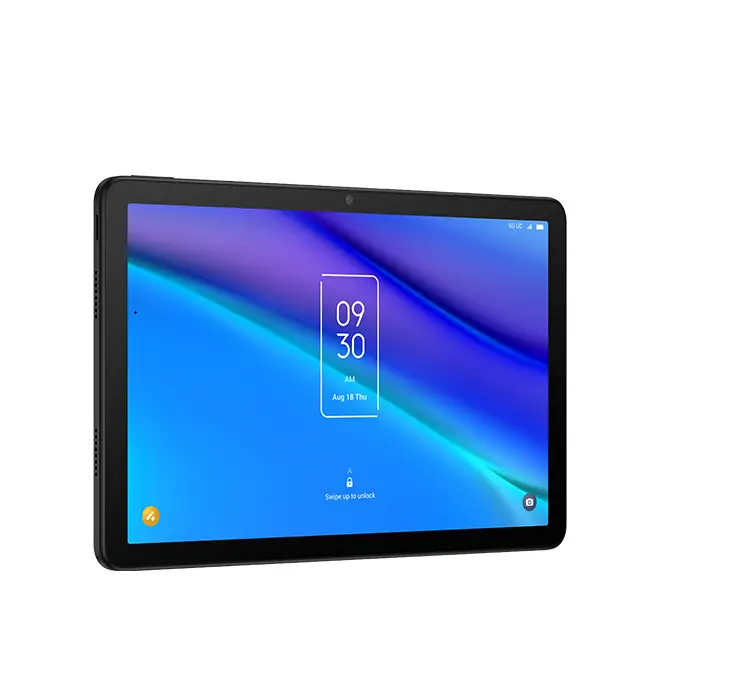
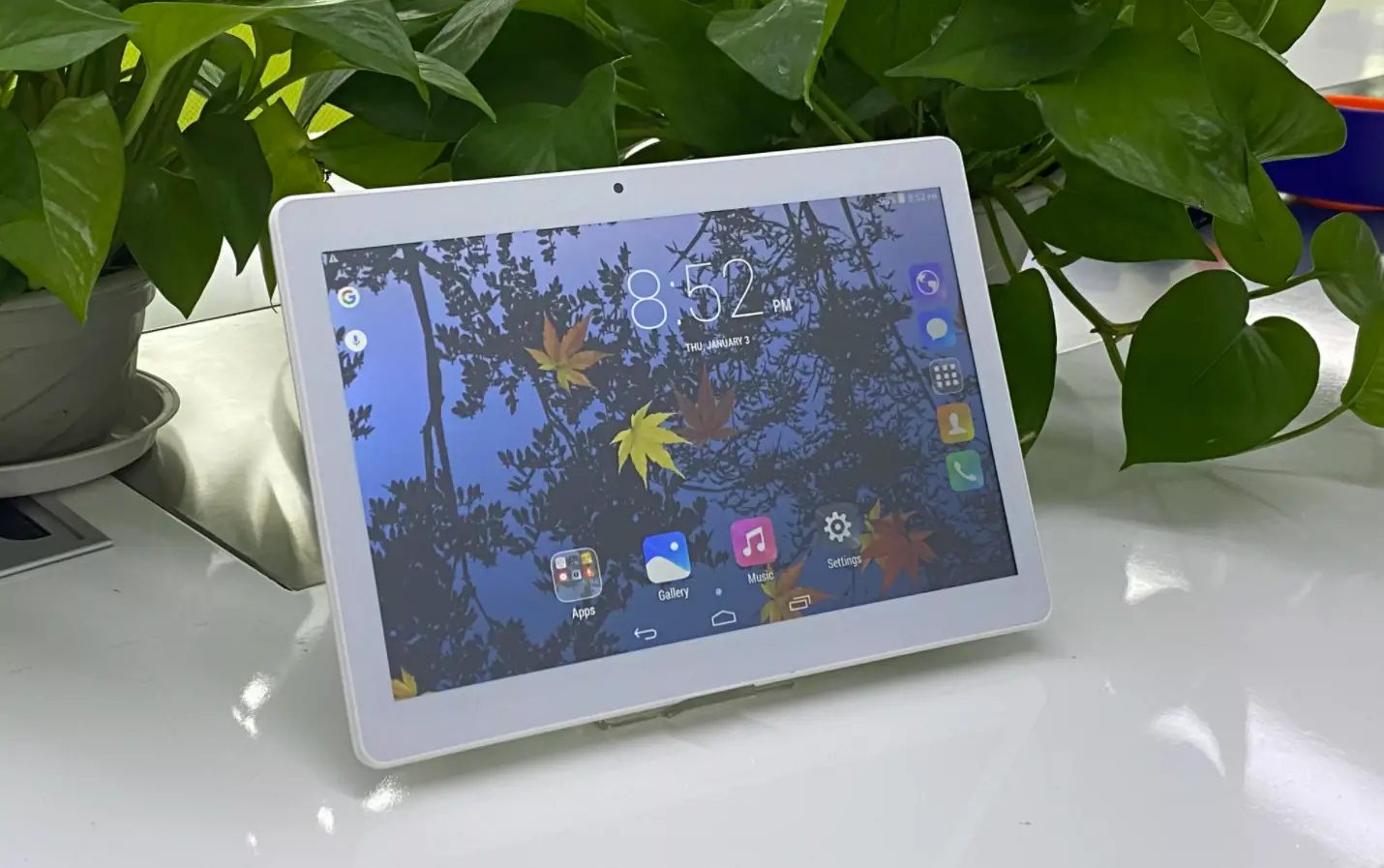
T10M PRO Tablet
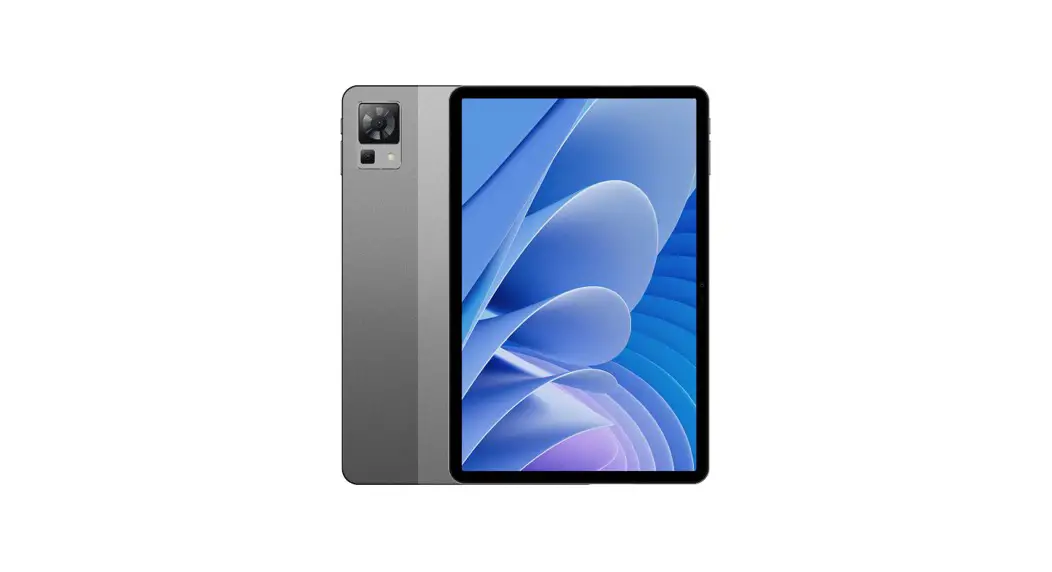
Product Information: T10M PRO
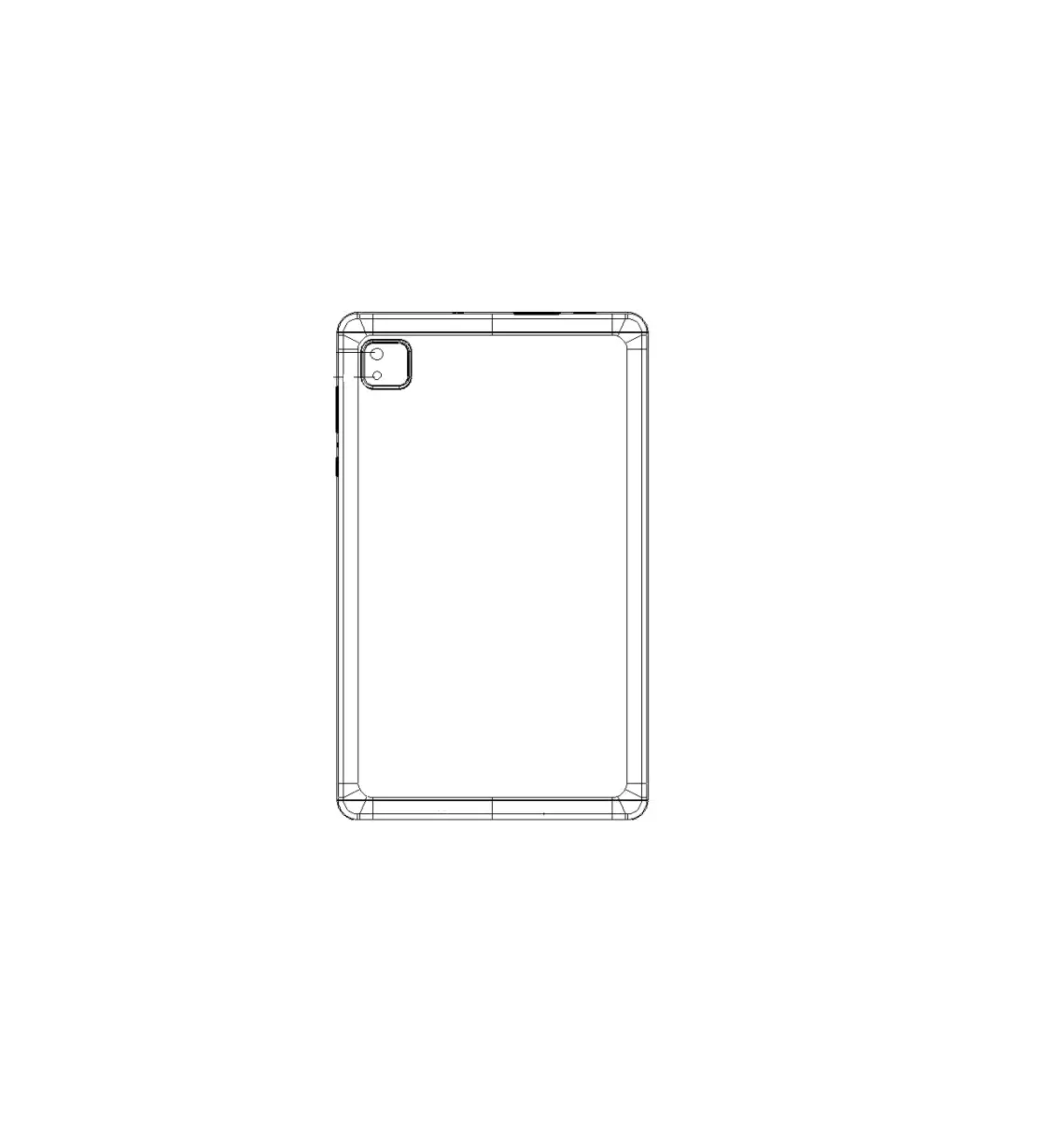
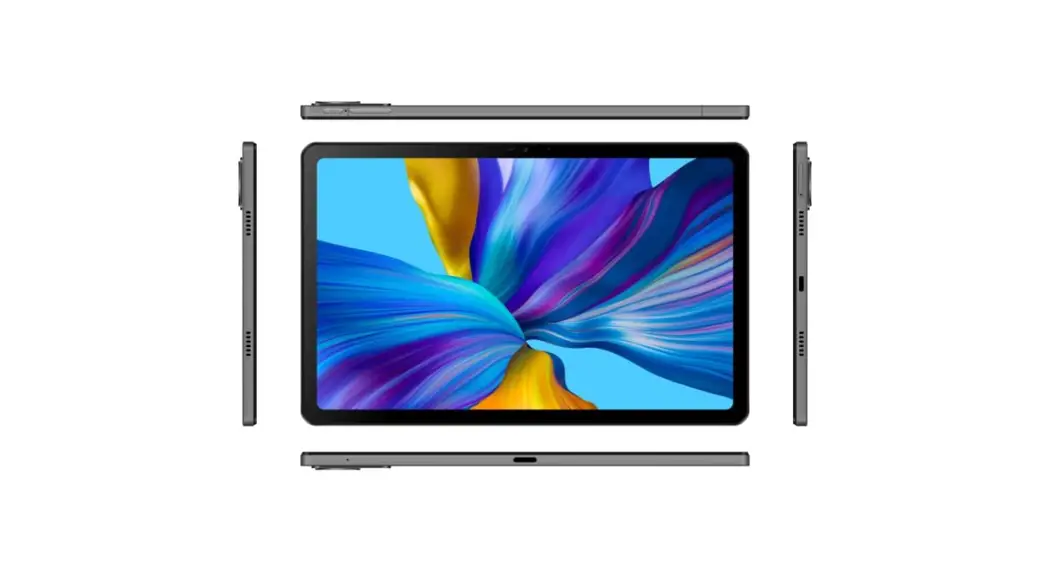
The T10M PRO is a tablet device equipped with a 5MP front camera
and an 8MP main camera with LED flash. It has a volume button for
adjusting the volume or muting incoming calls, a power button for
turning the device on and off, and a 3.5mm audio jack and Type-C
USB for audio and charging needs. It also has a SIM/T-flash card
slot and a speaker for audio output.
Product Usage Instructions:
To turn on the device, long-press the power button. When the
device is on, short press the power button to shut down or turn on
the screen.
Short press the volume button to adjust the volume or to mute
incoming calls.
Card Insert Manual:
To insert a Micro-SIM card, insert it with the chip facing down,
in the direction of cutting a Micro-SIM card into a slot.
Network Connection:
To connect to WIFI, go to Settings > Network & Internet
> Wi-Fi. When WIFI is on, a list of available WiFi connections
will appear. Click on the one you want to connect to, enter the
password if the network is encrypted, then click Connect. When it’s
a public network, just click Connect. When the network shows as
connected, it is available to use.
To enable Bluetooth function, go to Settings > Connected
devices > Bluetooth. Enable the Bluetooth function by clicking
the Menu Button then select Refresh, then the tablet will search
for available Bluetooth devices for pairing and list on the screen.
Click on the one you want to pair with, then click Pair on the
dialog pop-up. Documents are available for transmission after
Bluetooth pairing.
WIFI Hot-spot Setting:
To turn on the Portable WIFI Hot-spot function, go to Settings
> Network & tethering > Wi-Fi hotspot. When setting up
WIFI hot-spot, enter your user name in Network Name and password,
then click Save. Another device password of the password.
Camera:
To take photos or videos, aim the camera at the shooting object,
and the tablet will start focusing automatically. Alternatively,
you can click on the screen to choose the object you want to focus
on, then click the Capture icon to take photos. You can also choose
other modes such as video recording, beautifying, panorama to take
photos/videos.
SIM Card & SD Card Instructions:
The device is equipped with a single SIM card slot and an SD
card slot. It is not a device with Dual SIM card.
Security Information:
Please prevent the device or the battery in extreme cold/hot
conditions. Extreme temperature will lead to deformation of the
tablet and reduce the charging capacity and battery life. Please
only use the custom designed and approved battery and charger by
Vortex. Incompatible battery and charger may cause damage to the
tablet. Please abide by local regulation when disposing of the used
batteries and tablet.
T10M PRO
User Manual
PRODUCT HEX-VISION IMAGE Volume Power button 5MP Front camera
Screen Mic VOLUME BUTTON: Short press to adjust the volume or to mute incoming calls.
PRODUCT HEX-VISION IMAGE 3.5mm Audio jack Type-C USB
8MP Main LED Flash
SIM/T-flash card Speaker
Speaker
POWER BUTTON:Long press to turn on the device; When the device is on, short press Power Button to shutdown or turn on the screen.
CARD INSERT MANUAL Insert Micro-SIM Card Insert a Micro SIM card. Insert the Micro-SIM card with the chip facing down. Note the direction of cutting a Micro-SIM card into a slot.
TF Card lnstallation Please place the metal sim tray slot on TF card Place ,be aware of the direction of the cut edge. Insert the card directly into the device. Reminder: Please turn off the tablet before changing or replacing the TF card.TF card does not come with the tablet please purchase separately. Do not insert or remove the SiM card when the tablet is turned on. SIM MANAGEMENT Please choose which SIM card slot to be the main one to be for 4G network via Setting > SIM Card . Choose your preferred network types of 4G/3G/2G via Setting > Network & lnternet >Mobile network >Preferred network type.
3
NETWORK CONNECTION
Connecting WIFI
lnto the setting of WIFI via Settings > Network & lnternet > Wi-Fi When WIFI is on, a list available WiFi connection will appear. Click on the one you want to connect to, enter the password if the network is encrypted, then click Connect .When it’s a public network,just click Connect When the network shows “connected”, it is available to use .
Bluetooth Function
Into the setting of Bluetooth function via Settings > Connected devices > Bluetooth Enable the Bluetooth function by clicking the Menu Button then select “Refresh”, then the tablet will search for available Bluetooth devices for pairing and list on the screen. Click on the one you want to pair with ,then click “Pair “on the dialog pop-up. Documents are available for transmission after Bluetooth pairing .
Reminder :
Slide down the status bar to open the shortcut switches for Bluetooth and other functions.
WIFI Hot-spot Setting Click on via Settings > Network & tethering > Wi-Fi hotspot to turn on the Portable WIFI Hot-spot functiong . When setting up WIFI hot-spot , enter your user name in “Network Name”and password ,then click Save .Another device password of the password .
Reminder : Please enable the Data Connection before enabling the network sharing function. Your mobile traffic will be shared by other devices, so please use it carefully .The signal of the WIFIhot-spot depends on the signal strength and devices .
4
CAMERA
Aim the camera at the shooting object, the tablet will start focus automatically ; or you can click on the screen to choose the object you want to focus on, then click ” Capture” icon to take photos . You can also choose other modes such as video recording ,beautifying , panorama to take photos/videos.
INSTRUCTIONS FOR SIM-CARD &SD Card
The Device is equipped with a Single Sim card slot and SD card slot .
Its not a device with Dual SIM card
SECURITY INFORMATION Security information (including BS, ES, battery securityinformation)of third-party software installation and function may vary in different regions or by different hardware specifications. Vortex holds disclaimer for the performance problem or incompatibility caused by third-party applications, registry editing ,OS software modifying .Customizing the OS may cause the device or some applications fail to work properly.
Please prevent the device or the battery in extreme cold/hot condition. Then extreme temperature will lead to deformation of the tablet and reduce the charging capacity and battery life.
Please only use the custom designed and approved battery and charger by Vortex. lncompatible battery and chearger may cause damage to the tablet . Please abide by local regulation when disposing of the used batteries and tablet.
Please do not place the battery or the tablet onto or inside heating devices such as microwave, oven or radiator. The battery may explode if it gets too hot.
Please do not crush or pierce the battery . Prevent the battery from getting high pressure from outside , it may cause internal short and overheating .
5
SPECIFICATIONS
BASIC INFORMATION
Model T10M PRO Operating System AndroidTM 13 CPU Arm-Cortex A53 MPCoreTM /2.0Ghz GPU IMG PowerVR GE8300 RAM 4GB ROM 64GB Battery 5000mAh
Display
Screen Size 10.1 inch Resolution 1280*800 Pixeis Touch Capacitive multi-touch
Cameras
Front Camera
Rear
Camera
Connection(I/O)
5MP Camera 8MP Camera
Band GSM:B2/3/5/8 WCDMA :B2/5 FDD:B2/3/4/5/7/12/13/17/25/26/66/71 TDD:B41HPUE SIM/TF card 1 Micro SIM Card and 1 TF Card WiFi IEEE802.11 a/b/g/n/ac Bluetooth Bluetooth 5.0 GNSS GPS
FM YES Earphone Port 3.5mm USB Port Type-C USB
Other Features
Video File Format 3GP/MPEG4,etc Audio File Format WAV/MP3/AAC/AMR/MIDI/APE/WMA,etc Card Extend Support TF card up to 256 GB Language Support Multi-language Sensor G-Sensor,Gravity sensor,Compass.
In the box
1*tablet 1*Type-c Cable 1* Power Adapter 1*Quick Start Guide
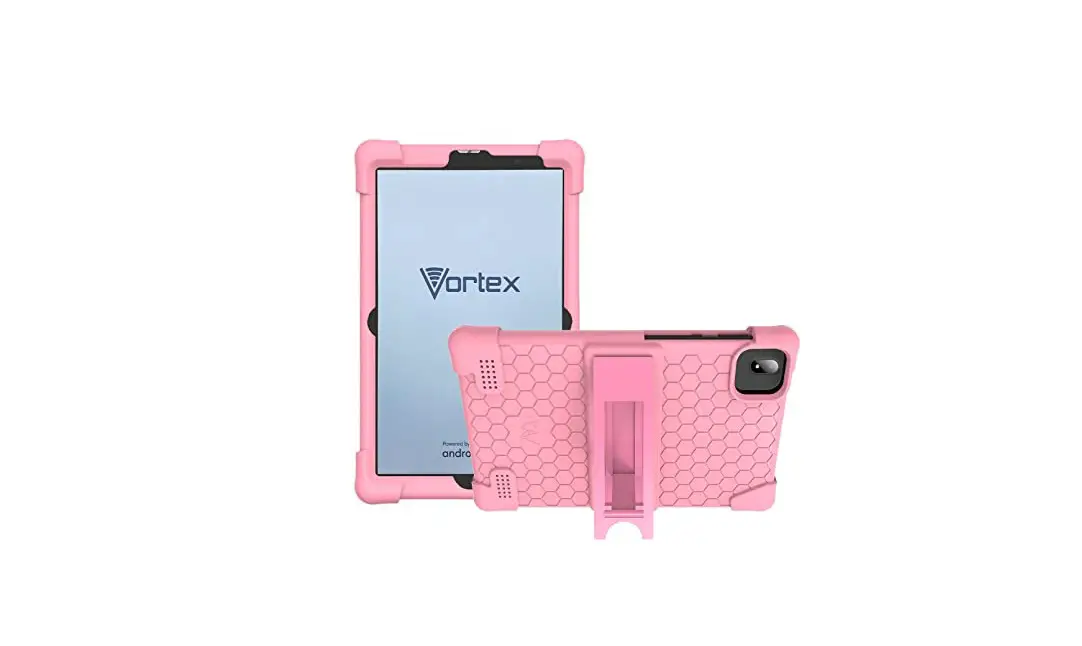
1* Protective Case
6
7
8
BE BG CZ DK DE EE IE EL ES FR HR IT CY LV LT LU HU MT NL AT PL PT RO SI SK FI SE NO IS LI CH TR ln all EU member states. operation of 5150-5250 MHz is restricted to indoor use only.
Made in China
9
 card.tf is available for purchase - Sedo.com