
KONDATOR 935-F300 Axessline QuickBox
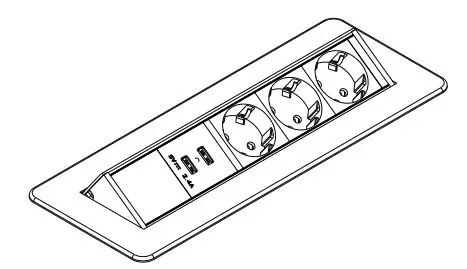
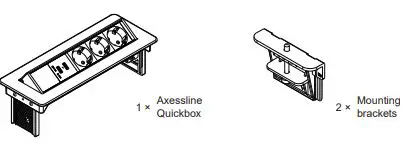
CONTENT
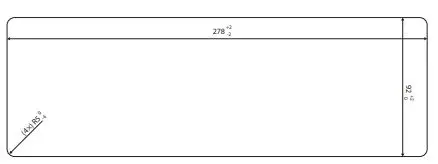
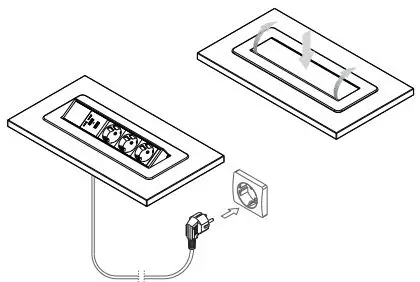
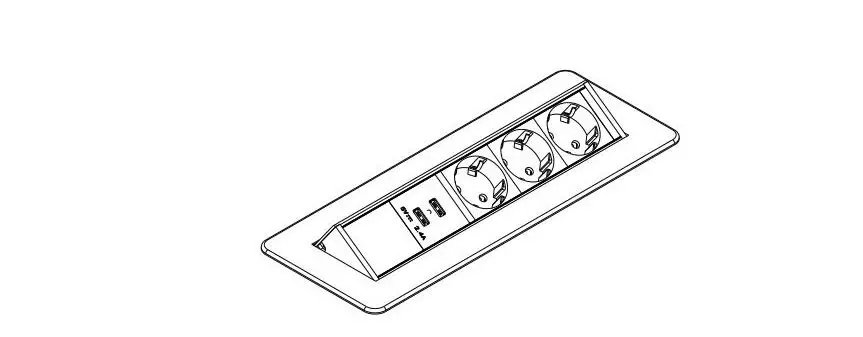
- Make a hole in the table, using either a saw or a router. Check measurements against product.

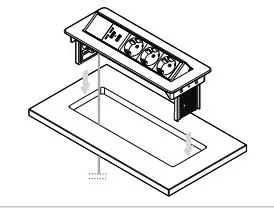
- Guide the cable through the hole, and lower the Axessline QuickBox into the hole until the underside of the flange is flush with the table top.

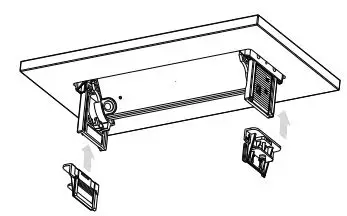
- From below, guide the two mounting brackets into the corresponding tracks on the side of Axessline Quickbox. Push them as far up towards the tables underside as possible.

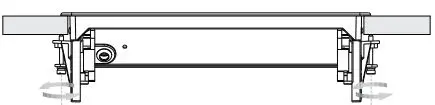
- Use the side adjustments screws to make sure that the Axessline QuickBox is firmly secured to the table.

- Plug the Axessline Quickbox into a wall outlet. Open and close with a gentle push.