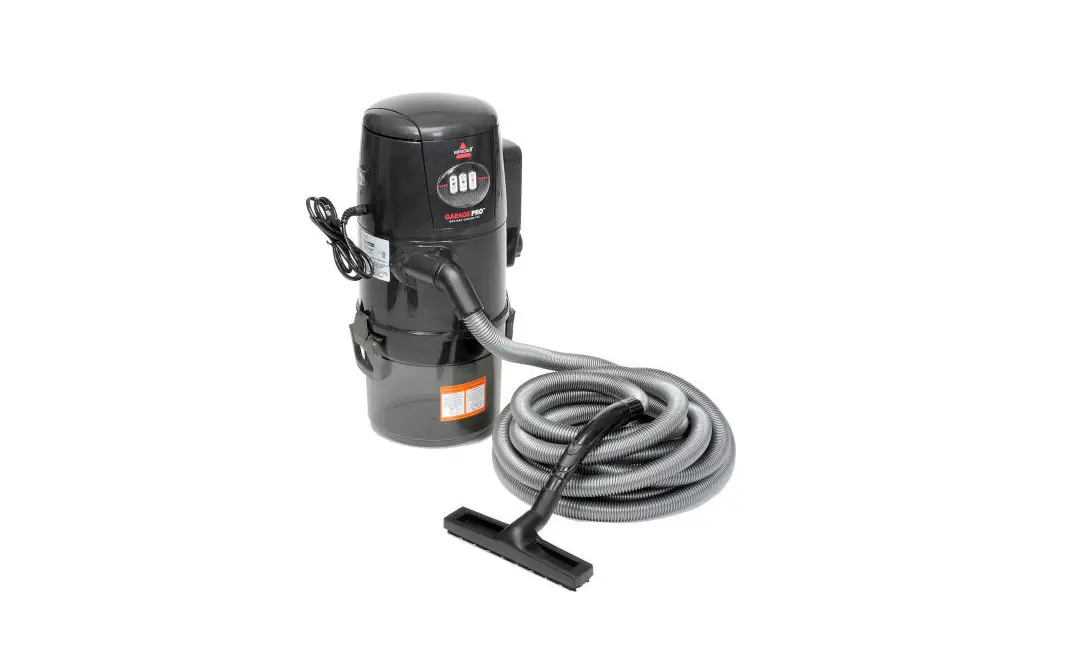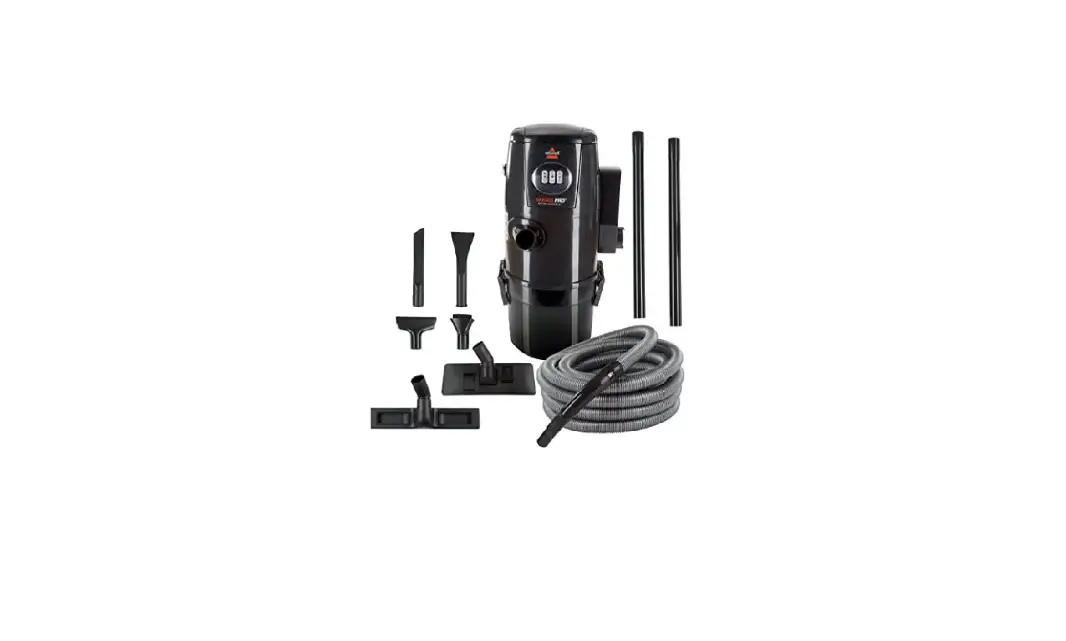
- Yellow LED light Indicates a clog or full dirt tank
- Turn off and unplug machine
- Empty dirt tank
- Clean Filters
- Check for clogs in hose
- You can remove clog in hose by pushing a broom handle through disconnect tube
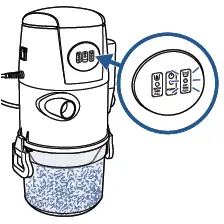
- Red LED Light Indicates the water level in the dirt tank is too high
- Turn Off and Unplug machine
- Remove dirt tank and empty water
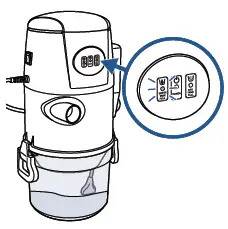
- If indicator lights continue to illuminate after following steps above > Contact Us