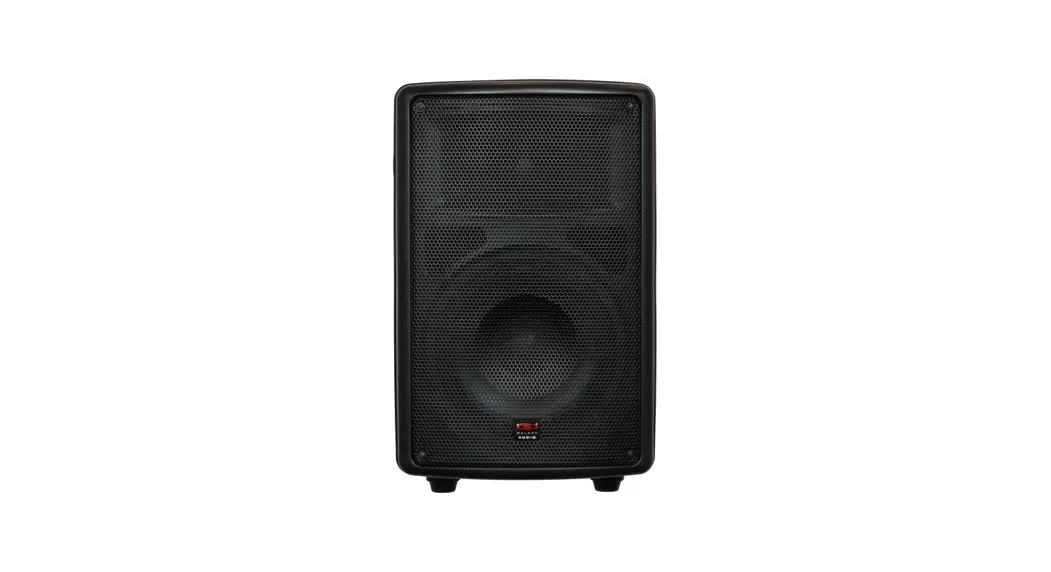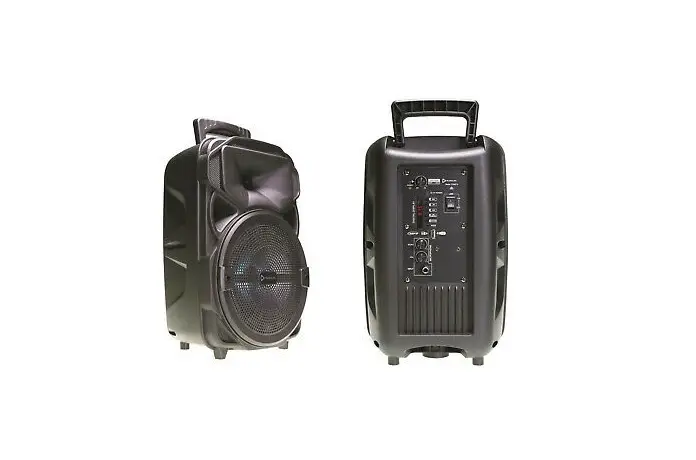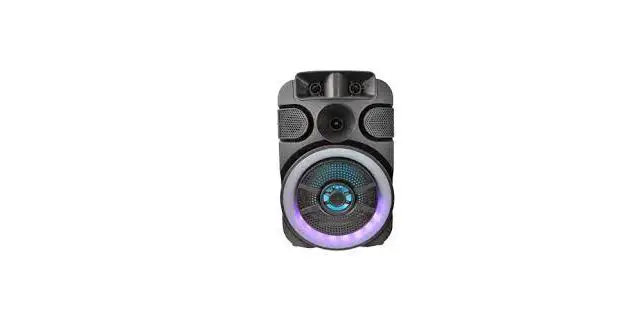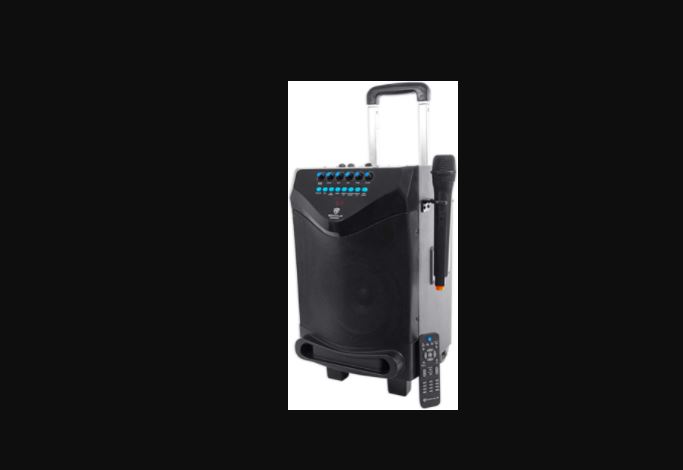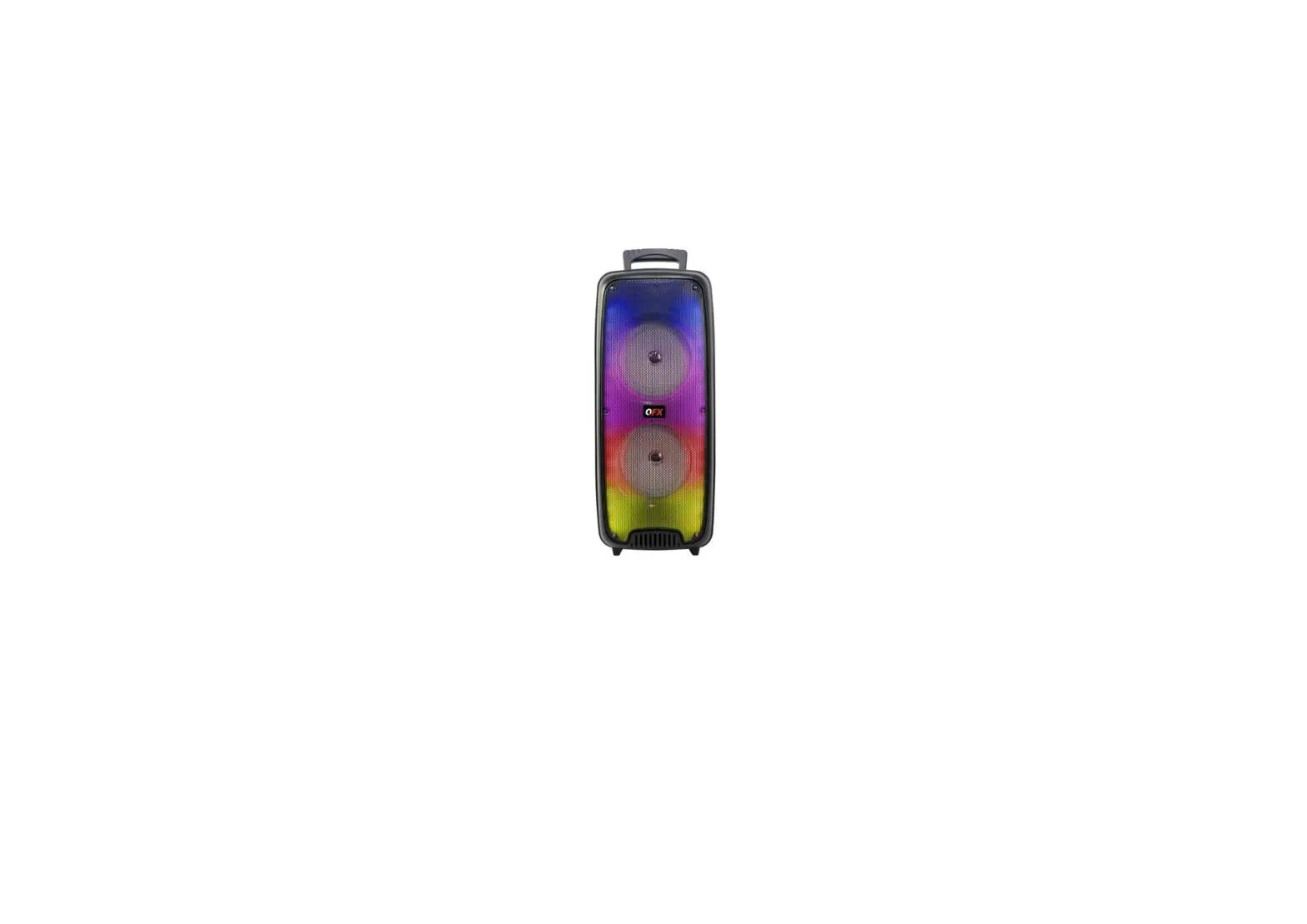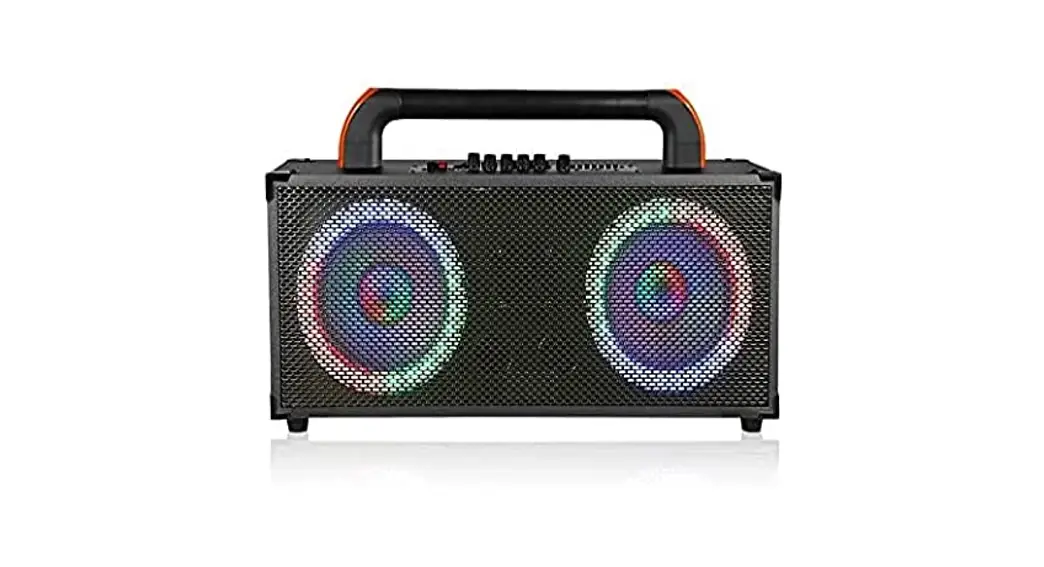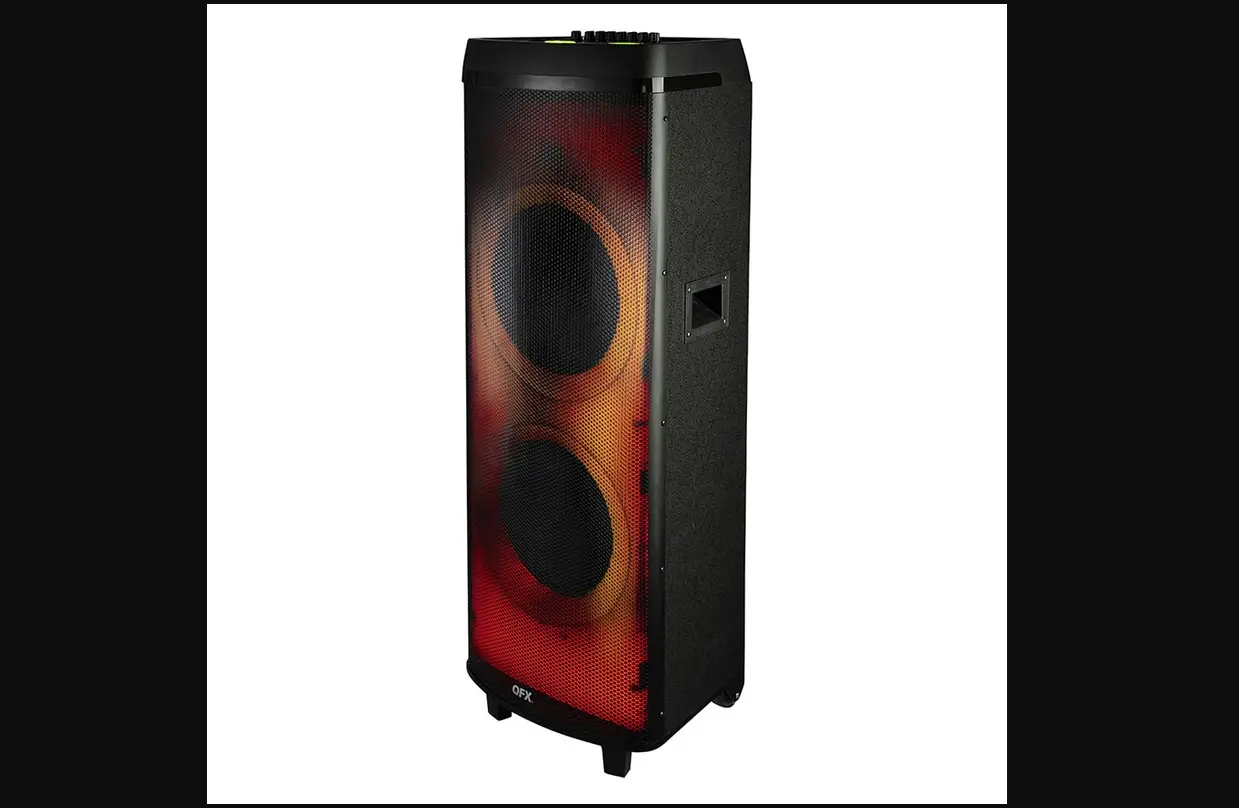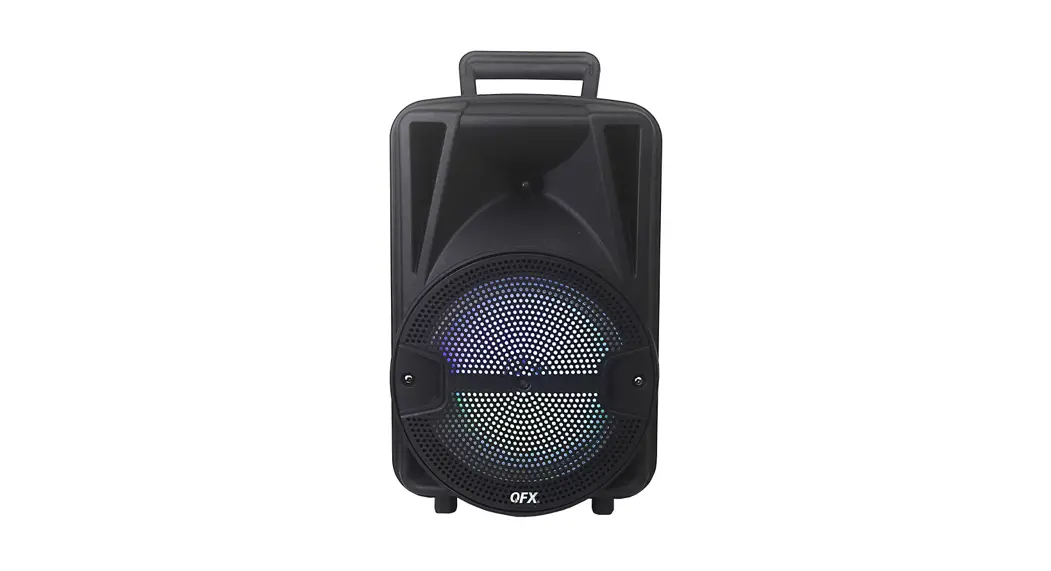

TQ8X Portable Rechargeable Speaker
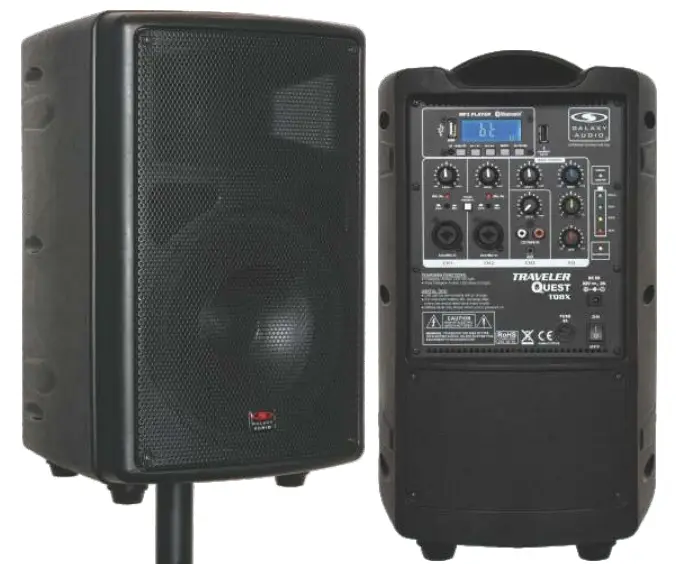
Quick Start Guide
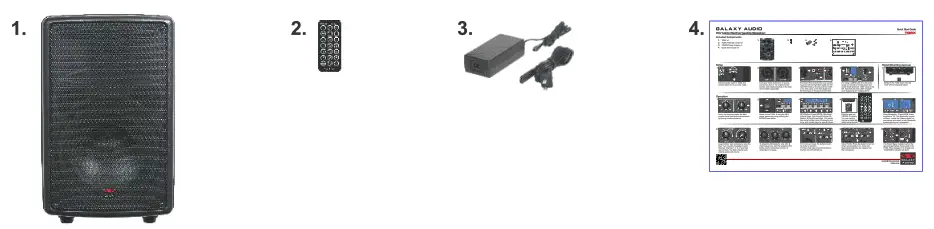
Included Components
- TQ8X xl
- TQRC Remote Control xl
- TQ8PS Power Supply xl
- Quick Start Guide xl
Setup
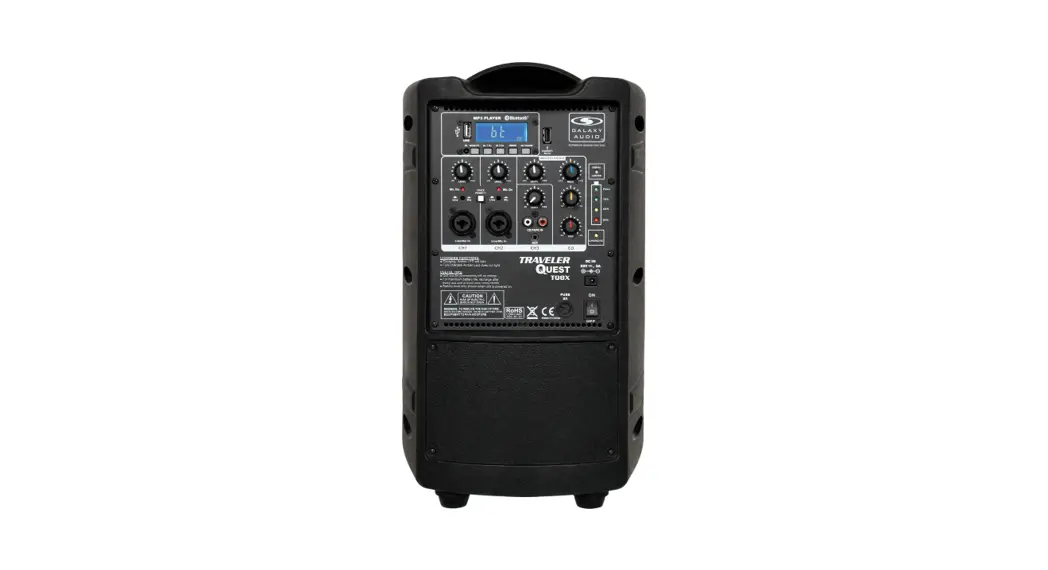
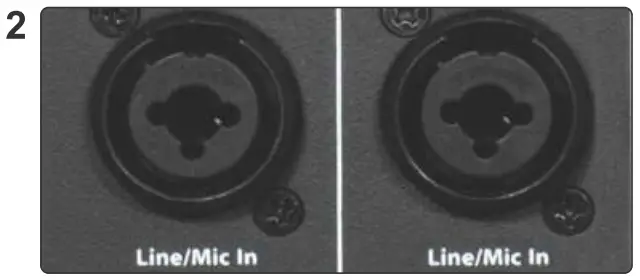
Connect the power cable to TQ8X and connect another end to a power outlet.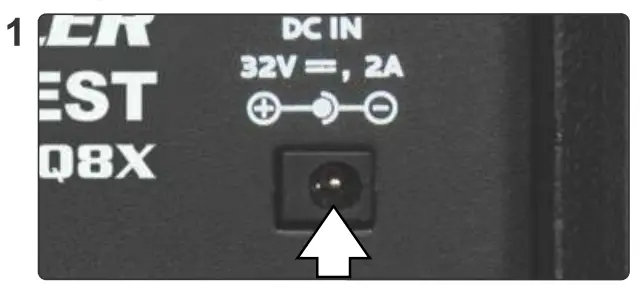 From your mixer, wired mic, or source, connect an XLR or 1/4″ Cable into the Combo Jack Input(s) located on the back of the TQ8X if applicable.
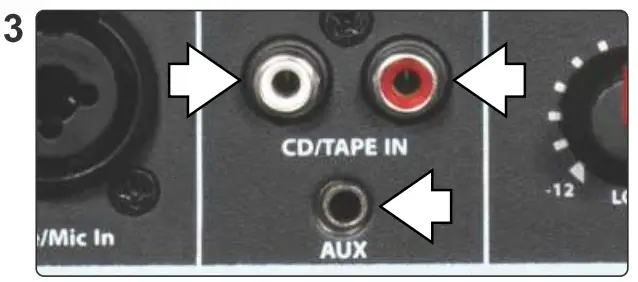
 For stereo RCA or AUX from your source, input the left and right RCA cable into the CD/TAPE Input on the back of the TQ8X, or for AUX, input a 1/8″ AUX Cable into the AUX Input on the back of the TQ8X.
 For using a USB thumb drive for audio, power on the built-in media player and insert the thumb drive into the “USB” input on the left. Note that the other USB “Charger” is an output only for charging items.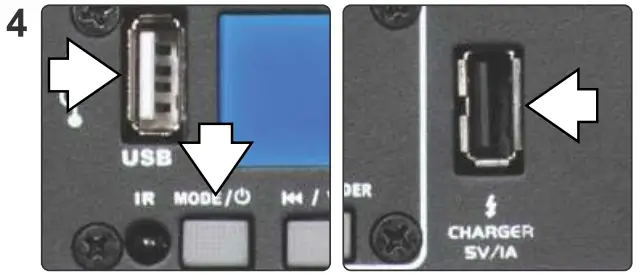
Stand Mounting (Optional)
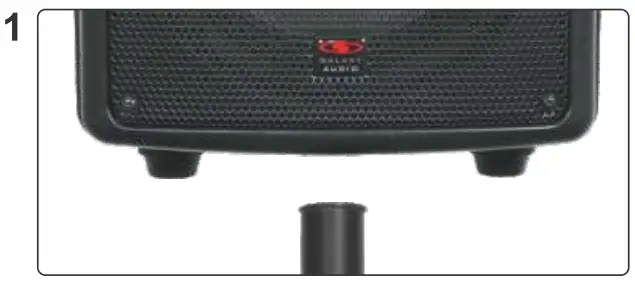
Gently lift the TQ8X down onto the 1-3/8″ (35 mm) speaker stand.
Ensure the channels and/or the Main controls have their levels lowered some by turning counter-clockwise.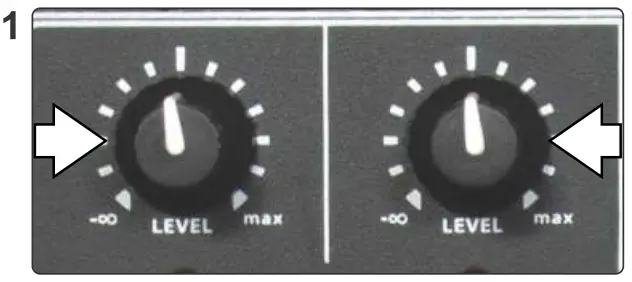
Power on the TQ8X. If using the MP3 player, the power that on by pressing the MODE/Power button.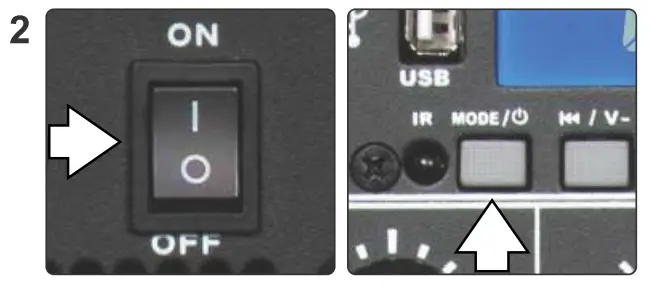
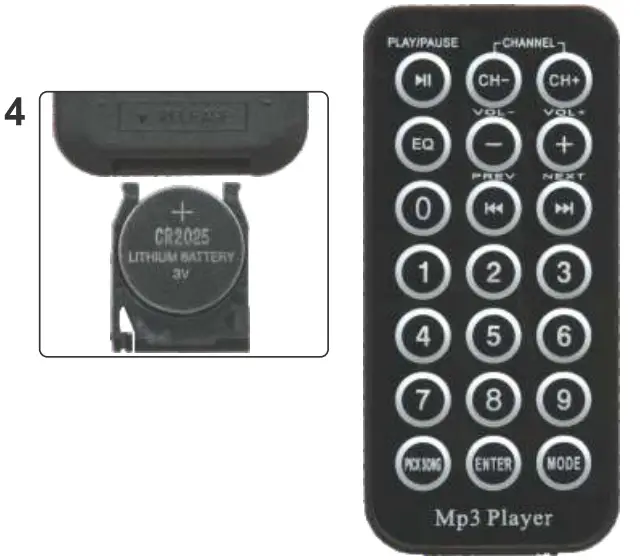
MP3 Buttons: Power/MODE, Skip Back/ Volume Down, Skip forward volume Up, Repeat, & Play/Pause/Folder. The remote has the same functions plus EQ presets, pick song, and number keys for specific tracks.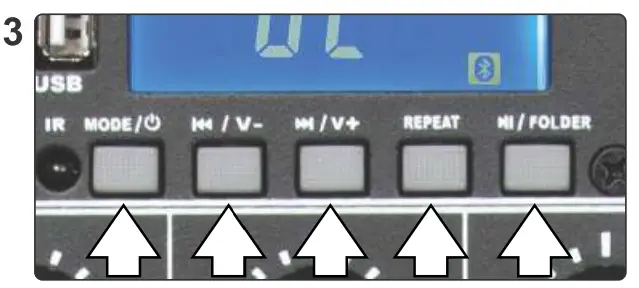 Remote uses one CR2025 3V battery. You may need to remove a plastic tab before using the remote.
 Using Bluetooth® – Press the MODE button to switch to “bt”. The Bluetooth® symbol will flash. Locate the “Galaxy Quest” on your device and select to pair. Bluetooth® symbol will stay on if successful.
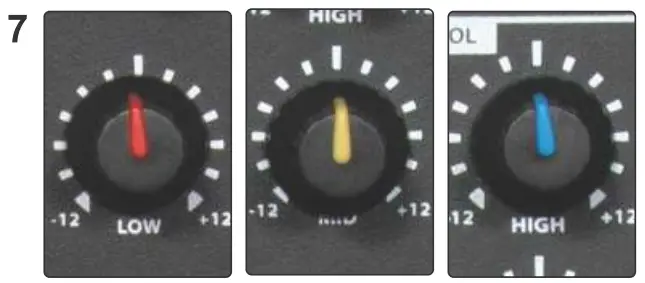
Level Control: turn clockwise to raise the level. Turn counter-clockwise to lower the level. Channels 1, 2, & 3 have their own controls. The Main Volume knob controls the entire unit volume.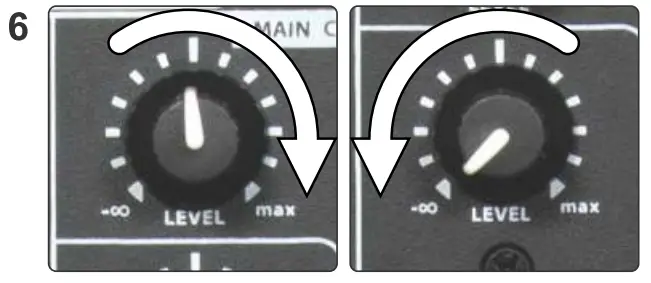 To adjust the EQ levels for Low, Mid, & High frequencies, turn the respective EQ knobs counter-clockwise to lower, or clockwise to increase.
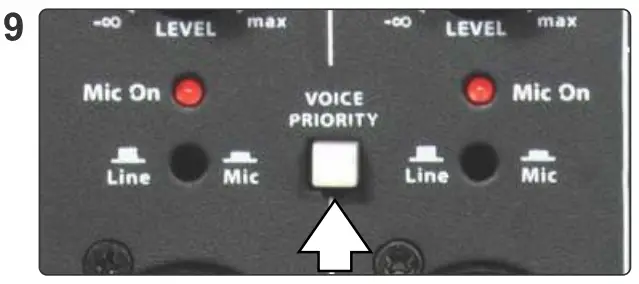
 For Line Level input, the button should be in the up position. For Mic Level input, press the button in, and the Mic On LED will light up.
 Voice Priority: Press the button to turn it on. When voice priority is on, music will lower/duck when the user speaks into the microphone.
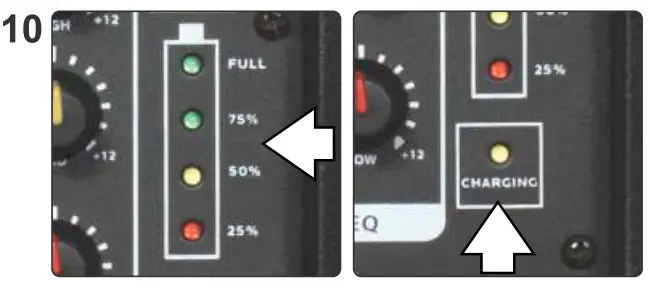
 The Power Status indicators show the approximate Battery Power level of the TQ8X. When plugged in to charge, the “CHARGING” indicator will be lit.
 https://www.galaxyaudio.com/products/tq8x?utm_source=TQ8X-QR&utm_medium=QuickStart&utm_campaign=TQ8X-QuickStart-QR
FAQ
- Q. How often should I plug the TQ8X into charge?
A. It is recommended to leave it plugged into AC whenever it is not in use. Always charge after each use. Do not store with battery discharged. - Q. Will the TQ8X run on AC power if the battery is dead?
A. Yes, and it will charge the battery while in use. - Q. Can the MP3 player and CH1/CH2, ink Inputs, or CH3 Input on my TQ8X be used at the same time?
A. Yes, all inputs are available simultaneously and levels are mixed with individual controls.
Other Helpful Sources
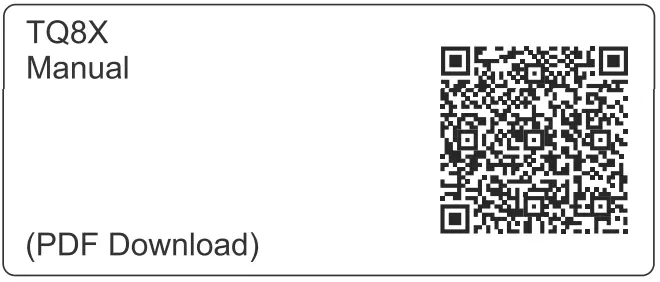
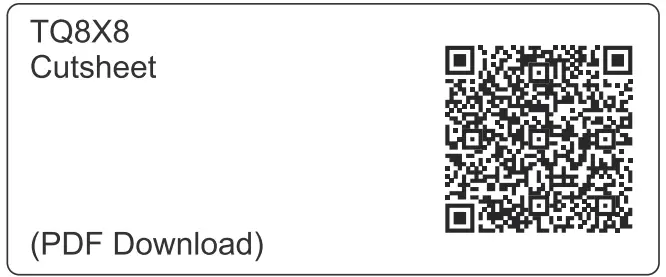
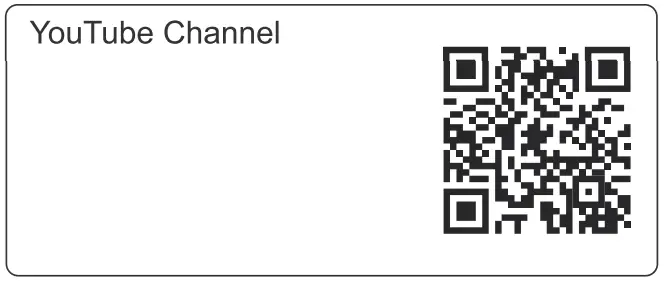
Specifications are subject to change without notice.
601 E. Pawnee Wichita, KS 67211 316. 263.2852 FAX 316.263.0642 www.galaxyaudio.com
Distributed in Canada by Audio Distributors International (ADI) 1275 Newton. unit 6 Bouchennee, QC J4B 5112 Canada
450 449.8177 FAX 450.449.8180
Printed I, China V20210721