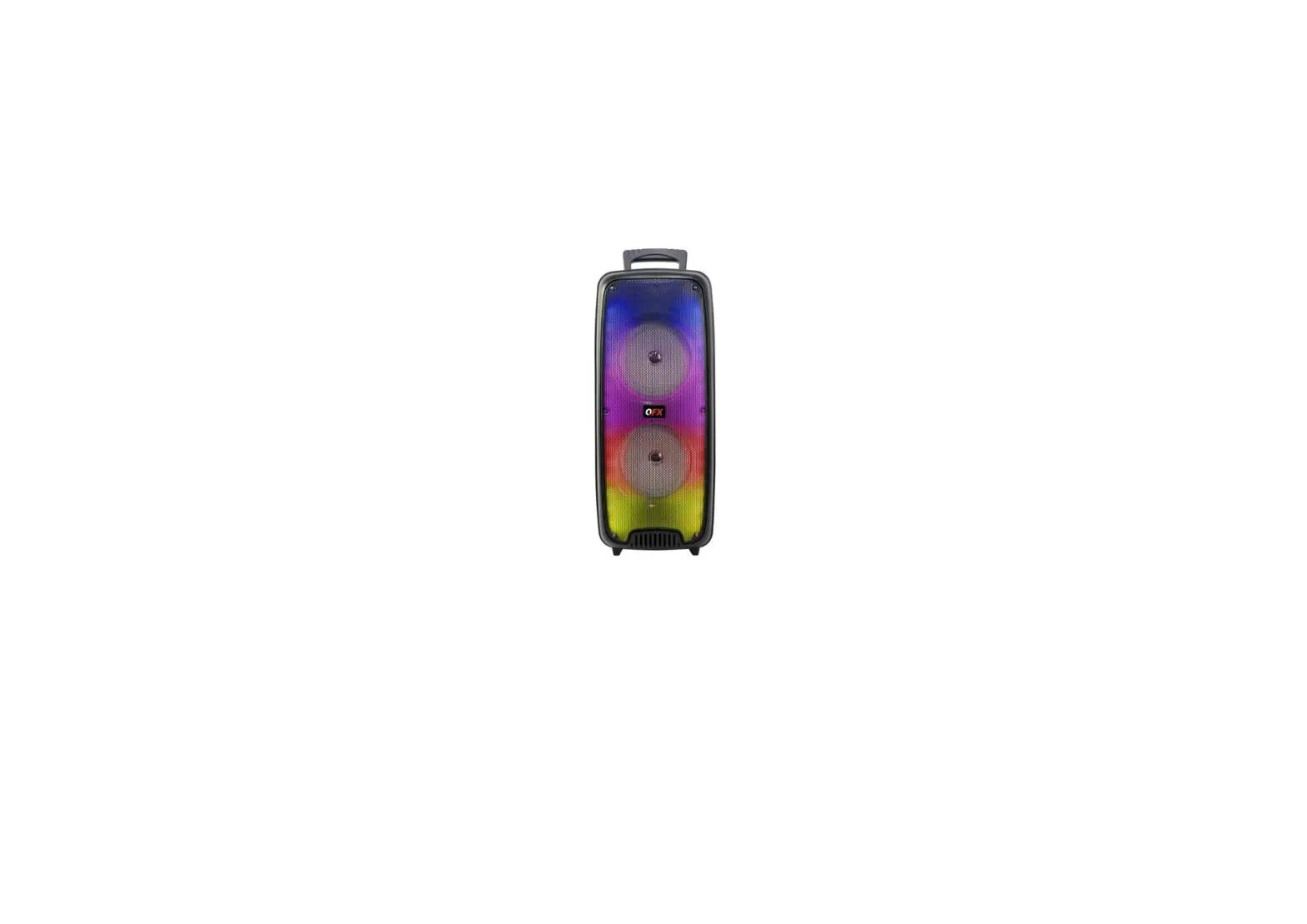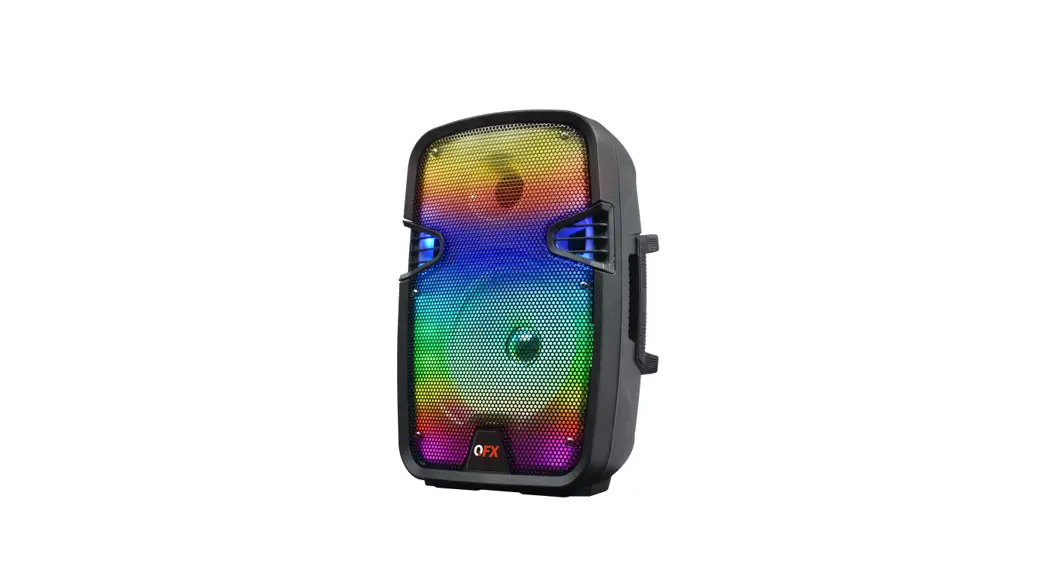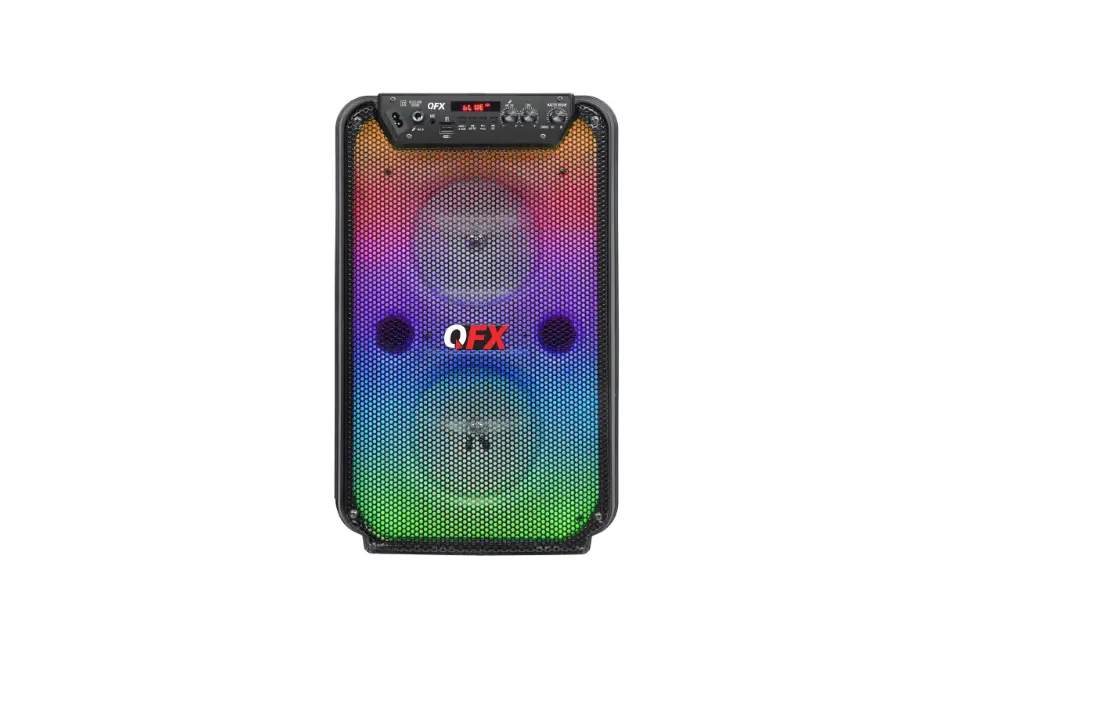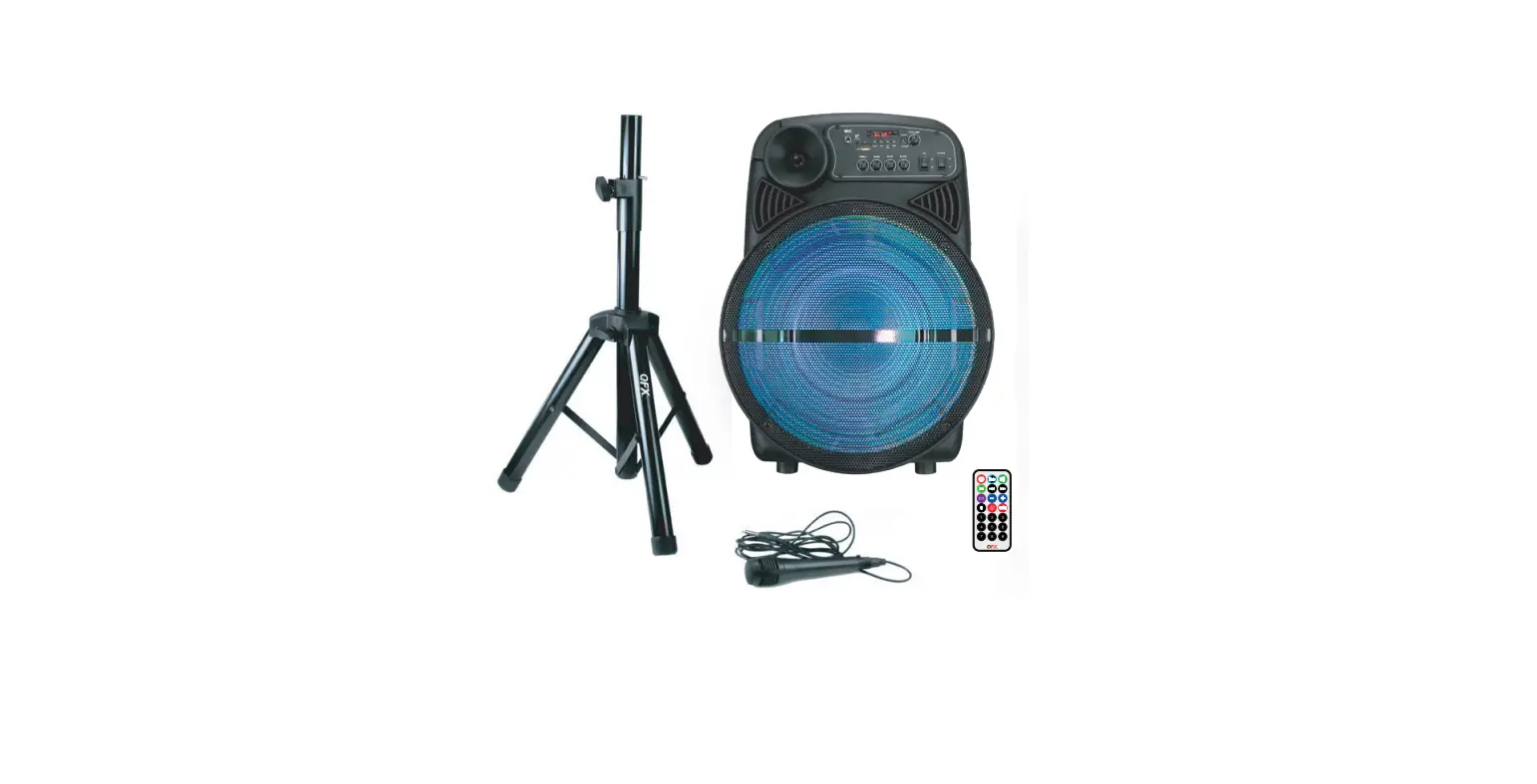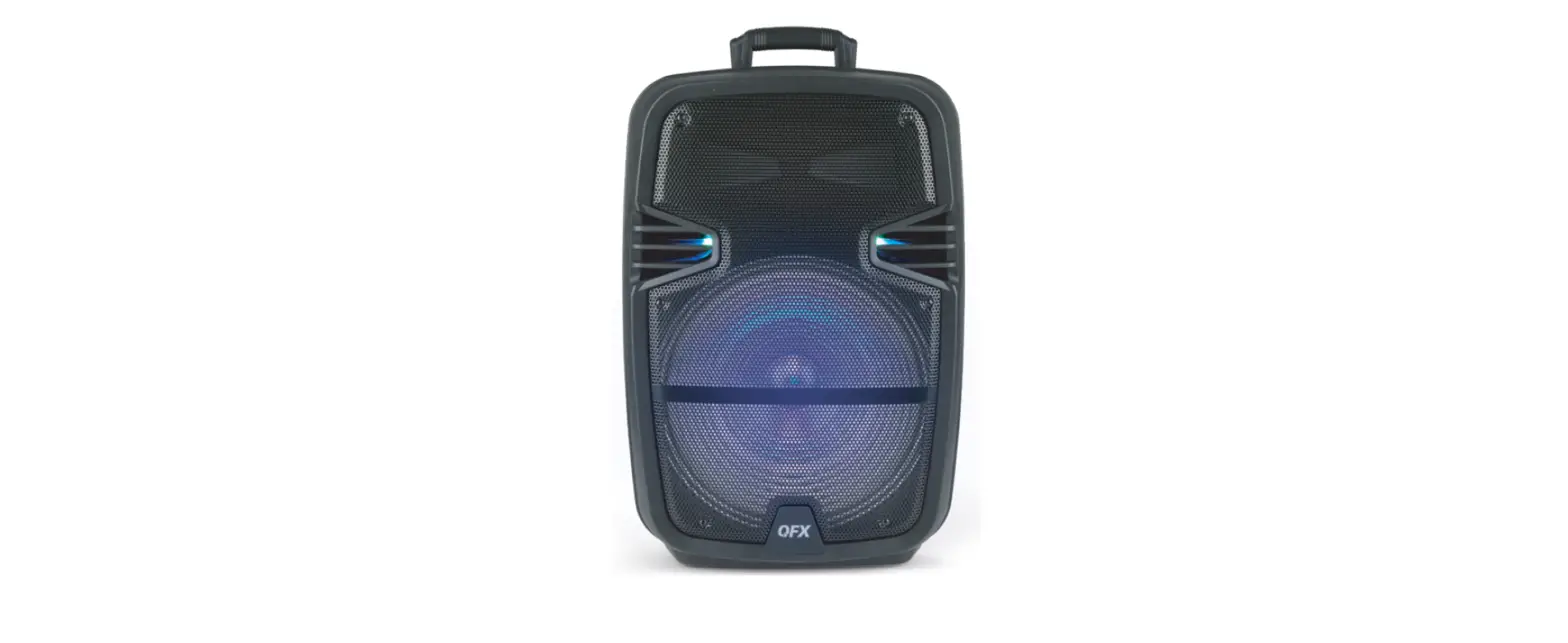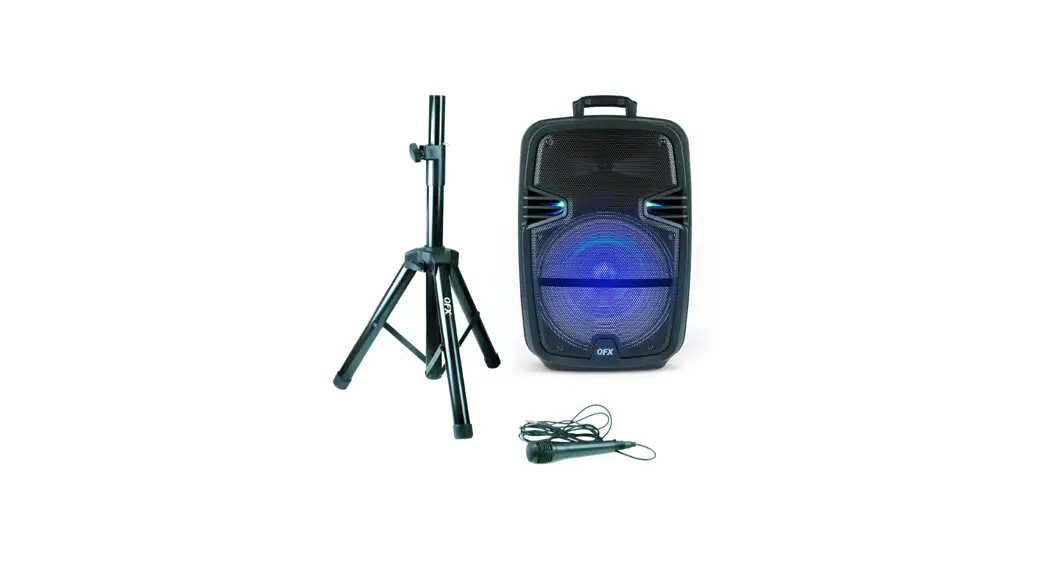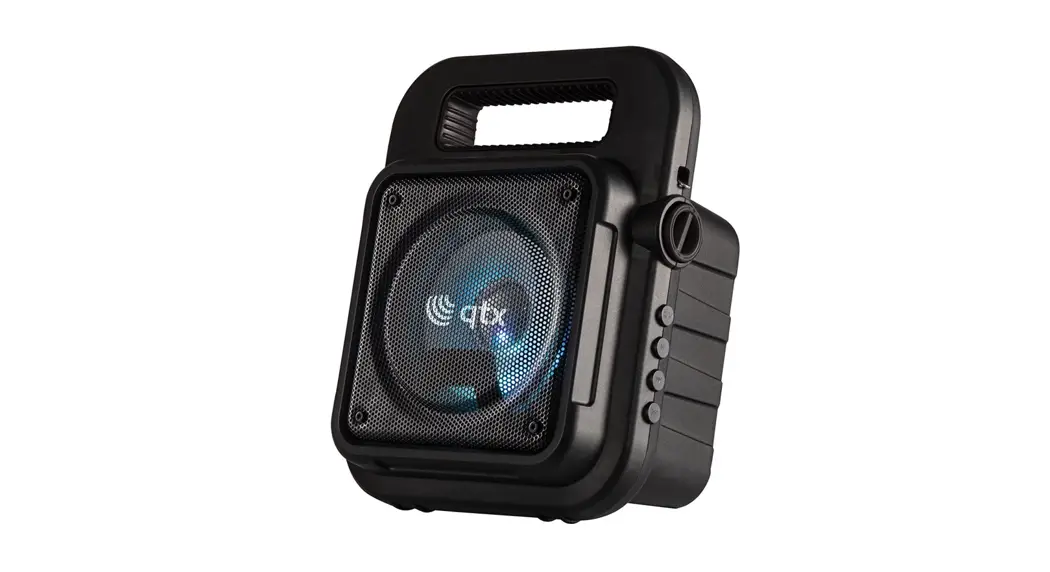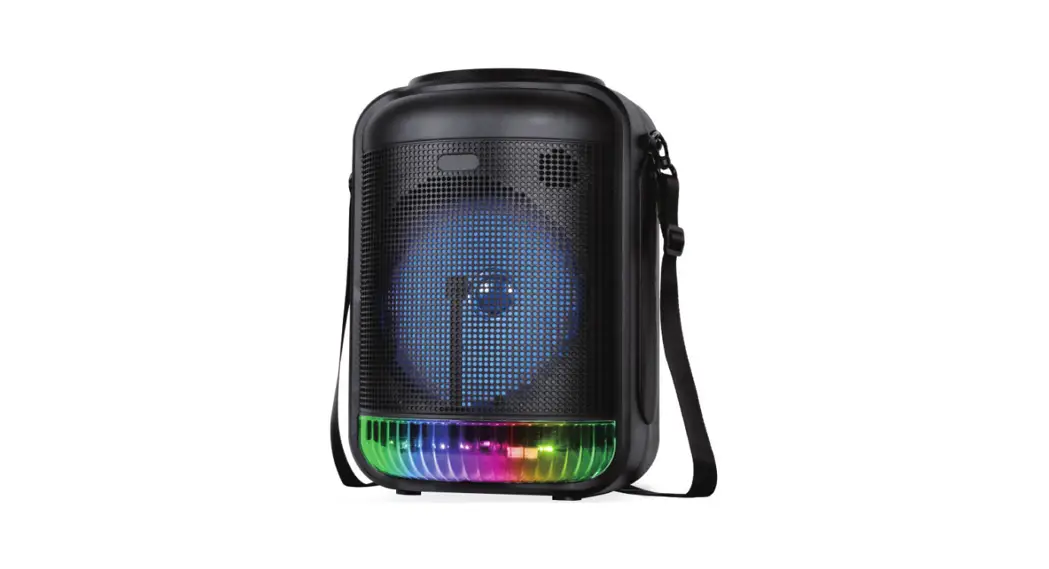

QFX LMS-152 Bluetooth Rechargeable Portable Speaker
Specifications
- BRAND: QFX
- MODEL NAME: QFX LMS-152
- SPEAKER TYPE: Woofer
- CONNECTIVITY TECHNOLOGY: Bluetooth, Auxiliary, USB
- RECOMMENDED USES FOR PRODUCT: Music
- POWER SOURCE TYPE: battery powered
- PACKAGE DIMENSIONS: 26.5 x 19 x 19 inches
- ITEM WEIGHT: 21.4 pounds
- BATTERIES: 6 Lithium Ion batteries
Introduction
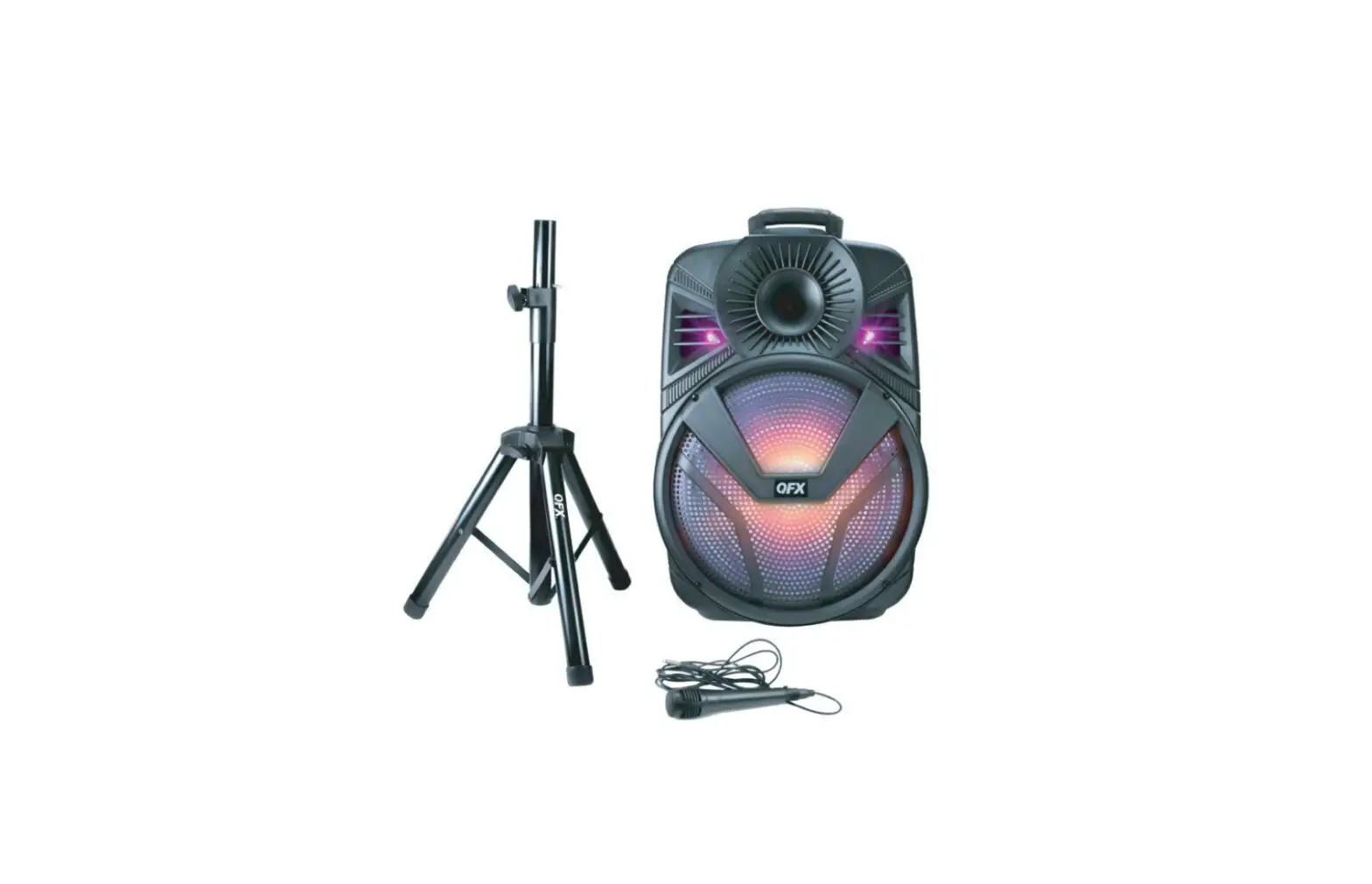
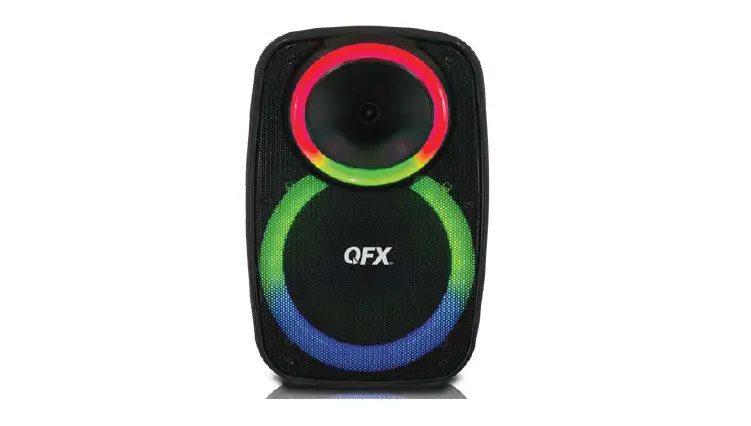
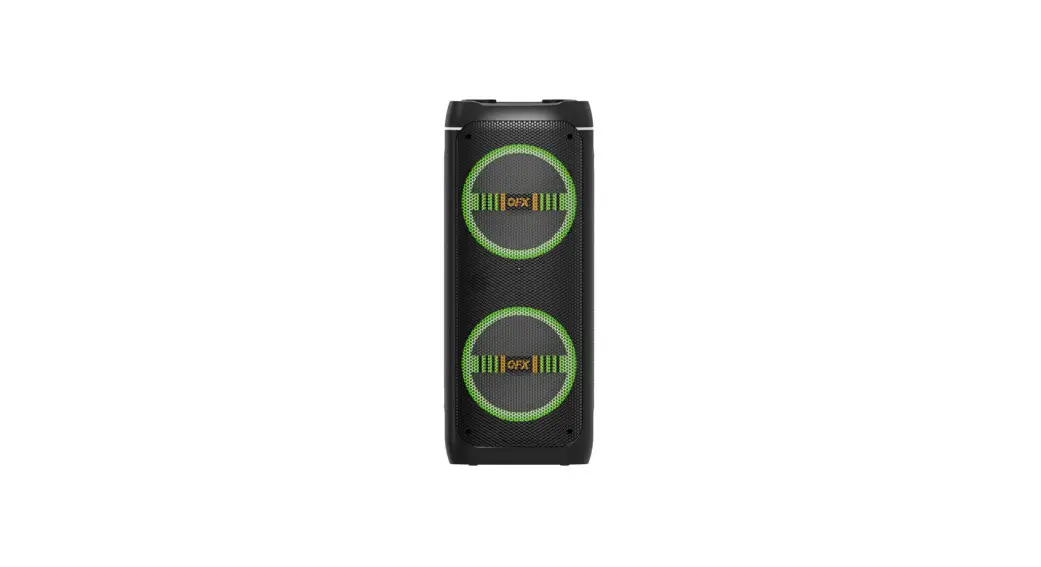
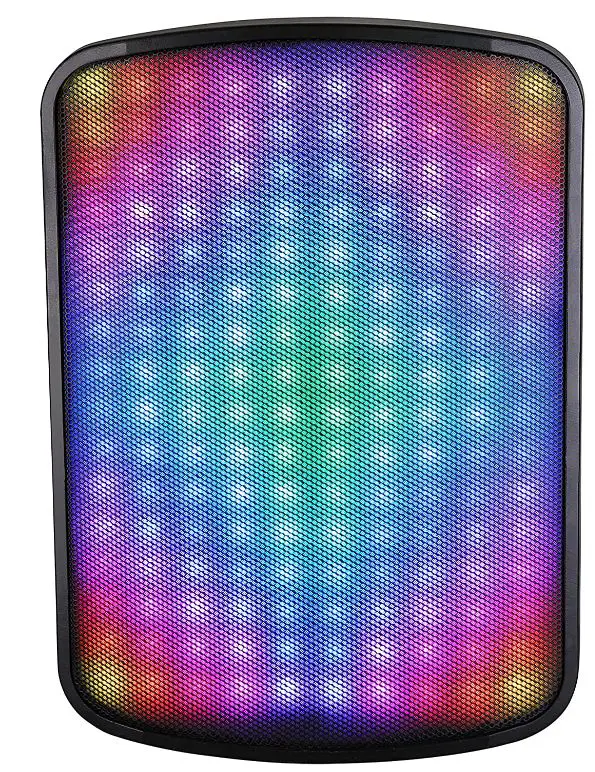
It’s so simple to bring this incredibly versatile Speaker with Liquid Motion Lights to the party and use it to play music or amplify your speech. It includes a handle and wheels for mobility, much like a suitcase. Once installed, it can transmit music wirelessly via Bluetooth, USB, AUX, or MicroSD inputs, as well as via the built-in microphone. The speaker’s 15″ Woofer and amplifier guarantee that everyone can be entertained, regardless of what or how you play. The long-lasting rechargeable battery allows you to stream music even when there is no electricity around. By offering value-conscious consumers cutting-edge product designs and outstanding performance, QFX dominates the market for lifestyle consumer electronics.
With three decades of experience at the forefront of high-quality electronics, QFX is unwavering in its commitment to provide the most up-to-date Bluetooth audio, tailgating, DJ speaker systems, and numerous other PROsumer multimedia solutions at prices that are affordable for budget-conscious families, businesses, and everyone in between. From the first apartment to the family home, from the freshman dorms to alumni tailgate, QFX provides the equipment you need at the price you want.
WARNING
To reduce the risk of electric shock, do not remove the cover on this speaker. There are no user-serviceable parts inside . Refer all servicing to a qualified technician
To prevent fire or electric shock, do not expose this equipment to rain or moisture. Do not store or operate this product near any liquids, heat sources such as radiators, heat registers. Clean only with a dry cloth. Users should exhibit extra safety when this symbol appears in this instruction manual and follow all precautions as they are stated.
BATTERY
The LMS-152 is a lithium battery powered PA loudspeaker. Be sure that you have completely charged the battery prior to first use to maximize the battery’s lifespan. Once the power adaptor is connected to a power source, it will automatically begin charging (3-4 hours to fully charge the lithium battery) Even if the battery power is low, it will power on when connected to a power source. When the battery power is low, the battery indicator light is red. When the battery is charged fully, the light indicator will turn off. Upon completion of the charging, please disconnect the unit. With standard usage, a fully charged battery can play for about 1 hours. Battery can be recharged about 300 times in its lifetime. When not in use, the speaker should always be set to “OFF” to prevent the unit from draining the battery. When the unit is not used for prolonged periods of time, the battery will gradually lose its power. It is recommended to fully charge the battery at least every 60 days.
CONTROL PANEL
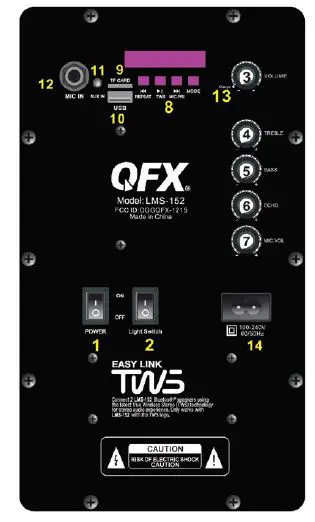
- POWER SWITCH: ON/OFF
- LIGHT SWITCH: ON/ OFF
- MASTER VOLUME KNOB: Adjust from Min to Max
- TREBLE KNOB: Boost Treble
- BASS KNOB: Boost Bass
- MIC ECHO: Adjust from Min to Max
- MICROPHONE VOLUME KNOB: Adjust from Min to Max
- GLOBAL CONTROLS:
- Previous Track Button: Select Previous track. Press and hold to repeat One/ All tracks
- Play/ Pause/TWS: Play or Pause current track. Press and hold for TWS
- Next Track Button: Select Next track. Press and hold to select/ Exit Microphone Priority
- Mode Button: Toggle between AUX, USB, TF, FM , BT
- TF Card Port: Insert a TF Card
- USB Port: Insert a USB device
- AUX IN: Insert a 3.5mm TRS
- Mic Input: Insert a 6.35mm TS/TRS cable
- Battery Indicator
- Power Supply: AC 100-240V 60/ 50Hz
DISPLAY SYSTEM SETTINGS
- Input Mode: The LED display screen will d splay the information of input mode for USB/TF / BT/ AUX / FM. When a USB flash drive / TF Card is inserted into the USB/TF input, the unit will automatically switch to USB/TF mode and begin playing Mp3 audio files from the USB flash drive / TFCard.
- Track Number: The track number currently playing from the USB/TF will display.
- FM Mode: All FM channels display here. Press “play / pause” button for auto scan all channels.
BLUETOOTH & TWS
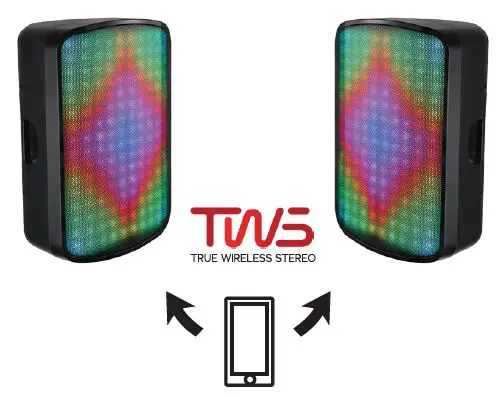
TWS CONNECTION
TWS connection: TWS Connection is only for two speakers of the same make and model.
- Turn ON the units and enable Bluetooth mode on both speakers. They should read BLUE.
- Press the TWS button for 3 seconds on one of the speakers to sync both units together.(they must be the same make and model to function).
- On your mobile device under the Bluetooth menu, search for LMS-152 and connect.
- Open your favorite music app and enjoy True Wireless Stereo.
- To Exit TWS press and hold the TWS button.
LMS-152 BLUETOOTH
Bluetooth mode: use the MODE button to enable Bluetooth on the LMS-152. Open the Bluetooth settings on your mobile device and search for QFX LMS-152. Select the option to pair both devices. Now you can sit back and enjoy the music from your favorite app. You will not need to reconnect Bluetooth when changing modes.
REMOTE CONTROL
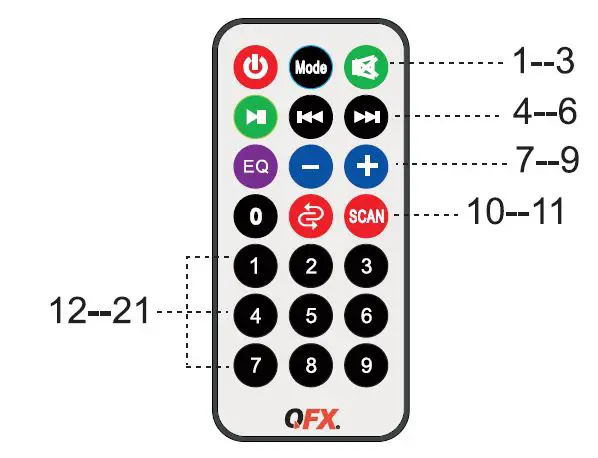
- STANDBY: Make the unit to be standby mode.
- Mode Button: Toggle between USB, FM, AUX, BT
- Mute: Mute the track
- PLAY/PAUSE
- Previous Track: Select previous channel
- Next Track: Select next channel.
- EQ: Select EQ mode.
- VOL-: Decrease Volume
- VOL+: Increase Volume
- REP: Repeat the playing track.
- Press to Scan Channel in FM Mode
- KEY Number for selecting the certain track for USB flash drive.
| PRODUCT CATEGORY | HANDLING | LABOR | PARTS |
|
Earphones, Headphones, Pocket Radios, & Small Bluetooth speakers |
$5.00 |
1 Year |
1 Year |
| Personal Stereos | $10.00 | 1 Year | 1 Year |
| Portable Radio/Cassette | $15.00 | 1 Year | 1 Year |
| Large Portable Radio Cassette | $20.00 | 1 Year | 1 Year |
| Mobile Audio | $10.00 | 1 Year | 1 Year |
| Pro Audio SBX Systems | $75.00 | 1 Year | 1 Year |
| Pro Audio PBX Systems | $75.00 | 1 Year | 1 Year |
| Televisions | $25.00 | 1 Year | 1 Year |
| Telephones | $10.00 | 1 Year | 1 Year |
The warranty and remedy provided above are exclusive and in lieu of all other expressed or implied warranties including, but not limited to, the implied warranties of merchantability, non-infringement or fitness for a particular purpose. Some laws do not allow the exclusion of implied warranties. If these laws apply, then all expressed or implied warranties are limited to the warranty period identified above. Unless stated herein, any statement or representations made by any other persons or firm are void. Except as provided in this written warranty, QFX shall not be liable for any loss, inconvenience, or damage, including direct, special, incidental or consequential damages, resulting from the use or inability to use the QFX product, whether resulting from breach of warranty or any other legal theory.
Some jurisdictions do not allow limitations on how long an implied warranty lasts, and some jurisdictions do not allow the exclusion or limitation of incidental or consequential damages, so the above limitations and exclusions may not apply to you. This warranty gives you special legal rights and you may have other rights which vary from jurisdiction to jurisdiction.
Frequently Asked Questions
On Lowes.com, you can get a QFX 1,500-Watt Rechargeable Bluetooth Party Speaker.
Two TWS-capable speakers may pair, sync, and play Bluetooth audio at the same time using QFX’s TWS (Real Wireless System) to create a true stereo experience.
If you overcharge a battery, it will no longer charge fully. The battery stays in the same state (not charging) while the speaker is plugged in constantly, regardless of the voltage drop, until the battery level falls.
It often has a red charging indicator light. The battery is fully charged when the light goes off, indicating. You must learn how to charge a Bluetooth headset properly, that is, just when the battery is running low, if you want to get the most life out of it.
Firmly attach the USB charging cord to the speaker’s DC5V interface. Please unplug the speaker’s USB charging cable once the battery is fully charged. When charging, the speaker functions normally.
Installing software updates, replacing the battery, purchasing a new cable, repairing a fractured solder joint, replacing the charging port, and replacing the charging circuit are all necessary fixes for a Bluetooth speaker that won’t charge.
The battery will be harmed even if you leave the Bluetooth speaker connected the entire day. Even when the battery is fully charged, continuing to charge the speaker could cause the battery to overheat and perhaps explode.
Yes. Without endangering the battery, you can use your Bluetooth speaker while it is charging. When using the speaker for the first time, you should fully charge it while it is off so that you may check the battery life.
The charging process for speakers using AC mains power typically takes 6 to 8 hours. A USB-charged speaker will take about 3–4 hours to completely charge.
Bluetooth-enabled headphones have status lights that let you know what’s happening. Your headphones are properly connected to the media player if the indicator is flashing blue. You have connectivity and pairing issues if your headphones are flashing blue and red.