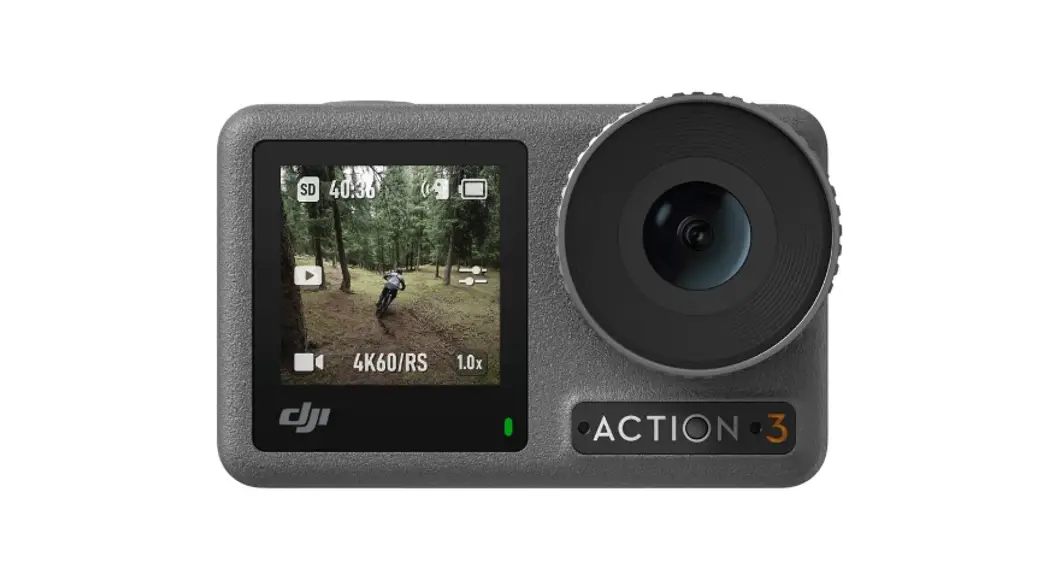
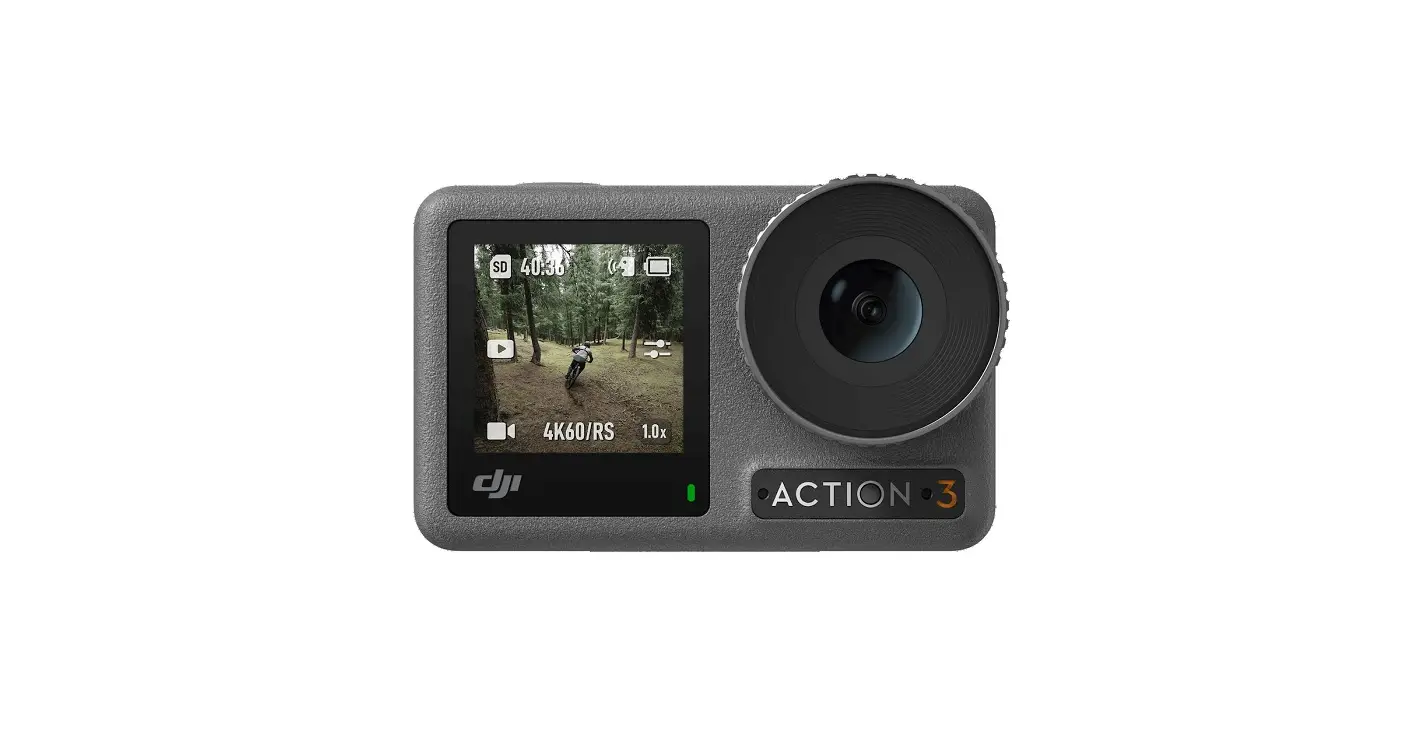
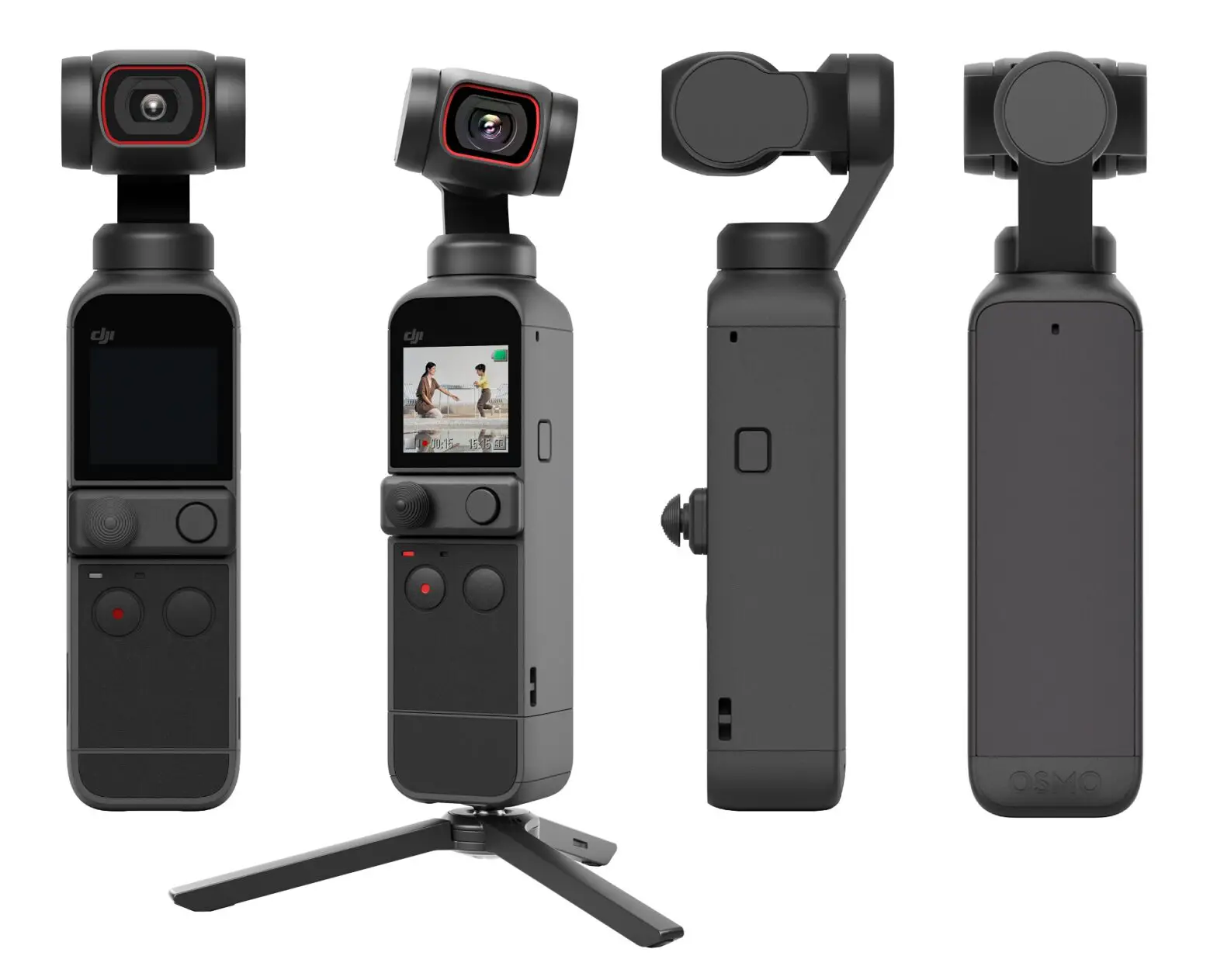
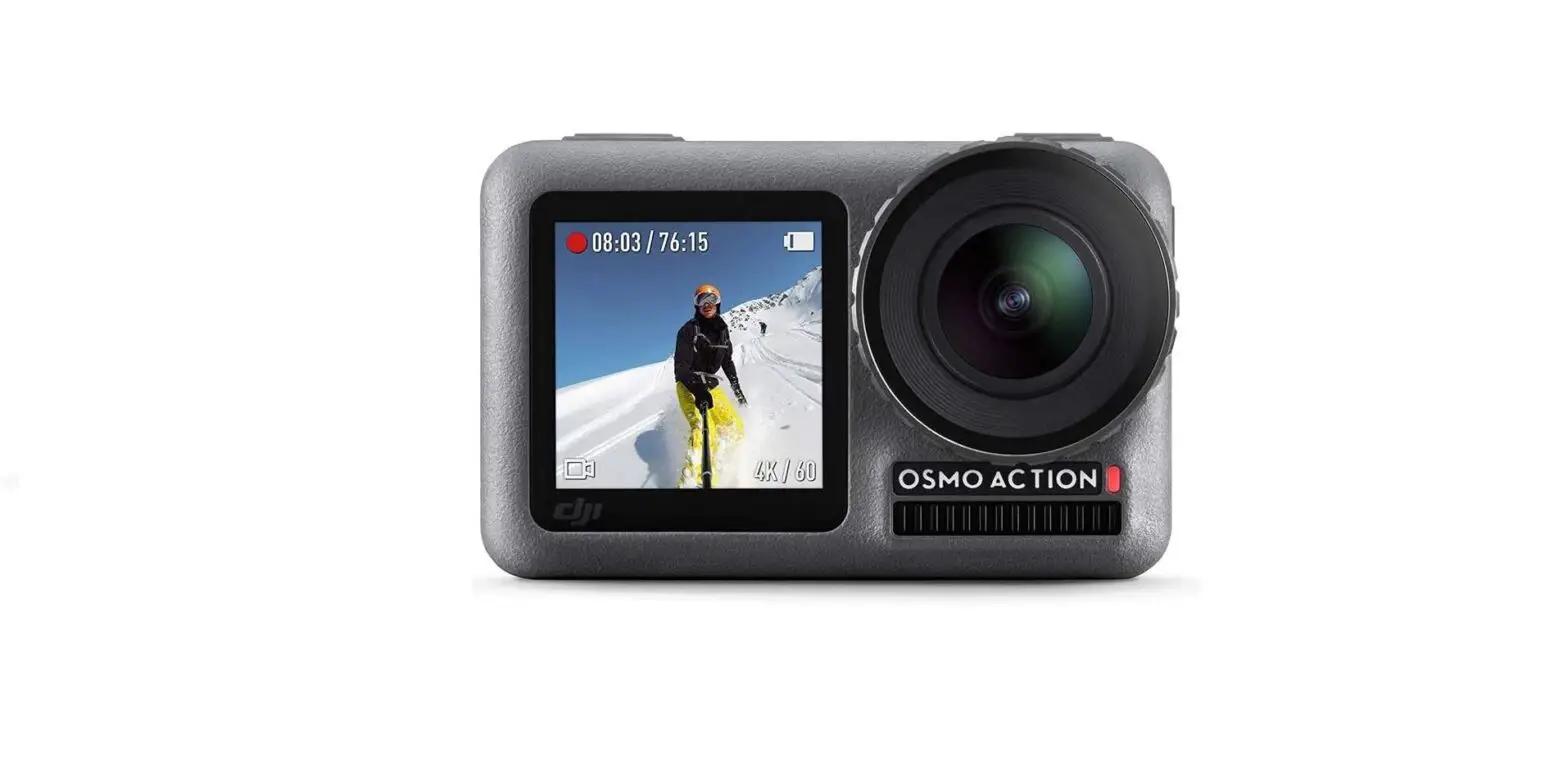
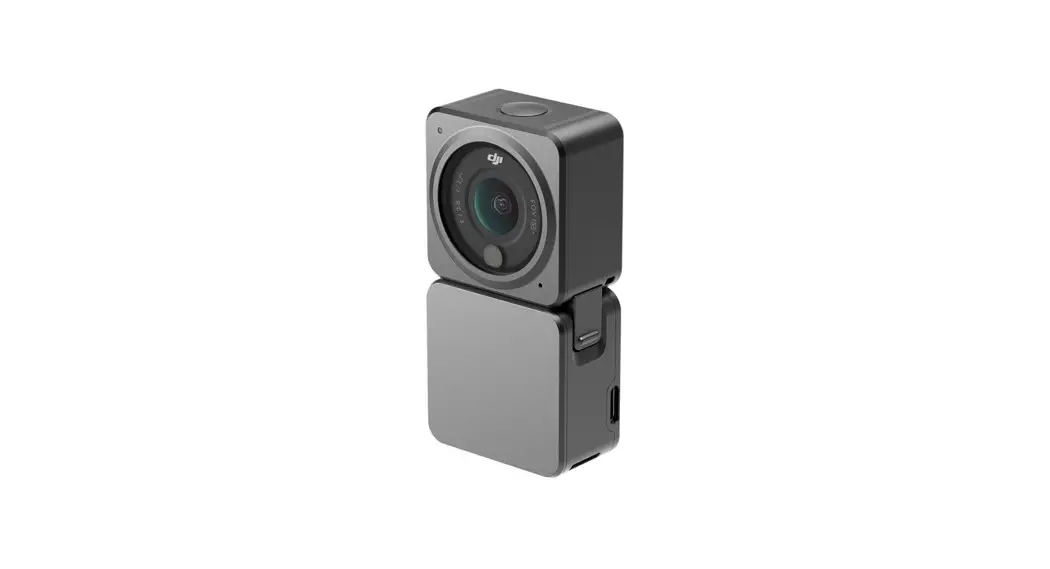
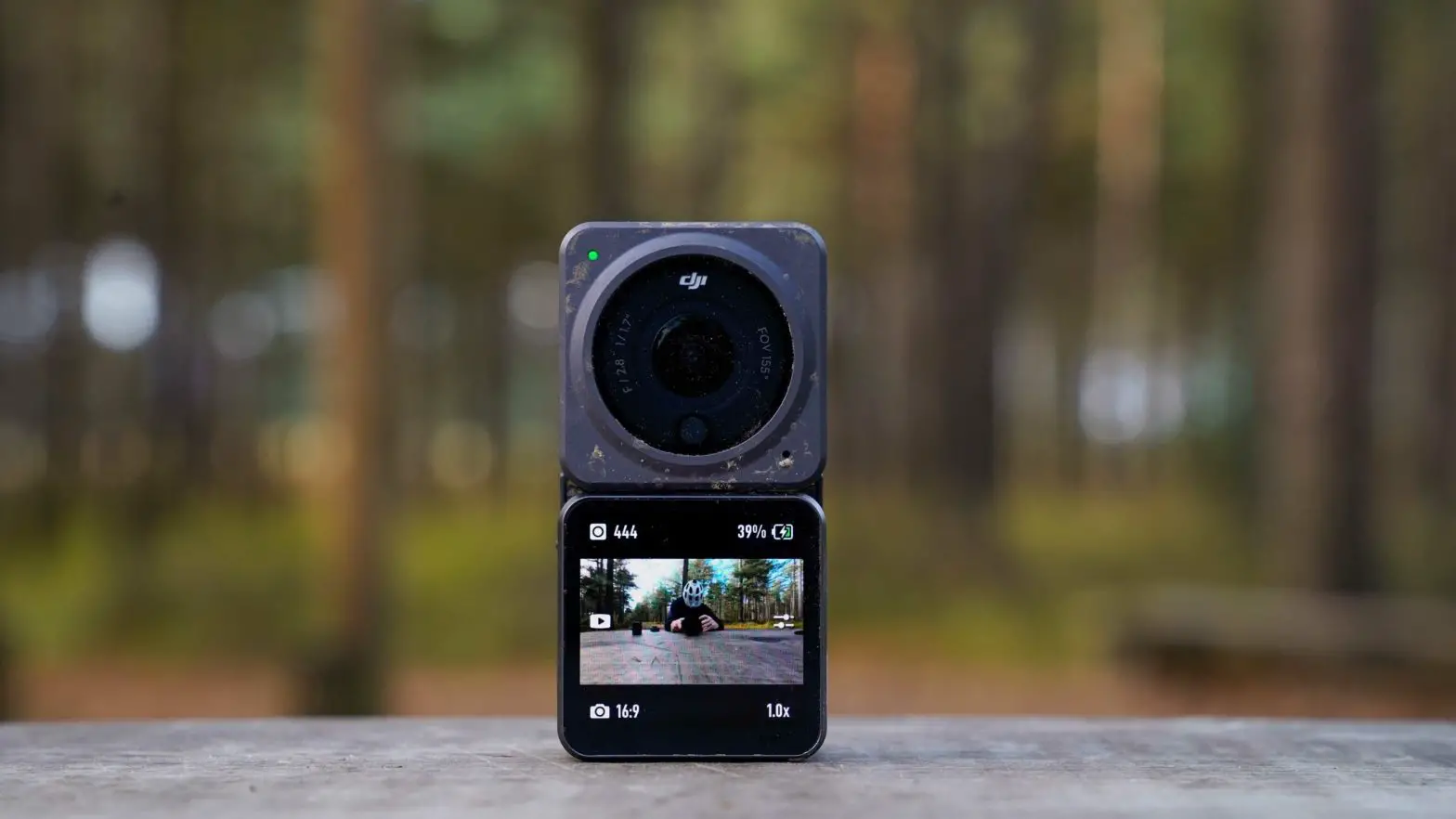
Osmo Action 4 Digital Camera
Product Information
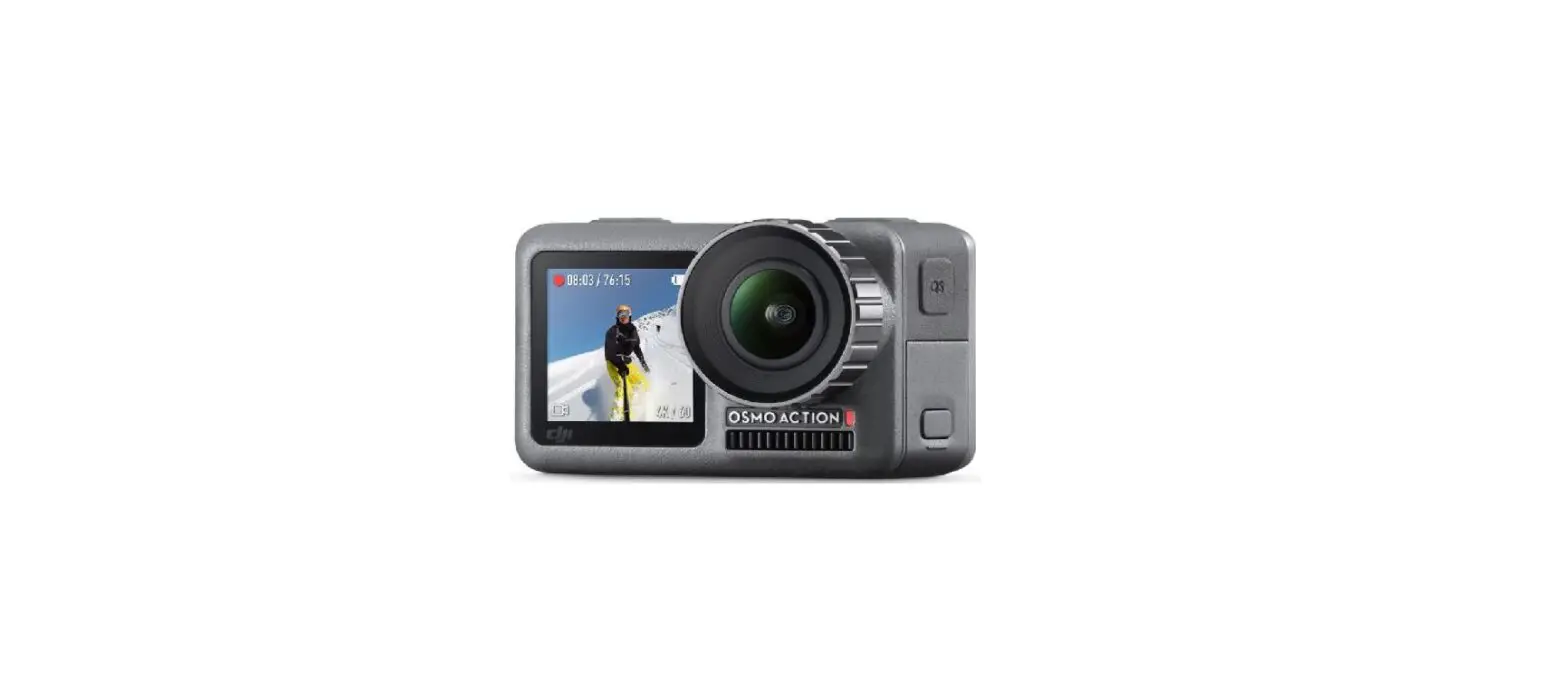
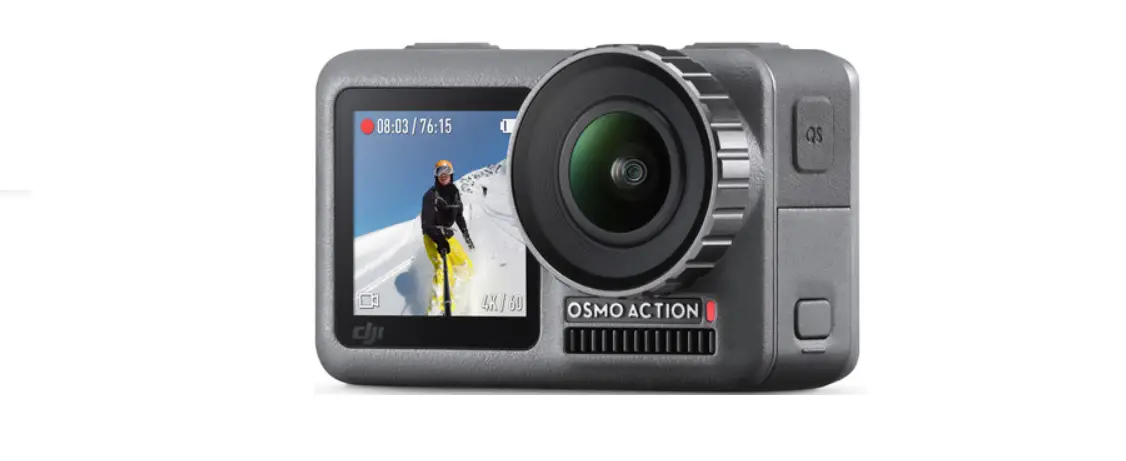
Product Name: DJI Osmo Action
Version: v1.0
User Manual Link: https://www.dji.com/osmo-action-4/downloads
Disclaimer: This content is subject to change without prior
notice.
Model Number: YCBZSS00244203
Product Usage Instructions
Step 1: Download and install the DJI Mimo App on your mobile
device. You can find the app at https://s.dji.com/guide60.
Step 2: Set the video resolution to 1080P30 and the zoom level
to 1.0x.
Step 3: Adjust the video recording duration to OFF (continuous
recording) or set it to 1 second for time-lapse videos.
Step 4: Start recording videos by pressing the record button.
The recorded video duration will be displayed on the screen.
Step 5: To capture photos, press the photo button. You can set
the photo timer delay to 1, 3, or 5 seconds.
Step 6: For slow-motion videos, select the desired frame rate
and resolution.
Step 7: If you need assistance or have any questions, you can
contact DJI Support.
Step 8: Stay updated with the latest information by subscribing
to DJI’s newsletter.
Quick Start Guide
v1.0
https://www.dji.com/osmo-action-4/downloads
This content is subject to change without prior notice.
DJI and OSMO are trademarks of DJI. Copyright © 2023 DJI OSMO All Rights Reserved.
YCBZSS00244203
1
DJI Mimo App
https://s.dji.com/guide60
2
2 1
×1
20m22s
1080P30
1.0x
3
ON ×1
OFF 1s
4
20m22s
1080P30
1.0x
5
90°
90°
1
3
2
90°
90°
18 m
WE ARE HERE FOR YOU
Contact DJI SUPPORT
SUBSCRIBE FOR MORE INFO DJI