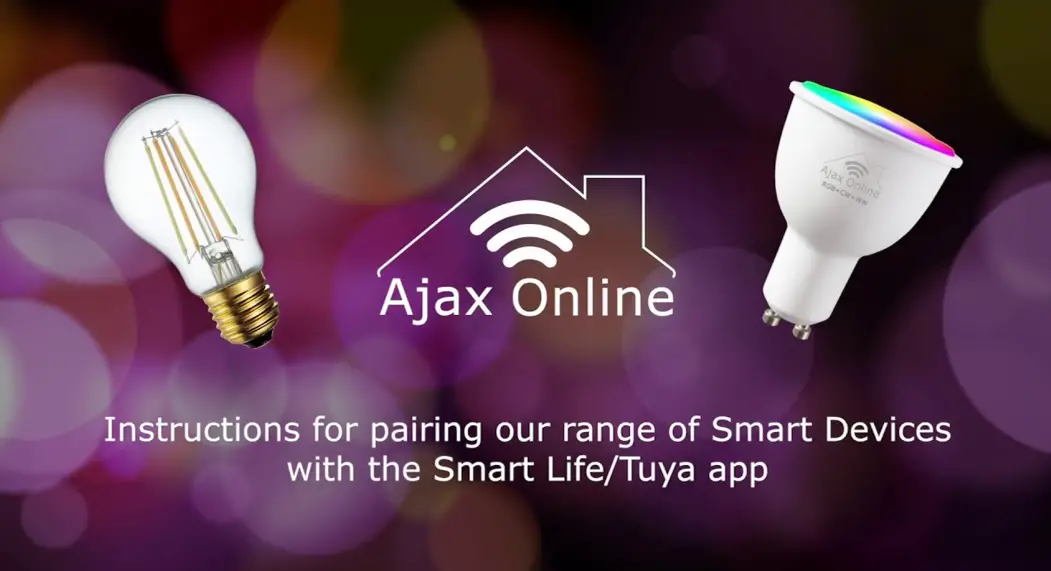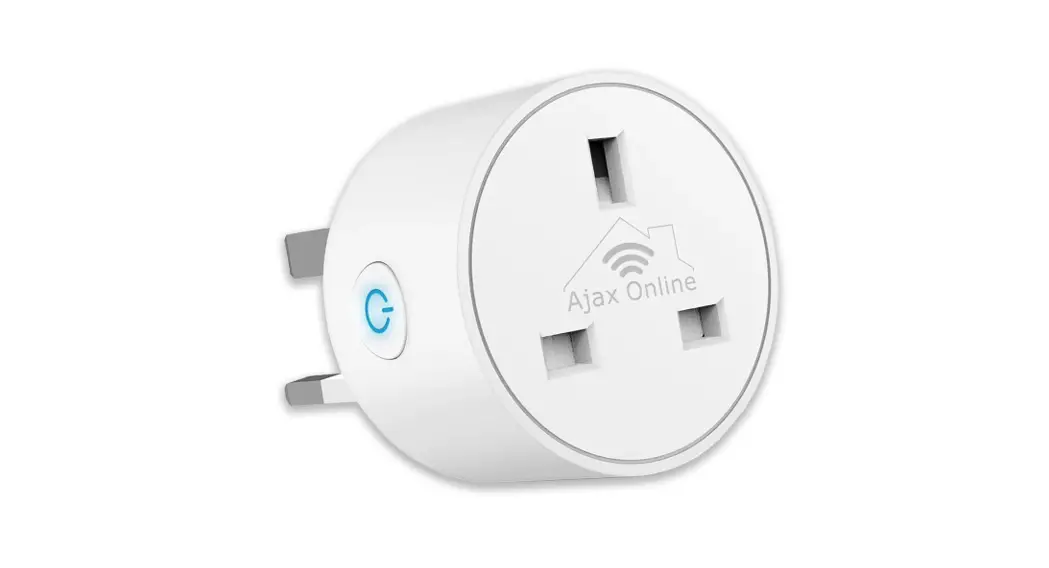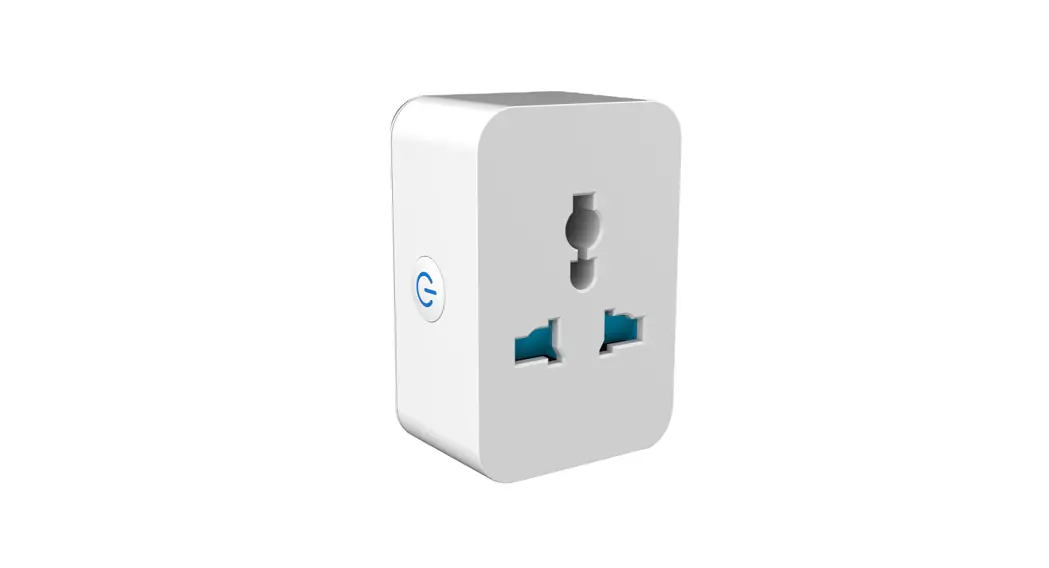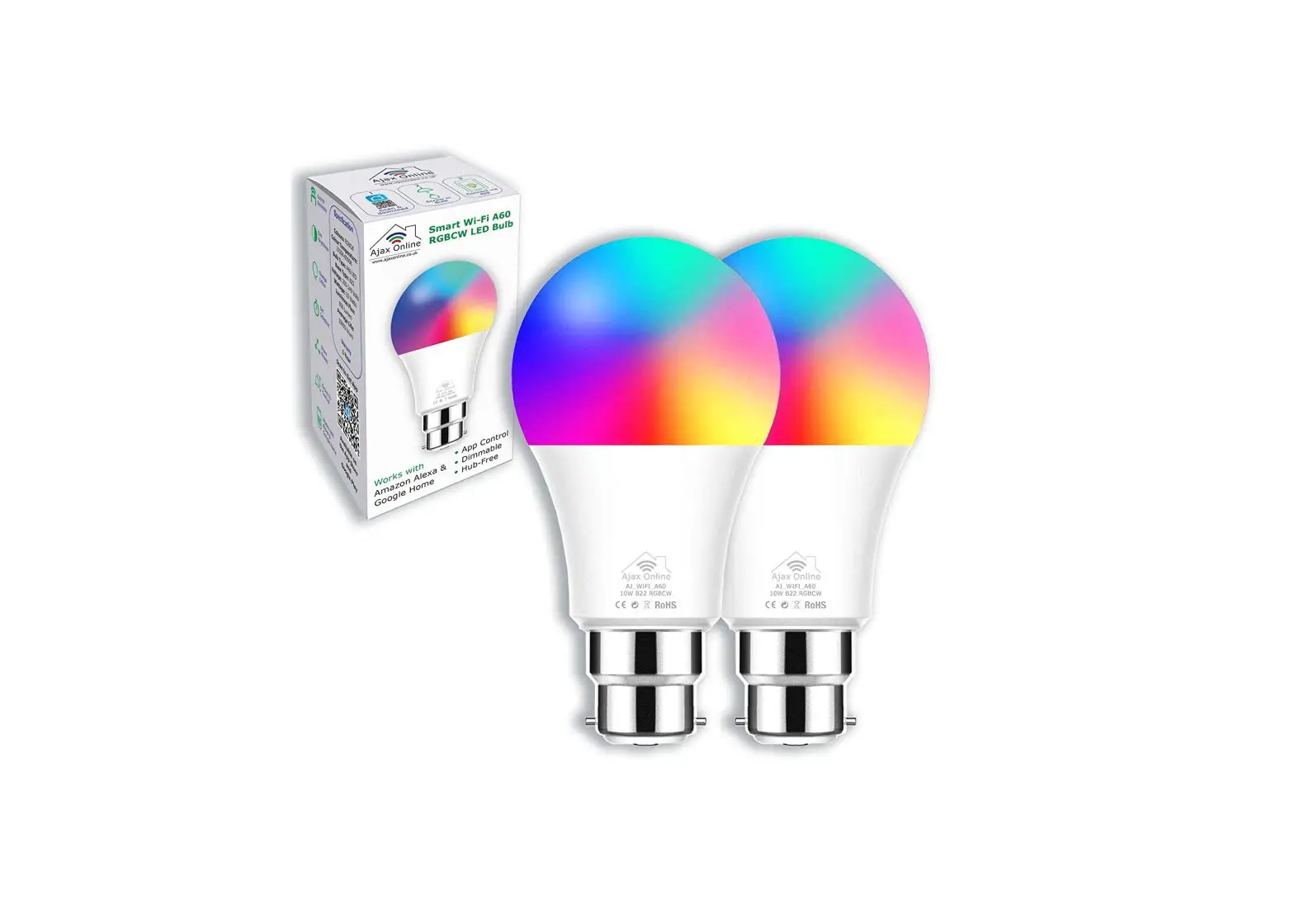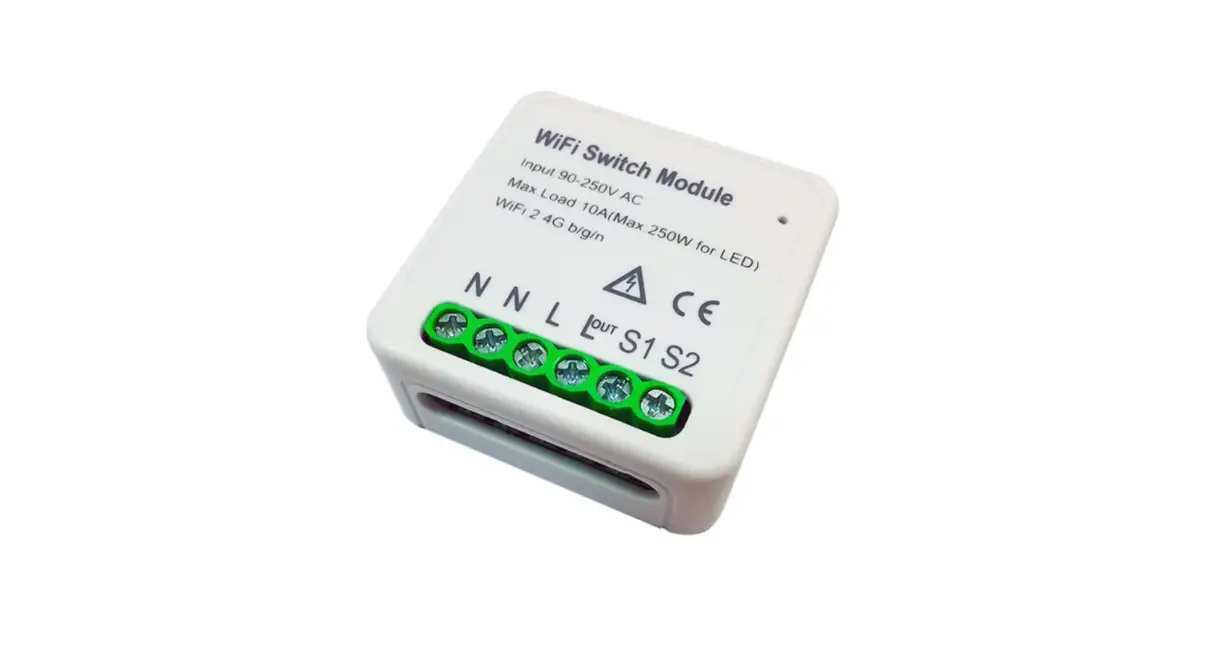

Ajax Online Smart Device WiFi Pairing with Smart Life/Tuya app
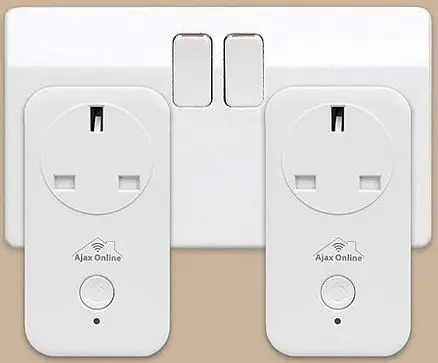
Please note that you need to pair each device one at a time. Please ensure that your WIFI connection is on 2.4 GHz.
Instruction Steps
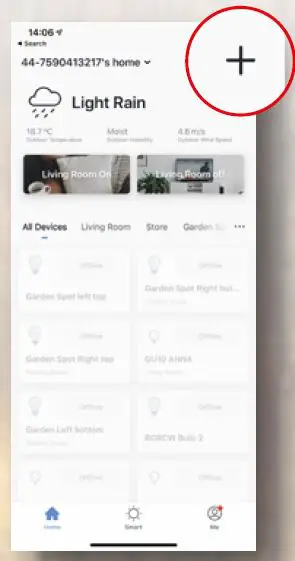
- Download and register an account on the Smart Life or Tuya App. Then select “+”.

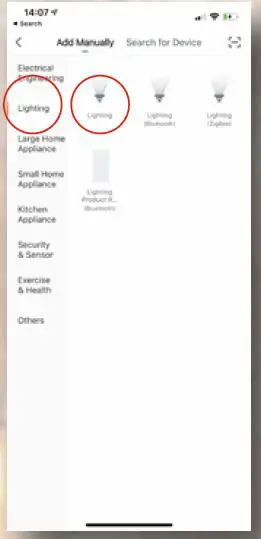
- Select “Lighting” under the “Lighting”.

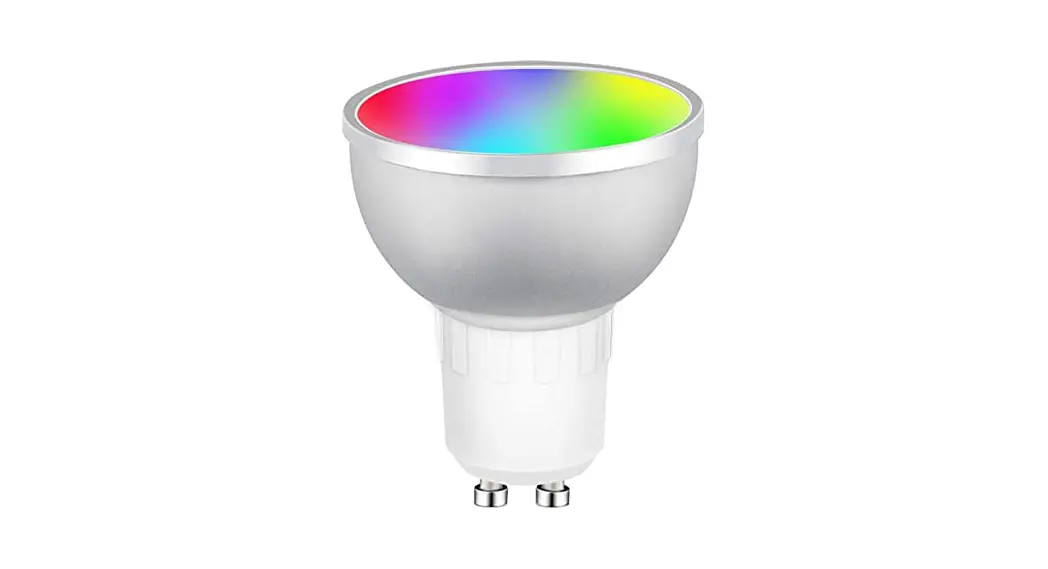
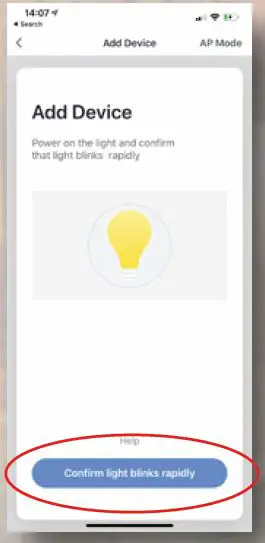
- Check that the light is flashing rapidly. If not turn the bulb OFF/ON 3 times.

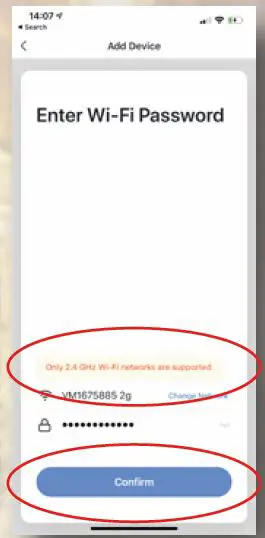
- Enter your WIFI credentials to connect to your home network. Please ensure that the WIFI network is 2.4 GHz. Please contact us if you need assistance.

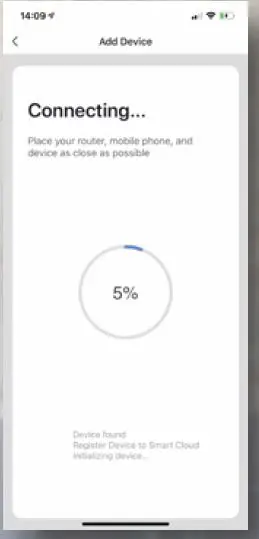
- Now wait until the bulb is discovered.

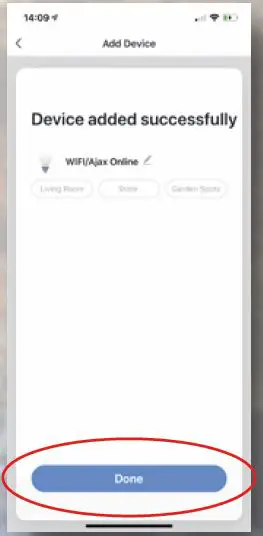
- Once the bulb is discovered, rename it and Select “Done”.

For further information, please contact us and we’ll be happy to assist you.
[email protected]
www.ajaxonline.co.uk