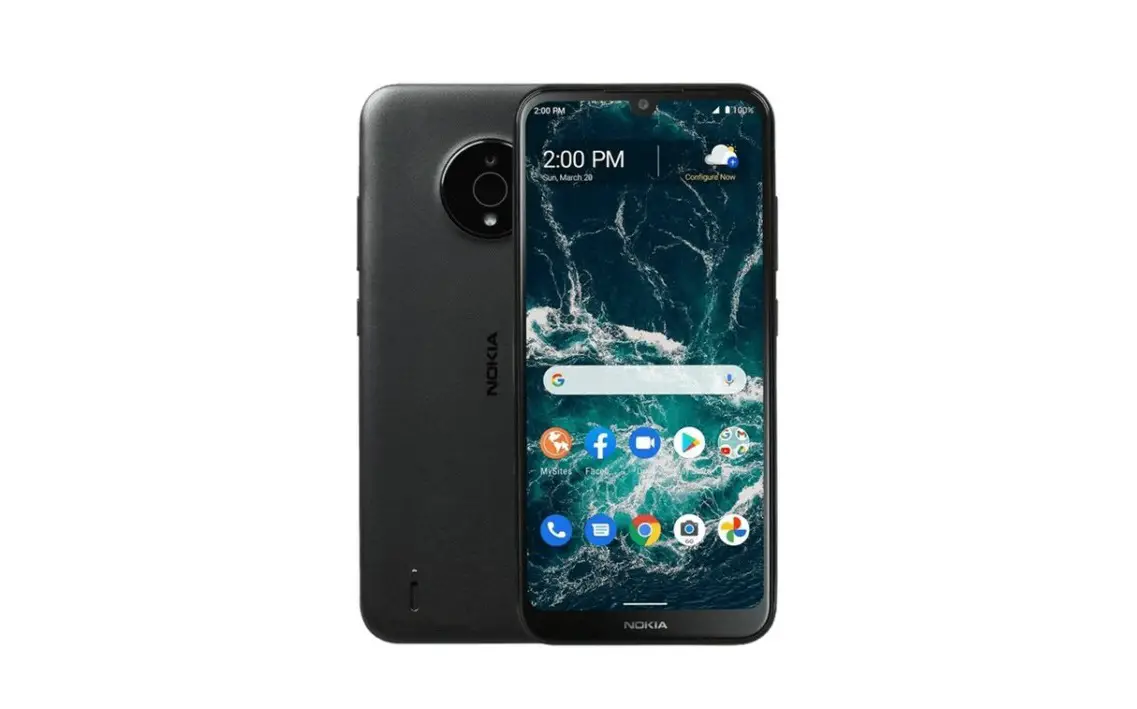

NOKIA PureBook Pro 17
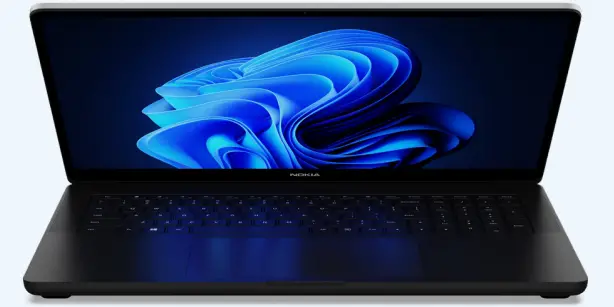
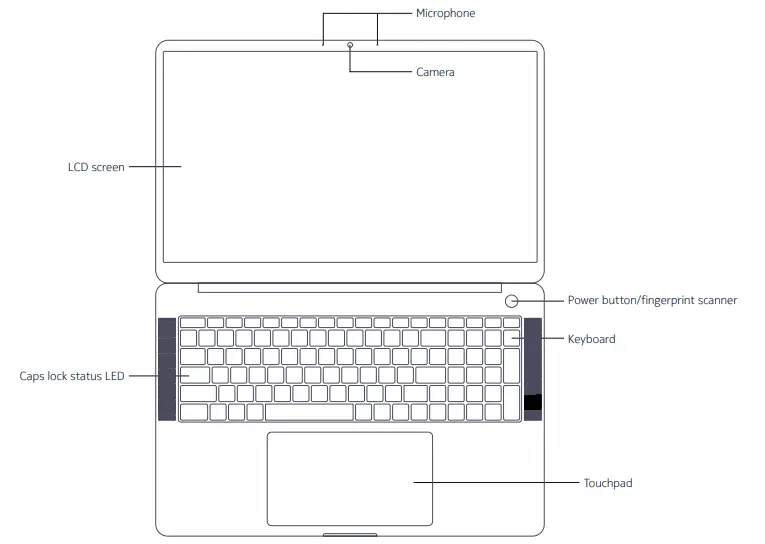
Top open view
Right and left side view
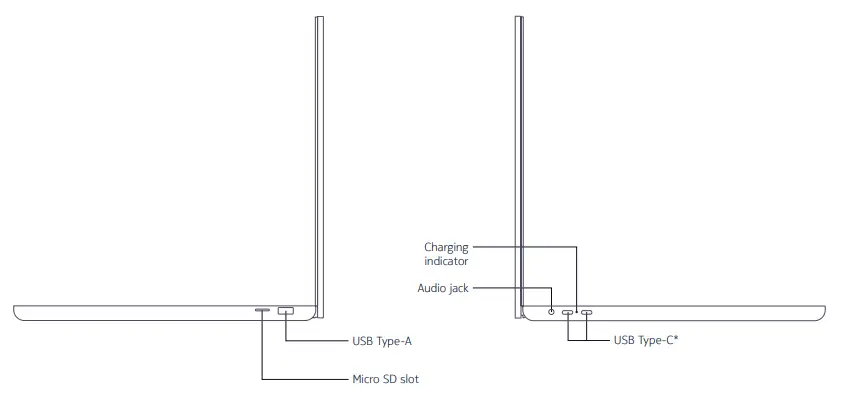
Connects USB C devices. It combines functions of charging, data transfer and display
Setting up and getting started
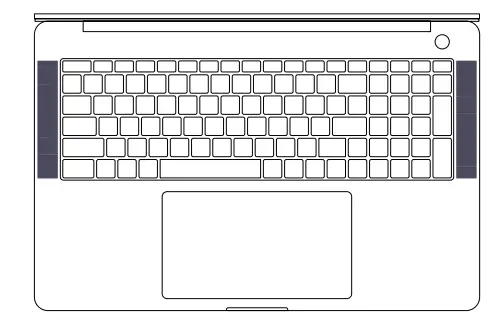
When using your laptop for the first time, connect it to the power adaptor, push the power button, and wait for the screen to turn on.
- Then follow the onscreen instructions to complete the setup.
- Windows 11 activation: when your computer is connected to the internet for the first time, Windows is activated automatically.
After the initial setup, you will be presented with Windows 11 desktop.
Windows 11 is a trademark of Microsoft Corporation.
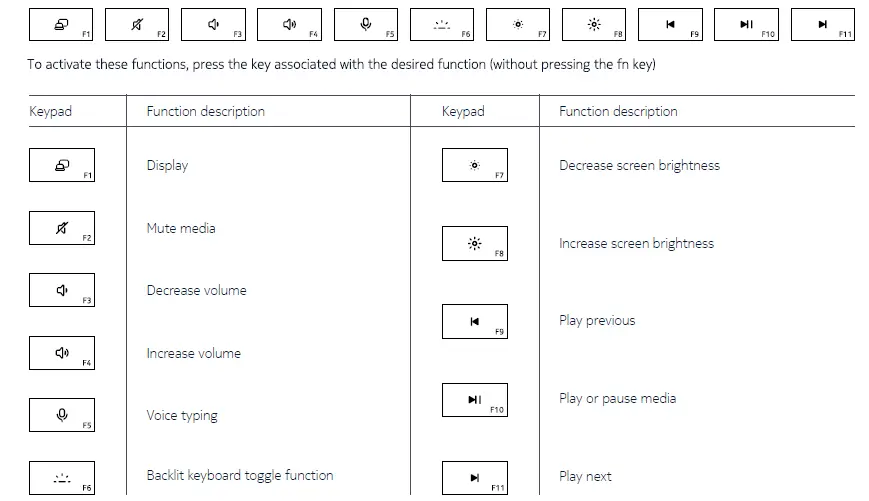
Know your keyboard
Care and support
For a full user manual and additional information, please visit: www.off.global/support
To contact OFF Global, please visit: www.off.global/support; or email us at: [email protected]