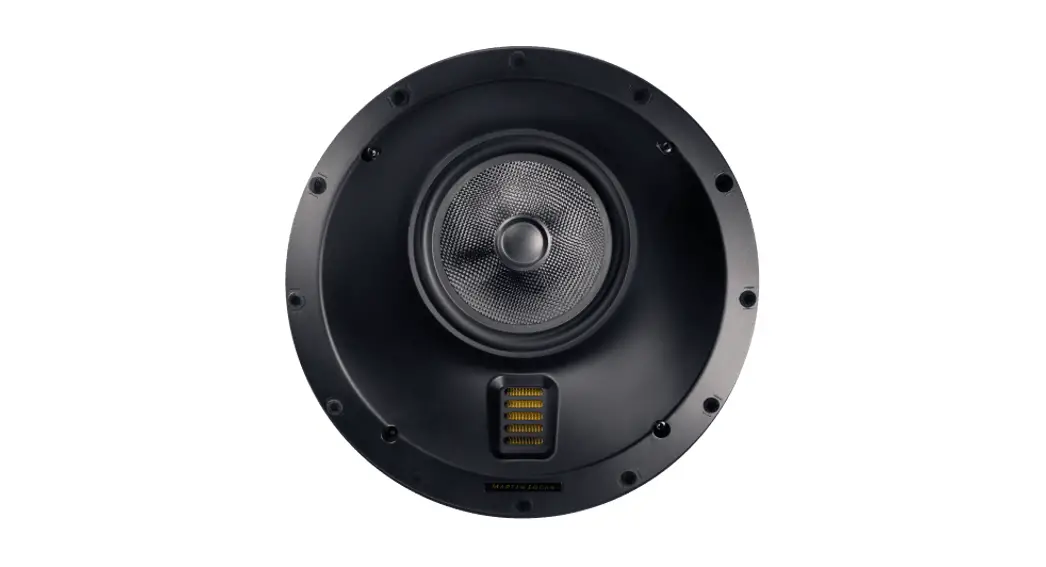
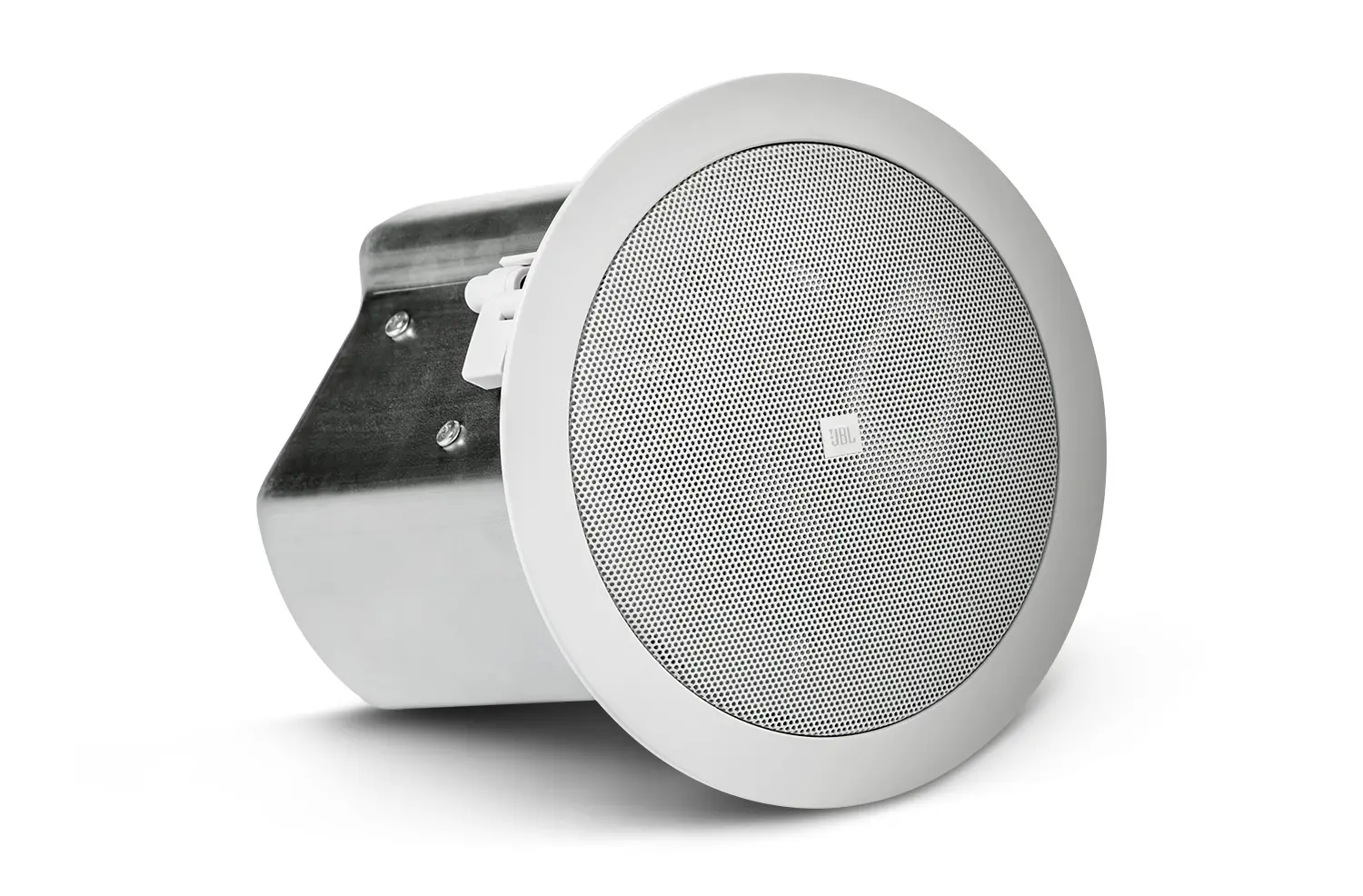
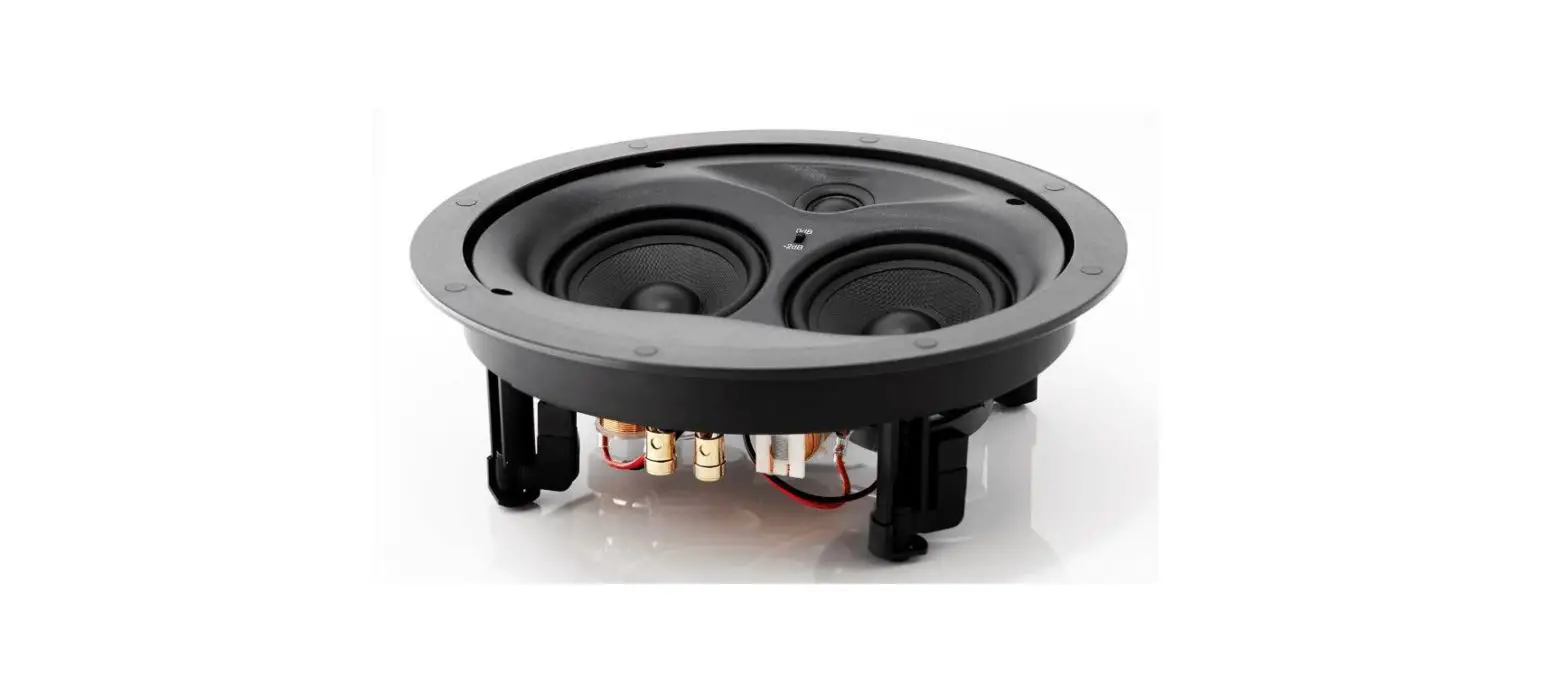
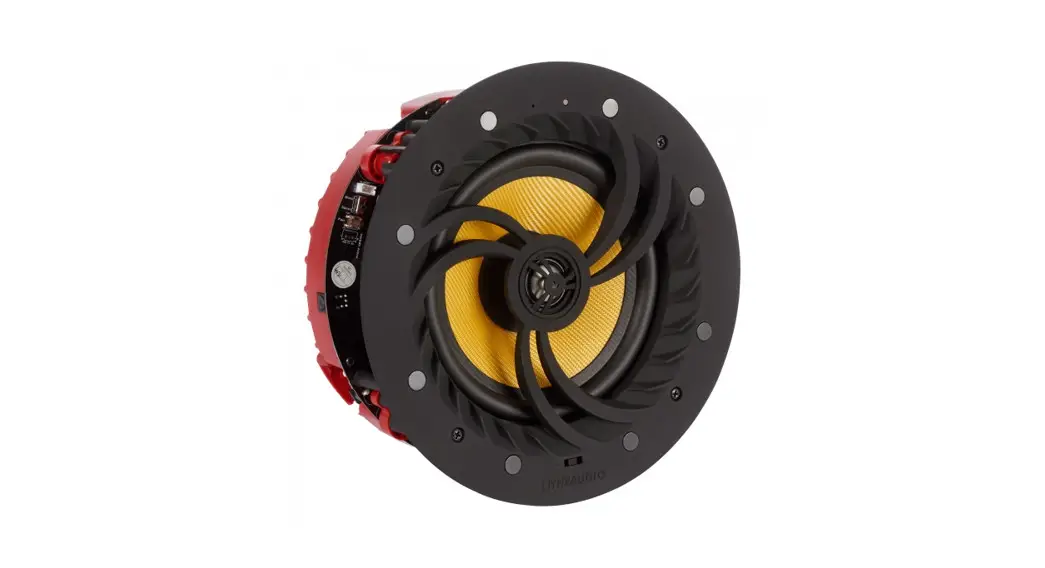
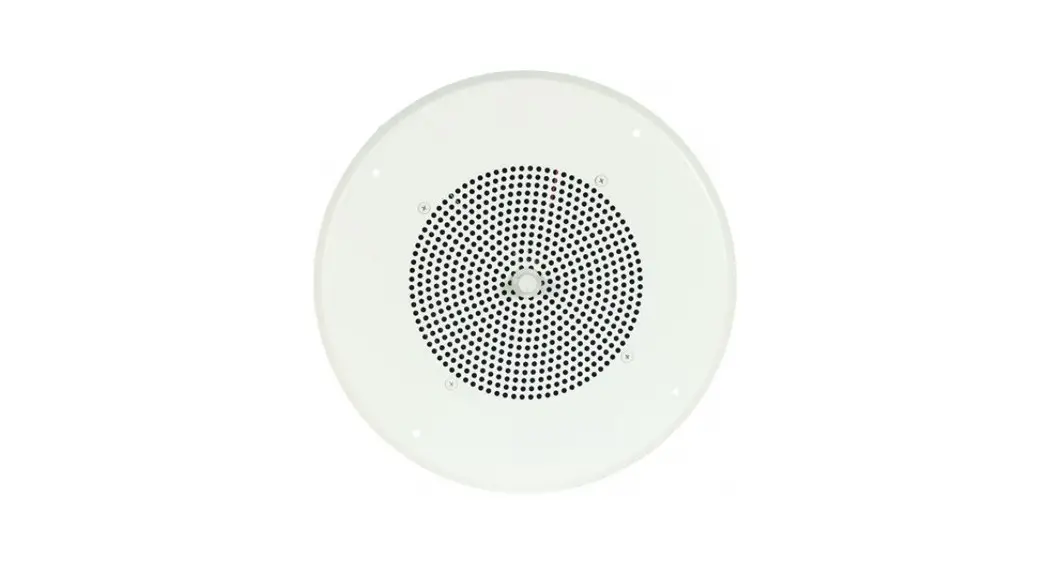
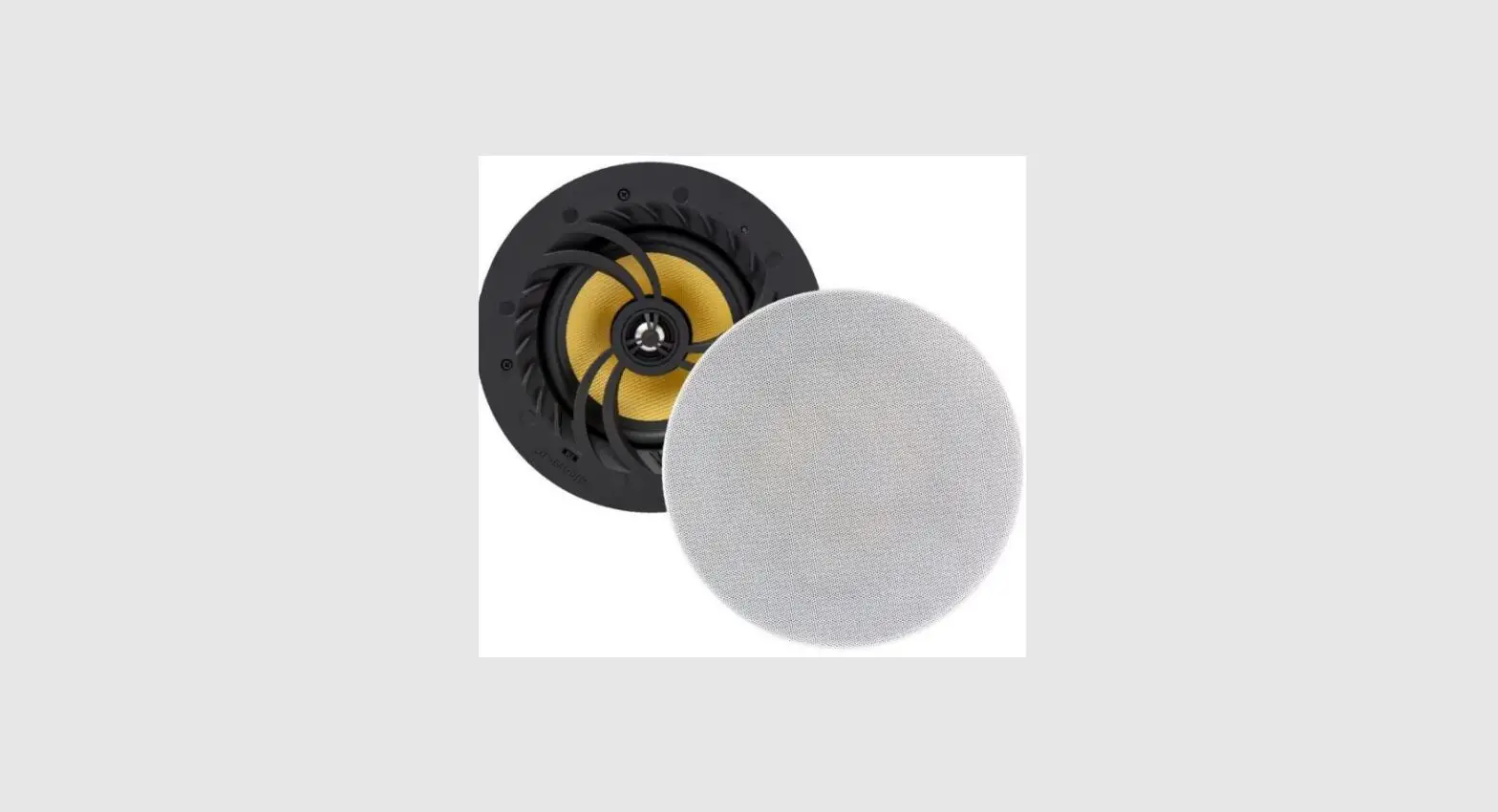
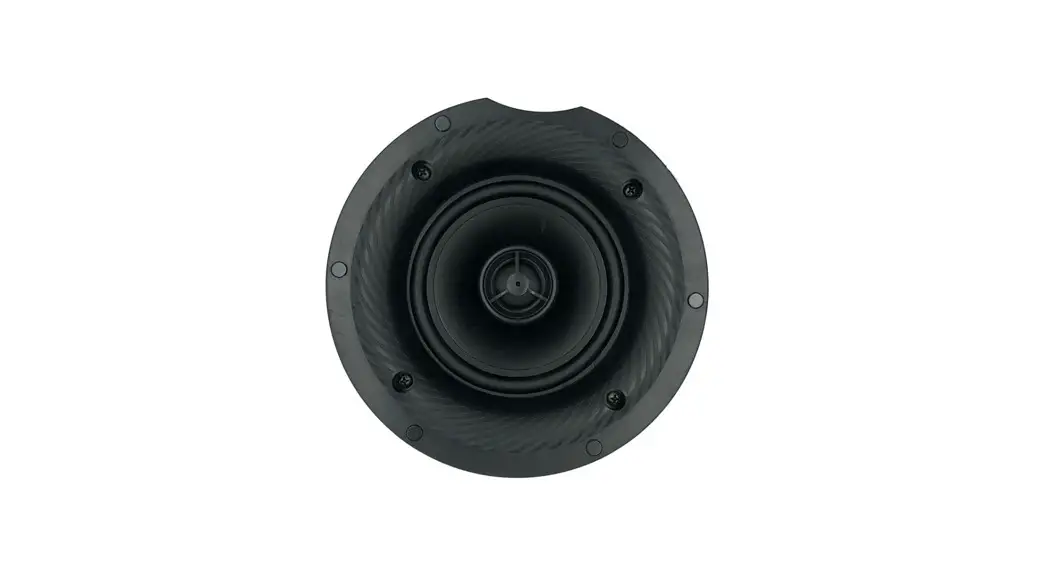
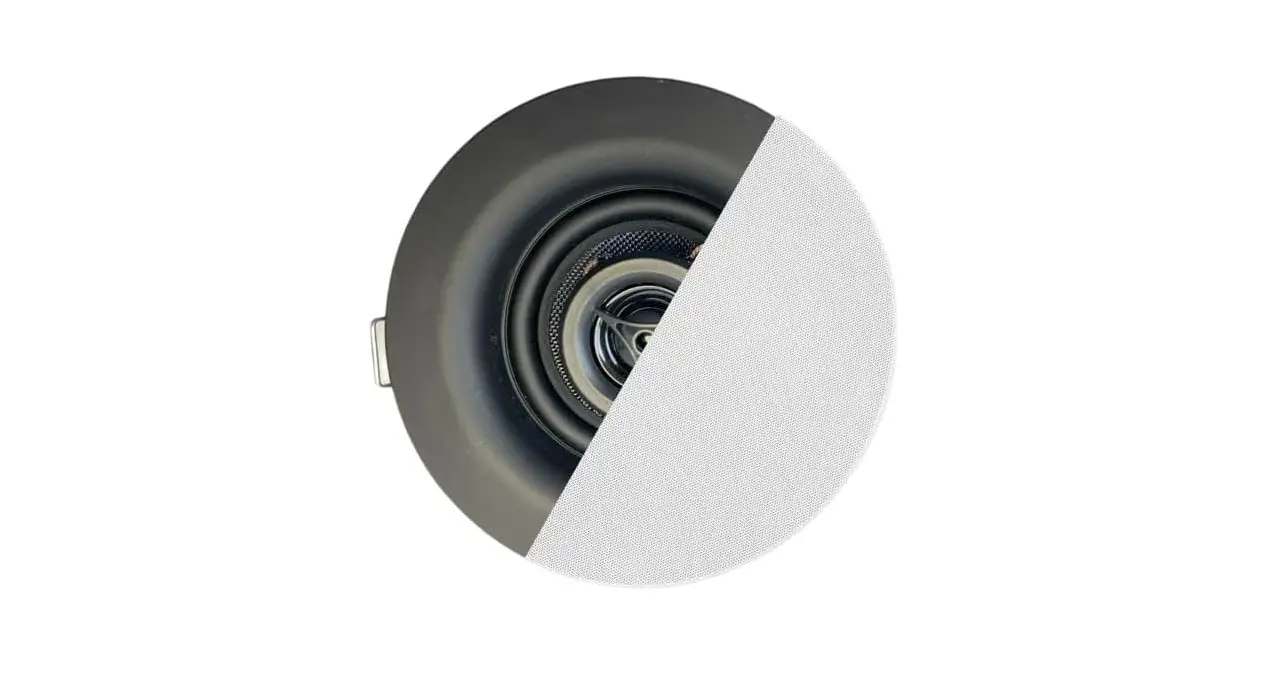
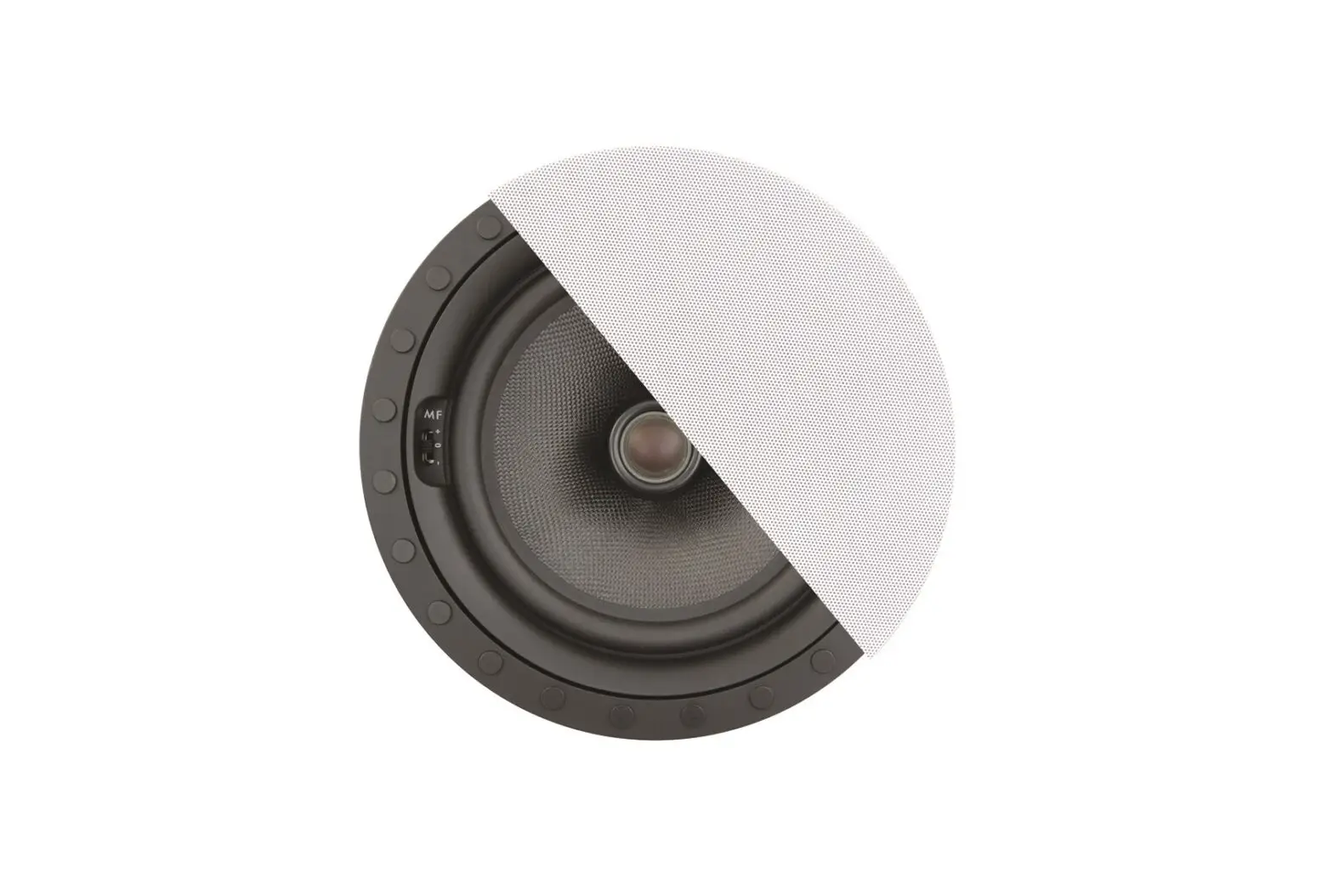
IPD4-BGM-II Series Four-Channel In-Ceiling Speaker with Seamless Grille
Product Information: IPD4-BGM-II Series Install Instructions
For: IPD4-CM52-BGM-II & IPD4-CM62-BGM-II
The IPD4-BGM-II Series is a set of in-ceiling speakers designed
for professional audio installation. The series comes in two
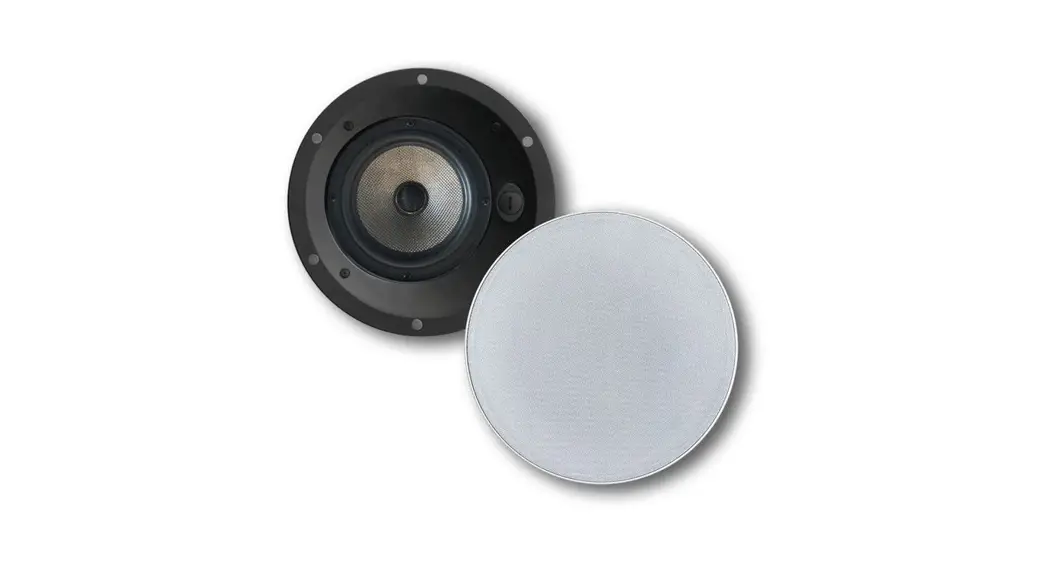
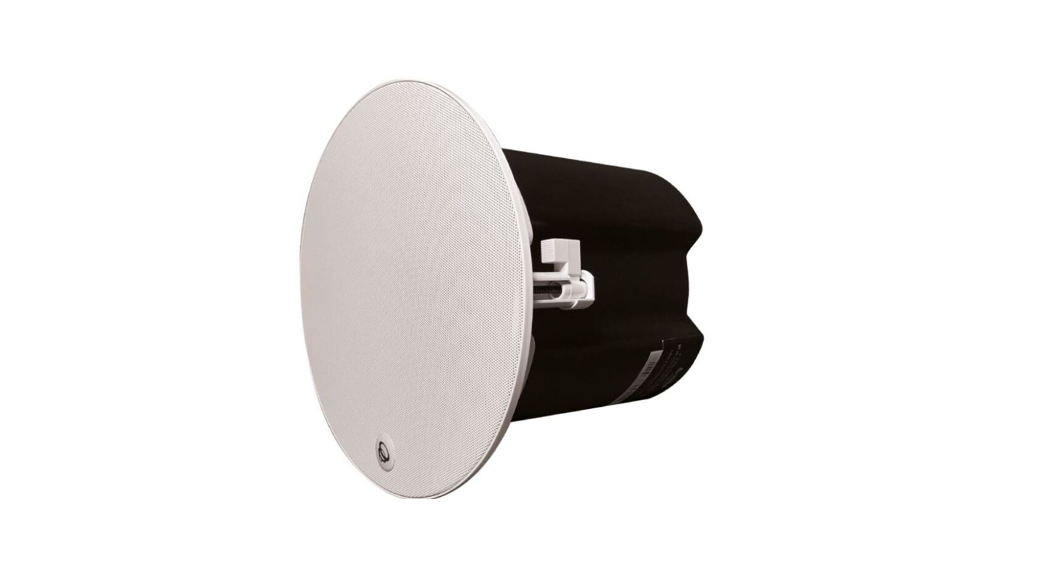
models: IPD4-CM52-BGM-II and IPD4-CM62-BGM-II. The package includes
a speaker, a flexible conduit clamp, a cover plate, a magnetic
grille, and an installation aid/paint mask. The speakers feature a
tile bridge, secondary attachment point, Speed WingTM mounting
arms, baffle, and grille safety restraint. The product comes with
important safety instructions that need to be followed.
Product Usage Instructions
Important Safety Instructions
- Read these instructions.
- Keep these instructions.
- Heed all warnings.
- Follow all instructions.
- Do not use this apparatus near water.
- Clean only with dry cloth.
- Do not block any ventilation openings. Install in accordance
with the manufacturer’s instructions. - Do not install near any heat sources such as radiators, heat
registers, stoves, or other apparatus (including amplifiers) that
produce heat. - Only use the attachments/accessories specified by the
manufacturer. - Unplug this apparatus during lightning storms or when unused
for long periods of time. - Refer all servicing to qualified service personnel. Servicing
is required when the apparatus has been damaged in any way, such as
power-supply cord or plug is damaged, the apparatus has been
exposed to rain or moisture, does not operate normally, or has been
dropped.
Installation Instructions
- Unpack speaker and set aside grille assembly.
- For tile ceilings, use the included tile bridge to mark the
cutout in the tile. For sheetrock/gypsum board ceilings, use the
included tile bridge to mark the cutout in sheetrock. - Use Rotozip or other tool to cut the hole. For tile ceilings
and sheetrock/gypsum board ceilings, the hole diameter should be
266.7 mm (10.50 inches). - For all other ceiling types, nail or screw the bracket to
joists. Secure conduit/signal wire away from the hole in the
bracket. Once installed, complete finish work. - Follow all instructions issued by SoundTube Entertainment for
safety and optimum audio performance of the speakers.
by
IPD4-BGM-II Series Install Instructions For: IPD4-CM52-BGM-II & IPD4-CM62-BGM-II
Tile bridge
Ceiling thickness tolerances
Max
Min
57.1 mm (2.25 in) 0.9 mm (0.035 in)
Flexible conduit clamp Cover plate
Secondary attachment point Speed WingTM mounting arms Baffle
Magnetic Grille Grille safety restraint
Box contents
1 Speaker 1 Flexible conduit clamp 1 Cover plate 1 Magnetic grille 1 Installation aid/paint mask
855.663.5600 | 913.663.5600 | www.soundtube.com
© 2021 MSE Audio, and SoundTube Entertainment, Inc. All rights reserved. P# INS-IPD4-BGM-II Rev02.14.2023
Warning
SoundTube speakers must be installed by a professional audio installer/contractor. For safety and for optimum audio performance, installer must follow all directions issued by SoundTube Entertainment.
Haut-parleurs SoundTube doivent être installés par un installateur / contracor de l’audio professionnel. Par mesure de sécurité et pour des performances audio optimales, l’installateur doit suivre toutes les directives émises par SoundTube Entertainment.
Warning
Do not spec or install speaker near support beam, ventilation duct or other structure that may interfere with speaker function or dispersion.
Ne spécifiez pas ou installer haut-parleur près de poutre de support, une conduite d’aération ou une autre structure qui pourrait interférer avec la fonction haut-parleur ou de dispersion.
IPD4-BGM-II Series Install Instructions For: IPD4-CM52-BGM-II & IPD4-CM62-BGM-II
Important Safety Instructions
1) Read these instructions.
2) Keep these instructions.
3) Heed all warnings.
4) Follow all instructions.
5) Do not use this apparatus near water.
6) Clean only with dry cloth.
7) Do not block any ventilation openings. Install in accordance with the manufacturer’s instructions.
8) Do not install near any heat sources such as radiators, heat registers, stoves, or other apparatus (including amplifiers) that produce heat.
9) Only use the attachments/accessories specified by the manufacturer.
10) Unplug this apparatus during lightning storms or when unused for long periods of time.
11) Refer all servicing to qualified service personnel. Servicing is required when the apparatus has been damaged in any way, such as power-supply cord or plug is damaged, the apparatus has been exposed to rain or moisture, does not operate normally, or has been dropped.
Consignes de sécurité importantes
1) Lisez ces instructions.
2) Conservez ces instructions.
3) Respectez tous les avertissements.
4) Suivez toutes les instructions.
5) Ne pas utiliser cet appareil près de l’eau.
6) Nettoyer seulement avec un chiffon sec.
7) Ne pas bloquer les ouvertures de ventilation. Installer conformément aux instructions du fabricant.
8) Ne pas installer près de sources de chaleur telles que des radiateurs, registres de chaleur, poêles ou autres appareils (incluant les amplificateurs) qui produisent de la chaleur.
9) Utiliser uniquement les fixations / accessoires spécifiés par le fabricant.
10) Débranchez cet appareil pendant les orages ou si inutilisé pendant de longues périodes de temps.
11) Confiez toute réparation à un personnel qualifié. Une réparation est nécessaire lorsque l’appareil a été endommagé de quelque façon que ce cordon d’alimentation ou la fiche est endommagé, l’appareil a été exposé à la pluie ou à l’humidité, s’il ne fonctionne pas normalement ou s’il est tombé.
This device complies with Part 15 of the FCC Rules / Industry Canada licence-exempt RSS standard(s). Operation is subject to the following two conditions: (1) this device may not cause harmful interference, and (2) this device must accept any interference received, including interference that may cause undesired operation.
Le présent appareil est conforme aux CNR d’Industrie Canada applicables aux appareils radio exempts de licence. L’exploitation est autorisée aux deux conditions suivantes : (1) l’appareil ne doit pas produire de brouillage, et (2) l’utilisateur de l’appareil doit accepter tout brouillage radioélectrique subi, même si le brouillage est susceptible d’en compromettre le fonctionnement.
Changes or modifications not expressly approved by the party responsible for compliance could void the user’s authority to operate the equipment.
This equipment has been tested and found to comply with the limits for a Class B digital device, pursuant to part 15 of the FCC Rules. These limits are designed to provide reasonable protection against harmful interference in a residential installation. This equipment generates uses and can radiate radio frequency energy and, if not installed and used in accordance with the instructions, may cause harmful interference to radio communications. However, there is no guarantee that interference will not occur in a particular installation. If this equipment does cause harmful interference to radio or television reception, which can be determined by turning the equipment off and on, the user is encouraged to try to correct the interference by one or more of the following measures: –Reorient or relocate the receiving antenna. –Increase the separation between the equipment and receiver. –Connect the equipment into an outlet on a circuit different from that to which the receiver is connected. –Consult the dealer or an experienced radio/TV technician for help.
855.663.5600 | 913.663.5600 | www.soundtube.com
IPD4-BGM-II Series Install Instructions For: IPD4-CM52-BGM-II & IPD4-CM62-BGM-II
1. Unpack speaker & set aside grille assembly.
Ceiling preparation – For Tile Ceilings
2. Use included tile bridge to mark cutout in tile.
3. Use Rotozip or other tool to cut hole.
Hole Diameter 266.7 mm (10.50 in)
Ceiling preparation – For Sheetrock / gypsum board ceilings
2. Use included tile bridge to mark cutout in sheetrock.
3. Use Rotozip or other tool to cut hole.
Hole Diameters 266.7 mm (10.50 in)
855.663.5600 | 913.663.5600 | www.soundtube.com
Ceiling preparation – For all other ceiling types
Speaker Outputs
3
2
1
+-+-+-
2. Nail or screw bracket to joists. Secure conduit/signal wire away from hole in bracket. Once installed, complete finish work.
3. Use Rotozip or other tool to cut hole.
Hole Diameter 266.7 mm (10.50 in)
4. Run signal wires through conduit, terminate with RJ45 connector, then plug into speaker. If local power is required at speaker (non-POE installation), connect appropriate DC power supply to barrel connector on speaker input panel. Contact SoundTube for questions about installations requiring local power.
5. Add up to 3 additional passive CM52-BGM-II or CM62-BGM-II speakers to the output speaker connector on the IP speaker.
Set passive speakers to transformer-bypass setting.
Note: if using only 1 additional speaker use speaker output 1
6. To connect wires to the Euro-Block connector loosen the screws, insert a 1/4″ in of stripped wire and tighten the screws. Please make note of wire polarity in Step 5.
Note: make sure there are no loose strands of wire.
7. Tighten screw on terminal plate, and push conduit connector into knockout.
8. If required, a sheet-metal tab located on the rear panel of the speaker serves as a secondary point of attachment (cable not included).
9. Insert speaker into mounting hole with installation aid in place. Screw down both bolts on the baffle face to actuate the mounting wings. Firmly secure both bolts do not over-tighten.
1.
2.
10. Attach grille safety clip by placing the large end of the clip over snap-fit post (1), then sliding clip until small end snaps into place around post (2).
11. Place grille onto baffle. (The grille is held in place by magnets in the baffle.)
12. Done!
 SoundTube Entertainment - Home | MSE Audio - MSE Audio