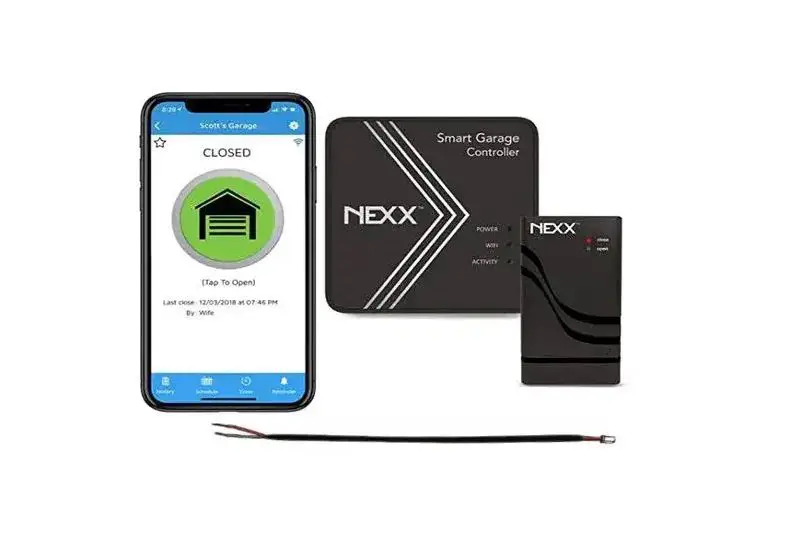
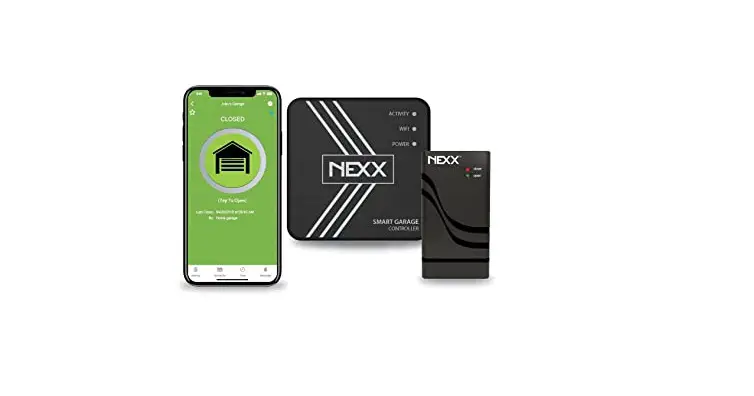
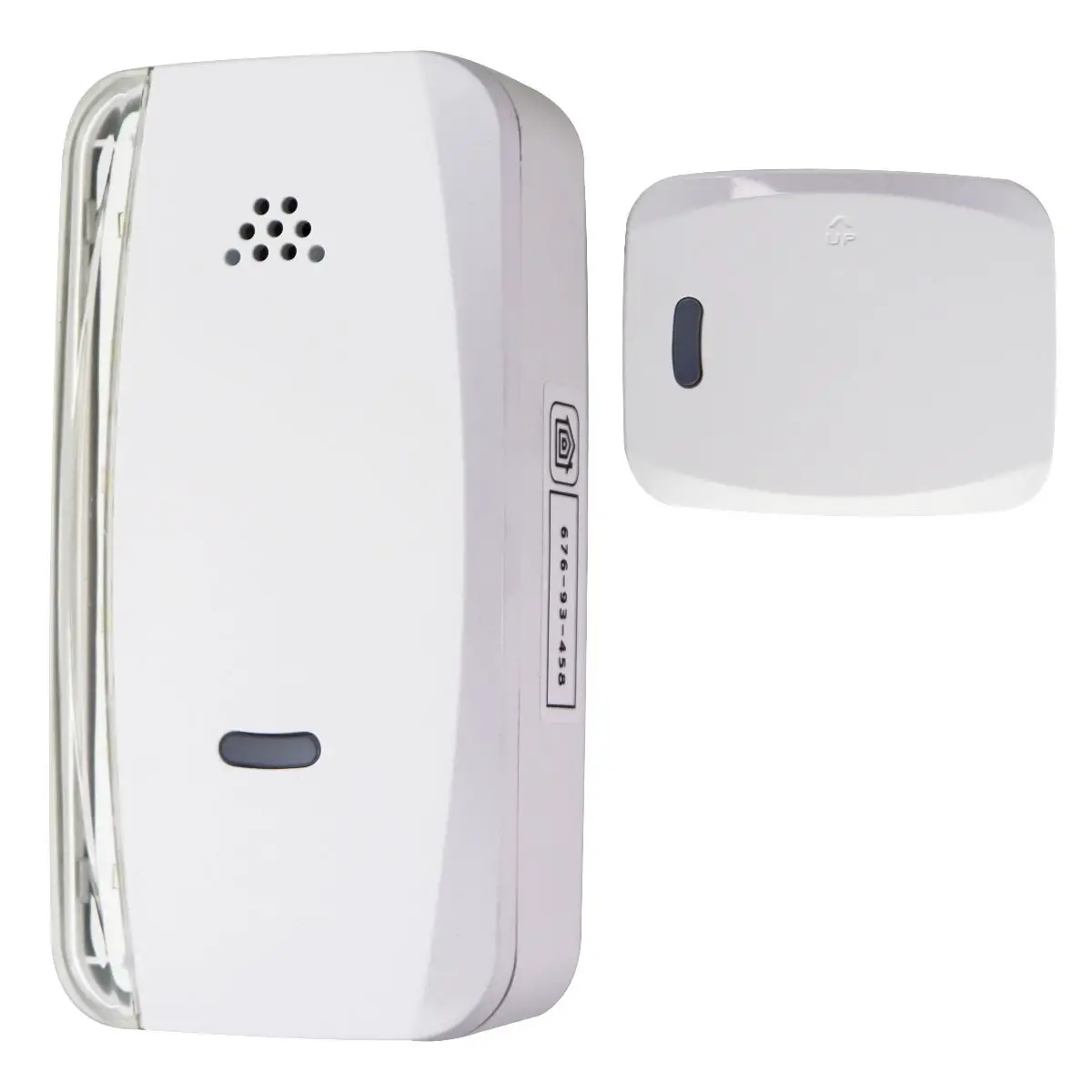
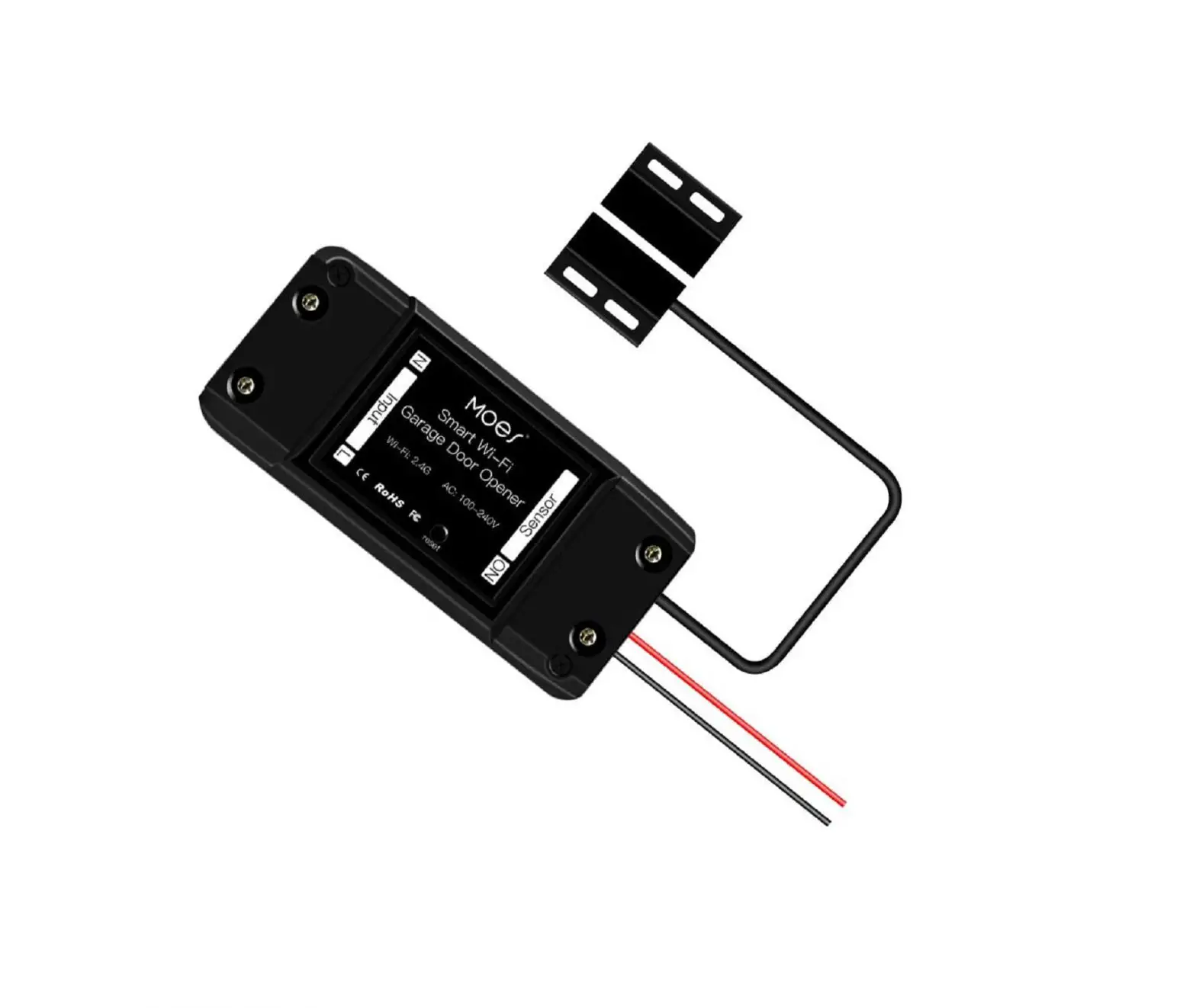
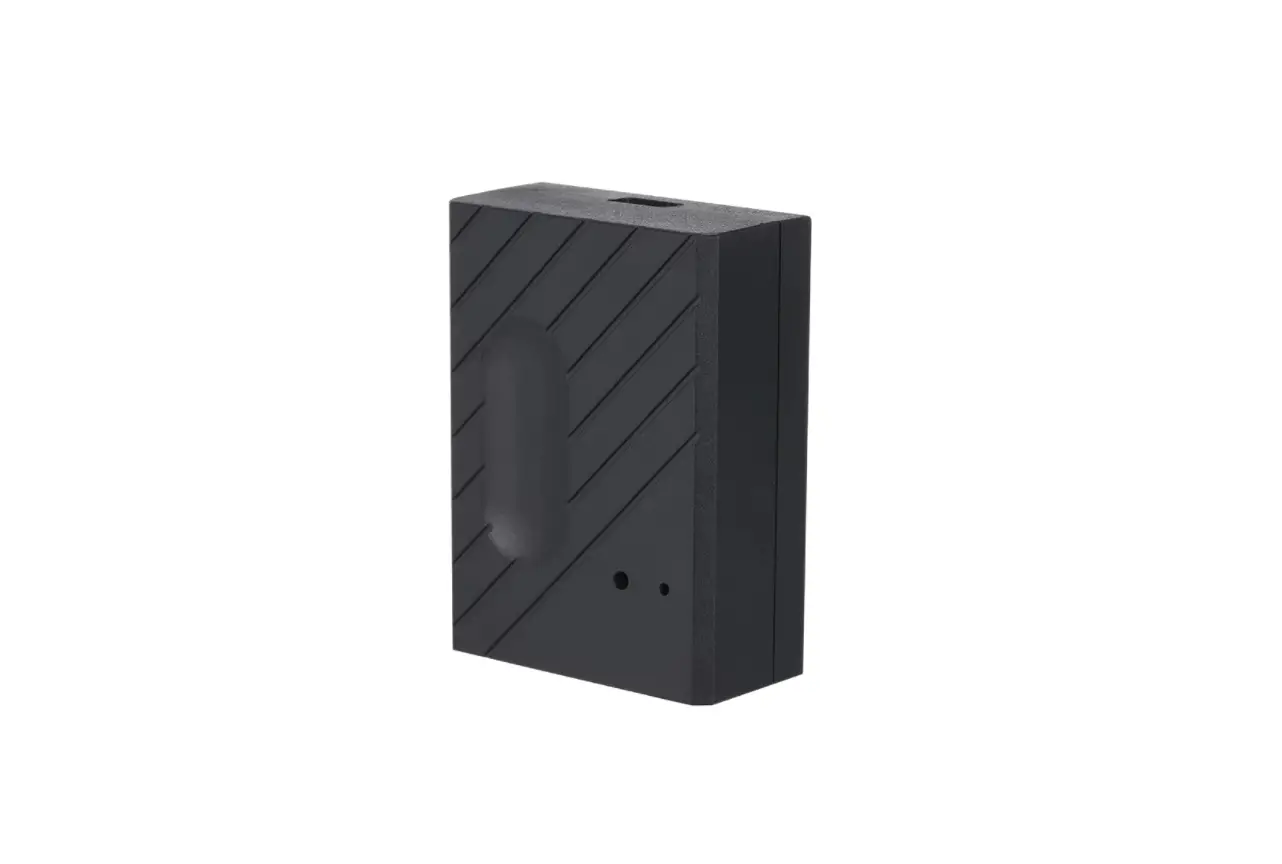
NXG-300 Smart WiFi Garage Door Controller
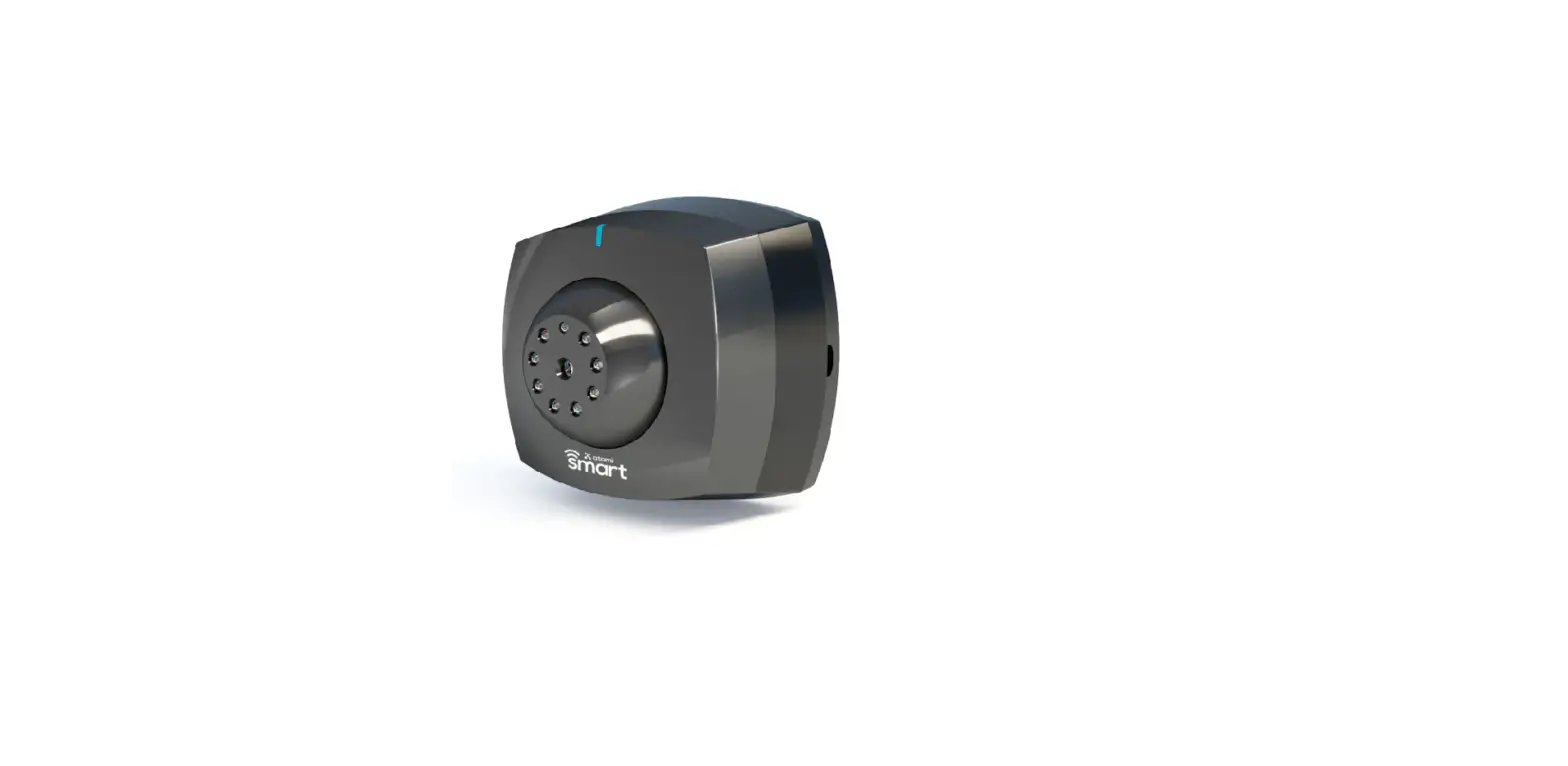
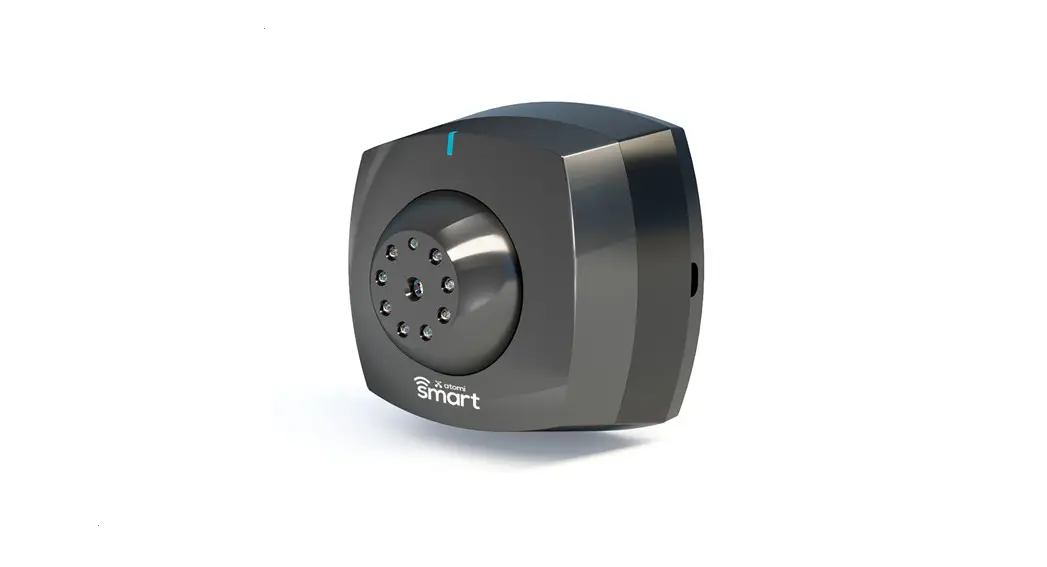
NEXX NXG-300 Smart Wi-Fi Garage Door Controller
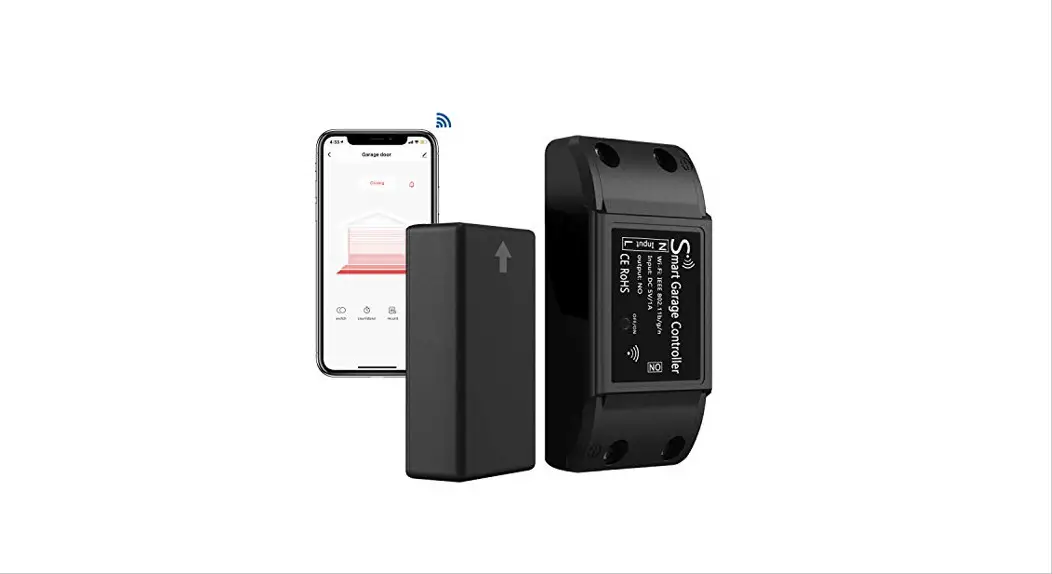
The NEXX NXG-300 Smart Wi-Fi Garage Door Controller allows you
to control your garage door using your smartphone or voice
commands. The device connects to your home’s Wi-Fi network and
communicates with your garage door opener, allowing you to open and
close your garage door from anywhere in the world.
Before Installation:
- Make sure you have the Wi-Fi network and password before
starting. - Watch the video tutorial of the installation process at
https://getnexx.com/products/nexx-smart-wi-fi-garage-door-controller-nxg-300
What Comes in the Box:
- NEXX NXG-300 Smart Wi-Fi Garage Door Controller
- Power Supply
- Installation Manual
Set Up and Installation:
- Ensure that you are close to the router and have a strong Wi-Fi
signal for the device to work properly. - Download the NEXX HOME app from the app store and create an
account. - Connect the power supply to the NEXX device.
- Once you have a steady ORANGE ACTIVITY light, log in to the
NEXX app and add a device. - Follow the prompts on the screen to configure the account and
complete the set-up process.
Connecting the NEXX Device to the Gate Operator:
- Identify which limit switch is the close limit. The location of
the limit switch is on the board. - Connect the wires from the NEXX device to the back of the gate
operator, making sure to follow the polarity as indicated on the
sticker. - If you have any questions, please call All-O-Matic Tech Support
at (818) 787-1988. Tech Support is available Monday-Friday from
7:00 am to 3:30 pm.
NEXX NXG-300 Quick Start Instructions
BEFORE INSTALLATION
Make sure you have the
Wi-Fi network and password
before starting.
A video tutorial of the installation process can be found at
https://getnexx.com/products/nexx-smart-wi-fi-garage-door-
controller-nxg-300
WHAT COMES IN THE BOX
SET UP AND INSTALLATION
Make sure you are close to the router and have a strong Wi-Fi signal for the device to work properly.
to download the app can be found in the manual included in the box. Open the NEXX HOME app and create an account. Connect power supply to the NEXX device. Once you have a steady ORANGE ACTIVITY light, log in to the NEXX
add a device. Follow the prompts on the screen to configure the account and complete the set-up process.
CONNECTING THE NEXX DEVICE TO THE GATE OPERATOR
You will need to identify which limit switch is the close limit. The on the board.
Connect the the back of the device. Please note polarity does matter when connecting the wires to the board. You will find a sticker identifying which wire from the device connects to what terminal on the operator circuit board. Please see pictures below.
Please call All-O-Matic Tech Support at (818) 787-1988 with any questions. Tech Support is available Monday-Friday from 7:00 am to 3:30 pm.