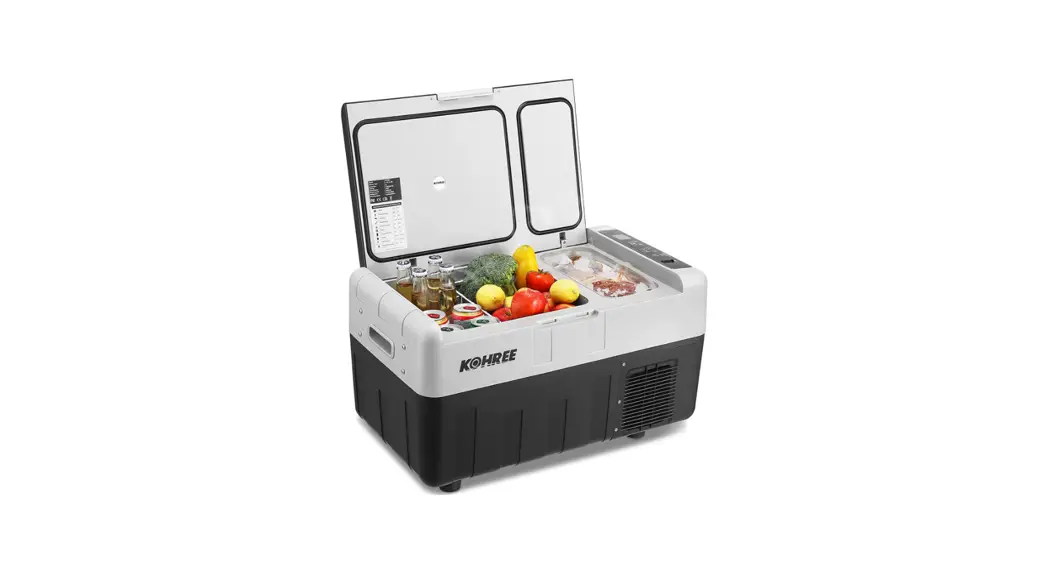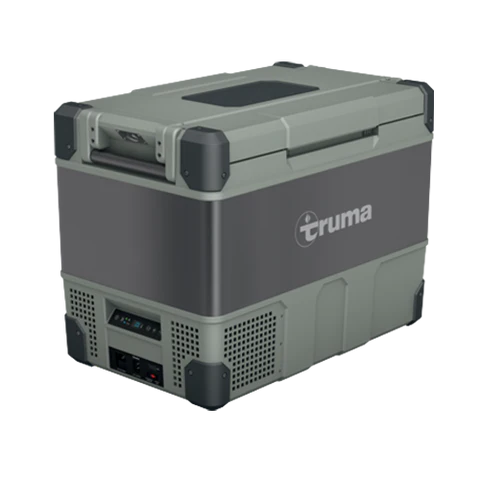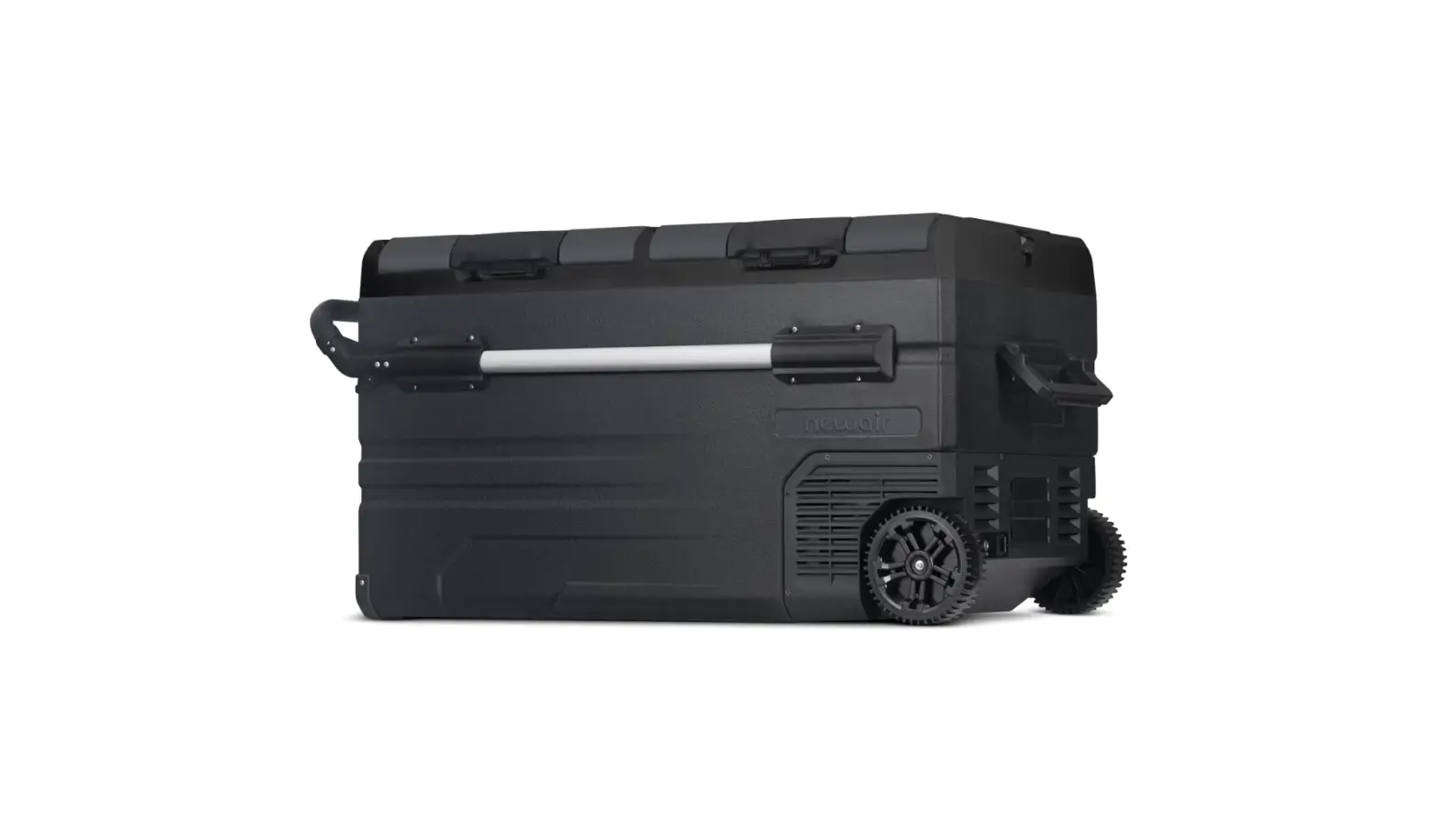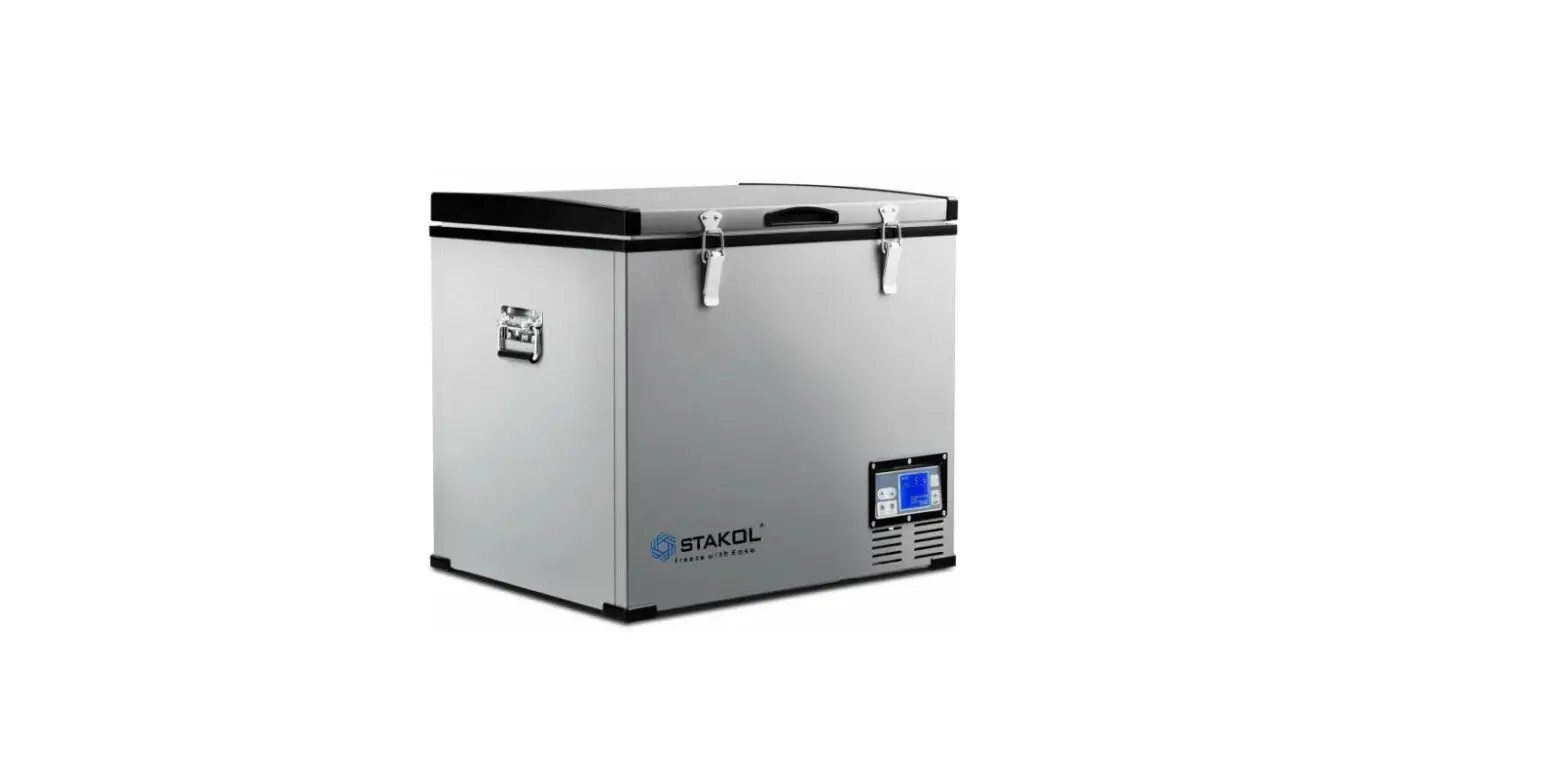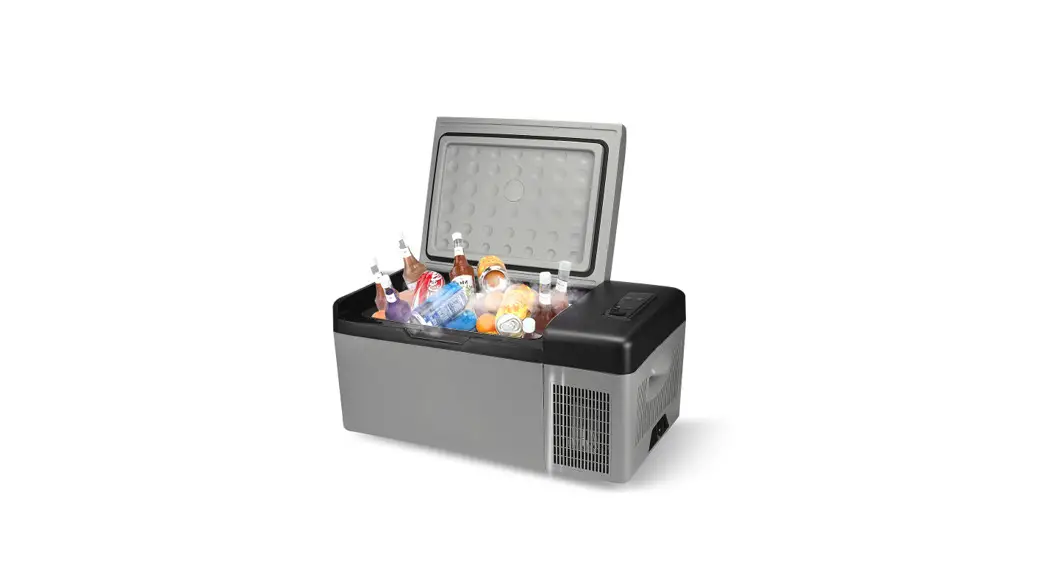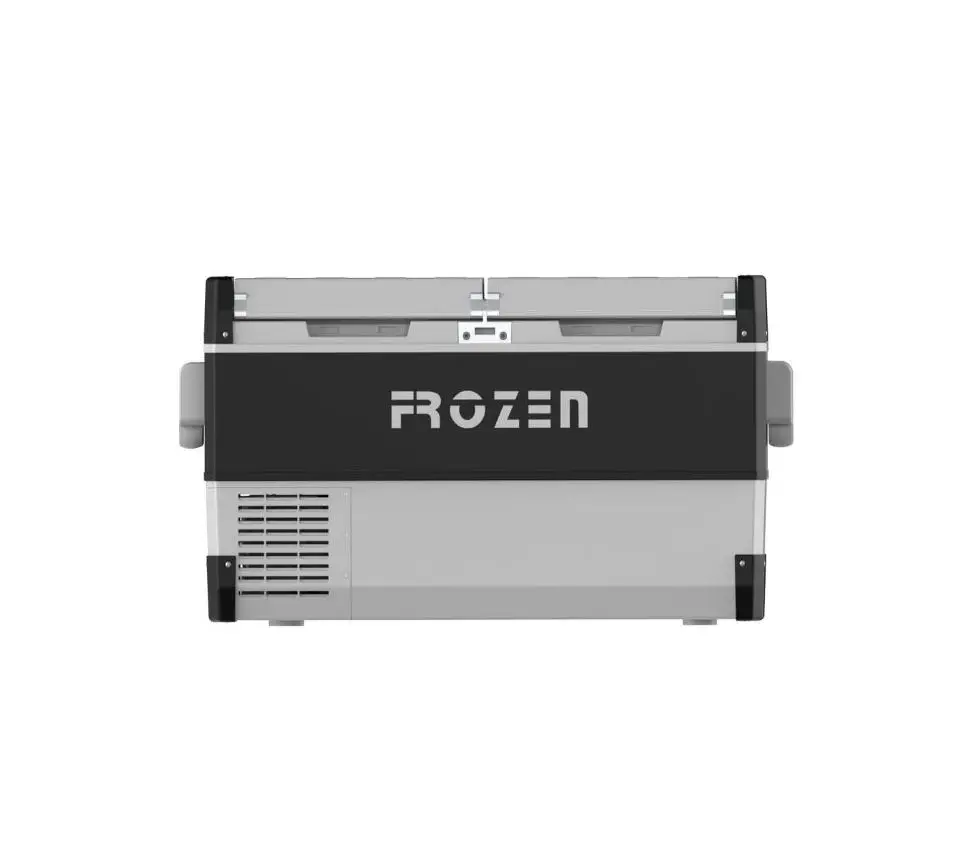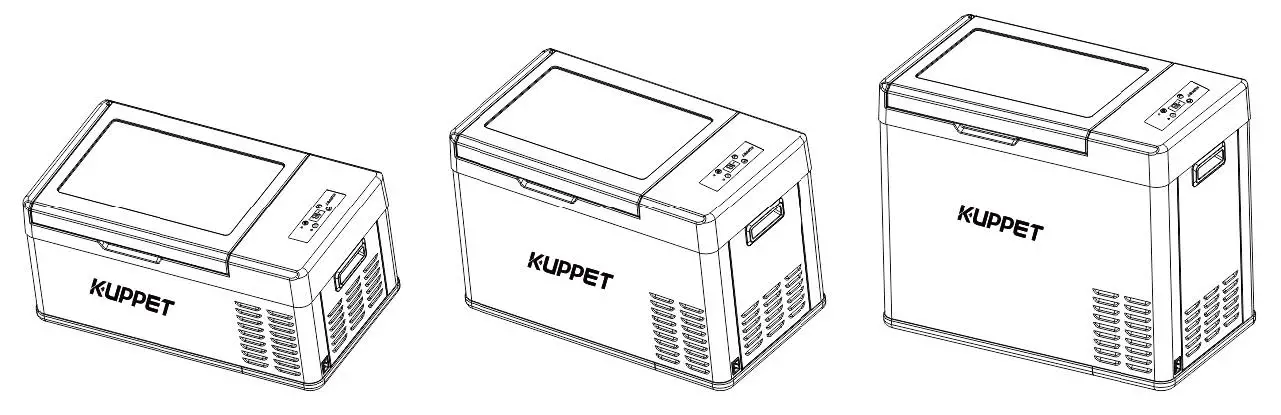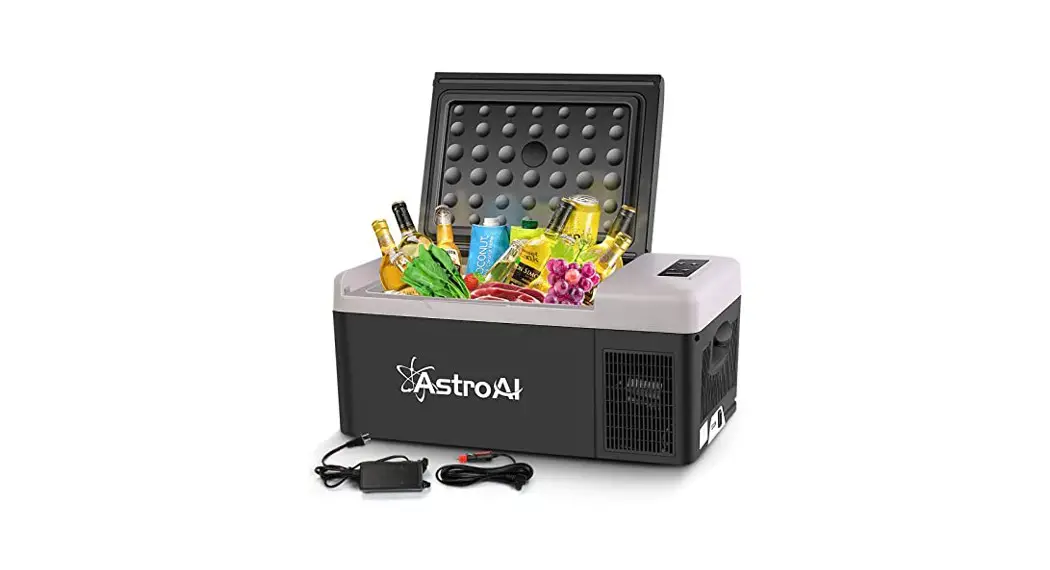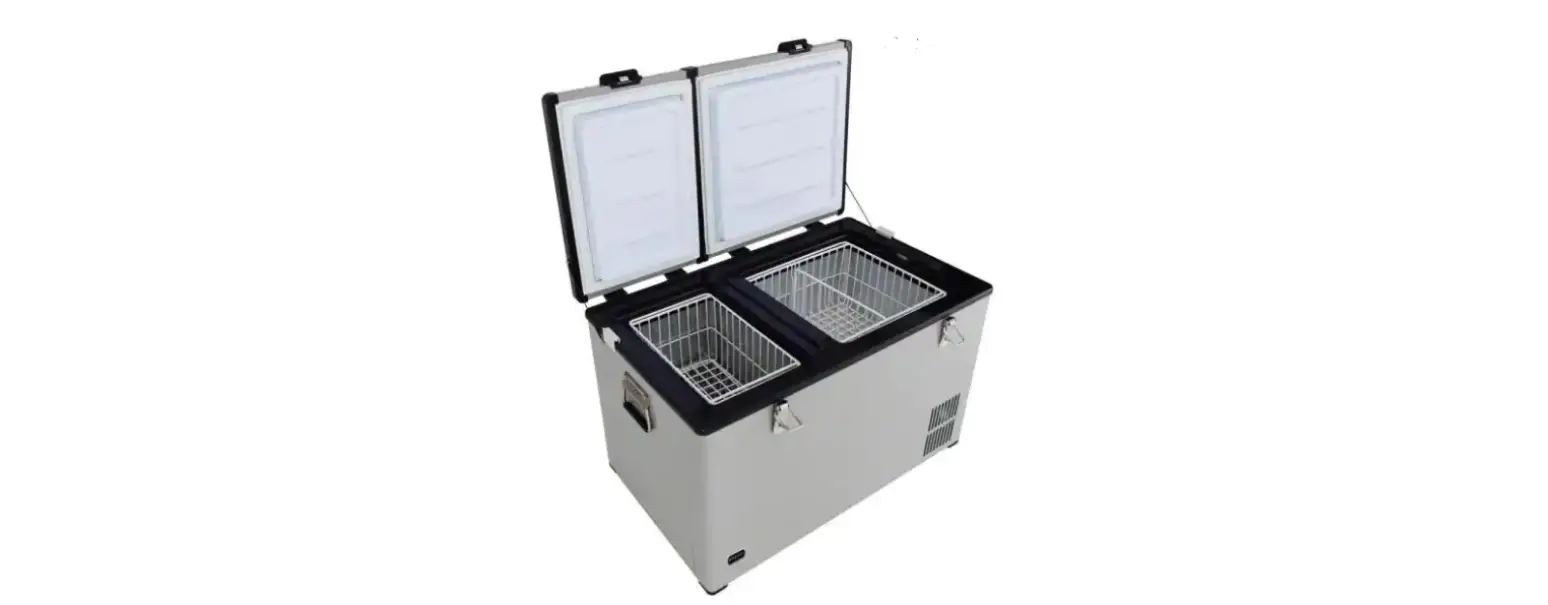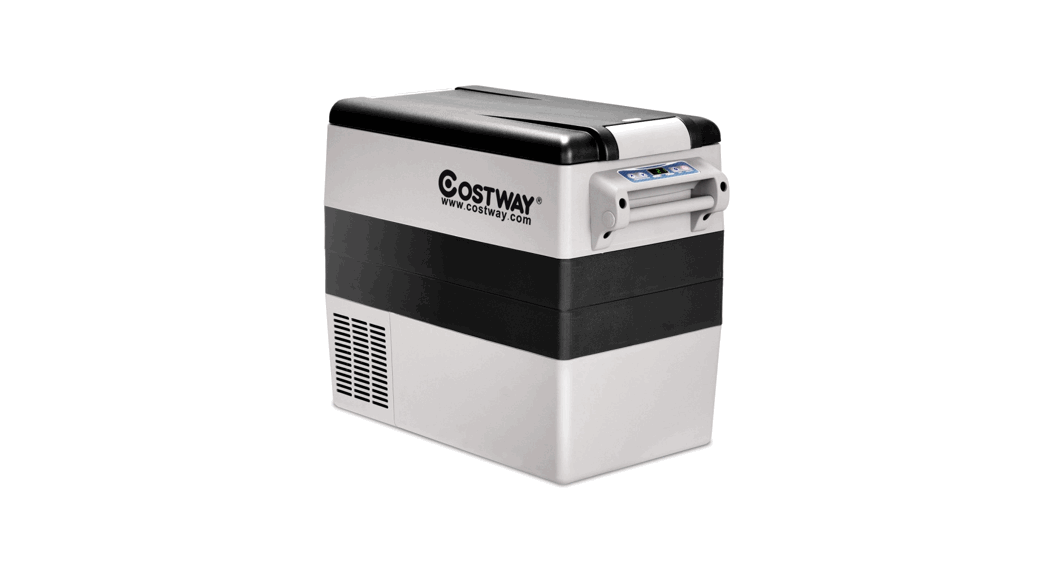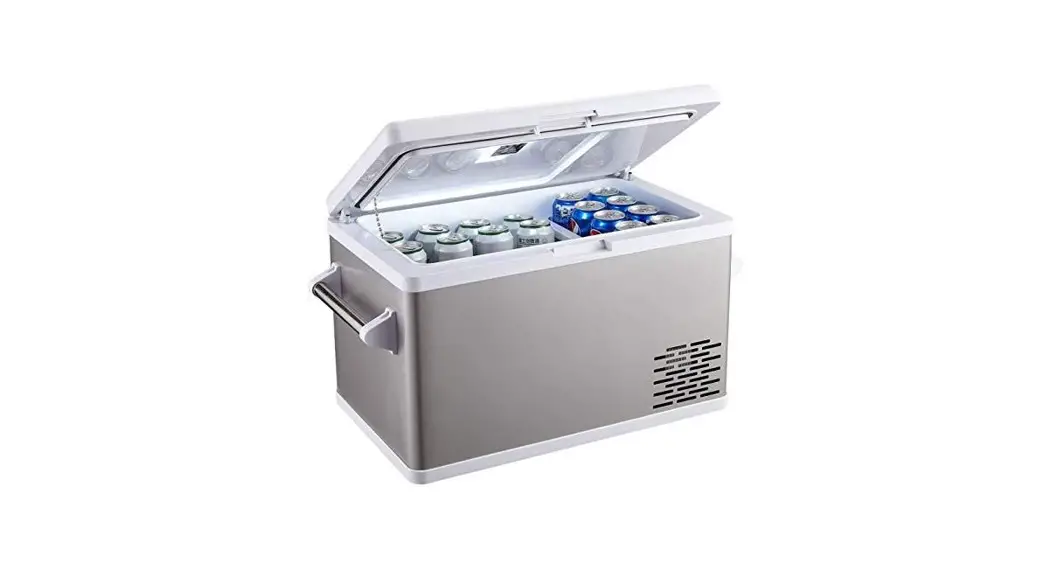
OEM QPR-04 Car Fridge Portable Freezer Cooler User Manual
Key Product Features
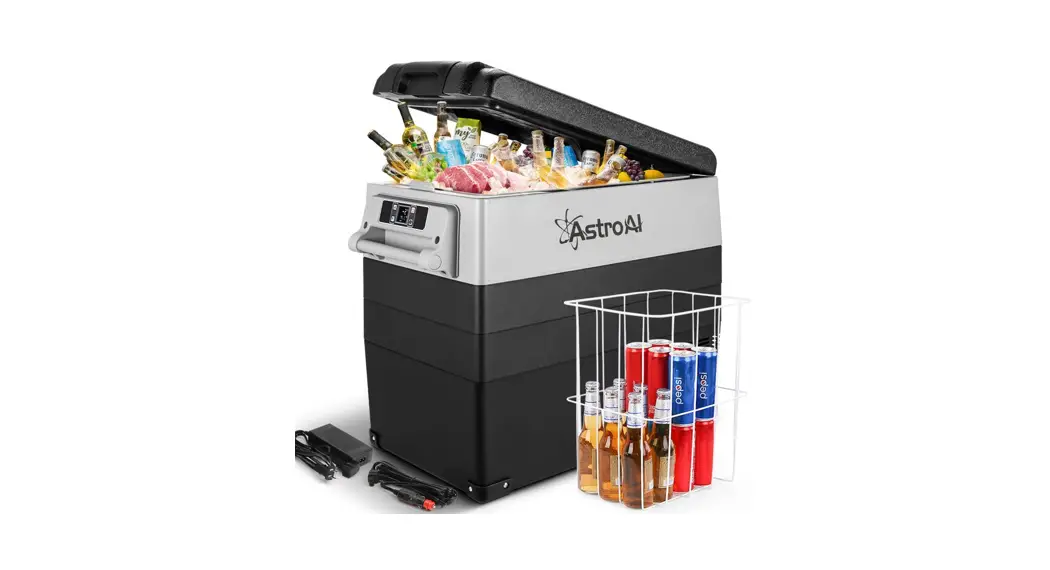
- High efficiency and energy saving DC compressor, high reliability, long service life, fast refrigeration speed, can be used for refrigeration and deep freezing;
- Adopt fluorine-free environmental insulation layer, high efficiency, low energy consumption;
- The outer box is made of high-quality plastic parts, and the appearance is beautiful;
- Dual-use car and home, car 12/24V DC or household 100-240V AC with power adapter for work.
Notes For Using
 Warning: Do not use your refrigerator if any cable is damaged, frayed or there is exposed wiring.
Warning: Do not attempt to touch the power plug or continue to operate your refrigerator if it is wet or your hands are wet.
 When using the refrigerator in the vehicle or boat, please be sure that the electricity has a fuse if using mains electricity.
- Good Ventilation: Your refrigerator requires good ventilation around it, space on the back of the refrigerator at least ≥8 inches, side of the refrigerator ≥4 inches.
- Avoid the heat: The refrigerator should be placed in the area where with good ventilation, kept away from heat and avoid direct sunlight.
- Stable placement: The location of the refrigerator should be flat and sturdy, when placing it in the car, please use a strap to tighten the cabinet and make sure the refrigerator is fixed.
 The installation of the DC power source in the boat should be handled by a qualified & professional person.
- Please make sure the power should be off when charging with a high-speed battery.
- Make sure the voltage connection is right at all times, at the bottom of the products, the approved voltage parameters should be marked on the label.
- Don’t place any electrical devices inside the refrigerator.
 Avoid Moisture: The refrigerator should avoid the moisture in case of rusting; Do not rinse with water in case of insulation failure and electrical leakage failure.
 When using the refrigerator in the vehicle or boat, please be sure that the electricity has a fuse if using mains electricity.
 The installation of the DC power source in the boat should be handled by a qualified & professional person.
 Avoid Moisture: The refrigerator should avoid the moisture in case of rusting; Do not rinse with water in case of insulation failure and electrical leakage failure.
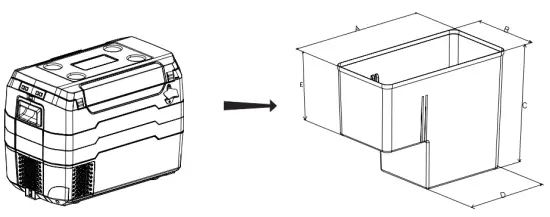
Interior Dimension
Function Description & Operation Method
DC12V/24V (In-Car Use)
Plug the DC power connector into the inlet of the refrigerator
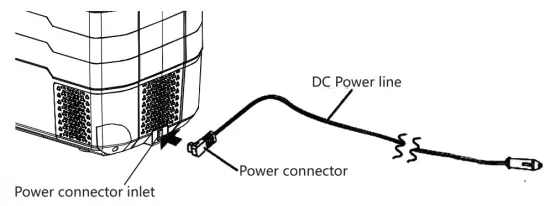
Insert the DC Plug into the cigarette lighter socket of the vehicle.

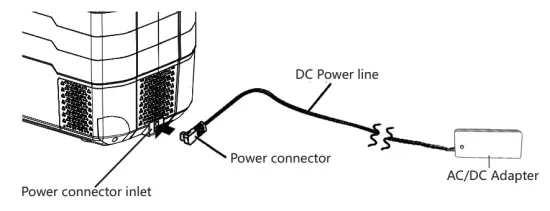
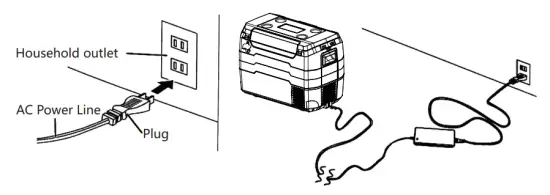
AC100-240V,50/60Hz (at home or in office)
Insert the AC power line into AC connector inlet on the adapter

Plug one end of DC power connector into the adapter, and the other end into the inlet of the refrigerator
Plug the AC power line into the wall socket (AC 100-240V,50/60Hz)
Part Name
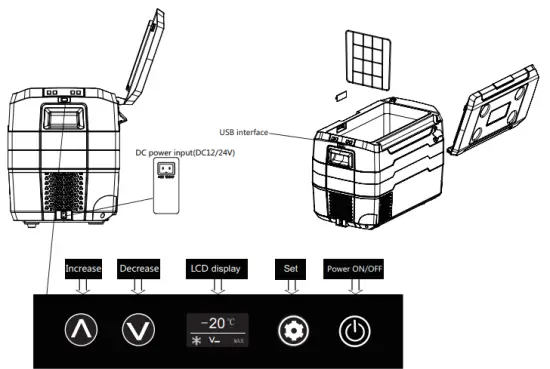
- ON/OFF
Long press for 5 seconds to turn it on/off.
Note: After shutting down the car fridge and restarting, there are 3 minutes delay for the compressor to start to work. - Temperature Set
Press or to set desired temperature. After operation, the display will flash for 5 seconds and confirm the setting.
Note: T he cabinet temperature in the fridge > the setting temperature(+3℃), and turned on. When the cabinet temperature in the fridge = the setting temperature, the compressor stops working.
 - Parameter Functions
℃: Celsius degree ℉: Fahrenheit degree
ECO: Energy saving mode MAX: Fast cooling mode : low/med/high battery protection
Press and display℃, repeat press the button, display ECO MAX in turn When the corresponding parameter flashes, stop pressing to confirm the parameter setting. - Battery Protection Function
There is a built-in battery protection module, which can automatically monitor the car battery voltage. Before the battery power consumption affects the normal start of the car, the car fridge will automatically stop working and the LCD screen display the “E1” code to ensure that the car battery will not be exhausted.
Note: The voltage level is testing the voltage value of input terminal of the compressor, not the output terminal of the car battery. - Power Memory Function
After restart, the temperature set will be the same with the one you set before power off.
 for 5 seconds to turn it on/off.
 or to set desired temperature. After operation, the display will flash for 5 seconds and confirm the setting.
 turned on. When the cabinet temperature in the fridge = the setting temperature, the compressor stops working.
 : low/med/high battery protection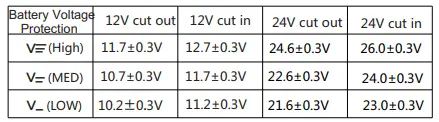
Troubleshooting
Error Situation
The refrigerator does not work
- Check if the power supply is connected correctly (whether the plug is loose, whether the positive and negative poles are connected correctly)
- Check if the ventilation conditions are normal
- Check if the fuse is blown
- Check if the power switch on the control panel is turned on
Abnormal noise in the refrigerator
- The car refrigerator is not placed evenly
- Hit the wall or other items
- Internal parts are loose or fall off
Condensation on the surface of the refrigerator
- When the ambient humidity is >75%, the surface of the cabinet may be slightly condensed. The higher the humidity, the greater the probability of occurrence will be, which is normal.
Poor refrigeration performance
- Too much food inside the unit and block the cold air flow
- The door is not closed properly
- The door sealing strip is damaged or deformed, and the sealing property is deteriorated
- Poor ventilation in the car
- Too much hot food
- Improper working mode of the refrigerator
- The unit is exposed to direct sunlight or near heat source
- Temperature is not set correctly
Noise similar to “water flow” from inside the unit
- This is the flow sound of the refrigerant, which is normal.
There will be a loud sound when the compressor starts up
- When the compressor starts, the sound will be slightly larger, and the sound will decrease after the speed is stable, which is normal.
How To Fix
| Error Code | Problems | Solution Method |
| Er0 | Temperature sensor cutting out | Change the temperature sensor line |
| Er1 | Battery protection cuffing out | 1.Change/charge the battery 2.Lower battery protection switch to lower setting |
| Er2 | Fan overload cutting out | Clean fan or change the fan |
| Er3 | Motor start error (the rotor is blocked or the differential pressure in refrigeration system is too high | Disconnect power for 30 minutes then re-start |
| Er4 | Compressor speed error protection. | Reduce load on refrigeration system, increase temperature setting. Change the main controller |
| Er5 | Thermal cut-out (overload or internal temp too high) | Move refrigerator to a well ventilated place, allow compressor to cool, then re-start. Ensure all vents and internals are clean. Clean with compressed air. |
| Er9 | Temperature sensor disconnection | 1Tighten the temperature sensor line 2. Change the temperature sensor line |
Cleaning & Maintenance
Cleaning method:
Clean the appliance inside and out with a clean damp cloth every two weeks.
If it is dirty, wipe it with a neutral detergent and then wipe it dry with a damp cloth. If there is too much water, you can use the drainage pipe at the bottom of the tank to drain.
It is forbidden to wash the refrigerator directly with water in order to avoid the decrease of electrical insulation and the rust of sheet metal.
The following things will damage the coated surface, plastic parts, such as alkaline detergent, soap, grinding powder, hot water, brushes, toluene water, gasoline, alcohol.
Maintenance of plastic parts:
To properly protect the seals, clean the plastic parts frequently and try to avoid heavy impact during use. If oil(animal or vegetable oil) is attached plastic parts for a long time, the plastic will easily deteriorate and crack and smells bad. Do not store products inside the refrigerator if the unit is not on.
Technical Parameters
| CLIMATIC CATEGORY | T,ST,N,SN |
| PROTECTIVE CLASSIFICATION OF ELECTRIC SHOCK RESISTANCE | III |
| RATED VOLTAGE DC (V) | DC12V/24V |
| ADAPTER INPUT | AC100-240V,50/60Hz , 2.5A |
| ADAPTER OUTPUT DC FUSE (A) | DC14.5V  . 6.0A . 6.0A15A |
| TOTAL INPUT POWER (W) | 55W |
| RATED CURRENT FOR DC (A) | 4.6A/2.3A |
| REFRIGERANT (g) | 40g |
| FOAM VESICANT | C5H10/C-Pentane |
| TEMPERATURE ADJUSTMENT RANGE | -4°F to 50°F (-20°C to 10°C) |
Due to product improvements and technical updates, the parameters are subject to change without notice, detailed information is in accordance with the final product.