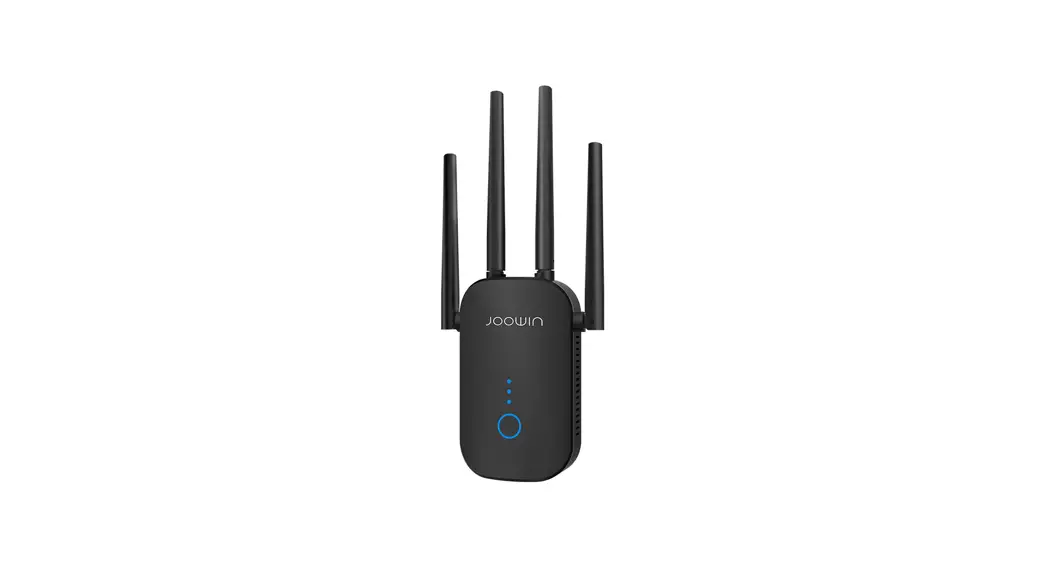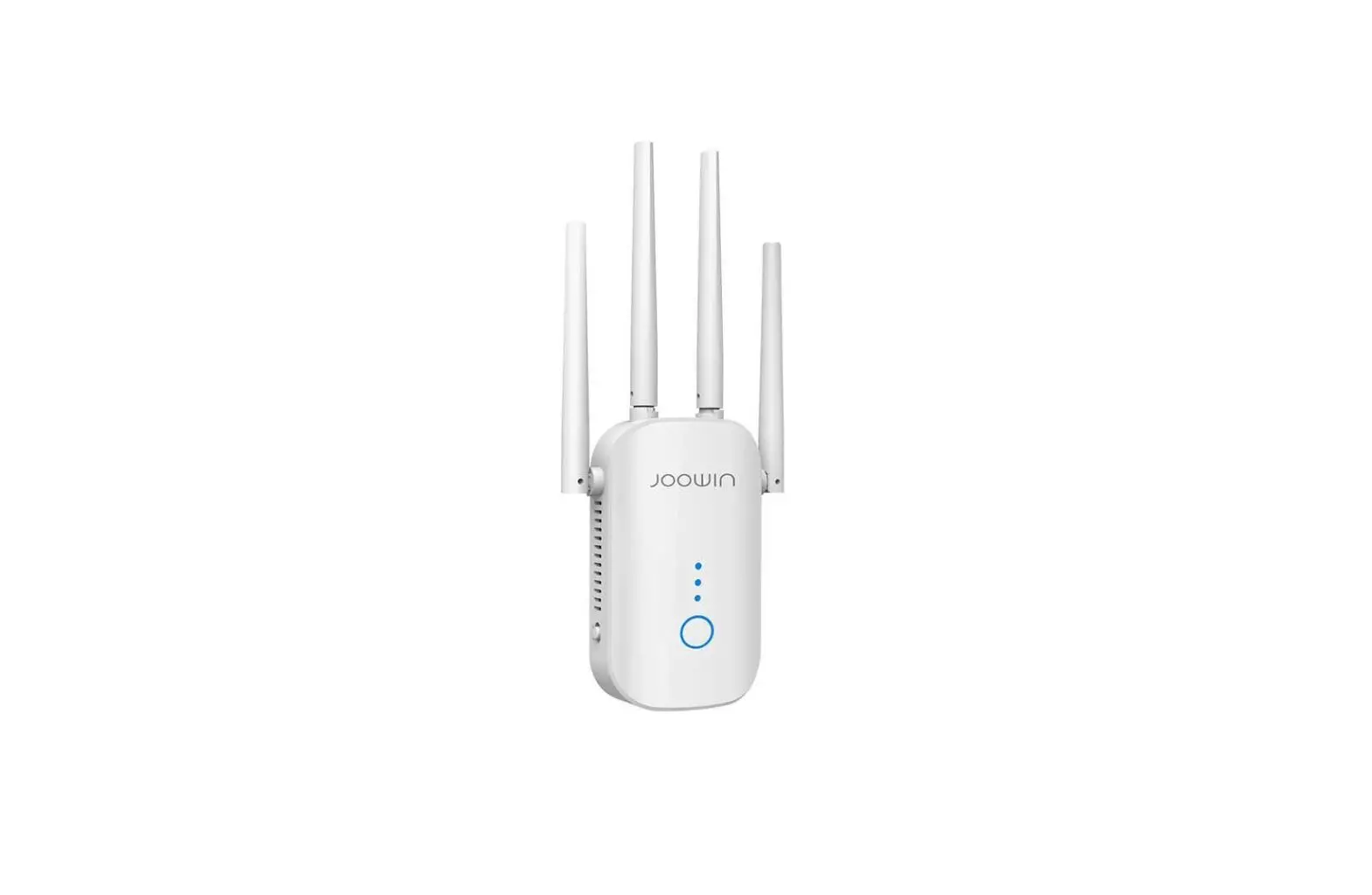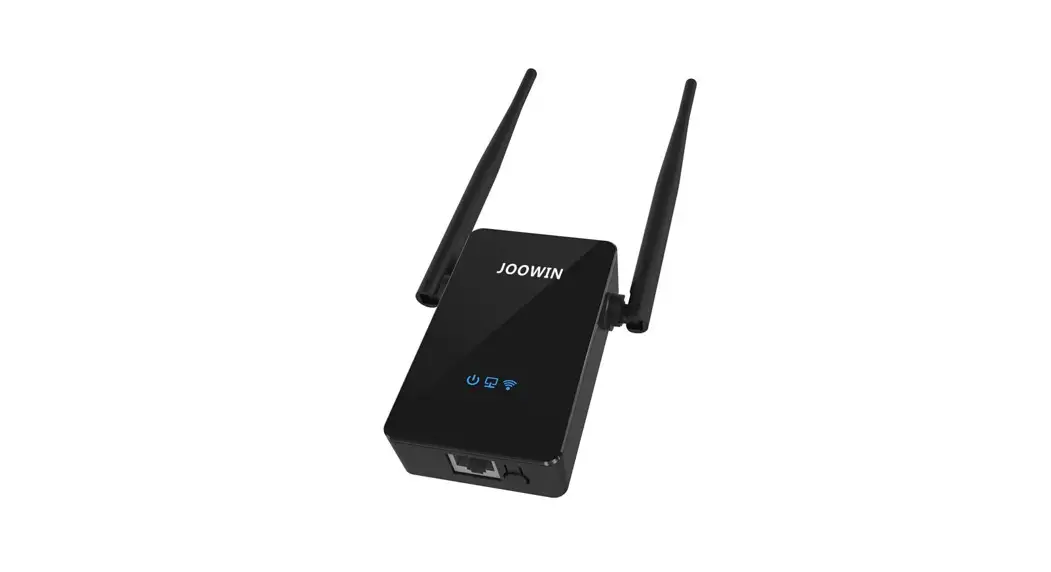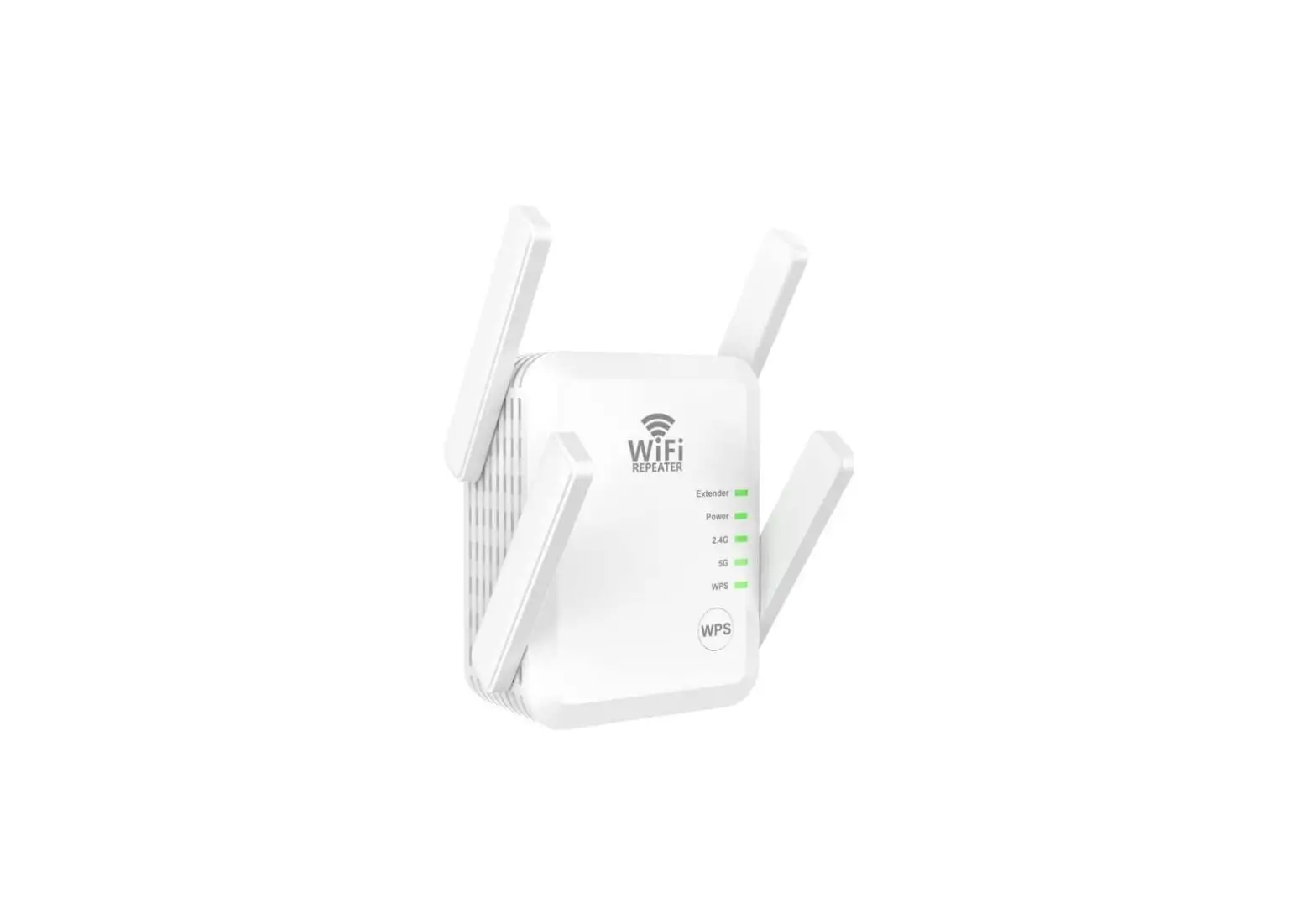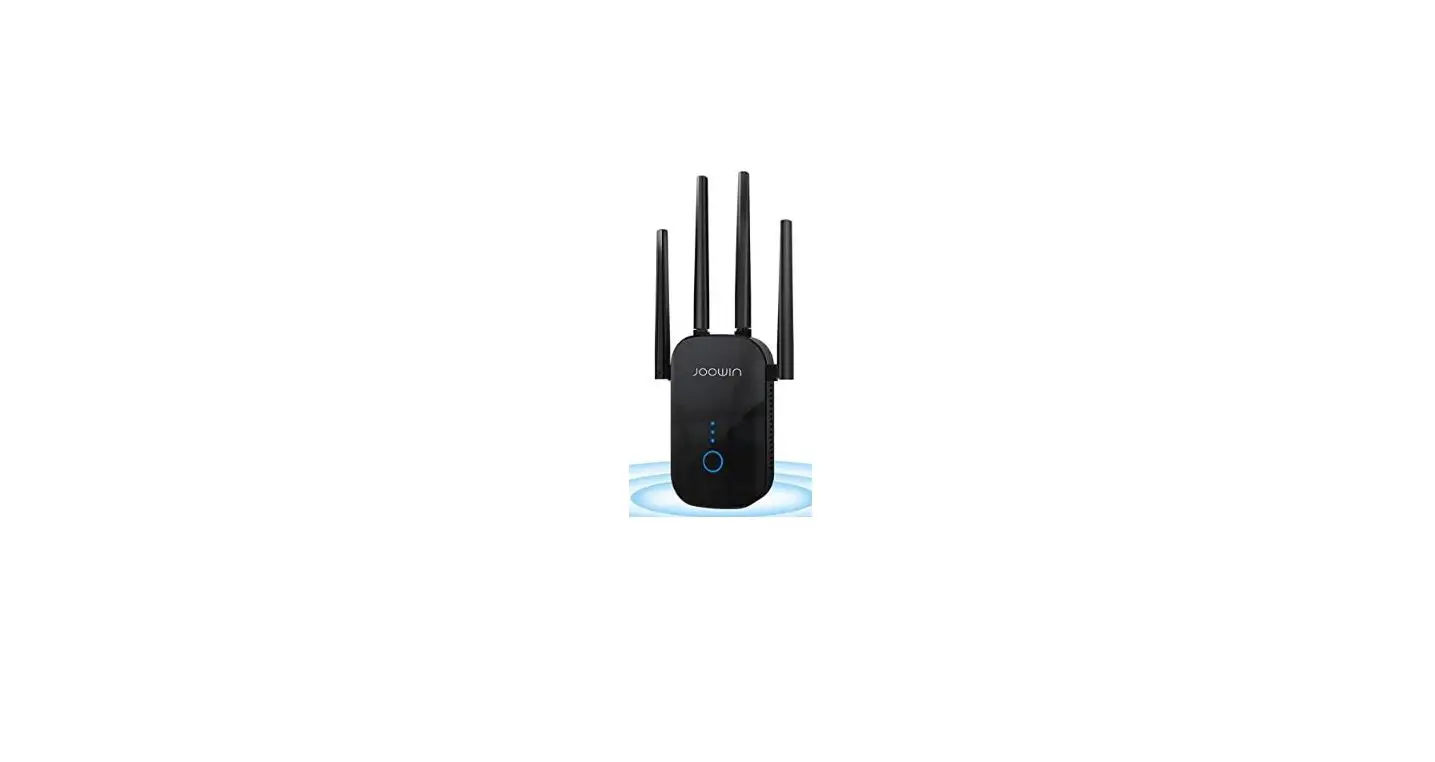

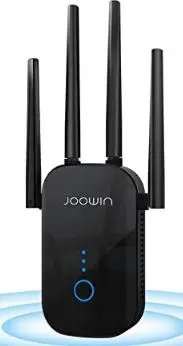
JOOWIN WiFi Extender Wireless Signal Booster
Settings Method
Since this wifi extender may be in error program, please reset this device first and then set up it again. The reset and setup video have been attached.
Reset method:
- Plug in and wait about 2 minute (wifi extender configure itself process). Wait 2 minutes is a necessary step.
- Then reset it as the video did.(press the button 10s till light off and on)
- Wait another 2 minute, then you will find JOOWIN wifi signal on WiFi list.
We have made a step by step guidance with picture for you below:
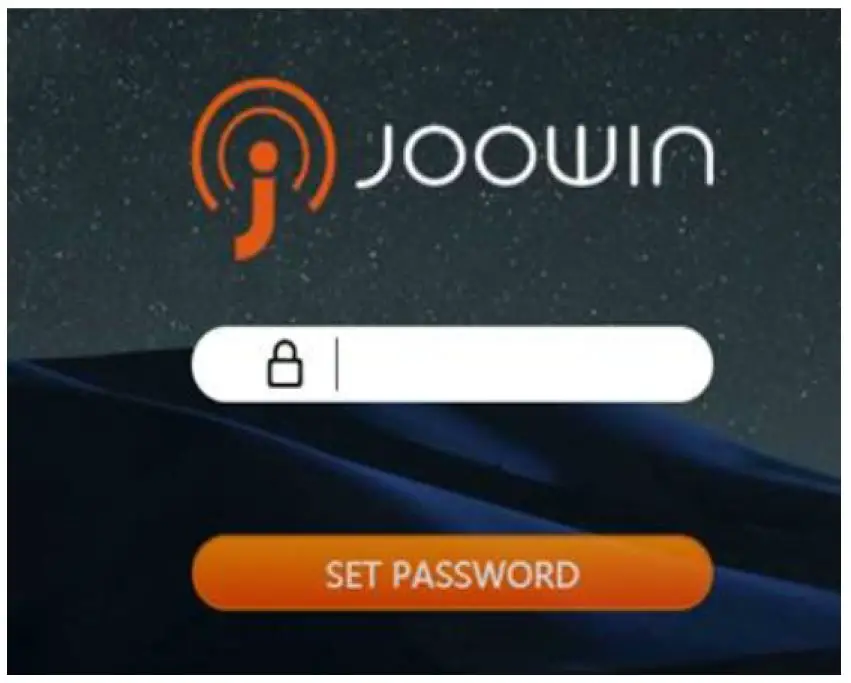
- Plug in, extender lights light up, wait 60 seconds and then connect to “JOOWIN_XXX_2g”. Enter “192.168.10.1” to get the following screen:

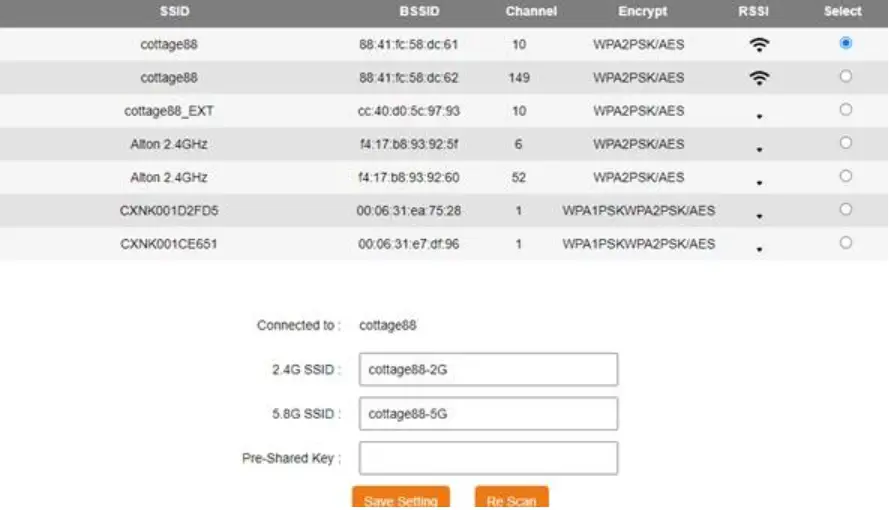
- Type in “admin” and click on “SET PASSWORD”, Get the following screen, elect the wifi “cottage88” and the following screen comes up:

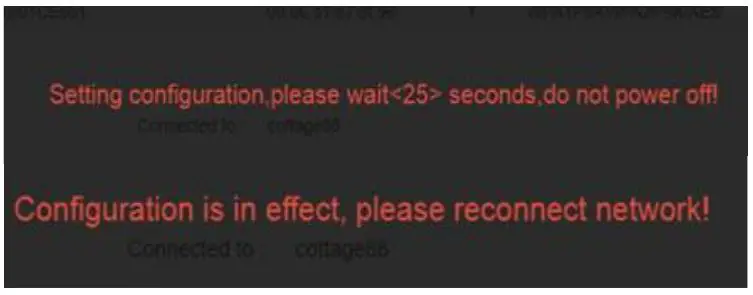
- Enter your home wifi password on “Pre-shared Key” and click on “Save Settings”. Then get the following message:

- After that, it means that you set up successfully. Go to Network Listing, find wifi “cottage88_G2” and connect it.