
QUICK START GUIDE
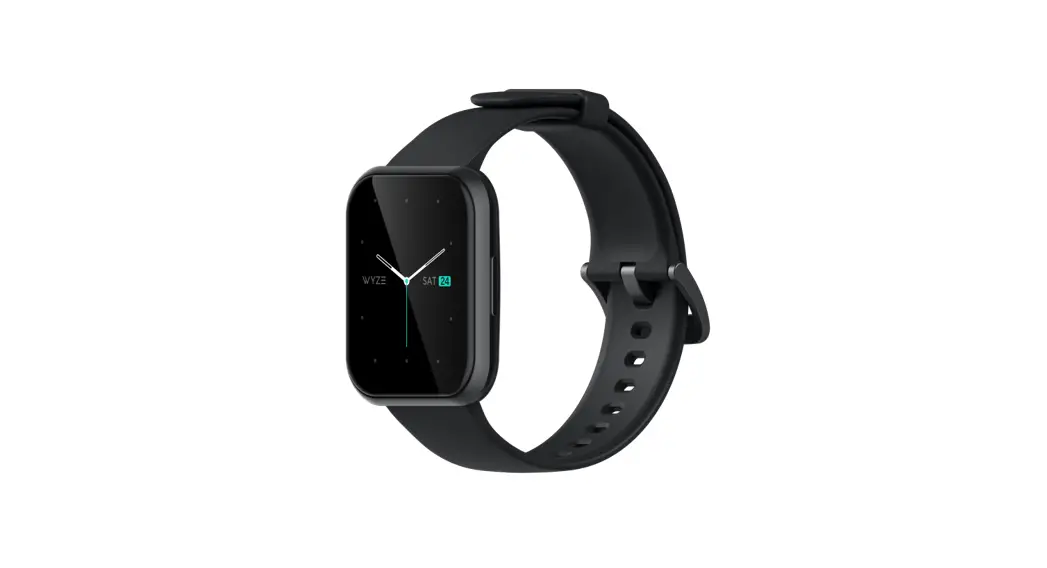
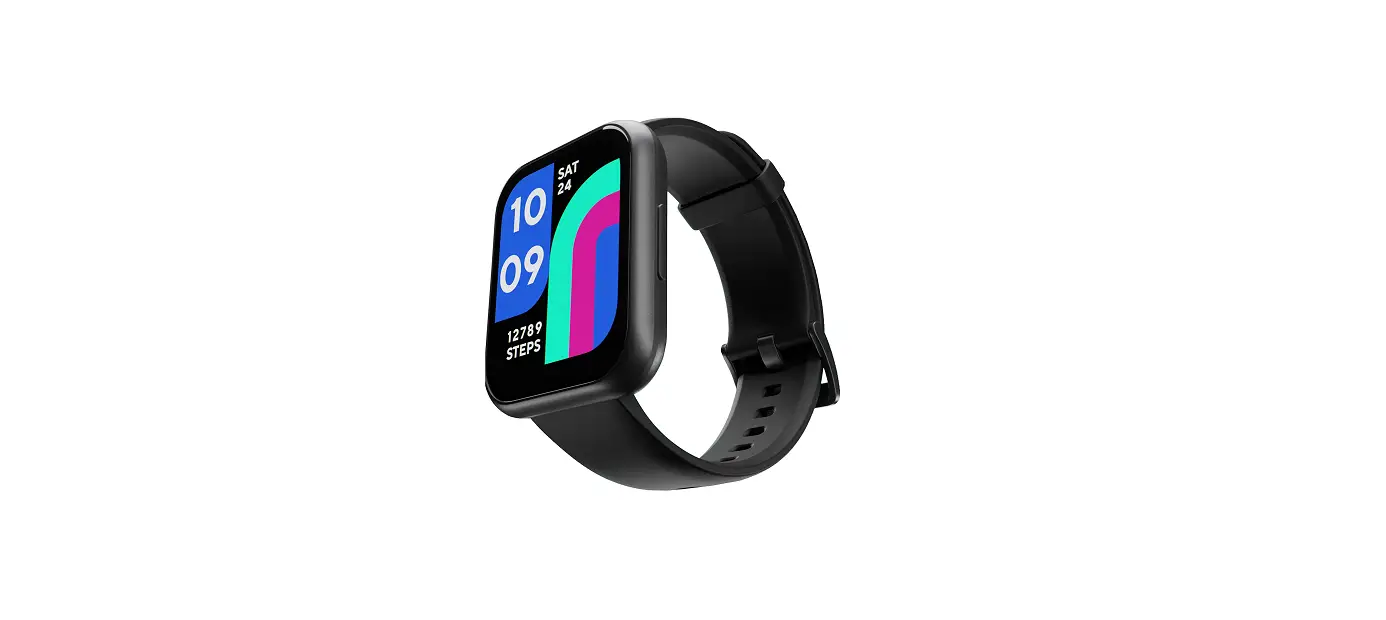
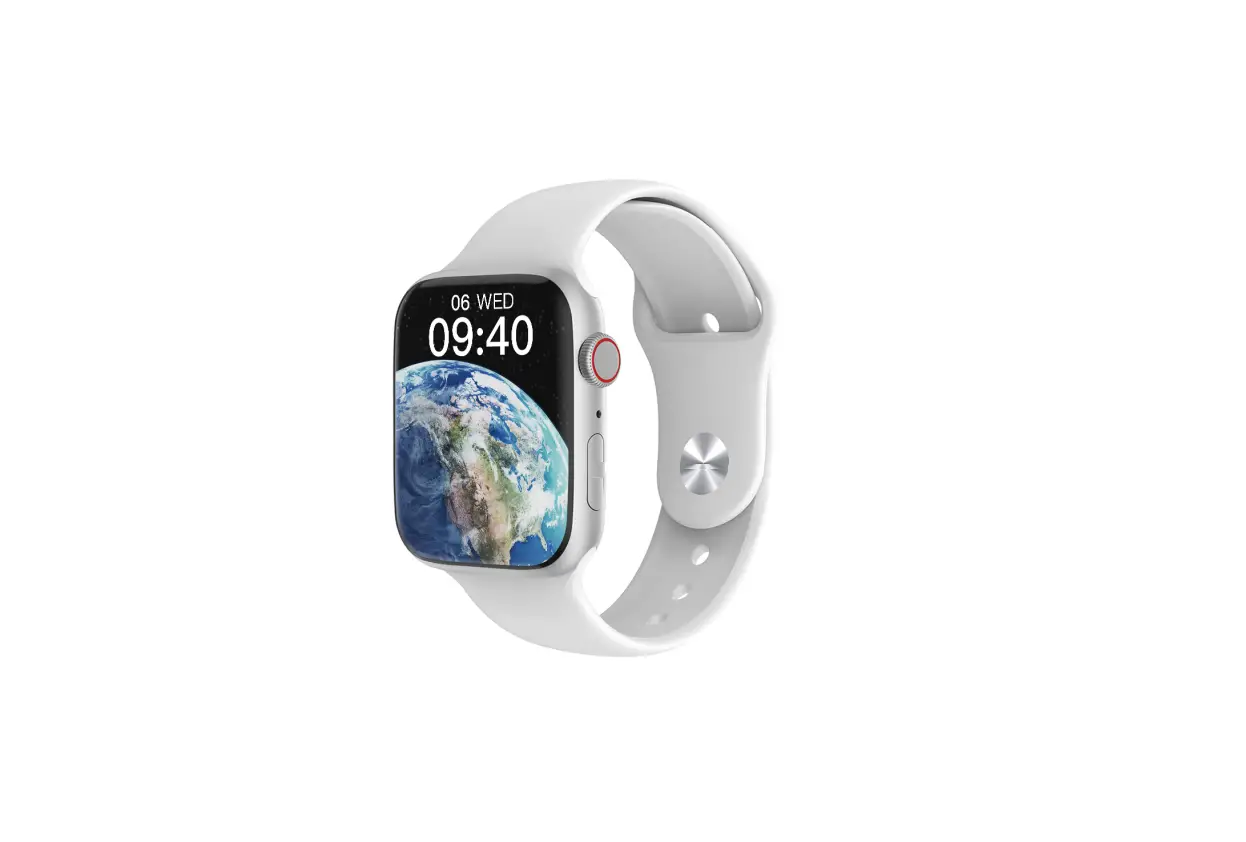
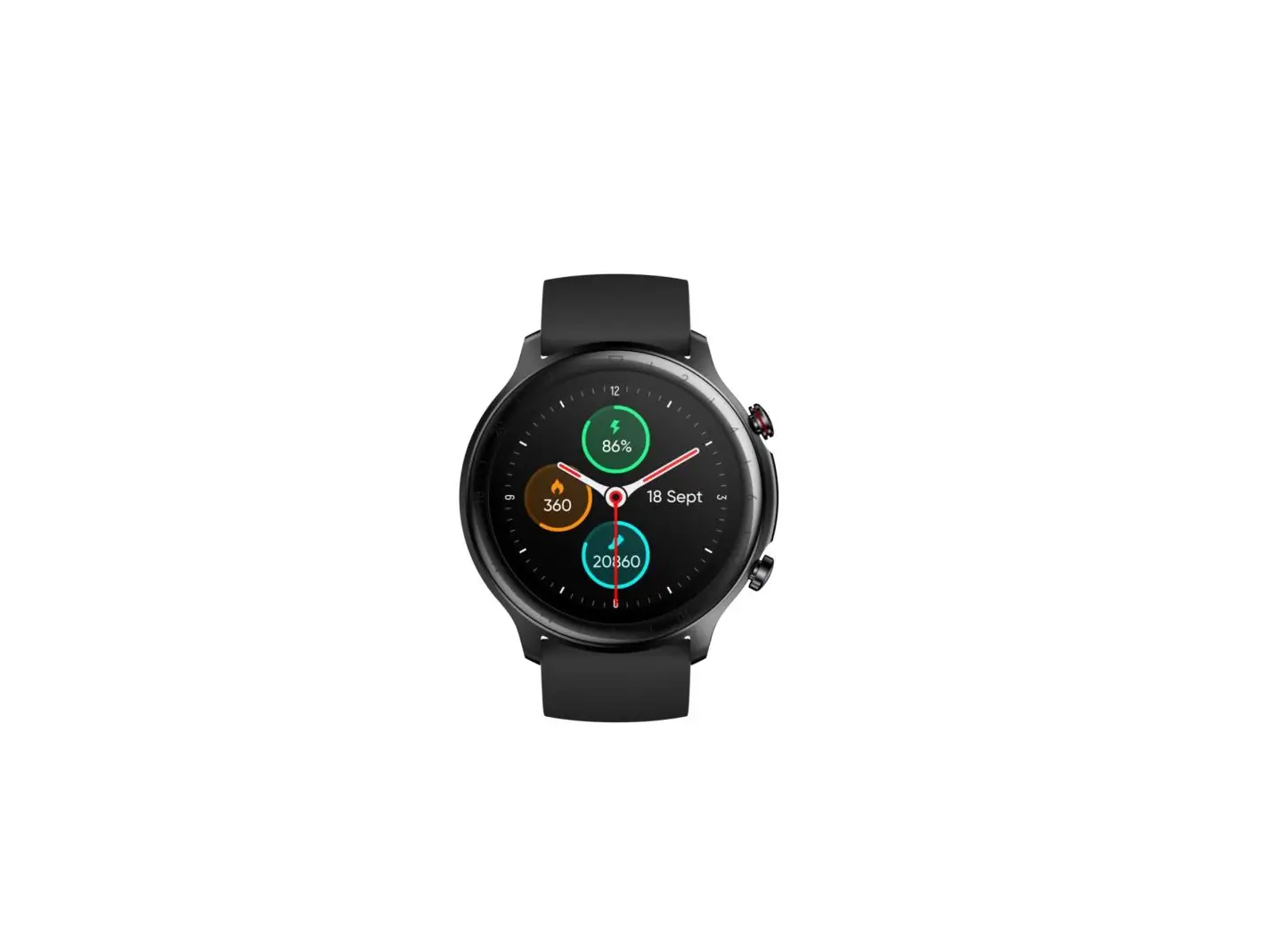
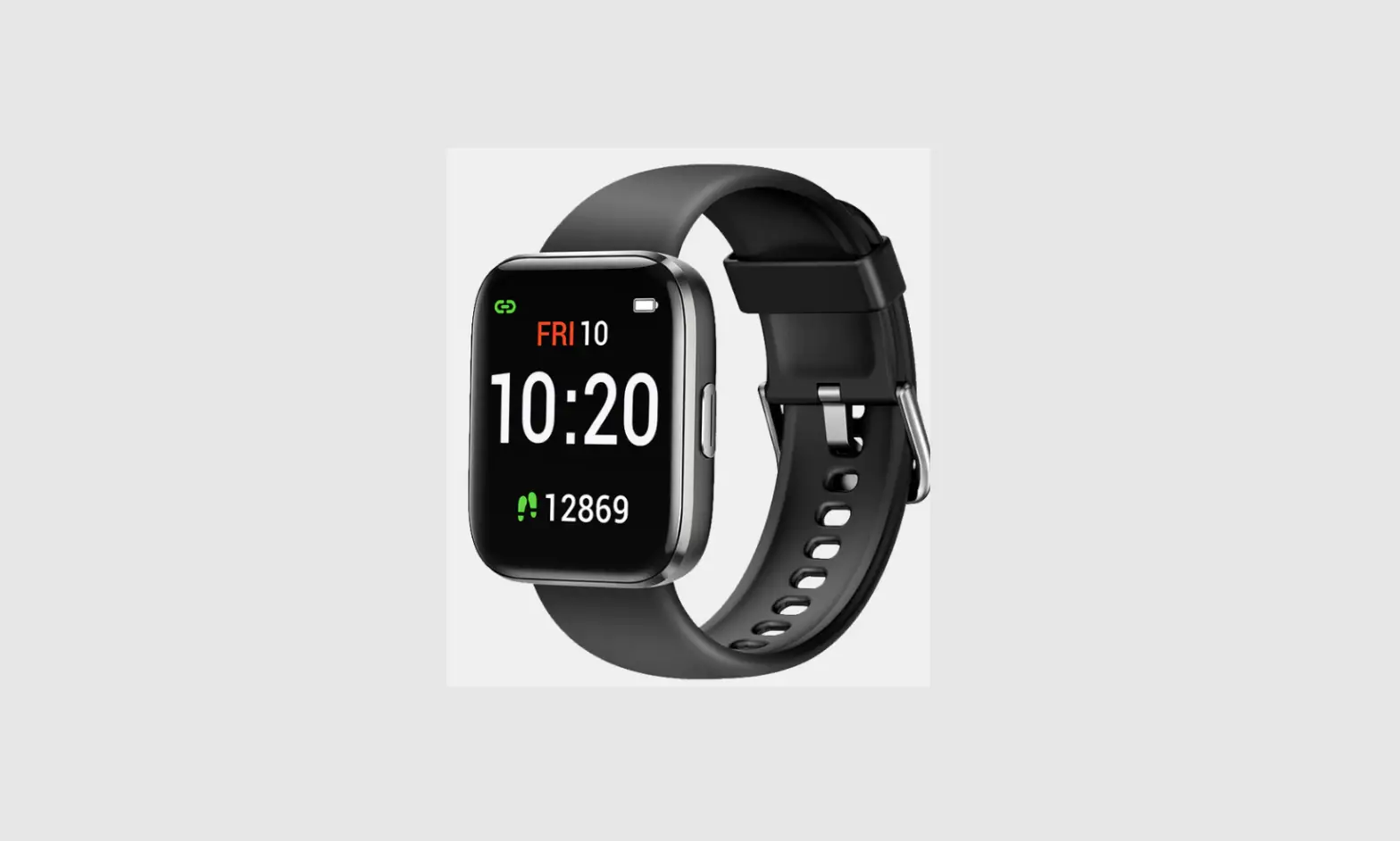
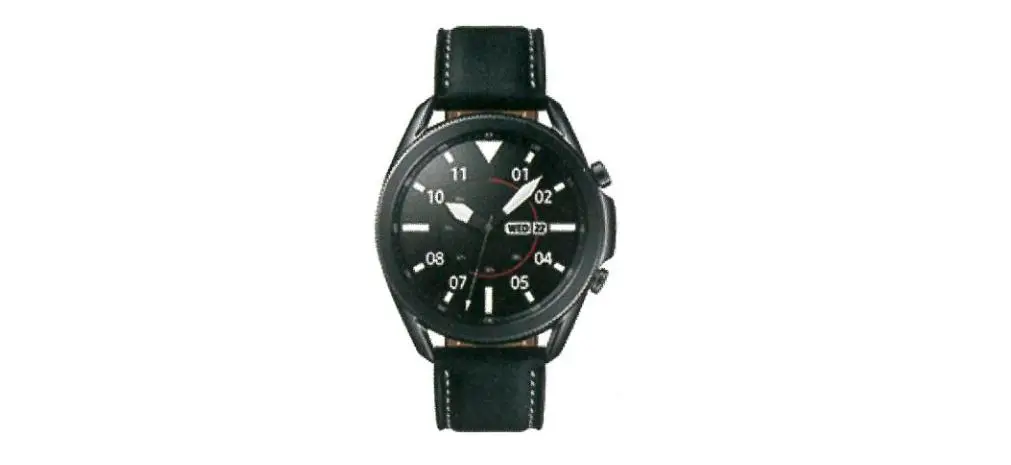
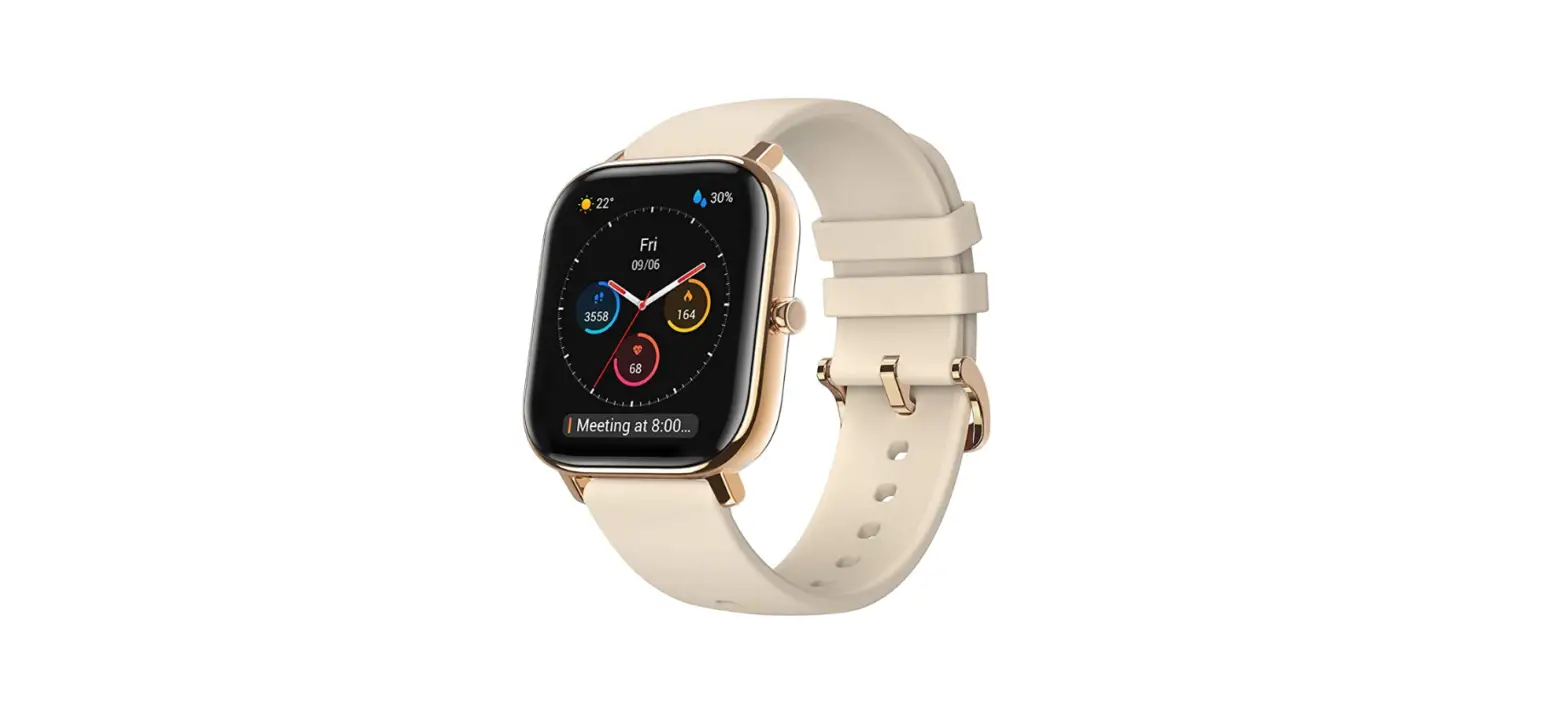
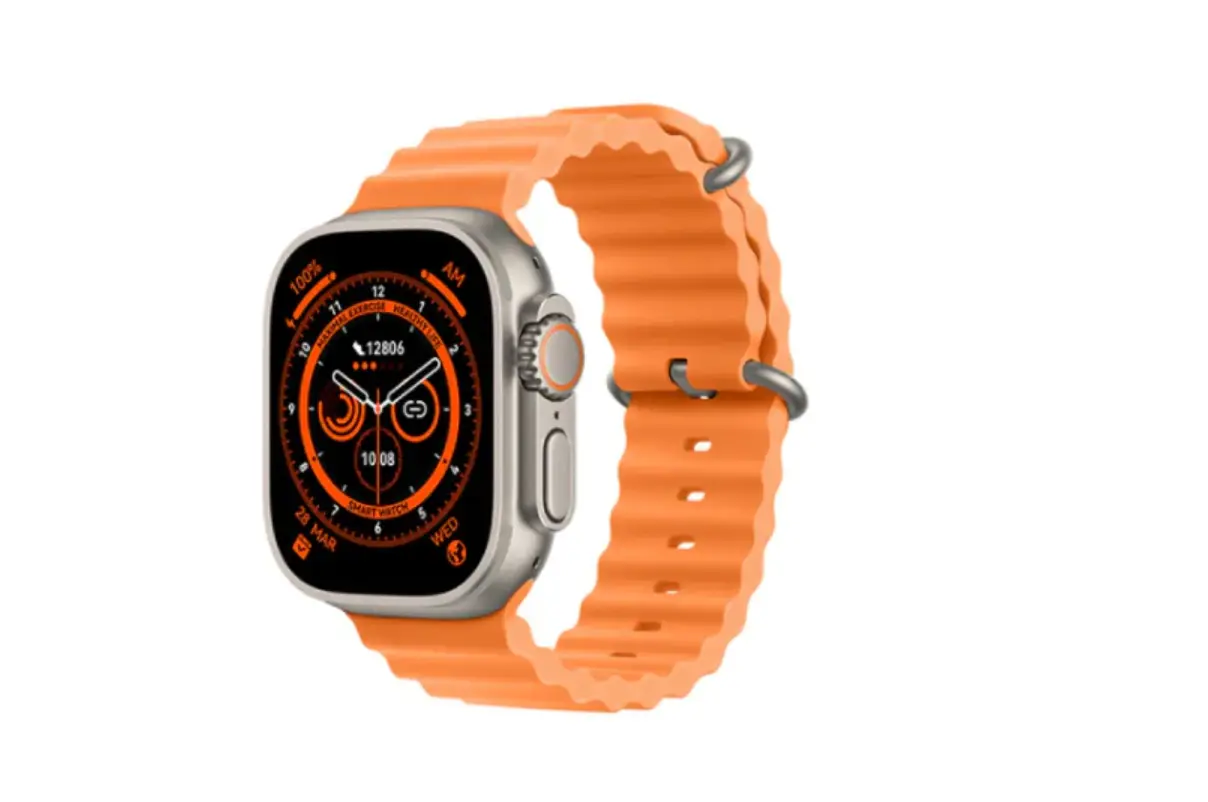
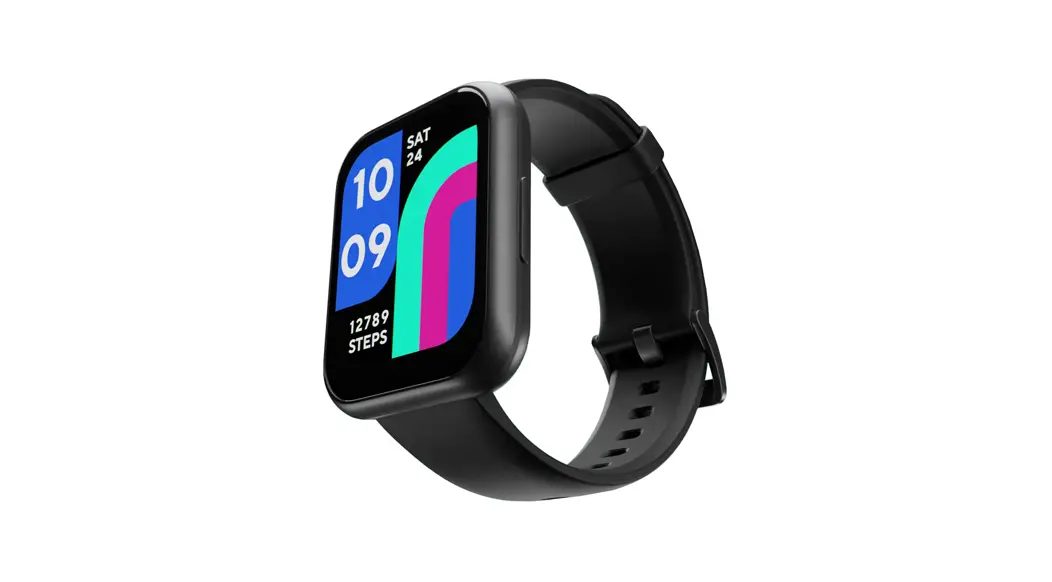
Wyze Watch 44
ACTIVATION SETUP
- Plug the charger into a standard USB port (SWIM and connect the watch
- Wyze Watch 44 comes fully charged. Charging it will activate the Watch. Your Watch screen will light up when it is ready for
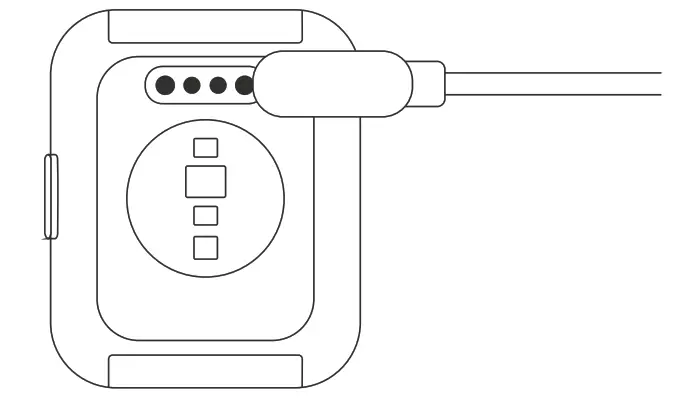
SETUP:
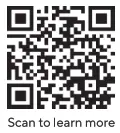
1. Download the Wyzeapp by scanning the QR code below. as shown in the figure. 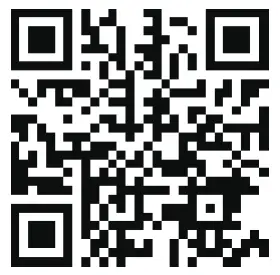
https://www.wyze.com/wyze-app/
Or download directly from the Apple App Store or Google Play.
 2. Sign up for an account if you do not already have one and log in. Please make sure Bluetooth is turned on for the Wyze app. 3. Click on Add New Device and select Wyze Watch 44 from the list.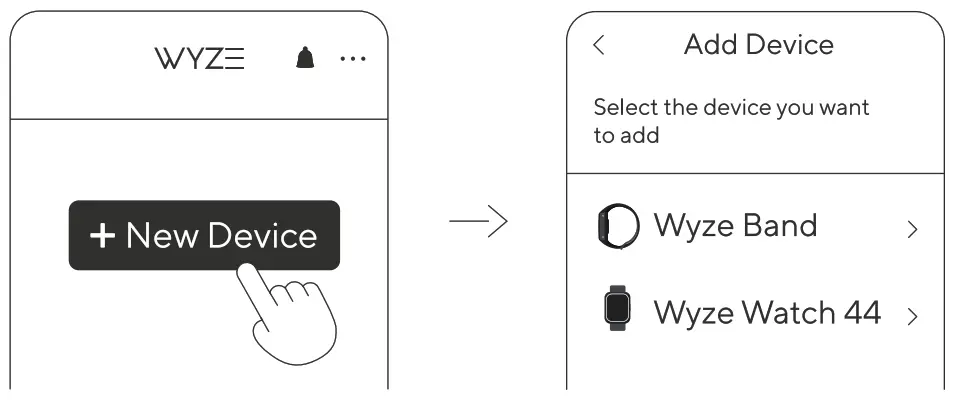
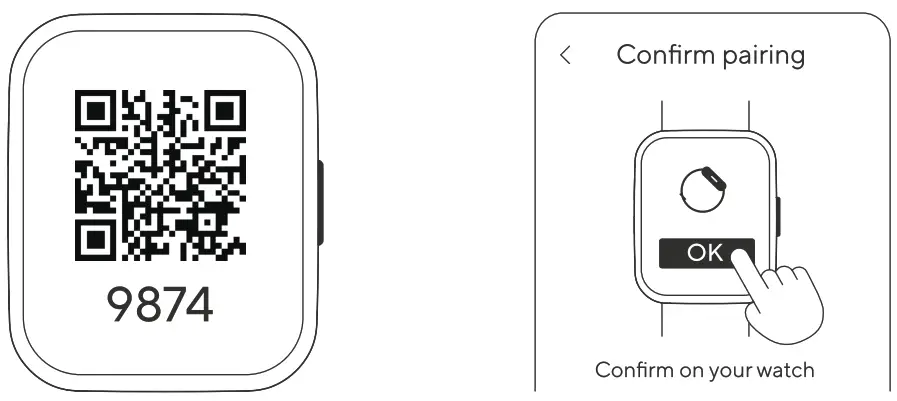
4. Scan the QR code on the watch.
5. Waiting for fortonfirm on your watch” to appear and click ‘OK” to complete the pairing.
https://www.wyze.com/wyze-app/
6.When the watch face shows on your Wyze Watch 44, the setup process is complete. Enjoy your Wyze Watch 44!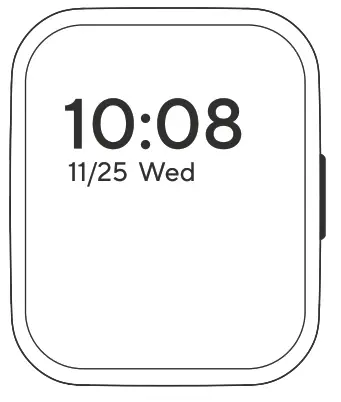
CONTROLS •
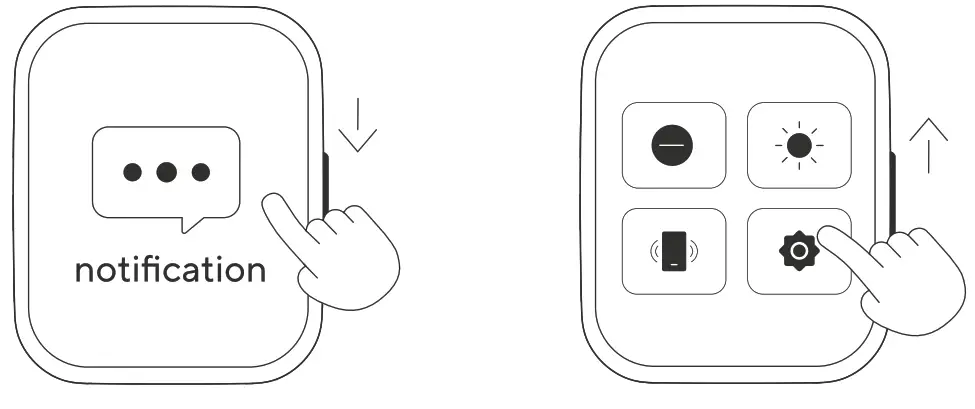
Watch face 1.Swipe down for notifications. 2.Swipe up for quick actions.
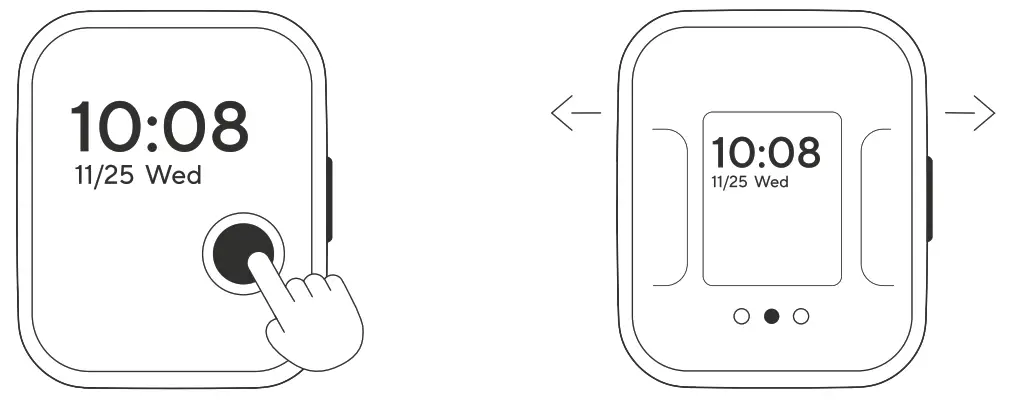
3. Press and hold for switching watch face. swipe left and right to select.
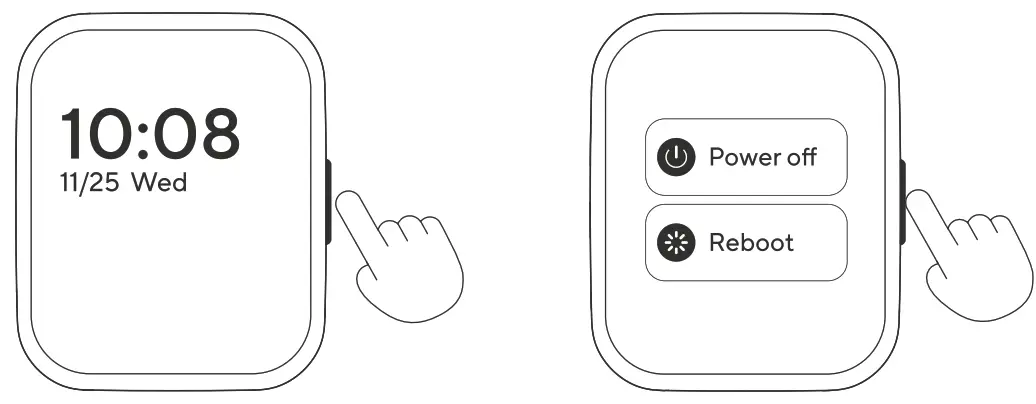
• Side button Press the button to return to the watch face. Long press the button for power.
IN THE BOX
Wyze Watch 44 x1
Quick Start Guide x1
USB Charging Cable x1
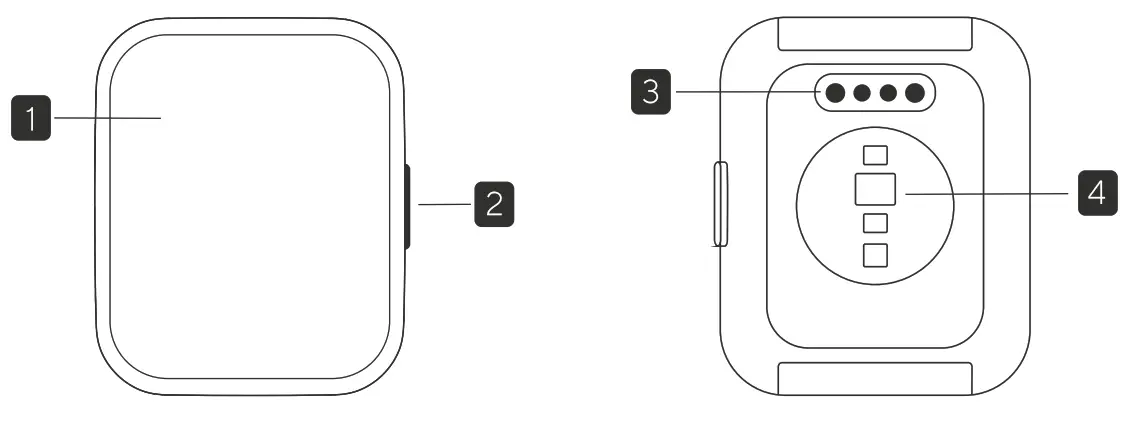
- Touch Screen
- Side Button
- Charging Port
- Heart Rate Sensor
GARANTIE
ISEDC Requirements
This device complies with Innovation, Science, and Economic Development Canada licence-exempt RSS standard(s). Operation is subject to the following two conditions: (1) this device may not cause interference, and (2) this device must accept any interference, including interference that may cause undesired operation of the device.
IC: 25466-WVVTCH1
Instruction of Canadian IC E-label: The equipment has passed the Canadian IC E-label certification. The certification information could be accessed on the device: (1) If the device is not paired: swipe up the screen and tap into the Regulatory page for IC information.
(2) If the device is already paired: tap into the Settings page, and select Regulatory, for IC information.
FCC Warning
This device complies with part 15 of the FCC Rules. Operation is subject to the following two conditions: (1) This device may not cause harmful interference, and (2) this device must accept any interference received, including interference that may cause undesired operation. Any changes or modifications not expressly approved by the party responsible for compliance could void the user’s authority to operate the equipment.
Note: This equipment has been tested and found to comply with the limits fora Class B digital devices, pursuant to part 15 of the FCC Rules. These limits are designed to provide reasons. protection against harmful interference in a residential installation. This equipment generates uses and can radiate radio frequency energy and, if not installed and used in accordance with the instructions, may cause harmful interference to radio communications. However, there is no guarantee that interference will not occur in a particular installation. If this equipment does cause harmful interference to radio or television reception, which can be determined by turning the equipment off and on, the user is encouraged to try to correct the interference by one or more of the following measures: -Reorient or relocate the receiving antenna. -Increase the separation between the equipment and receiver. -Connect the equipment into an outlet on a circuit different from that to which the receiver is connected. -Consult the dealer or an experienced radio/TV technician for help.
The device has been evaluated to meet general RF exposure requirements. The device can be used in portable exposure conditions without restriction.
FCC ID: 2AU1U-WWTCH1
Wyze Watch 44-Model: WWTCH1
NEED HELP?
• Wyze Labs, Inc.
• Resources &Support: support.wyze.com
• Community: https://wyze.com/community
| Al | Brandy | 2020-09-07 |
| A2 | 2020-09-23 | |
| A3 | 2020-09-30 | |
| A4 | 2020-10-15 | |
| A5 | 2020-10-20 | |
| A6 | 2020-10-27 | |
| A7 | 2020-11-03 | |
| A8 | Wyze Watch. Wyze Watch44 Wyze Watch 44 USB Charging Cable | 2020-11-03 |
| A9 | Swipe up for quick Swipe up for quick actions. | 2020-11-05 |
| A10 | 2020-11-11 |